BS Photo: Bakmukhammed S.
Bakmukhammed S.
on-site iPhone technician
13years of experience
4.93rating, 107 reviews

Poor call and video audio on iPhone 8? We'll replace the microphone in 20–40 minutes and check all 32 functions with you.
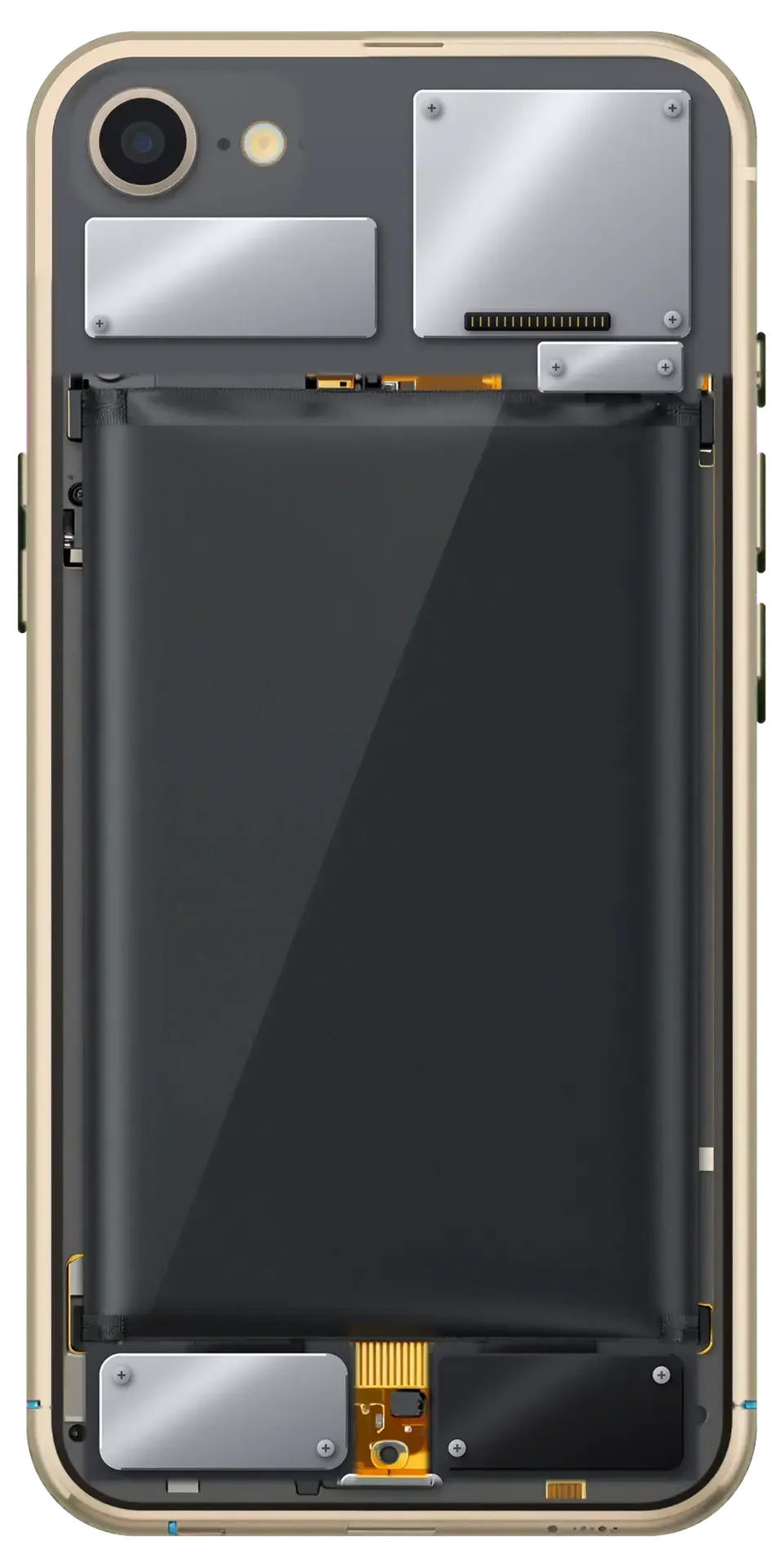
A failing microphone is obvious at once: callers cannot make you out, videos record silently and Siri stays quiet.
On a call the other person gets silence instead of your voice, even though the connection is fine.
Voice messages in chat apps come out muffled, hissy or barely audible.
Clips record, but the audio is missing or distorted while the speakers work perfectly.
The voice assistant misses your commands, and dictation either will not start or makes mistakes.
Here is a guide to replacing the iPhone 8 microphone; the final figure depends on which microphone has failed.
| Service | Original | Aftermarket |
|---|---|---|
| Microphone replacement | 26 900 ₸ | 15 900 ₸ |
| Speaker replacement | 26 900 ₸ | 15 900 ₸ |
| Earpiece speaker replacement | 26 900 ₸ | 15 900 ₸ |
| Charging port replacement | 22 900 ₸ | 13 900 ₸ |
| Display replacement | 32 900 ₸ | 22 900 ₸ |
| Battery replacement | 27 900 ₸ | 15 900 ₸ |
| Back glass replacement | 34 900 ₸ | 21 900 ₸ |
| Housing replacement | 58 900 ₸ | 32 900 ₸ |
| Camera glass replacement | 19 900 ₸ | 10 900 ₸ |
| Main camera replacement | 49 900 ₸ | 27 900 ₸ |
| Front camera replacement | 31 900 ₸ | 17 900 ₸ |
| Home button replacement | 42 900 ₸ | 25 900 ₸ |
| Button replacement | 26 900 ₸ | 15 900 ₸ |
| Vibration motor replacement | 22 900 ₸ | 13 900 ₸ |
| Proximity sensor replacement | 24 900 ₸ | 14 900 ₸ |
| Other repairs | Price | |
| Touch ID repairpaired to the board — no aftermarket | 21 900 ₸per job | |
| Water damage cleaningcorrosion cleaning · diagnostics up to 2 days | 17 900 ₸per job | |
| Power controller replacementboard-level chip · microsoldering | 23 900 ₸with parts | |
| Wi-Fi module repairwireless module · board-level repair | 28 900 ₸with parts | |
| Logic board repairmicrosoldering · 1–3 days | 60 900 ₸per job | |
| Storage replacement and upgradememory chip installation | 44 900 ₸with parts | |
| Firmware flashingsoftware restore, no parts replaced | 10 900 ₸per job | |
| Modem repairboard-level chip · microsoldering | 33 900 ₸with parts | |
The technician names the final cost after testing every microphone in the phone.
We first ask about the fault and test the phone to find the failing part, and only then replace the microphone.
The technician asks when the sound disappeared and records a test voice on each microphone in turn.
It is established which microphone is to blame and whether the lower cable or the board is involved.
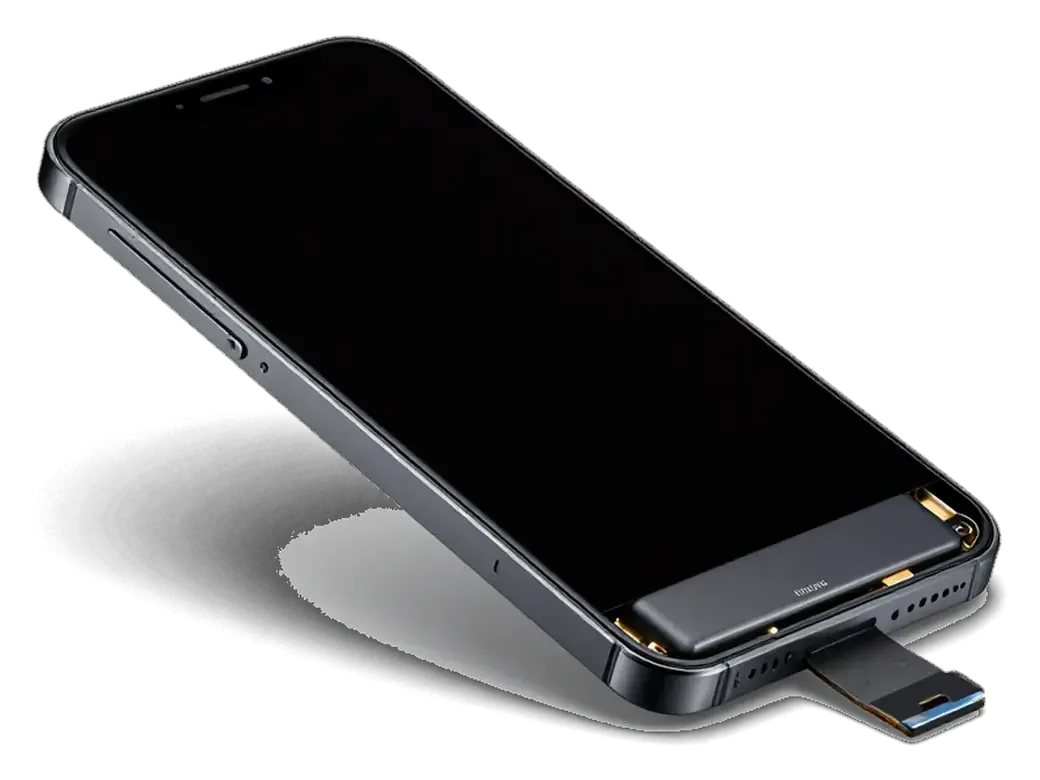
The display module is gently lifted, the battery disconnected and the cables left intact.
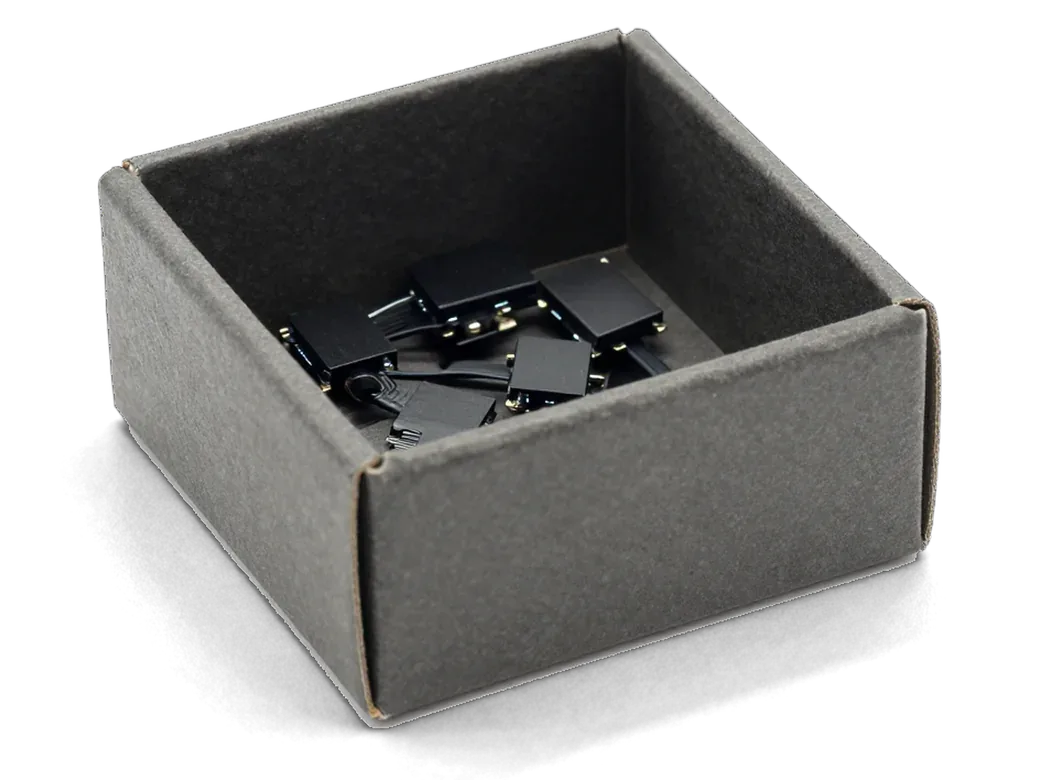
The faulty microphone, or the unit that carries it, is replaced and the contacts are secured.
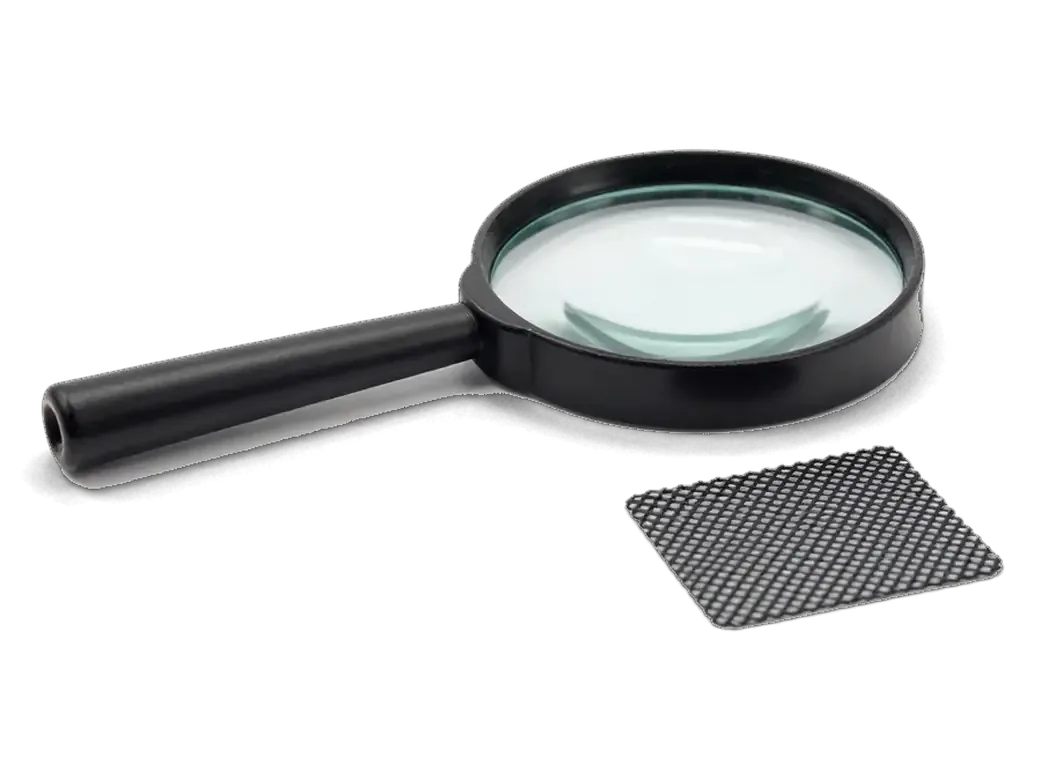
Mesh and channels are cleaned of dust if the cause turns out to be contamination.
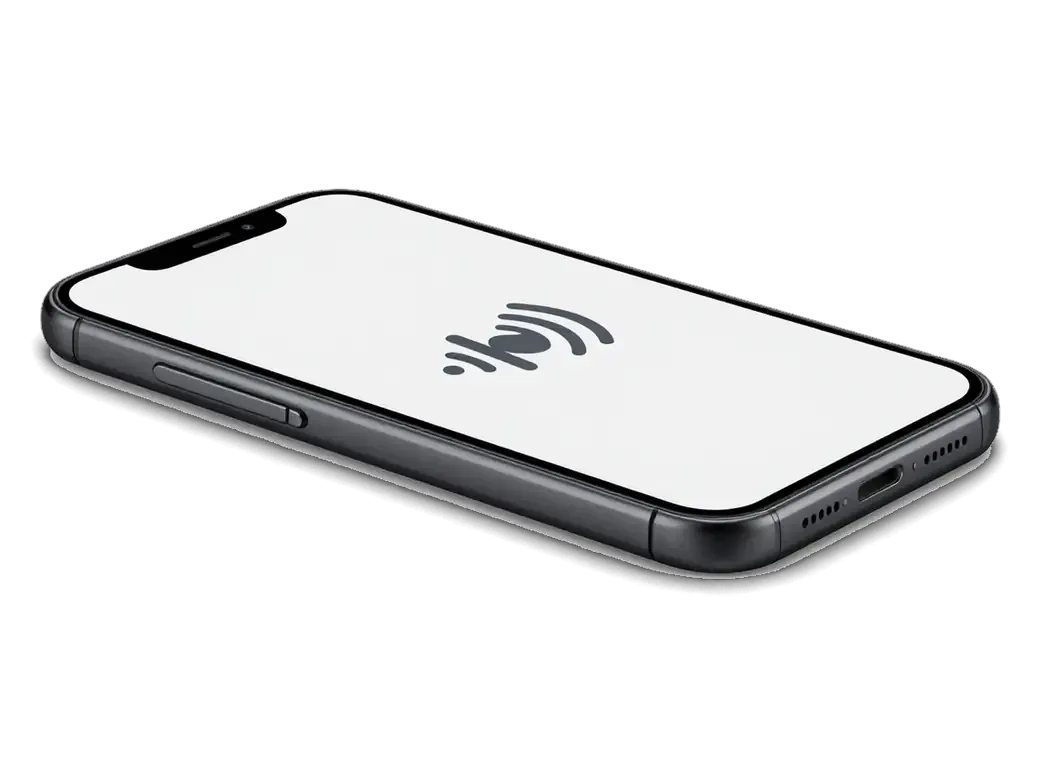
After assembly a voice is recorded, and the finished job is covered by a warranty up to 1 year.
The scope depends on the test results: sometimes cleaning is enough, sometimes the unit must be replaced.
Price for my modelA microphone is tiny, but its origin affects sensitivity and noise, so discuss the choice with the technician.
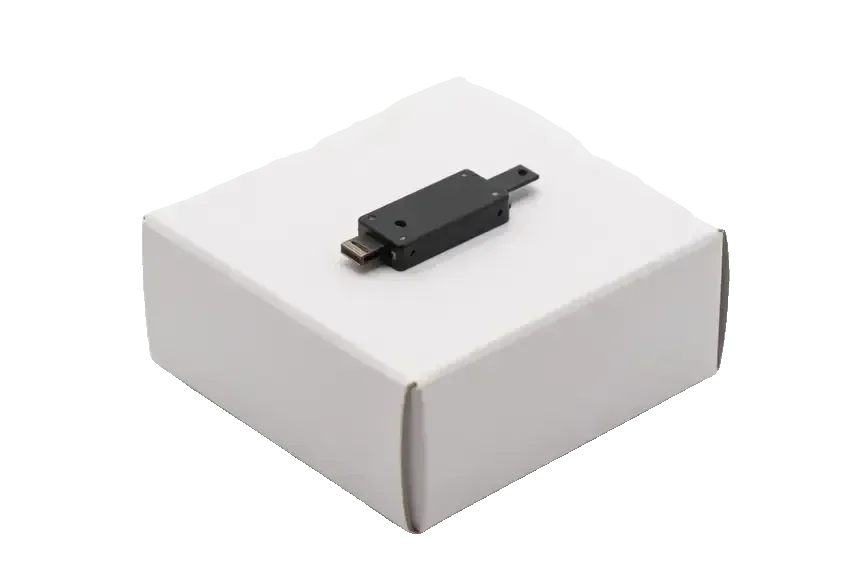
In Astana you can come in at weekends too, and we will explain in detail why the sound went missing.
We have repaired Apple devices for 11 years, so we can tell a truly dead microphone from a clogged mesh or a glitch.
A warranty up to 1 year covers the finished work, so you can come back with questions later.
Microphones are handled by experienced technicians who judge sound by ear, not by a single test.
The service works in Astana and in Almaty, so the issue can be solved wherever it suits you.
We take phones on weekdays from 10:00 to 19:00 and on weekends and holidays from 11:00 to 18:00.
The technician tells you which microphone failed and why, so you never pay for a needless replacement.
The whole journey — from message to finished phone. We give you the old part.
Book a replacementYou message us on WhatsApp with the model and what happened — we give you the price and time. Or you come in without an appointment.
We check voice recording in calls and Voice Memos: sometimes the mesh or the board is at fault, not the microphone.
We note the model, the part (original or aftermarket), the price, the timeframe, and the warranty.
We open the factory packaging in front of you and check the number against the receipt.
We install a new microphone or the flex with it and seal the case with water-resistant adhesive.
Calls, Voice Memos, video with sound, Siri. You get the phone, the receipt and the old part.
Technicians for iPhone, Mac, iPad, Apple Watch and AirPods repair.
Photo: Bakmukhammed S. Photo: Galymzhan S.
 Photo: Zhandos Sh.
 Photo: Darkhan T.
 Photo: Kudiret S.
The call speaker is checked if the other person sounds weak.
02The lower cable with the port is replaced if the mic failed along with it.
03Speaker and microphone meshes are cleared of dust and grime.
04While the phone is open, a tired battery can be renewed.
05If the display is damaged, it can be swapped in the same visit.
06If no microphone passes sound, the audio circuit on the board is checked.
“If the repair didn’t suit you or you have a complaint, write to me personally.”
Send a photo of the screen and the iPhone model. An engineer will reply on WhatsApp, give the price and today's available time.
iPhone 8 Microphone Replacement in Astana with a Full Sound Check
For an iPhone 8 microphone replacement in Astana, iServices runs a free 15-minute diagnostic to find which microphone is silent, then replaces the lower charging-flex assembly or the upper/rear flex as needed. Most jobs take 20–40 minutes while you wait, and every repair carries a warranty up to 1 year.
The iPhone 8 carries three separate microphones, and each serves a different function. Before swapping any part, it helps to know which microphone has actually gone silent — that single step often decides whether the fix is quick or involved.
| Microphone | Where it sits | What it handles | Quick check |
|---|---|---|---|
| Lower | On the charging flex near Lightning | Normal calls, voice memos | Record in Voice Memos |
| Upper | Beside the earpiece | Speakerphone, noise cancelling, front video | Switch to speaker on a call |
| Rear | Next to the main camera | Video sound, noise cancelling | Film a clip on the rear camera |
Record a voice memo, then film a short clip on both cameras and make a call on speaker — the test that fails points straight at the dead microphone. Voice Memos captures the lower unit on the charging flex, the front camera clip exercises the upper microphone beside the earpiece, and the rear camera clip tests the small element next to the main lens. A call on speaker confirms whether the upper unit still feeds noise cancelling. Siri and voice messages in messengers run through the same lower microphone, so a silent memo usually means that one is gone. If the voice memo is silent but speakerphone works, the lower assembly is the suspect; if only video sound is muffled, the rear microphone or its mesh is the likely cause.
Not every silent microphone means a broken part — some cases are solved by settings, a clean or a restart, and it is worth checking those prior to booking a visit.
| Symptom | Likely cause | What we do |
|---|---|---|
| Caller can't hear you, speakerphone fine | Lower microphone on charging assembly | Replace the lower assembly |
| Sound muffled, no crackle | Dirt in the mesh | Clean the opening first |
| Only video audio is weak | Rear microphone or its mesh | Inspect the rear assembly |
| Sound cuts out randomly | Software or Bluetooth conflict | Reset and re-test |
| Dead after water | Oxidation on the contacts | Diagnose, then replace if needed |
Before any part is swapped, rule out a connected Bluetooth headset, a microphone permission switched off in Settings, and a case or screen film covering the openings. A paired headset silently routes call sound away from the phone, so a dead microphone is sometimes just an earpiece still connected in the background. Forget every paired audio device, restart the handset and record a short clip — if the level meter moves, the hardware is alive. Siri and voice-memo permissions sit in a separate menu from call audio, and a blocked permission there looks exactly like a failed component. Film cut for the front camera often creeps over the top slit, which is why muffled video sound appears right after a new protector goes on. Rule these out first — a two-minute reset can save a trip across the city.
Owners often expect a tiny part to be swapped and are surprised when the charging flex comes up. On this model the bottom microphone is built into that assembly, so the two are handled together.
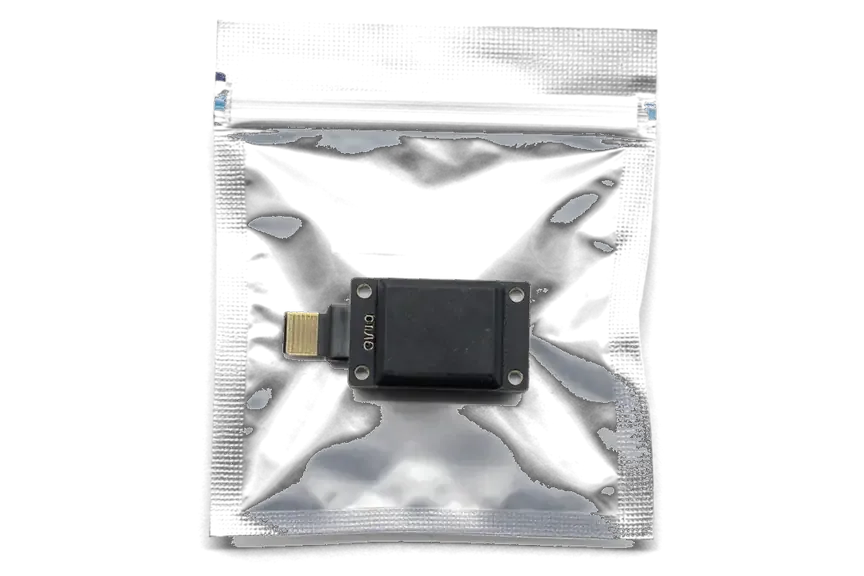
On the iPhone 8 the lower microphone is soldered onto the charging-flex strip, so a bottom microphone replacement means fitting a whole new unit. That part is a single ribbon running under the screen edge, and it carries the Lightning connector, the speaker contacts and the small capsule that picks up your voice during calls. There is no separate socket for that capsule — it is bonded to the strip at the factory, and no technician can lift it off and reattach it to a fresh board by hand. Because the same strip also feeds the port and the speaker, a new flex often restores power intake and call audio in a single step. We open the device and show the customer the ribbon before the swap. If you are looking for an iPhone 8 microphone replacement in Astana, this is the part that usually gets renewed.
Sometimes the culprit is not the microphone but the codec soldered to the mainboard, and a fresh part then changes nothing. Telling the two apart before any work begins decides whether the repair really restores sound.
A greyed-out Speaker button, a Voice Memos app that refuses to record and a phone stuck on the Apple logo usually point to the codec, not the microphone itself. That component converts every sound signal in the iPhone 8, so when it fails, symptoms arrive in groups rather than one at a time. You press the volume rocker and nothing moves; the recorder opens and closes; calls connect but nobody hears you. A single dead microphone produces a clean symptom — muffled or silent input on calls and videos while everything else behaves. Several audio paths failing together share a common denominator, and swapping the lower cable in that situation only wastes a part. If the recorder and the Speaker button both misbehave on the same day, treat the mainboard as the suspect before booking any replacement.
We run the free 15-minute diagnostic in front of you, testing each audio path separately, and only then decide whether a connector or the board is at fault. The engineer records a voice memo, plays it back, switches to the front microphone on a video call and watches the Speaker button react — three checks that split the codec from the lower flex within minutes. If the mainboard is implicated, the sound chip is reworked under a microscope in our workshop, since that kind of fault cannot be cured by unplugging a connector. Board-level work takes longer than a straight component swap, and we say so before the receipt is written. Ask for the separate audio tests to be shown on screen — a diagnosis you can watch beats a verdict you have to trust.
From the moment you message us to the second you walk out with the device, the visit follows a few clear steps, and each is something you can watch in person.
Before handover we check 32 functions in about 10 minutes, with microphones, speakers, charging and network tested together with you. The engineer calls your number from the counter handset, then switches to speakerphone so the upper microphone is live too, and records a short voice memo to verify the lower one picks up cleanly. You test video and Siri yourself, since both route audio through different paths than a plain call. We then inspect True Tone and both cameras, plug in a charger and watch the network bars settle. Running the call, speakerphone, voice memo and video side by side shows the right microphone was fixed and nothing else slipped. The device leaves with the receipt, the warranty card up to 1 year and the old part in a bag.
The path from a silent iPhone 8 to clear sound comes down to a few checks, and most of them take less than a minute to run.
Did not find an answer? Message us on WhatsApp: an engineer replies, not a bot.
Ask a questionThe iPhone 8 uses different microphones for different modes, so one can fail while the others work. A quiet voice only in normal calls points to the bottom microphone. The engineer tests each one separately.
If voice notes in messengers are silent or crackle, the main microphone or its lower cable is the likely cause. First check that the app has microphone access in Settings, Privacy. If access is on, the hardware needs diagnostics.
The noise cancellation microphones help remove echo, and a faulty one makes the other side hear itself. A blocked microphone opening has the same effect. Cleaning or replacing the microphone fixes it.
Yes, a poorly cut case or protective film can cover the microphone openings. Remove it and record a test video. If sound returns, the phone itself is fine.
Record a voice memo for the bottom microphone, a selfie video for the front one and a rear-camera video for the back one. Play them back and compare the volume. Tell the engineer which recording was quiet.
Yes, Siri and dictation use the same microphones and stop recognising speech when they fail. This is often the first sign of a fault. After the repair, check Siri together with the engineer.
Искал сервис, где дадут гарантию и чек. Полдня гуглил, потом плюнул и поехал. Проблема — не слышно собеседника. Позвонил, описал проблему, сказали привозить — посмотрят. Полёт нормальный.
Бұрын басқа сервиске барғанмын, бірақ бұл жолы осында келдім. Экран сынып қалды, көрсетуге апардым. Нәтижесіне ризамын.
Друг посоветовал, у него после воды ноут подняли. Записался на ремонт iPhone 8. Проблема — тихий звук. Работает, даже лучше прежнего)

The difference is not always visible, but it can be checked. An original panel is the one the manufacturer installs; an aftermarket copy costs about 35% less.

What “maximum capacity” means, why the phone shuts down in the cold, and how long a new battery lasts.

Power it off, skip the rice, and get the board checked before corrosion starts. Here is the short version of the first 30 minutes.

Most charging faults come from the cable, the port or the battery. Here is how to find the cause and get a free check.

 iPad
 MacBook
 iMac
 Mac mini and Studio
 Apple Watch
 AirPods
 Apple Pencil
 Apple TV
 HomePod
