An iPhone 6 holds several separate flex cables, and each symptom points to a specific one. Before swapping a component, work out which cable actually runs the function that failed.
What the Lower Charging Flex Actually Carries
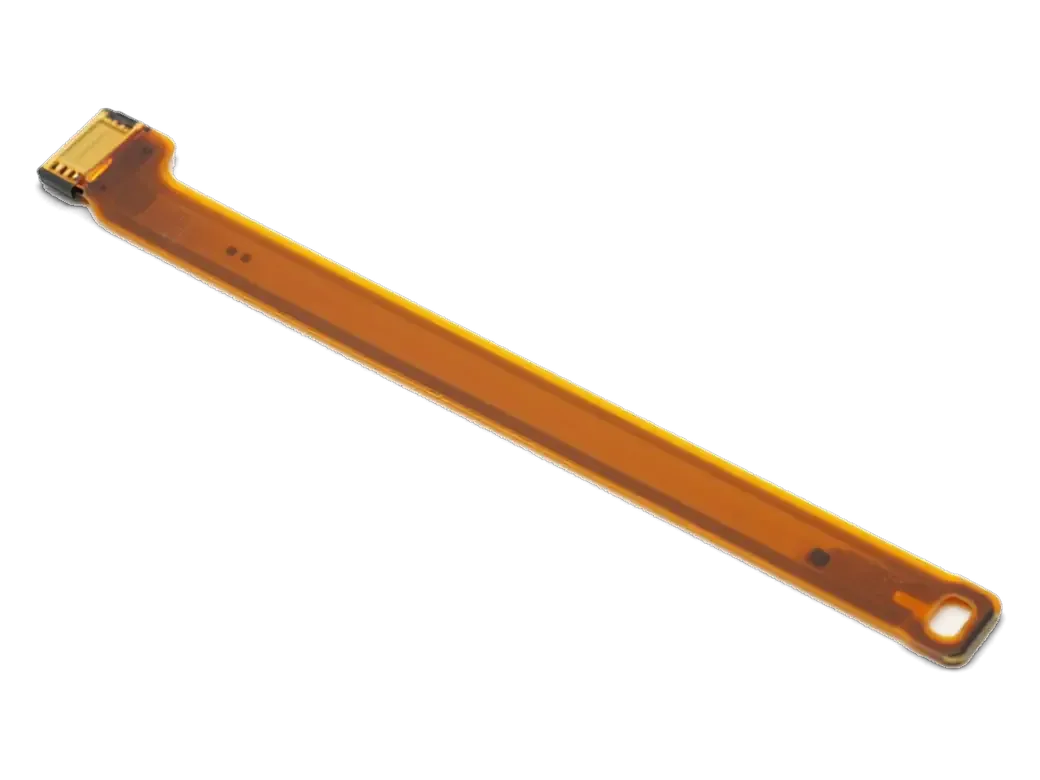
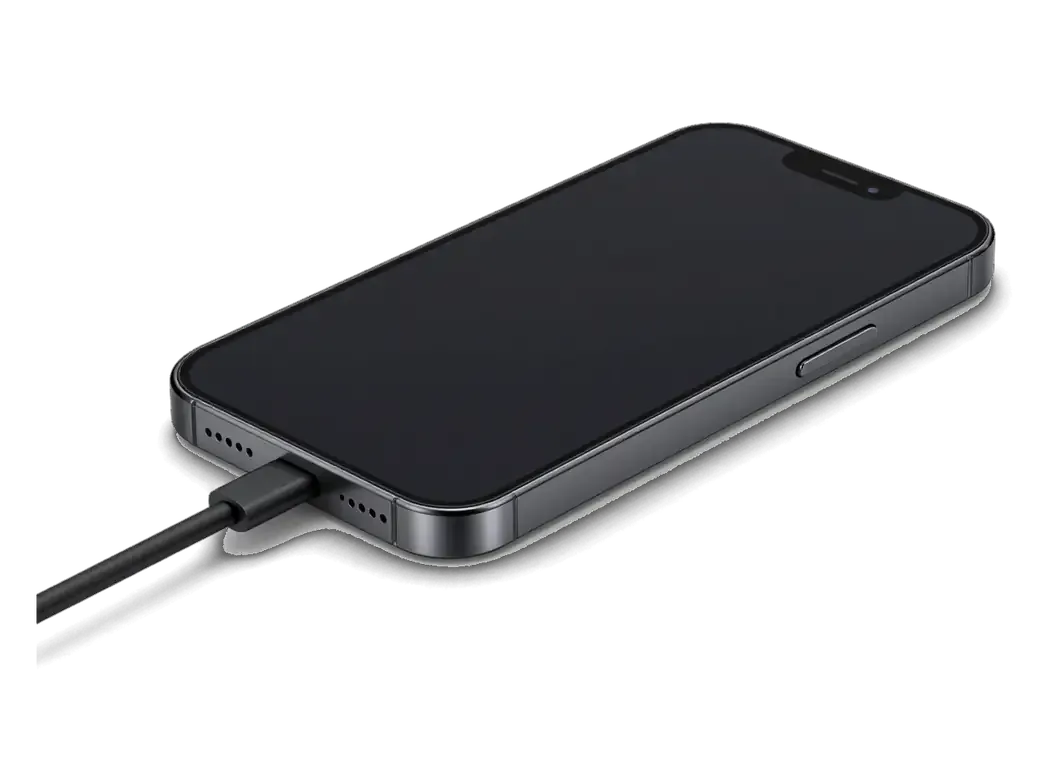
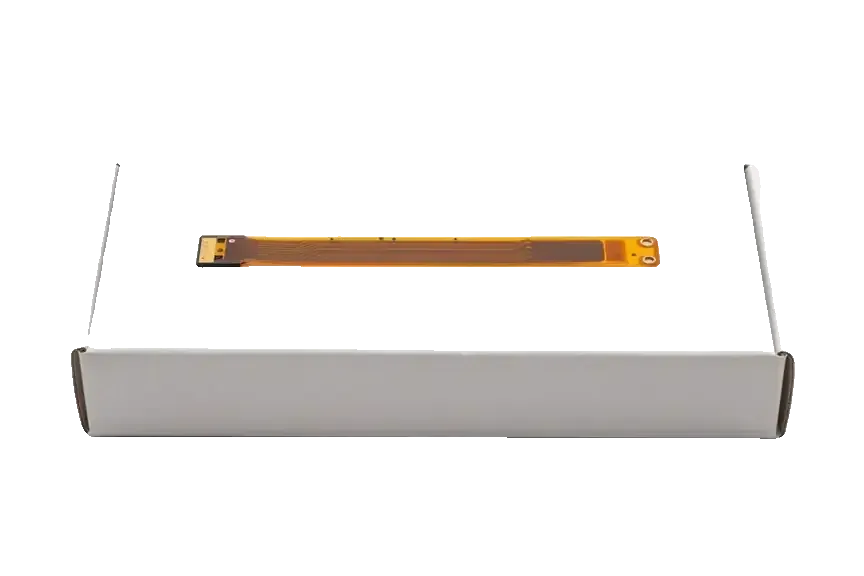
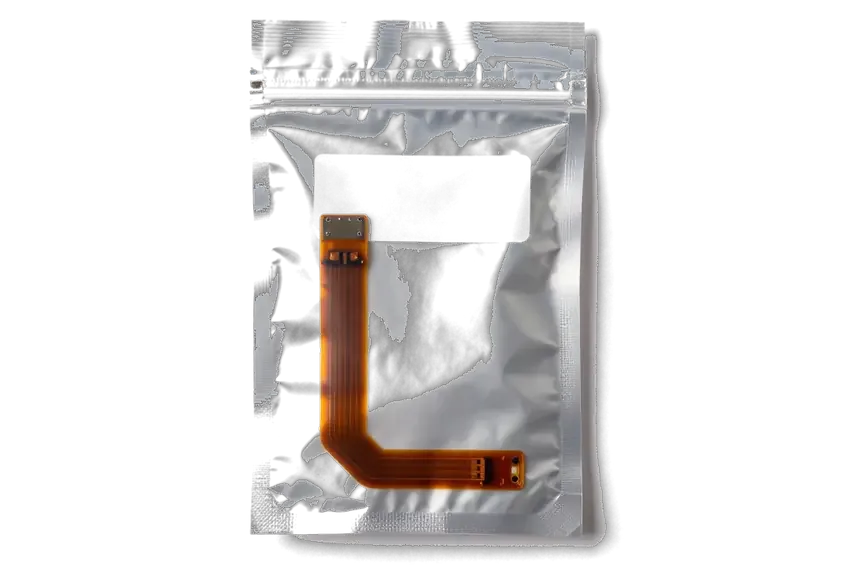
On this model the Lightning connector, the 3.5 mm headphone jack and the bottom microphone all sit on one lower flex, so a single worn cable can knock out charging, wired audio and your voice in calls at the same time. The Lightning connector handles current and data, the headphone jack carries analog audio, and the bottom microphone feeds your voice into calls and voice memos. Wear shows up first at the Lightning fold, where the cable bends every time you plug in. A handset that charges only at an angle and leaves callers unable to hear you is usually one component, not two separate faults — replacing the flex fixes both symptoms in one visit. If you are looking for iPhone 6 flex cable replacement in Almaty, the engineer first confirms which cable is at fault so the right component is fitted.
Symptom to Flex Cable Map for the iPhone 6
Matching each fault to the cable that causes it| Symptom | Flex cable involved | What we do |
|---|
| No charging or charging only at an angle | Lower charging flex | Clean the port, then replace the flex if it persists |
|---|
| Wired headphones not detected | Lower charging flex | Replace the lower flex |
|---|
| Callers cannot hear you | Lower charging flex (bottom mic) | Replace the lower flex |
|---|
| Screen stays on at your ear | Upper flex (proximity sensor) | Replace the upper flex |
|---|
| Front camera blank | Upper flex | Replace the upper flex |
|---|
Why Your iPhone 6 Flex Cable Replacement Stopped Charging and What We Check First
A handset that refuses to take power is a symptom, not a diagnosis — four different causes sit behind it. We work through them in order, from the cheapest to the most involved.
Lint, Cable or Flex Cable
We rule out the simple causes first — lint packed into the Lightning socket, then a worn or non-experienced cable and power block, and only then the lower flex cable itself. Pocket fluff compacts against the back wall of the socket and stops the connector seating fully, which mimics a dead flex almost perfectly. A cable with a frayed shield or a block that no longer holds voltage produces the same intermittent current flow, and both cost nothing to swap during a test. Only when the socket is clean and a known-good cable still fails do we open the phone and inspect the lower flex. A free 15-minute diagnostic in front of you separates a clogged socket from a failed flex before any component is ordered.
Keeping the Port Clean After the Repair
- Use a known cable and block: uncertified accessories stress the power circuit and speed up wear on the socket contacts.
- Check for lint monthly: a wooden toothpick, phone off, lifts compacted fluff out without bending the pins.
- Keep the phone dry: the iPhone 6 has no factory water protection, so damp pockets and steamy bathrooms invite corrosion.
- Avoid plugging in at an angle: forcing a bent cable strains the socket and is a common cause of intermittent power loss.
- Come back if the symptom returns: a repeat issue after a flex swap points to the board, not the new component.
Upper Flex and Sensor Flex in iPhone 6 Flex Cable Replacement
The upper flex and the "sensor flex" owners ask about are two different assemblies, and mixing them up sends people toward the wrong component. Here is what gets replaced in each case and why the Home key is touched last.
What the Upper Flex Controls
The upper flex on the iPhone 6 links the front camera, the proximity and light sensor and the top microphone, so a fault there shows up as a blank selfie camera, a panel that stays lit at your ear or muffled speakerphone calls. We test all three functions before quoting the job, because a single dead contact on this ribbon can mimic a camera failure that is not there. The ribbon runs from the top of the logic board to the front assembly, and its connector is the first thing we reseat during free diagnostics in front of you. Because the proximity detector lives on this flex, a handset that keeps the screen on during calls is often misdiagnosed as a panel problem, and checking the upper flex first saves an unnecessary module swap.
Sensor Flex and Touch ID Explained
On the iPhone 6 the digitizer is built into the display assembly and is not sold as a separate cable, while Touch ID is paired to the mainboard, so neither is swapped casually. When a customer says the glass ignores taps in one corner, the answer is a full assembly, not a sensor flex — the touch layer and the glass are one unit on this model. The Home key carries its own short ribbon, and its fingerprint data is tied to the mainboard it shipped with; a component from another handset will click but will not unlock. If taps fail only in one area, the fix is a whole display, and if fingerprint unlock breaks after Home key work, that mainboard pairing is why it cannot simply be re-seated.
When the Flex Is Fine and the Board Is the Problem
Sometimes a new component does not bring the charge back, and the cause sits deeper in the power circuit on the mainboard. Here is how we tell the two apart and what happens next.
Signs the Power Circuit on the Board Has Failed
If a fresh lower flex still leaves the iPhone 6 dead on the charger, the fault usually sits in the power management circuit on the logic board, which we repair under a microscope. The tell is consistent: a known-good cable, a clean socket, a new flex, and still no charge icon and no current draw. Water contact is the most common trigger — corrosion creeps under the charging IC and breaks the path between the socket and the battery. A non-experienced charger that pushed too much current can burn the same circuit without any liquid involved. We confirm it by testing the new flex inside the phone first, then probing the mainboard under magnification. Water-damaged phones sometimes need up to two days of diagnostics before the cause is confirmed, so plan for that window when the device has been wet.
Flex Swap or Board Repair at a Glance
Simple part swap against deeper board work| Situation | What it points to | What we do |
|---|
| Charge returns with a new flex | Lower flex was the cause | Flex swap, standard check |
|---|
| Charge still dead with a new flex | Mainboard power circuit | Microscope mainboard repair |
|---|
| Water contact before the fault | Corrosion on socket or mainboard | Extended diagnostics first |
|---|
| Intermittent power loss with a good cable | Socket wear or mainboard | Test flex, then mainboard |
|---|
How the Replacement Visit Runs From Photo to Pickup
From the first message to the moment you walk out with the phone, the visit follows a clear sequence of steps. Here is what gets fixed before work starts and what gets tested after.
From WhatsApp Photo to Fixed Receipt
You send a photo of the damage on WhatsApp, an engineer replies within 5 minutes with a price from the photo, and the price, component, turnaround and warranty are fixed on the receipt before any work starts. Free diagnostics run in front of you for about 15 minutes, even if you decide not to repair, and the engineer shows what is broken rather than describing it. The receipt itself takes roughly 2 minutes to write up, and it locks in whether the component is original or aftermarket — 64% of customers pick an original. The new part is shown in its factory packaging before installation, and 72% of repairs finish while the customer waits in the waiting area, so most iPhone 6 flex swaps are done in a single short visit.
The 32-Function Check and What You Take Home
After the swap we run a 32-function check of about 10 minutes — power intake, sync, headphones, microphones, speakers and network — together with you, then hand back the phone with the receipt, warranty card and the old part. The whole process, from first contact to pickup, usually takes less than an hour, and the warranty runs up to 1 year. A courier can be called across Almaty with a 90-minute window, free with a repair, if you would rather not come in. Testing the bottom microphone and wired headphones on the spot matters most after a lower flex swap, because those functions share the same cable and are the first to reveal a poorly seated connector.
Summary: iPhone 6 Flex Cable Replacement
A flex cable on the iPhone 6 rarely fails alone — what matters is matching the symptom to the right part and confirming the fix before the device leaves the bench.
- One cable, several symptoms: the Lightning port, headphone jack and bottom microphone share the lower flex, so power and audio faults often trace back to a single cause.
- Rule out the cheap causes first: lint packed into the port and a worn Lightning cable imitate a dead flex and are cleared before any part is ordered.
- Match symptom to cable: power and audio failures point to the lower flex, camera and proximity faults to the upper flex, touch faults to the display module.
- A new flex that leaves charging dead moves the diagnosis to the mainboard's charging circuit, which is repaired under a microscope rather than swapped.
- Test before you leave: power intake, sync, headphones, both microphones and the proximity sensor are the functions worth confirming on pickup, not a day later.









 iPad
 MacBook
 iMac
 Mac mini and Studio
 Apple Watch
 AirPods
 Apple Pencil
 Apple TV
 HomePod




