MN Photo: Mukhpilov Nail
Mukhpilov Nail
smartphone repair technician
10years of experience
4.83rating, 83 reviews

Your iPhone 6 dies within hours — a new battery in 25 minutes, warranty up to 1 year.
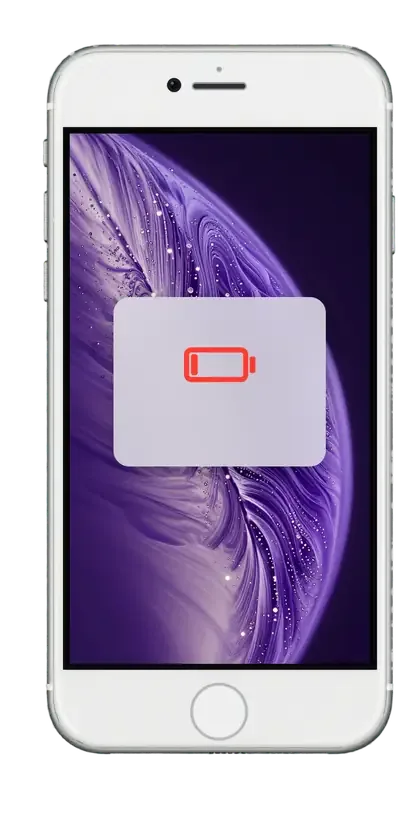
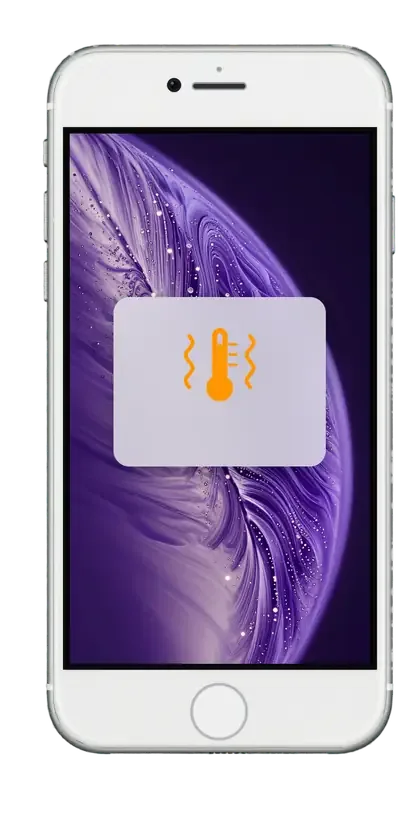
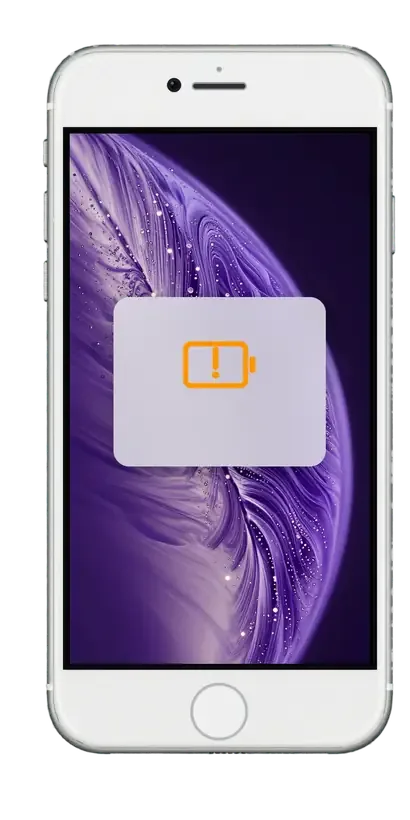

Quick drain, shutdowns at healthy-looking percentages and a sluggish system give away a battery that is ready to retire.
The phone that once lasted all day now needs the charger after a short stretch of light browsing and messages.
The screen shows plenty of charge, yet the iPhone goes dark, most often in the cold or under heavy load.
Apps open late and the camera lags because a worn cell cannot deliver peak power to the processor.
The screen lifts at the edges or the body no longer sits flat: a swollen cell makes the phone unsafe to use.
The technician's labor rate is listed below; the final amount depends on whether you choose an original or aftermarket cell.
| Service | Original | Aftermarket |
|---|---|---|
| Battery replacement | 20 900 ₸ | 11 900 ₸ |
| Charging port replacement | 14 900 ₸ | 8 900 ₸ |
| Display replacement | 35 900 ₸ | 22 900 ₸ |
| Housing replacement | 49 900 ₸ | 27 900 ₸ |
| Camera glass replacement | 17 900 ₸ | 9 900 ₸ |
| Main camera replacement | 26 900 ₸ | 14 900 ₸ |
| Front camera replacement | 24 900 ₸ | 13 900 ₸ |
| Home button replacement | 17 900 ₸ | 10 900 ₸ |
| Earpiece speaker replacement | 22 900 ₸ | 13 900 ₸ |
| Speaker replacement | 17 900 ₸ | 10 900 ₸ |
| Microphone replacement | 17 900 ₸ | 10 900 ₸ |
| Button replacement | 22 900 ₸ | 13 900 ₸ |
| Vibration motor replacement | 17 900 ₸ | 10 900 ₸ |
| Proximity sensor replacement | 29 900 ₸ | 17 900 ₸ |
| Display glass replacement | 28 900 ₸ | 15 900 ₸ |
| Other repairs | Price | |
| Power controller replacementboard-level chip · microsoldering | 24 900 ₸with parts | |
| Water damage cleaningcorrosion cleaning · diagnostics up to 2 days | 8 900 ₸per job | |
| Logic board repairmicrosoldering · 1–3 days | 135 900 ₸per job | |
| Touch ID repairpaired to the board — no aftermarket | 21 900 ₸per job | |
| Modem repairboard-level chip · microsoldering | 22 900 ₸with parts | |
| Wi-Fi module repairwireless module · board-level repair | 10 900 ₸with parts | |
| Storage replacement and upgradememory chip installation | 23 900 ₸with parts | |
| Firmware flashingsoftware restore, no parts replaced | 6 990 ₸per job | |
The technician confirms the exact total after inspecting the phone and agreeing on the part.
On this phone a battery swap goes step by step: a health check, opening, fitting the new cell and verifying the outcome.
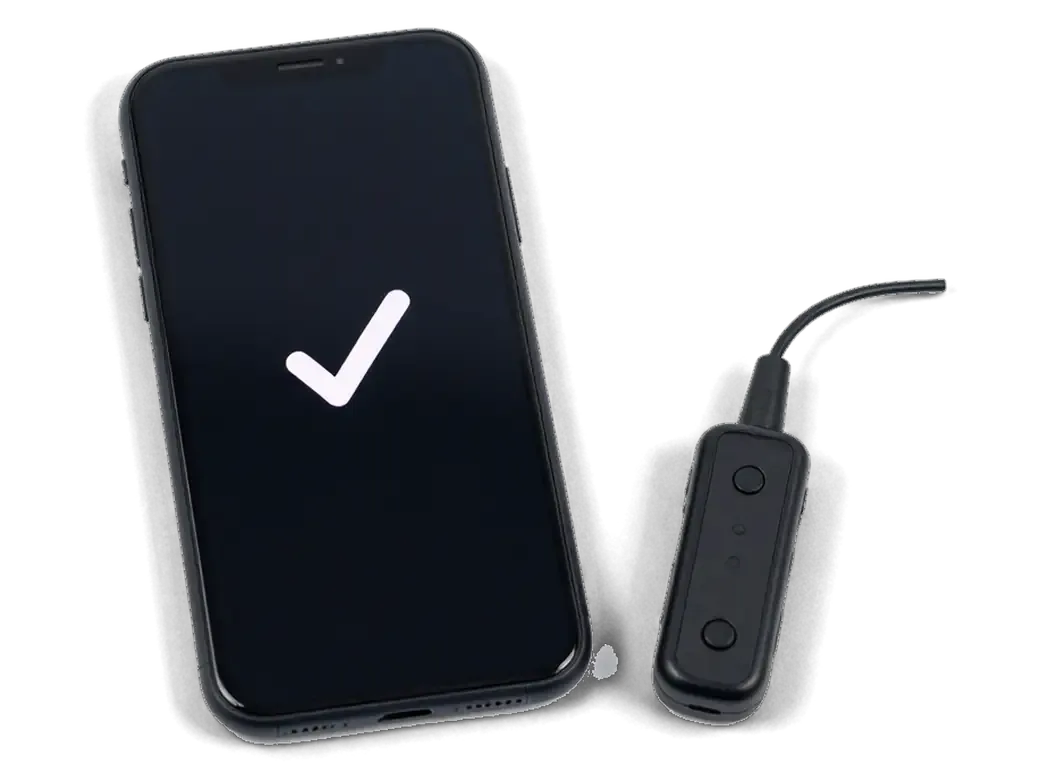
The technician checks the frame, screen and charging port, looking for liquid traces and a swollen battery.
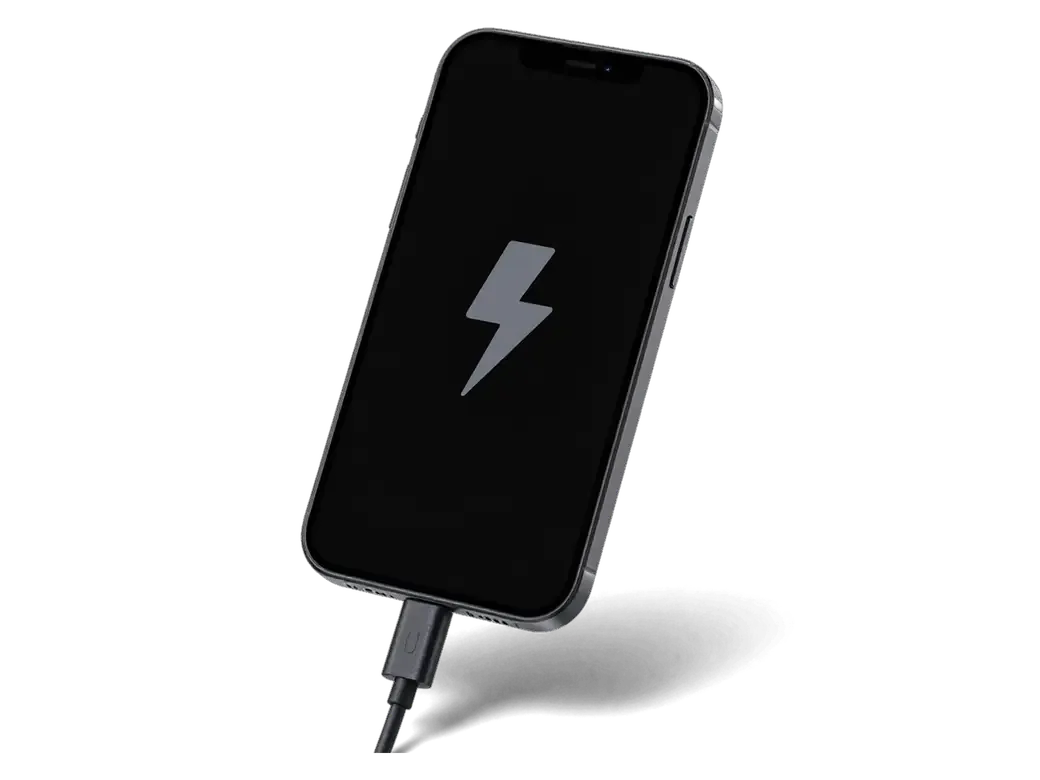
We compare the numbers in the Battery settings with how the phone actually behaves under load.
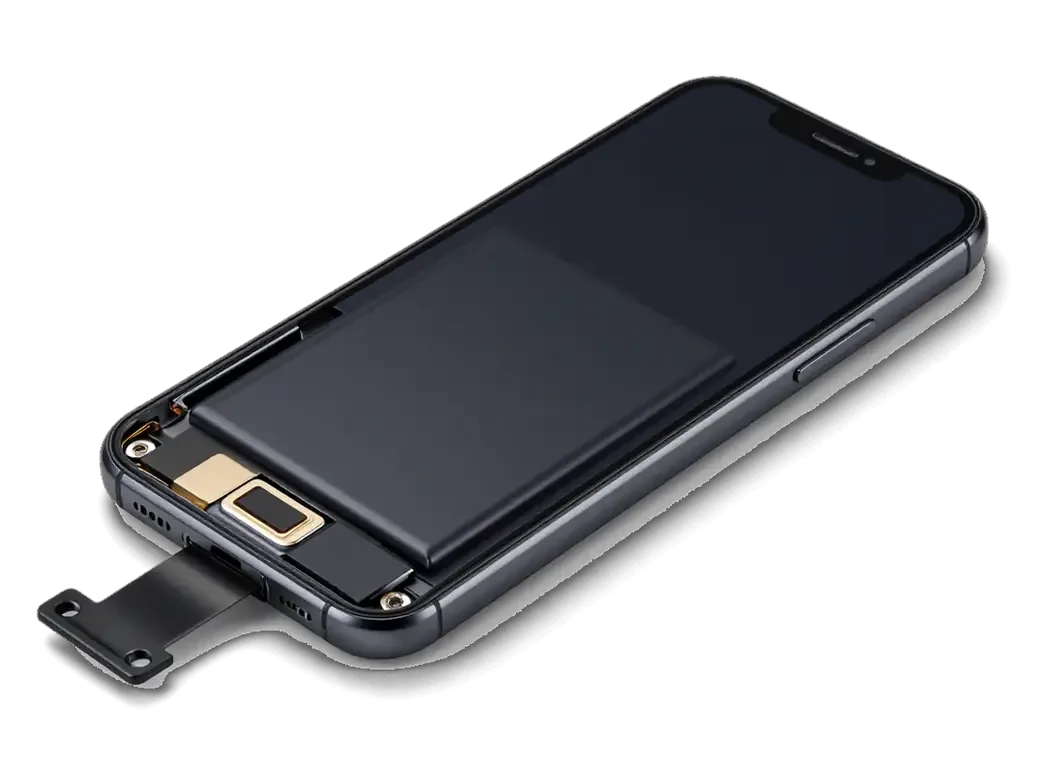
The display assembly is lifted away without straining the home button cable or the Touch ID sensor.
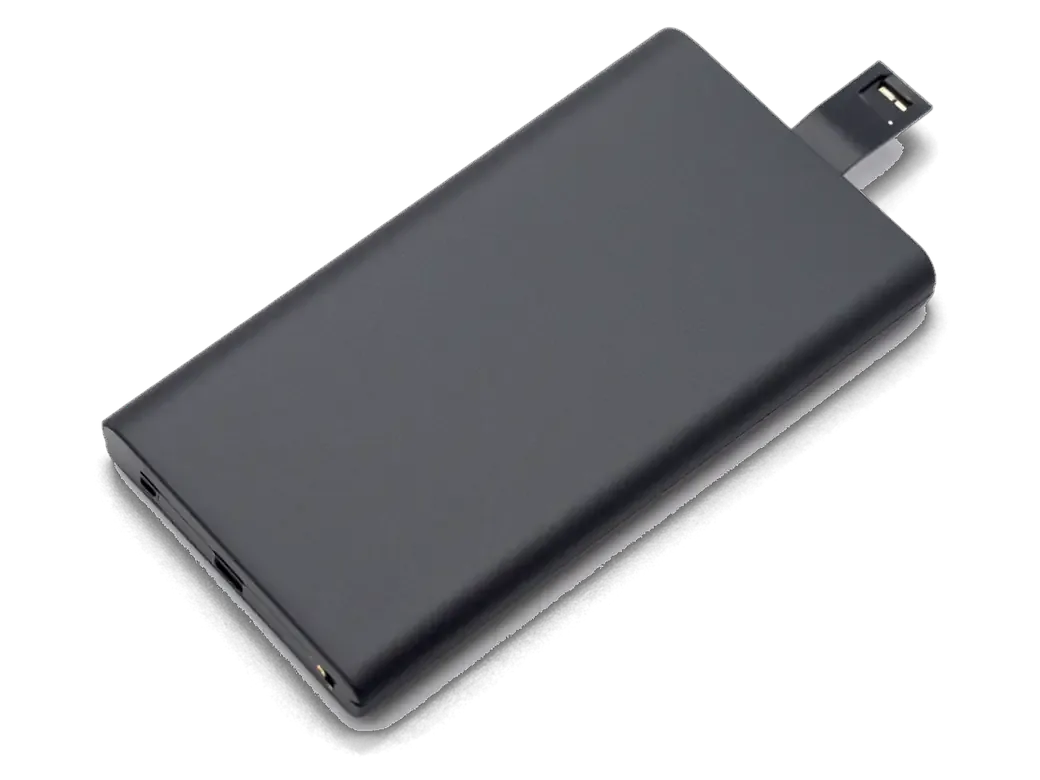
The old cell comes out, the chosen battery goes in, and its connector is reseated on the board.
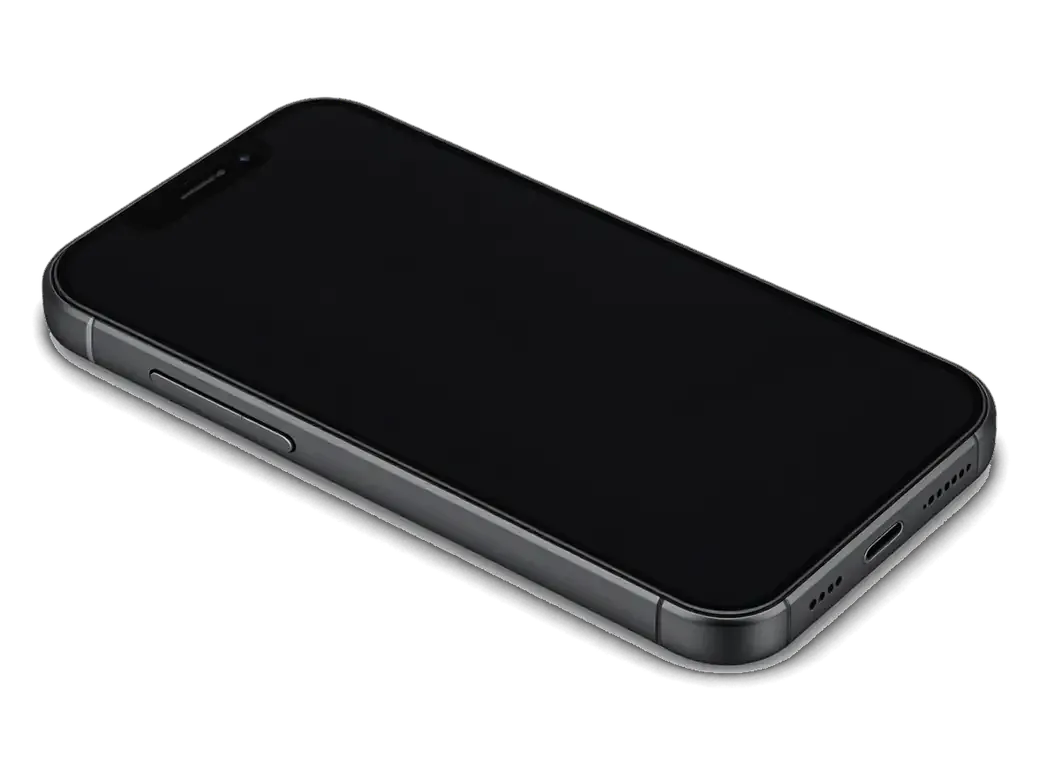
The screen is returned to its place, secured with adhesive strip and the bottom-edge screws are tightened.

We power on, test charging, touch, buttons and sound, then show you the working result.
You leave with a working phone and a clear account of what the technician did.
Price for my modelBoth batteries fit the same space and connector; they differ in lifespan, reading accuracy and price.
For a phone with a long past it helps to see how technician experience shows up in practice, and this is where we explain it.
We have worked with Apple devices for eleven years, so older models like the iPhone 6 are familiar ground.
The repair carries a warranty up to 1 year: if the battery behaves oddly, come back and we will find the reason.
Opening an older frame takes patience, since the home button cable tears easily, so experienced specialists do it.
You decide between an original battery and an aftermarket one based on how you actually use the phone.
If the real problem is a charging port or the board rather than the cell, the technician says so plainly.
We receive phones Monday to Friday 10:00–19:00, and on weekends and holidays from 11:00 to 18:00.
The whole journey — from message to finished phone. We give you the old part.
Book a replacementYou message us on WhatsApp with the model and what happened — we give you the price and time. Or you come in without an appointment.
We check the battery capacity and cycle count, inspect the charging port and controller: sometimes the battery isn't the culprit.
We note the model, the part (original or aftermarket), the price, the timeframe, and the warranty.
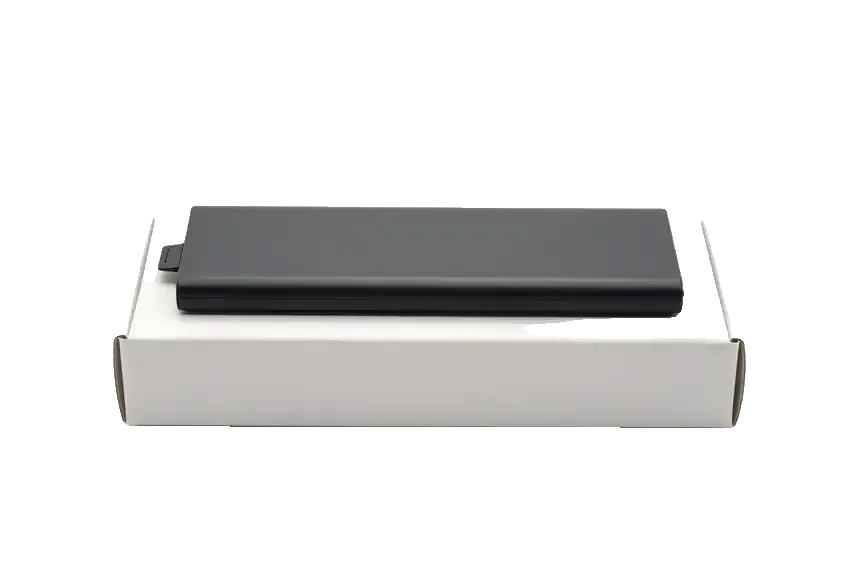
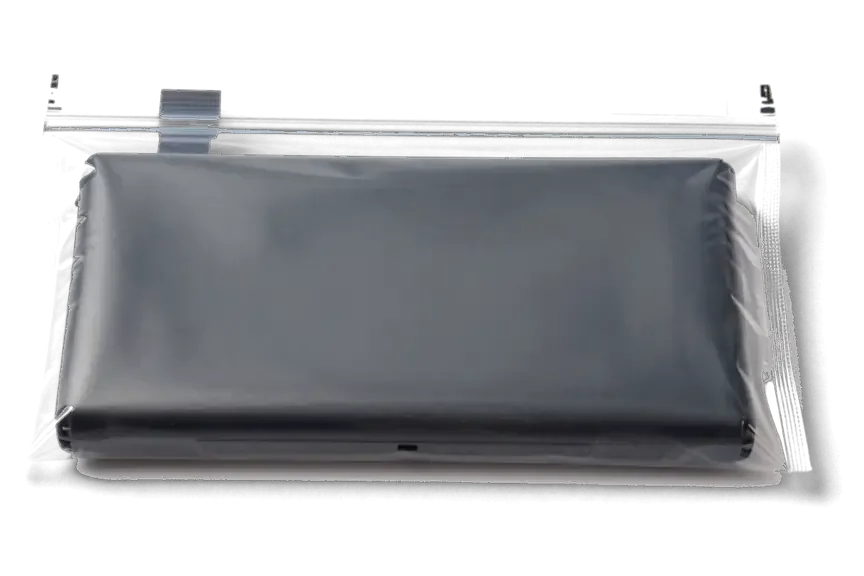
We open the factory packaging in front of you and check the number against the receipt.
We remove the old battery, install a new one and seal the case with new water-resistant adhesive.
Charging, capacity in Settings, operation under load. You take the phone, the receipt and the old battery.
Technicians for iPhone, Mac, iPad, Apple Watch and AirPods repair.
Photo: Mukhpilov Nail Photo: Gamid K
 Photo: Arman A
 Photo: Molchanov Rinat
 Photo: Shokan A
 Photo: Sybanbaev Birzhan
 Photo: Denis Gushchin
 Photo: Duisebaev Azhdar
A cracked glass means a new display assembly, fitted while the phone is already open.
02We clear lint and dust from the Lightning port, a common reason cables fit loosely.
03A sticky or unresponsive button is replaced together with its flex cable.
04Quiet calls or tinny music are often cured by changing the earpiece or loudspeaker.
05Blurry photos or a black viewfinder are reasons to test the main camera module.
06No start or heat while idle: we trace the power circuits on the logic board.
“If the repair didn’t suit you or you have a complaint, write to me personally.”
Send a photo of the screen and the iPhone model. An engineer will reply on WhatsApp, give the price and today's available time.
iPhone 6 Battery Replacement in Almaty with Same-Day Service
At iServices, iPhone 6 battery replacement in Almaty takes about 25 minutes while you wait, and every job comes with a warranty up to 1 year. You choose an original battery or an aftermarket one, the price and part are fixed on the receipt before work starts, and the old battery is returned to you.
The iPhone 6 shows battery condition in Settings, but not every signal is visible in that menu. Here is how to tell when the cell is genuinely worn and replacement is due.
The iPhone 6 has a Battery Health screen under Settings, and a Maximum Capacity figure that drops as the cell ages. That percentage compares current full-charge capacity to the level the component held when new, so 100 % means factory condition and lower numbers mean chemical wear. Below 80 % iOS may add a service recommendation line, and a device reporting 77 % has already lost roughly a quarter of its original runtime. Cycle count matters too — each full discharge and recharge is one cycle, and lithium units lose charge steadily across the hundreds of cycles a daily user accumulates. A number alone does not decide the swap — a handset that shuts down at 30 % needs a new part even if the percentage still looks acceptable.
The iPhone 6 has no battery pairing to the logic board, so both options run without warnings — the choice comes down to how long the part lasts and how it behaves under load.
| Option | What it is | Behaviour on iPhone 6 | Best for |
|---|---|---|---|
| Original part | Factory-spec unit | Stable health readings, no warnings | Long-term daily use |
| Aftermarket part | Third-party unit | Works normally, lifespan varies | Budget repair |
| Shared trait | No board pairing | No unknown-part alert | Either route |
The iPhone 6 predates the battery pairing that makes newer models show an unknown part warning, so a correctly installed third-party unit reports normally. On the iPhone XR, XS, XS Max and 11, the battery controller carries a serial number that the board verifies, and a mismatch triggers the “Important Battery Message” in Settings. The iPhone 6 controller sends no such handshake — the system reads capacity and cycle count from the BMS without checking origin, which is why a fresh aftermarket battery shows full health from the first boot. That freedom cuts both ways: with no system check, the only proof of a fresh unit is seeing it in factory packaging before it goes in. Ask the technician to open the box in front of you and match the model marking on the label.
From the first message to the moment you get the phone back, the process usually takes less than an hour — here is what happens at each step.
An engineer replies on WhatsApp within 5 minutes and quotes a price from a photo, then the price, part, turnaround and warranty are fixed on the receipt in about 2 minutes before work starts. Send a clear shot of the device and the damage, and the reply comes with a free time slot you can pick. For iPhone 6 battery replacement in Almaty, the same photo is enough to start. The new part arrives in factory packaging and is shown to you before installation — original or aftermarket, whichever you chose. Payment runs by Kaspi, card or cash once the work is done. Ask for the part to be named on that receipt — it is the document that settles any question about which cell went into your phone.
A battery swap for the iPhone 6 takes about 25 minutes, and 72% of our repairs are finished while the customer waits in the waiting area with coffee and Wi-Fi. The engineer opens the device in front of you, releases the battery connector, seats the new cell and reassembles the phone — no device leaves the bench until that step is closed. After the swap comes a 32-function check of about 10 minutes, run together with you so you see each result. Bring the phone charged enough to unlock it — the engineer runs the post-repair checks with you, and a dead device slows that final step.
Once the device is closed up, it goes through a functional check with you at the counter, and you leave with the paperwork and the part we took out.
The replacement does not touch your data, the coverage runs up to 1 year, and the handset goes back to you with the receipt, warranty card and the old battery. A cell sits on the logic board's power rail and has no link to the storage chip, so photos, messages and app logins stay exactly where they were — no backup needed before the visit, though we still suggest one as a habit. The receipt lists the part type, the turnaround and the term, all fixed before work starts, and the card carries the same dates. The old cell comes back in a small bag rather than staying with us. Keep the old cell until the new one has proven itself over a few charge cycles — it is your reference point if anything behaves oddly.
Not every charging problem is a battery problem. Sometimes the port or the board is at fault, and a free check shows which one before anyone opens the phone.
Free diagnostics take 15 minutes in front of you, and a USB current tester shows whether the fault sits in the battery, the charging port or the board. The tester reads how much current the phone draws the moment you plug it in: a worn cell pulls a normal charge but drops it fast, a clogged or bent port pulls nothing or cuts in and out, and a fault on the power controller lets current through but the phone never boots clean. We clean the port under magnification and re-test before quoting anything, so a pocket of lint does not turn into a battery sale. A cable that only works at an angle is a port symptom, so replacing the battery first would leave the real fault in place and the phone still dying by lunchtime.
A swollen battery pushes the display up from inside and should be treated as urgent rather than driven on. The pack expands as gas builds up in the cells, and the pressure lands on the display module and the frame — a gap along the edge or a screen that rocks when tapped is the usual first sign. Heat during charging speeds the swelling up, so a phone that is warm to the touch and bulging needs attention the same day. Do not charge a bulging cell and do not press the screen back down — pressure on a swollen pack is the one thing that turns a repair into a hazard. Bring the phone in as it is, unplugged if you can, and let the engineer open it on the bench.
A battery decision on the iPhone 6 rests on reading the right signals, choosing a cell that fits your budget and confirming what the paperwork promises.
Did not find an answer? Message us on WhatsApp: an engineer replies, not a bot.
Ask a questionA worn cell cannot hold its voltage when the temperature drops, so the iPhone 6 shuts down even though the indicator still shows charge. With a fresh battery the phone normally keeps working outdoors until the level is genuinely low.
Yes, if the slowdown came from the worn battery: iOS throttles the iPhone 6 when the cell cannot deliver peak power. With a new battery that limit is lifted and the phone responds faster again.
Yes, its last iOS version includes the Battery Health screen with the maximum capacity figure. After the replacement, the reading there shows the state of the new cell.
No, your fingerprints are stored in the phone and stay in place. The Touch ID cable runs under the screen, so the engineer opens the iPhone 6 carefully and checks the sensor afterwards.
For calls, messages, maps and music, yes: a fresh cell is the simplest way to keep an iPhone 6 in daily use. Bear in mind that it no longer gets major iOS updates, so some newer apps may refuse to install regardless of the battery.
Yes, a swelling cell lifts the display from the inside, and a gap appears at the edge. Stop charging the iPhone 6 and bring it in, because a damaged battery is a fire risk.
Проблема была такая: заряд держался буквально полдня — и непонятно что делать. По результатам диагностики проверили аккумулятор и восстановили нормальное время работы.
С iPhone 15 Pro вышла неприятность: заряд держался буквально полдня. В итоге проверили аккумулятор и восстановили нармальное время работы.
S iPhone 8 Plus vyshla nepriyatnost: zaryad derzhalsya bukvalno poldnya. V itoge proverili akkumulyator i vosstanovili narmalnoe vremya raboty.
Приехали менять аккумулятор айфон 6. Записалисиь по телефону и поменяли буквально за 15 минут пока пили чай. В мастерской чистенько и опрятно. Дали скидку потому что записался и выдали гарантию на 3 месяца. В общем качеством довольны.
Батарея на айфоне совсем износилась, телефон выключался на холоде даже при тридцати процентах заряда. Заменили аккумулятор на новый оригинальный буквально за полчаса. Теперь заряд держит отлично весь день, очень доволен.

The difference is not always visible, but it can be checked. An original panel is the one the manufacturer installs; an aftermarket copy costs about 35% less.

What “maximum capacity” means, why the phone shuts down in the cold, and how long a new battery lasts.

Power it off, skip the rice, and get the board checked before corrosion starts. Here is the short version of the first 30 minutes.

Most charging faults come from the cable, the port or the battery. Here is how to find the cause and get a free check in Almaty.
 iPad
 MacBook
 iMac
 Mac mini and Studio
 Apple Watch
 AirPods
 Apple Pencil
 Apple TV
 HomePod
