The battery in an iPhone 6 is a consumable: its reserve shrinks with every charge cycle, and after years of use the phone struggles to hold a charge. Below is how to separate wear from other faults.
Reading the Battery Health Menu on an iPhone 6
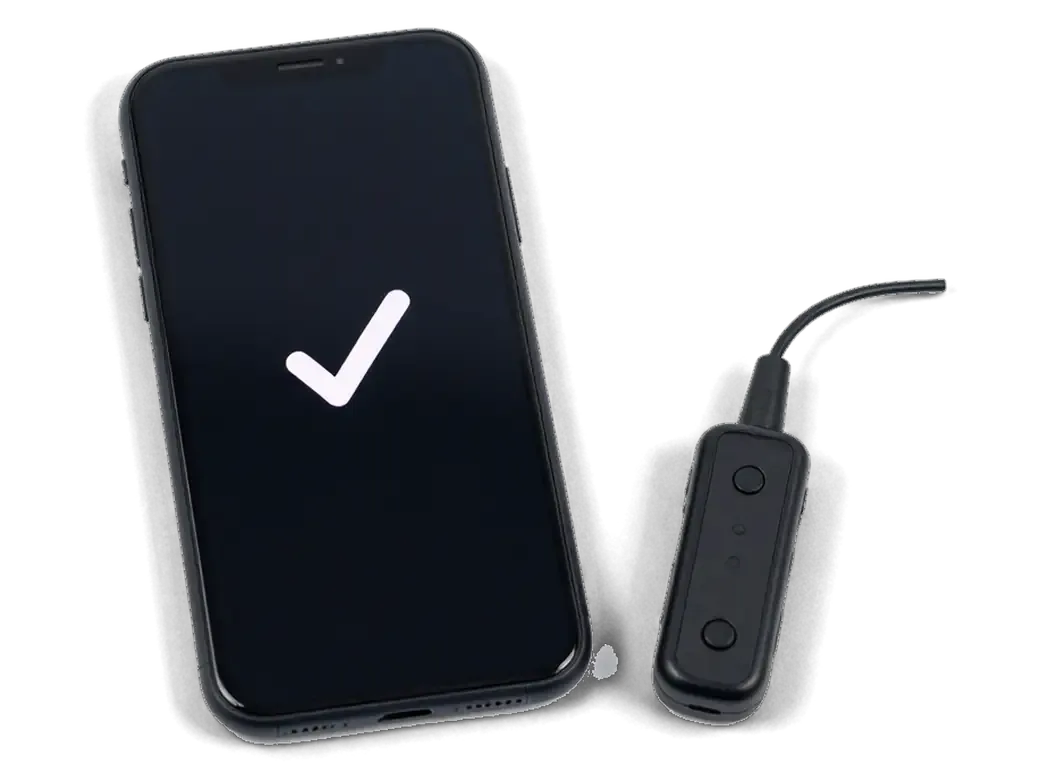
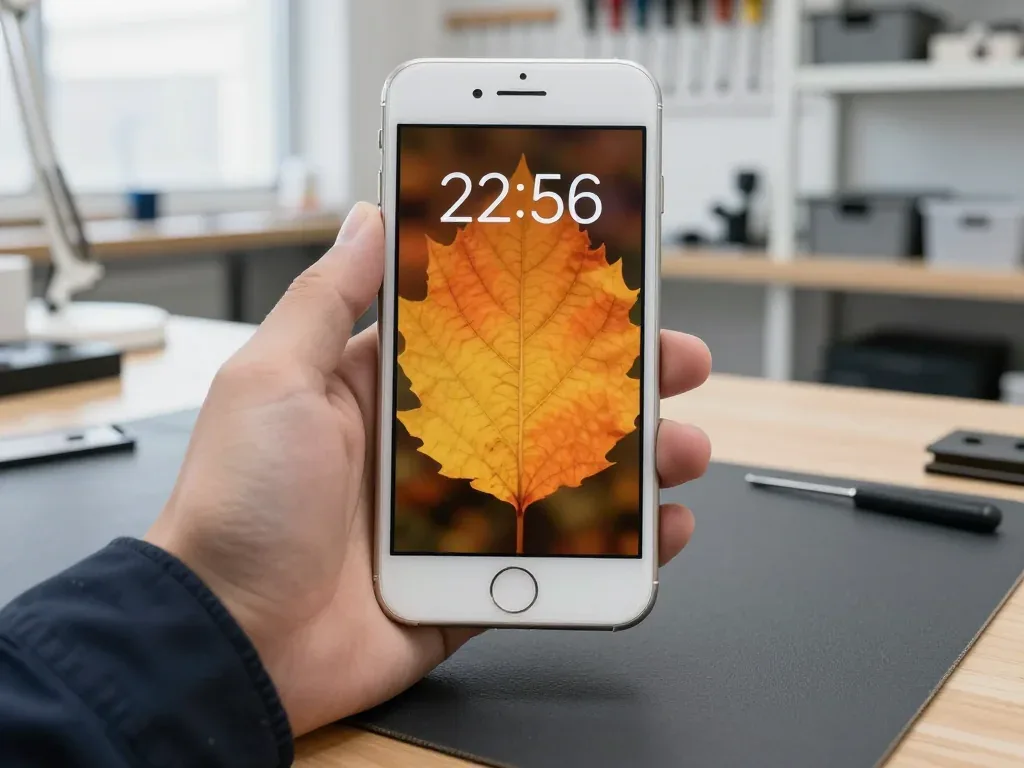
The handset reports Maximum Capacity and Peak Performance Capability under Settings, and a figure near or below 80 % with a service message means the battery is worn. Open Settings, then Battery, then Battery Health to see both values on one screen. Maximum Capacity compares the present reserve to the day the device left the factory, while the peak performance line states whether the chip can still draw full current without shutting down. A reading of 77 %, for instance, is not a verdict on its own — it shows roughly a fifth of the original reserve is gone. A single low percentage never tells the whole story: check whether the phone dies under load or in cold, because those symptoms outweigh the number itself.
Signs That Point to the Battery Rather Than Something Else
- Shutdowns at 20–30 %: the phone switches off with charge still showing, then restarts once plugged in — a classic worn-cell symptom.
- Fast drain: the percentage falls several points in minutes of browsing, and standby time shrinks to a few hours.
- Slowdowns under load: games and camera apps stutter because peak current is capped to prevent a sudden cut-out.
- Heat near the camera: the upper half warms up during charging or calls, pointing to rising internal resistance.
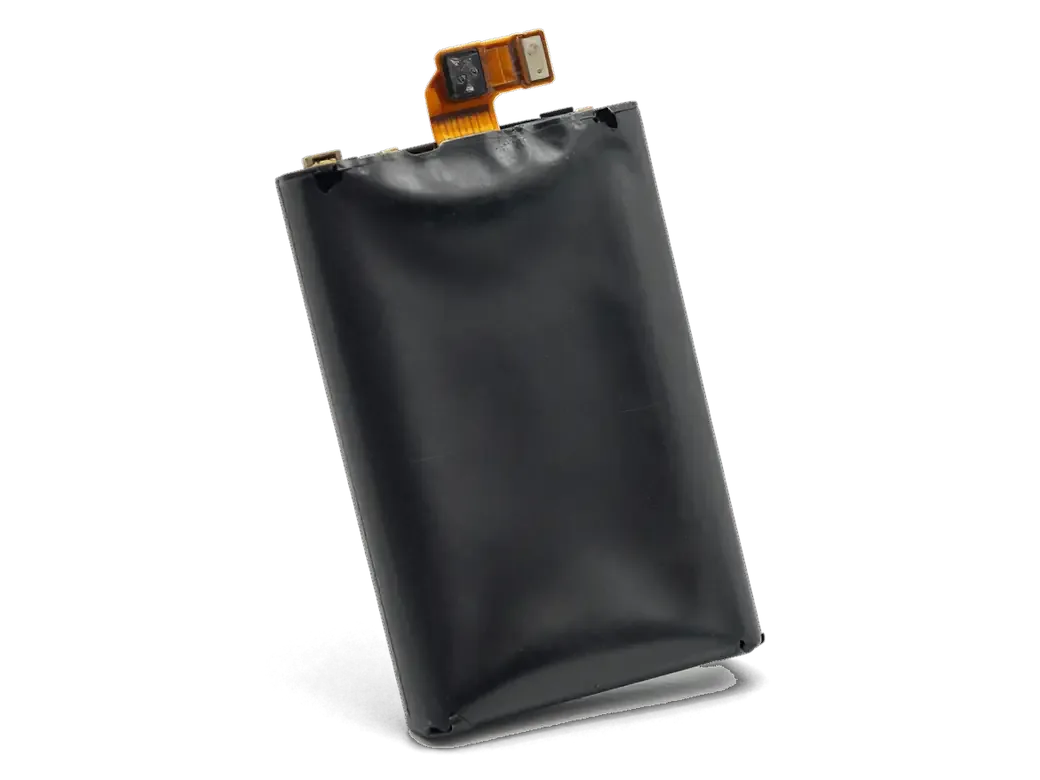
- Swelling: the screen lifts at one edge or the body rocks on a flat table — stop charging and book a test.
- Charging only at an angle: if the cable must be wiggled, the port or cable is the likely culprit, so test the battery before replacing any part.
Original or aftermarket cell for your iPhone 6 battery replacement
The iPhone 6 does not tie the battery to the board, so both options work without warnings. The real difference lies in how the charge level holds up and how long the unit lasts.
How the Two Options Differ in Practice
Comparing the two battery types we install| Option | Capacity readout | Best for | Warranty |
|---|
| Original unit | Shows normally | Daily use, long service life | Up to 1 year |
|---|
| Aftermarket unit | Shows normally | Backup or secondary phone | 6 months |
|---|
| Parts shown before fitting | Factory packaging | Any choice | Fixed on receipt |
|---|
Why Most of Our Customers Pick the Original
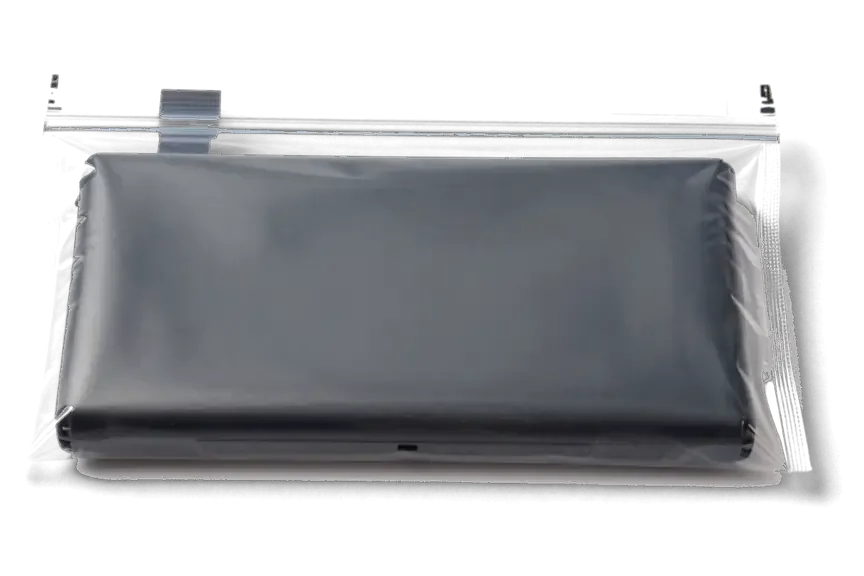
About 64% of our customers choose the original component, and on an older model like the iPhone 6 that decision mainly buys steadier capacity over time. An aftermarket unit reads correctly in the battery menu and passes the same checks, yet under daily charging cycles its maximum charge tends to drift down faster. The original holds its rated level longer, which matters when the phone is your main device and you plug it in every night. We fix the component type on the receipt before work starts, so the choice stays on record. Whichever option you pick, the engineer shows it in factory packaging before installation, so you can confirm what goes into the phone.
How the iPhone 6 battery replacement runs from first message to pickup
The whole process, from your first message to pickup, usually takes less than an hour. Below is what happens at each step and what gets locked in before any work begins.
From a WhatsApp Photo to a Fixed Receipt
Send a photo of the damage on WhatsApp and an engineer replies within 5 minutes with a price and a free time slot, then fixes the price, part, turnaround and warranty on the receipt before the job starts. Quoting from the picture alone means you know the terms before leaving home, and the new battery is shown in its factory packaging ahead of installation. This is how the iPhone 6 battery replacement in Astana stays predictable from the first message. Writing those terms down takes about 2 minutes at the counter. Getting them on paper first means nothing shifts mid-repair, and you walk out knowing exactly what was agreed and what the warranty card covers, with a copy of the document in your hand.
Waiting in the Lounge While the Battery Is Swapped
- Swap duration: a cell change on the iPhone 6 runs about 25 minutes, and 72% of our repairs finish while the customer waits in the lounge with coffee and Wi-Fi.
- Courier option: if you cannot stay, a courier can be called to collect and return the device once the job is done.
- Slot booked from your picture: reserving ahead from the WhatsApp image means the spare is ready on arrival, so the visit stays close to that 25-minute window.
- Handover: the engineer shows the old battery and the replacement in packaging, then returns the receipt, guarantee card and the removed part.
- Same-day visit: for anyone in Astana weighing up the waiting-area route, the 25-minute battery job rarely stretches, and you watch the swap happen instead of leaving the phone overnight.
What Changes Inside an iPhone 6 During the Swap
The iPhone 6 opens from the front, and the battery sits on adhesive strips behind the display. Below is what actually happens inside the phone and what stays untouched.
Opening the Phone and Freeing the Old Battery
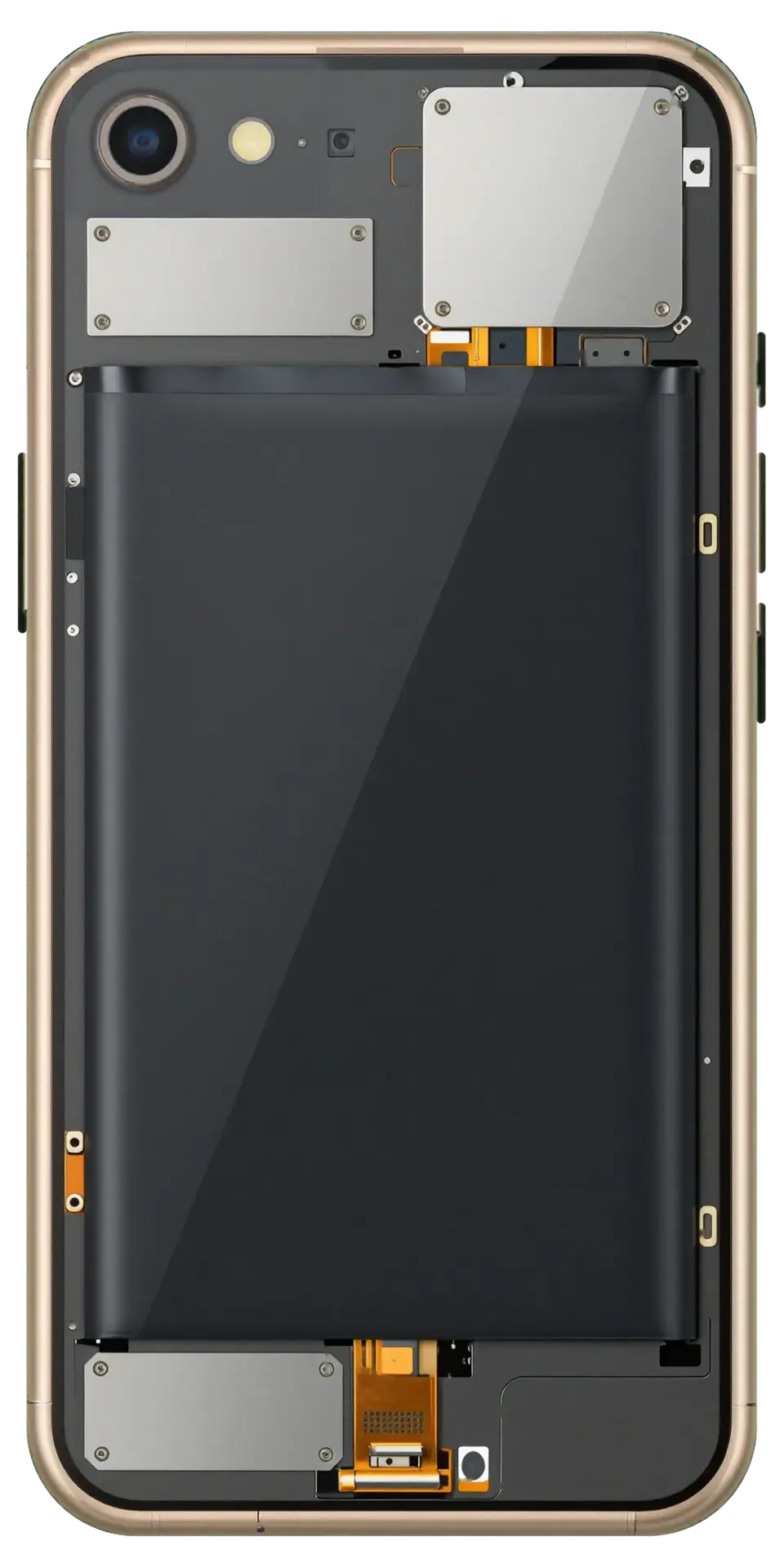
On the iPhone 6 the display is lifted from the front, the battery connector is disconnected first, and the old battery is freed from its adhesive strips. Two pentalobe screws at the bottom and a pair of small brackets hold the screen assembly in place; once those are out, the panel tilts up like a book cover and the battery flex cable is unclipped before anything else moves. The power pack itself is glued down with two pull-tabs, and those thin bands decide how clean the removal goes. Our technicians work with plastic pry tools rather than metal, because a slipped blade near the logic board costs far more than the component being replaced. The adhesive is the fragile stage of the job, so a technician who has done thousands of these knows how to pull it without bending the pack or nicking the board.
What Stays Untouched and What Gets Replaced
Replacing the battery does not touch your data, and the device comes back with the receipt, warranty card and the original component. Photos, messages, accounts and settings live in the phone's storage, which the swap never reaches — the work happens at the connector and the glue, not in memory. Only the battery and its adhesive change; the screen, cameras, speakers and charging port stay exactly as they were, so nothing needs to be re-configured or backed up beforehand. Keeping the removed part lets you see the component that actually came out, which is a simple way to confirm the fresh one went in. Checking the returned piece against the receipt on the spot is a quick way to confirm what was swapped.
What You Get Back and How to Care for the New Cell
Once the handset is closed up, we test it with you before you leave, and how long the fresh battery lasts depends heavily on your charging habits. Here is what to expect on both counts.
The 32-Point Check Before You Leave
After the swap we run 32 checks in about 10 minutes, covering the cameras, microphones, speakers, charging and network, and you watch the whole pass with the engineer. The port is tested with a cable, and the battery reading is compared against the factory figure on the new part. You then verify calls, Wi-Fi and the loudspeaker yourself, so nothing rests on our word alone. Running that pass side by side means any fault surfaces before you walk out of the workshop, not days later at home when a return trip costs you an evening. The device goes back to you with the receipt, the warranty card and the old part, and the price, the part, the turnaround and the warranty are all fixed on the receipt before work starts.
Habits That Make the New Battery Last
- Avoid deep discharges: recharge around 20–30% instead of running flat, which spares the battery unnecessary stress.
- Skip the cold: keep the handset out of freezing pockets and car dashboards, since low temperatures cut voltage.
- Use a stable charger: a branded adapter and undamaged cable keep current steady, while cheap blocks push uneven voltage.
- Charge indoors first: topping up in a warm room means the device leaves the flat warm rather than chilled.
- Store at half charge: if it sits unused for weeks, leave the level near 50% rather than empty.
- Mind the winter walk: in Astana, cold is the usual reason an iPhone 6 shuts down at a partial charge, so warming the handset before plugging in protects both the battery and the reading.
Summary: iPhone 6 Battery Replacement
A few facts settle how an iPhone 6 battery case ends: the health reading, the battery type, and how the work is documented before it starts. Here is the short version.
- Health signal: A reading near or below 80 % together with shutdowns under load is the clearest sign the component needs replacing.
- Battery choice: On the iPhone 6 both original and aftermarket units report capacity normally, so pick by how long you plan to keep the phone.
- Predictable visit: The swap is quick, and fixing the component, turnaround and warranty on the receipt beforehand removes surprises.
- Data and old unit: Your data stays intact, and the removed battery comes back with the phone so you can see what left the case.
- Longevity habits: Steady charging and keeping the handset out of extreme cold stretch a new power source the furthest.







 iPad
 MacBook
 iMac
 Mac mini and Studio
 Apple Watch
 AirPods
 Apple Pencil
 Apple TV
 HomePod




