The iPhone 6 carries two separate speakers, and the symptom usually points to the one needing attention. Before booking, rule out software causes that imitate a dead speaker.
Earpiece or Loudspeaker and How to Tell Them Apart
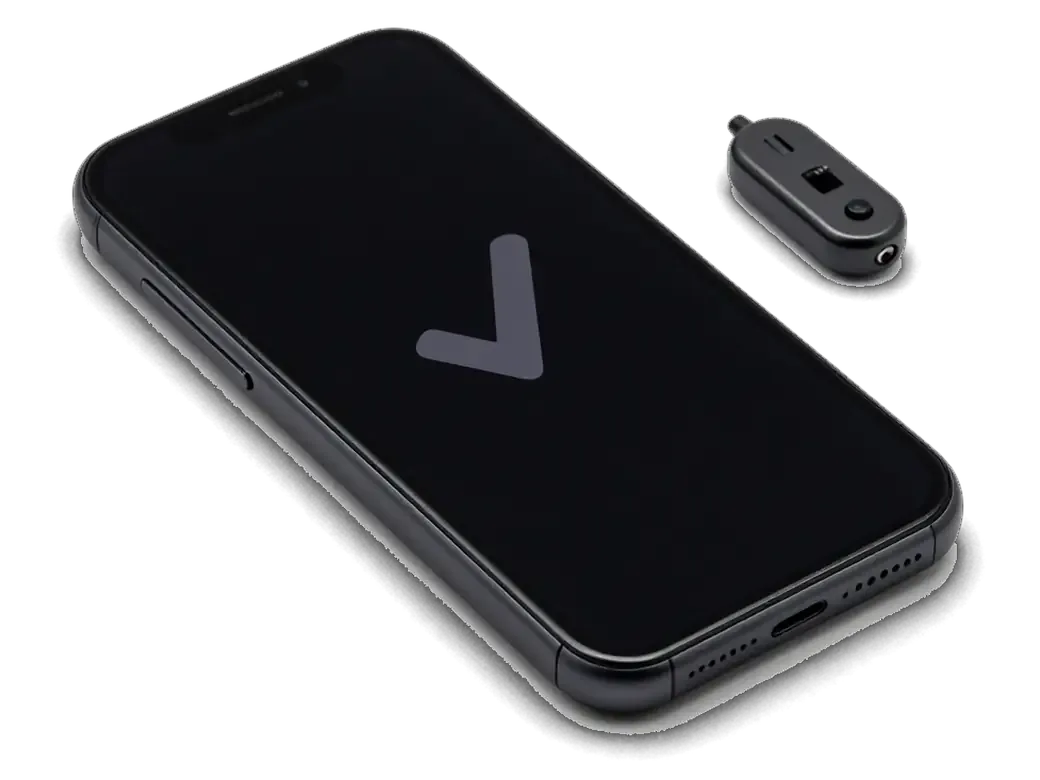
The handset has two separate speakers — the earpiece at the top under the screen for calls, and the loudspeaker at the bottom for ringtones, speakerphone and video. The small module sits inside the display assembly and fires through a fine mesh grille above the screen, while the lower unit is a standalone module next to the charging connector. Because the two are independent, one can fail completely while the other keeps working. Press the phone to your ear during a call, then switch to speakerphone and play a ringtone at full volume — the gap in loudness reveals which module is struggling. If the caller is faint but hands-free audio sounds normal, the upper unit or its mesh is the suspect; if ringtones crackle while calls are clear, look at the lower speaker instead.
Quick Checks Before You Book a Repair
- Headphone mode: plug and unplug headphones several times to release a phone stuck in this state.
- 3.5 mm jack: shine a light inside — lint reads as a connected headset and mutes the loudspeaker.
- Bluetooth: disconnect every paired headset and car kit, since an active link routes sound away.
- Volume and mute: raise the ringer slider and flick the side switch, because a muted switch silences ringtones.
- Restart: a full reboot clears the audio process that occasionally hangs and leaves one channel silent.
A Table That Maps Each Symptom to Its Likely Cause
Matching everyday sound complaints to the part behind them| Symptom | Likely cause | What we do |
|---|
| Caller is faint, hands-free fine | Earpiece or its mesh | Clean mesh, then test earpiece |
|---|
| Ringtone crackles at high volume | Bottom speaker membrane | Replace loudspeaker |
|---|
| No sound at all, headphones work | Stuck headphone mode or jack | Clean jack, reset, retest |
|---|
| Sound fades after water | Oxidation on contacts | Dry, clean, check contacts |
|---|
| Muffled both ways | Dust in both meshes | Clean both grilles |
|---|
Cleaning, iPhone 6 speaker replacement or a board fault
Not every quiet speaker needs a new part. An engineer first separates dirt and moisture from a genuine failure of the component and from a fault on the board.
When Cleaning the Mesh Is Enough
- Start with the grille: dust and pocket lint clog iPhone 6 grilles, making a healthy speaker sound weak.
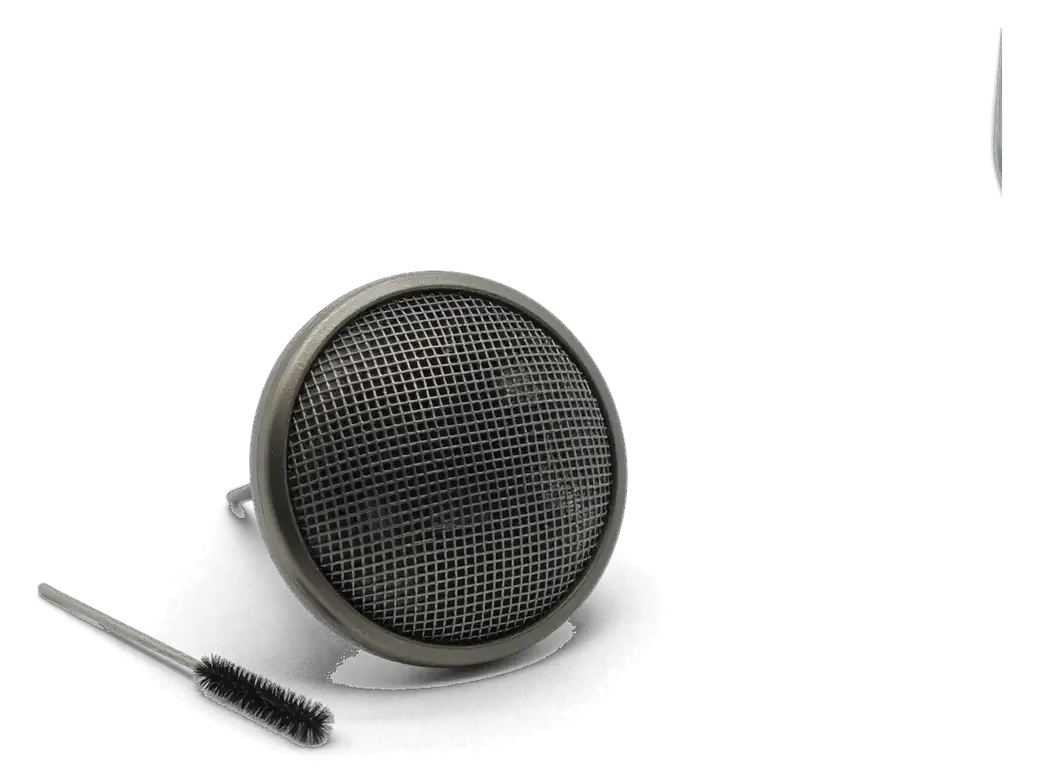
- Brush and air: a soft brush plus controlled air lifts lint without pushing it toward the diaphragm.
- Listen after cleaning: a blocked grille dulls tone as much as volume, so thin sound often recovers without a swap.
- Know the limit: if sound stays muffled once the mesh is clear, the diaphragm is torn.
- Ask for the check: free diagnostics in front of you show whether the mesh or component is at fault.
What Water Does to the Speaker and When It Recovers
After water contact we dry and clean the speaker first, and in many cases the sound returns without a new module once the contacts are clear of oxidation. Moisture reaches it through the earpiece slit and the bottom grille, settles on the spring contacts and starts a thin oxide layer that blocks the signal. Our engineer opens the lower assembly, inspects the pads under magnification and cleans the corrosion. Powering the phone on while still wet pushes current through damp points, so keep it off until the engineer sees it. We also check the grille for trapped residue, since dried minerals narrow the openings and cut volume even after the contacts are clean.
How We Rule Out the Audio Codec on the Board
- Fresh part first: if a new speaker stays silent, we test the audio codec, since a failed chip mimics a dead earpiece.
- Compare both outputs: a codec fault usually affects earpiece and loudspeaker together, so we play test tones through each channel.
- Read the contacts: we probe speaker pads and codec lines under a microscope to check signal arrival.
- Narrow the verdict: quiet only in the earpiece more likely means a swap than board repair.
How the iPhone 6 Speaker Replacement Works at iServices
The work happens in front of you, the new module is shown before installation, and the sound is tested together with the owner before the phone leaves the bench.
What Happens During the iPhone 6 Speaker Replacement in Astana
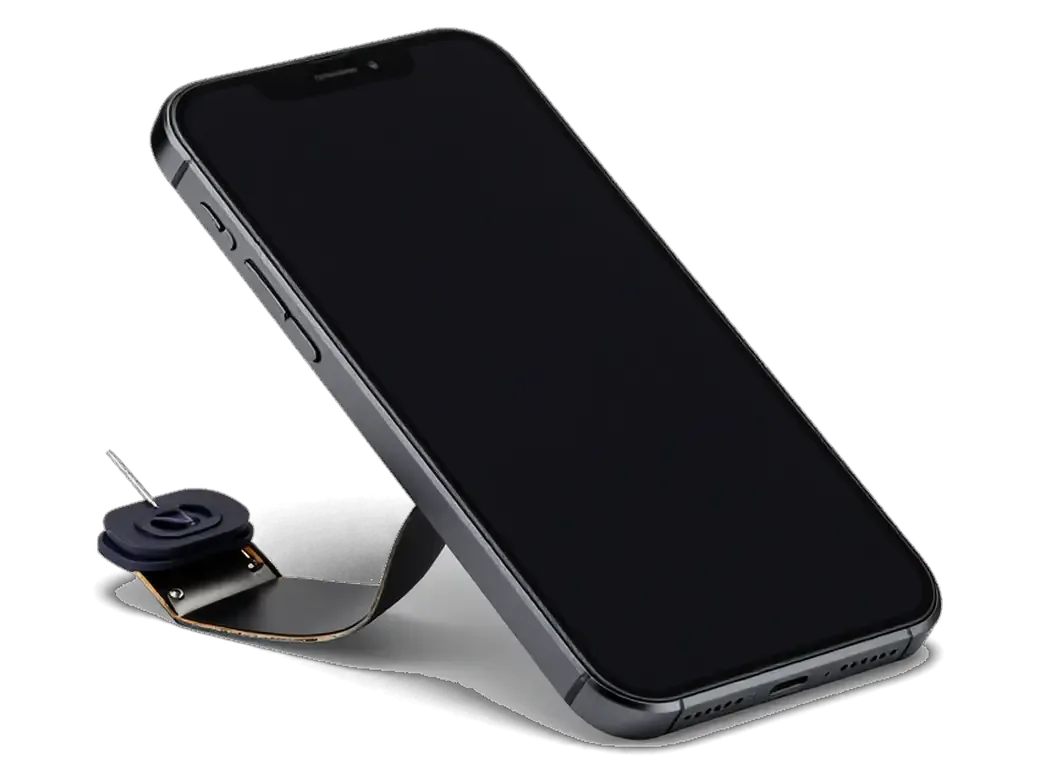
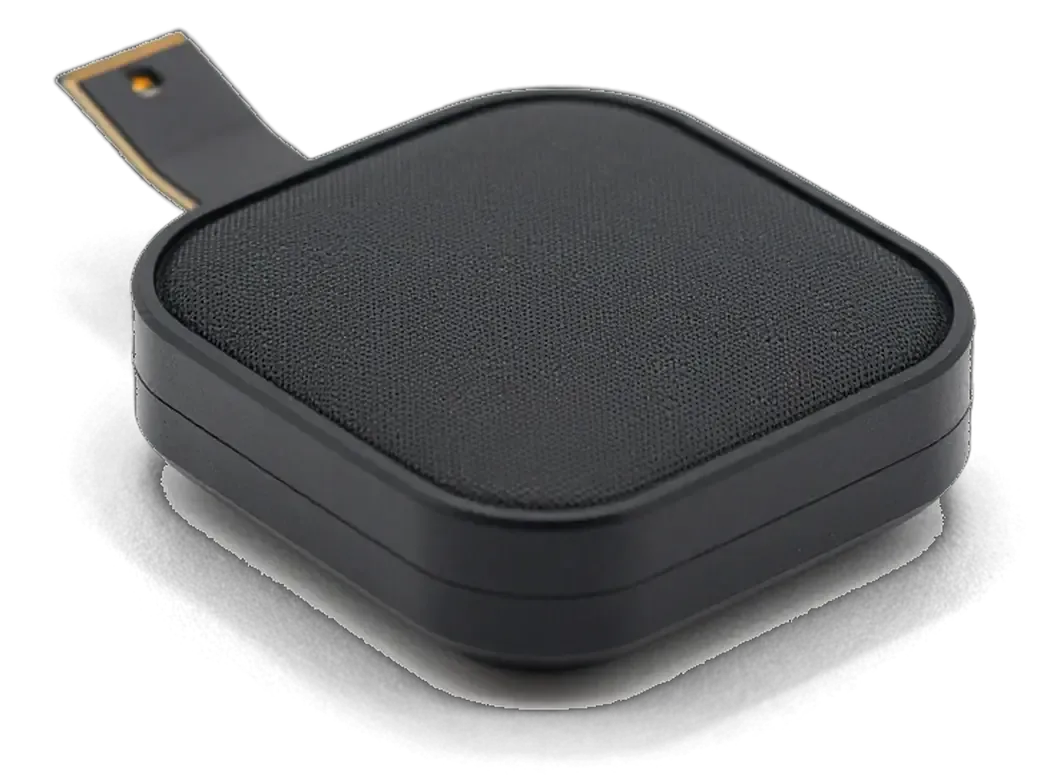
During the procedure we open the phone, lift the screen to reach the earpiece, swap the faulty module and reseat the bottom speaker, then close the device. This component sits under the display module, wired to the board through a small connector; the loudspeaker lives in the lower housing behind the mesh, so the two are reached from different sides of the frame. Our engineer works with the screen tilted open on a stand rather than fully detached, keeping the display flex away from the tweezers. The call speaker sits under the display, so a screen replaced earlier can loosen its connector and cause a quiet call without new damage to the speaker itself.
The 32-Point Sound Check Before You Get the Phone Back
- Test call on earpiece: hold the phone to your ear; confirm the other side is loud and clear, not muffled.
- Speakerphone call: the engineer plays a call on loudspeaker to catch a reversed or loose connector.
- Ringtone at full volume: checks the loudspeaker grille for rattle, buzz and distortion across the range.
- Video and music playback: confirms stereo output and no channel drops out mid-track.
- Microphone and voice memo: records a short clip so you hear your voice through the repaired unit.
Receipt, Factory Packaging and the Old Part
We fix the price, the module, the turnaround and the warranty on the receipt before work starts, show the new speaker in factory packaging, and return the old component with a warranty card. The receipt takes about two minutes to fill in, and it names whether the speaker is original or aftermarket, so nothing about the job is left to memory afterwards. The warranty runs up to 1 year, and the card travels with the device alongside the receipt. Keeping the old component matters on the iPhone 6, because a speaker that was replaced unnecessarily can later be refitted if a board fault turns out to be the real cause.
Original Part or Aftermarket and What Changes for the Sound
The iPhone 6 plays audio through one bottom speaker, so its quality is audible at once. Choosing an original or aftermarket speaker changes loudness, cleanliness and durability.
How the Two Options Differ in Daily Use
Speaker options compared by everyday sound and durability| Property | Original part | Aftermarket part |
|---|
| Sound at high volume | Clean, no rattle | Slightly thinner treble |
|---|
| Fit and connectors | Exact match | May need reseating |
|---|
| Typical lifespan | Longer under daily ringtones | Shorter on loud playback |
|---|
| Warranty | Up to 1 year | 6 months |
|---|
Why the iPhone 6 Sounds Mono and What That Means for Repair
The iPhone 6 plays all audio through the bottom speaker only, so the earpiece never joins in and stereo never appears in the settings. Apple added a second loudspeaker beside the earpiece with the iPhone 7, which is why the older model cannot produce two channels no matter what module is fitted. On this phone the bottom module handles every ringtone, video, call on speaker and game audio on its own, exposed to pocket dust and moisture. The membrane inside is a thin polymer sheet driven by a small coil, and once it creases or tears the output turns buzzy or drops out at higher volumes. With no second channel, a single failing speaker can make the phone seem completely mute.
Timing, Waiting and Getting the Phone to Us
Repair time depends on whether the device needs cleaning or a full speaker swap; book by photo in a messenger or send the handset by courier.
How Long the Job Takes and Whether You Can Wait
Most repairs take 20–40 minutes while you wait, and 72% of jobs are finished before the customer leaves the waiting area. A loudspeaker swap sits inside that window; cleaning the mesh is quicker still. The waiting area has coffee and Wi-Fi, so an hour of your day covers the visit from the free check to the handed-back handset. Our technician runs the free diagnostics in front of you for about 15 minutes, then names the turnaround before any work starts. Board-level faults are the exception — those run 1–3 days under the microscope. Cleaning is faster than a swap, so the specialist tells you which your device needs.
Sending a Photo First and Calling a Courier
- Photo on WhatsApp: an engineer replies within 5 minutes and quotes a price from the picture.
- Free time slot: the same message books a convenient hour; price, module, turnaround and warranty go on the receipt in 2 minutes.
- Courier option: if you cannot come, a courier collects the handset and brings it back after work.
- Payment: settle by Kaspi, card or cash after checking the sound with the specialist.
Summary: iPhone 6 Speaker Replacement
Five points that decide whether a quiet iPhone 6 speaker needs fresh hardware or just a clean.
- Two speakers, two symptoms: the handset has an earpiece and a loudspeaker; which went quiet shows where to look.
- Cleaning before swapping: dust in the mesh and light water exposure often restore volume without replacing parts.
- Silence after replacement: a mute new module usually points to the audio codec on the board.
- Mono output hides the fault: mono sound means a dead earpiece or loudspeaker can make the whole phone seem mute.
- Free check first: a free diagnostic confirms the real cause before you commit to repair.








 iPad
 MacBook
 iMac
 Mac mini and Studio
 Apple Watch
 AirPods
 Apple Pencil
 Apple TV
 HomePod




