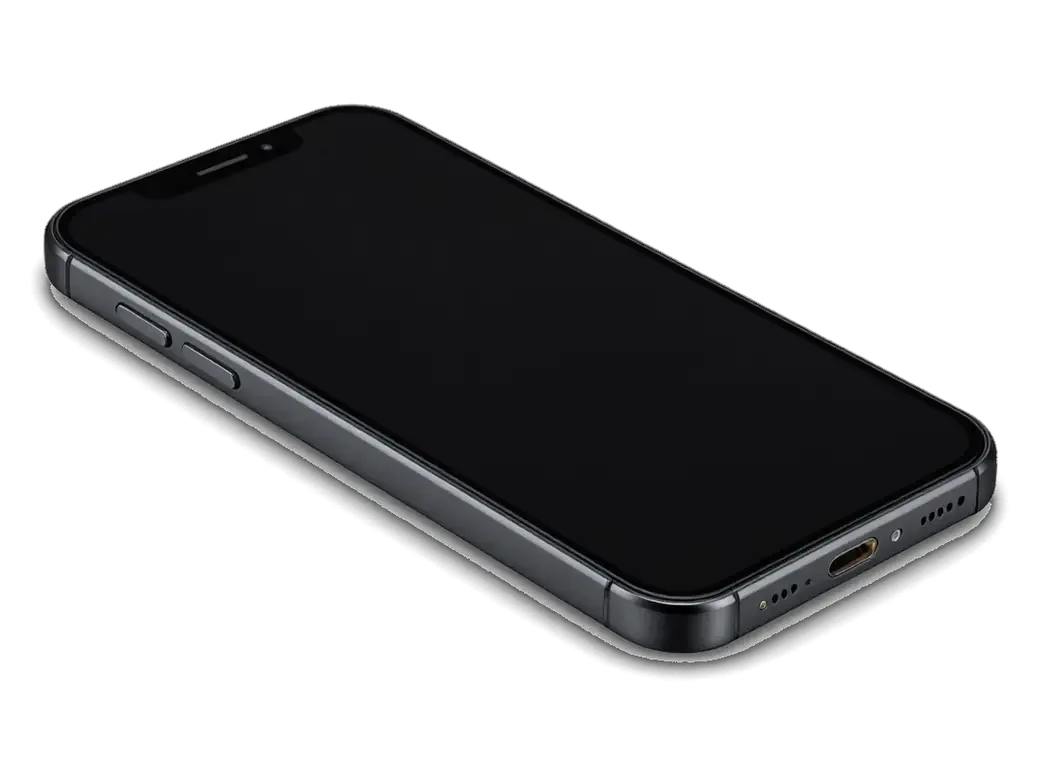
An iPhone 6 carries three different ribbon cables that owners describe as "the flex," and the symptom decides which one has failed. Identifying the right node first keeps a repair from turning into guesswork.
What the Lower Flex Cable Connects
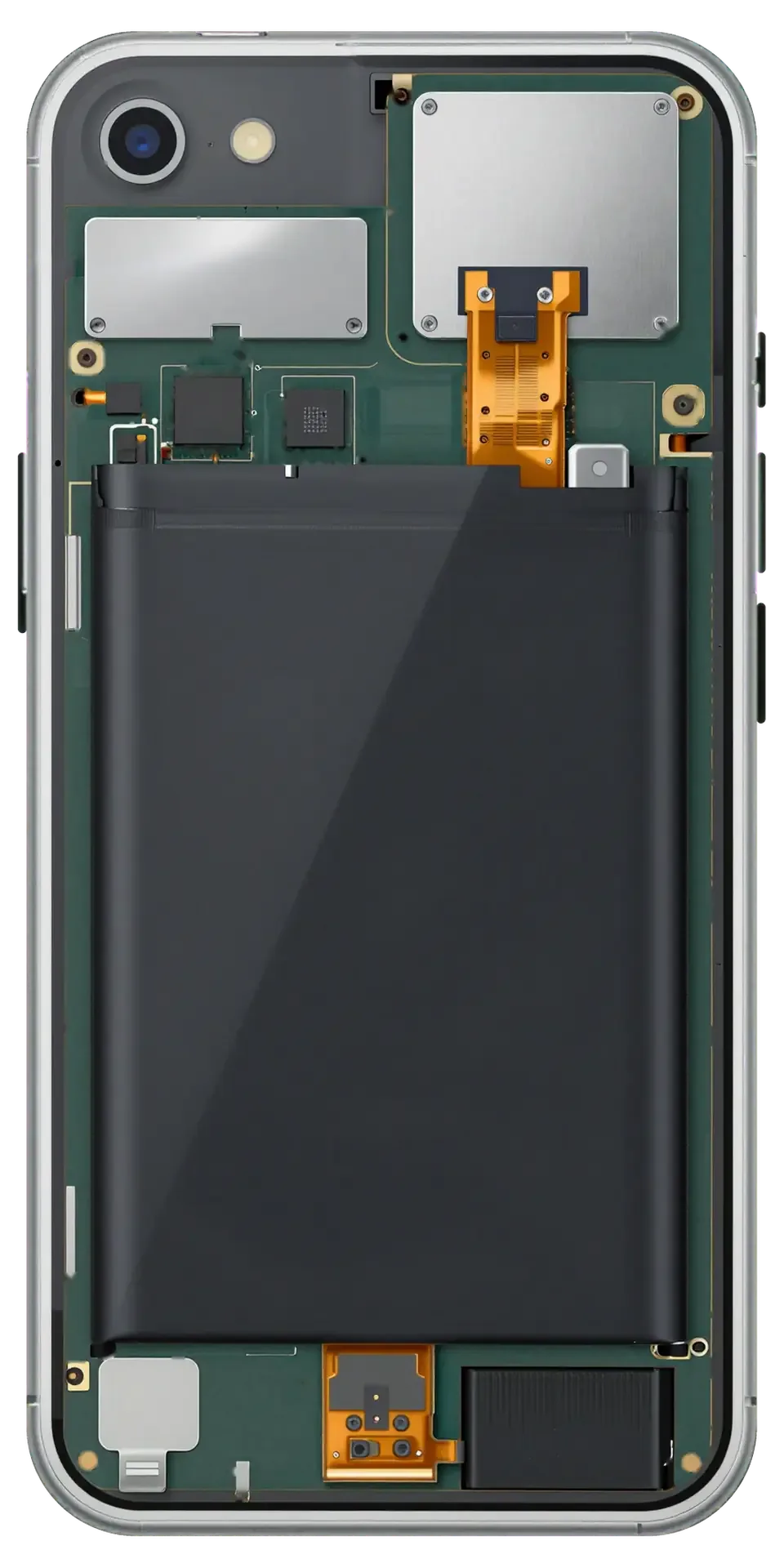
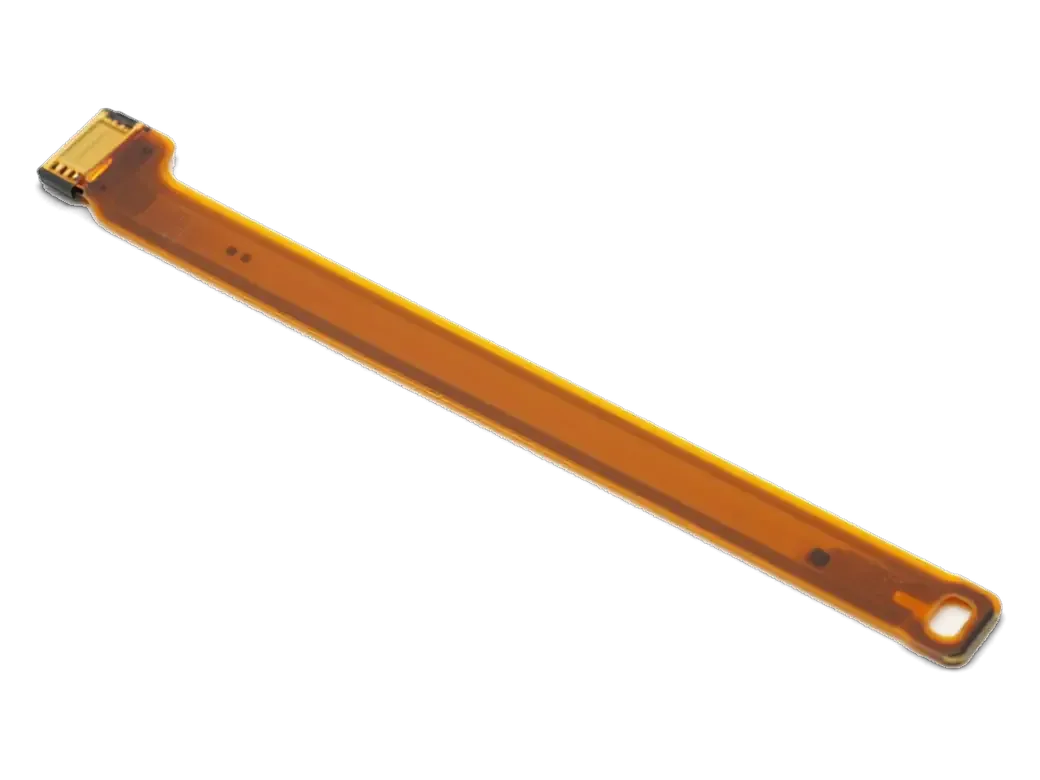
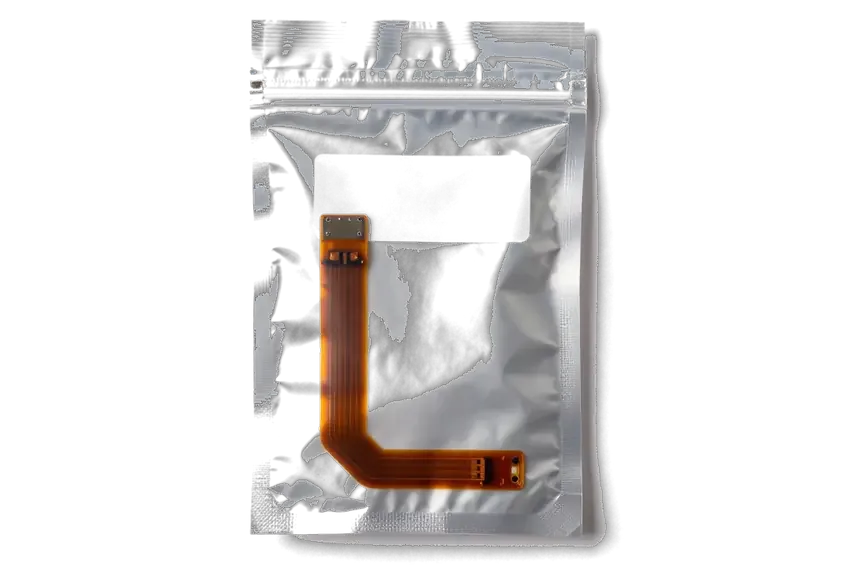
Since the Lightning connector, lower microphone and 3.5 mm headphone socket on the iPhone 6 share one bottom flex, a single defect there may simultaneously cut off wired audio, charging and call voice. The same strip also carries the contacts for syncing through the port, which is why a Mac or PC may stop seeing the phone around the same time. A worn Lightning socket, a torn strip near the screw points or corrosion after moisture reaches the contacts all produce this cluster of failures. Because these functions share one strip, swapping only the connector rarely helps — the whole bottom cable is changed as a unit, which is why the fault list matters more than the part name.
Linking the Symptom to the Correct Cable
Fault-to-cable map for iPhone 6 failures| Symptom | The cable in question | What we do |
|---|
| Won't charge or charges at an angle | Bottom flex | Clean port, then change bottom cable |
|---|
| No sound in wired headphones | Bottom flex | Change bottom cable |
|---|
| Callers can't hear you | Bottom flex (lower mic) | Change bottom cable |
|---|
| Front camera dead, screen stays on at ear | Upper flex | Change upper cable |
|---|
| Touch fails in one screen area | Display module | Swap the screen assembly |
|---|
Why Your iPhone 6 Stopped Charging and Needs Flex Cable Replacement
A dead Lightning port usually brings owners in for an iPhone 6 flex cable replacement in Astana, yet the cable is not always to blame. We check the simple causes first.
Lint, Cable or Connector First
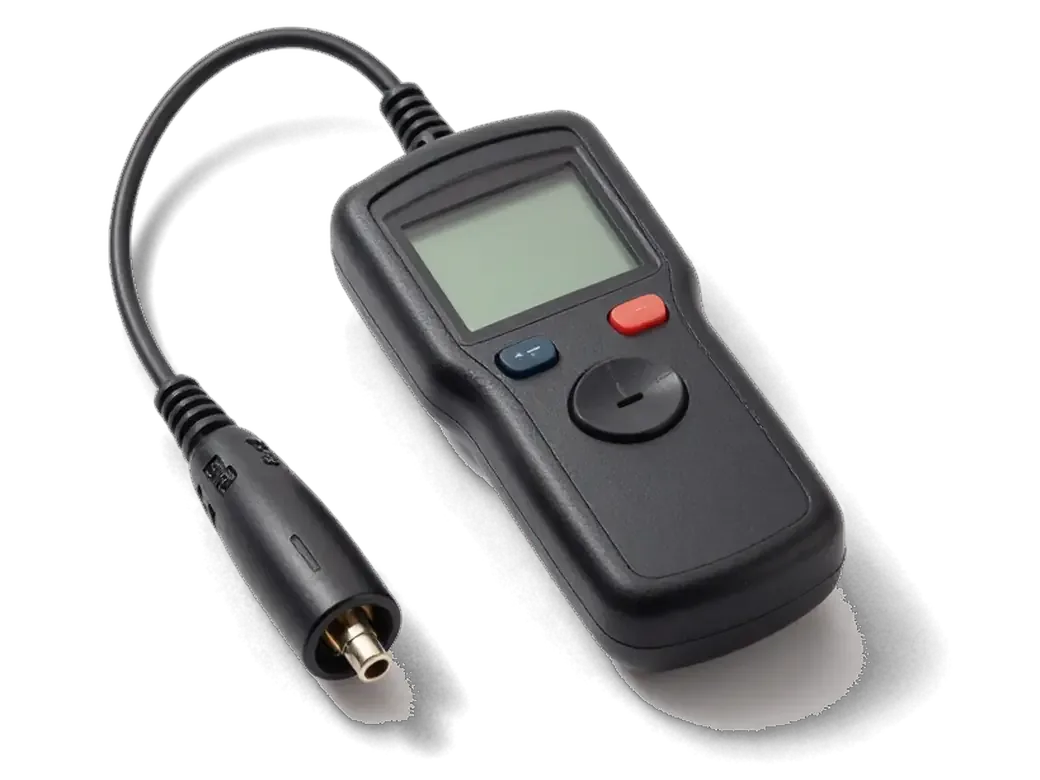
We begin with the most affordable option — a free 15-minute diagnostic performed in your presence reveals whether compacted lint in the socket or a worn cable is preventing charging, before we touch the flex. Compressed pocket fluff at the back of the socket stops the plug from seating fully, so the phone reports a connection but draws almost no current. A frayed third-party cord behaves the same way: the device flickers between charging and nothing, or only works at a certain angle. The engineer inspects the opening under light, pulls the compacted debris out with a non-conductive probe and tests the phone with a known-good cord. Compressed lint mimics a dead connector almost perfectly, so clearing it first saves the cost of a part you may not need.
When the Fault Sits on the Board
If a new lower cable fails to bring the phone back, the issue lies in the charging control circuit on the board, and we proceed to microsoldering beneath a microscope instead of replacing additional parts. That circuit — the charging IC and the lines running to the Lightning connector — takes the brunt of a bent plug, a voltage spike from a cheap adapter or liquid that crept in and dried unnoticed. Corrosion under the shield looks like a clean board from above, which is why the microscope matters: the engineer traces continuity along the supply path and reflows or replaces the damaged component. Board-level faults often follow water contact or a previous rough repair, so tell the engineer about either — it changes how deep the diagnosis goes. After liquid exposure our diagnostics can stretch to two days, so mention the spill when you first message us.
Upper Flex and Sensor Cable iPhone 6 Flex Cable Replacement Guide
The upper flex and what search queries call a sensor cable are two different stories on this handset. Here is what each one actually controls and which part a repair really replaces.
Functions of the Upper Flex
The upper flex in the iPhone 6 serves the front-facing camera, the ambient light and proximity sensors, plus the top mic; when it goes, expect a black selfie image, a display that won't dim against your cheek, or quiet speakerphone calls. This ribbon extends from the top edge of the logic board up past the earpiece grille, and one torn trace can disable several functions simultaneously — the front camera goes black while the rear one keeps working, auto-brightness stops reacting to daylight, and callers report your voice fading in and out. A screen that never dims during calls drains the battery faster than owners expect, so a proximity fault is worth fixing even when calls themselves sound fine.
What People Mean by a Sensor Cable
On this handset the touch layer is integrated into the display module and is not offered as a separate cable, so a touch fault requires replacing the whole screen, whereas a proximity fault is resolved via the upper flex. The phrase covers both in everyday speech, which is why two owners describing the same dead strip of glass can walk away with completely different parts on their receipts. One needs a full display assembly because the digitizer layer is bonded to the glass; the other needs a short ribbon at the top of the board. Because the two get confused so often, the diagnostic decides the part — a touch test and a call test separate them in minutes, before anything is ordered.
How the Replacement Visit Works
A flex cable swap on an iPhone 6 is a short procedure when the part is in stock. Here is what the visit looks like, from the first photo on WhatsApp to the function check at handover.
From WhatsApp Photo to Finished Repair
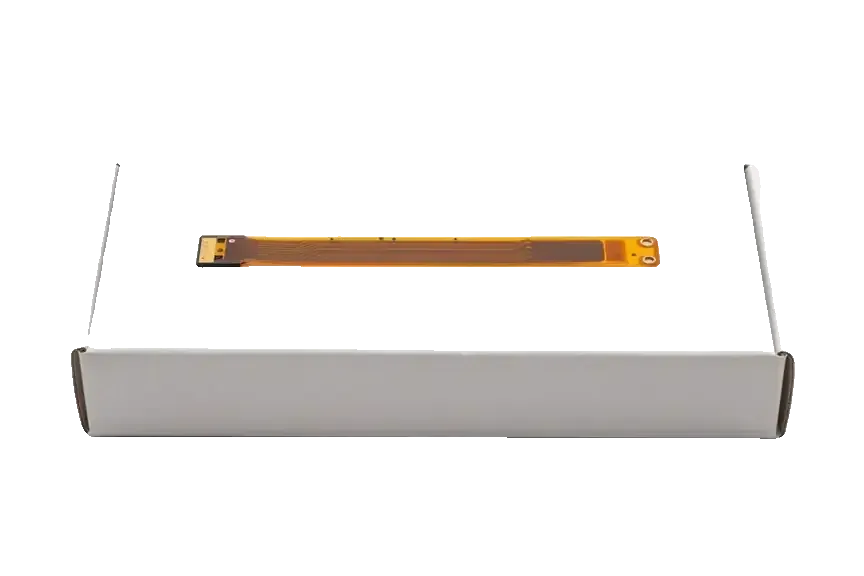
WhatsApp us a picture showing the problem; within 5 minutes an engineer answers with the price and a free time slot, and while you wait most flex cable repairs take just 20–40 minutes. The engineer performs free diagnostics in your presence for about 15 minutes and shows what is broken before anything is unscrewed. Roughly 2 minutes is enough to put the part type, price and turnaround on the receipt, and before installation the new cable is presented in its factory packaging. Customers wait in a lounge area with coffee and Wi-Fi, and 72% of jobs are completed while they sit there. The warranty is fixed on the receipt too, so nothing about the work changes once the phone is open.
What We Check Before Handover
- Charging: plug the phone in and confirm a steady charge, not just a flicker.
- Sync: connect to a computer and check the phone is recognised.
- Wired audio: test the 3.5 mm jack with headphones.
- Microphones: record a voice memo and make a test call.
- Proximity sensor: cover the top of the screen and watch it dim.
Parts, Touch ID and Your Warranty
Choosing the cable and worrying about the fingerprint sensor matters more to iPhone 6 owners than the procedure itself. Here is what you can select and what stays with the device afterwards.
Original or Aftermarket Cable
Two cable options compared by packaging and warranty terms| Option | What you get | Warranty |
|---|
| Original cable | Factory component in sealed packaging | Up to 1 year |
|---|
| Aftermarket cable | Compatible item, shown before fitting | 6 months |
|---|
| Receipt record | Part type and turnaround fixed | Before work starts |
|---|
Why We Leave the Home Button Alone
Touch ID on the iPhone 6 is paired to the logic board, so the fingerprint reader and its cable are only replaced when they genuinely fail, and never as part of a routine flex swap. Apple ties the sensor to a unique board identifier, and a button taken from another handset simply will not authenticate — the reader shows as unavailable and the phone falls back to a passcode. Fitting a working module from a donor device can permanently disable the biometric unlock, which is why a cautious engineer leaves the original in place unless the sensor itself is the fault. If your existing key still unlocks the screen and returns to the home page, the flex strip underneath is the only component that needs attention. On this model, charging faults are traced to the port and lower ribbon, not to the biometric module.
Summary: iPhone 6 Flex Cable Replacement
The flex cables are the part of the iPhone 6 that ties charging, audio, sensors and the display together. Here is what decides the repair.
- Two separate cables: the device uses one flex for the port and a distinct upper flex for sensors, and the symptom points to which has failed.
- Shared circuit: charging, wired audio and the lower microphone sit on a single flex, so one worn part can knock out all three at once.
- Diagnosis before parts: first a frayed cable and compacted lint inside the connector are ruled out — no point swapping a part when a cleaning fixes it.
- Touch faults: an unresponsive area of the screen comes from the display module, not from a separate sensor cable.
- Home button: since Touch ID is bound to the logic board, the original button is kept unless it truly stops working.







 iPad
 MacBook
 iMac
 Mac mini and Studio
 Apple Watch
 AirPods
 Apple Pencil
 Apple TV
 HomePod




