Eng

iPhone 6 Charging Port Replacement in Astana

iPhone 6 only charges with the cable held in place — we replace the connector in 40 minutes and give you the old part.

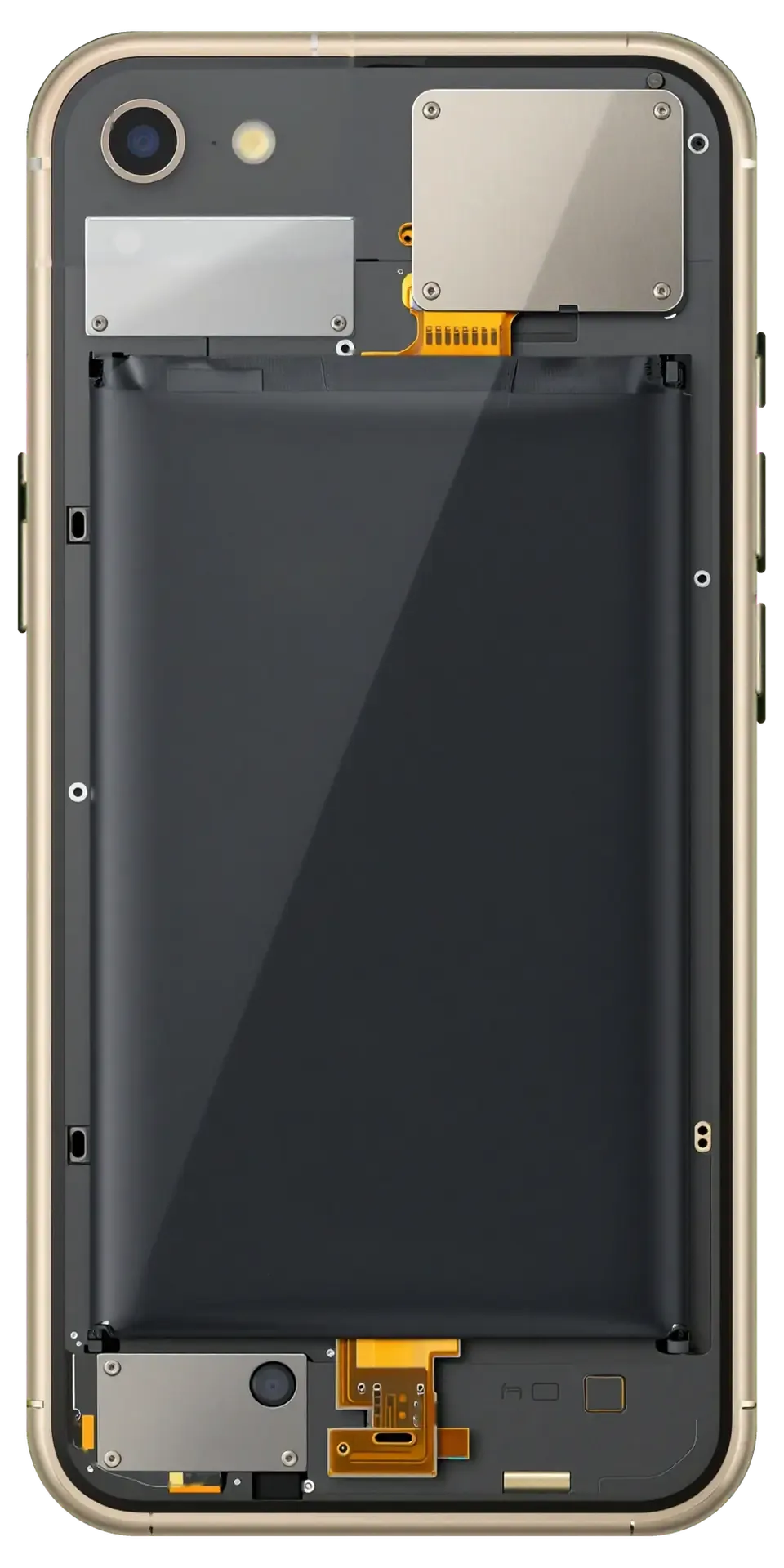
Gold iPhone 6 with the back cover removed showing the charging port and microphone flex cable
Price incl. labor
from 8 900 ₸
Warranty
6 months
  • Port inspection
  • Cable test
  • Cleaning or replacing

Signs of a Worn Port

The bottom port wears from countless plug-ins, and the cable first sits loosely before charging works only at the right angle.

The cable barely holds

Charging starts only at one angle of the plug, and a slight nudge of the phone is enough to stop it.

"Accessory not supported" error

The iPhone says the accessory is not supported, although the cable is fine and works on another phone.

The computer ignores the phone

Syncing drops out and iTunes cannot find the iPhone, while it charges but passes no data.

Corroded contacts

There is green crust or black spots inside the port after moisture, and charging is slow and warm.

How Much Does iPhone 6 Charging Port Replacement Cost in Astana

The price depends on whether a cleaning is enough or the lower cable with the port has to be replaced.

ServiceOriginalAftermarket
Charging port replacement14 900 ₸8 900 ₸
Battery replacement20 900 ₸11 900 ₸
Microphone replacement17 900 ₸10 900 ₸
Display replacement35 900 ₸22 900 ₸
Housing replacement49 900 ₸27 900 ₸
Camera glass replacement17 900 ₸9 900 ₸
Main camera replacement26 900 ₸14 900 ₸
Front camera replacement24 900 ₸13 900 ₸
Home button replacement17 900 ₸10 900 ₸
Earpiece speaker replacement22 900 ₸13 900 ₸
Speaker replacement17 900 ₸10 900 ₸
Button replacement22 900 ₸13 900 ₸
Vibration motor replacement17 900 ₸10 900 ₸
Proximity sensor replacement29 900 ₸17 900 ₸
Display glass replacement28 900 ₸15 900 ₸
Other repairsPrice
Power controller replacementboard-level chip · microsoldering24 900 ₸with parts
Touch ID repairpaired to the board — no aftermarket21 900 ₸per job
Water damage cleaningcorrosion cleaning · diagnostics up to 2 days8 900 ₸per job
Modem repairboard-level chip · microsoldering22 900 ₸with parts
Wi-Fi module repairwireless module · board-level repair10 900 ₸with parts
Logic board repairmicrosoldering · 1–3 days135 900 ₸per job
Storage replacement and upgradememory chip installation23 900 ₸with parts
Firmware flashingsoftware restore, no parts replaced6 990 ₸per job

The final amount is quoted after the technician inspects the port and the lower cable.

What the Technician Does with the Port

The port is inspected and tried with a cable, then cleaned or replaced, which means removing the lower unit, fitting a new one and testing charging.

  1. 01
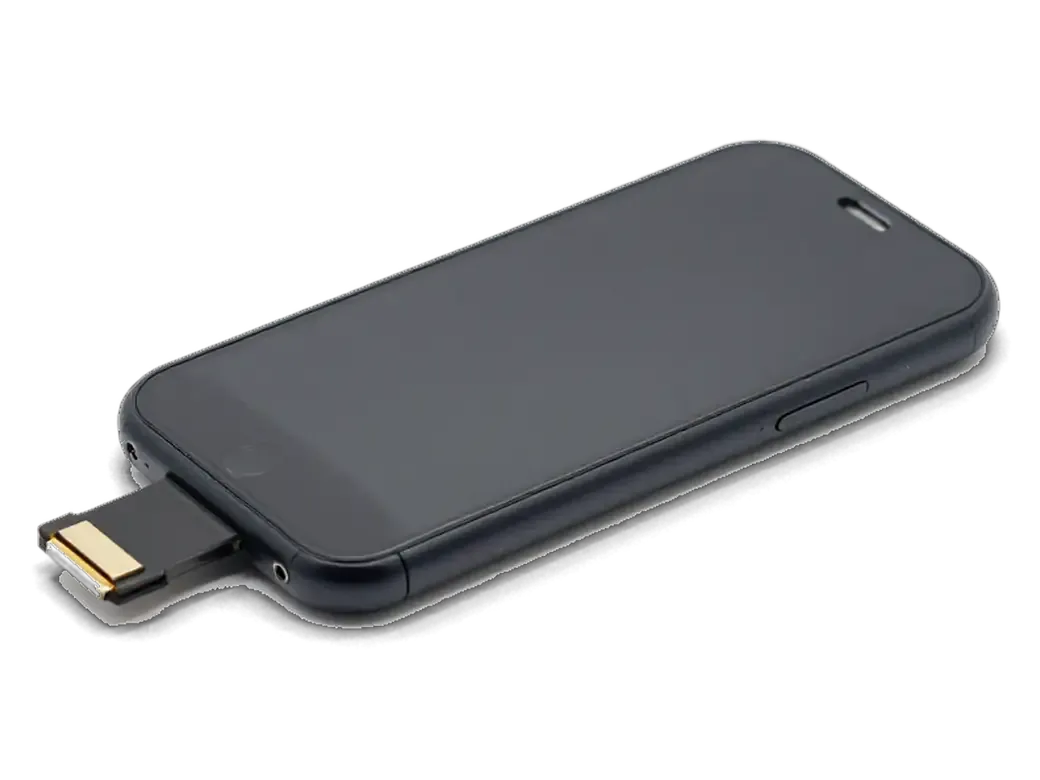
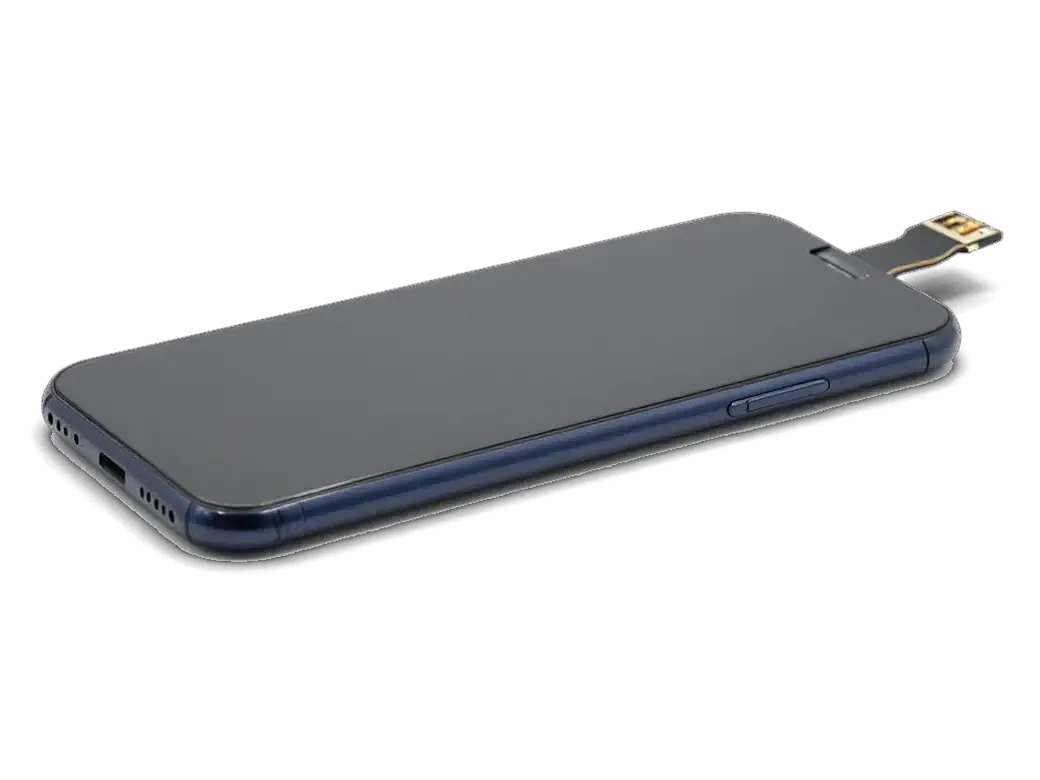
    iPhone bottom connector with a metal socket and flex cable
    Port inspection

    We study the contacts under magnification, looking for lint, crust, bent pins and traces of moisture.

  2. 02
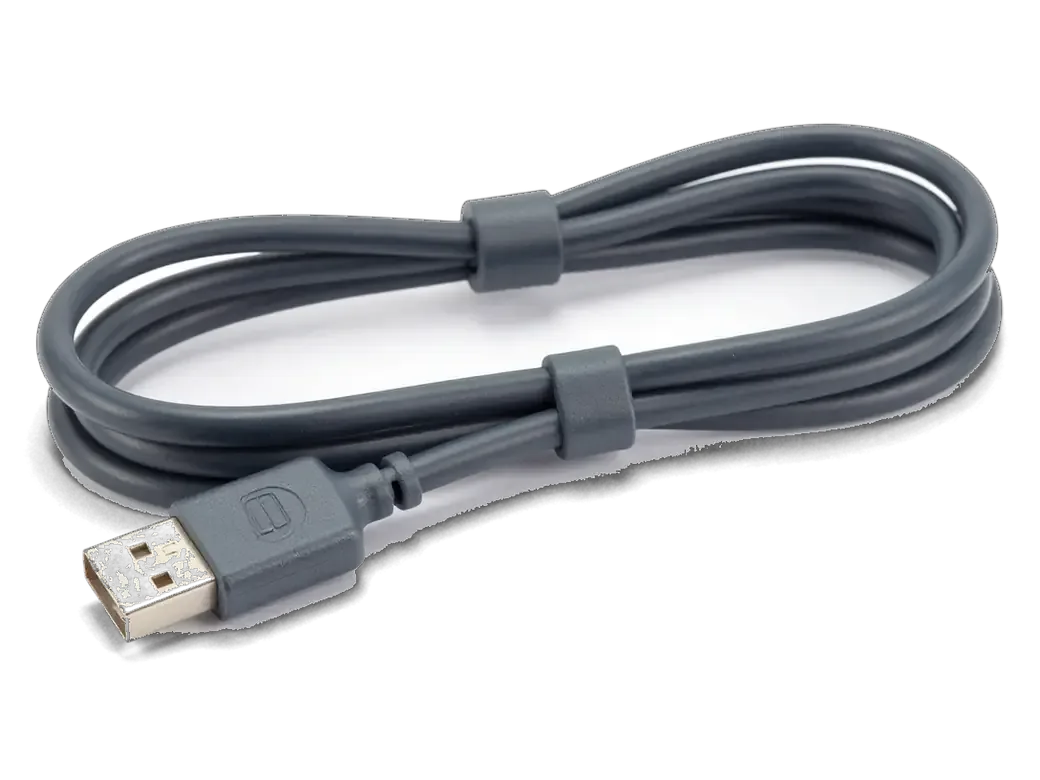
    Dark gray charging cable with a connector for iPhone
    Cable test

    A known-good cable goes in, and we check whether charging and data work at different plug angles.

  3. 03
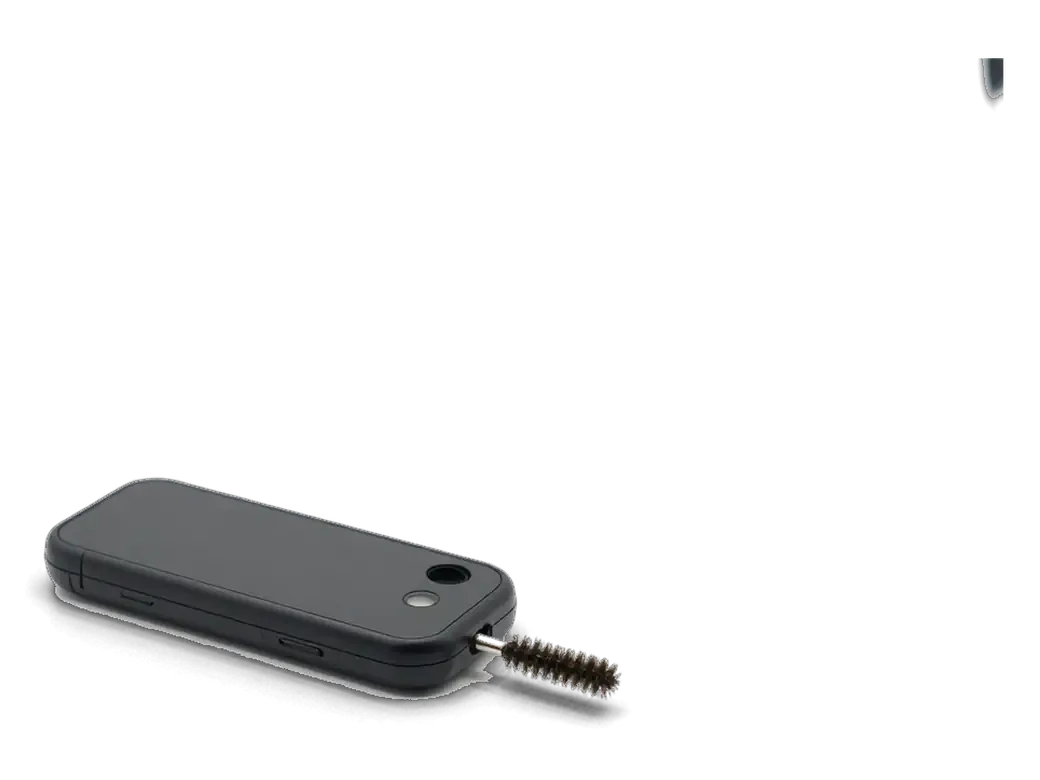
    iPhone connector and a small cleaning brush
    Cleaning or replacing

    If cleaning is enough, we clean the port; if the pins are worn or bent, the lower cable with the port is replaced.

  4. 04
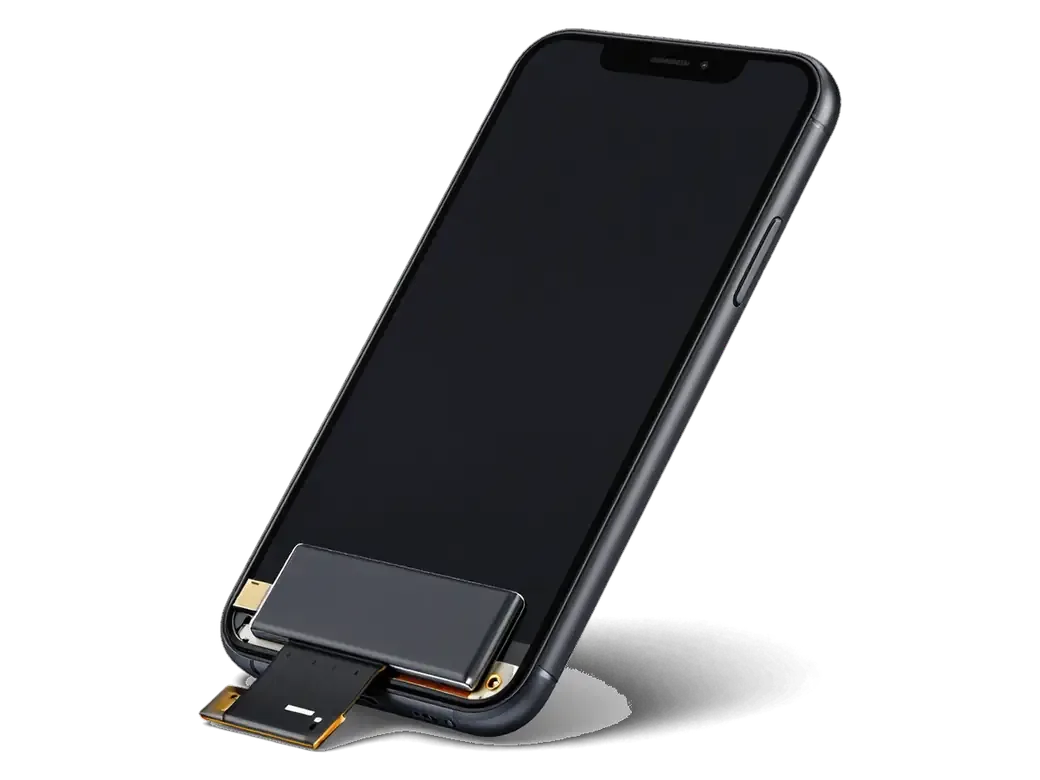
    Opened iPhone with the display flipped on its flex and the battery visible
    Removing the lower unit

    The screen is lifted, the battery disconnected and the unit with the port and microphone carefully taken out.

  5. 05
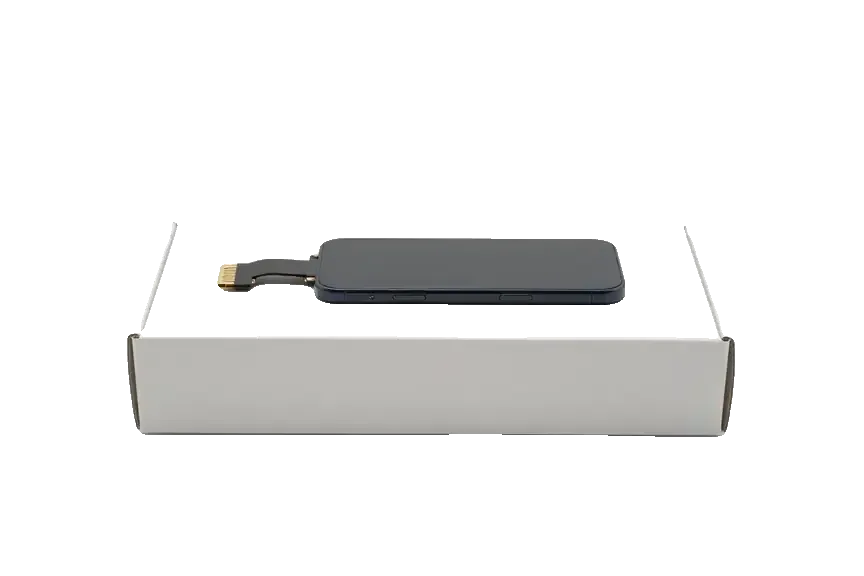
    New lower flex cable with a connector for iPhone
    Fitting the new unit

    The new lower cable is secured with screws and adhesive, connectors are plugged in and the screen goes back.

  6. 06
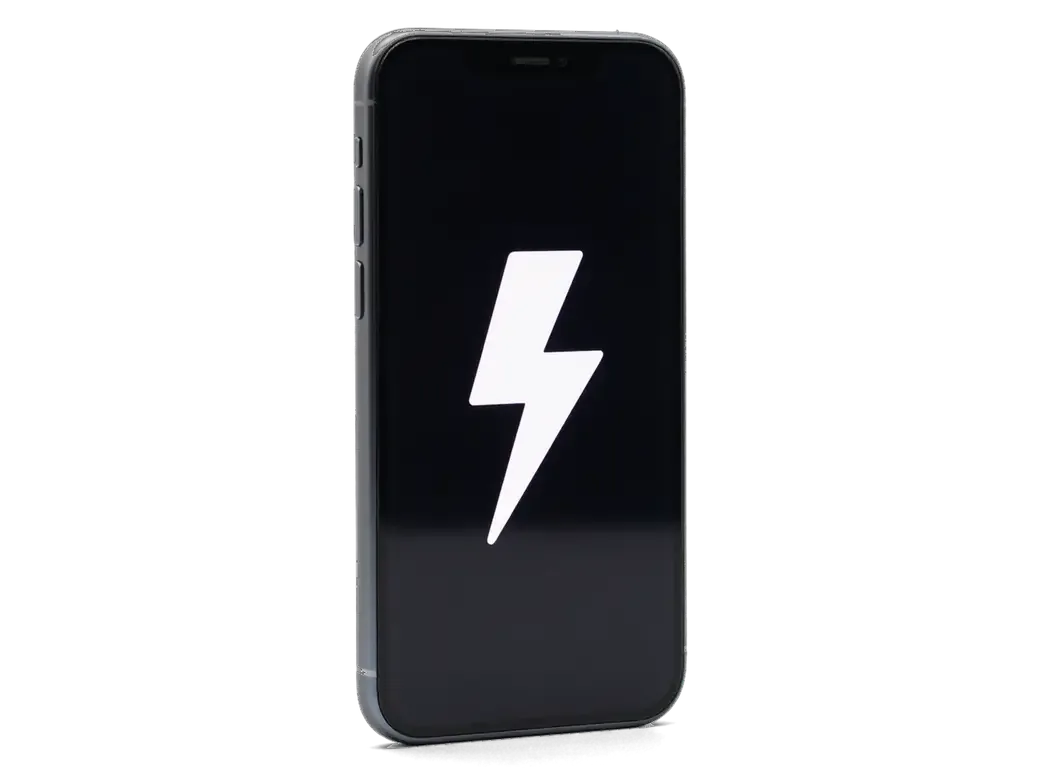
    iPhone with a large white lightning bolt on the screen
    Charging check

    We test charging, syncing, sound and the microphone to confirm the lower unit works as it should.

  7. iPhone 6 charging port replacement
    from8 900 ₸

    The work is chosen after inspection: sometimes cleaning is enough, sometimes a new unit is needed.

    Price for my model

Original or Aftermarket for an iPhone 6 Charging Port Replacement

Both options fit the iPhone 6; they differ in contact accuracy, plug seating and service life.

Original Applewarranty up to 1 year
iPhone 635 900 ₸
Original: iPhone power connector on a white box
Contacts
Precise pins and a snug plug fit
Charging
Steady current, no "accessory" errors
Service life
Handles frequent plugging for longer
Price
Costs more than aftermarket
Chosen by 64% of clients
Book with an original part
Aftermarketwarranty 6 months
iPhone 622 900 ₸−36%
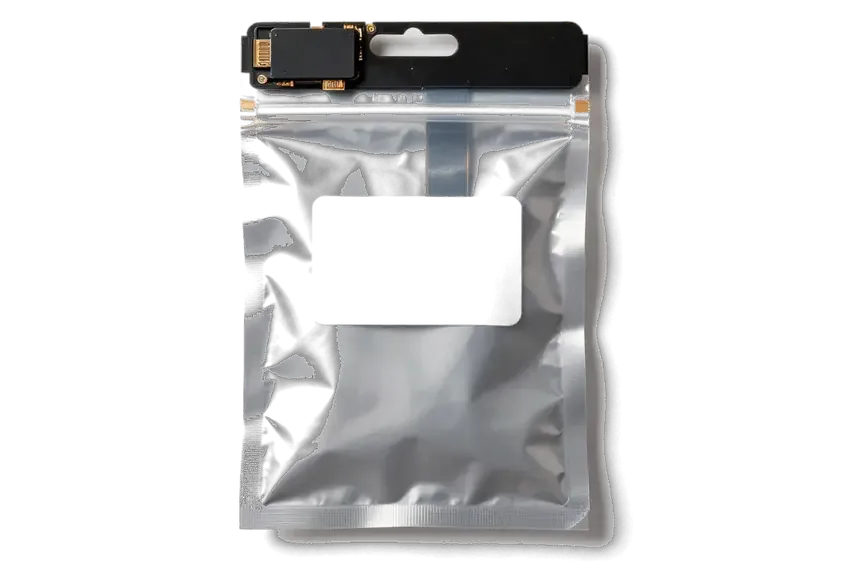
Analog: iPhone power connector in an antistatic bag
Contacts
The plug may wiggle and need adjusting
Charging
Sometimes triggers an accessory error
Service life
Thinner pins wear out sooner
Price
Cheaper, fine for a spare phone
Chosen by 36% of clients
Book with an aftermarket part

Why Leave the Port to Us

Sometimes a good cleaning is enough and that is where we start, and if a swap is needed you choose both the part and the visiting time.

11years

iPhone experience

11 years of repairing Apple devices means we quickly tell a dirty port from a worn lower cable.

1year

Warranty up to 1 year

Port repairs carry a warranty up to 1 year; ask the technician what exactly it covers before work starts.

6technicians

Experienced technicians

The lower unit sits on tiny screws and adhesive next to fragile cables, so experienced technicians replace it.

2options

Cleaning comes first

If the trouble is lint rather than wear, the technician cleans the port and you skip buying a new part.

7days a week

Visiting hours

We take visits Monday to Friday from 10:00 to 19:00, and on weekends and holidays from 11:00 to 18:00.

5min

Choice of part

You can have an original unit or an aftermarket one, and we will say which suits your iPhone 6 and budget.

iPhone 6 before and after repair

1 / 1
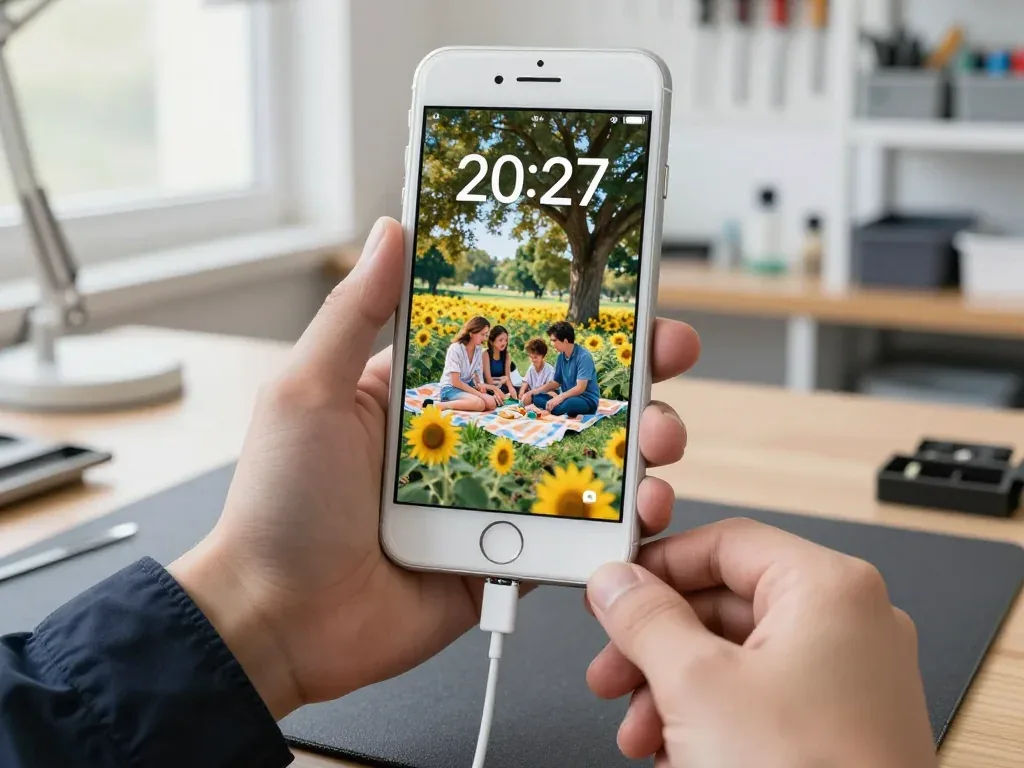
Silver iPhone 6 held by a technician with the charging cable plugged in, family picnic wallpaper on screen

iPhone 6: only charged at an angle

The client noticed the cable sat loose in the port and the phone charged only when propped up just right. We cleaned the port, replaced the lower flex with the connector and checked charging and data transfer — the cable now sits firmly.

from 8 900 ₸repair cost
I want the same

How iPhone 6 charging port replacement is done in Astana

The whole journey — from message to finished phone. We give you the old part.

Book a replacement
  1. Step 1

    Message or come in

    5 min

    You message us on WhatsApp with the model and what happened — we give you the price and time. Or you come in without an appointment.

  2. Step 2

    Diagnostics in front of you

    10 min

    We check charging and the cable, clean the connector: sometimes cleaning is enough.

  3. Step 3

    Price in the receipt

    2 min

    We note the model, the part (original or aftermarket), the price, the timeframe, and the warranty.

  4. Step 4

    Show the new connector

    1 min

    We open the factory packaging in front of you and check the number against the receipt.

  5. Step 5

    Replace the charging connector

    time on the receipt

    We fit a new flex cable with the connector and seal the case with water-resistant adhesive.

  6. Step 6

    You check together with the engineer

    warranty up to 1 year

    Charging, connecting to a computer, microphone, sound. You pick up the phone, the receipt and the old connector.

Meet the iServices team

Technicians for iPhone, Mac, iPad, Apple Watch and AirPods repair.

1 / 5
BSBakmukhammed S. — on-site iPhone technician, iServices service center in AstanaPhoto: Bakmukhammed S.

Bakmukhammed S.

on-site iPhone technician
13years of experience
4.93rating, 107 reviews
GSGalymzhan S. — iPhone repair technician, iServices service center in AstanaPhoto: Galymzhan S.

Galymzhan S.

iPhone repair technician
8years of experience
4.79rating, 90 reviews
ZSZhandos Sh. — iPhone screen replacement technician, iServices service center in AstanaPhoto: Zhandos Sh.

Zhandos Sh.

iPhone screen replacement technician
6years of experience
4.65rating, 112 reviews
DTDarkhan T. — iPhone firmware technician, iServices service center in AstanaPhoto: Darkhan T.

Darkhan T.

iPhone firmware technician
8years of experience
4.44rating, 19 reviews
KSKudiret S. — iCloud unlock specialist, iServices service center in AstanaPhoto: Kudiret S.

Kudiret S.

iCloud unlock specialist
10years of experience
4.37rating, 100 reviews
Bakmukhammed S., on-site iPhone technician
“If the repair didn’t suit you or you have a complaint, write to me personally.”
Bakmukhammed S.on-site iPhone technician · +7 701 333-47-01

We'll quote iPhone 6 charging port replacement in Astana from a photo in 5 minutes

Send a photo of the screen and the iPhone model. An engineer will reply on WhatsApp, give the price and today's available time.

  1. 5 minAn engineer replies and names the price
  2. 0 ₸Diagnostics in front of you in 15 minutes
  3. 30 minMost repairs — while you wait

iPhone 6 Charging Port Replacement in Astana with a New Flex Cable

In short

At iServices in Astana, iPhone 6 charging port replacement means fitting a new lower flex cable that carries the Lightning port, the headphone jack and the microphone together. We diagnose the phone free in front of you in 15 minutes, show the new part in its factory packaging, and back the work with a warranty up to 1 year.

iServices Editorial TeamWe reply on WhatsApp within 10 minutes
Ask

Signs the iPhone 6 charging port replacement port itself is worn out

The Lightning port wears out mechanically: its contacts flatten and oxidise, and lint compacts at the back. Below are the signs that the fault sits in the connector, not in the charger or the battery.

When the lead only charges at an angle

If the device charges only when the lead is held at an angle or the plug wobbles, the Lightning contacts are usually worn or packed with lint. Look into the port with a torch: a grey felt-like plug of dust at the back is common on a handset carried in a pocket for years. The connector then cannot seat fully, so only the tips of the pins touch and the charge drops the moment the lead moves. This is a mechanical fault, so swapping the lead or resetting battery stats will not fix it. If the wear is confirmed, an iPhone 6 charging port replacement in Astana restores a firm connection. The worn part has to be inspected under magnification before anything is ordered.

Messages and symptoms that point to the port

  • Accessory not supported alert: the device cannot read the chip in the lead once the data pins lose clean contact.
  • No sync with a computer: the handset charges but a laptop does not see it, since power lines work while data lines fail.
  • Heat at the connector: warmth around the plug signals resistance at the contacts, and a loose fit worsens it.
  • Charging that cuts in and out: the battery icon flickers while the lead sits still, so the port no longer grips.
  • Slow charge that still works: power flows through the outermost pins alone, so data transfer already fails.

Cleaning the port or fitting a new iPhone 6 charging port replacement flex cable

Before replacing the part, we inspect and clean the Lightning socket. Here is when a cleaning solves the problem and when the contacts are already damaged and the lower flex cable has to be swapped.

What a proper port cleaning removes

We clean the Lightning socket with a non-metal tool and isopropyl alcohol, and in many cases compacted lint is the only thing stopping the plug from seating fully. Pocket fluff, dust and fabric fibres pack into the bottom of the connector every time a lead goes in, and the spring-loaded contacts lose their travel against that layer. A wooden or plastic spatula lifts the mass out without shorting the metal, while the alcohol dissolves the greasy film left by fingers and pockets. We work under a loupe, because the back wall of the socket is where the debris hides and a phone camera cannot show it clearly. Lint compresses into a hard layer at the back of the socket, so a quick blow of air pushes it deeper instead of clearing it — the port has to be scraped out under a loupe.

When cleaning is not enough

  • Green or dark contacts: copper under the plating turns green after moisture, and no amount of alcohol brings the plating back.
  • Bent spring pins: a lead forced in at an angle flattens them, so the plug no longer clicks and loses contact on the move.
  • Loose socket body: a cracked plastic housing lets the connector wobble, and the phone cuts charging whenever the plug is touched.
  • Repeated failures after cleaning: if the same port dies again within a few weeks, the metal itself is eaten and a new ribbon is the only lasting fix.

How we tell an iPhone 6 charging port replacement port fault from the cable, battery or board

Not every phone that refuses to charge has a dead port. Here is how we rule out the cable, the adapter and the controller before anyone commits to a port replacement.

Ruling out the lead and the battery first

We start by testing another known-good cord and measuring current with a USB tester, which separates a dead accessory from a phone that genuinely is not drawing current. Our engineer runs this check in front of the customer, free of charge, and it takes about 15 minutes even when the visit ends without a repair. A reading close to zero points at the port or the logic board; a healthy draw that still fails to top up points elsewhere. A deeply worn pack can mimic a port fault by cutting off charging early, so the meter matters more than the percentage shown on screen. If the tester shows normal current and the reserve is low, we quote a fresh battery rather than a connector — and the customer avoids paying for a part that was never broken.

When the fault sits on the board

If a fresh ribbon still does not restore charging, the cause is usually the charging controller on the mainboard, and that is board-level work rather than a port swap. The U2 chip sits close to the lower flex connector and fails after moisture, a bent Lightning plug or a shorted accessory. We confirm the port is the culprit before quoting a replacement, because a new lower ribbon bolted onto a dead controller changes nothing and the phone comes back with the same symptom. Such faults often show the same "not charging" message as a worn connector, so our engineer shows the customer exactly what is broken and where. That check is why we ask for a photo on WhatsApp first and reply within five minutes with a realistic answer instead of a guess.

What the lower flex cable carries on the iPhone 6

On the iPhone 6 the Lightning socket is not a separate piece — it is soldered onto a lower ribbon that carries several components at once, so the part is replaced as a unit.

Port, headphone jack and microphone on one part

On the iPhone 6 the Lightning port, the headphone jack and the microphone all sit on one lower ribbon, so the whole part is replaced rather than the socket alone. The same assembly also routes the antenna contact and the lower speaker connection to the board. When the socket wears out, the headphone jack on that assembly usually shows the same age — the springs inside lose tension and one channel starts to cut out when the plug moves. The microphone sits at the very bottom edge, next to the port opening, and takes in lint, pocket dust and moisture from the same direction as the charging pins. Because the microphone shares that assembly, a failing mic and a failing charge port can be the same fault — replacing only the socket would leave the mic dead.

How the part differs across iPhone generations

Which lower ribbon fits each model generation
ModelHeadphone jack on ribbonMicrophone on ribbonWireless charging
iPhone 6YesYesNo
iPhone SEYesYesNo
iPhone 7 / 7 PlusNoYesNo
iPhone 8NoYesYes

Original or aftermarket cable and how we protect the repair

You can pick an original ribbon or a compatible alternative, and once the housing is open, splash protection has to be restored. Here is what separates the two parts and how to keep a fresh port working.

Original part versus aftermarket ribbon

We fit both a genuine ribbon and a compatible one, and 64% of our customers choose the genuine part for a more durable Lightning contact. The factory lower ribbon keeps its pins aligned through thousands of insertions, while the cheaper version uses thinner plating that oxidises sooner under dry, dusty air and sharp temperature swings. Both restore charging, the headphone jack and the microphone, and both arrive in factory packaging that we open in front of you. Price, part type, turnaround and warranty go on the receipt ahead of the work, so the option you choose is the option you get. The gap shows up over months of plugging, not on day one — a compatible part can work perfectly at first and still wear its pins faster under daily use.

Keeping moisture out and the new port alive

  • Reseal the housing: after any opening the iPhone 6 gasket loses its seal, so we refit fresh adhesive to restore splash resistance around the frame.
  • Skip bargain cords: uncertified Lightning tips sit loose and scrape the pins, so use a cord whose connector clicks in firmly.
  • Clear pocket lint: dust packed into the port holds moisture against the contacts, so blow it out gently every few weeks.
  • Dry it before charging: if the phone gets wet, leave the port facing down and let it air out first.
  • Never ignore a soaking: water damage does not always show at once, and diagnostics can take up to two days before we know whether the port or the board is affected.

Summary: iPhone 6 Charging Port Replacement

The points below sum up what decides whether an iPhone 6 keeps charging reliably once the connector is serviced or replaced.

  • Worn, not dirty: a port that charges only at an angle or reports an unsupported accessory has usually lost its pins, not merely collected debris.
  • Cleaning has limits: a non-metal tool clears dust, but corroded or bent contacts mean the lower ribbon must go.
  • One shared part: on the iPhone 6 the Lightning connector, headphone jack and microphone sit on a single ribbon, so they are replaced together.
  • Test before you commit: a second known-good cord and a current measurement separate a port fault from a tired battery or a board-level issue.
  • Keep it dry: resealing the housing and keeping the charging slot free of moisture and debris is what keeps a fresh port working long after the repair.

What People Ask About iPhone 6 Charging Port Replacement

Did not find an answer? Message us on WhatsApp: an engineer replies, not a bot.

Ask a question
Why does my iPhone 6 charge only at one angle of the cable?

Either lint has packed into the port and the plug cannot reach the contacts, or the contacts are worn. First clean the port gently with a wooden toothpick, and if that does not help, show the phone to a technician.

Can the port be replaced separately from the microphone?

Usually not. On the iPhone 6 the port and the main microphone share one lower cable, so the whole unit is replaced. The technician will tell you this after inspecting the phone.

Does the headphone jack change along with the iPhone 6 charging port?

Yes, on the iPhone 6 the Lightning port, the headphone jack and the main microphone sit on one lower cable. That is why crackling in wired earphones often comes back to normal after this repair too. Test both charging and earphones before you leave.

Can a lower cable taken from an iPhone 6s be installed in an iPhone 6?

No, both phones use Lightning, but the lower cables are made for each model separately and do not swap. Name your exact model when you book, so the engineer prepares the right part.

Why did an «accessory not supported» message appear?

Causes vary: a worn or cheap cable, dirt in the port, or corroded contacts. Try another cable and clean the port. If the error stays, the port and the board need diagnostics.

My iPhone 6 shows the charging icon, but the percentage barely grows. Is it the port?

Not necessarily. A weak cable or adapter, a worn battery or the charging chip on the board can give the same picture. Try a different charger first, and if nothing changes, the engineer measures the current and finds the real cause.

How can I protect the charging port from wear in winter?

Use one quality cable and do not leave the phone hanging off the plug. Do not charge it right after coming in from the frost, so condensation does not form in the port. Every few weeks, clear lint from the port with a wooden toothpick.

Reviews of iPhone 6 charging port repair in Astana

1 / 10
4.9

iServices network rating on Google Maps, wikicity and our website · 2 028 reviews
Google Maps4.438 reviews ›wikicity5.015 reviews ›Reviews on the iServices website4.91 975 reviews ›
НЗ
Нурия З.Order No. ISV‑•••99 · 12 August 2026
iPhone XS · battery

Проблема — грееться при зарядке. Работает, как будто и не ломалось. Работает, даже лучше прежнего.

iServices customer review, in Russian
БН
Бауыржан Н.Order No. •••69 · 14 July 2026
iPhone 11 · battery

Проблема — греется при зарядке. Бақмухаммед С. показал старую деталь, всё прозрачно. Функционирует, тьфу-тьфу.

iServices customer review, in Russian
МТ
Меруерт Т.Order No. ISV‑•••92 · 7 May 2026
iPhone 8 · charging

Друг посоветовал, у него после воды ноут подняли. Оставил на зарядке на ночь, утром — Home не работает. Приняли вечером, хотя до закрытия было минут десять. Вышло из строя: кнопка. Кнопку Home заменили, нажимается. Квитанцию потеряли, пришлось восстанавливать. Дома включил, всё на месте.

iServices customer review, in Russian
РВ
Рахим В.Order No. ISV‑•••59 · 30 November 2025
iPhone X · battery

Утром включил, а у него хрипит динамик. Мастер сам предложил забрать технику позже. Внутри оказалас: аккумулятор. После ремонта — как новое.

iServices customer review, in Russian
БЦ
Белла Ц.Order No. ISV‑•••04 · 14 June 2025
iPhone 11 · battery

Проблема — не заряжается выше 80. Бақмухаммед С. разобрался в редкой модели. Всё чётко, без сюрпризов.

iServices customer review, in Russian
ПФ
Перизат Ф.Order No. ЗК‑IS‑•••75 · 9 June 2025
iPhone 11 Pro Max · screen

Знакомый мастер раньше работал с Apple, дал наводку. Оставил на зарядке на ночь, утром — чёрный кадр. Экран яркий, батарея держит.

iServices customer review, in Russian
ВС
Всеволод С.Order No. IS‑•••72 · 6 June 2025
iPhone 7 · screen

Жұмыстан кейін баруға болатын жер керек еді. Экран сынып қалды, көрсетуге апардым. Мастер бәрін түсіндірді. Диагностика тегін болды. Кепілдік берді, бұл маңызды. Ескі бөлшекті көрсетіп, қайтарып берді. Жұмыс істеп тұр, шағым жоқ

iServices customer review, in Kazakh
ЯТ
Ясмина Т.Order No. •••68 · 1 May 2025
iPhone 7 Plus · screen

Работаю рядом, заехала в обед. Залила чаем, и через день — треснул экран. Мастер сам предложил забрать технику позже. Внутри оказалось: камера. Спасибо, что выручили. Ни разу не пожалела.

iServices customer review, in Russian
АФ
Акжол Ф.Order No. IS‑•••17 · 22 March 2025
iPhone 8 · screen

В Астана сервисов много, но по Apple берут не все. Проблема — не заряжаеться. Экран яркий, батарея держит.

iServices customer review, in Russian
ОФ
Оксана Ф.Order No. IS•••03 · 27 June 2024
iPhone 15 Pro · battery

Оставила на зарядке на ночь, утром — не работает камера. Ғалымжан С. провозился, но сделал. Мастер сам предложил забрать технику позже. Внутри оказалось: аккумулятор. Вышло около 30 500, точнее не считала. Достойно сделали. Проверила на всех режимах — держит.

iServices customer review, in Russian
Showing 10 of 60

Where to get iPhone 6 Charging Port replacement in Astana

Address
Astana, Kabanbay Batyr Ave., 7/2
Opening hours
Mon–Fri 10:00–19:00Sat–Sun 11:00–18:00
Phone and messengers
+7 727 339-99-12WhatsApp: +7 701 333-47-01
Directions map: iServices Astana© OpenStreetMapFind us on the maps: Google Maps · 2GIS