BS Photo: Bakmukhammed S.
Bakmukhammed S.
on-site iPhone technician
13years of experience
4.93rating, 107 reviews

Home button on iPhone 6 sticking or dead? We replace the mechanism and open a new part from the factory packaging in front of you.
The mechanism is worn if the button sticks, needs a firm press, misses taps or stops recognising your fingerprint.
The press feels heavy, or the button stays sunk in and has to be pried back with a fingernail.
The phone answers only some of the time, so getting to the home screen takes several presses.
The button feels soft with no crisp click, or it rattles loosely in its socket.
The fingerprint scanner died along with the button, or after a drop or a poor repair.
The replacement price is in the table; the final figure depends on the condition of the flex and on whether the original Touch ID sensor can be kept.
| Service | Original | Aftermarket |
|---|---|---|
| Home button replacement | 17 900 ₸ | 10 900 ₸ |
| Button replacement | 22 900 ₸ | 13 900 ₸ |
| Display replacement | 35 900 ₸ | 22 900 ₸ |
| Battery replacement | 20 900 ₸ | 11 900 ₸ |
| Housing replacement | 49 900 ₸ | 27 900 ₸ |
| Camera glass replacement | 17 900 ₸ | 9 900 ₸ |
| Main camera replacement | 26 900 ₸ | 14 900 ₸ |
| Front camera replacement | 24 900 ₸ | 13 900 ₸ |
| Charging port replacement | 14 900 ₸ | 8 900 ₸ |
| Earpiece speaker replacement | 22 900 ₸ | 13 900 ₸ |
| Speaker replacement | 17 900 ₸ | 10 900 ₸ |
| Microphone replacement | 17 900 ₸ | 10 900 ₸ |
| Vibration motor replacement | 17 900 ₸ | 10 900 ₸ |
| Proximity sensor replacement | 29 900 ₸ | 17 900 ₸ |
| Display glass replacement | 28 900 ₸ | 15 900 ₸ |
| Other repairs | Price | |
| Touch ID repairpaired to the board — no aftermarket | 21 900 ₸per job | |
| Water damage cleaningcorrosion cleaning · diagnostics up to 2 days | 8 900 ₸per job | |
| Power controller replacementboard-level chip · microsoldering | 24 900 ₸with parts | |
| Modem repairboard-level chip · microsoldering | 22 900 ₸with parts | |
| Wi-Fi module repairwireless module · board-level repair | 10 900 ₸with parts | |
| Logic board repairmicrosoldering · 1–3 days | 135 900 ₸per job | |
| Storage replacement and upgradememory chip installation | 23 900 ₸with parts | |
| Firmware flashingsoftware restore, no parts replaced | 6 990 ₸per job | |
Damaged glass or flex adds work, so confirm the final amount with the technician before the repair.
The technician replaces the button assembly together with its cable, then checks the press and the fingerprint scanner.
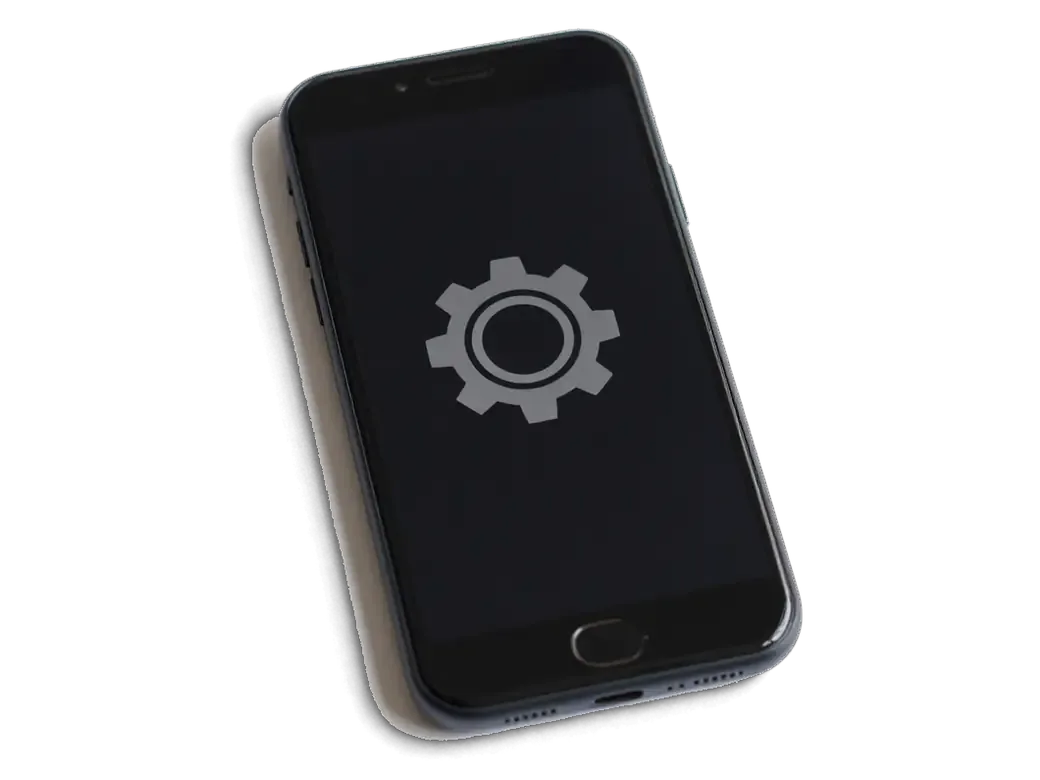
We press the button, listen for the click and judge where exactly the mechanism sticks or collapses.
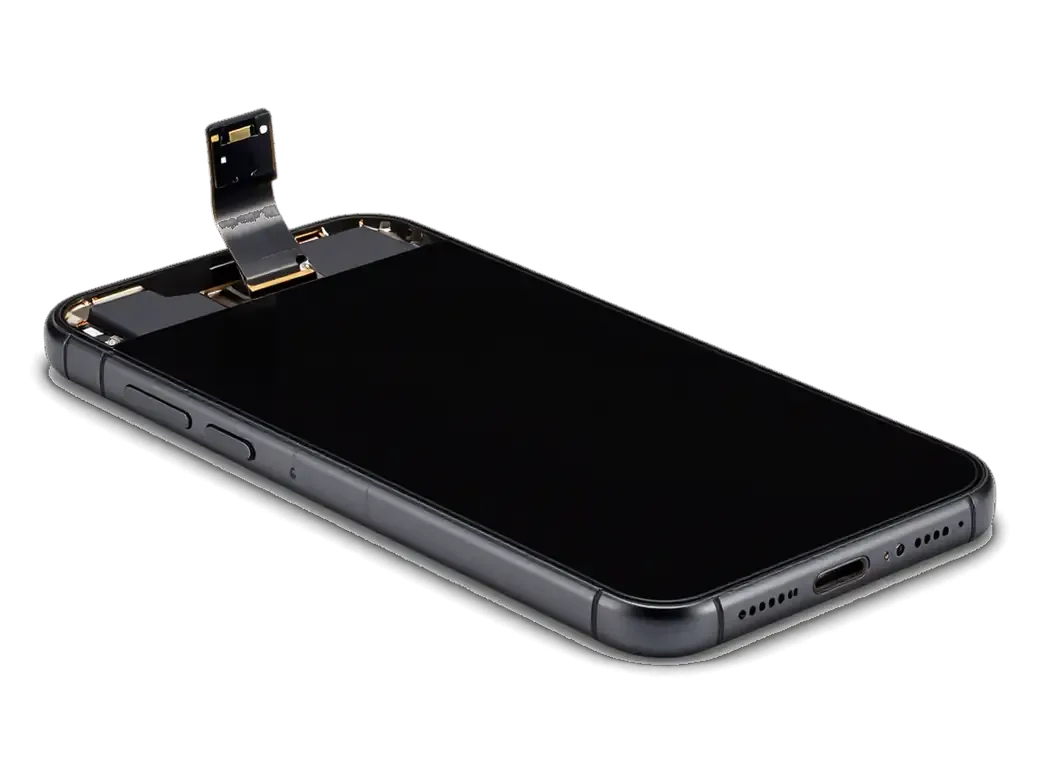
The display assembly is raised with care, power is disconnected and the protective plates come off.
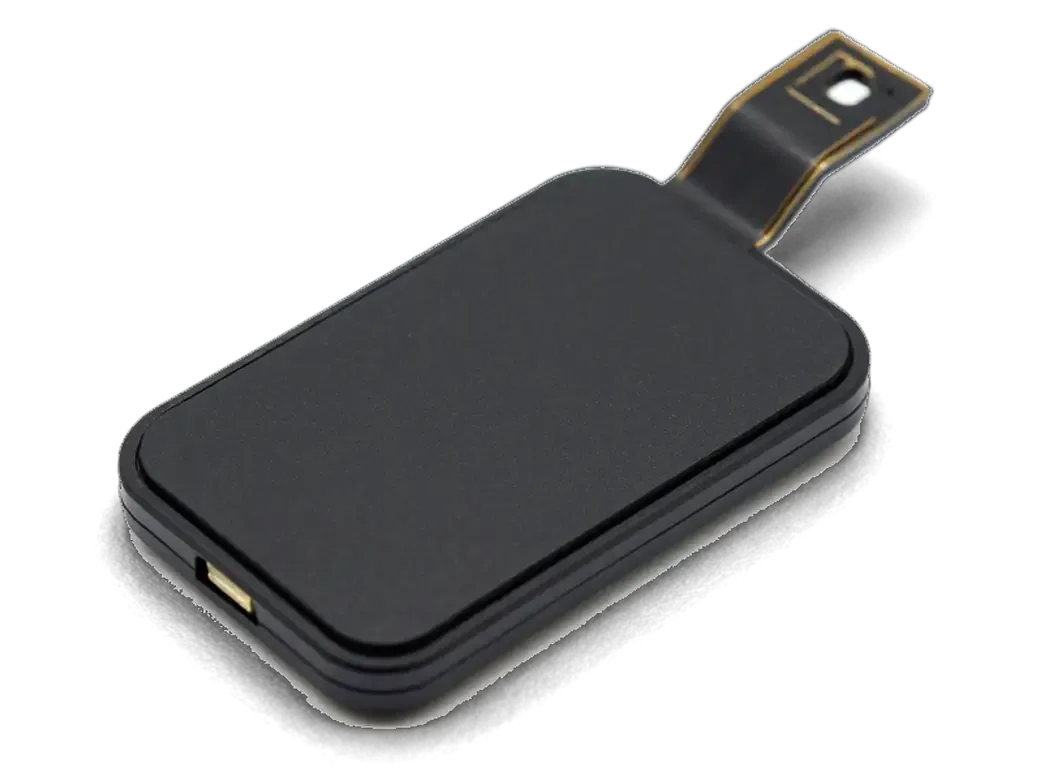
The flex is unplugged and the button taken out without damaging thin tracks or nearby connectors.
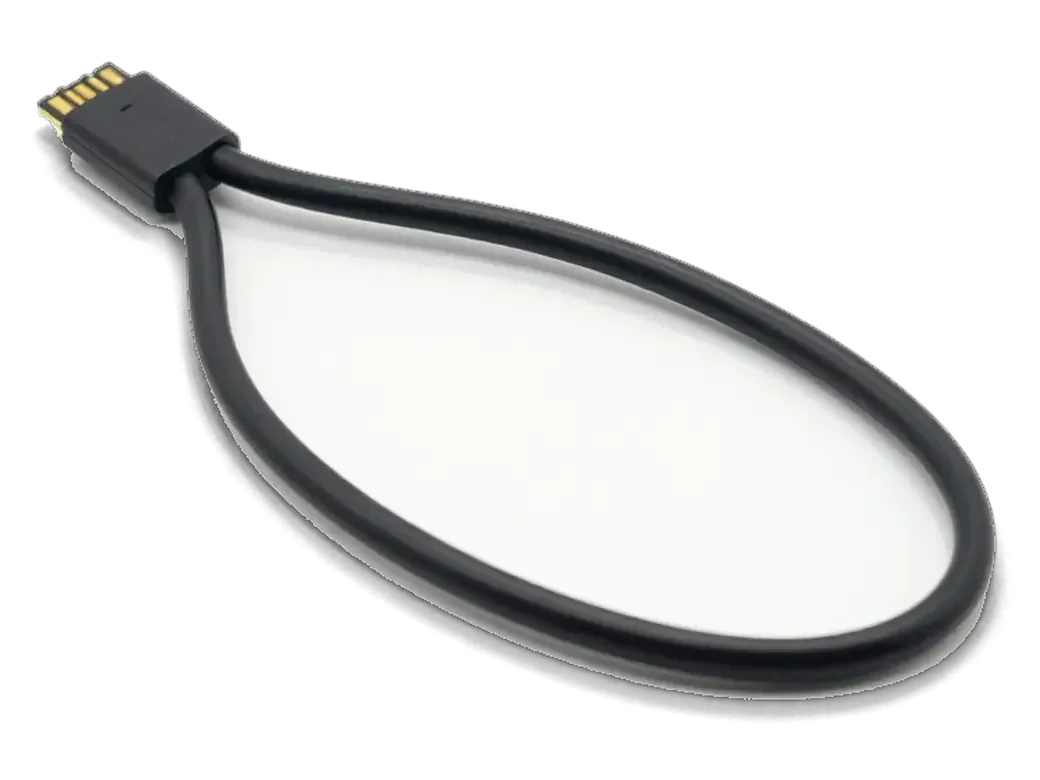
We discuss whether the original Touch ID sensor can be kept, since it is tied to the phone's board.
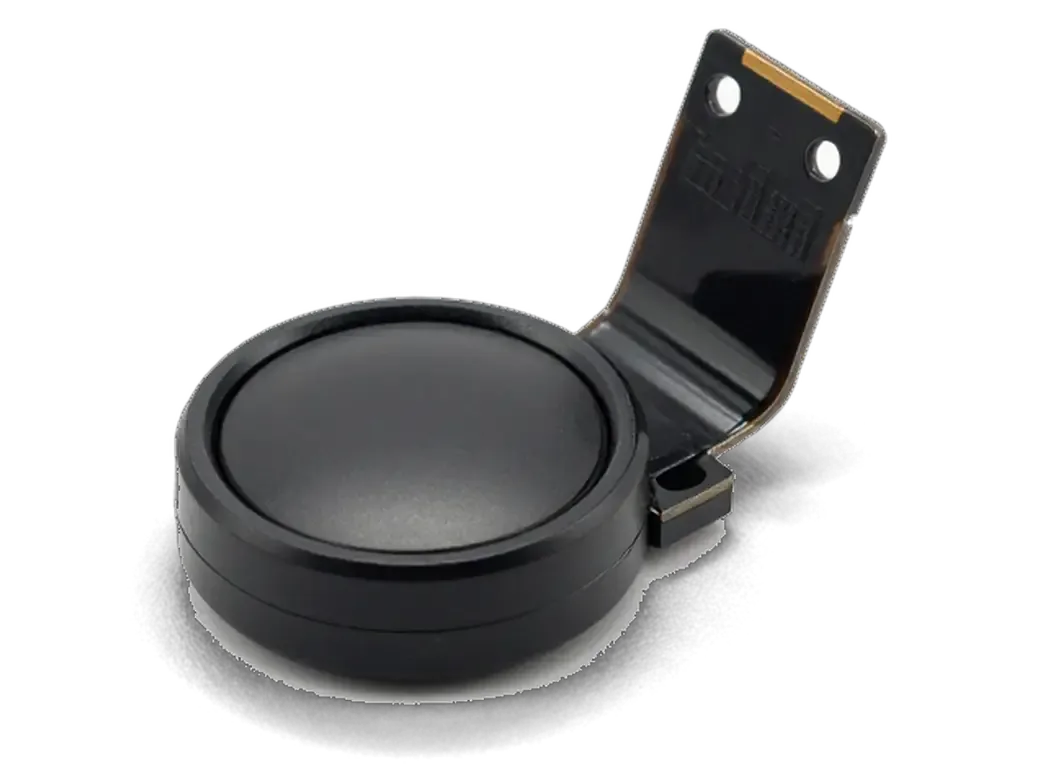
The new mechanism is seated and secured, and the flex is checked to lie flat without tension.
Press feel, return to the home screen and the scanner are tested; the repair carries a warranty up to 1 year.
You get a crisp button, a clear answer about Touch ID and a warranty on the finished work.
Price for my modelThe Home button is a switch with a fingerprint sensor, so the part you choose affects both the click and the fate of Touch ID.
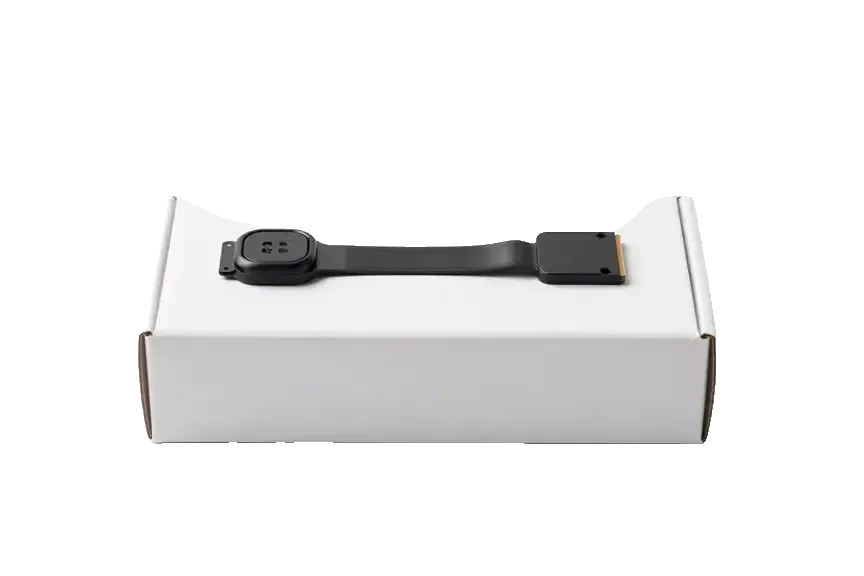
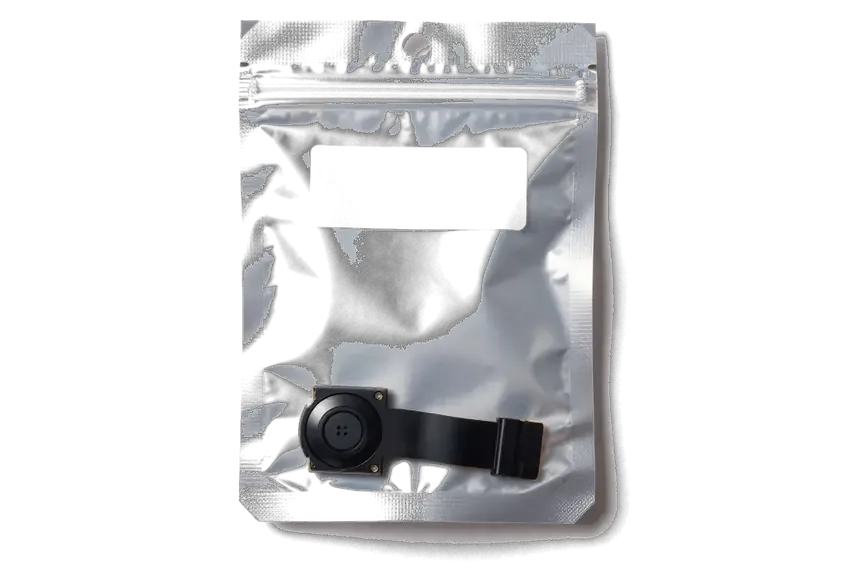
The Home button is fitted so that it does not wobble, and the work comes with a warranty up to 1 year.
The finished replacement carries a warranty up to 1 year, and the terms are explained before work starts.
Over a decade the technicians have opened sticking and sunken Home buttons in every imaginable state.
Raising the display and handling the button's thin flex is left to experienced technicians who know the job.
Before anything is opened we explain what will happen to the scanner, so you do not expect the impossible.
In Astana we are open weekdays 10:00–19:00, and on Saturday, Sunday and holidays 11:00–18:00.
If cleaning or adjustment is enough, we say so at once and do not suggest a new assembly without need.
The whole journey — from message to finished phone. We give you the old part.
Book a replacementYou message us on WhatsApp with the model and what happened — we give you the price and time. Or you come in without an appointment.
We check the button and the flex cable: sometimes it's not the mechanism itself but the flex cable or the logic board that's at fault.
We note the model, the part (original or aftermarket), the price, the timeframe, and the warranty.
We open the factory packaging in front of you and check the number against the receipt.
We install the new button or flex cable and close the housing with water-resistant adhesive.
Button press and response, screen. You get the phone, the receipt and the old part.
Technicians for iPhone, Mac, iPad, Apple Watch and AirPods repair.
Photo: Bakmukhammed S. Photo: Galymzhan S.
 Photo: Zhandos Sh.
 Photo: Darkhan T.
 Photo: Kudiret S.
Since the display is lifted anyway, a new screen can go in right away.
02While the case is open, a worn battery can be swapped as well.
03If only the flex is torn, it is changed without replacing the whole button.
04Dust is cleared from the mesh of the call speaker.
05If charging stutters, the lower flex with the port is replaced.
06We show how to switch on the on-screen button while you wait for the repair.
“If the repair didn’t suit you or you have a complaint, write to me personally.”
Send a photo of the screen and the iPhone model. An engineer will reply on WhatsApp, give the price and today's available time.
iPhone 6 Home Button Replacement in Astana with Touch ID Check
For iPhone 6 home button replacement in Astana, iServices repairs while you wait, usually in 20–40 minutes. We first check whether the button, flex cable or Touch ID has failed, then offer repair of your original part or a new button. Original keeps Touch ID; new restores Home only. Warranty up to 1 year.
On the iPhone 6 the Home button is mechanical, yet the press and the biometric scan run on separate circuits. Prior to any swap, the engineer has to establish which of the two actually failed.
On the iPhone 6 the click and the biometric scan are separate circuits, so one can fail while the other keeps working, and our engineers test both ahead of quoting. A press travels through the metal contact dome under the button, while the scan goes through the biometric sensor, the sapphire glass and the detector ring around it. If the click is fine but the scan is gone, the usual culprit is the sensor ribbon or the sapphire ring, not the dome, so swapping the whole button rarely helps. A free 15-minute diagnostic in front of the customer settles this faster than any description over the phone. If you are considering an iPhone 6 home button replacement in Astana, this check tells you whether the button or the reader is the component to change.
Moisture is the most common killer of the Home button on this model because it oxidises the metal dome and the flex contacts long before the part looks damaged. A drop lands the impact on the ring and bends the contact plate, so the click turns mushy or sticks halfway. Two years of daily pressing wears the contact plate's coating and the button needs a harder push to register. A button that sticks or needs a harder press after a spill often recovers with cleaning of the contact plate and its contacts, so it is worth a diagnostic ahead of agreeing to a full replacement. Oxidation on the ribbon is invisible from outside — the engineer sees it only with the button lifted out of the housing.
The question every iPhone 6 owner asks first is whether the fingerprint sensor survives the job. The answer depends entirely on which part we fit, and we settle that with you ahead of any work starting.
| Work option | Home function | Touch ID | Best for |
|---|---|---|---|
| Repair of your original button | Works | Kept | Flex or dome fault, sensor alive |
| Transfer of original button to a new screen | Works | Kept | Screen replacement, button intact |
| New original button from another device | Works | Lost | Original button beyond repair |
| Aftermarket button | Works | Lost | Budget repair, fingerprint unused |
If the biometric sensor itself is alive, we repair the ribbon cable or the dome under your existing button and keep the scan working. The reader sits in a sealed stack with the metal bracket, and the ribbon that carries its signal cracks far more often than the reader dies. A technician opens the phone, checks continuity along the ribbon and inspects the contact dome under the cap, all inside the free 15-minute diagnostic in front of you. When the fault is mechanical, we reshape or replace the dome and re-seat the bracket, and the button clicks and reads again on the same paired hardware. A button that responds only every other press usually points to a worn dome rather than a dead reader, and that is the cheapest case to keep the fingerprint. If the sensor is gone, we say so plainly ahead of touching anything.
The iPhone 6 sits mid-line with a real moving button, and it helps to see how its assembly differs from neighbouring models ahead of judging what a repair can and cannot restore.
| Model | Button type | Click source | Repair note |
|---|---|---|---|
| iPhone 5s | Moving part | Metal dome | Thin Touch ID flex, easy to tear |
| iPhone 6 | Moving part | Metal dome | New part still clicks |
| iPhone 6s / 6s Plus | Moving part | Metal dome | Second-generation Touch ID |
| iPhone 7 / 7 Plus / 8 | Solid surface | Taptic Engine | Needs a compatible part |
The 6s and 6s Plus carry a faster second-generation biometric reader, but the pairing rule stays the same, so a fresh unit still costs you the fingerprint. The quicker reader handles a damp or slightly worn finger more reliably and unlocks in a shorter window — the upgrade owners notice day to day. That speed lives in the reader and its flex cable, not in the secure enclave storing your prints. The matching data sits on the logic board and is bound to the original part at the factory, so after a swap the board no longer recognises the new one. Owners moving up from a 6 often assume the faster reader survives a swap for that reason. In practice a new unit restores the press and the return gesture, while the fingerprint stays off until the factory part is refitted.
The Home button on the iPhone 6 sits in the display assembly, so any work on the screen touches its flex and the fingerprint sensor. Here is what that means for the fingerprint.
When a screen is swapped carelessly, the thin sensor ribbon of the iPhone 6 is torn or creased, and the fingerprint dies even though the new display looks perfect. The button is riveted to the old module and connected by a ribbon that runs under the shield plate; prying the display up at the wrong angle pulls that cable ahead of the technician noticing. Most dead biometric readers after a third-party screen job come from a ribbon folded sharply during removal, not from a failed reader. The phone still unlocks by passcode, so the damage surfaces days later, once the customer tries Apple Pay or an app that needs a fingerprint. We move your original button onto the new module ourselves and test the scan before closing the phone, so a screen job never quietly costs you the sensor.
During a home button replacement in Astana we open the phone in front of you, lift the display slowly and keep the original ribbon flat until it is either repaired or transferred. The engineer warms the adhesive, releases the shield plate and slides a plastic card under the ribbon instead of pulling the module straight up. We photograph the connector ahead of and after the transfer, then run the scan through setup twice — once on the bench, once with the display seated. A ribbon that is folded sharply during removal can test fine on the bench and fail a week later, so we check the scan again after the phone is closed. Customers in the capital can watch every step at the counter; the whole procedure usually fits into the 20–40 minutes we reserve for button work.
From the first message to the moment the device is back in your hand, less than an hour usually passes, and at every step you hold clear paperwork and a component you have seen.
Ahead of handover we test the click, the double-press, Siri by hold and, if your factory button stayed, the scan, together with you at the counter. The check runs about 10 minutes and covers 32 functions — cameras, microphones, speakers, charging and network included, so a loose connector from the button work never reaches your pocket unnoticed. If the reader was swapped, we show you exactly which features it now supports and which it does not. Until the repair you can keep using the device through AssistiveTouch on screen, which floats a software button for the tap you cannot make. After a new button is fitted, the biometric Apple Pay simply stays off, and your cards keep working through the passcode. Bring the handset charged enough to boot, and the whole visit stays inside the hour; a drained battery adds a charging stop to the schedule.
Five points decide whether service restores the press, the fingerprint or both, and each one is worth checking ahead of the screwdrivers coming out.
Did not find an answer? Message us on WhatsApp: an engineer replies, not a bot.
Ask a questionThe metal dome under the button wears out or dirt gets under it, so only part of the surface makes contact. The technician checks whether cleaning helps or the button assembly needs replacing.
Close to it, but not always identical. The click of a replacement button can feel a little firmer or softer, and it usually settles after a few days of use; check the feel together with the engineer before you leave.
On the iPhone 6 the fingerprint sensor is paired with its own logic board, so a different button can click but cannot read fingers. Only the original sensor, repaired or moved carefully, keeps Touch ID working.
Scratches on the sensor ring, a damaged flex or simply a worn fingerprint record can be the cause. Try deleting and re-adding the fingerprint in Settings first; if that fails, the technician checks the sensor and its cable.
A cracked sapphire cover usually means the button needs attention. If the click and the flex are intact, the phone can be used with AssistiveTouch until repair, but water and dirt now get in more easily.
The Home button on the iPhone 6 sits in the display assembly, so the screen is opened to reach it. A careful technician keeps the screen and its cables intact, and the display is checked together with you after reassembly.

The difference is not always visible, but it can be checked. An original panel is the one the manufacturer installs; an aftermarket copy costs about 35% less.

What “maximum capacity” means, why the phone shuts down in the cold, and how long a new battery lasts.

Power it off, skip the rice, and get the board checked before corrosion starts. Here is the short version of the first 30 minutes.

Most charging faults come from the cable, the port or the battery. Here is how to find the cause and get a free check.

 iPad
 MacBook
 iMac
 Mac mini and Studio
 Apple Watch
 AirPods
 Apple Pencil
 Apple TV
 HomePod
