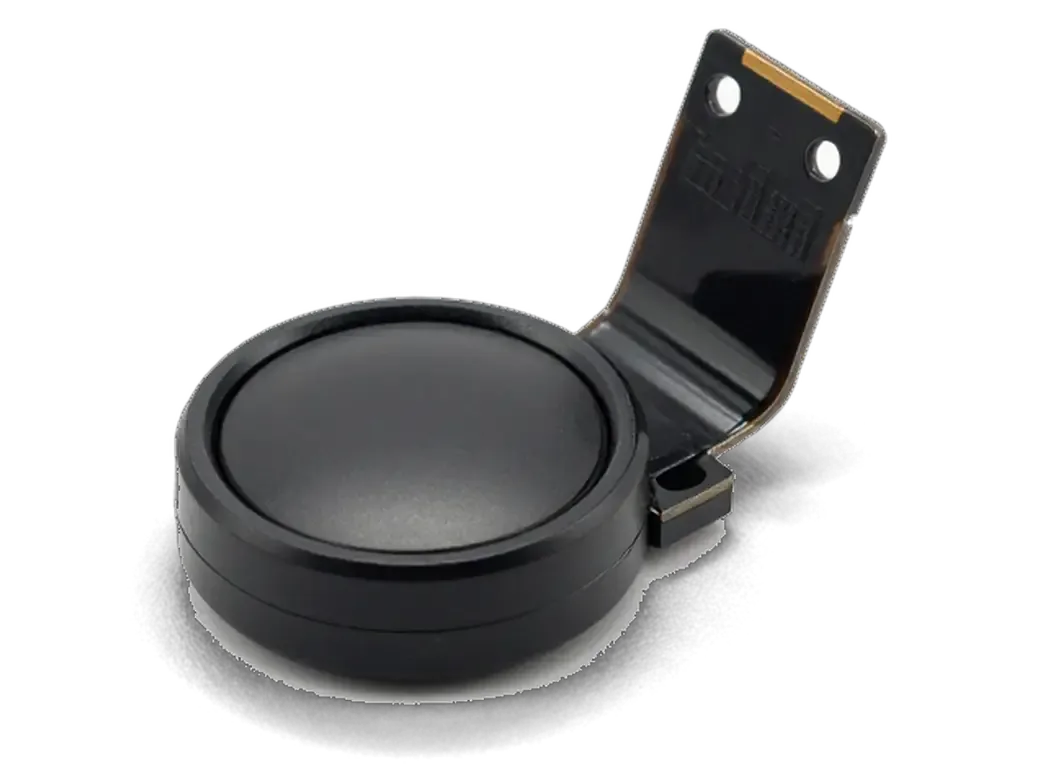
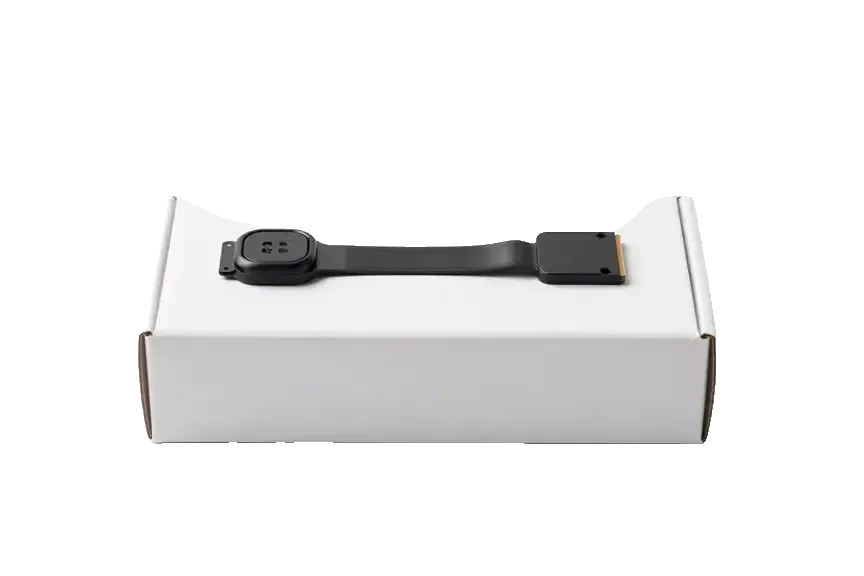
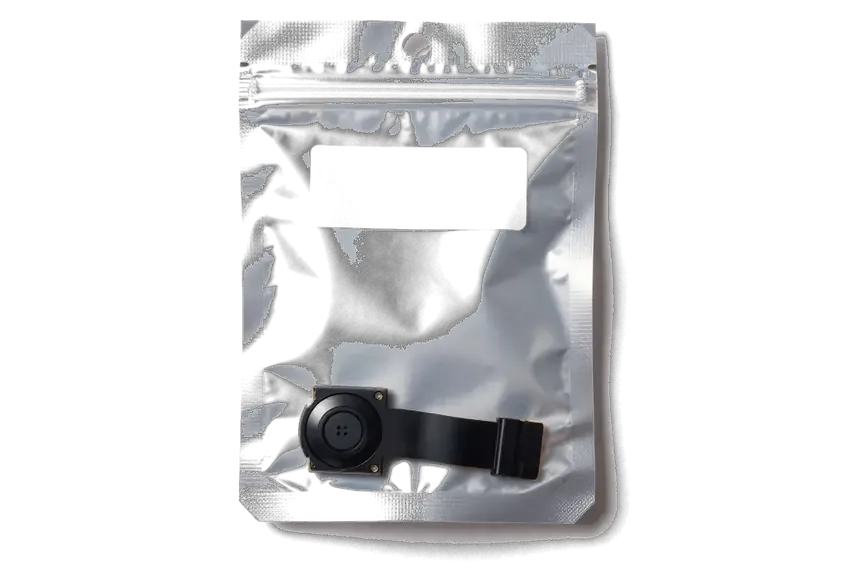
The Home button is a stack of cap, dome contact and a thin ribbon bonded into the display assembly. In most failures the lowest layer gives out first, and that strip is what we end up replacing.
What the Home Button Flex Actually Does
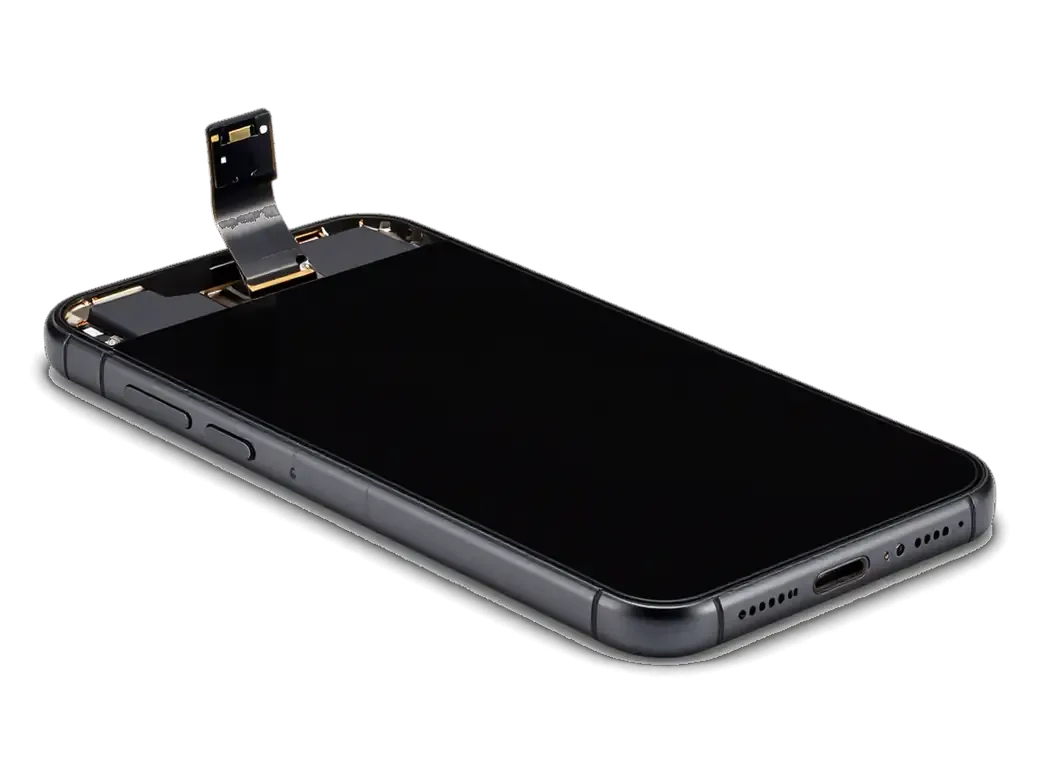
On this model the signal path is a thin strip bonded into the display assembly directly beneath the button, carrying the dome contact that registers every tap. The strip routes the signal up to the connector on the motherboard, while a separate pair of traces feeds the Touch ID sensor in the same opening. The cap you touch barely moves — a fraction of a millimetre — and the sprung plate underneath does the actual switching. Because this strip sits under the glass, a drop that cracks nothing visible can still deform that plate and leave the button feeling dead while the sensor underneath is untouched. That is why we trace the signal path before quoting.
Button, Flex and Sensor as Three Separate Layers
- Button cap: the metal disc you touch, cosmetic alone, holding the fingerprint reader in its centre.
- Dome contact: the sprung plate that clicks and closes the circuit on each tap, wearing out over years.
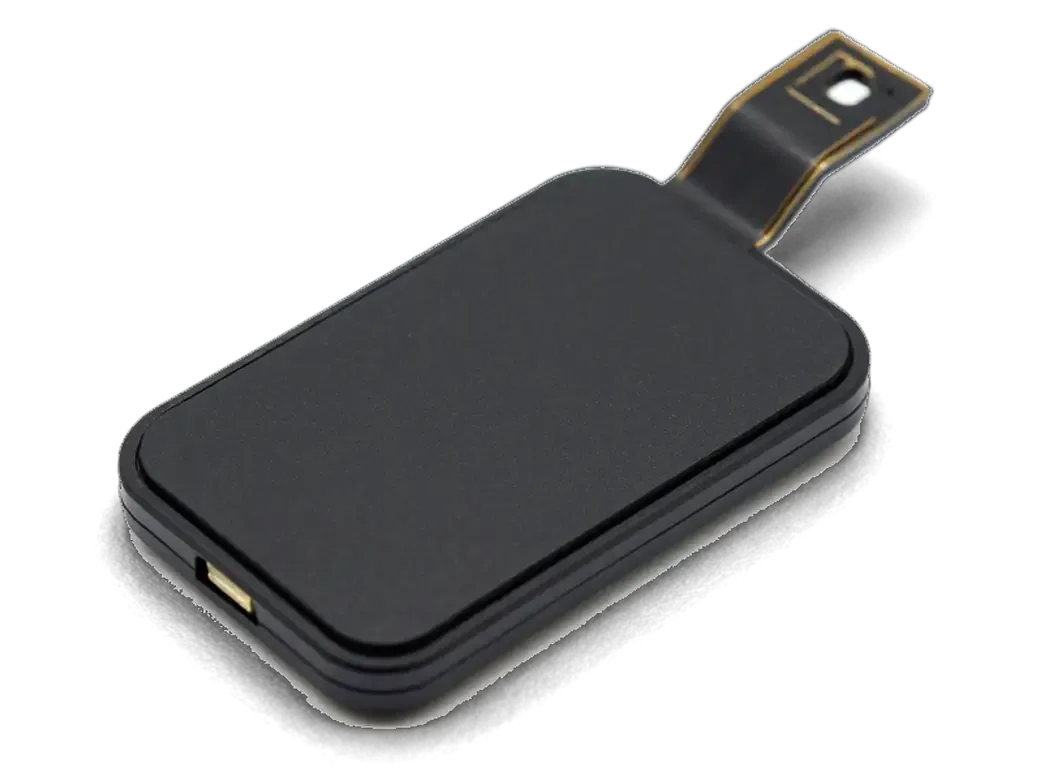
- Ribbon strip: the flat conductor bonded beneath the glass carrying the signal to the motherboard connector.
- Touch ID chip: the paired reader scanning your fingerprint, tied to this board, never to a replacement part.
How We Tell a Worn Dome From a Torn Ribbon
We press the sprung plate directly with a probe before removing anything; a clean click means the cap is fine and the conductor or connector is suspect. If the click is soft or absent, the plate has collapsed and the cap must come out with it. A plate that clicks but does not register usually means the break is further along the conductor, so we trace the whole path to the connector instead of swapping the first worn-looking part. The probe test fixes the scope of the job before the screen is opened. It is the single step that stops customers paying for a part they did not need.
Reading iphone 6 home button replacement symptoms layer by layer
The button carries three separate functions — the click, the fingerprint and the vibration feedback — and they fail independently. What stopped working narrows the suspects before we open anything.
Which Symptom Points to Which Part
Symptoms matched to the layer that fails| What you notice | Likely layer | What we do | Touch ID result |
|---|
| Press does nothing, fingerprint works | Dome contact or ribbon | Replace the ribbon strip under the button | Kept, original sensor stays |
|---|
| Fingerprint fails, press works | Reader or pairing | Diagnose reader and board | Assessed on the spot |
|---|
| Button works every other press | Worn dome | Replace the ribbon strip | Kept |
|---|
| No click or vibration at all | Ribbon or Taptic link | Check the ribbon strip and Taptic Engine | Kept if conductor only |
|---|
| Dead after a screen repair | Ribbon damaged in prior work | Inspect the ribbon strip and connector | Kept if conductor is intact |
|---|
When a Drop or Water Is Behind the Fault
We see the button fail from impact or liquid far more often than from simple wear, and in those cases we check the display connector and board before touching the flat strip itself. A fall lands the shock on the display assembly, and the strip that loops across it takes the hit; a spill sends moisture beneath the dome contact, where oxidation builds quietly. Our engineer works under a microscope, because hairline cracks in the strip and green corrosion on the pads are invisible at normal zoom. Liquid leaves oxidation that spreads, so a button that works today following a spill can fail in a month — cleaning the contact now is cheaper in scope than reopening the phone later.
What Else a Drop Can Take Out Besides the Button
- Display socket: impact bends pins, causing lost touch or backlight after button repair.
- Front camera ribbon: a cracked strip kills the selfie camera and proximity reader without visible screen damage.
- Motherboard: a strong shock can also lift a solder joint near the button circuit.
- Frame and screws: a bent housing strains the new ribbon, so we straighten the seat first.
Will iphone 6 home button replacement Touch ID survive the repair
Losing the fingerprint reader after service is the main fear of an iPhone 6 owner. On this model the answer is usually positive for technical reasons, not luck.
Why the Original Sensor Stays With Your Phone
- Matched at the factory: the biometric chip is tied to the motherboard, and that link lives in the board.
- We never swap it: on this model the ribbon and click dome wear out, so we replace those.
- The link survives: the original chip returns to the same connector, so unlocking keeps working.
- The socket is the weak point: a bent pin or loose seating kills the reader, so we inspect it closely.
- The flex carries the signal: a torn strip stops the press from registering, and re-seating never fixes that.
What Happens If You Fit a Button Bought Elsewhere
- Home function only: a third-party button restores the click and return-to-home, but its chip is not matched to your board.
- No biometric unlock: the feature stays disabled, and the phone keeps asking for the passcode.
- Uneven click: aftermarket caps often sit proud or low, so the tap feels different.
- Second visit: owners come back to have the original chip refitted, doubling time without the phone.
What We Check Before We Promise the Fingerprint Will Work
We test the reader and its connector during the free 15-minute check, then confirm unlocking will survive the repair. The engineer opens the phone in front of you, lifts the shield, and reads the condition of the conductor, the dome and the connector pins under a microscope. If the chip responds on the bench, the pairing is intact and the feature works once the new ribbon goes in. We write the part, the turnaround and the warranty up to 1 year on the receipt before any screw comes out. If the chip is already dead, a fresh strip will not bring it back, and we say so before work starts.
Mechanical iPhone 6 Button vs the Sensor on 7 and 8
Owners often expect identical button behaviour across models, yet diagnosis and what can be preserved differ sharply between them. The registration method changes the whole repair logic.
How the Press Is Registered on Each Model
Registration method across three generations of the same button| Model | How a tap registers | What gives the click |
|---|
| iPhone 6 | Dome contact closes under the cap | The button itself |
|---|
| iPhone 7 | Sensor detects pressure | Taptic Engine |
|---|
| iPhone 8 | Sensor detects pressure | Taptic Engine |
|---|
Adjusting the Click After a Repair on 7 and 8
On the 7 and 8 the feedback strength is a software setting, so after any work on the button we set the level with you before you leave. The haptic motor generates the sensation through vibration, and iOS exposes it under Settings, Sounds & Haptics, with three levels to choose from. Nothing in that menu is locked, so an engineer can adjust it on the spot while you tap the button and confirm the feel. On the 6 there is no such menu: the response comes from the dome collapsing, and the only way to change it is to replace the part. A sensation that feels too weak after a repair on the newer models is often just this setting reset, not a fault.
What Drives the Cost and Why Buying a Button Rarely Pays Off
We quote from a photo within 5 minutes and fix the figure on the receipt, but the number is shaped by concrete factors, not a vague notion of difficulty.
The Factors Behind the Quote
- Original sensor reuse: an intact Touch ID sensor stays with the phone; only the mechanical layer is swapped.
- Display condition: a cracked or reglued front panel changes how the button assembly is accessed and reseated.
- Part type: choose an original component or an aftermarket one; 64% of customers pick original.
- Internal state: corrosion or a torn strip under the shield adds steps a photo cannot reveal.
Timeline, Courier and the Handover Check
An iPhone 6 home button replacement in Almaty is usually completed while you wait, and a courier crosses the city in 90 minutes, free with a repair. Free diagnostics take 15 minutes in front of you, and the price, component, turnaround and warranty land on the receipt in about 2 minutes; 72% of repairs are finished while the customer waits with coffee and Wi-Fi. If coming in is awkward, send a picture on WhatsApp — an engineer replies within 5 minutes — or call the courier and hand the device over at your door. At handover we run the click, fingerprint, cameras, microphones, speakers, charging and network with you, and the old component goes home with the receipt and warranty card.
Summary: iPhone 6 Home Button Replacement
The repair succeeds or fails on one distinction: which layer of the button stack gave out. Here is the short version to carry into any workshop.
- Dead press, live fingerprint: a click that doesn't register while Touch ID unlocks points to the dome or the conductor beneath it.
- Flex-only swap: changing the conductor beneath the button keeps the original reader paired to the logic board.
- Separately bought button: a part sourced on its own restores Home function at best, never biometric unlock.
- 7 and 8 behave differently: these models register the tap electronically and simulate the click via Taptic Engine.
- Paper first: part type, turnaround and warranty should be written down before opening the phone.









 iPad
 MacBook
 iMac
 Mac mini and Studio
 Apple Watch
 AirPods
 Apple Pencil
 Apple TV
 HomePod




