The iPhone 6 carries three microphones, and each serves a different function. Before swapping anything, it makes sense to find out which microphone has gone quiet — a check you can run at home in about a minute.
Three Microphones and What Each One Does
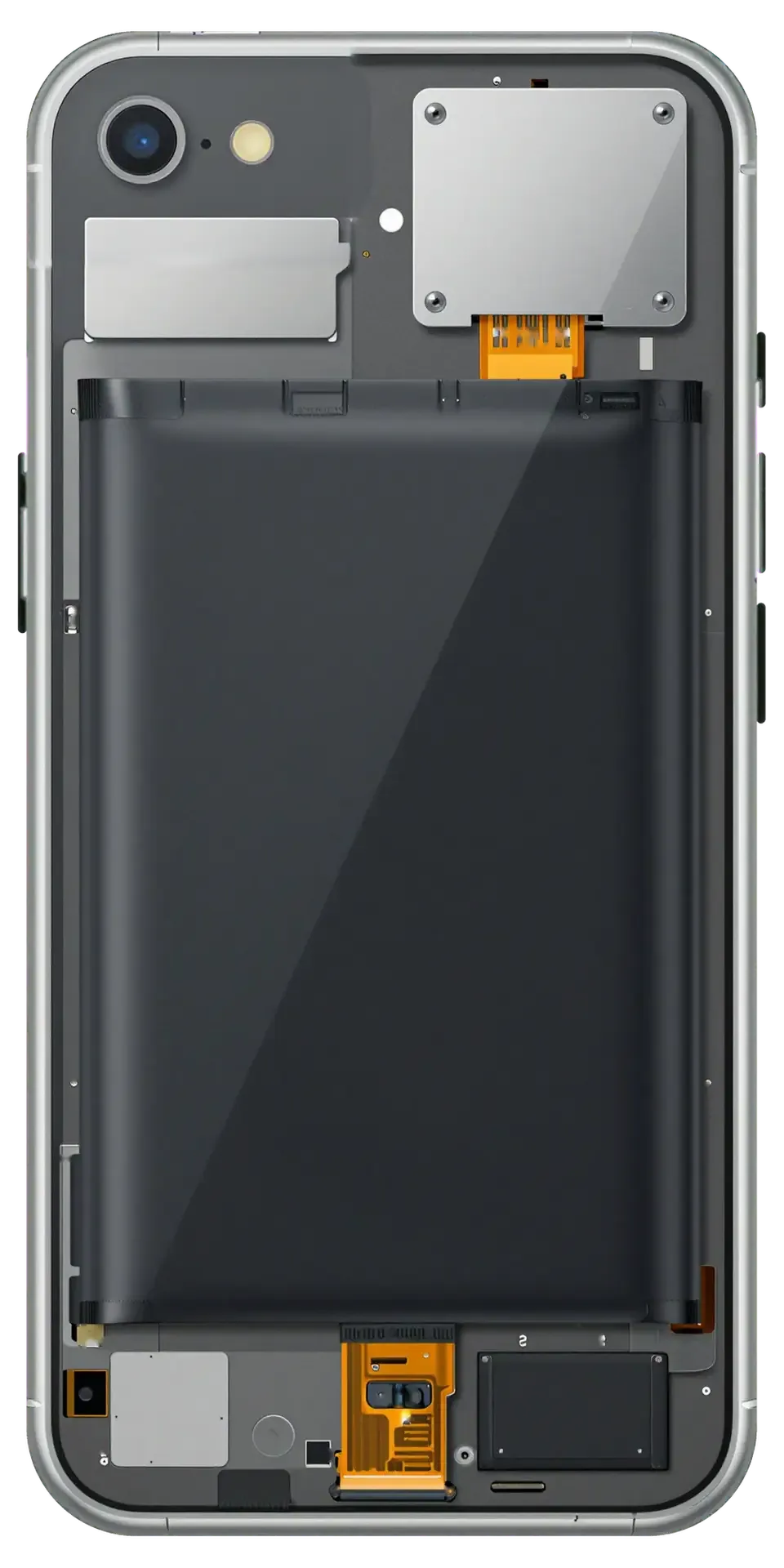
The handset carries three microphones — a lower unit at the Lightning port for calls, an upper unit by the earpiece for speakerphone and noise cancelling, and a rear one next to the main camera for video sound. The lower piece sits on the charging flex beside the Lightning connector and the 3.5 mm headphone jack, so it shares a board with the charging circuit. The upper microphone is built into the front assembly near the earpiece grille and handles voice pickup when the phone is held away from the face. The camera-side microphone captures audio for video recording and works with the front unit on noise cancelling during calls. Because each sits on a different flex, a single dead microphone rarely means the whole audio system failed — the other two usually keep working, which is exactly what makes the self-test reliable.
A One-Minute Self-Test Before You Book
- Voice memo: speak into the built-in recorder, play it back — this reads the microphone at the Lightning port.
- Video on both cameras: film ten seconds with each lens, then listen — silent rear clips point to the camera-side microphone.
- Normal call plus speaker: call a second phone, talk normally, then switch to speaker — the upper microphone takes over.
- Voice messages and Siri: send a voice note in a messenger and trigger Siri — both use the call microphone path.
- Write it down: note which of the four failed so an engineer can quote the right part from a photo.
What the Self-Test Result Tells You
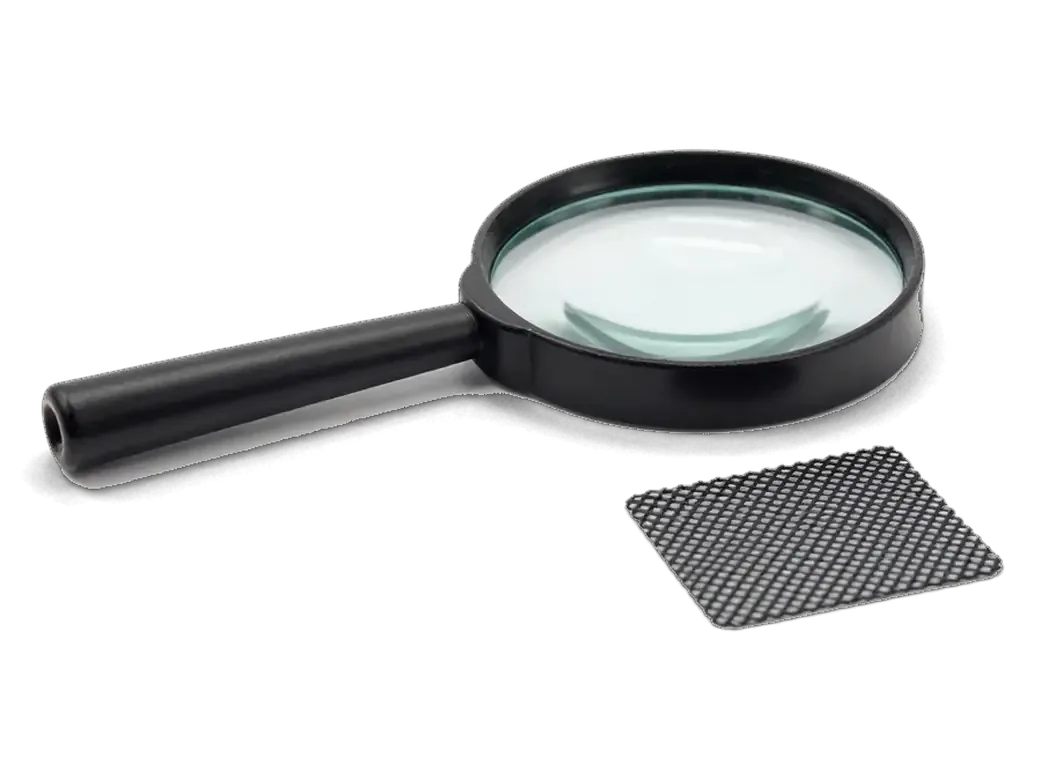
If only the call fails, the lower microphone is the suspect; if only video is silent, the camera-side unit is; if everything is muffled, the mesh is likely clogged rather than the unit being dead. A muffled but working microphone usually means lint and pocket dust packed into the mesh over the lower grille — cleaning it restores volume without any swap. When the upper unit fails alone, speakerphone sounds distant to the other side while normal calls stay clear, because that piece only joins in speaker mode. A result that changes between tests — clear in the morning, gone by evening — usually points to a loose flex connector rather than a burnt microphone, and that is worth mentioning when you book. Fifteen minutes of diagnostics in front of you settles which of the three is at fault.
Matching the Symptom to the iPhone 6 Microphone Replacement Fault
The same muffled voice, a sound that cuts out, or silence that appears only in video can come from three different microphones — or from no part at all. Below is how we tell them apart.
Symptom, Likely Cause and What We Do
Complaint, probable origin and the action it calls for| Symptom | Likely cause | What we do |
|---|
| Caller can't hear you, speakerphone fine | Bottom microphone | Replace charging flex |
|---|
| Speech muffled everywhere | Clogged mesh or case | Clean port and mesh |
|---|
| Silent only in video | Rear microphone | Replace rear flex |
|---|
| Muted only with a single headset | Bluetooth or app toggle | Settings check, no swap |
|---|
| Quiet after water contact | Oxidation on contacts | Clean, then diagnose |
|---|
Software and Simple Causes to Rule Out First
A connected Bluetooth headset, a revoked microphone toggle or a case covering the bottom hole can mimic a dead microphone on the iPhone 6 without anything being broken. Disconnect paired headsets and speakers, since the handset may still route audio to a device in another room. Confirm the app you tested actually has access granted in Settings, because a denied switch produces total silence. Lift the cover and check that no plastic or dust sits over the bottom hole or the rear pinhole. Power the handset off and boot it again — a stuck audio service clears on a fresh start. Record ten seconds in Voice Memos after each step: a clear file means the hardware is fine and no replacement is needed.
Why the Charging Flex Gets iPhone 6 Microphone Replacement
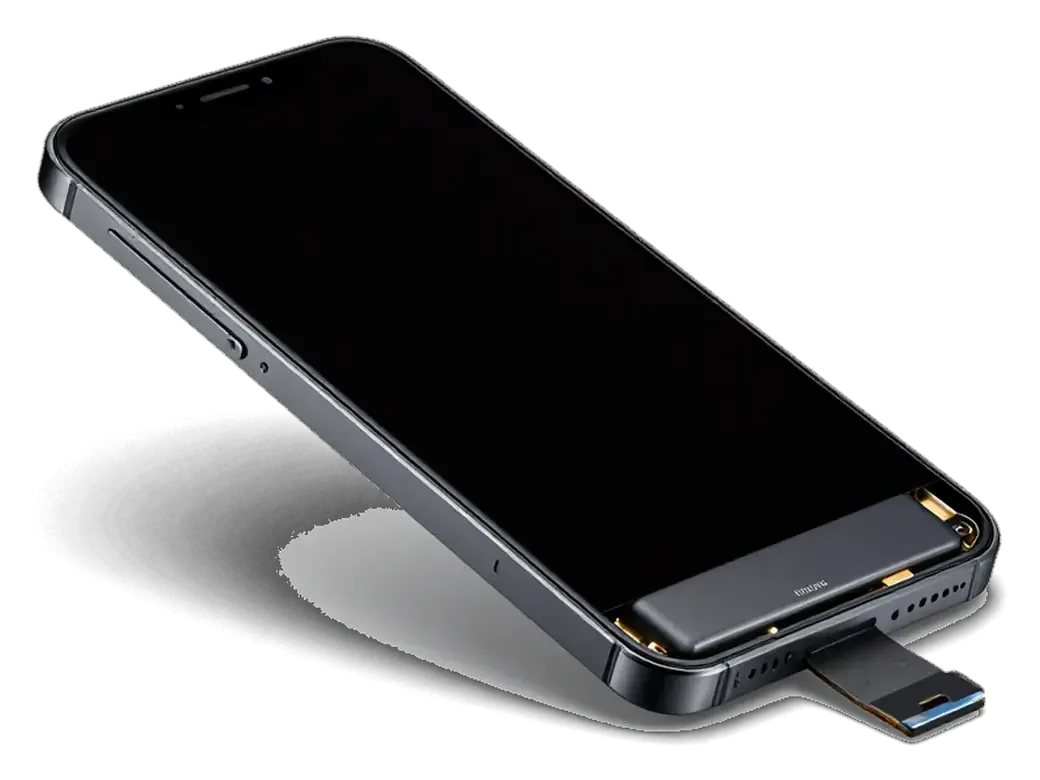
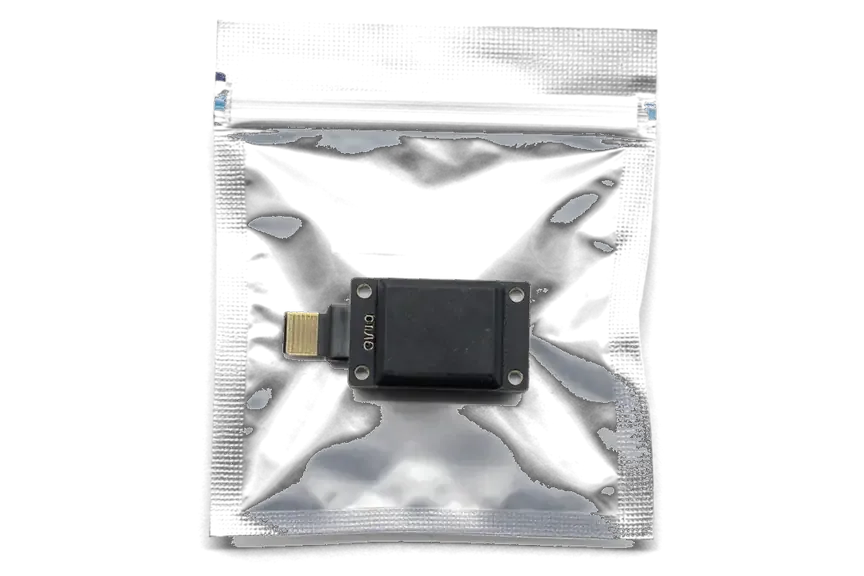
On the iPhone 6 the bottom microphone is physically part of the charging flex, so a microphone replacement in practice means swapping that whole assembly — and other functions come back with it.
What Else Sits on the Bottom Flex
On the iPhone 6 this ribbon carries the Lightning port, the 3.5 mm jack and the bottom microphone together, so a swap restores charging and headphone sound at the same time. The Lightning connector handles charging and data transfer, the 3.5 mm jack carries audio to wired headphones, and the small microphone opening sits between them on the same ribbon. Because all three share a single cable and a single connector to the board, wear at any point affects the whole unit. If charging has also become unreliable or the headphone jack crackles, that is a strong sign the whole assembly — not just the microphone — is worn, and one visit fixes all three. For an iPhone 6 microphone replacement in Astana, this is why the whole bottom assembly is swapped rather than a single component.
Original Flex or Aftermarket
Part options compared by coverage and handling feel| Option | What it covers | What to expect |
|---|
| Original unit | Microphone, Lightning, 3.5 mm jack | Factory fit and feel |
|---|
| Aftermarket unit | Same functions | Lower cost, check connector feel |
|---|
| Old unit returned | Your removed assembly | Handed back with receipt |
|---|
When It Is the Board and Not the Microphone
Sometimes a fresh flex changes nothing, because the fault sits deeper than the microphone — in the codec chip or in corrosion left after water. That difference decides whether a part swap helps at all.
Signs the Audio Codec Is the Real Fault
- Greyed-out Speaker button: during calls the icon stays inactive, so the device cannot route sound through the earpiece at all.
- Voice Memos refuses to record: the app opens but captures silence, even though the microphone hole is clean.
- Hang on the boot logo: the handset stalls at startup instead of reaching the home screen, which points to the logic board.
- Sound gone on every app: calls, recordings and Siri stay mute together, which a single dead microphone cannot explain.
- Codec check under the microscope: we inspect the chip and its traces before ordering any component, because a new ribbon will not bring sound back on these units.
After Water Contact
After water contact we dry the phone, inspect the contacts and only then decide whether cleaning or a flex replacement is enough; on wet units diagnostics can take up to two days. Moisture creeps under the protective mesh over the microphone hole and starts corrosion on the spring contacts, so the mesh and the pads underneath get checked first. Our engineers clean the openings and the mainboard, then retest all three channels. On heavily corroded units the codec itself may need board-level work under the microscope, which is why we never promise a same-hour result before the handset is open. Do not charge a wet iPhone 6 and do not poke the microphone hole with a pin — both push moisture deeper and turn a cleanable contact into a dead spot.
How the Visit Runs and What You Get Back
From the first message to the moment you walk out with the phone, the visit follows clear steps, and at each one you can see exactly what is happening to your device.
From WhatsApp Photo to Pickup
- First contact: send a photo of the damage on WhatsApp — a specialist replies within five minutes and quotes a price from the picture.
- Slot and receipt: we name a free time slot, and the quote, the component, the turnaround and the warranty go on paper upfront.
- The new component: it is shown to you in factory packaging, and you pick original or aftermarket before the screwdriver comes out.
- Waiting area: coffee and Wi-Fi are there while you sit — 72% of our repairs finish while the customer stays in the lounge.
- Timing: most microphone replacement jobs in Astana take 20–40 minutes, and the whole visit usually stays under an hour.
The Check Before You Leave
Before you leave we run a 32-point check of about ten minutes that covers microphones, speakers, charging and network, and you test the call and the video yourself together with us. The same protocol covers the cameras, and it is a technician who hands you the device, not a courier at the door. A courier can be called if you would rather not travel across the city. Warranty runs up to 1 year, and a few customers ask to see the removed piece — we keep it in the box for that. Ask for the old unit back and keep the warranty card: the removed piece is proof the work was done, and the card is what you show if anything misbehaves later.
Summary: iPhone 6 Microphone Replacement
A quiet iPhone 6 microphone is usually a parts question, not a mystery: the symptom points to one of three microphones, and the fix follows from there.
- Three microphones, three faults: the bottom one sits on the charging flex, the front one pairs with the earpiece, and the rear one hides near the camera.
- The self-test comes first: Voice Memos, a video recording and a normal call isolate which microphone is silent in about a minute.
- Part or board: a dead bottom microphone usually means a new charging assembly, while crackle and dropouts after water can mean a board-level check.
- Check before you leave: record a voice memo and play it back on the spot, so a muffled result is caught while the device is still on the counter.
- Keep the old unit: a replaced assembly or microphone returned with the device lets you compare it later if the same symptom returns.







 iPad
 MacBook
 iMac
 Mac mini and Studio
 Apple Watch
 AirPods
 Apple Pencil
 Apple TV
 HomePod




