An iPhone 6 that will not start, warms up or hangs on the Apple logo does not always have a dead board. A technician separates a board fault from a tired battery or worn port.
Symptoms That Point to the Logic Board
- Stuck on the Apple logo: the device boots but never loads the system, so the NAND flash or A8 chip cannot finish startup.
- Reboot loop: the handset restarts every few seconds, typical of a failing PMIC.
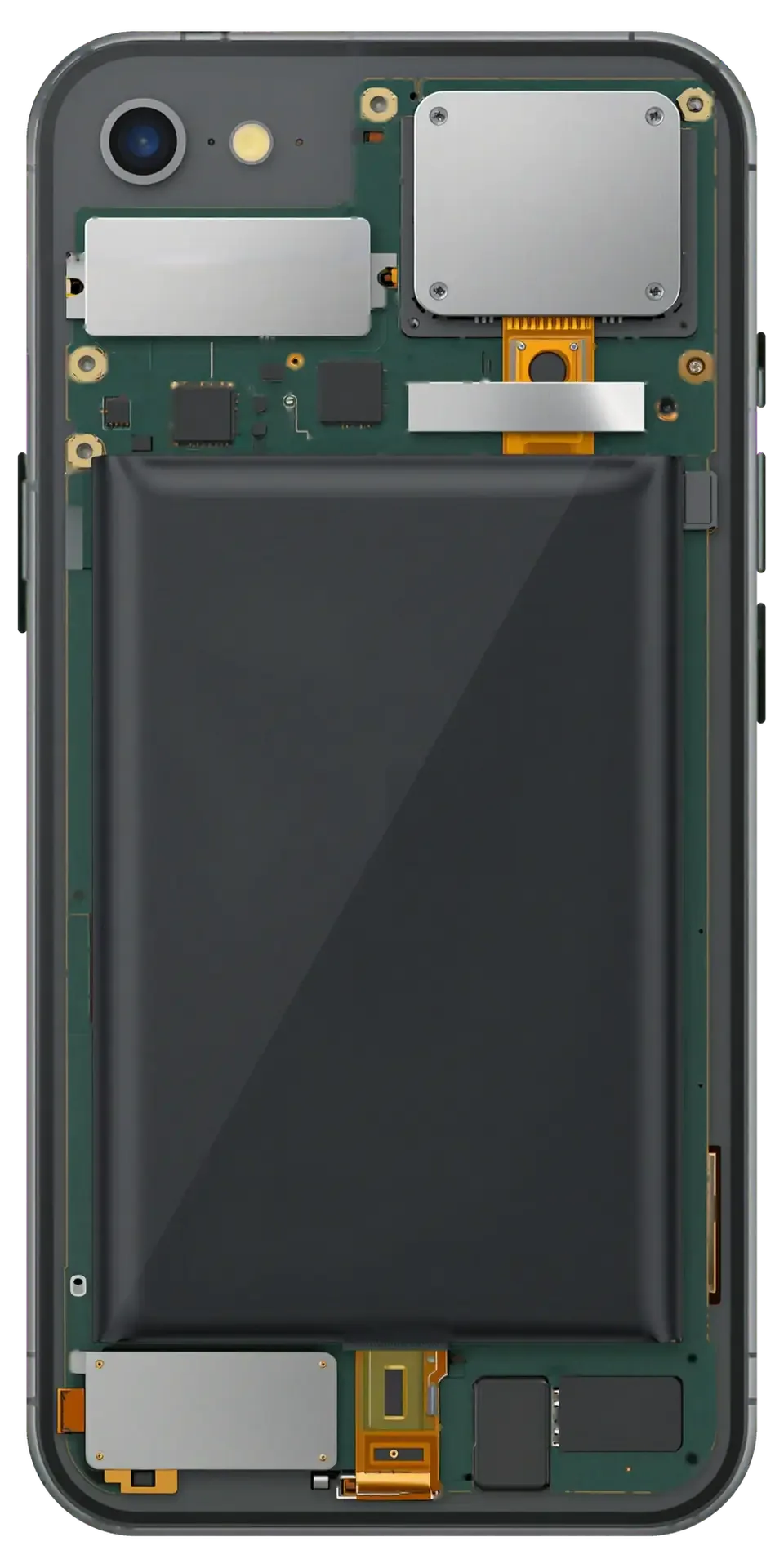
- Heat near the camera: the upper board area warms within a minute of pressing the button, pointing to a short circuit.
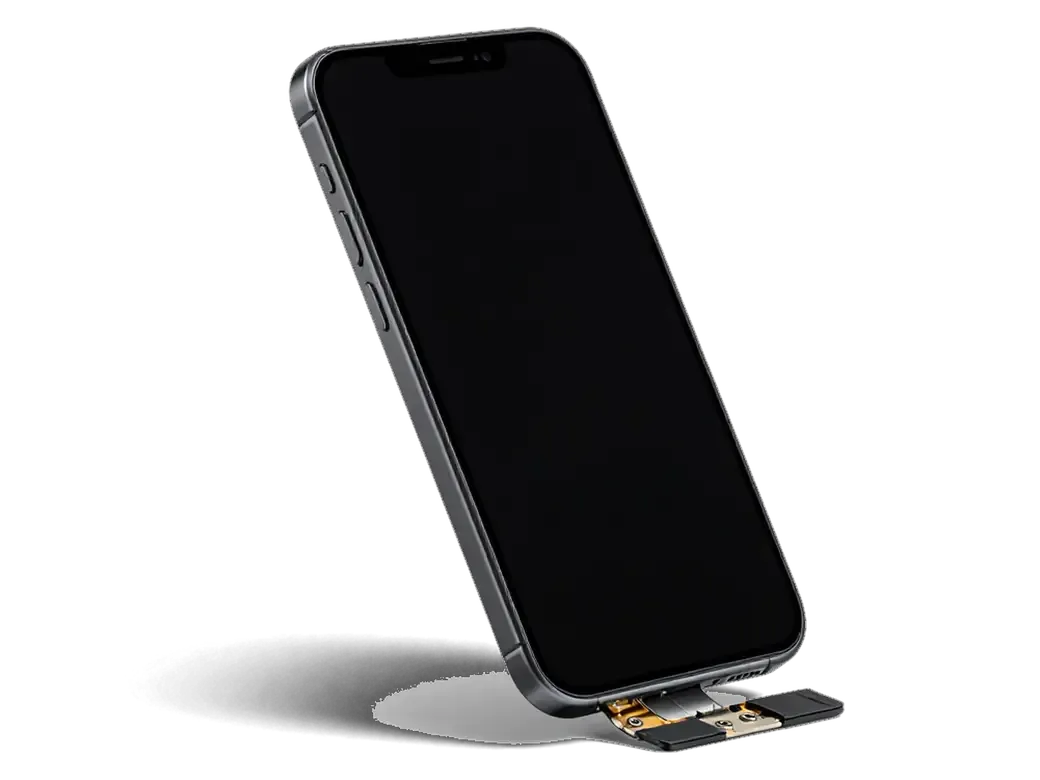
- No charge with a good cable: a known-working Lightning cable delivers nothing, yet the socket looks clean.
- Dead after a drop: the unit worked before impact and stopped right after, suggesting board-level damage.
How We Tell a Board Fault from a Battery or Port Issue
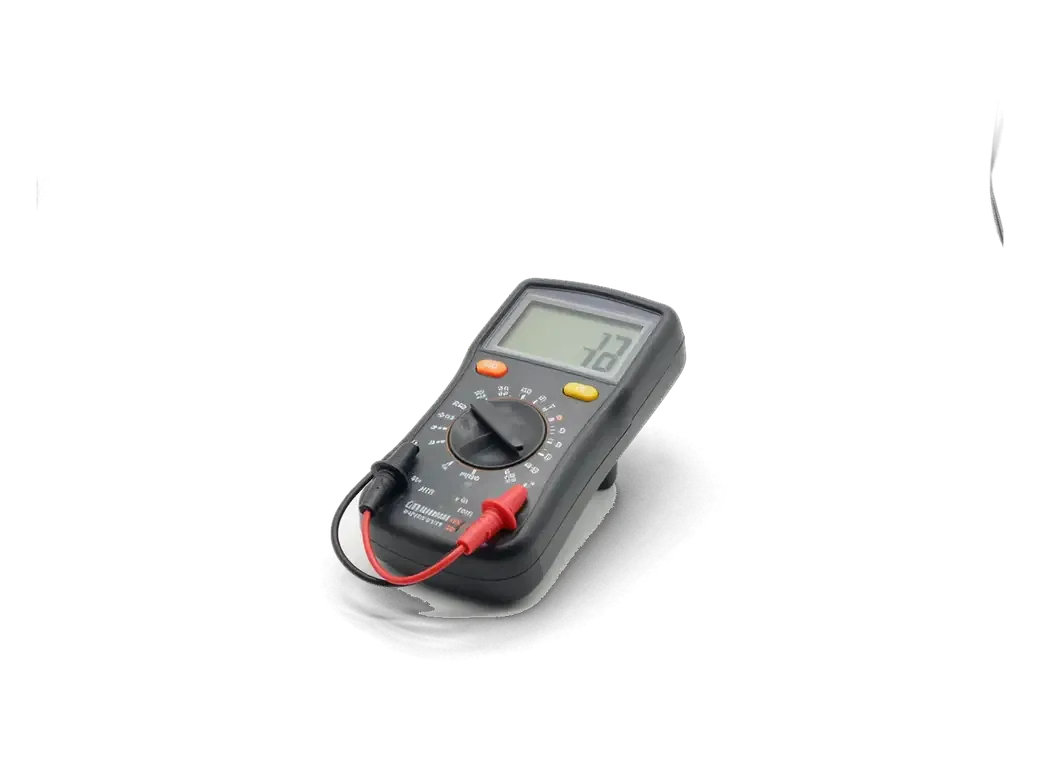
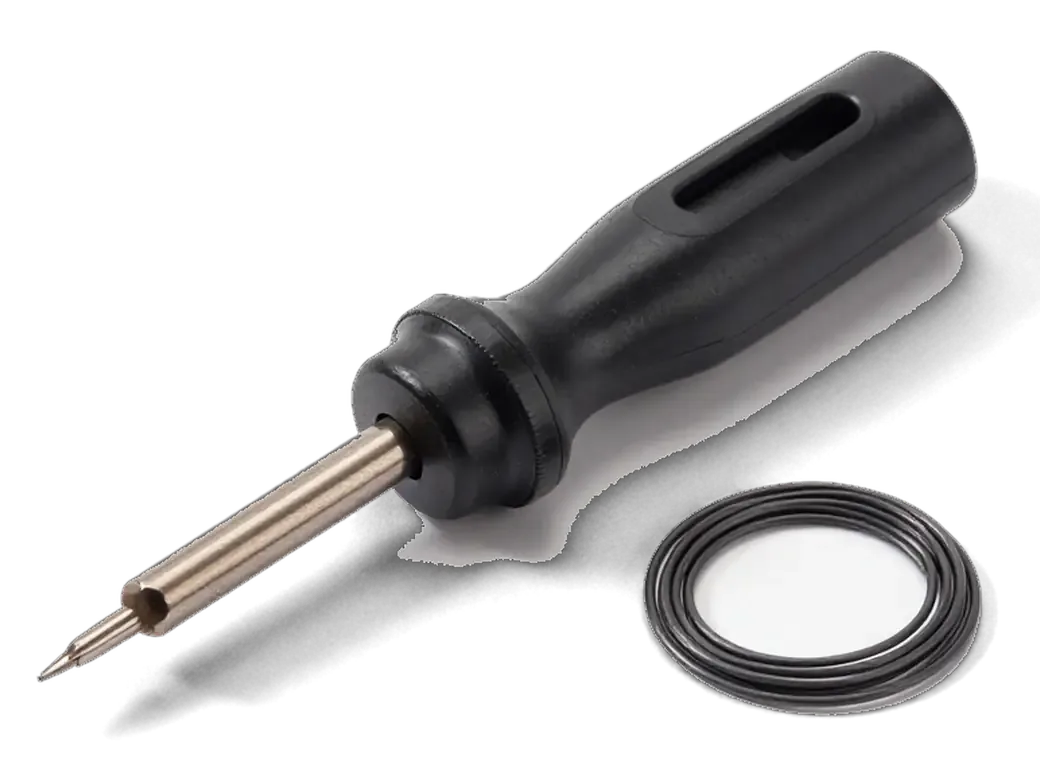
We run free diagnostics in front of you for 15 minutes, measuring current draw on a lab power supply so the failing part is identified before anything is opened. A healthy handset pulls a stable, predictable figure at boot; a board with a short jumps far above it within seconds, while an aged cell shows a normal reading that collapses under load. The Lightning socket and Tristar controller sit on a separate path, so we test charging and data transfer independently to rule them out. That measurement tells the story a visual check cannot, and it takes minutes rather than a full teardown.
iPhone 6 logic board repair component repair or full board replacement
A failed board leaves two routes: repair the specific component or fit a whole replacement board. The difference shows in data, biometrics and turnaround; the engineer picks the route after diagnostics.
Repairing the Failed Component Under a Microscope
When a single part fails — the power controller, charging controller or audio codec — we swap it by micro-soldering under a microscope, and your files stay on the original NAND chip. The work happens at 20–40x magnification with hot-air rework and an iron fine enough for 0201 packages; BGA chips such as the power management IC are reballed with fresh alloy before they go back down. Trace and pad rebuilding is the slowest stage: a lifted pad takes steady hands and a jumper wire thinner than a hair. Component repair only works while the board itself is sound — once traces or pads are burned through, rebuilding them costs more time than the fault is worth. For iPhone 6 logic board repair in Astana, the engineer shows the damaged area under the scope prior to your approval.
When a Replacement Board Makes More Sense
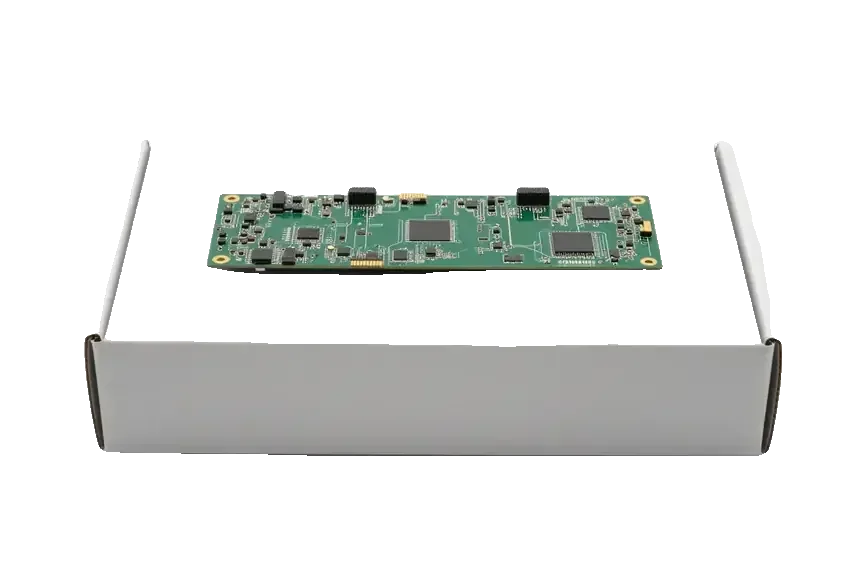
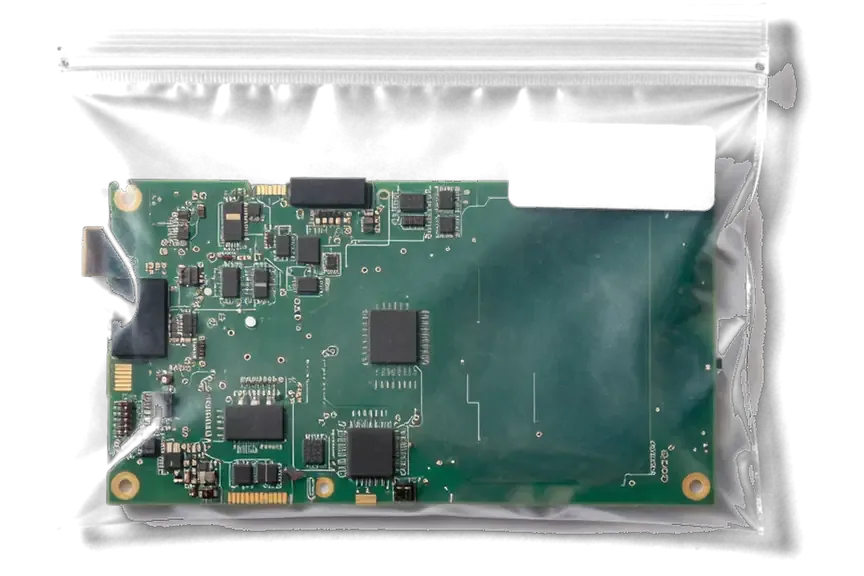
A replacement board is the better route when the original is water-damaged beyond cleaning or has several failed layers, and we only fit a unit clean of iCloud activation lock that matches the iPhone 6 exactly. We check its serial and IMEI against the model before installation, and the part reaches you in factory packaging. Such a board carries its own serial number and IMEI, so the phone's identity changes with it — worth knowing prior to your agreement, especially if the device is tied to a warranty or a carrier. The cleanest units come from same-model phones, not cross-model swaps that fit physically but behave unpredictably.
Component Repair vs Full Board Replacement at a Glance
Two repair routes compared by outcome| What changes | Component repair | Full board replacement |
|---|
| Your data | Stays on the original chip | Not carried over |
|---|
| Touch ID | Keeps working | Lost with the old board |
|---|
| IMEI and serial | Unchanged | New, from the replacement |
|---|
| Turnaround | 1–3 days | 1–3 days |
|---|
| Best when | One failed part, board intact | Board burned or water-ruined |
|---|
What happens to your data and Touch ID after iPhone 6 logic board repair
Before board work, the common question is whether photos survive and the fingerprint still reads. It depends on whether your own board is repaired or swapped for a donor.
Where Your Photos and Files Actually Live
Photos, messages and files sit in the NAND flash memory soldered to the board and are encrypted, so they survive a fix on your own board but do not move to a new one. The processor reads that storage through a paired controller, and the encryption key is fused to the silicon rather than kept as a copyable file. When a technician lifts a failed component and fits a working one, the memory stays put and the phone boots with the gallery, chats and app data intact. A full swap takes the old NAND with it, so a replacement board arrives blank. Because the key is tied to that module, a backup made before the visit is the only reliable safety net if the board is beyond saving.
Touch ID and the Home Button on iPhone 6
On the iPhone 6 the Touch ID sensor is paired with the processor on its own board, so biometric unlock keeps working after a chip-level fix but stops on a donor board. The sensor sits in the Home button assembly and holds a unique key that the A8 processor checks at every unlock; move the button to a different logic board and the check fails, leaving the option greyed out. The Home button here is mechanical, so its click still works on a swapped board even though the scan does not. Owners who rely on Touch ID for banking apps usually choose chip-level work for this reason. Ask the engineer to confirm which path your phone needs before ordering parts.
Water Damage and Why the Board Keeps Corroding
Liquid is the most common and deceptive reason an iPhone 6 reaches a board technician: the phone dries out and appears to work while corrosion on the contacts continues underneath.
Why Corrosion Continues After the Phone Dries
Moisture trapped on the board keeps eating at contacts and traces long after the outside feels dry, so a phone that seems fine after a spill can fail days or weeks later. Water carries salts and minerals into the gaps between chips and the logic board, and those deposits stay put once visible droplets evaporate. Current through damp contacts accelerates the reaction, turning a thin oxide film into pitted traces and lifted pads. This model has no meaningful water resistance, so even a short dip or splash near the SIM tray reaches the board through frame openings. After any liquid contact, power the phone off and bring it in before charging, since current through wet contacts turns a cleanable board into a ruined one.
Cleaning the Board and the Two-Day Diagnostic Window
We clean a water-damaged board in an ultrasonic bath and remove oxidation under a microscope; after liquid contact, diagnostics can take up to two days because corrosion under components only shows once the board is fully dry. The bath lifts mineral residue from between chip legs and connector pins where a brush cannot reach, and the microscope check reveals which traces have started to pit. That longer window is not delay for its own sake — rushing a wet board back into service turns a repairable fault into a replacement. Phones that arrive powered off and uncharged after a spill come back to life far more often than those charged "to check if it still works".
How the Repair Runs and What We Check Before Handover
From the first message to the moment the phone leaves the counter, the job follows a clear route, and at every step you can see what is happening with the board and what gets confirmed prior to handover.
From a WhatsApp Photo to a Fixed Board
You send a photo of the damage on WhatsApp, a specialist replies within 5 minutes with a price, and once you arrive we lock the cost, part, turnaround and coverage on the receipt before work starts. The replacement component is shown in its factory packaging, then the board goes under the microscope — board-level work takes 1 to 3 days rather than the 20–40 minutes a screen or battery needs. You can wait in the lounge with coffee and Wi-Fi while the job moves. Fixing those four points on paper ahead of opening the board keeps a repair predictable — nothing changes after the phone is on the bench.
The Functions We Test Together Before You Leave
- Network and calls: a SIM goes in and the specialist confirms signal, cellular data and call audio on the reassembled board.
- Cameras and microphones: both rear and front lenses open, and the mics record voice without hiss.
- Speakers and earpiece: ringtone, media playback and the in-call earpiece are tested at full volume.
- Charging: the port takes a charge and the cable sits firm without wiggle.
- Paperwork and coverage: you leave with the receipt, a card covering up to 1 year and the old board.
Summary: iPhone 6 Logic Board Repair
A logic board problem on the iPhone 6 rarely announces itself clearly; the right decision depends on diagnostics. These five points summarise what matters most before committing to any repair.
- Diagnosis first: boot loop, heat or refusal to charge points to the board, but a hands-on check separates board fault from battery or port.
- Component repair preserves data: photos, files and Touch ID sit on the original chip; a donor board carries none.
- Water damage keeps spreading: corrosion continues after the phone looks dry, so power off and inspect before charging.
- Fingerprint pairing: the sensor is tied to its own board, so a swapped board leaves no Touch ID.
- Handover check matters: confirm network, cameras, sound and charging before leaving, proving the repair holds.








 iPad
 MacBook
 iMac
 Mac mini and Studio
 Apple Watch
 AirPods
 Apple Pencil
 Apple TV
 HomePod




