On iPhone 7 the Home button is not mechanical: a reader detects each tap, and the click you feel comes from the Taptic Engine. Here is what sits inside the assembly and why it fails.
The Parts Behind the Home Button on iPhone 7
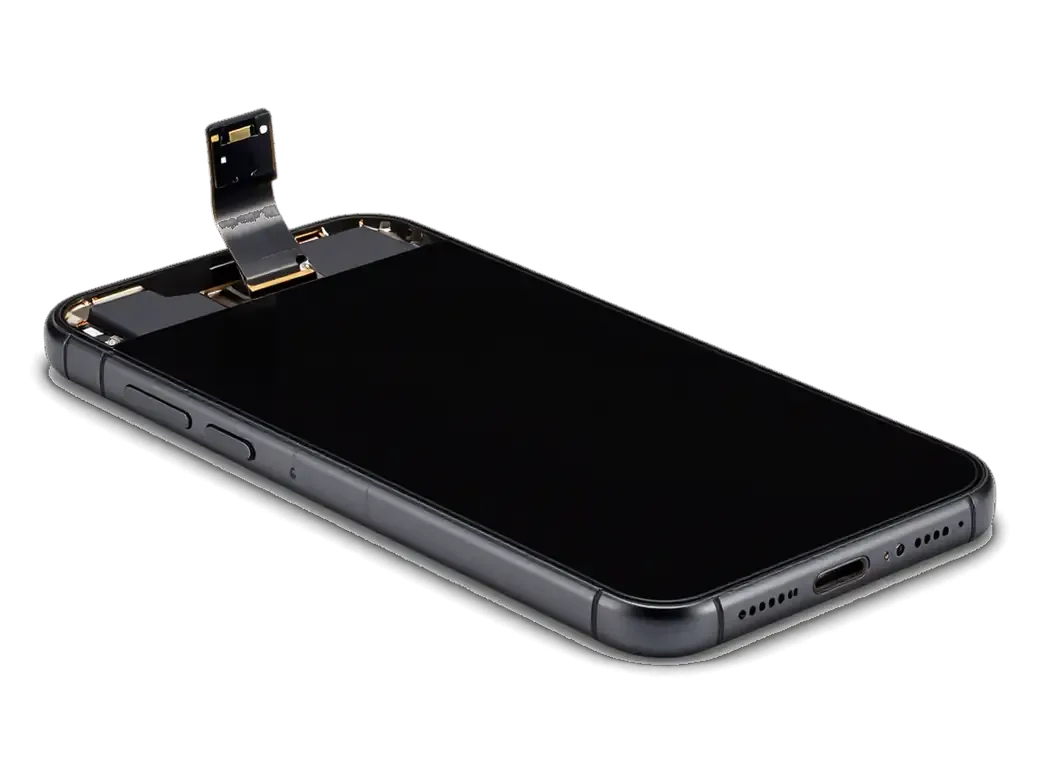
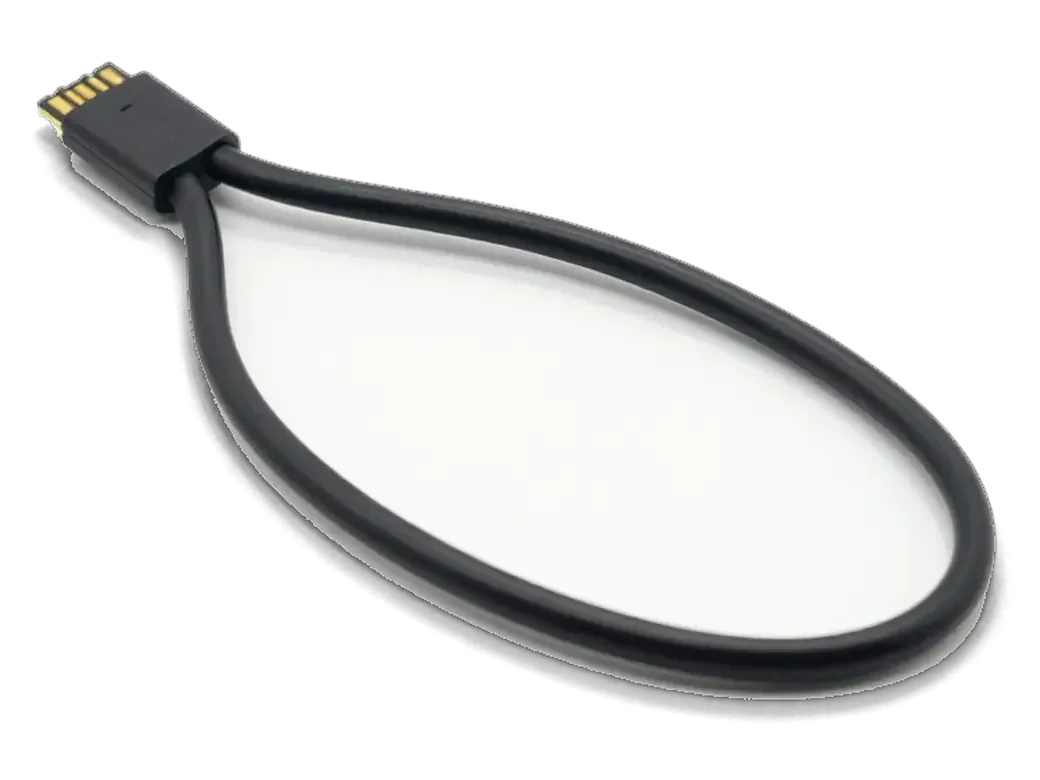
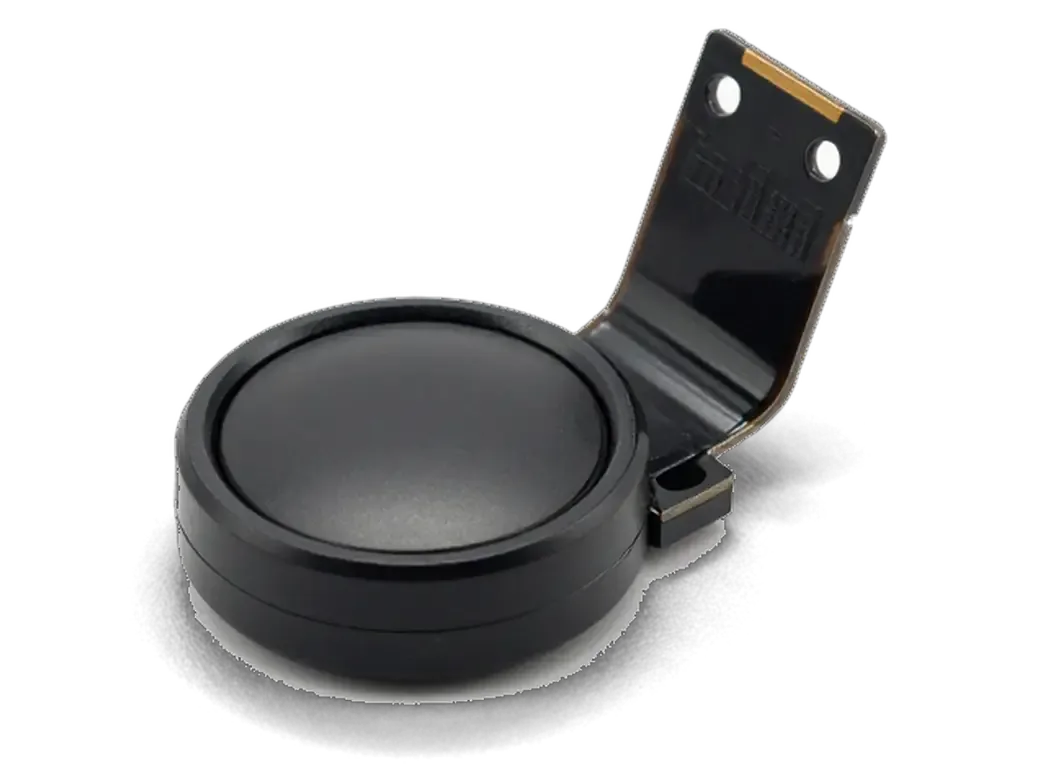
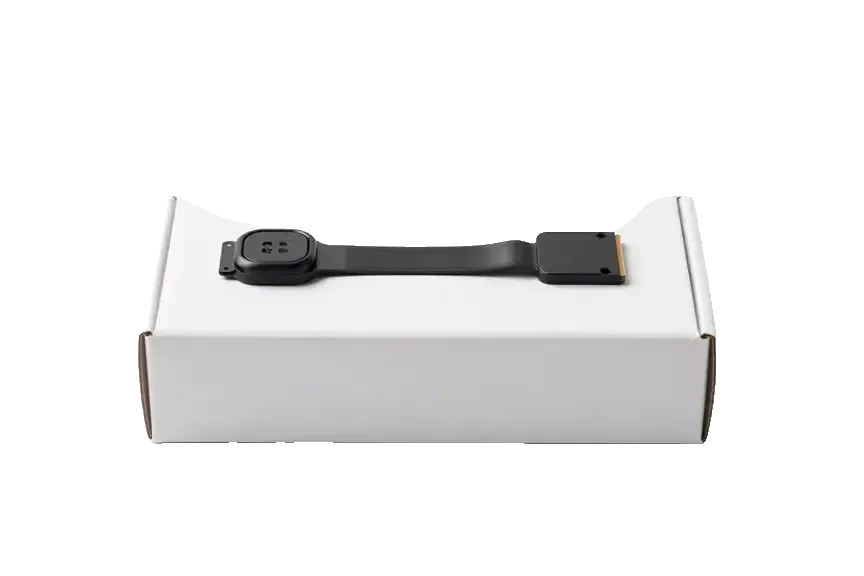
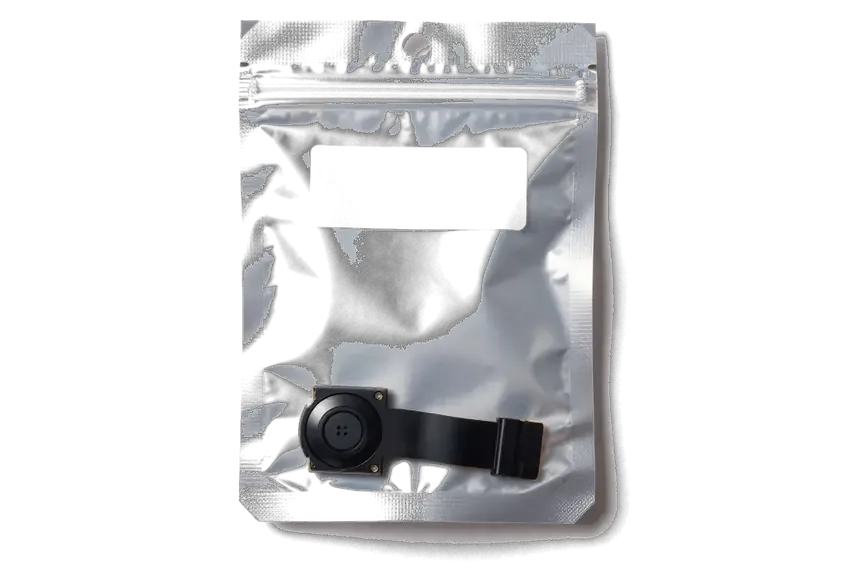
On iPhone 7 the Home button has no moving parts, the tap is detected by a reader in the button ribbon and the click you feel is produced by the Taptic Engine, not by a physical switch. The assembly stacks four layers: the sapphire-covered cap, the Touch ID ring, the cable that carries biometric data and input signals, and the Taptic Engine underneath the display module. On iPhone 6 and 6s the same assembly travelled on a real dome switch and clicked by itself; the iPhone 7 and 8 design removed that travel entirely. That cable runs from the button, under the panel, to a connector on the logic board. Because the reader and this ribbon are one sealed unit tied to the board, damage to it is not the same problem as a worn button on older models, and it changes what a repair can realistically save.
Why the Ribbon Fails After Drops, Water and Earlier Screen Work
Most button faults come from three things: a drop that bends the display module, liquid that oxidises the contact, or a previous screen replacement where the cable was pinched during reassembly. A corner impact bends the frame a fraction of a millimetre, and that is enough to crack the thin traces running through the ribbon. Water reaches the connector through the gap around the panel and leaves oxidation on the pins, which is why a button can die weeks after a spill rather than on the same day. On earlier display work, a cable folded the wrong way or trapped under a screw keeps conducting, but the signal weakens. A button that responds every other tap is usually a partially damaged ribbon rather than a dead reader, so it is worth diagnosing before the component gives out and takes the fingerprint function with it.
Reading the Symptoms Before Any iPhone 7 Home Button Replacement
The button carries three separate jobs — the physical press, the fingerprint read and the haptic click — and each can fail on its own. What stopped working tells you which part to inspect first.
Which Layer Is Broken — Press, Fingerprint or Haptic Feedback
symptom to faulty layer and Touch ID outlook| Symptom | Likely layer | What we check | Touch ID outlook |
|---|
| No press reaction at all | Button flex or sensor | Flex continuity, board contact | Depends on flex damage |
|---|
| Press works, no Touch ID | Fingerprint sensor or flex | Sensor pairing, flex condition | Original sensor may be saved |
|---|
| No click but press registers | Taptic Engine | Haptic motor, iOS settings | Unaffected |
|---|
| Works every other press | Partly damaged flex | Flex under microscope | Usually preserved |
|---|
| Dead after screen repair | Pinched or torn flex | Reassembly damage | Assessed on diagnostics |
|---|
Using AssistiveTouch Until You Book a Repair
AssistiveTouch puts a software Home button on screen, so you can keep using the phone while you decide on a repair, and it costs nothing to enable in Settings. Go to Accessibility, then Touch, then AssistiveTouch, and a floating circle appears that handles back, home and app switching. It is a genuine stopgap for navigation, though it will not restore biometric unlock, because Touch ID needs the physical sensor under the glass. If the on-screen button restores full navigation but the physical press stays dead, that confirms a hardware fault in the flex rather than a software glitch — useful information to bring to diagnostics.
Will Touch ID Survive an iPhone 7 Home Button Replacement
The main question every owner asks is whether biometric unlock comes back after a button repair. The answer depends on what exactly is damaged and whether the original component can be kept.
Why the Sensor Is Tied to Your Own Logic Board
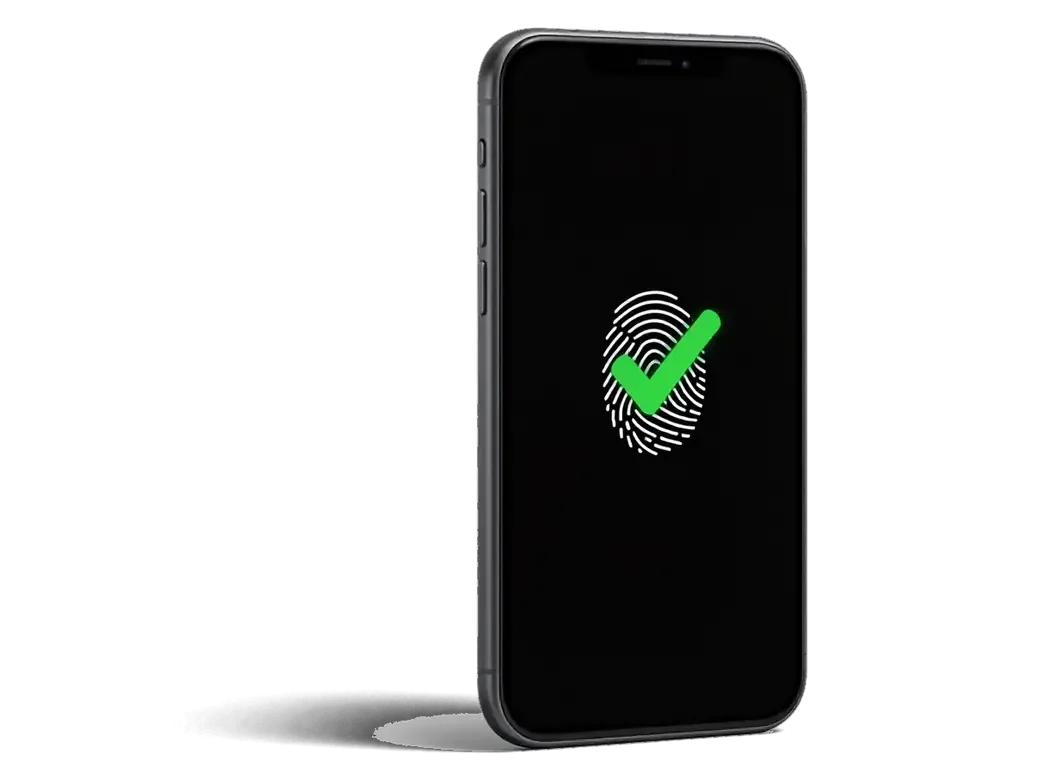
The Touch ID reader is paired to the logic board of your specific phone, so a home button replacement only restores fingerprint recognition when the original part is preserved or its flex is repaired. Each unit carries a unique identifier that the board checks at startup, and no pairing procedure exists outside the factory. A component pulled from another iPhone 7, even a genuine one, gives you a working press and click but no biometric unlock and no Apple Pay. On the iPhone 6 the reader sits on a separate flex, which is why work there keeps fingerprint recognition alive. On the 7 and 8 it is bonded to the button itself, so the two travel together. This is why a part bought separately can bring back the Home function but never biometric unlock, and why we assess the original ribbon under the microscope before recommending any swap.
Ribbon Repair Versus Full Button Swap
What each route preserves on the device| Route | What is kept | When it applies |
|---|
| Original ribbon repair | Fingerprint recognition, Apple Pay, press | Damage is repairable under microscope |
|---|
| Full unit swap | Press and click only | Sensor is destroyed |
|---|
| Ribbon replacement, same reader | Fingerprint recognition if reader intact | Reader fine, ribbon torn |
|---|
| No repair, AssistiveTouch | Software Home only | Owner postpones the job |
|---|
Buying a Home Button Yourself and What It Really Gives You
Buying the part yourself sounds cheaper, but on an iPhone 7 a separate button does not return biometric unlock. Here is what the purchase really gives you and what sets the order of the quote.
What a Separately Bought Button Can and Cannot Do
A button bought on its own can restore the "Home" press at best, but it will not bring back Touch ID, because the fingerprint reader is locked to the original logic board. The pairing is written into the sensor and the board at the factory, so a fresh unit carries no matching key and the phone reads it as a stranger. On the iPhone 7 an aftermarket button may not even register presses reliably, since the reader expects the paired original unit and the click response depends on that handshake. That is why a cheap part often turns into a second repair, with the phone opened twice and the original flex disturbed along the way. If your own button still clicks but biometric unlock is gone, the sensible route is a proper iPhone 7 home button replacement that Almaty owners book with the original reader kept, not a self-bought part.
What Drives the Order of the Quote
We quote from a photo on WhatsApp within 5 minutes, and the order of the quote depends on whether the original reader can be saved, the type of part chosen and the state of the display module. An engineer checks the device in front of you during free diagnostics, which takes 15 minutes even if you decide not to repair, and shows what is actually broken. The price, the part, the turnaround and the warranty are fixed on the receipt before work starts, so the figure you agree to is the figure you pay, with no surprises after the phone is opened. A courier across the city takes 90 minutes and is free with a repair.
How the Work Goes and What You Get Back
From the first message to the moment the phone leaves our counter, the sequence is short and predictable. Here is what happens at each stage and what you check together with the engineer before you go.
From WhatsApp Photo to Pickup
Each step of the visit, from message to handover| Stage | What happens | Time from our facts |
|---|
| First contact | Photo on WhatsApp, price quoted | Reply within 5 minutes |
|---|
| Diagnostics | Engineer checks device in front of you | 15 minutes, free |
|---|
| Paperwork | Price, part, turnaround, warranty fixed | 2 minutes on receipt |
|---|
| Repair | Ribbon repair or button swap | 20–40 minutes typical |
|---|
| Pickup | Joint check, old part returned | Same visit |
|---|
What to Check Together With the Engineer
Before you leave we check the press, biometric unlock, the haptic click and Apple Pay together with you, and the phone goes back with the receipt, the warranty card and the old part. The engineer holds the device while you tap the button yourself, then opens Wallet and runs a real payment so the pairing between reader and logic board is confirmed under load, not just in a test menu. The same pass covers the 32-function check we run after every repair, about 10 minutes, and the warranty runs up to 1 year. Testing Apple Pay at the counter catches a pairing problem on the spot, while discovering it at a shop till later means a second visit for something that could have been fixed in minutes.
Summary: iPhone 7 Home button replacement
The points below pull the whole job together: what the part actually is, which fault you are facing, and how to confirm the work is finished before you leave the workshop.
- Reader, not switch: On the iPhone 7 the Home button is reader-based, and the click comes from the Taptic Engine rather than a moving switch.
- Paired sensor: The biometric sensor is tied to the logic board, so a separately bought button restores the press but not Touch ID.
- Symptom first: Matching the symptom to the layer — press, biometric unlock or haptic — tells you which part is actually at fault.
- Ribbon route: Repairing the original ribbon is the path that keeps Touch ID and Apple Pay working as before.
- Pickup check: Testing the press, biometric unlock and Apple Pay at collection confirms the job is complete before you leave.









 iPad
 MacBook
 iMac
 Mac mini and Studio
 Apple Watch
 AirPods
 Apple Pencil
 Apple TV
 HomePod




