The iPhone 7 shows battery health in settings, yet that number is not the only signal. Here is when a replacement is genuinely justified and when the fault lies elsewhere.
Reading Battery Health on an iPhone 7
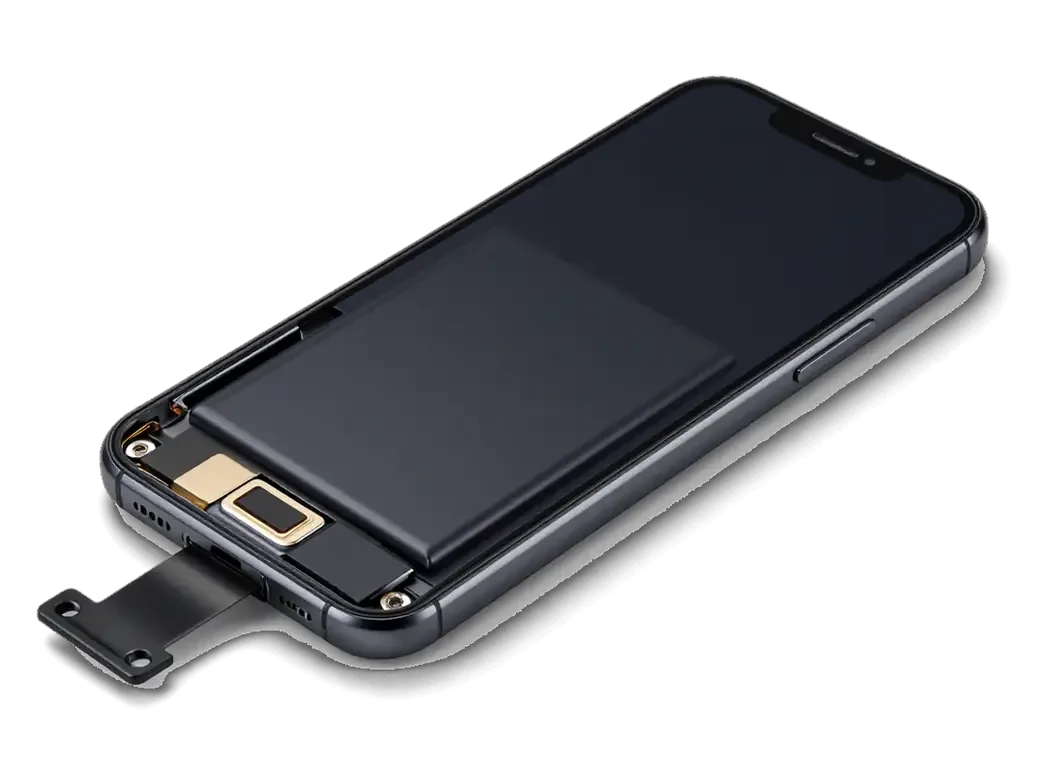
On an iPhone 7, open Settings → Battery → Battery Health to see Maximum Capacity and the service message; anything below roughly 80 % with real symptoms is a fair reason to plan a replacement. The menu has shipped since the iPhone 6, so the figure is available on this model, though unlike the iPhone 8 and newer there is no Peak Performance Capability line and no performance-management switch. Maximum Capacity is a rough estimate the system makes from charge cycles and voltage behaviour, not a lab measurement, and it can read high on a cell that has already lost its ability to hold voltage under load. That single figure rarely tells the whole story — a pack that reports 82 % yet falls from 40 % to zero under strain is more worn than the number suggests, so judge by behaviour across a normal day, not one reading.
Symptoms That Point to the Battery, Not the Software
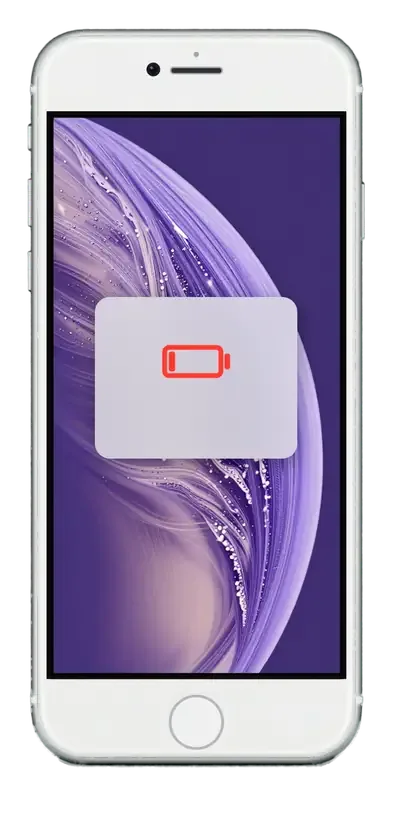
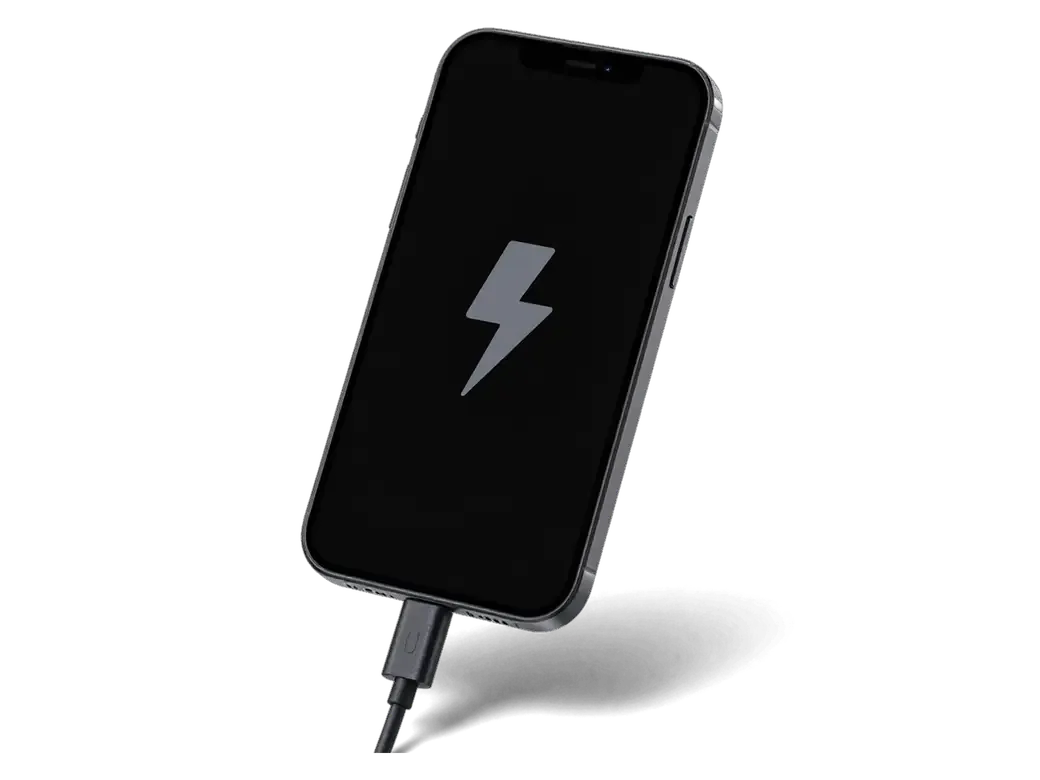
- Shutdowns with reserve left: the handset powers off with a reserve remaining and restarts only once a cable is connected.
- Sudden percentage jumps: the indicator drops in steps of several points instead of draining steadily.
- Cold-weather failure: the device cuts out outdoors in winter and recovers once it warms up indoors.
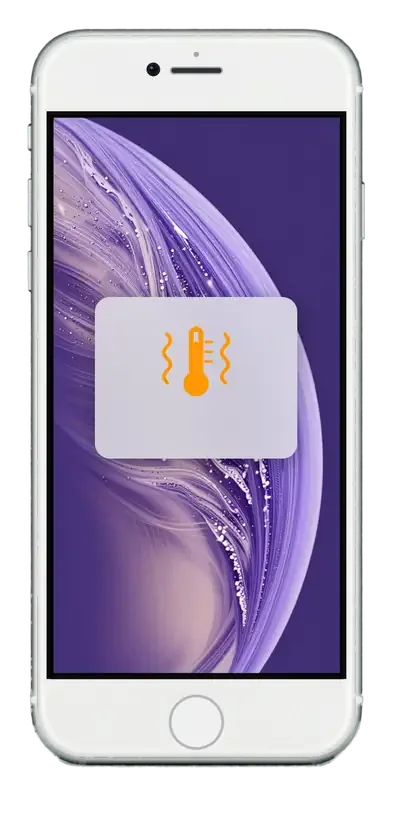
- Warmth while idle: the lower half of the phone heats up during top-ups with no heavy app running.
- Random reboots: restarts cluster around camera use, calls or navigation, when current draw peaks.
Original or Aftermarket iPhone 7 Battery Replacement
Both options are legitimate for an iPhone 7, and the right pick depends on how long you plan to keep the device. Here is how the two differ in practice.
How the Two Options Compare
Original versus third-party cells for one model| Option | What you get | Best for | Battery health reading |
|---|
| Original cell | Exact capacity match | Keeping the device long-term | Shows normally |
|---|
| Aftermarket cell | Quality third-party unit | Budget-conscious repair | Shows normally on iPhone 7 |
|---|
| Either option | New adhesive strips and case seal | All iPhone 7 units | No pairing warning on this model |
|---|
Will the iPhone 7 Show a Part Warning
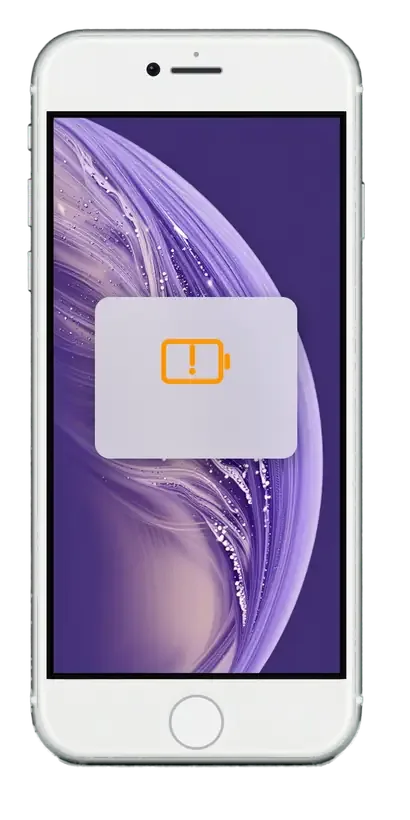
The iPhone 7 does not display the "Important Battery Message" that appears on iPhone XR, XS and 11 after an aftermarket cell, so the health percentage keeps working with either choice. That alert on newer models comes from the controller being paired to the logic board during assembly — a system the iPhone 7 predates, which is why a correct installation here leaves no trace in the settings. The chip still reports maximum capacity and cycle count to the system exactly as an original unit would. On the XR and XS the same job triggers the warning within minutes of first boot, which is why owners of those models ask about it before booking. If you plan to resell, an original cell keeps a listing simple — local buyers rarely question a health figure that reads normally on a 7.
How the Replacement Works at iServices
The whole visit is built around one idea — you see every step and leave with the paperwork. Here is what happens from your first message to pickup.
From WhatsApp Photo to a Fixed Receipt
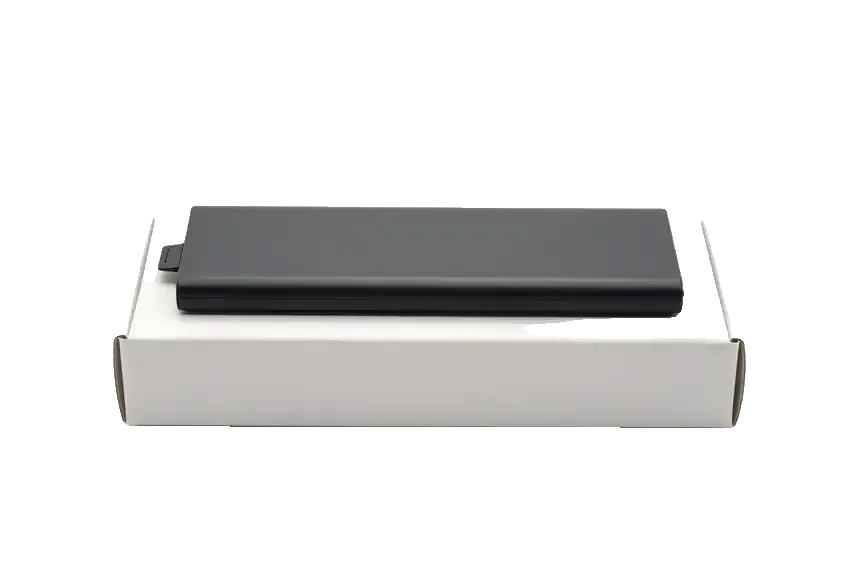
Send a photo of the damage on WhatsApp and a technician replies within 5 minutes with a price and a free time slot; before work starts, the price, part, turnaround and warranty are fixed on the receipt within 2 minutes. The battery arrives in factory packaging and is shown to you prior to installation, whether you picked an original or an aftermarket cell. The specialist also runs the 15-minute diagnostic in front of you, so the fault is confirmed before anyone opens the device. Getting the part written onto that document matters more than it sounds — it proves which cell went in, so keep it alongside the warranty card for the whole coverage period.
Waiting In or Dropping Off
- Battery turnaround: an iPhone 7 battery replacement in Almaty takes about 25 minutes, and 72% of our repairs are finished while the customer waits in the lounge.
- Comfort while you wait: the waiting area has coffee and Wi-Fi, so a short job does not eat into your day.
- What to bring: the device itself is enough — the technician confirms the fault during the free diagnostic even if you decide not to proceed.
- Payment: settle by Kaspi, card or cash once you have checked the phone together with the specialist.
- Courier option: a courier across the city takes roughly 90 minutes and is included with a repair, though the handset still passes the same in-shop check.
What We Check After the New Battery Is In
A battery swap touches more than the cell itself, so the check afterwards covers the whole handset. Here is what we test and what you take home.
The 32-Point Check and the New Case Seal
After the repair we check 32 functions in about 10 minutes — cameras, microphones, speakers, charging and network — and re-seal the iPhone 7 case to keep its splash protection. The engineer runs the same checklist in front of you, so nothing is signed off behind a closed door. The display connector matters here: a battery job that disturbs it can leave the screen behaving oddly, and only a live test catches it. The adhesive strip is the step most often skipped elsewhere: the factory glue is single-use, so a handset closed without fresh strips loses the water resistance it had before the repair even if everything else works. If you plan to keep the device through a rainy season, ask whether new adhesive goes on before you hand it over.
Your Data, Your Old Part and Your Warranty
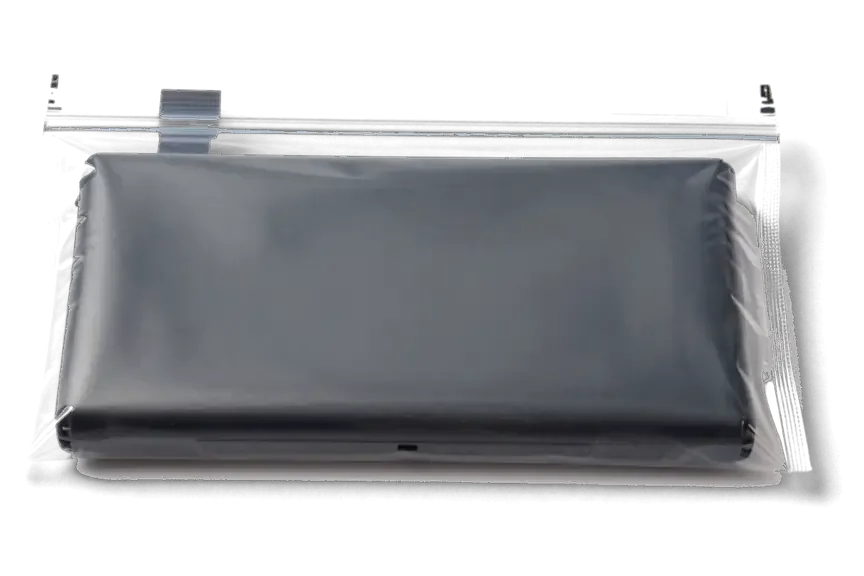
Your data stays untouched — a battery replacement does not erase the handset — and you leave with the receipt, the warranty card covering up to 1 year, and the old cell in hand. We hand over the worn unit in a small bag together with the paperwork, so you can compare it against the fresh component you saw in factory packaging before installation. Keeping that spent battery is the simplest proof you can hold that a new one went in; if you ever need to claim the warranty, the receipt plus the returned unit together show exactly what was done and when. Our warranty runs up to 1 year on the installed component, and the same card lists what it covers. The whole visit, from the first WhatsApp message to pickup, usually takes less than an hour.
Battery, Charging Port or Board
Not every dead phone needs a battery, and not every swollen one is safe to keep using. Here is how to tell the difference before you come in.
Telling a Worn Battery from a Port or Board Fault
If your device does not charge at all, we check the port and cable first, then the battery, then the board — and free diagnostics in front of you take 15 minutes, even if you decide not to repair. A cable that only works when held at an angle usually points to a worn charging port, while a handset that dies at 40% and restarts on its own points to a tired cell. Between those two cases sits the power controller on the board, which fails less often but mimics both. Our engineer plugs the unit into a USB current meter and reads the draw in seconds: a healthy charge pulls steady current, a shorted socket pulls nothing, a failing power pack spikes and drops.
What to Do with a Swollen Battery
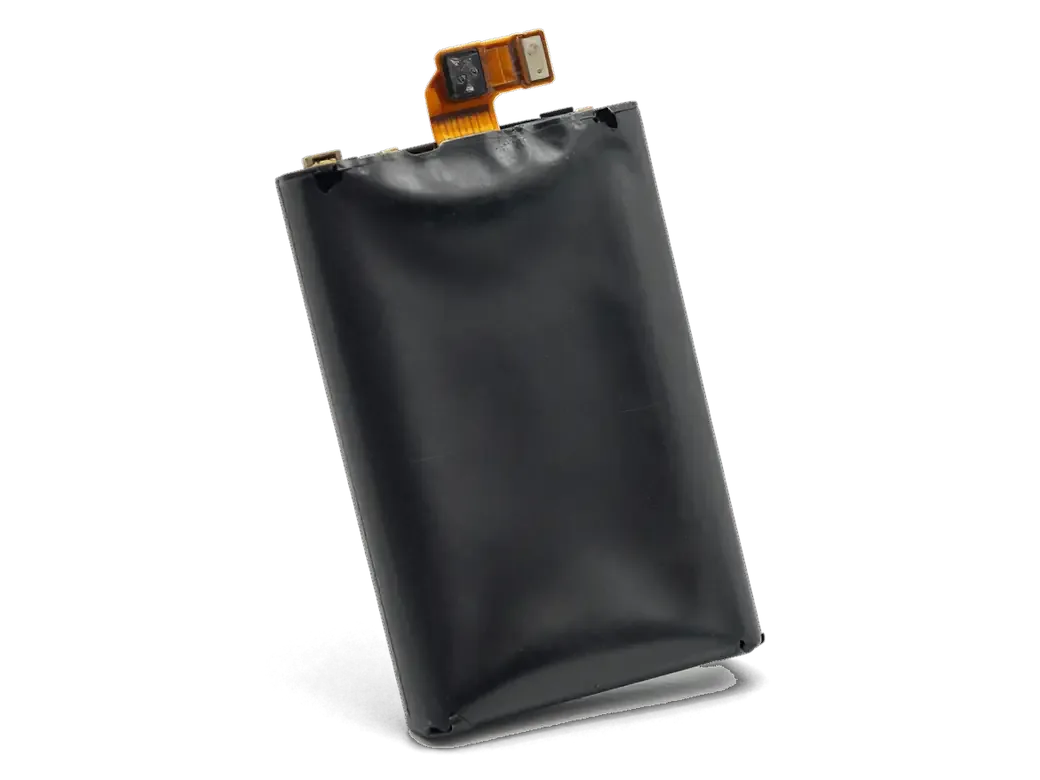
A swollen battery should not be charged or pressed on — stop using the handset, do not push the screen back down, and bring it in as soon as you can. A pack that has started to expand releases gas from the electrolyte, and the pressure pushes the display module up from behind, often opening a visible gap along the frame edge. Charging adds heat, and heat accelerates the swelling. Keep the device away from direct sunlight, do not leave it overnight on a charger, and carry it flat rather than in a tight pocket. The pressure builds slowly and can crack the display from the inside, so a screen that looks fine today may need replacing too if the unit is used for another week.
Summary: iPhone 7 Battery Replacement
The decision usually comes down to a few practical signals rather than a single number on a screen. Here is what matters most before you arrange a swap.
- Judge wear by behaviour, not one figure: sudden shutdowns at 20–30 % charge say more than the percentage alone.
- Both cell types keep the reading: on this model original and aftermarket batteries each report condition, so choose by how long you keep the phone.
- Nothing touches your data: a swap leaves photos and messages intact, and the receipt plus old part record the work.
- Charging only at an angle points to the port: that pattern is usually a connector fault, so diagnose before paying for a cell you may not need.
- A swollen battery is a safety issue: stop charging it and have it inspected early, since pressure on the display can turn a cheap fix into a screen replacement.











 iPad
 MacBook
 iMac
 Mac mini and Studio
 Apple Watch
 AirPods
 Apple Pencil
 Apple TV
 HomePod




