BS Photo: Bakmukhammed S.
Bakmukhammed S.
on-site iPhone technician
13years of experience
4.93rating, 107 reviews

Home button on iPhone 7 not responding? We'll find out whether it's the flex cable or the button itself and fix it, with a 1-year warranty on the work.
The button may stop answering, lose its haptic click or fire by itself, and the fingerprint reader fails along with it.
Pressing the round button brings neither a buzz nor a return to the Home screen, although the display responds.
The button stopped giving its vibrating 'click', and the sensation of a press is gone or weak and uneven.
The phone does not recognise your finger, asks for the passcode and suggests adding a fingerprint again.
The phone returns to the Home screen or opens the app switcher by itself, as though the button was pressed.
We name the final amount after checking the button and its flex cable — by phone or WhatsApp.
| Service | Original | Aftermarket |
|---|---|---|
| Home button replacement | 36 900 ₸ | 21 900 ₸ |
| Button replacement | 26 900 ₸ | 15 900 ₸ |
| Display replacement | 28 900 ₸ | 21 900 ₸ |
| Battery replacement | 21 900 ₸ | 12 900 ₸ |
| Housing replacement | 55 900 ₸ | 30 900 ₸ |
| Camera glass replacement | 19 900 ₸ | 10 900 ₸ |
| Main camera replacement | 38 900 ₸ | 21 900 ₸ |
| Front camera replacement | 29 900 ₸ | 16 900 ₸ |
| Charging port replacement | 17 900 ₸ | 10 900 ₸ |
| Earpiece speaker replacement | 26 900 ₸ | 15 900 ₸ |
| Speaker replacement | 26 900 ₸ | 15 900 ₸ |
| Microphone replacement | 26 900 ₸ | 15 900 ₸ |
| Vibration motor replacement | 26 900 ₸ | 15 900 ₸ |
| Proximity sensor replacement | 27 900 ₸ | 16 900 ₸ |
| Other repairs | Price | |
| Water damage cleaningcorrosion cleaning · diagnostics up to 2 days | 17 900 ₸per job | |
| Power controller replacementboard-level chip · microsoldering | 22 900 ₸with parts | |
| Audio codec replacementboard-level chip · microsoldering | 23 900 ₸with parts | |
| Modem repairboard-level chip · microsoldering | 26 900 ₸with parts | |
| Wi-Fi module repairwireless module · board-level repair | 19 900 ₸with parts | |
| Logic board repairmicrosoldering · 1–3 days | 75 900 ₸per job | |
| Storage replacement and upgradememory chip installation | 30 900 ₸with parts | |
| Firmware flashingsoftware restore, no parts replaced | 10 900 ₸per job | |
| Touch ID repairpaired to the board — no aftermarket | 27 900 ₸per job | |
The total depends on whether only the button is replaced or the flex and other parts too.
The technician checks the response, opens the phone carefully, removes the bracket, fits the new button and reseals the body.
We test how the button answers a press and a touch, separating a software glitch from a real fault.
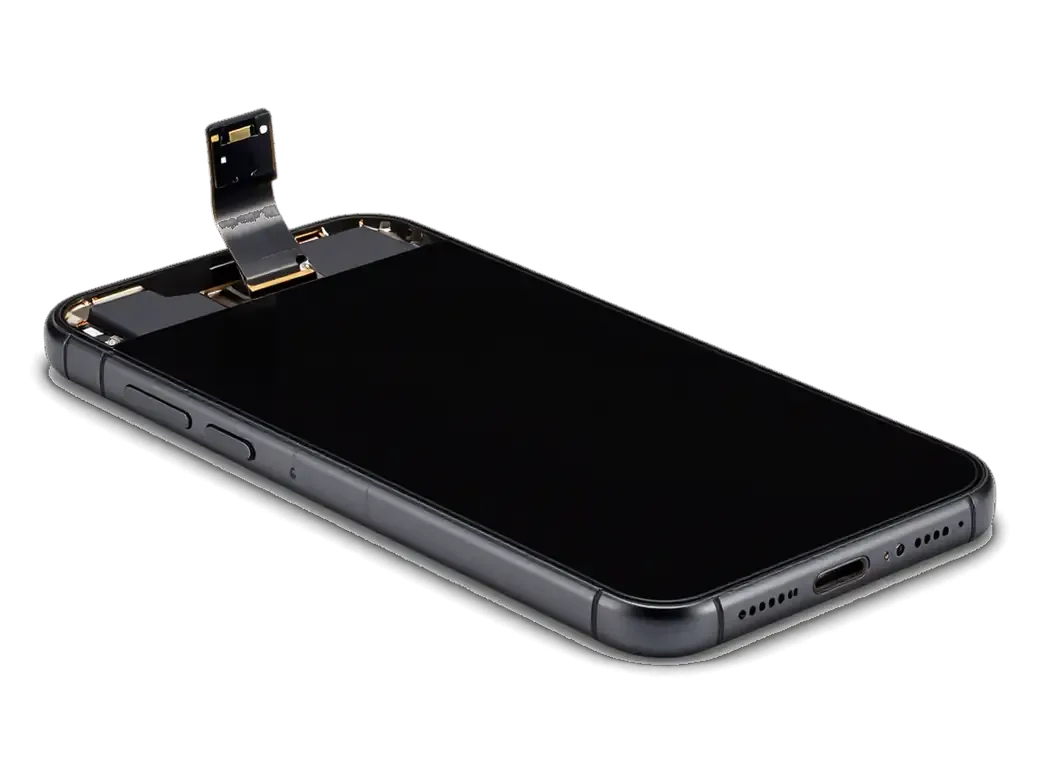
The adhesive is warmed, the display lifted and the battery disconnected so the fragile flex stays intact.
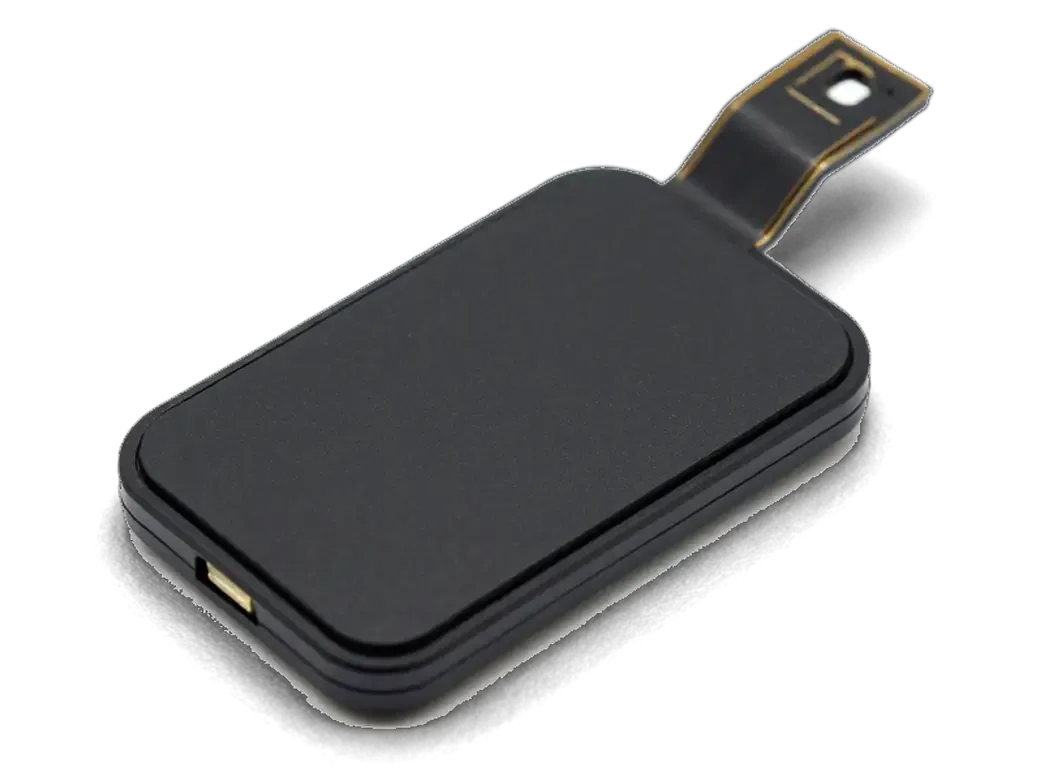
The protective plate is unscrewed and the button connector is carefully detached from board and display.
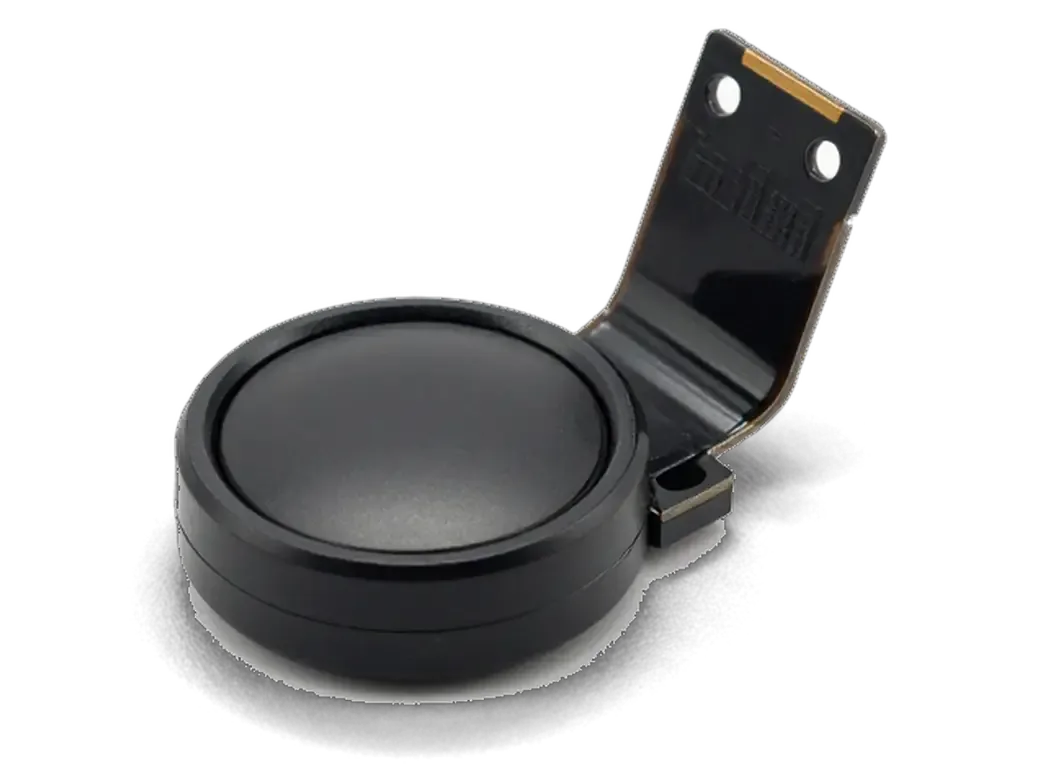
A new part goes in, or the flex is restored, and the unit is fixed in its usual place.
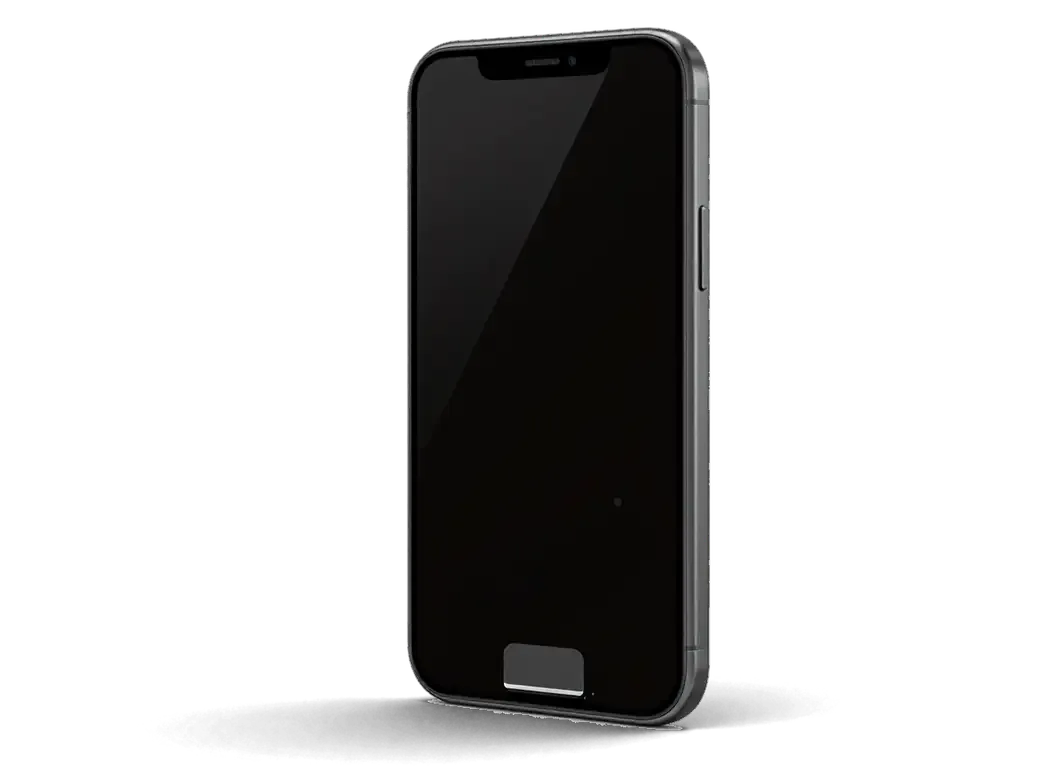
The gasket is replaced, the display returns and the screws are tightened in the right order.
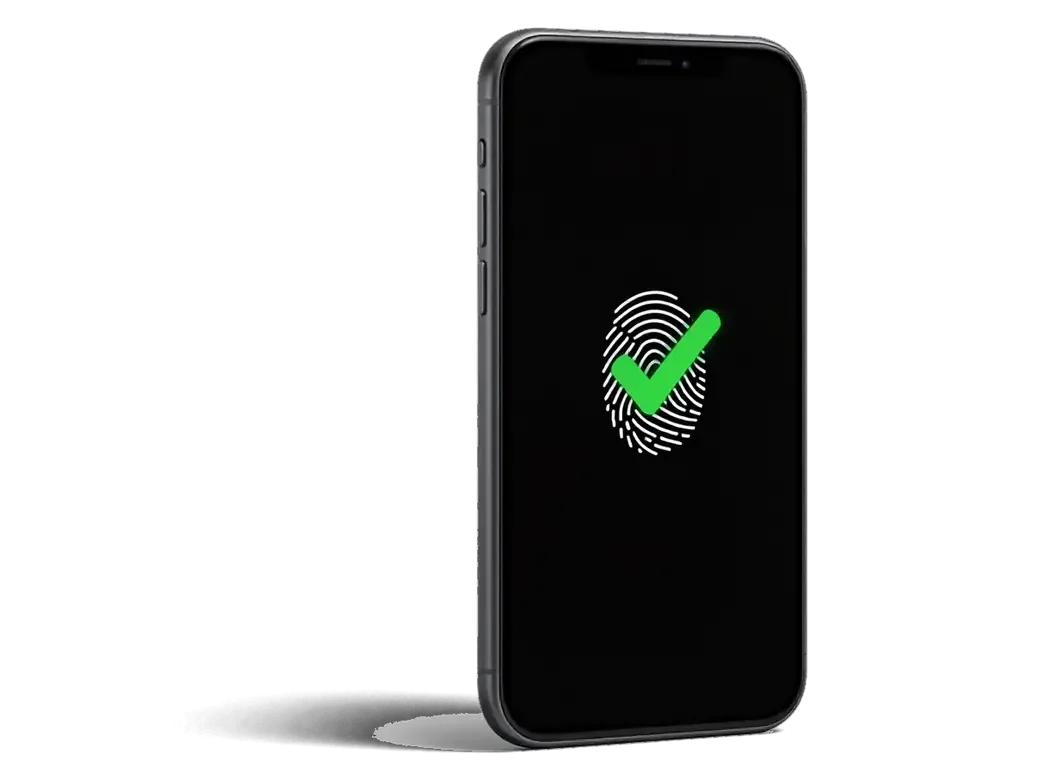
We check the press, haptic feedback, return to the Home screen and fingerprint recognition, if kept.
The button responds again, and the repair is under warranty.
Price for my modelThe method chosen decides whether the fingerprint scanner works after the repair, and the technician explains this beforehand.
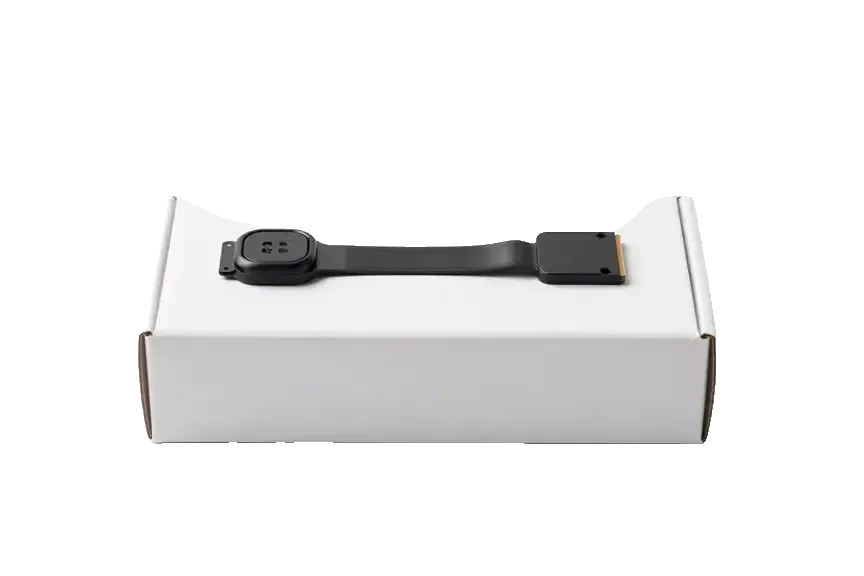
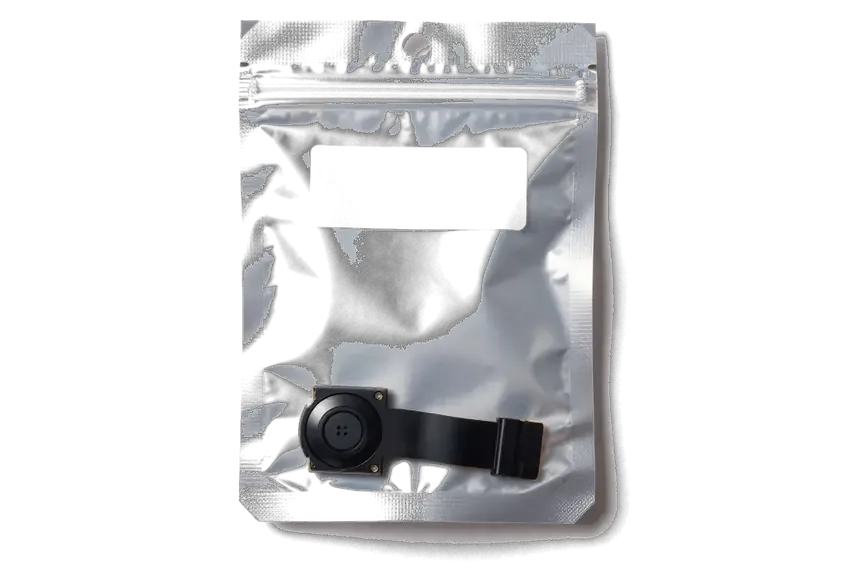
The button works together with the board and its cable, so we rule out other causes first and are honest about Touch ID.
A button replacement carries a warranty up to 1 year: if the response fails through our part of the job, we return to the repair.
The service has worked for 11 years and knows how the 7 differs from older models: its button is not mechanical.
The button flex tears at one clumsy move, so the job is done by experienced technicians.
We say beforehand whether the fingerprint scanner survives, so you choose a suitable option without surprises.
If the display or software is at fault we tell you, and we do not replace the button needlessly.
We accept phones on weekdays and at weekends; opening hours are listed on the contacts page.
The whole journey — from message to finished phone. We give you the old part.
Book a replacementYou message us on WhatsApp with the model and what happened — we give you the price and time. Or you come in without an appointment.
We check the button and the flex cable: sometimes it's not the mechanism itself but the flex cable or the logic board that's at fault.
We note the model, the part (original or aftermarket), the price, the timeframe, and the warranty.
We open the factory packaging in front of you and check the number against the receipt.
We install the new button or flex cable and close the housing with water-resistant adhesive.
Button press and response, screen. You get the phone, the receipt and the old part.
Technicians for iPhone, Mac, iPad, Apple Watch and AirPods repair.
Photo: Bakmukhammed S. Photo: Galymzhan S.
 Photo: Zhandos Sh.
 Photo: Darkhan T.
 Photo: Kudiret S.
We change the screen if the glass or panel cracked in a fall.
02A new battery goes in while the phone is open.
03We swap the earpiece and bottom speakers if sound is weak.
04We replace the lens cover glass when it cracks.
05We change the bottom flex if charging is unstable.
06A new body goes on if the frame bent and presses on the button.
“If the repair didn’t suit you or you have a complaint, write to me personally.”
Send a photo of the screen and the iPhone model. An engineer will reply on WhatsApp, give the price and today's available time.
iPhone 7 Home Button Replacement in Astana with Honest Touch ID Advice
For iPhone 7 home button replacement in Astana, iServices swaps the sensor Home button while you wait, usually under an hour. We honestly explain whether Touch ID survives, show the new part in factory packaging before fitting, and back the work with a warranty up to 1 year. Free diagnostics come first.
On iPhone 7 the Home button has no mechanical travel, so "it won't press" and "it won't read my finger" are two different faults with two different fixes. First we work out which one you actually have.
On iPhone 7 the click is simulated by the Taptic Engine, so a dead-feeling button with a working biometric unlock usually points to the Taptic Engine, its connector or a software setting, not the reader itself. When you press down, nothing physically moves — the phone fires a tiny vibration that imitates the old mechanical click. If that vibration stops, the button reads as stiff or silent even though every press still registers. A loose or oxidised connector between the engine and the board produces the same symptom, and so does a failed engine after a drop. Biometric unlock keeps working in all these cases, because the reader and its flex are untouched. Before booking a repair, check Settings → General → Home Button response level — a changed or disabled haptic setting mimics a hardware fault and costs nothing to rule out.
A biometric unlock that stops working while the button still responds almost always means the Touch ID reader or its flex is damaged, because that part is paired to the phone's own board and cannot be re-paired to a replacement. That pairing is burned in at the factory and lives in the Secure Enclave, a separate chip that holds the encrypted biometric data. Swap in another Home button and the phone will register presses, yet the reader is treated as foreign and refuses to unlock anything. Tears in the flex cable, water reaching the reader or a cracked button top all cut the line between that part and the board. This is why a cheap "new button" fixes the click but never the biometric unlock — the pairing lives in the Secure Enclave, so only the original part can restore Touch ID.
The biggest fear for most owners is losing the fingerprint reader forever. The honest answer is that the fingerprint reader survives only when your original button stays with the phone, and the table below shows which routes keep it.
| Work option | Home function | Touch ID |
|---|---|---|
| Repair of the original button flex | Works | Preserved |
| Original button transferred from the same phone | Works | Preserved |
| New original-style button | Works | Not available |
| Aftermarket button for iPhone 7 | May need a special type | Not available |
Every Touch ID reader is matched to the Secure Enclave on its own logic board at the factory, and no service can re-match a different part to your device. The pairing is written into the chip itself, not into iOS, so swapping the button breaks the link between reader and board even when the new part looks identical. A fresh button therefore returns the click and the Home function but leaves biometric unlock unavailable. That is also why a fingerprint lost after a screen swap is usually a torn reader flex, not a software glitch — reinstalling iOS will not restore physically damaged or mismatched hardware. If biometric unlock matters to you, ask the technician to inspect the original flex before agreeing to any replacement.
The iPhone 7 was the first model with a Home button that does not move. That single change reshapes both diagnosis and part choice, so it is worth comparing the button generations side by side.
| Model | Button type | Repair note |
|---|---|---|
| iPhone 5s | Mechanical | Thin Touch ID flex, easy to tear |
| iPhone 6 | Mechanical | First-generation Touch ID |
| iPhone 6s / 6s Plus | Mechanical | Second-generation Touch ID |
| iPhone 7 / 7 Plus / 8 | Sensor, no travel | Click simulated by Taptic Engine |
On iPhone 7 a generic aftermarket button may not register as a button at all, so we fit a type matched to the sensor Home layout and confirm the click before closing the phone. The sensor Home layout pairs the button with the Taptic Engine through a dedicated connector, and a component built for a mechanical generation simply has nothing to talk to. We check that the press registers, that the haptic fires and that the fingerprint behaves as expected on the original button before the housing goes back on. We show the new component in factory packaging before installation, so you can see which type is going in — this matters more on the 7 than on any older generation, where a wrong button usually still clicks.
For iPhone 7 home button replacement in Astana the job happens in front of you, step by step, from a WhatsApp photo to a final function check. Here is what each stage involves and how long it takes.
After the repair we check 32 functions in about 10 minutes, and on this model that includes the Home click, the Taptic response, the fingerprint reader if the original button was kept, cameras, speakers, charging and network. The engineer runs the same list with you watching, then hands over the device so you can press the button yourself and feel the click. Most button jobs take 20–40 minutes while you wait, and the whole visit from first contact to pickup usually stays under an hour. Our team has completed 46,000+ repairs over 11 years, and the 32-point routine is the same on every device that leaves the workshop. You test the phone together with the engineer before leaving, so any mismatch between what you expected and what the button does is caught on the spot.
Not every dead Home button needs a new part. Below are the physical causes behind a failing button, a software workaround to keep using the phone, and the cases where cleaning or a thinner cover solves it completely.
Moisture is the most common hidden cause of a failing Home button, because it oxidises the metal contact and the flex long before the button stops clicking outright. A drop that lands on the lower bezel bends that contact slightly, so the press no longer registers cleanly. Daily wear adds to this: the spring weakens after years of use, and the ribbon connector loosens against the logic board. The result is an intermittent response — the button works through once, then goes dead for an hour. A phone that took water weeks ago often behaves exactly this way, since oxidation spreads slowly along the metal surfaces. Cleaning and drying the area under the button frequently restores the part without replacing it, so a button that answers sometimes is worth inspecting before any swap.
The Home button on iPhone 7 fails in ways that look identical to the user but call for different fixes. Here is what to carry away before booking the work.
Did not find an answer? Message us on WhatsApp: an engineer replies, not a bot.
Ask a questionSometimes yes, when only the cable or its contact is damaged and the sensor itself is intact. Restoring it keeps the original sensor, so Touch ID keeps working. The engineer tells you after the inspection whether this is possible.
The button's thin cable is easy to tear or misplace when the display is changed. Another possibility is that a non-original sensor was fitted. Bring the phone in, and the engineer will check which of these happened.
Yes, go to Settings, General, Home Button and choose one of three click strengths. The button does not move: the feeling comes from the vibration motor. If none of the options produces a click, the motor or the button needs checking.
Hold the volume down button and the side button together until the logo appears. On the iPhone 7 the Home button is not used for this, so a restart works even when it fails.
The button is touch-sensitive and needs contact with skin, like the screen. Ordinary gloves block it, so it is not a fault. Gloves with conductive fingertips solve the problem in winter.
No, 3D Touch is built into the display, not into the button. However, the screen is disconnected during the work, so the engineer checks both 3D Touch and the button click before returning the phone.
Zhivu v Esile, iskala poblizhe k domu. Nedeliu lezhal bez dela, teper knopka zalipla. Pozvonila, opisala problemu, skazali privozit — posmotriat. Nuzhna byla novaia detal: knopka. V drugom meste prosili na tret bolshe. Seichas rabotaet bez narekanii.

The difference is not always visible, but it can be checked. An original panel is the one the manufacturer installs; an aftermarket copy costs about 35% less.

What “maximum capacity” means, why the phone shuts down in the cold, and how long a new battery lasts.

Power it off, skip the rice, and get the board checked before corrosion starts. Here is the short version of the first 30 minutes.

Most charging faults come from the cable, the port or the battery. Here is how to find the cause and get a free check.

 iPad
 MacBook
 iMac
 Mac mini and Studio
 Apple Watch
 AirPods
 Apple Pencil
 Apple TV
 HomePod
