Eng

iPhone 7 speaker replacement in Astana

Your iPhone 7 sounds quiet or crackly on calls — we replace the earpiece or bottom speaker in 30 minutes and return the old part.

Silver iPhone 7 smartphone seen from the front
Price incl. labor
from 15 900 ₸
Warranty
6 months
  • Sound test before opening
  • Careful case opening
  • Inspection of the speaker bay

Signs your phone's speaker is failing

A speaker is dying when callers are barely audible, music crackles, sound disappears or goes quiet after a splash.

Callers are barely audible

You press the phone hard to your ear and ask people to repeat, yet speakerphone sounds normal.

Music crackles and buzzes

The bottom speaker rattles on bass and distorts at moderate volume, while headphones sound clean.

No sound at all

Ringtones and videos are silent, the volume slider moves, but nothing comes out of the speaker.

Quiet after getting wet

After rain or a splash the volume dropped: the mesh may be corroded and the diaphragm damp.

How much is an iPhone 7 speaker replacement in Astana?

The cost of the job depends on which speaker is replaced and which type of part you choose.

ServiceOriginalAftermarket
Speaker replacement26 900 ₸15 900 ₸
Earpiece speaker replacement26 900 ₸15 900 ₸
Microphone replacement26 900 ₸15 900 ₸
Charging port replacement17 900 ₸10 900 ₸
Display replacement28 900 ₸21 900 ₸
Battery replacement21 900 ₸12 900 ₸
Housing replacement55 900 ₸30 900 ₸
Camera glass replacement19 900 ₸10 900 ₸
Main camera replacement38 900 ₸21 900 ₸
Front camera replacement29 900 ₸16 900 ₸
Home button replacement36 900 ₸21 900 ₸
Button replacement26 900 ₸15 900 ₸
Vibration motor replacement26 900 ₸15 900 ₸
Proximity sensor replacement27 900 ₸16 900 ₸
Other repairsPrice
Audio codec replacementboard-level chip · microsoldering23 900 ₸with parts
Water damage cleaningcorrosion cleaning · diagnostics up to 2 days17 900 ₸per job
Power controller replacementboard-level chip · microsoldering22 900 ₸with parts
Modem repairboard-level chip · microsoldering26 900 ₸with parts
Wi-Fi module repairwireless module · board-level repair19 900 ₸with parts
Logic board repairmicrosoldering · 1–3 days75 900 ₸per job
Storage replacement and upgradememory chip installation30 900 ₸with parts
Firmware flashingsoftware restore, no parts replaced10 900 ₸per job
Touch ID repairpaired to the board — no aftermarket27 900 ₸per job

The technician confirms the exact amount after inspecting the phone and agreeing on the part.

What an iPhone 7 speaker replacement includes

Sound is tested before opening, the case is opened gently, the bay inspected, a new speaker fitted and the phone sealed with a fresh gasket.

  1. 01
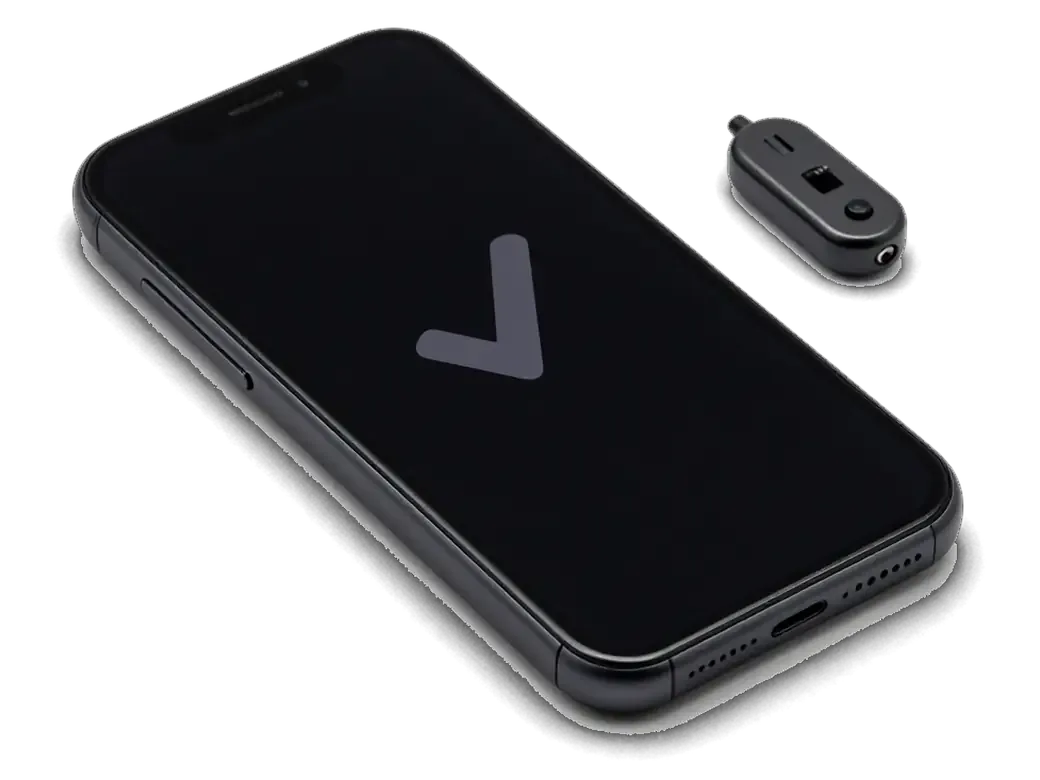
    iPhone with a checkmark on screen and a sound tester nearby
    Sound test before opening

    We listen to the earpiece, loudspeaker, microphones and haptic motor to find the cause instead of guessing.

  2. 02
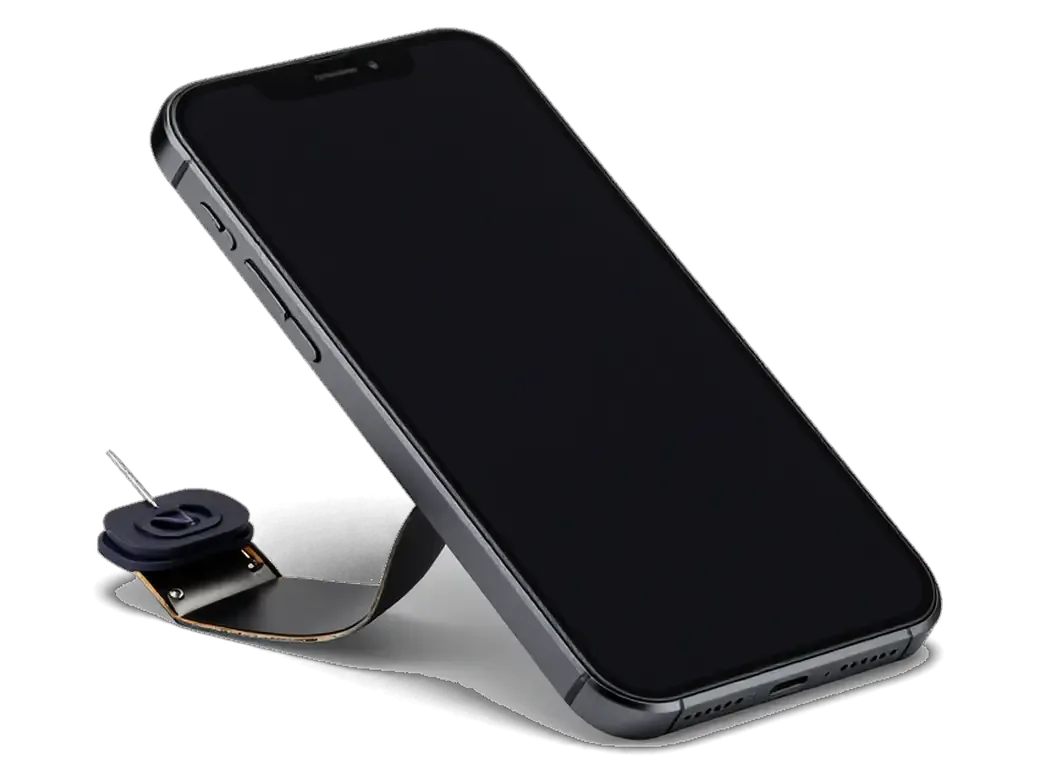
    Opened iPhone with the display tilted up and a tool
    Careful case opening

    The display assembly comes off without harming cables or the gasket, and the battery is disconnected first.

  3. 03
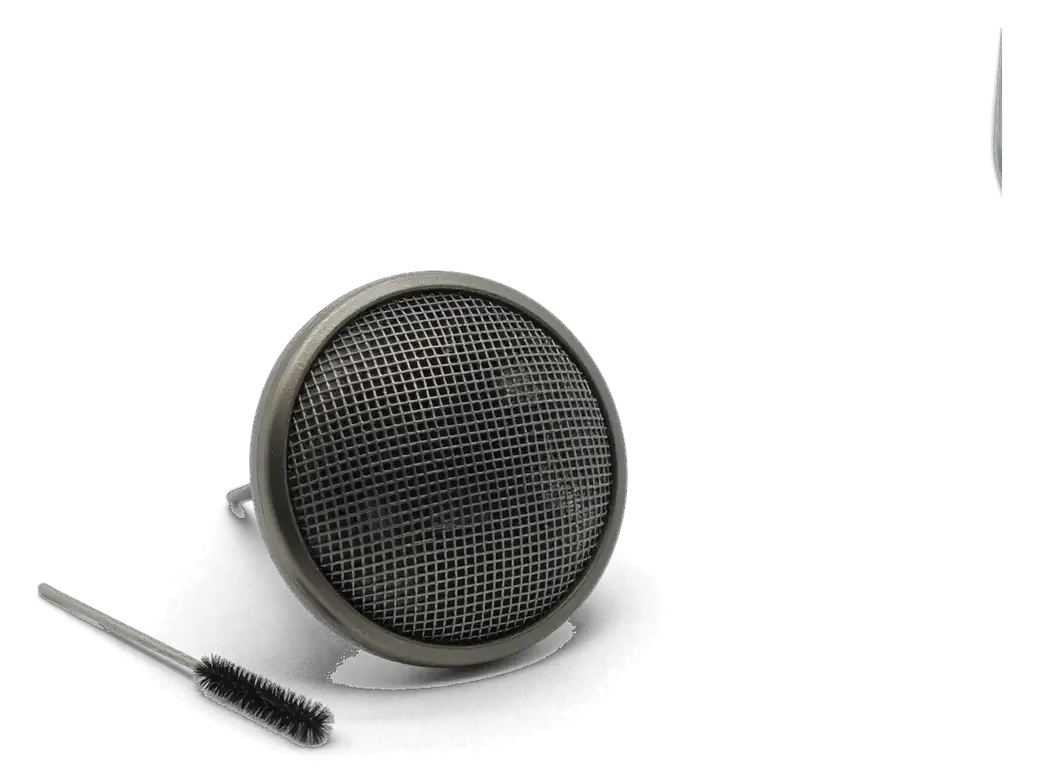
    iPhone speaker grille with a cleaning brush
    Inspection of the speaker bay

    We check contacts and mesh: sometimes sound fades because of dirt or corrosion, not the part itself.

  4. 04
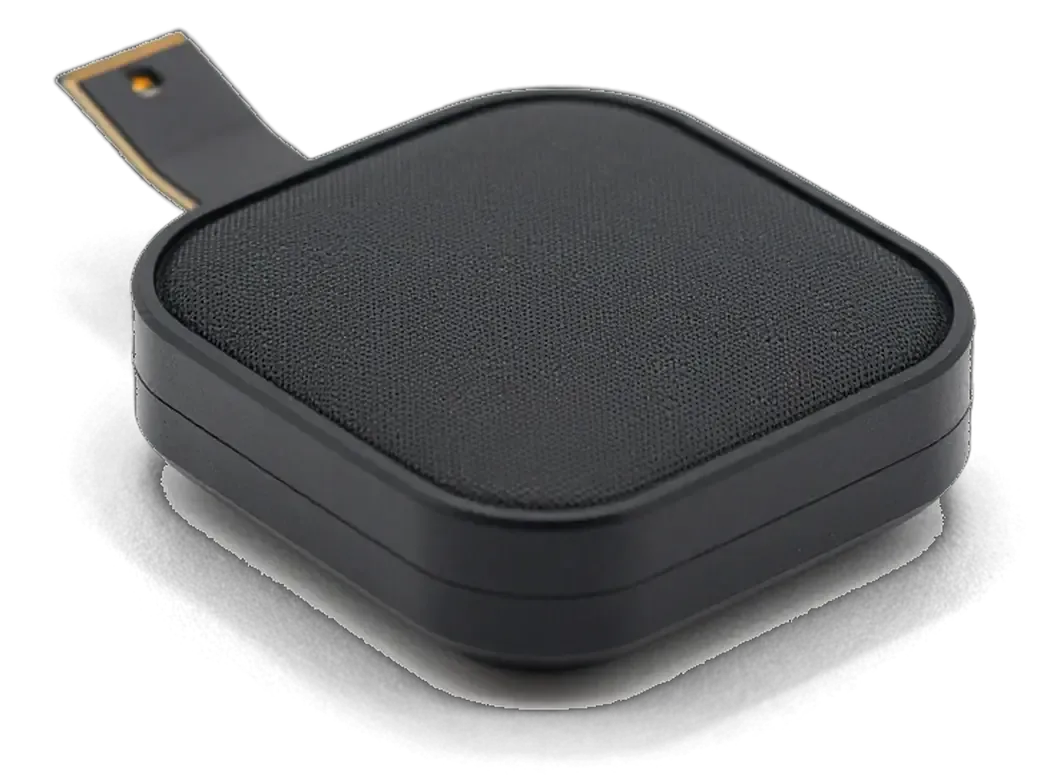
    New iPhone speaker with an adhesive gasket
    Fitting the new part

    The chosen speaker goes in, contacts are connected, and we confirm it sits flat with no gaps.

  5. 05
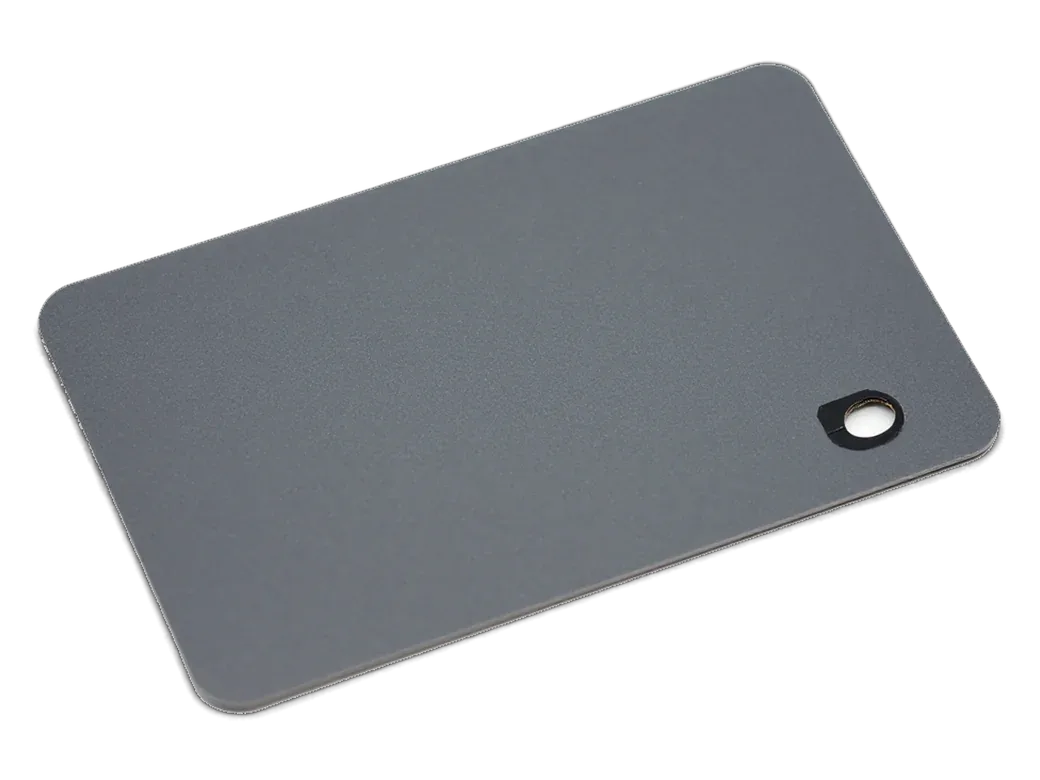
    Warranty card with no text on it
    Reassembly with a fresh seal

    The case is closed, screws go back, and moisture protection is restored as far as the design allows.

  6. 06
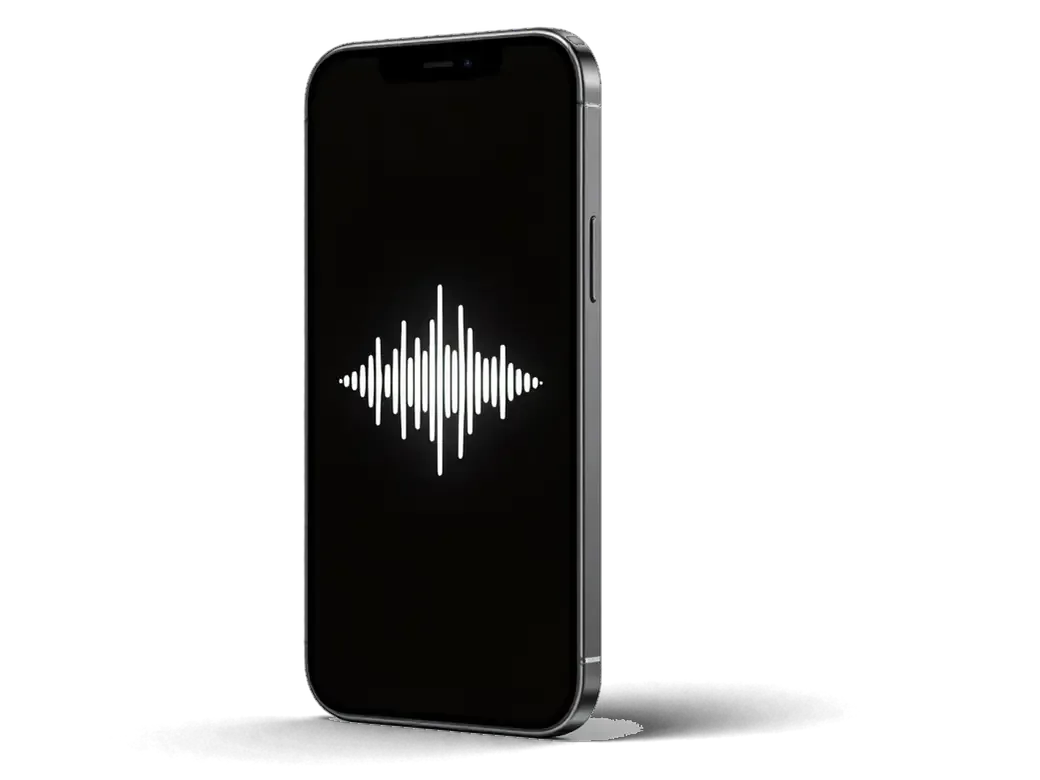
    iPhone with a speaker icon and clear waves on the screen
    Post-repair check

    We play a ringtone, music, speakerphone and a call, making sure the sound is clean at every level.

  7. iPhone 7 speaker replacement
    from15 900 ₸

    A technician performs every stage, and we test the result together with you.

    Price for my model

Original or aftermarket for an iPhone 7 speaker replacement

Both parts work; the difference is in tone, lifespan and what you can reasonably expect.

Original Applewarranty up to 1 year
iPhone 728 900 ₸
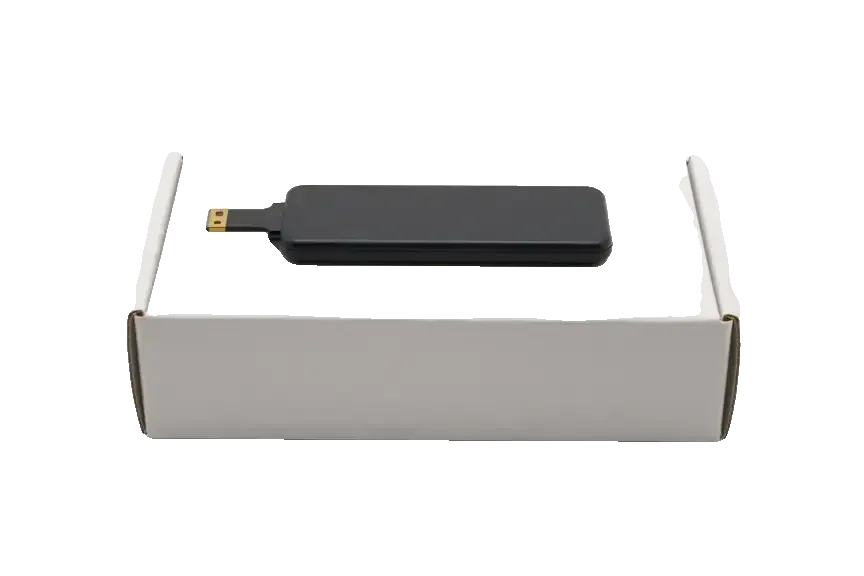
Original: iPhone speaker on a white box
Sound
Familiar loudness and tone, as when new
Lifespan
Built to last years without crackle
Fit
Seats exactly, no bracket tweaks
Best for
Frequent callers and music listeners
Chosen by 64% of clients
Book with an original part
Aftermarketwarranty 6 months
iPhone 721 900 ₸−24%
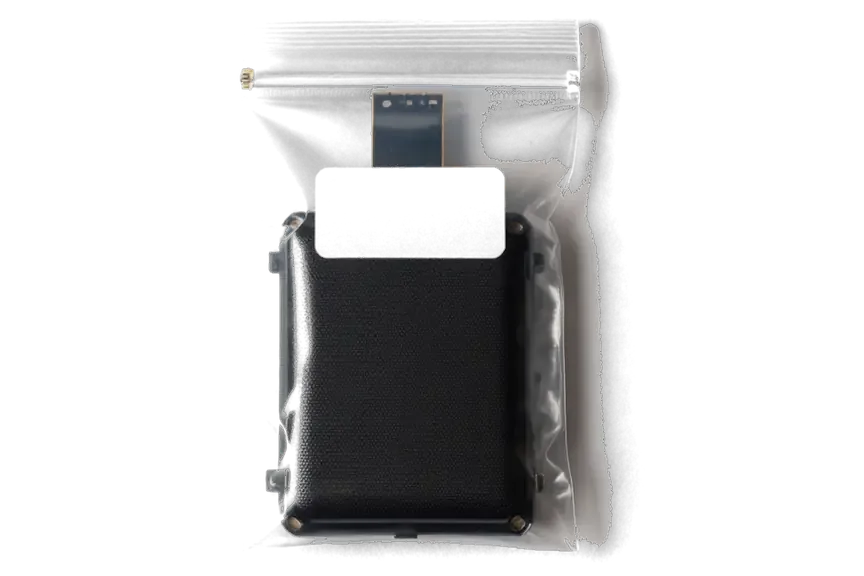
Analog: iPhone speaker in an antistatic bag
Sound
Louder but drier, tone may differ
Lifespan
Varies by batch, usually shorter
Fit
Contacts sometimes need adjusting
Best for
A spare or work phone
Chosen by 36% of clients
Book with an aftermarket part

Why bring your phone to us for sound repair

The workshop chooses the part with you, and audio repairs are on the schedule, weekends included.

1year

Warranty on the work

If sound fails again because of the repair, we fix it. The warranty lasts up to 1 year.

11years

11 years of experience

We have repaired Apple devices for eleven years, so these symptoms are familiar and need no long guesswork.

6technicians

Experienced technicians

Repairs are done by technicians with confirmed qualifications, not by random people with a screwdriver.

2options

You pick the part

Original or aftermarket is your call: the technician explains the difference in sound and lifespan without pressure.

7days a week

Open on weekends too

Monday to Friday from 10:00 to 19:00, and on Saturday, Sunday and holidays from 11:00 to 18:00.

2cities

Two cities, one approach

Our workshops in Almaty and Astana follow the same principles, so the result is predictable.

iPhone 7 before and after repair

1 / 1
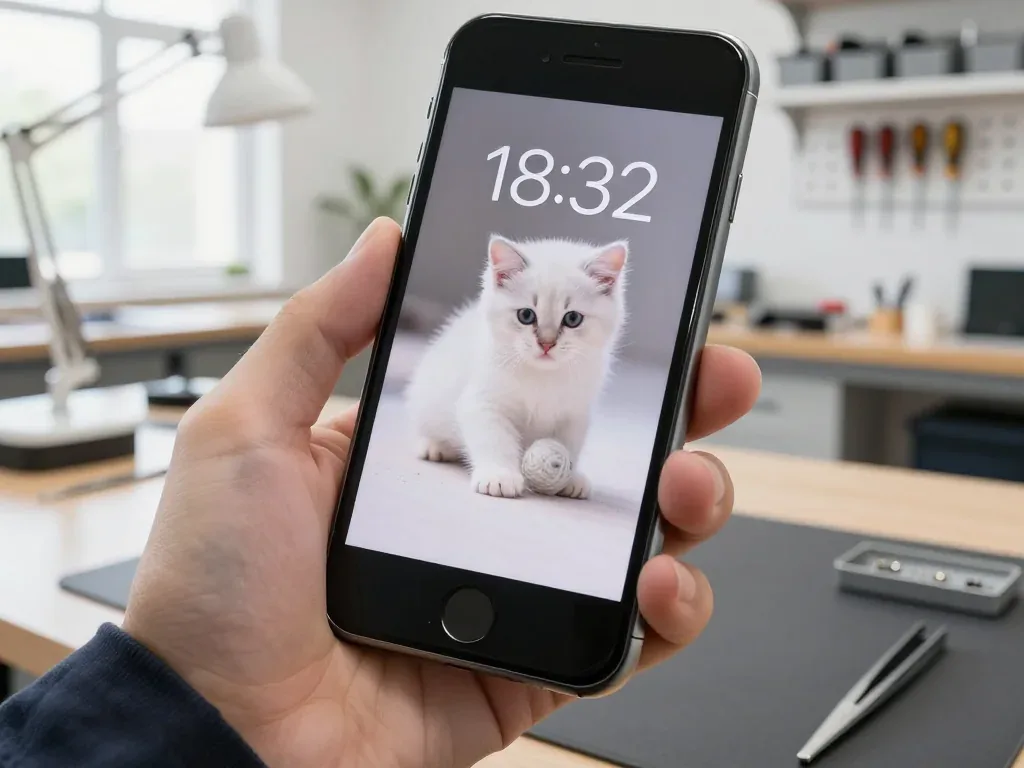
Black iPhone 7 in the technician's hand after speaker replacement, screen on with a white kitten wallpaper

iPhone 7: crackling earpiece on speakerphone

The client said calls on speakerphone crackled and cut out — impossible to talk in the car. We replaced the earpiece speaker and checked the sound on calls and music: the voice is clear with no distortion.

from 15 900 ₸repair cost
I want the same

How iPhone 7 speaker replacement is done in Astana

The whole journey — from message to finished phone. We give you the old part.

Book a replacement
  1. Step 1

    Message or come in

    5 min

    You message us on WhatsApp with the model and what happened — we give you the price and time. Or you come in without an appointment.

  2. Step 2

    Diagnostics in front of you

    10 min

    We check the sound in calls and on speakerphone, clean the mesh: sometimes cleaning is enough.

  3. Step 3

    Price in the receipt

    2 min

    We note the model, the part (original or aftermarket), the price, the timeframe, and the warranty.

  4. Step 4

    We show the new speaker

    1 min

    We open the factory packaging in front of you and check the number against the receipt.

  5. Step 5

    We replace the speaker

    time on the receipt

    We install the new speaker and seal the case with water-resistant adhesive.

  6. Step 6

    You check together with the engineer

    warranty up to 1 year

    Calls, speakerphone, music, notification sound. You get the phone, the receipt and the old speaker.

Meet the iServices team

Technicians for iPhone, Mac, iPad, Apple Watch and AirPods repair.

1 / 5
BSBakmukhammed S. — on-site iPhone technician, iServices service center in AstanaPhoto: Bakmukhammed S.

Bakmukhammed S.

on-site iPhone technician
13years of experience
4.93rating, 107 reviews
GSGalymzhan S. — iPhone repair technician, iServices service center in AstanaPhoto: Galymzhan S.

Galymzhan S.

iPhone repair technician
8years of experience
4.79rating, 90 reviews
ZSZhandos Sh. — iPhone screen replacement technician, iServices service center in AstanaPhoto: Zhandos Sh.

Zhandos Sh.

iPhone screen replacement technician
6years of experience
4.65rating, 112 reviews
DTDarkhan T. — iPhone firmware technician, iServices service center in AstanaPhoto: Darkhan T.

Darkhan T.

iPhone firmware technician
8years of experience
4.44rating, 19 reviews
KSKudiret S. — iCloud unlock specialist, iServices service center in AstanaPhoto: Kudiret S.

Kudiret S.

iCloud unlock specialist
10years of experience
4.37rating, 100 reviews
Bakmukhammed S., on-site iPhone technician
“If the repair didn’t suit you or you have a complaint, write to me personally.”
Bakmukhammed S.on-site iPhone technician · +7 701 333-47-01

We'll quote iPhone 7 speaker replacement in Astana from a photo in 5 minutes

Send a photo of the screen and the iPhone model. An engineer will reply on WhatsApp, give the price and today's available time.

  1. 5 minAn engineer replies and names the price
  2. 0 ₸Diagnostics in front of you in 15 minutes
  3. 30 minMost repairs — while you wait

iPhone 7 Speaker Replacement in Astana with Sound Check Before You Leave

In short

For iPhone 7 speaker replacement Astana, iServices starts with a free 15-minute check in front of you to confirm whether the earpiece, loudspeaker or audio codec is at fault. Most speaker jobs finish in 20–40 minutes while you wait, with the part and warranty up to 1 year fixed on the receipt.

iServices Editorial TeamWe reply on WhatsApp within 10 minutes
Ask

Which iPhone 7 Speaker Replacement Speaker Is Actually Failing

An iPhone 7 carries two separate speakers, and the symptom usually points to which one needs work. Ahead of booking anything, it helps to rule out software settings that mimic a hardware fault.

Earpiece and Loudspeaker Explained

The iPhone 7 has two speakers — the earpiece at the top under the screen for calls, and the bottom unit for ringtones, speakerphone and video. The top unit sits inside the display module and fires through a fine mesh above the screen, so replacing it means opening the front assembly. The lower module is a separate part near the Lightning port, shielded by a grille that collects pocket lint over years of use. Because this model was the first to pair both units for stereo, a dead bottom unit is often noticed only when a video plays on one channel. If you are planning an iPhone 7 speaker replacement in Astana, this quick split between the two units tells you which component to look at first. Listen to a stereo track and cover each opening in turn.

Quick Self-Check Before You Book

  • Call test: dial a number and listen at the top, then switch to speakerphone to compare both outputs.
  • Ringtone test: set the volume high and call the phone from another device to hear the lower unit alone.
  • Headphone check: unplug any cable and switch off Bluetooth to rule out stuck headphone mode.
  • Grille check: look at the bottom openings for dust, lint or a case covering them.
  • Stereo test: play a track with clear left and right channels and cover each opening in turn.

Matching the Symptom to the iPhone 7 Speaker Replacement Cause

A faint caller, a crackle at high volume and complete silence lead to different parts. The table below links each symptom to its likely cause and to the action we take.

Symptom to Cause at a Glance

symptom, probable part and our action for each
SymptomLikely partWhat we do
Caller faint, speakerphone fineEarpiece or its grilleClean grille, then replace earpiece
Crackling at high volumeLoudspeaker membraneReplace loudspeaker
No ringtone, video silentLoudspeaker or contactsCheck contacts, replace loudspeaker
Sound only in headphonesSoftware or Lightning portReset settings, inspect port
Grey Speaker button on callsAudio codec on boardBoard-level diagnosis

When It Is the Board, Not the Speaker

On the iPhone 7 and 7 Plus a greyed-out Speaker button during a call usually means the audio codec on the board, not the speaker itself. The earpiece and the bottom unit can both test healthy while the call audio stays routed away from them, so the fault sits in the chip that mixes and amplifies the signal. Replacing a healthy speaker in that case changes nothing, so we confirm the codec first and quote board work separately prior to touching the component. This pattern appears on units with a history of moisture or a previous drop, and the diagnosis takes the same 15 minutes we give every device. Replacing a working speaker to chase a codec fault is a common wasted repair — a quick call test with the button visible settles it before any component is ordered.

Cleaning, Replacing or Board Repair

Not every quiet speaker needs a replacement. Dust and moisture produce similar symptoms, yet the fix differs, and the decision shapes both the work and what you hear afterwards.

Dust, Water and Grille Blockage

We clean the grille and contacts first, because dust and dried residue after liquid exposure often restore full volume without a new speaker. A blocked mesh over the bottom unit muffles playback the same way a failing membrane does, so we blow out the grille, lift the metal cover and inspect the contact pads ahead of quoting a swap. Liquid leaves a second trace: corrosion creeps under that plate and can bridge the contacts, which reads as a dead speaker until the board is dry. After water contact, diagnostics can take up to two days, since corrosion under the cover may only appear once the board is dry. On the iPhone 7 the bottom unit sits beside the charging port, so pocket lint collects there faster than at the earpiece. If the membrane itself is torn, cleaning buys nothing and the module has to go.

Original Part or Aftermarket

  • Original component: matches factory acoustics and keeps the stereo balance of the iPhone 7 intact at any volume.
  • Aftermarket component: a lower-cost option that works but may distort sooner at maximum level.
  • What you see first: the new speaker in factory packaging before installation.
  • What you keep: the old speaker is returned to you with the device.

How the Replacement Works and How Long It Takes

The whole job usually fits inside an hour, but the details matter: what gets opened, how the seal is restored and where the waiting time actually goes.

Step by Step Through the Speaker Swap

  • Diagnosis: the engineer inspects the handset in front of you and shows what is broken, free of charge, in about 15 minutes.
  • Receipt: price, component, turnaround and warranty are fixed in roughly two minutes, prior to any work starting.
  • Replacement: the faulty speaker is swapped and the frame re-sealed on this IP67 model, since the earpiece sits under the display.
  • Handover: you receive the device, receipt, warranty card and the old unit, with audio tested together with our technician.

How Long You Wait

Most repairs take 20–40 minutes while you wait, and 72% of our jobs are finished while the customer stays in the waiting area. A speaker swap on this model is a short procedure: the screen comes off, the earpiece or loudspeaker module is replaced, and the frame is re-sealed. You can send a photo of the damage on WhatsApp and get a price within five minutes, so the visit itself is mostly the repair time. If you cannot come in, a courier can be called. Our doors are open Mon–Fri 10:00–19:00 and Sat–Sun 11:00–18:00. Booking a slot through WhatsApp first removes most of the queue — the specialist confirms the component is in stock ahead of your visit.

Sound Check, Receipt and Warranty

A speaker that works on the bench can still sound wrong in your hand. Here is how we verify both audio paths and every related function at handover, and what paperwork leaves with you.

What We Test Before You Leave

After the repair we check 32 functions in about 10 minutes, including speakers, microphones, cameras, charging and network. The engineer opens the bottom grille and the earpiece separately, plays a ringtone at full volume, then switches to speakerphone on a live call so the top and bottom drivers are heard on their own. We record a short voice memo and play it back through the stereo pair to catch a dead side or a rattle from a loose mesh. The front camera goes through the same pass, because a misaligned flex during reassembly can disturb it. We run the call, speakerphone, ringtone and video tests together with you, so any imbalance between the two stereo sides shows up prior to your departure.

Receipt, Old Part and Warranty

  • Receipt: records the fitted component, turnaround and coverage agreed prior to any work starting, so nothing is renegotiated later.
  • Warranty card: covers the replaced speaker for up to 1 year from the handover date.
  • Old part: returned to you in a bag, so you can see the component that came out of the phone.
  • Payment: by Kaspi, card or cash, whichever suits you at the counter.

Summary: iPhone 7 speaker replacement

The symptoms above narrow the fault down ahead of any component being touched, so the next step is the one that fits your case.

  • Two speakers, two paths: the iPhone 7 has an earpiece and a loudspeaker, so the symptom tells you which one to check first.
  • Faint caller, working speakerphone: this pattern points to the earpiece or its grille rather than the main loudspeaker.
  • Crackling at high volume: distortion that appears only when you turn the sound up usually means a damaged loudspeaker membrane.
  • Greyed-out Speaker button: on calls this signals the audio codec rather than the speaker itself, and the fix is different.
  • Dust and water first: blocked mesh and moisture often respond to cleaning before any part is replaced.


Questions about sound repair on the iPhone 7

Did not find an answer? Message us on WhatsApp: an engineer replies, not a bot.

Ask a question
Why does the iPhone 7 play music through the earpiece too?

The iPhone 7 was the first iPhone with stereo speakers, and the top earpiece works as the second channel. If music sounds lopsided, one of the two is weaker. Covering each grille in turn with a finger shows which one.

Why is the speakerphone button grey during calls on my iPhone 7?

That symptom points to the audio chip on the board rather than the speaker. Replacing the speaker will not help in this case. The engineer checks the board and explains the right repair.

Why does the iPhone 7 think headphones are connected when nothing is plugged in?

Lint or moisture in the Lightning port can make the phone believe an adapter is attached, so the speakers stay silent. Gently clean the port with a wooden toothpick. If the volume indicator still shows headphones, bring the phone in.

Can I check the stereo balance on my iPhone 7 before a repair?

Yes, open Settings, Accessibility, Audio and Visual and see that the balance slider is in the middle. A shifted slider makes one speaker sound quiet. If it is centred and one side is still weak, the speaker needs attention.

Can a rattle from the iPhone 7 loudspeaker be fixed by cleaning?

Sometimes, if debris in the grille is buzzing against the mesh. A rattle from a torn membrane, however, only goes away with a new speaker. The engineer listens to it on the bench and tells you which it is.

Can a case muffle the iPhone 7 speakers?

Yes, a thick or poorly cut case can cover the bottom grille and make sound dull. Take the case off and compare. If the sound becomes clear, the speaker is fine and the case is the culprit.

Customer reviews of iPhone 7 repair

1 / 1
4.9

iServices network rating on Google Maps, wikicity and our website · 2 028 reviews
Google Maps4.438 reviews ›wikicity5.015 reviews ›Reviews on the iServices website4.91 975 reviews ›
АЗ
Айбек З.Order No. ЗК‑IS‑•••89 · 2 February 2024
iPhone 7 · sound

Просто перестало работать: не слышно собеседника. Внешне не видно, что разбирали

iServices customer review, in Russian
Showing 1 of 1See all reviews

Where to get iPhone 7 speaker replacement in Astana

Address
Astana, Kabanbay Batyr Ave., 7/2
Opening hours
Mon–Fri 10:00–19:00Sat–Sun 11:00–18:00
Phone and messengers
+7 727 339-99-12WhatsApp: +7 701 333-47-01
Directions map: iServices Astana© OpenStreetMapFind us on the maps: Google Maps · 2GIS