Eng

iPhone 7 microphone replacement in Astana

Nobody can hear you on iPhone 7 calls — we'll fit a new microphone within 20–40 minutes, then check calls, Voice Memos and video with you.

Gold iPhone 7 with the back cover removed showing the charging port and microphone flex cable
Price incl. labor
from 15 900 ₸
Warranty
6 months
  • Testing every sound input
  • Careful teardown
  • Cleaning openings and contacts

When your iPhone 7 microphone replacement starts with vanishing voice

Your voice disappears unexpectedly: callers keep asking you to repeat, videos hiss or stay mute, and voice memos record nothing.

"Hello, are you there?"

The other person keeps asking you to repeat or hangs up, though your signal shows full bars.

A quiet, distant voice

They hear you, but as if from the next room, so you must speak louder and closer to the bottom edge.

Videos silent or hissing

Clips come out mute, or background whistling and crackle mix into your voice.

Voice memos record emptiness

A recording exists but your voice is missing; the meter runs on screen while the audio track stays almost flat.

How much does an iPhone 7 microphone replacement cost in Astana?

The price depends on whether one microphone is fixed or the whole bottom unit is needed.

ServiceOriginalAftermarket
Microphone replacement26 900 ₸15 900 ₸
Speaker replacement26 900 ₸15 900 ₸
Earpiece speaker replacement26 900 ₸15 900 ₸
Charging port replacement17 900 ₸10 900 ₸
Display replacement28 900 ₸21 900 ₸
Battery replacement21 900 ₸12 900 ₸
Housing replacement55 900 ₸30 900 ₸
Camera glass replacement19 900 ₸10 900 ₸
Main camera replacement38 900 ₸21 900 ₸
Front camera replacement29 900 ₸16 900 ₸
Home button replacement36 900 ₸21 900 ₸
Button replacement26 900 ₸15 900 ₸
Vibration motor replacement26 900 ₸15 900 ₸
Proximity sensor replacement27 900 ₸16 900 ₸
Other repairsPrice
Audio codec replacementboard-level chip · microsoldering23 900 ₸with parts
Water damage cleaningcorrosion cleaning · diagnostics up to 2 days17 900 ₸per job
Power controller replacementboard-level chip · microsoldering22 900 ₸with parts
Modem repairboard-level chip · microsoldering26 900 ₸with parts
Wi-Fi module repairwireless module · board-level repair19 900 ₸with parts
Logic board repairmicrosoldering · 1–3 days75 900 ₸per job
Storage replacement and upgradememory chip installation30 900 ₸with parts
Firmware flashingsoftware restore, no parts replaced10 900 ₸per job
Touch ID repairpaired to the board — no aftermarket27 900 ₸per job

The technician gives the final amount after testing the sound inputs and inspecting the cable.

What iPhone 7 microphone replacement covers

We test every sound input, then clean the openings and contacts and replace the microphone or its cable.

  1. 01
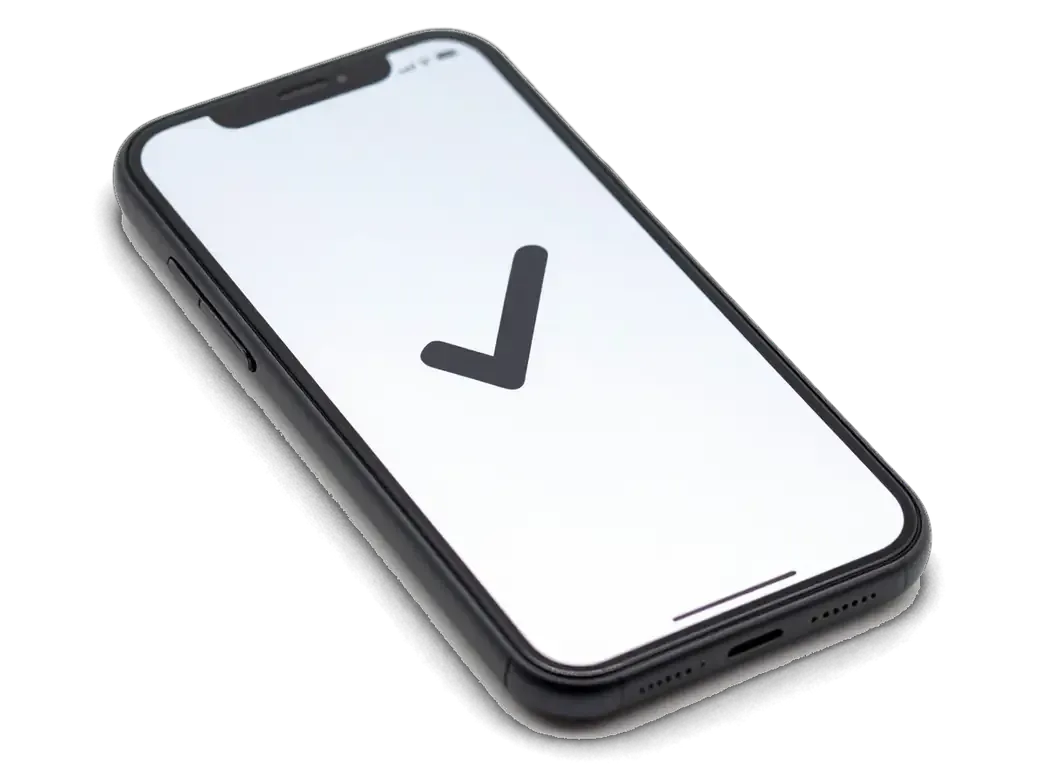
    iPhone with a checkmark on screen showing microphone testing
    Testing every sound input

    We check calls, speakerphone, video recording and voice memos to see where the voice drops out.

  2. 02
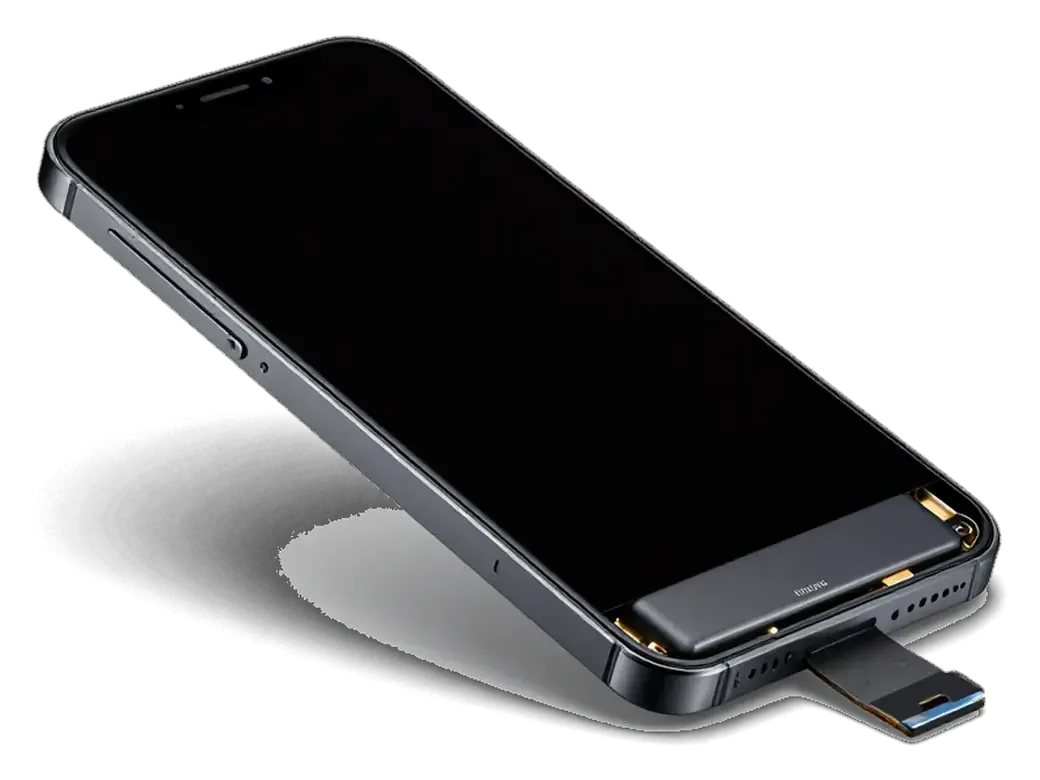
    iPhone with the display tilted open on its flex cable showing case opening
    Careful teardown

    We remove the display, unplug the battery from the board and lift out the shield plates, touching nothing else.

  3. 03
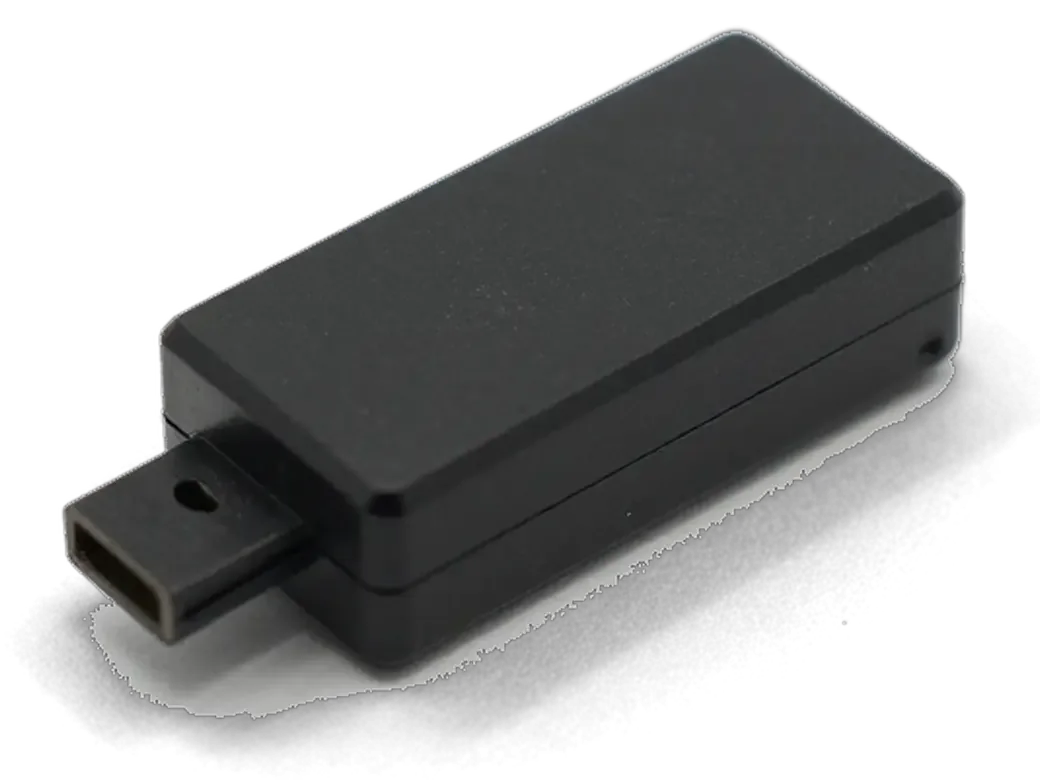
    Microphone module with flex cable for iPhone showing cleaning or replacement
    Cleaning openings and contacts

    We clear the grilles and contact pads, because sometimes that alone brings the voice back.

  4. 04
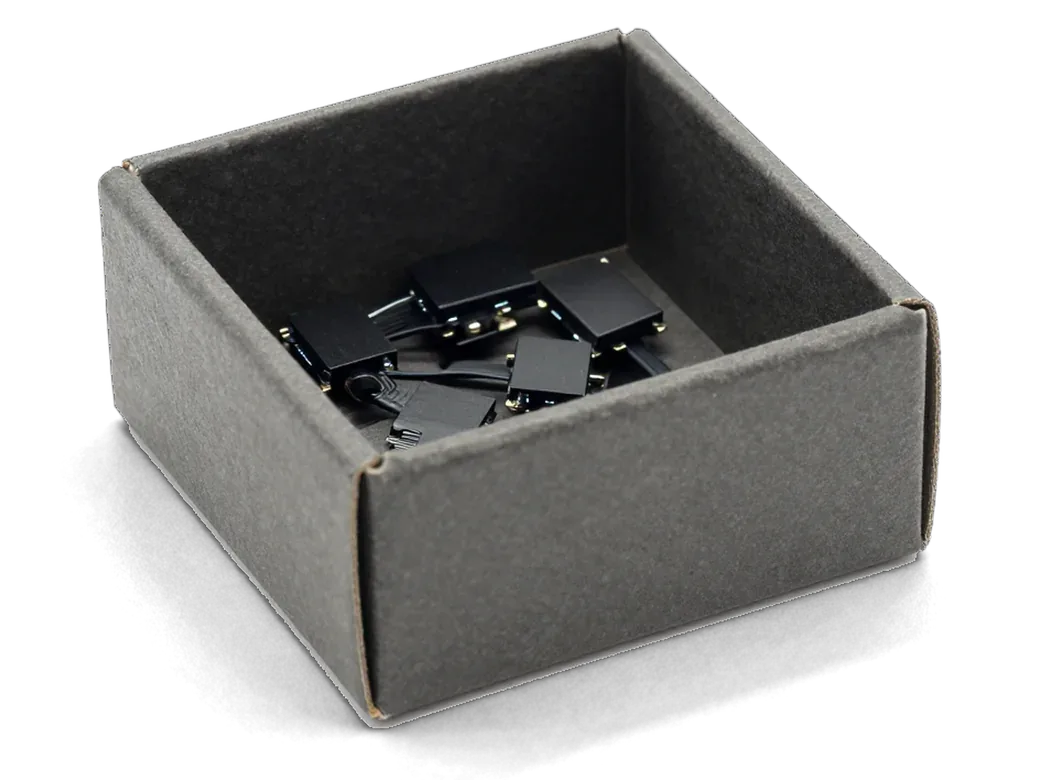
    Box with microphone modules for iPhone showing part selection
    Replacing microphone or cable

    If the part is faulty we fit a new one and make sure the contacts seat without any skew.

  5. 05
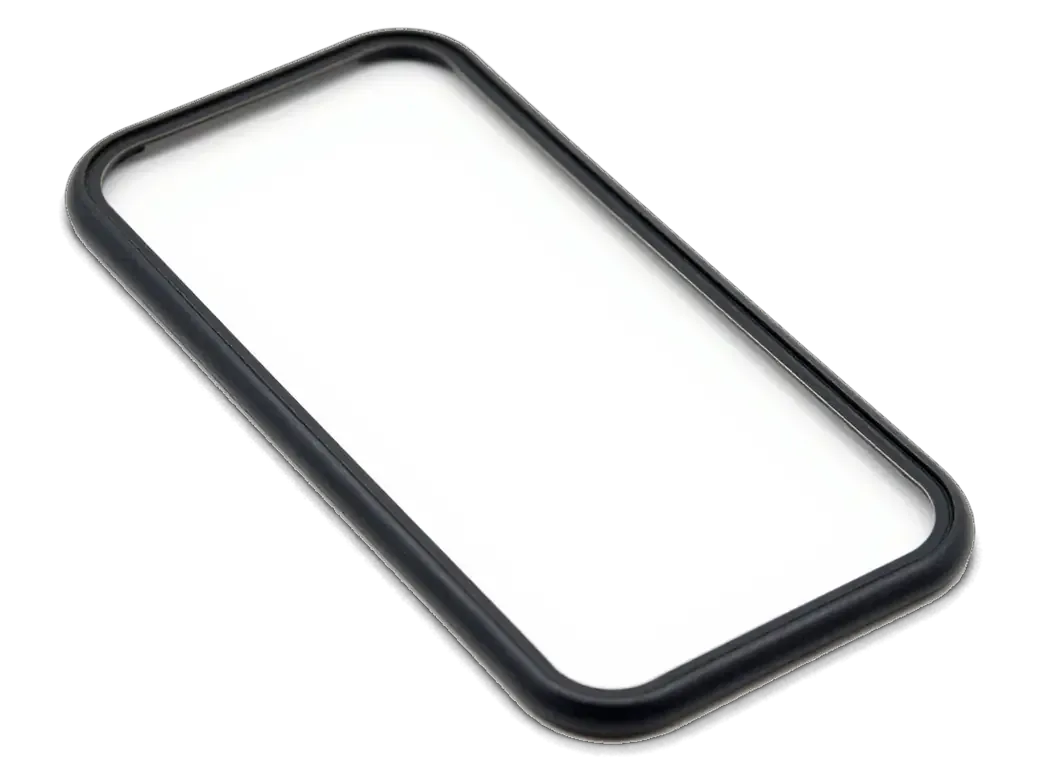
    Adhesive gasket for iPhone case showing assembly and sealing
    Gaskets back in place

    Seals return and the screen is secured so dust and moisture stay away from the microphone.

  6. 06
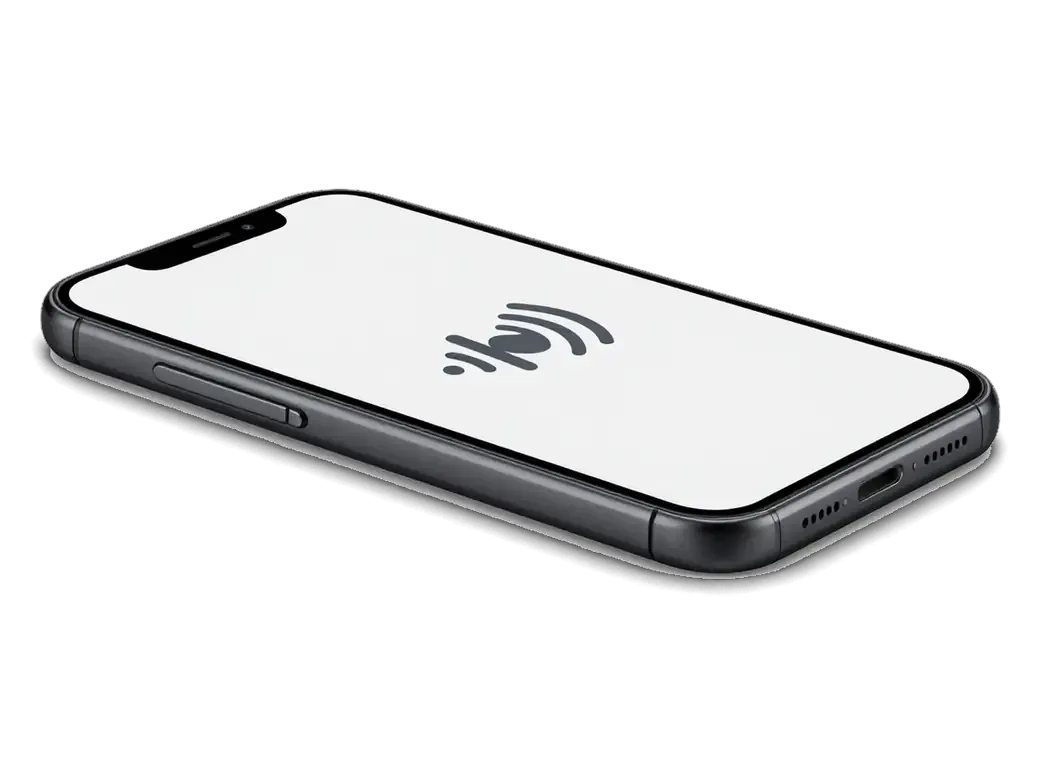
    iPhone with a sound wave icon on screen showing audio testing
    Check after assembly

    We make a test call and a recording, then let you listen to the result and confirm clean sound together.

  7. iPhone 7 microphone replacement
    from15 900 ₸

    A technician leads the repair, and we listen to the result with you.

    Price for my model

Genuine component or third-party option when swapping the iPhone 7 mic

Your pick determines speech clarity, hiss levels and the service life of the component.

Original Applewarranty up to 1 year
iPhone 728 900 ₸
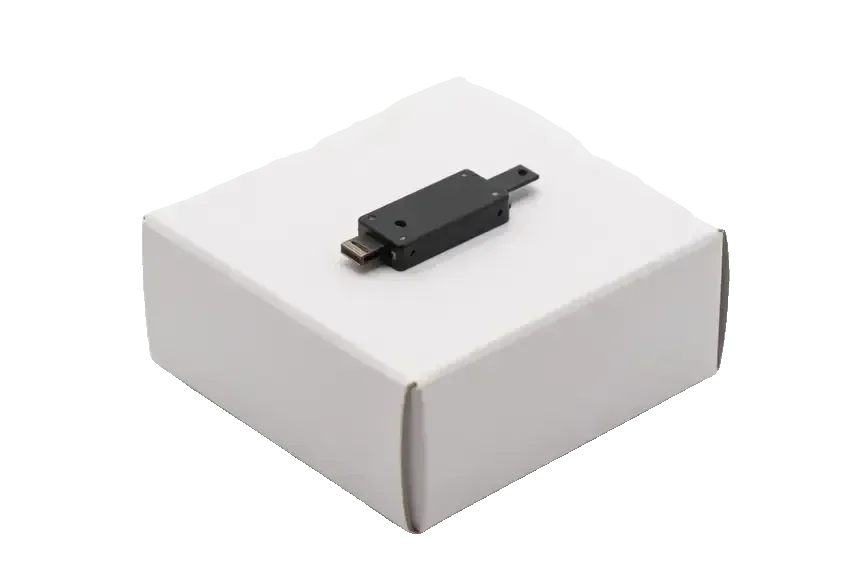
Original microphone for iPhone on a white box
Voice
Even and intelligible at any volume
Background
Little hiss and few stray clicks
Installation
Fits exactly, no adjusting
Best for
People who talk and film a lot
Chosen by 64% of clients
Book with an original part
Aftermarketwarranty 6 months
iPhone 721 900 ₸−24%
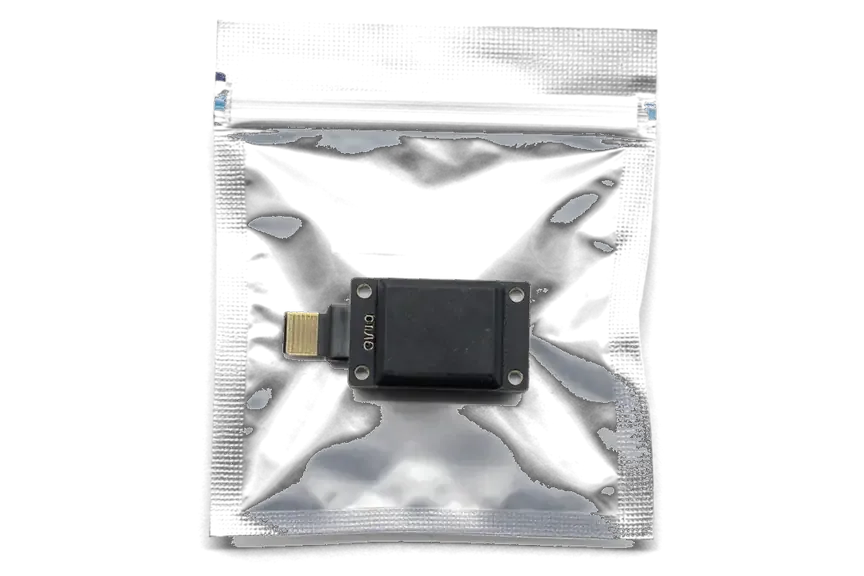
Analog microphone for iPhone in an antistatic bag
Voice
Sometimes dull or slightly harsh
Background
Noise possible on quiet recordings
Installation
Contacts occasionally need tweaking
Best for
A spare phone and short calls
Chosen by 36% of clients
Book with an aftermarket part

Microphone repair in Astana how our workshop works

We do not push a replacement where cleaning will do, and we hold every job to the same standard.

11years

11 years at the bench

That is how long we have repaired Apple devices, so the usual iPhone 7 audio faults are well known to us.

1year

Warranty on repairs

Completed work is covered by a warranty up to 1 year; if the defect is ours, we put it right.

6technicians

Confirmed qualifications

Microphones in an iPhone are tiny, and replacing them is entrusted only to experienced technicians.

2options

No pushing replacements

If your voice returns after cleaning, the part is not changed, and you pay only for what is needed.

Seven days a week

Our service point in Astana opens at 10:00 on weekdays and at 11:00 on Saturdays, Sundays and public holidays, closing at 19:00 and 18:00 respectively.

2cities

One standard everywhere

Astana and Almaty follow the same rules, so the attitude and the result are comparable in both.

iPhone 7 before and after repair

1 / 1
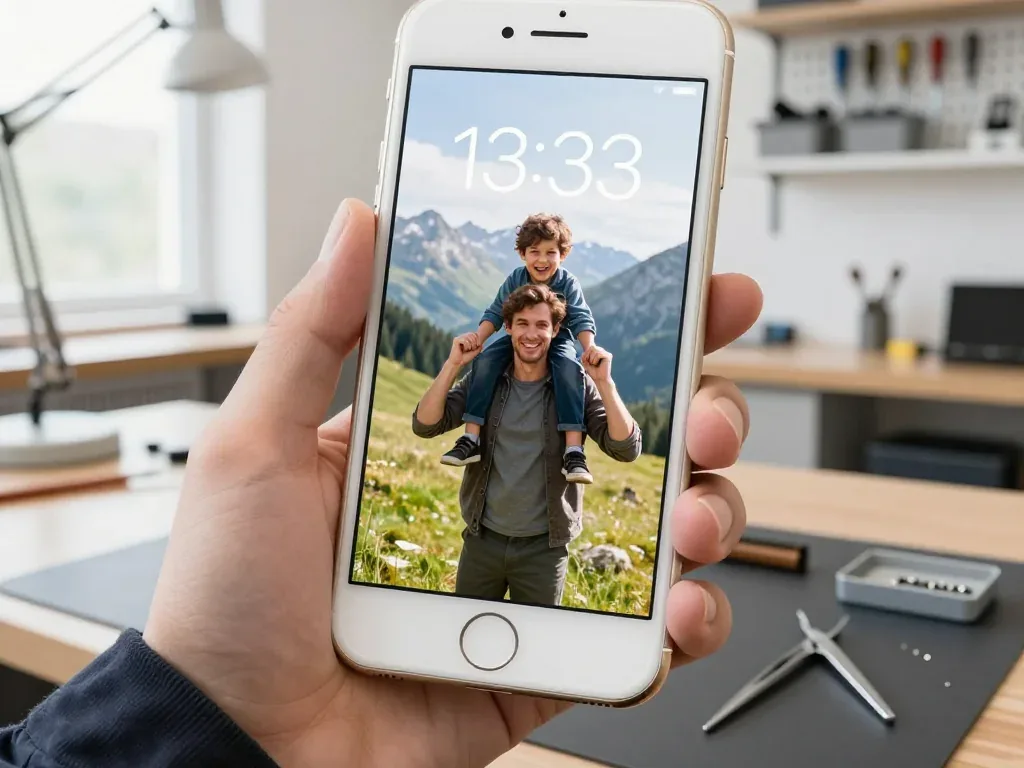
Silver iPhone 7 in a technician's hand, screen on, wallpaper of a father and son in the mountains

iPhone 7: callers hear noise and echo

A client noticed that people on the other end heard wind and their own echo during walks by Baiterek. We replaced the microphone on the lower flex cable and checked calls and recordings — the voice is clear now.

from 15 900 ₸repair cost
I want the same

How iPhone 7 microphone repair is done in Astana

The whole journey — from message to finished phone. We give you the old part.

Book a replacement
  1. Step 1

    Message or come in

    5 min

    You message us on WhatsApp with the model and what happened — we give you the price and time. Or you come in without an appointment.

  2. Step 2

    Diagnostics in front of you

    10 min

    We check voice recording in calls and Voice Memos: sometimes the mesh or the board is at fault, not the microphone.

  3. Step 3

    Price in the receipt

    2 min

    We note the model, the part (original or aftermarket), the price, the timeframe, and the warranty.

  4. Step 4

    We show the new microphone

    1 min

    We open the factory packaging in front of you and check the number against the receipt.

  5. Step 5

    We replace the microphone

    time on the receipt

    We install a new microphone or the flex with it and seal the case with water-resistant adhesive.

  6. Step 6

    You check together with the engineer

    warranty up to 1 year

    Calls, Voice Memos, video with sound, Siri. You get the phone, the receipt and the old part.

Meet the iServices team

Technicians for iPhone, Mac, iPad, Apple Watch and AirPods repair.

1 / 5
BSBakmukhammed S. — on-site iPhone technician, iServices service center in AstanaPhoto: Bakmukhammed S.

Bakmukhammed S.

on-site iPhone technician
13years of experience
4.93rating, 107 reviews
GSGalymzhan S. — iPhone repair technician, iServices service center in AstanaPhoto: Galymzhan S.

Galymzhan S.

iPhone repair technician
8years of experience
4.79rating, 90 reviews
ZSZhandos Sh. — iPhone screen replacement technician, iServices service center in AstanaPhoto: Zhandos Sh.

Zhandos Sh.

iPhone screen replacement technician
6years of experience
4.65rating, 112 reviews
DTDarkhan T. — iPhone firmware technician, iServices service center in AstanaPhoto: Darkhan T.

Darkhan T.

iPhone firmware technician
8years of experience
4.44rating, 19 reviews
KSKudiret S. — iCloud unlock specialist, iServices service center in AstanaPhoto: Kudiret S.

Kudiret S.

iCloud unlock specialist
10years of experience
4.37rating, 100 reviews
Bakmukhammed S., on-site iPhone technician
“If the repair didn’t suit you or you have a complaint, write to me personally.”
Bakmukhammed S.on-site iPhone technician · +7 701 333-47-01

We'll quote iPhone 7 microphone replacement in Astana from a photo in 5 minutes

Send a photo of the screen and the iPhone model. An engineer will reply on WhatsApp, give the price and today's available time.

  1. 5 minAn engineer replies and names the price
  2. 0 ₸Diagnostics in front of you in 15 minutes
  3. 30 minMost repairs — while you wait

iPhone 7 Microphone Replacement in Astana for Calls, Video and Siri

In short

For iPhone 7 microphone replacement in Astana, iServices fixes a mic that stopped passing your voice, first checking whether the fault is the microphone or the audio codec. Diagnostics are free and take 15 minutes in front of you, most jobs finish in 20–40 minutes while you wait, and the warranty runs 1 year.

iServices Editorial TeamWe reply on WhatsApp within 10 minutes
Ask

Which iPhone 7 Microphone Replacement Fixes a Silent Mic

Three microphones sit inside an iPhone 7, and the one that has failed determines both what you notice and how much work the fix involves. Here is how to name the faulty unit yourself in about a minute.

Three Microphones and What Each One Does

Microphone positions and the audio each one covers
MicrophoneIts locationWhat it handles
BottomNext to the Lightning port, on the charging flexYour voice in a normal call
Top (front)By the earpiece at the top edgeSpeakerphone, noise cancelling, front-camera video
RearBeside the main camera lensSound for rear-camera video

A Quick Self-Check to Do Before Visiting

Record a voice memo, film a short clip on both cameras and make one call on speaker — the pattern of what fails points straight at the guilty microphone. The voice memo captures the bottom unit alone, a front-camera clip tests the top unit together with noise cancelling, and a rear-camera clip isolates the module beside the lens. Try asking Siri something and also record a voice message in a messenger: both use the same bottom microphone as a call, so if both fail, that confirms the issue. If the voice memo is silent but speakerphone works, the bottom microphone is the suspect; if only video sound is missing, look at the rear unit. If you are in Astana, iPhone 7 microphone replacement starts with this same check at the counter. Write down which tests failed prior to travelling across the city.

Linking the Symptom to the Actual Cause of an iPhone 7 Microphone Replacement

The same muffled call on an iPhone 7 can come from dirt in the mesh, a paired headset or a dead microphone. We sort the likely cause from the symptom before any part is quoted.

Symptom to Cause to What We Do

complaint, suspected part, action we take
What you noticeProbable reasonWhat we do
Callers never hear you, speakerphone worksBottom microphoneReplace the charging flex
Sound muffled but steadyDirt in the meshClean the opening and retest
Audio cuts in and out mid-sentenceFlex connector wearReseat or replace the flex
Only video sound is missingRear microphoneReplace the rear flex
Siri and voice notes dead, calls fineApp permissions or a headsetCheck settings first

Software Causes Worth Ruling Out First

Rule out a wireless earpiece still connected, a blocked microphone permission and a case covering the bottom opening before any part is swapped. Open Settings, check Privacy and Microphone access for the calling app, then forget every paired device in the Bluetooth list. A cover or screen protector that overlaps the bottom grille can deaden the sound without a single broken component, so take it off and record a voice note to compare. A hard restart clears a stuck sound session more often than people expect, and it costs nothing to try before booking a slot. If callers still report silence after these three checks, the fault sits in hardware and an engineer can confirm it on the spot during free diagnostics, which takes about 15 minutes.

Why a Microphone Job Often Means a New Charging Flex

Owners often ask why one silent microphone turns into a whole part swap. The answer sits in how the lower section of the iPhone 7 is built, and what else rides on the same component.

One Flex, Several Jobs

On iPhone 7 the bottom microphone is soldered onto the charging assembly, so we replace the whole unit rather than a single microphone capsule. Along the bottom part of the housing sits a single flex assembly combining the Lightning port, the contact for the lower speaker and the tiny microphone opening. Apple bonded these parts tightly to save internal space, and the microphone sits too close to the connector traces to be swapped on its own. A single failed capsule therefore means a full assembly replacement, which is why the job is listed as a microphone replacement rather than a soldering micro-repair. This is a common reason a call microphone goes quiet while everything else still works. If your phone already struggles to charge, mention it when you book — the same flex explains both symptoms.

What Else Comes Back With the New Flex

A fresh charging assembly restores the call microphone, the Lightning port and the lower speaker contact in one go, and we test all three before handover. The microphone capsule itself is a tiny MEMS component near the port opening, and it picks up sound for calls, video and audio memos. The Lightning connector handles charging and data, while the lower speaker contact feeds the loudspeaker grille on the bottom edge. Because all three sit on the same board, a worn or corroded part can drag them down together. At handover we run the microphone through a recording test, check charging with a cable and confirm the lower speaker output. If charging was already flaky before the microphone died, the assembly was the common cause all along, not two separate faults — worth telling the engineer so the diagnosis points straight at the board.

When It Is the Audio Codec at Fault, Not the Mic

There is a board-level defect on the iPhone 7 that looks just like a mic that has died. Here is how to tell the two apart ahead of opening the phone.

Indicators Pointing to the Logic Board

If the Speaker button is greyed out on calls, a voice memo captures no sound and the phone sticks on the logo, the culprit is the board's audio codec rather than the microphone. When the codec fails, the handset stops routing audio across every path at once, so the interface greys out the button instead of passing sound through. The same chip handles call sound, Voice Memos and speakerphone, which is why three separate symptoms appear together rather than a single one. A long boot that stalls on the Apple logo fits the same picture. We confirm the codec on the bench before quoting a part, because replacing the lower assembly on such a phone changes nothing and leaves the fault untouched. Our engineers fix the board under a microscope, and that work takes one to three days instead of the twenty to forty minutes for a part swap.

Microphone or Codec at a Glance

Sorting a dead input from a board-level audio failure
SignMicrophone faultCodec fault
Speaker button in callsWorks normallyGreyed out
Voice MemosSilent or muffledRecords nothing
SpeakerphoneOften still worksDead as well
Boot timeNormalHangs on the logo
FixNew lower assemblyBoard repair under a microscope

Our Repair Process and What You Receive

We follow the entire path from your initial WhatsApp photo to when the device leaves our bench, including how the terms are recorded on the receipt and how the sound is tested alongside the engineer.

From Photo to Handover

You send a photo via WhatsApp, an engineer responds within 5 minutes with a price and a free slot, and most microphone repairs are completed in 20–40 minutes while you wait. The free diagnostics take 15 minutes in your presence, even if you choose not to proceed with the repair, and the engineer shows you what is broken rather than just describing it. If you are unable to come in, a courier can be arranged, and 72% of repairs finish while the customer waits in the seating area with coffee and Wi-Fi. Before work begins, the price, the part, the turnaround and the warranty are set on the receipt, so nothing changes once the phone is open.

The Handover Check We Do With You

At handover we run a 32-function check of about 10 minutes and test the microphones with you, then hand back the receipt, the warranty card and the old part. The engineer walks through the cameras, speakers, charging and network alongside the voice recorder and Siri, so a silent mic cannot slip past. The new part is shown in its factory packaging before installation, and 64% of our customers pick an original part over an aftermarket one. Warranty lasts up to 1 year, and the old part goes home with you as proof of what was removed from the phone. Ahead of leaving, make sure your data is backed up and your account is signed in, so the device is ready to use the moment you switch it on.

Summary: iPhone 7 microphone replacement

A brief summary of the checks that determine whether a microphone job is simple, a flex replacement or a board problem, and what to verify before leaving the counter.

  • Locate the failing mic first: recording a voice memo, making a speakerphone call and shooting video on both cameras reveals which of the three inputs is dead.
  • Rule out the cheap causes: a paired headset, a blocked permission or a case over the opening can mimic a dead microphone.
  • Expect a flex, not a capsule: on the iPhone 7 the bottom microphone sits on the lower assembly, so the whole unit is replaced.
  • Watch for codec signs: a greyed-out Speaker button and a phone stuck on the logo mean the board, not the microphone.
  • Test audio before handover: voice memos, video, Siri, speakerphone and calls all need to function prior to your departure.

What people often ask about voice in calls

Did not find an answer? Message us on WhatsApp: an engineer replies, not a bot.

Ask a question
Which iPhone 7 microphone picks up my voice in normal calls?

Mainly the bottom one, next to the Lightning port. The others help with noise reduction, speakerphone and video. So when people cannot hear you on a regular call, the bottom microphone is checked first.

Can an iPhone 7 microphone fault come from the charging port cable?

Yes, the bottom microphone sits on the same cable as the port. If charging is also unstable, both faults usually have one cause. Replacing that cable fixes both at once.

Can I use wired EarPods with my iPhone 7 while the built-in microphone is broken?

Yes, Lightning EarPods have their own microphone on the cable. They are a good temporary solution for calls. If people hear you well through them, the phone's microphone is confirmed as the cause.

Why do callers say my iPhone 7 voice sounds robotic?

Often it is a weak network rather than the microphone. Record a voice memo: if it sounds clean, the microphone is fine. If the recording is also distorted, the microphone needs checking.

Why is there silence on FaceTime calls from my iPhone 7 when normal calls work?

Video calls rely on other microphones than the bottom one used on regular calls. If one of them is clogged or faulty, only some modes lose sound. The engineer tests each microphone separately.

Is it possible to have the iPhone 7 microphones tested at the Astana branch while I wait?

Yes, the engineer tests them in front of you and shows which one has failed. The check covers calls, recordings and video. Only after that is the price for the repair written on the receipt.

Reviews on iPhone 7 microphone replacement in Astana

4.9

iServices network rating on Google Maps, wikicity and our website · 2 028 reviews
Google Maps4.438 reviews ›wikicity5.015 reviews ›Reviews on the iServices website4.91 975 reviews ›

Where to get iPhone 7 microphone replacement in Astana

Address
Astana, Kabanbay Batyr Ave., 7/2
Opening hours
Mon–Fri 10:00–19:00Sat–Sun 11:00–18:00
Phone and messengers
+7 727 339-99-12WhatsApp: +7 701 333-47-01
Directions map: iServices Astana© OpenStreetMapFind us on the maps: Google Maps · 2GIS