Most iPhone 7 owners arrive with the same story — the device died overnight, or after a drop, or it just hangs on the Apple logo. Before we open anything, we separate a board fault from a simpler failure.
Symptoms That Point at the Logic Board
- No boot at all: the screen stays black and the handset ignores the charger and a forced restart.
- Boot loop: the Apple logo appears, fades and returns every few seconds without reaching the home screen.
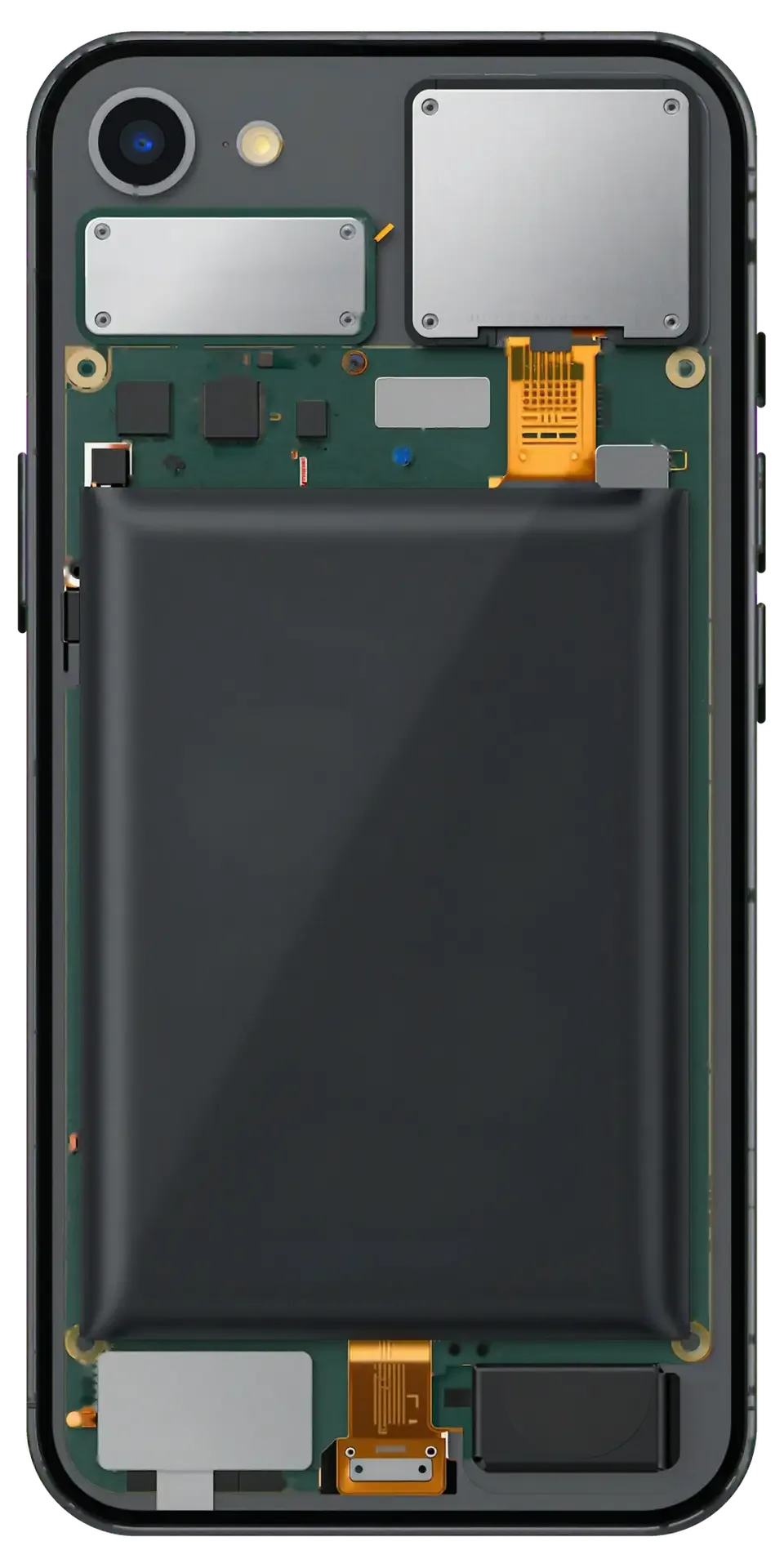
- Heat near the camera: the area around the A10 Fusion chip warms up while the unit sits idle on charge.
- Power controller failure: a damaged PMIC or charging controller cuts power before the system starts.
- Modem dropouts: the handset boots but loses signal and restarts when the baseband chip cannot initialize.
- A short on the board: a bridged line draws current until the device shuts itself down within seconds.
Battery, Charging Port or Board
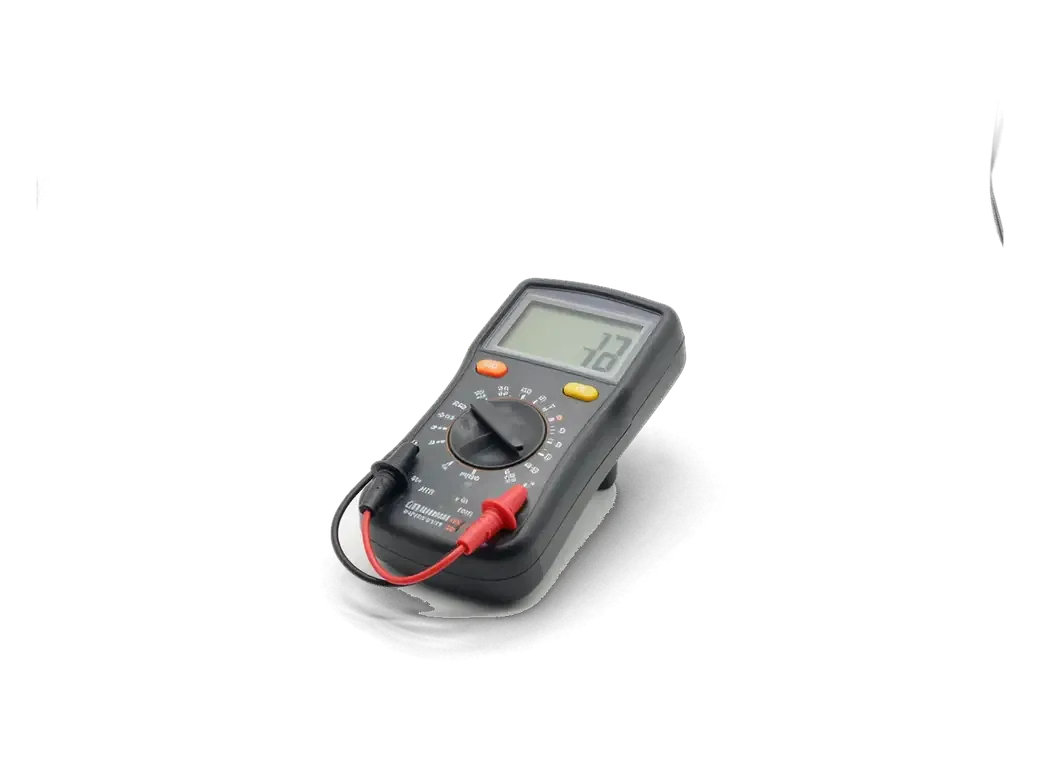
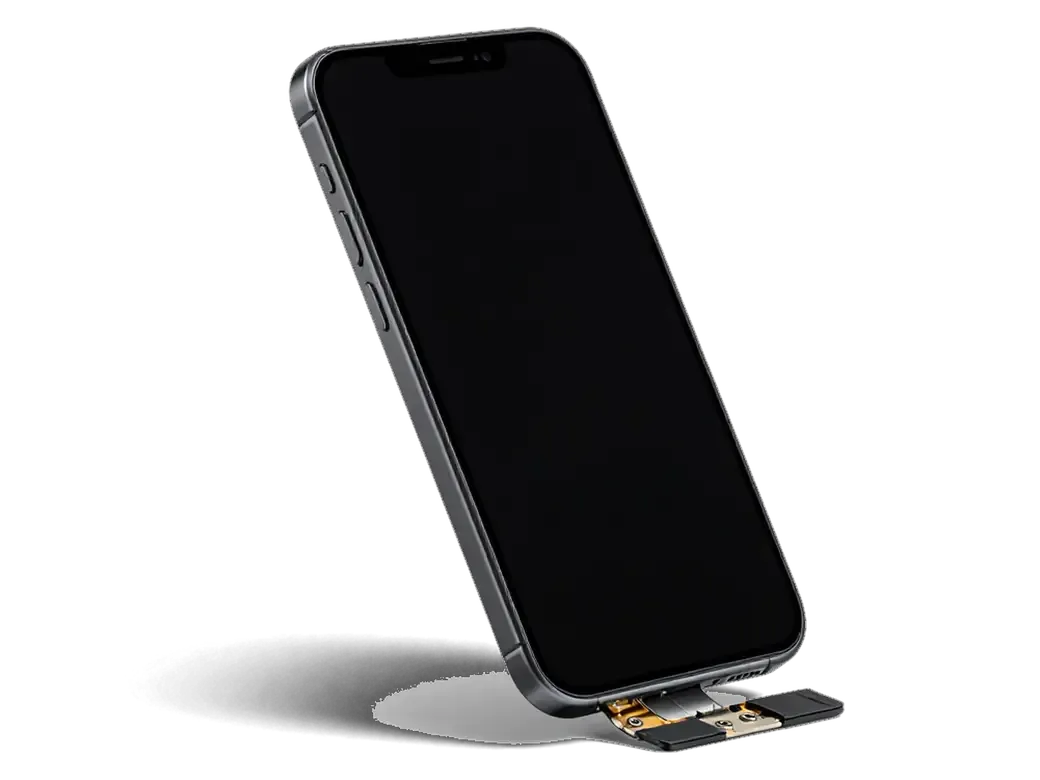
We connect the handset to a lab power supply and read current draw — a healthy board pulls a specific pattern, a shorted one jumps straight to maximum. The same bench test separates a tired battery from a failing Tristar controller: both leave the owner with a unit that will not charge, yet the current curve looks nothing alike. A Lightning port packed with lint and a dead cell produce an identical complaint too, and only a measurement tells them apart. Our engineer runs this check in front of you in 15 minutes, free of charge, even if you decide to walk away without a repair. This bench reading is the single step that stops a customer from paying for a part the device never needed.
How iPhone 7 Logic Board Repair Works Under the Microscope
The iPhone 7 has two well-known board faults, and both are repairable at component level. Here is how the work actually runs from first message to pickup.
The Audio Codec and Modem Faults iPhone 7 Is Known For
A grey speaker icon during calls or a permanent "Searching" in the status bar are the two classic iPhone 7 board faults, and both trace back to specific chips on the board. The audio codec sits close to the edge of the logic board and handles every sound the phone plays and records, so a damaged trace there mutes calls while media still plays through headphones. The modem section manages the radio and the IMEI handshake with the network, which is why a failed baseband chip leaves the device alive but permanently offline. These faults often appear months after a minor drop or a damp pocket, so an owner who remembers no incident should not rule out board damage.
From WhatsApp Photo to Pickup
- Photo first: a picture of the damage on WhatsApp gets you a reply in 5 minutes with a price and a free slot.
- Diagnostics: the engineer checks the device in front of you, free, for about 15 minutes, even if you decline.
- Paperwork: price, component, turnaround and warranty are fixed on the receipt in about 2 minutes before any soldering.
- Microscope work: the iPhone 7 logic board repair in Astana itself takes 1–3 days under the microscope and soldering station.
- Pickup check: you test charging, network, cameras, microphones and speakers with the engineer, then take everything home with the warranty card and the old component.
Component Repair or Full Board Replacement
The single biggest question on this page is whether the board can be fixed or has to be swapped. The answer depends on which component failed and whether the board itself is still structurally sound.
When We Repair the Component and When We Swap the Board
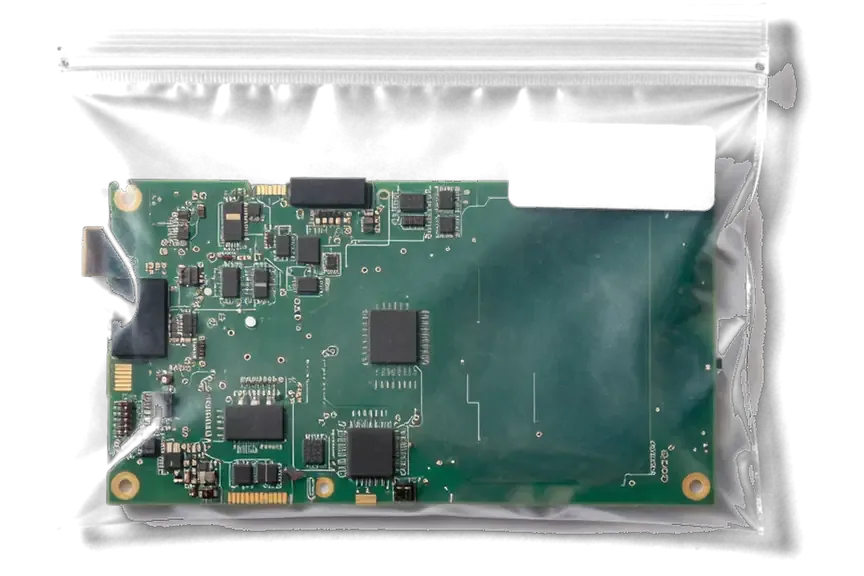
We repair the logic board at component level whenever the fault sits in a single chip or trace, and we recommend a donor board only when the board is cracked, badly corroded, or the CPU itself is dead. The majority of booting faults trace back to the PMIC, the Tristar charging controller or the audio codec — all three are replaceable parts, not the brain of the phone. A donor board must be free of iCloud activation lock and match the exact model, because a locked board turns a working phone into a paperweight. Ask the technician to show the donor board powered on and unlocked before it goes anywhere near your device.
Comparing the Two Routes Side by Side
How the two repair routes differ in outcome| Parameter | Component repair | Full board replacement |
|---|
| What is fixed | One chip or trace | Whole board swapped |
|---|
| Your data | Stays on the phone | Not transferred |
|---|
| Touch ID and Home click | Keep working | Lost without paired button |
|---|
| IMEI and serial | Unchanged | Change to donor values |
|---|
| Turnaround | 1–3 days | 1–3 days |
|---|
| Best when | Board intact, single fault | Board cracked or CPU dead |
|---|
What Survives the Repair and What Does Not
Owners ask about three things before agreeing to board work — photos, the fingerprint sensor, and the number tied to the SIM. Each has a different answer depending on the route chosen.
Your Photos and Files
Photos and files live in the encrypted NAND flash soldered to the board, so component repair keeps them and a full board swap does not. That chip holds the iOS installation, the user partition and the encryption keys bound to the board's unique identifier, which is why data cannot simply be lifted from one board and dropped onto another. When we repair a failed component on your own board, the chip never leaves its seat, so the gallery, chats and app data stay exactly where they were. A donor board arrives with a different NAND or none at all, and the handset comes back as a freshly set-up device. If it will not boot at all, an iCloud backup made earlier is the only reliable copy — check the last backup date before handing the device over.
Touch ID, the Home Button and IMEI
On the iPhone 7 the Touch ID sensor and the solid-state Home button are paired to the original board, so a donor board means no biometric unlock and no click unless the paired button is transferred. The pairing sits in the secure enclave of the original processor, and no software step re-links a sensor to a different chip. The IMEI and serial number are likewise written to the baseband and board memory, so a swap changes the identity the network sees and the number shown in the settings menu. We check the reader and the button response with the customer before any work begins, and we confirm the IMEI against the original box or the SIM tray. We say this upfront, because discovering a dead reader at pickup is the most common source of disappointment in board swaps.
Water Damage, Board Condition and the Waiting Period
Water is the case where we refuse to promise a timeline up front. Corrosion keeps eating the board after the phone dries, and the honest answer is that only a microscope will tell us how far it went.
Why Water Damage Needs Up to Two Days of Diagnostics
After water contact, diagnostics can take up to two days because we clean the board in an ultrasonic bath and then watch for corrosion that only shows up once the board is dry. Liquid shortens traces and lifts the protective coating around the audio codec, so the damage map looks different on day one and on day two. The bath removes oxide from the pads, the microscope reveals pitting under the shields, and only then do we know which lines need rebuilding. A handset that switched off cleanly after a spill often hides more damage than a device that died instantly. The worst mistake an owner makes is charging a wet phone to check if it still works — that current turns harmless moisture into permanent trace damage.
The 32-Point Check Before You Take the Phone Home
Before pickup we run a 32-function check of about 10 minutes together with you, covering network, cameras, microphones, speakers, charging and Touch ID. You hold the device while the engineer walks through each item, so nothing is signed off on trust alone. The list also covers Wi-Fi, Bluetooth, GPS, the proximity sensor and both cameras in photo and video mode, because a board repair can leave a single radio line weak while everything else looks fine. This is the same board-level routine our technicians apply across 46,000+ repairs. The old board goes home with you alongside the receipt and warranty card, which matters if a future workshop ever questions what was actually replaced.
Summary: iPhone 7 logic board repair
The work ends where the decision begins. These five points are what an owner should carry away from the whole process, whether the phone is on the bench now or still in a drawer.
- Diagnosis first: a dead battery and a board fault look identical to the owner, so current-draw testing comes before any verdict.
- What each route preserves: component-level repair retains your files, serial number and fingerprint sensor; a full board swap retains none of them.
- Known weak points: the iPhone 7 suffers audio codec and modem faults, and both are recoverable at chip level under a microscope.
- Water needs patience: corrosion continues spreading after the phone dries, so diagnostics can stretch to two days.
- Ask questions upfront: confirm what gets tested at pickup and what the warranty actually covers.







 iPad
 MacBook
 iMac
 Mac mini and Studio
 Apple Watch
 AirPods
 Apple Pencil
 Apple TV
 HomePod




