The iPhone 5s was the first iPhone with Touch ID, and the reader sits inside a mechanical Home key. Most failures come down to a handful of symptoms that point to a specific node inside the assembly.
What the Symptoms Tell You About the Fault
Symptom-to-node map for a failing sensor| Symptom | Likely cause | What we do |
|---|
| Clicks, no fingerprint | Torn flex | Restore or replace it |
|---|
| "Unable to complete Touch ID setup" | Logic board cannot see the reader | Check the connector |
|---|
| No click at all | Mechanical wear or impact | Rebuild the assembly |
|---|
| Reads, then drops | Moisture on the contact | Clean and re-seat |
|---|
| Nothing after a screen swap | Flex torn during opening | Inspect the flex and native part |
|---|
The Usual Causes Behind a Dead Reader
Most Touch ID failures on this model come from a torn ribbon after the screen was opened carelessly, followed by moisture and impact damage to the mechanism itself. The Home button ribbon is thin and runs directly under the display edge, so a pry tool that slips even a millimetre can cut the trace without leaving an obvious mark. Water reaches the same area through the opening and corrodes the contact pins, while a drop onto the lower bezel deforms the metal disc that gives the click. Mechanical wear after years of daily presses rounds off the dome, and the reader stops registering a full print. A ribbon that looks intact can still be cracked at the bend, so we test continuity along the whole strip instead of trusting a visual check.
How We Tell the Nodes Apart During the Check
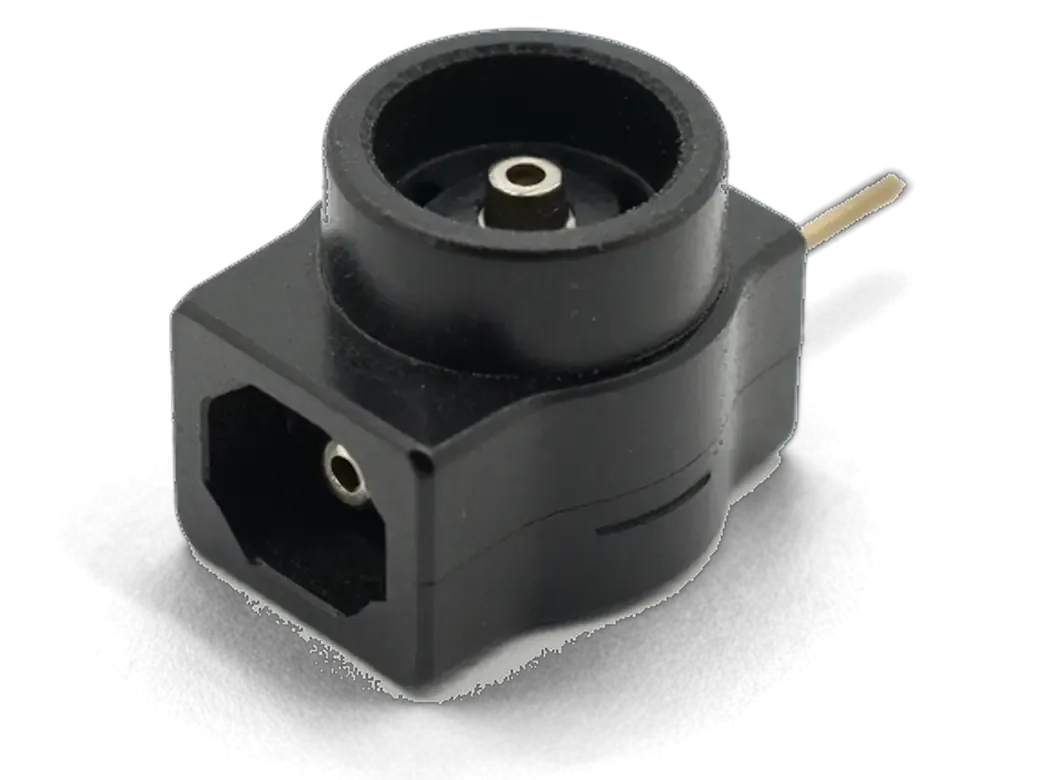
We open the phone in front of you and test the mechanism, the ribbon and the board connector one by one, so the diagnosis names the exact node instead of guessing at the whole assembly. The check runs for 15 minutes and stays free even if you decide against the work. First we press the part and listen for the click, then we read the ribbon for continuity and inspect the connector pins on the mainboard for corrosion or a lifted pad. When the trace on the mainboard is the culprit, the job moves under the microscope and takes longer than a ribbon swap, which is why the check comes before any quote. A mechanism that clicks cleanly but never reads usually means the ribbon, not the reader itself.
Why a New Home Button Cannot Bring iPhone 5s Touch ID Repair Back
The reader is not a standalone part you can swap like a battery, and understanding the pairing explains why a replacement button behaves so differently from the original.
How the Sensor Is Paired to the Board
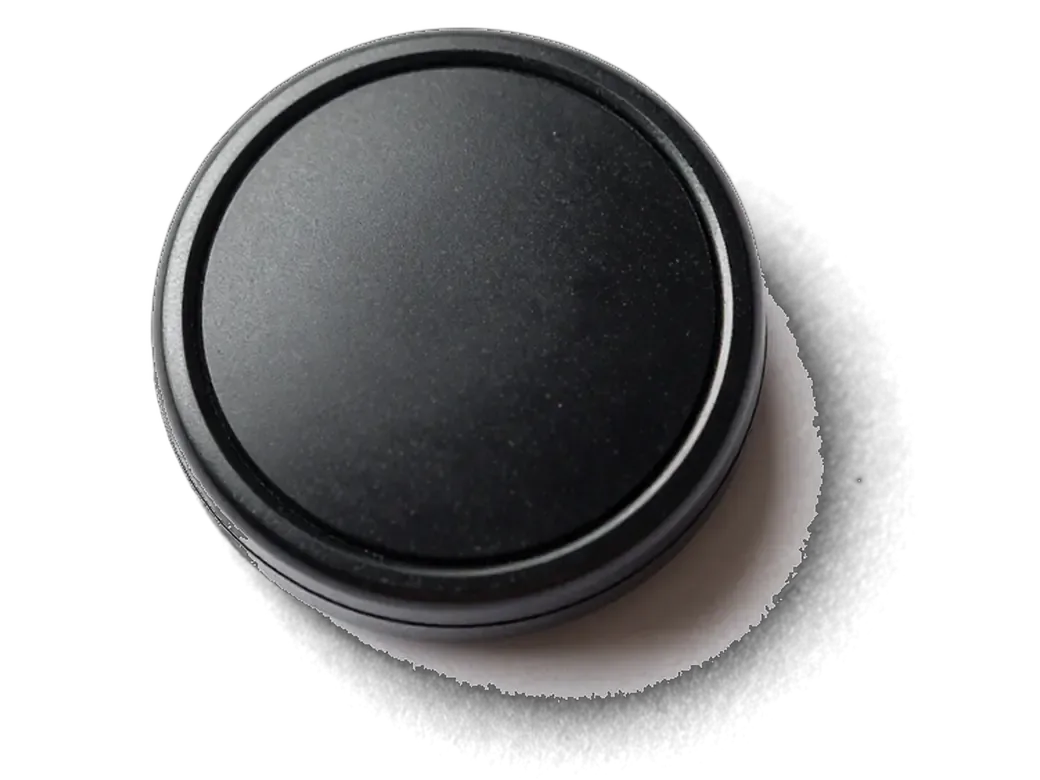
The Touch ID sensor is paired to the Secure Enclave inside the A7 processor of that specific iPhone, so the board only accepts the button it was matched with at the factory. The pairing is written into the chip during assembly, and the metal ring around the button carries the detector circuit that reads a finger before the reader itself wakes up. A button pulled from another iPhone 5s carries its own factory pairing, which the A7 processor does not recognise — the board simply refuses to route fingerprint data from it. Even a full software restore or a firmware flash leaves the pairing untouched, because the key lives in hardware, not in the operating system. This pairing is why a fingerprint enrolled before a repair keeps working only if the original module survives, and why no software step can re-pair a foreign button.
What a Replacement Button Actually Gives You
Button options against home click and fingerprint| Button option | Home click | Fingerprint |
|---|
| Original reader, flex restored | Works | Works |
|---|
| Original reader, flex replaced | Works | Works |
|---|
| Button from another iPhone 5s | Works | Does not work |
|---|
What iPhone 5s Touch ID Repair Involves and What We Restore
The repair path depends on which node failed, and the first step is always the same free check that shows you what is actually broken before anything is opened further.
From WhatsApp Photo to a Checked Device
- Photo quote: send a picture of the fault on WhatsApp and an engineer replies within five minutes with a price.
- Free diagnostics: the engineer checks the device in front of you for 15 minutes and shows what is broken, even if you decline.
- Receipt first: price, part, turnaround and warranty are fixed on paper in about two minutes, prior to any work.
- While you wait: 72% of jobs finish while the customer sits in the seating area with coffee and Wi-Fi.
- Courier option: a courier can collect the handset across Almaty in 90 minutes, at no charge with a repair.
When the Fingerprint Cannot Be Saved
When the sensor itself is destroyed or the board trace is burned beyond repair, we can still rebuild the Home assembly so it clicks and returns you home, but the biometric unlock will not come back. A torn flex cable can sometimes be bridged, and a loose connector on the mainboard is resoldered under a microscope, yet neither trick revives a sensor whose silicon is gone. The handset then works with a passcode for unlocking and for confirming purchases, and the key keeps its normal click. In that case we say so plainly prior to charging for anything, because a dead sensor is a hardware limit rather than a workmanship issue.
How the Price Is Built and How to Learn It from a Photo
There is no single flat rate for this job, because the amount of work depends on which node failed, and the quote follows the diagnosis rather than a menu.
What Drives the Cost of the Work
The price of an iPhone 5s Touch ID repair in Almaty depends on whether we restore the original part, replace it, rebuild the assembly or repair a board trace, so the quote follows the damaged node. A torn cable at the bend calls for one job, a cracked key connector for another, and a broken trace on the mainboard needs microscope work that takes far longer than a simple swap. We fix the price, the part, the turnaround and the warranty on the receipt before any work starts, and the engineer shows the new part in factory packaging first. A photo taken straight after the failure often shows whether the flex is torn at the bend, which is why we ask for it before naming a figure.
Comparing the Work Options
What each repair route brings back to the phone| Work option | What it restores | Typical turnaround |
|---|
| Flex restoration | Fingerprint and click | 20–40 minutes |
|---|
| Flex replacement | Fingerprint and click | 20–40 minutes |
|---|
| Home assembly rebuild | Click only | 20–40 minutes |
|---|
| Board trace repair | Depends on the trace | 1–3 days |
|---|
Keeping Touch ID Alive Through a Screen Replacement
A cracked display is the most common reason a 5s comes in, and the way the panel is opened decides whether the fingerprint survives the job.
Moving the Native Module to a New Display
When we replace a display on an iPhone 5s, we move your original Home assembly and its flex onto the new panel, because a fresh unit never ships with a paired sensor. The native module carries a unique identifier that the mainboard reads at every unlock, so a new part from a box simply cannot authenticate you. Our engineer unclips the flex by hand, transfers the metal bracket and gasket, and reseats the connector before the panel goes back on. The flex runs right along the opening edge, so a careless pry is what tears it — that is why the module often dies during a swap done elsewhere. Ask the workshop to show the original module fitted in the new panel before the phone is closed.
What to Do Before You Hand the Phone In
- Back up first: make an iCloud or computer backup so a repair never puts your photos at risk.
- Know the passcode: the engineer needs it to unlock the phone and test the sensor after the work.
- Note the symptoms: tell us whether the mechanism clicks and what happened before the fault.
- Bring the charger: a charged phone lets us run the full function check without waiting.
- Confirm purchases: keep your App Store receipts, as some tests ask for a confirmation after unlocking.
Summary: iPhone 5s Touch ID Repair
The whole picture comes down to one fact: the fingerprint sensor lives inside the Home assembly and is tied to the mainboard, so that part travels with the phone through every repair.
- Paired reader: the Touch ID chip is matched to the mainboard at the factory, so only the original assembly can read a print on this handset.
- Foreign part: a module taken from another iPhone 5s brings back the click and the return gesture, but the biometric line stays dead.
- Common causes: a torn flex cable after a careless screen opening, moisture inside the mechanism, or a hard impact on the lower bezel.
- Screen work: any display replacement has to carry the native component over to the new panel, or the reader is lost for good.
- Dead chip: when the sensor itself is destroyed, the phone still runs on a passcode with a rebuilt key in place.









 iPad
 MacBook
 iMac
 Mac mini and Studio
 Apple Watch
 AirPods
 Apple Pencil
 Apple TV
 HomePod




