The 6s Plus drives a large display and drains faster than smaller models. Below are the signals that tell you the cell is due for a swap rather than another component.
What Battery Health on the 6s Plus Actually Tells You
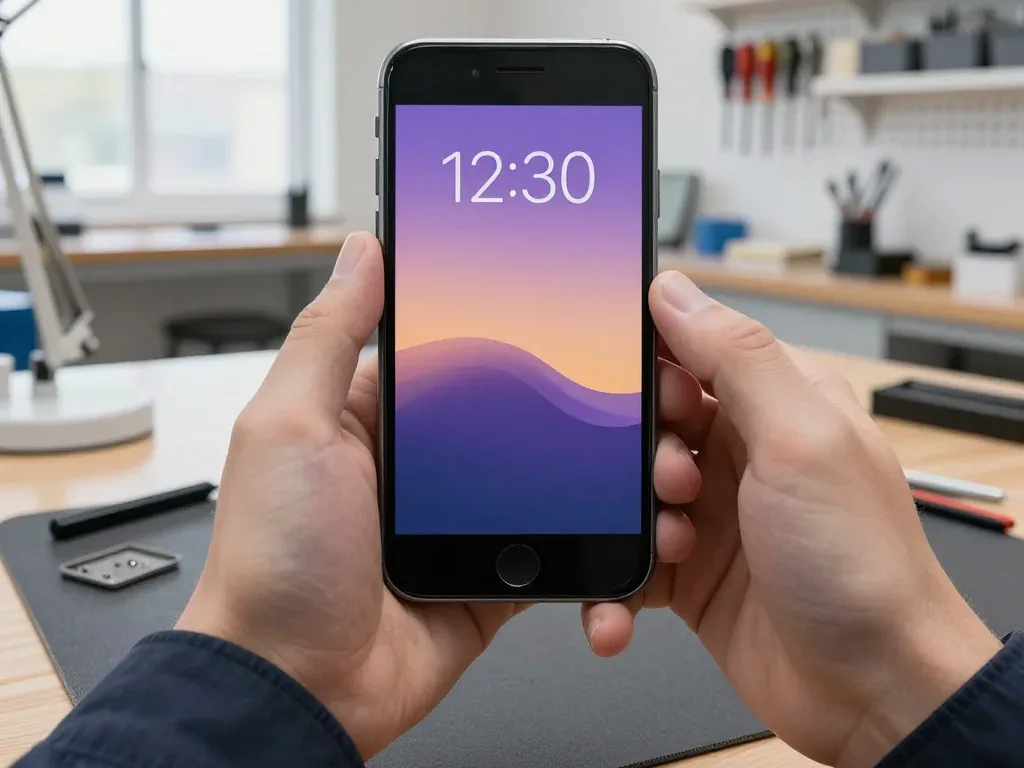
On iPhone 6s Plus the Battery Health screen shows Maximum Capacity and cycle count, and a reading in the low 80s or below is the usual point where owners start noticing shorter runtime. Peak Performance Capability sits on the same page and reports whether the handset has already throttled itself to avoid a sudden shutdown. A 77 % figure is not a failure, but it means the pack holds roughly three-quarters of its factory capacity and loses voltage faster when loaded. Cycle count matters too: a high count with a healthy-looking figure still means the chemistry is tired. When owners weigh an iPhone 6s Plus battery replacement in Almaty, this reading is the first thing to check. A single number rarely tells the whole story — judge by behaviour in real use, not by the percentage alone.
Symptoms That Point to the Battery Rather Than Something Else
- Shutdowns at a remaining charge: the handset switches off with charge still on the gauge and restarts only after a charger is plugged in.
- Fast drain under light use: standby time falls sharply and the percentage drops several points within minutes of idle use.
- Warmth while charging: the lower half of the chassis heats up more than it used to during a normal top-up.
- Random reboots and lag: apps stutter and the phone restarts when a demanding task pulls peak current.
- Cold-weather failure: the device quits outdoors in winter but behaves normally once it warms up indoors.
- Slower performance under load: animations and app launches lag until the pack recovers — this points to the cell rather than a software fault.
Original or Aftermarket iPhone 6s Plus Battery Replacement
The 6s Plus does not pair its battery to the board, so both options run without warnings. The real difference lies in how the health readings behave and how long the part lasts. Here is the comparison that matters.
How the Two Options Compare
Two battery types by behaviour and typical buyer| Option | Health readings | Runtime | Best for |
|---|
| Original part | Match factory behaviour | Closest to stock | Daily driver, long-term keep |
|---|
| Aftermarket part | May read slightly differently | Varies by brand | Backup phone, tight budget |
|---|
| Refurbished original | Matches factory behaviour | Close to stock | Balance of price and longevity |
|---|
Why Most Owners Here Pick the Original Cell
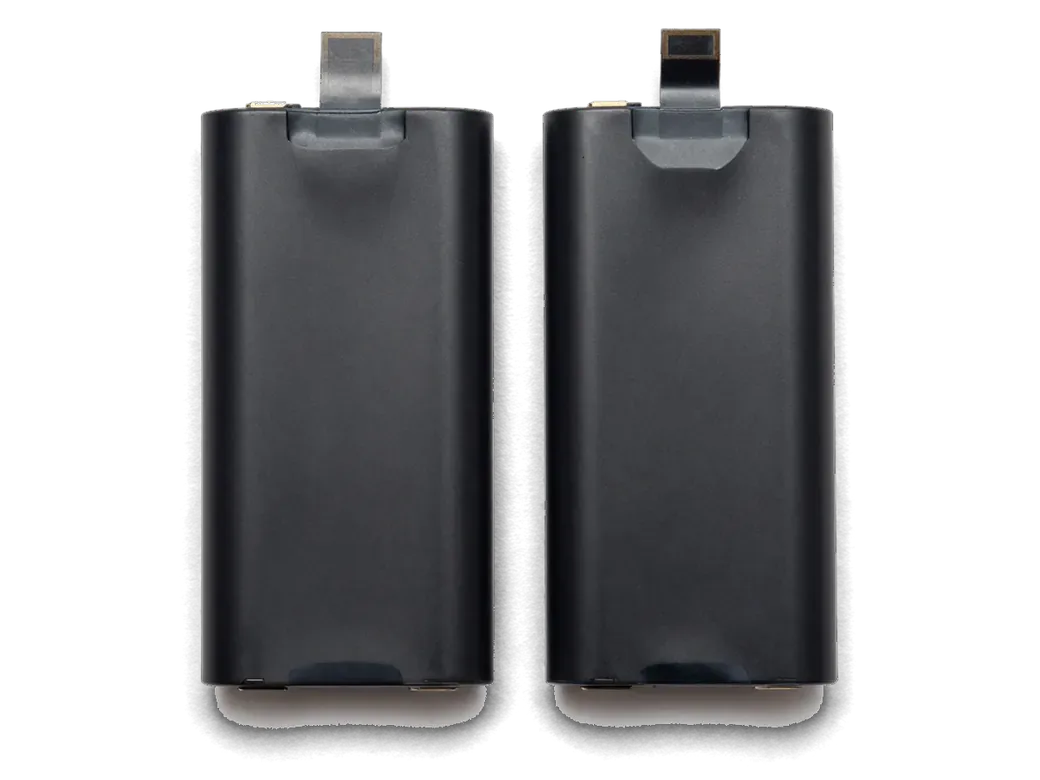
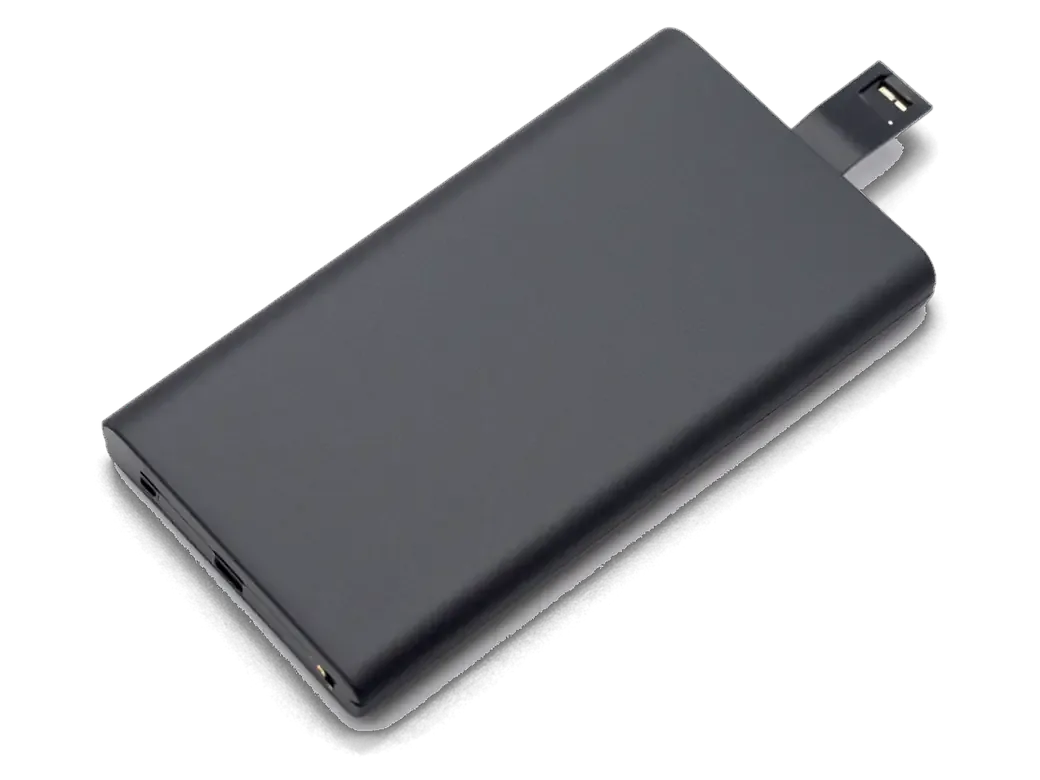
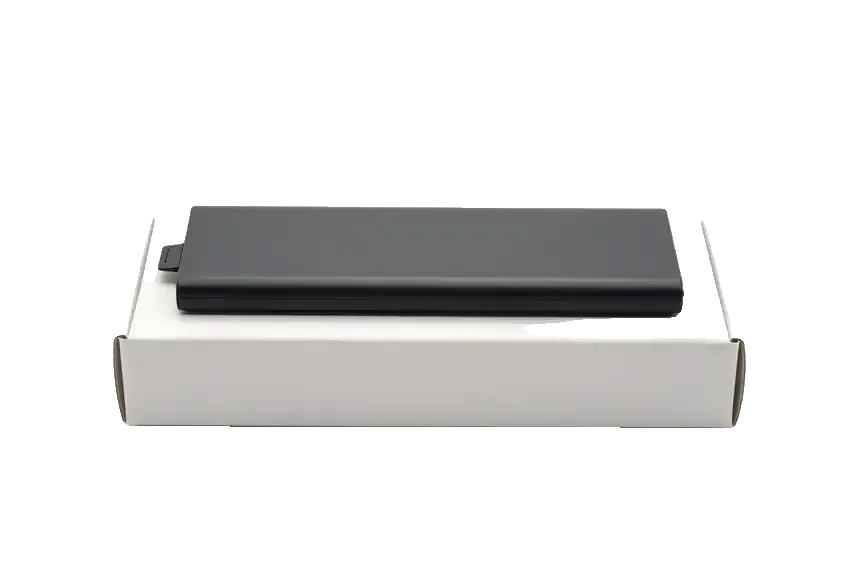
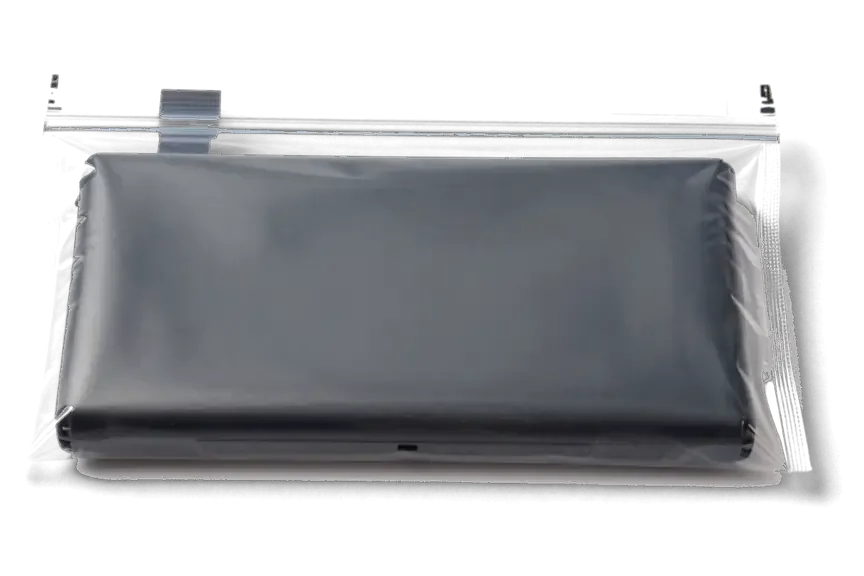
64% of our customers choose an original part, and on a 6s Plus that choice usually pays off because the phone is kept for years rather than months. The factory-spec pack holds a steadier capacity curve, so the health percentage in Settings keeps dropping in a predictable line instead of jumping after a few charging cycles. Aftermarket brands vary widely: some hold up well past a year, others lose a visible share of runtime within weeks of heavy use. We fit both and show each in factory packaging before installation, so the owner sees exactly what goes in. A cheaper pack is a reasonable pick when the handset is a backup or a child's device, but for daily use the steadier curve matters more than the upfront difference.
How the Replacement Works at iServices
The whole process, from your first message to pickup, usually takes less than an hour, and every step is written down. Here is what happens at each stage.
From a WhatsApp Photo to a Fixed Receipt
We reply on WhatsApp within 5 minutes and quote a price from a photo, then fix the price, part, turnaround and warranty on the receipt in about 2 minutes, ahead of any work. The engineer names the exact battery, original or aftermarket, and shows the new part in its factory packaging prior to installation. Nothing is opened until the owner has signed off on that paper, so the figure from the chat is the one paid at the counter. Getting the part named on paper protects the owner from surprises — the battery and the warranty cover are known before a screwdriver touches the device.
25 Minutes in the Waiting Area and a 32-Point Check
- Turnaround: an iPhone 6s Plus battery replacement takes about 25 minutes, and 72% of our repairs finish while the customer waits.
- Comfort: the waiting area has coffee and Wi-Fi, so the owner can sit through the swap instead of leaving the phone.
- Function check: afterwards we test 32 functions in roughly 10 minutes — cameras, microphones, speakers, charging and network.
- Documents on pickup: the device comes back with the receipt, a warranty card up to 1 year and the old battery.
- Courier option: a courier across the city takes 90 minutes and is free with a repair.
What Is Different About the 6s Plus
The 6s Plus opens from the front, its battery sits on adhesive strips, and the body is larger than the 6s. Those details decide how the work goes and what can go wrong along the way.
Opening the 6s Plus and Freeing the Battery
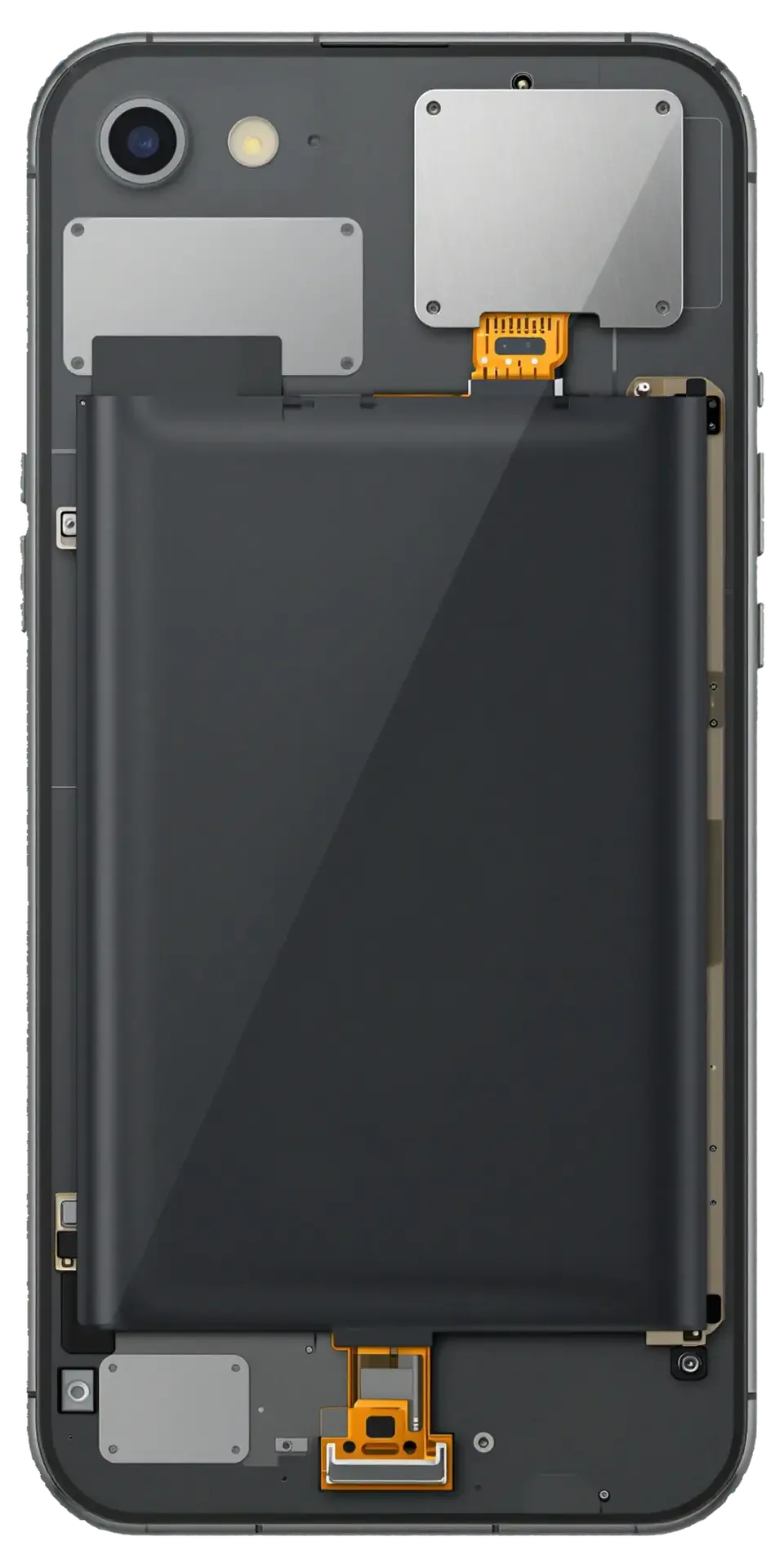
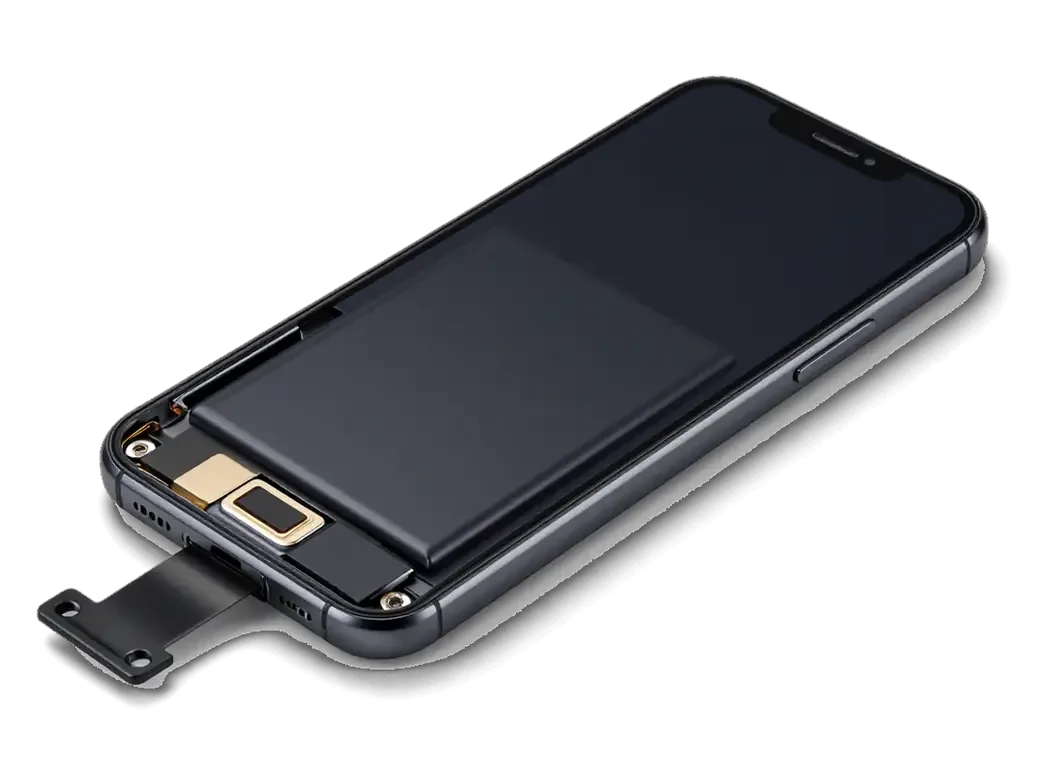
On the 6s Plus we open the phone from the front, disconnect the battery connector first, then pull the adhesive bands that hold the pack in place. The display module lifts away on its flex cables, so the connector and its ribbon stay clear of the frame while the cell comes out. The 5.5-inch body leaves more room around the power source than the 4.7-inch 6s, which makes the pull angle easier to control. The tape is the fragile step — if one band snaps, the pack has to be eased out with care so the frame and screen are not stressed. This is the quickest job on the model: 25 minutes, and 72% of repairs finish while the customer waits in the seating area.
What the 6s Plus Does Not Have to Worry About
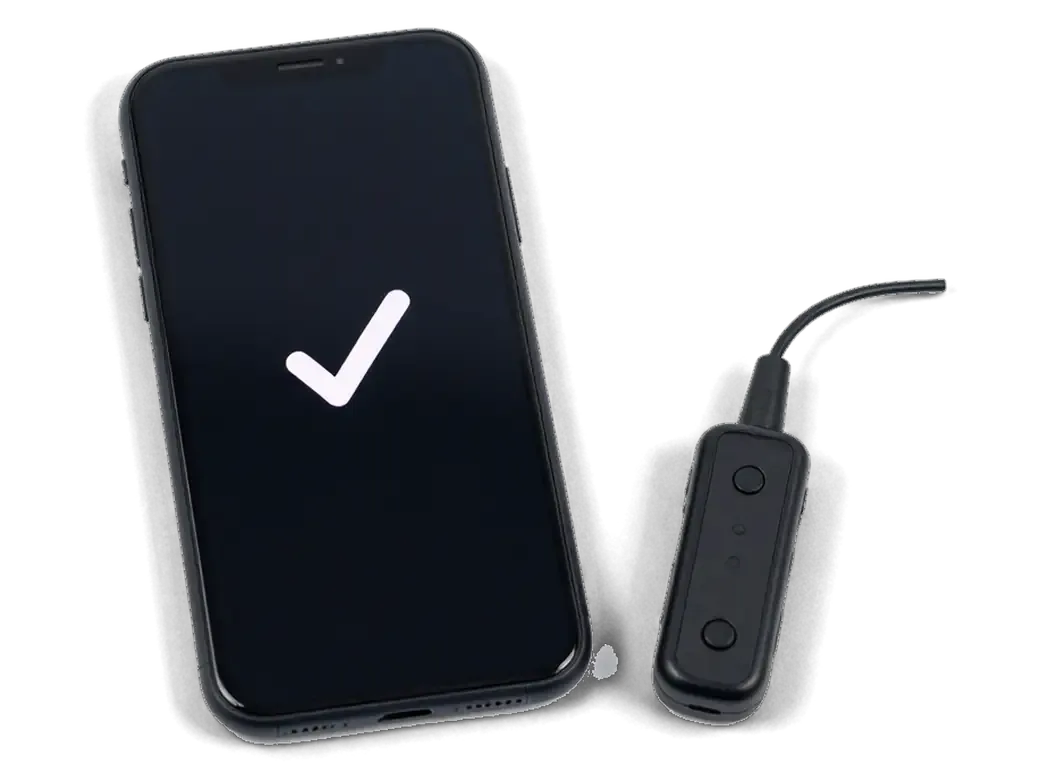
Unlike the XR, XS and 11, the 6s Plus does not tie the battery to the device, so it shows no parts warning after a replacement and keeps displaying health normally. Owners of those newer models see the “Unknown Part” message and a blank health figure once a non-original cell goes in; on the 6s Plus the reading stays live and the device reports the new component as it did the old one. The 6s Plus also predates the water-resistance sealing used from iPhone 7 onward, so there is no gasket to restore — but that also means the phone was never splash-proof, and a fresh battery does not change that. Keep it away from moisture regardless of how new the power source is.
Data, Warranty and Care After the Swap
After the swap, owners usually ask three things: what happens to the data on the device, what the coverage actually includes, and how to treat the new power unit so it holds up for years rather than months.
Your Data Stays and the Warranty Covers the Part
Replacing the battery does not touch the owner's data — only the power unit is swapped, the storage is never involved — and every job at iServices carries coverage up to 1 year. The engineer disconnects the connector, lifts the old block out and seats the new one, while the logic board and flash memory stay exactly as they were, so photos, chats and accounts survive untouched. What the term covers is the part itself and our workmanship: if capacity drops abnormally or the connector fails, we handle it under that agreement. The receipt and warranty card come back with the old part; if the fresh component ever behaves oddly, those documents let us resolve it quickly instead of re-diagnosing from scratch.
Making the New Battery Last
- Charge window: keep the 6s Plus in the middle of its range day to day and save full cycles for travel days.
- Heat: remove the case while charging and never leave the handset on a dashboard in direct sun.
- Chargers: use a reputable adapter and cable, since a cheap block overheats the chemistry and shortens its life.
- Cold: carry the device in an inside pocket in winter, as a warm handset taken outside can still shut down.
- Overnight: unplug once it reaches full, because constant topping-up at 100 % ages the pack faster.
Summary: iPhone 6s Plus Battery Replacement
A tired battery on the 6s Plus is a solvable problem, and the right call depends on how the handset behaves day to day rather than on a single figure on screen.
- Health in the low 80s: a 6s Plus battery is worth replacing once health falls into that band or the device shuts down under load, and the swap is fast and reversible.
- Behaviour beats the gauge: sudden shutdowns at 30–40%, swelling, or a case that no longer sits flat reveal more about the cell than any percentage reading.
- Part choice follows plans: pick the original cell if you intend to keep the device for years, an aftermarket one if it is a stopgap unit.
- Cold is the real enemy: a fresh battery loses capacity fast in sub-zero weather, so keep the handset warm and skip charging it outdoors.
- Judge by real use: match the choice to how long the handset will be kept, then treat the new part gently in frost to get the most out of it.









 iPad
 MacBook
 iMac
 Mac mini and Studio
 Apple Watch
 AirPods
 Apple Pencil
 Apple TV
 HomePod




