The iPhone 11 screen holds the proximity sensor Face ID relies on, so a careless swap can break authentication. We transfer it onto the new panel and confirm the phone still works afterwards.
The Top Flex That Carries the Proximity Sensor
We move the top flex, with the earpiece speaker and proximity sensor, from the old module onto the new one, because that component is part of the Face ID system. The flex links the flood illuminator and dot projector to the logic board through a single thin ribbon. We lift the ribbon with a plastic pry tool, never metal, and seat it on the replacement by hand. A torn or creased strip during the transfer is the usual reason unlocking by face stops working after a screen swap, so the move is done manually and checked before the part goes back in. If you are arranging an iPhone 11 display replacement in Almaty, this transfer is the step that keeps Face ID alive.
Checking True Tone and the 32 Functions With You
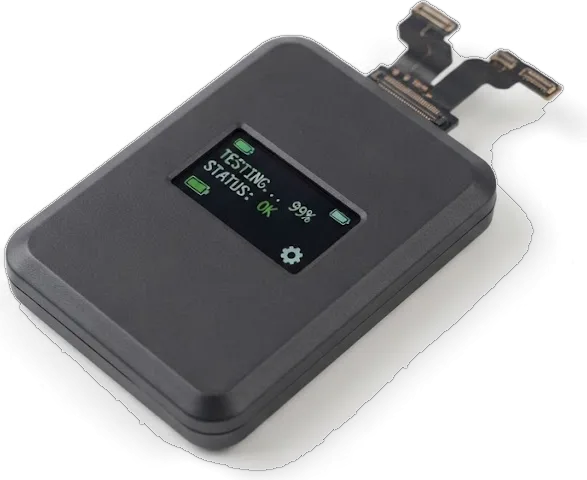
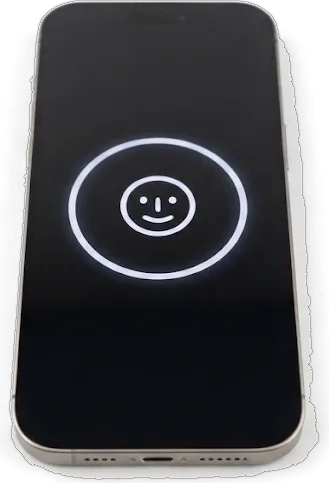
- Face ID: you unlock the phone several times while the engineer watches the sensor.
- True Tone and auto-brightness: we toggle both and confirm the panel shifts colour temperature.
- Cameras and microphones: front and rear cameras open, and both mics record a short clip.
- Speakers and charging: earpiece and loudspeaker play a test tone, then we plug in a cable and watch the battery indicator.
- Network and touch: a call goes through on the cellular band, and we drag a finger across every edge.
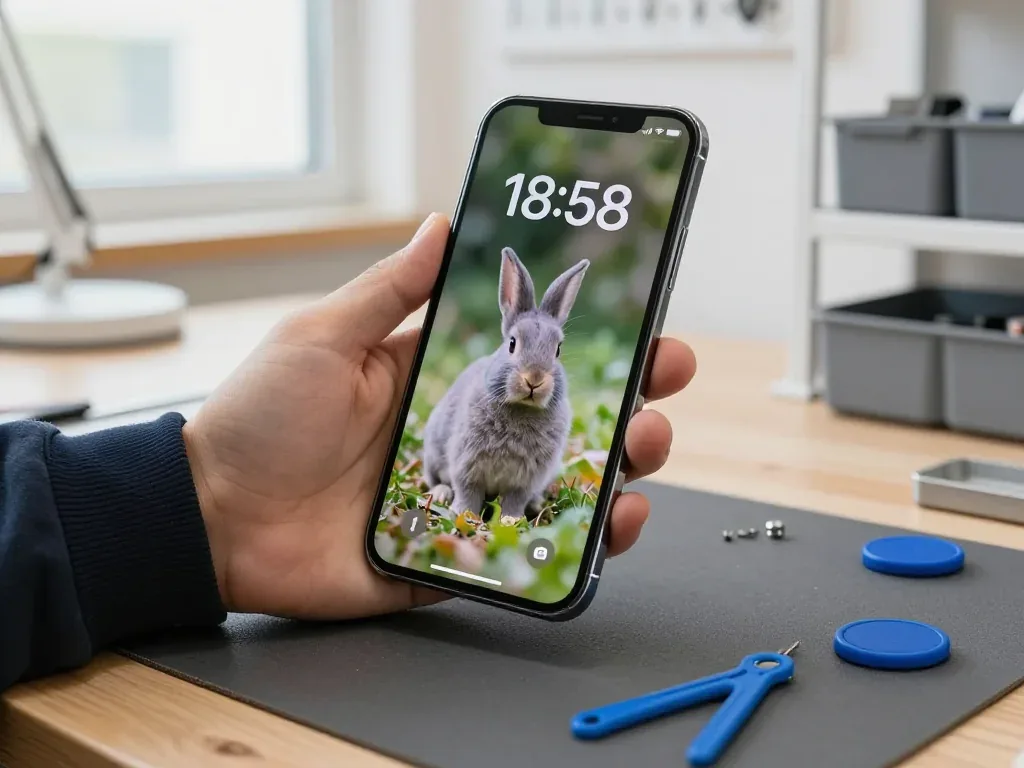
- Handover check: testing the 32 functions with you catches a loose connector while the phone is open.
How the iPhone 11 Display Replacement Runs at Our Bench
From a WhatsApp photo to the moment the device goes back into your hand, here are the steps you actually see, and what gets written down before any work begins.
From a WhatsApp Photo to a Fixed Receipt
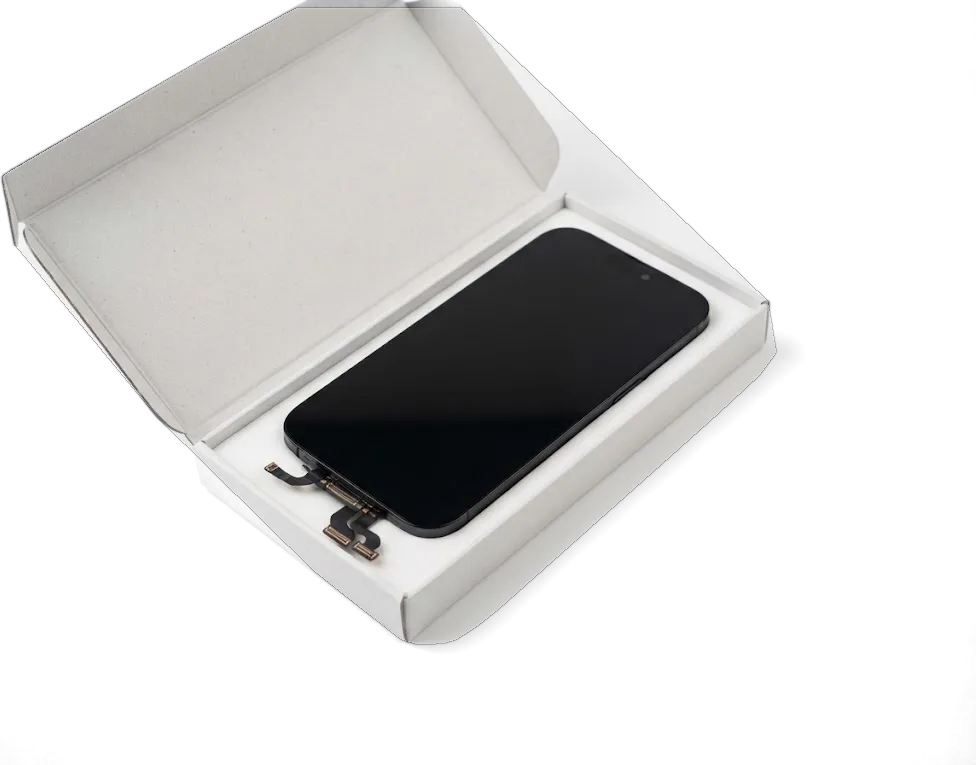
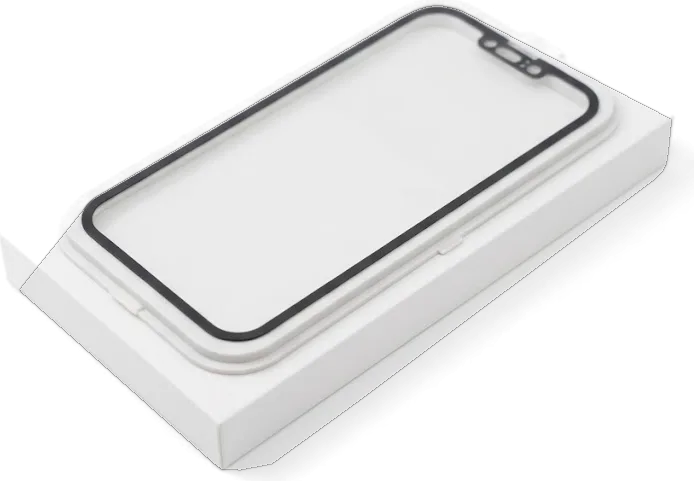
Send a photo of the damage on WhatsApp and an engineer replies within 5 minutes with a quote and a free time slot for your iPhone 11 display replacement. The engineer quotes from the picture alone, so you know the figure before leaving home. On arrival, the price, the part, the turnaround and the warranty are fixed on the receipt in about 2 minutes, before a single screw comes out. The new part is shown in its factory packaging before installation, so you see the exact panel going onto your phone. The part, turnaround and warranty on the receipt mean the number you agreed to on WhatsApp is the number you pay.
Opening the Phone and Fitting the New Module
We open the phone, move the top flex across, seat the new panel and re-seal the frame so the dust and splash protection is restored. The top flex carries the proximity sensor that Face ID depends on, which is why it travels from the old assembly to the new one rather than being replaced. Once the panel is seated, the engineer runs the 32-function check for roughly 10 minutes, testing Face ID, True Tone, cameras, microphones, speakers, charging and network with you watching. The factory adhesive is single-use, so a frame closed without fresh sealant lets dust behind the glass and moisture toward the board.
Why We Do Not Recommend Swapping the Screen Yourself
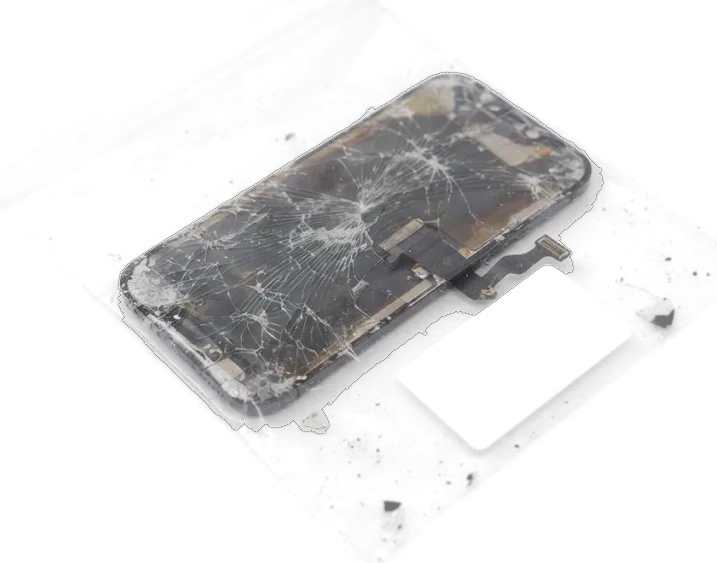
Online guides promise a display swap in a couple of hours, but the iPhone 11 has narrow spots where a mistake costs a function, not a scratch.
The Flex That Decides Whether Face ID Survives
The proximity sensor sits on a thin flex glued to the back of the panel, and creasing it during a DIY swap can leave Face ID permanently disabled. That ribbon also carries the ambient light sensor, so a careless pry under the top edge takes out auto-brightness and the raise-to-wake gesture. Heat guns sold for home work often run hotter than the adhesive needs, and the strip curls past its tolerance. The connector on the logic board is the second trap: a bent pin there is invisible but breaks the circuit entirely. This flex is not sold as a separate spare, so a damaged component usually means a board-level fix rather than a quick part swap.
Seals, Adhesive and the Splash Rating
The frame seal is a one-time gasket, and a unit closed without a fresh one loses the splash protection it left the factory with. The original gasket compresses on the first opening and will not seat again, while generic glue strips leave gaps along the curved corners. That matters more than buyers expect: the model carries an IP68 rating, and the seal is the only thing holding that number up. Water damage often shows up weeks later as corrosion on the board, so a device that was opened at home and then caught in rain can fail long after the screen seemed fine.
Original Module or Aftermarket Copy for the iPhone 11
The standard 11 carries a Liquid Retina screen rather than the OLED used on the Pro models, and that difference shapes what you actually get from each type of part.
LCD on the 11 and OLED on the Pro
The iPhone 11 uses a Liquid Retina LCD, while the 11 Pro and Pro Max use OLED, so the two do not share display parts. The 6.1-inch screen runs 1792 × 828 at 326 ppi, and each pixel is lit by a backlight behind the layer rather than glowing on its own. The OLED variant switches individual pixels off, producing true black and a thinner assembly; the backlit design keeps a constant light source, so dark scenes read as deep grey. The assemblies also differ in flex layout and connector position, so a higher-tier part never fits an 11 chassis. Dark-room blacks look slightly grey next to OLED, normal for the 11.
Comparing Original and Aftermarket Panels
How factory and third-party parts differ in daily use| Parameter | Original module | Aftermarket copy |
|---|
| Panel type | Factory LCD, matched to the 11 | Third-party LCD, close match |
|---|
| Brightness and colour | Reference levels out of the box | Slightly dimmer, cooler tint |
|---|
| Touch response | Factory Haptic Touch feel | Usually fine, occasionally softer |
|---|
| True Tone | Works after data transfer | May be limited or absent |
|---|
Glass-Only Repair and Why We Skip It
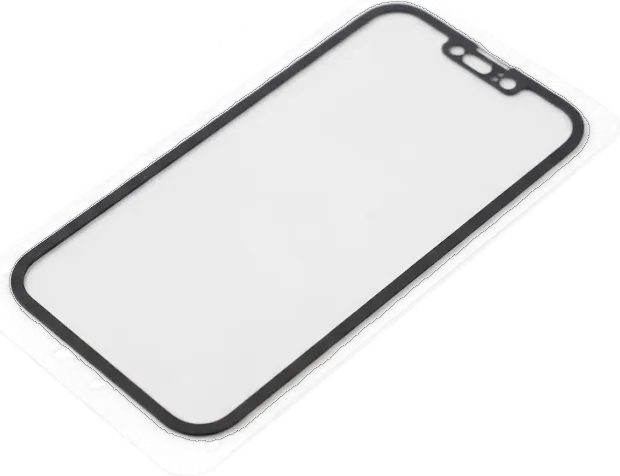
We replace the whole module rather than re-glass the panel, because separating the glass from the screen on the 11 risks the matrix and sensor layer underneath. The assembly is a bonded stack of cover glass, digitiser and matrix, glued under pressure in a factory press; prying the glass off by hand leaves micro-fissures in the polariser and damages the touch grid along the frame. A re-glassed screen frequently develops touch dead zones along the edges within months, since the bonding layer between glass and digitiser fails first. A re-glassed panel rarely lasts, and 64% of customers skip the gamble and take a full original module on the first pass.
Turnaround, Waiting Area and Courier Across Almaty
A display swap is short, but plan the day: how long it takes, what you can do while it runs, and how to hand the phone over without coming in yourself.
How Long the Screen Swap Takes and How to Wait It Out
- Bench time for the panel: an iPhone 11 display takes about 40 minutes, and 72% of repairs finish while the customer waits with coffee and Wi-Fi.
- Booking from a photo: send a picture of the damage on WhatsApp, and an engineer replies within five minutes with a quote and a free slot.
- What the slot saves you: the part is set aside before you arrive rather than ordered on the day, keeping the visit under an hour.
- Waiting at the bench: free diagnostics take 15 minutes in front of you, and the final 32-function check adds about 10 minutes.
- Courier option: a courier covers the city in 90 minutes and is free with a repair.
Warranty and the Paperwork You Keep
Every screen we fit comes with a warranty up to 1 year, and the receipt lists the part, the turnaround and the warranty terms before work begins. That receipt is written in about two minutes, while you are still at the counter, and it names whether the part is original or aftermarket — 64% of customers pick the original. When the phone comes back, you leave with three things: the device, a warranty card and the old module in a bag. A warranty card tied to a specific part number makes a claim straightforward later, so keep it together with the old module.
Summary: iPhone 11 Display Replacement
Five points decide whether an iPhone 11 display swap holds up: panel type, the transferred top flex, the checks on pickup, the choice of part, and the paperwork you leave with.
- LCD, not OLED: the iPhone 11 uses a liquid-crystal panel, so display parts aren't shared with OLED 11 Pro and Pro Max.
- Top flex transfer: the proximity sensor flex moves to the new panel; Face ID survives only if that ribbon is undamaged.
- Checks on pickup: True Tone and auto-brightness are verified at the bench, since both read display data.
- Whole module over re-glassing: a full assembly protects the digitiser and touch response that glass-only work risks.
- Written receipt: the part, turnaround and warranty on paper protect you if the screen misbehaves later.











 iPad
 MacBook
 iMac
 Mac mini and Studio
 Apple Watch
 AirPods
 Apple Pencil
 Apple TV
 HomePod




