MN Photo: Mukhpilov Nail
Mukhpilov Nail
smartphone repair technician
10years of experience
4.83rating, 83 reviews

Mac slows down when RAM runs short — we check for slots, match the sticks and quote the price before work starts.

A memory shortage creeps in: first the Mac stalls on routine tasks, then it starts complaining on its own.
Windows open with pauses, the cursor turns into a spinning wheel and apps answer after a delay.
Switch between tabs and the pages load again, losing the text you had already typed in.
macOS warns that memory is low and suggests closing part of your applications.
The laptop reboots and programs shut down, and a new memory stick sometimes makes the errors vanish.
The cost depends on the model and the number of slots, and the reference for the work is below.
| Service | Original | Aftermarket |
|---|---|---|
| MacBook display panel replacement | 80 900 ₸ | 49 900 ₸ |
| MacBook display flex cable replacement | 37 900 ₸ | 27 900 ₸ |
| MacBook battery replacement | 56 900 ₸ | 32 900 ₸ |
| MacBook keyboard replacement | 38 900 ₸ | 21 900 ₸ |
| MacBook trackpad replacement | 46 900 ₸ | 25 900 ₸ |
| MacBook Touch Bar repair | 49 900 ₸ | 27 900 ₸ |
| MacBook charging port replacement | 22 900 ₸ | 12 900 ₸ |
| MacBook speaker replacement | 33 900 ₸ | 18 900 ₸ |
| MacBook fan replacement | 22 900 ₸ | 12 900 ₸ |
| MacBook backlight repair | 364 900 ₸ | 225 900 ₸ |
| Other repairs | Price | |
| iMac Pro 27" (2017) RAM replacementmemory chip installation | 17 900 ₸with parts | |
| Mac Pro RAM replacementmemory chip installation | 16 900 ₸with parts | |
| MacBook SSD installationstorage installation | 19 900 ₸with parts | |
| MacBook macOS installationOS installation, no parts replaced | 10 900 ₸per job | |
| MacBook dust cleaningdisassembly and dust cleaning | 10 900 ₸per job | |
| MacBook water damage repaircorrosion cleaning · diagnostics up to 2 days | 16 900 ₸per job | |
| MacBook logic board repairmicrosoldering · 1–3 days | 16 900 ₸per job | |
| MacBook graphics card replacementboard-level chip · microsoldering | 83 900 ₸with parts | |
| MacBook Wi-Fi module repairwireless module · board-level repair | 41 900 ₸with parts | |
| iMac 27" Intel RAM replacementmemory chip installation | 15 900 ₸with parts | |
| iMac 21.5" Intel RAM replacementmemory chip installation | 17 900 ₸with parts | |
| Mac mini Intel RAM replacementmemory chip installation | 23 900 ₸with parts | |
We state the price of the sticks themselves after checking, since it depends on the capacity and type needed.
We first find out whether your model can take more memory at all, and only then match the sticks and fit them.

From the A-number we see whether the model has slots and whether memory can be added.
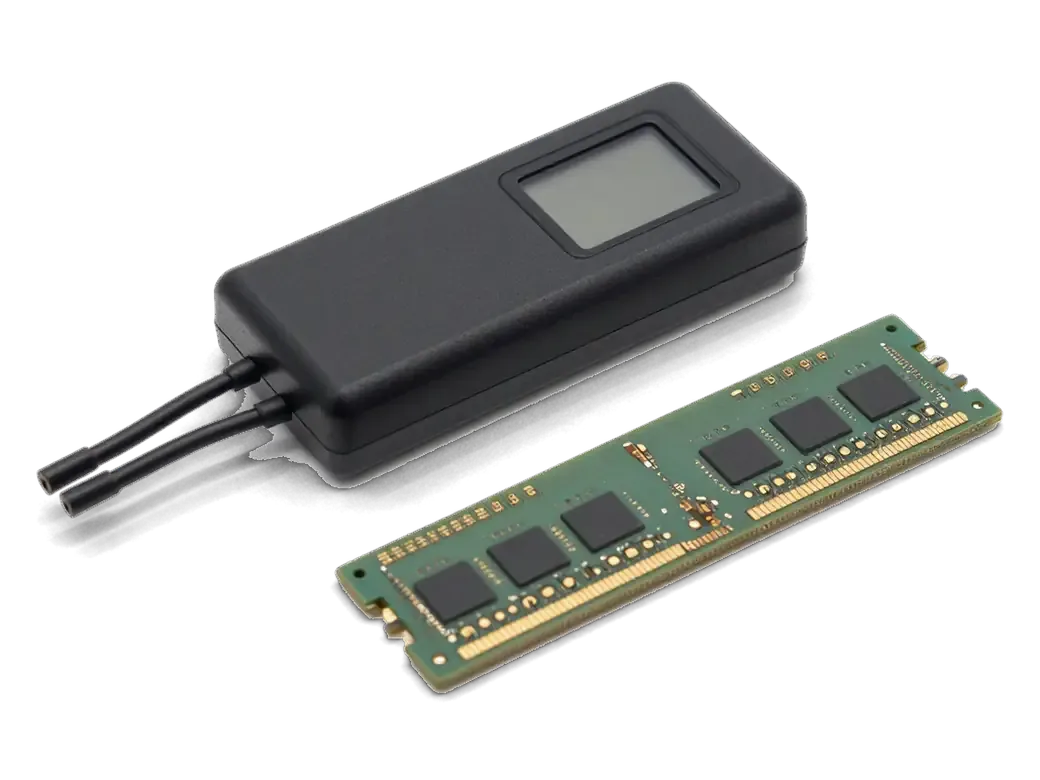
If the laptop misbehaves, we test the sticks for errors and tell the faulty one from the good one.
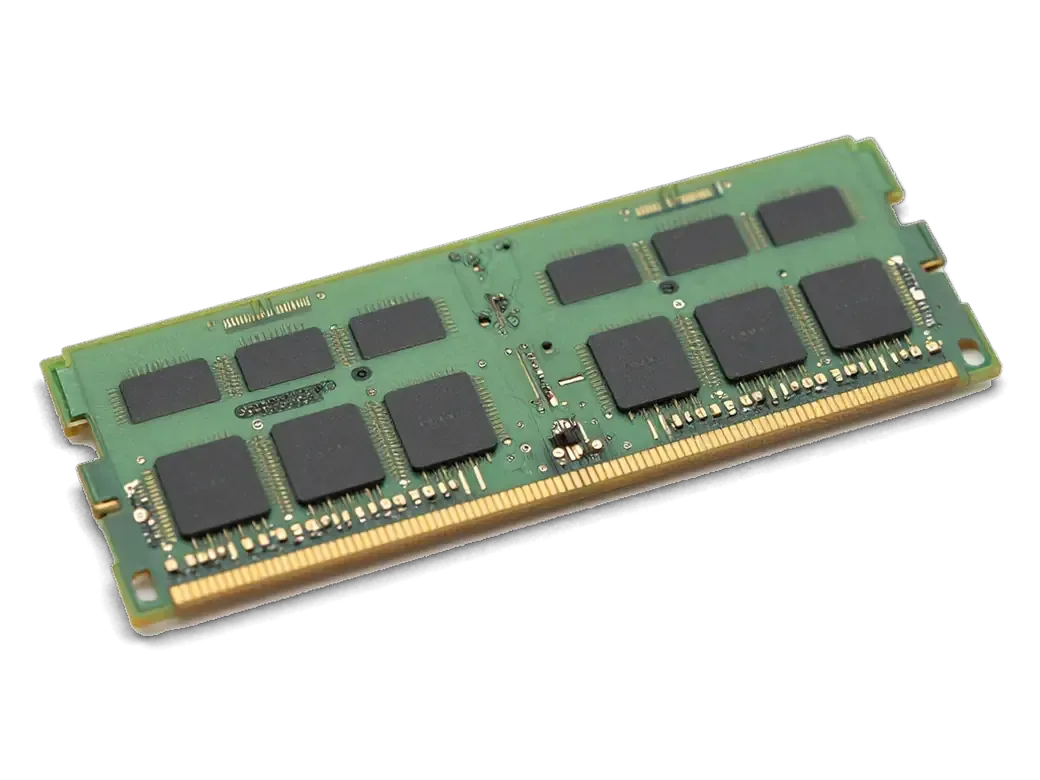
Modules are chosen by the type, speed and capacity that your exact model accepts.
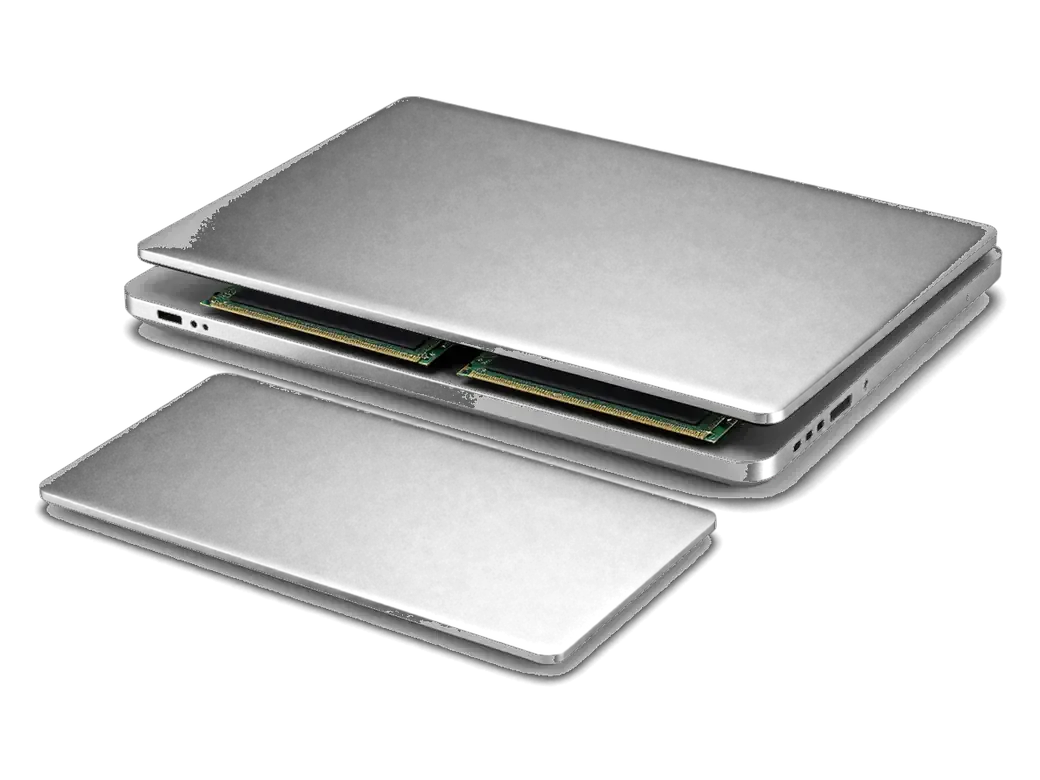
We remove the bottom cover and disconnect the battery to get at the modules safely.
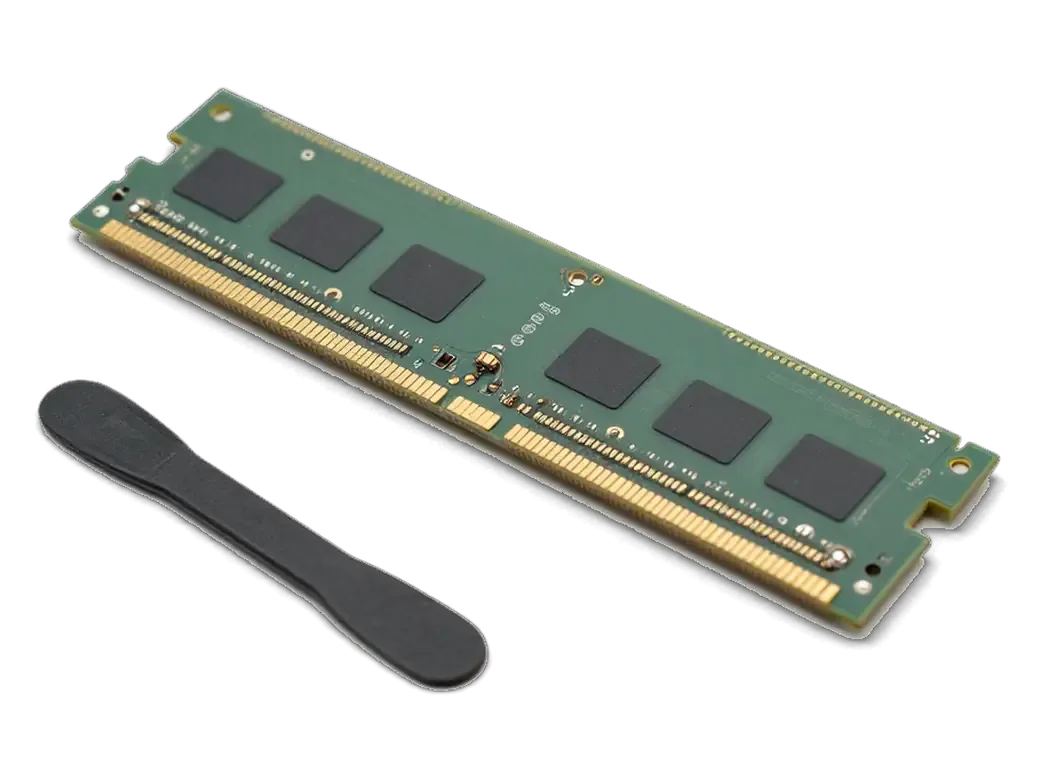
Old sticks come out, new ones go in at an angle and are pressed down until the clips click.
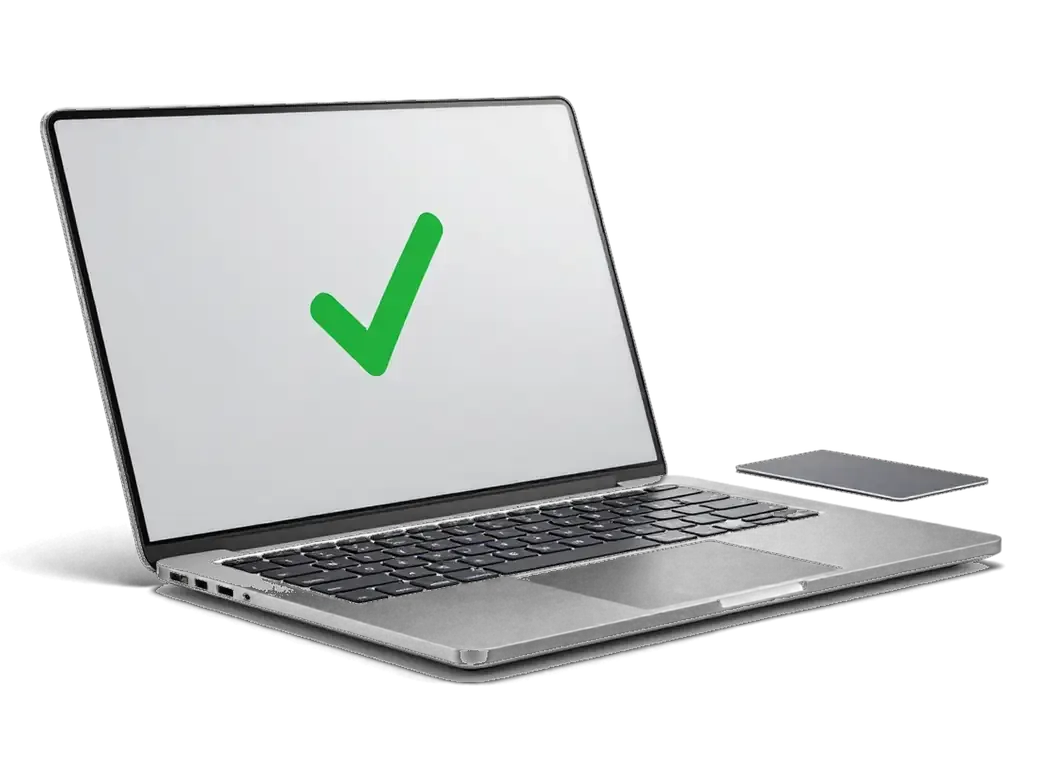
We start the system, read the capacity in About This Mac and test the laptop under load.
If the memory is soldered and an upgrade is impossible, we say so at once.
Price for my modelSticks differ in quality and compatibility, and the right choice depends on your model and your tasks.
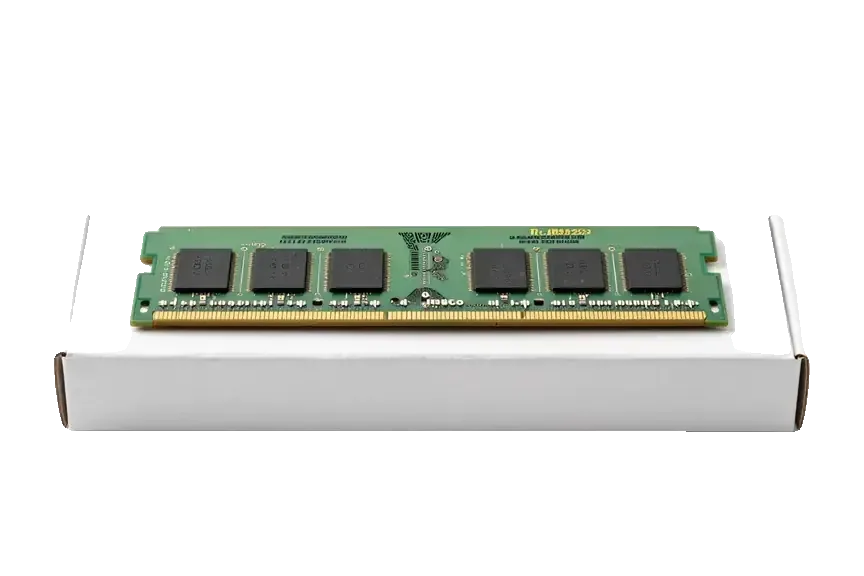
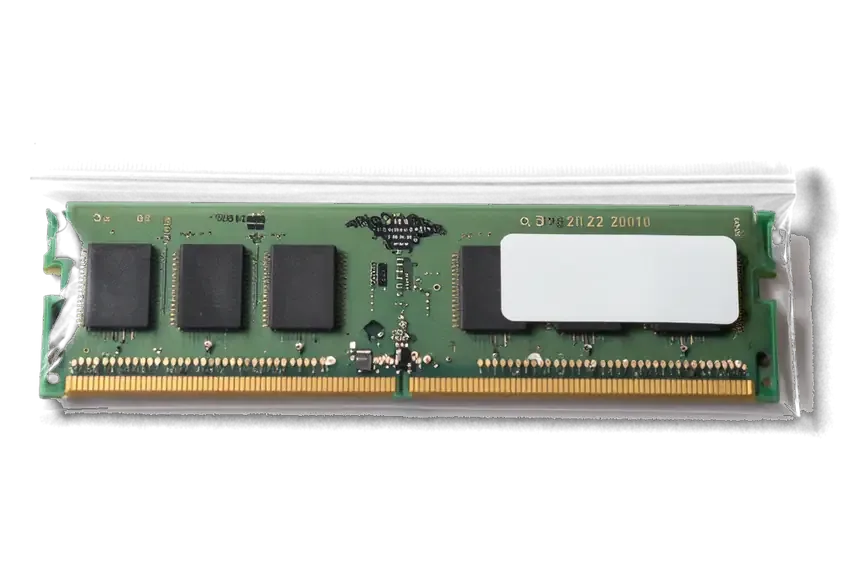
A memory upgrade depends on the model and your workload, so we match the solution to your work and say plainly what is possible.
Eleven years of repairing and upgrading Apple devices means we quickly see what can be done with your model.
Our warranty on completed work lasts up to 1 year, and we talk through the conditions when we take in the device.
A experienced technician opens the laptop and fits the sticks, and will explain each step if you ask.
If memory is soldered, an upgrade is impossible, and we say so instead of offering work that helps nothing.
We suggest a sensible capacity for office work, editing or virtual machines, so you do not overpay for headroom.
Devices are accepted in two cities under shared rules, and the schedule is the same for both branches.
Usually the whole journey — from message to pickup — takes less than an hour; complex repairs follow the timeline in the receipt.
Book a repairYou send a photo of the damage on WhatsApp — we quote the price and available time. Or you call a courier.
An engineer checks the device in front of you and shows what is broken. 0 ₸, even if you decline the repair.
We fix the price, the part (original or analog), the timeline and the warranty. You sign — we start.
Before installation we show you the new part in its factory packaging. You wait in the waiting area with coffee and Wi‑Fi.
Startup and operation under load, ports, Wi‑Fi and Bluetooth, sound. You check together with the engineer.
Together with the receipt, warranty card and the old part. Payment — Kaspi, card or cash.
Technicians for iPhone, Mac, iPad, Apple Watch and AirPods repair.
Photo: Mukhpilov Nail Photo: Molchanov Rinat
 Photo: Shokan A
 Photo: Sybanbaev Birzhan
 Photo: Denis Gushchin
 Photo: Duisebaev Azhdar
We swap a slow disk for a fast drive and move your system across.
02We clear the fan and renew the thermal paste so the laptop stays cooler.
03We judge battery wear and suggest a swap while the case is open.
04A second system can go on a Mac that supports it.
05Before work on the hardware, we remind you to save files with Time Machine.
06If the laptop got wet, we inspect the board and clean off oxidation.

“If the repair didn’t suit you or you have a complaint, write to me personally.”
Send a photo of the screen and the MacBook model. An engineer will reply on WhatsApp, give the price and today's available time.
Mac RAM upgrade in Almaty with module matching and installation
iServices performs a Mac RAM upgrade in Almaty on models that still have memory slots, matching modules to your exact model and frequency. We run free diagnostics in front of you, show the new part in factory packaging, and fix the part, turnaround and warranty on the receipt before work starts. Warranty runs up to 1 year.
RAM can be added to only some Mac families, while on others it is fixed at the factory. Below is a quick map of which models have slots and which do not, so you can find yours before booking anything.
| Model family | Upgrade path | What it means for you |
|---|---|---|
| MacBook Pro without Retina | Two SO-DIMM sockets | Modules can be replaced or added |
| Many iMac 21.5" and 27" | User-accessible bay | Upgrade possible on most units |
| Some older Mac mini | SO-DIMM sockets | Depends on the exact model |
| MacBook Air and Pro Retina | Soldered to the board | No slot-based upgrade |
| Mac on M1, M2, M3 or newer | Unified in the chip | Not expandable after purchase |
Desktop Macs are the most upgrade-friendly group we see for a mac ram upgrade in Almaty, and many iMac and Mac mini units still let us swap modules without touching the board. On most 21.5-inch and 27-inch iMac bodies the bay sits behind a small access door on the back, and several Mac mini generations expose two SO-DIMM sockets once the bottom cover comes off. The model identifier in About This Mac settles the question in seconds, because two machines with the same screen size can carry different logic boards. On a desktop that compartment is usually reachable from an access door, so the check takes minutes and the risk stays low compared with opening a laptop. Bring the unit to the workshop rather than guessing from the screen size — we confirm the layout during free diagnostics before any module is ordered.
On current Macs the RAM is physically part of the chip package, so the question shifts from adding a module to living with what is already there. Here is why that happened and which options remain.
On Apple Silicon the RAM sits inside the same package as the processor, so the CPU and GPU draw from one shared pool instead of separate sticks. The M1, M2 and M3 systems-on-chip place the RAM dies directly beside the compute cores on a single substrate, which shortens the path between them and lets graphics work read data the processor just wrote. That shared design is why video export and photo editing feel faster on these machines than on older Macs with two separate channels. The trade-off is rigid: the amount is fixed when the SoC is assembled, and no slot exists to change it later. Because that figure is set at purchase, the only real lever afterwards is how many apps and browser windows you keep open at once.
Not every slowdown means the system is short on RAM, and adding capacity to a machine that is actually short on storage or has a failing part solves nothing. Here is how to tell the difference before committing to work.
Activity Monitor shows pressure as a coloured graph, and a sustained yellow or red reading means the system is short on usable RAM, not just busy. Open the Memory tab and leave it running through a working session: the pressure line, the Swap Used value and the Used figure together tell you whether macOS is compressing data or writing to disk to keep up. A swap file that grows past a couple of gigabytes while the graph stays yellow is the clearest sign that installed capacity no longer covers your workload. Green pressure with high CPU load is a different story — that is processing, not shortage. A green graph on a slow machine points away from RAM and toward storage or a failing part, which changes what needs fixing.
Random restarts, startup chimes and crashes under load can come from a failing stick, so we test the installed modules before recommending more of them. A chip that has lost contact or degraded throws kernel panics, three-beep startup tones and sudden shutdowns rather than the steady slowdown a full pool produces. We run a hardware test and read the logs for panic reports, then check seating and contacts on slot-based models. Swapping a faulty part for a healthy one sometimes restores stability without adding capacity at all, which is worth knowing before you pay for extra RAM. The diagnostics are free and run in front of you.
Once we confirm your Mac has accessible slots, the next step is the right module and a careful fit. Here is how we choose memory for your workload and what happens during the RAM upgrade Almaty owners book with us.
We match modules to your model's type and frequency, and we size capacity to your real workload, from office apps to photo and video editing. The module has to match the generation your logic board expects, so DDR3 and DDR4 parts are not interchangeable and a faster stick will simply clock down to the slot's rated speed. For capacity we look at what you actually run: 16 GB covers browsing, documents and light multitasking, 32 GB suits photo editing and several browser-heavy apps at once, and 64 GB makes sense for 4K video timelines and virtual machines. 64% of customers choose an original part, while the rest pick a compatible module after we explain the difference. A matched pair of identical modules usually behaves more predictably than mixing sizes, so we recommend pairing rather than filling one slot at a time.
We install the modules, then confirm the new capacity in About This Mac and run a stress test so the machine leaves us verified, not just assembled. The fit itself takes minutes on models with a serviceable back panel, and we show the new module in its factory packaging before it goes in. After reassembly we open About This Mac to check the reported size and speed, then run Apple Diagnostics and a short stress load to watch for errors under sustained use. Our engineers check the seating of each module and the retention clips, since a loose stick is the usual cause of a machine that boots but reports half its capacity. A short stress test after installation catches a marginal module before it turns into random restarts weeks later, which is why we never skip it.
Before any work begins, it helps to know what the paperwork covers and how the device reaches us. This section explains the receipt, the warranty period and the three ways to hand over your Mac.
Before work starts we fix the part, turnaround and warranty on the receipt, and the warranty runs up to 1 year on the work we do. A memory upgrade on a slot-based MacBook Pro, iMac or Mac mini usually takes from 1 hour to 1 day, since the engineer opens the case, seats the modules and runs the post-install test. The receipt records four things at once: which module went in, whether it is original or aftermarket, when the machine is ready and how long the warranty lasts. Fixing those terms in writing takes about 2 minutes and happens before any screw is turned. A written receipt protects both sides, so keep it with the old part we return to you in case anything needs checking later.
The decision path is short: identify the machine, confirm whether its RAM is socketed, and read the actual pressure reading before committing to any work.
Did not find an answer? Message us on WhatsApp: an engineer replies, not a bot.
Ask a questionThe aluminium unibody MacBook Pro A1278, A1286 and A1297 keep their memory in two slots under the bottom cover, so a Mac RAM upgrade is straightforward on them. Later Retina and Apple-chip models have memory soldered to the board.
Often yes. The larger iMac models have a small memory door on the back, while on smaller models the memory sits behind the screen and the display has to be removed. Apple-chip iMacs have no upgradeable memory at all.
Only some Intel Mac mini models can: certain generations have replaceable memory and others have it soldered. On Apple-chip Mac mini models memory is part of the chip, so the amount chosen at purchase stays.
Three beeps at startup on Intel Macs mean the memory check failed: a stick is not seated fully, is faulty or is not compatible. Reseating or swapping the module usually solves it.
Yes, no drivers are needed. After the upgrade, open About This Mac and make sure the full amount and the correct type are shown.
Yes, the old modules are returned to you together with the receipt. They can come in handy for another Mac of the same type or for selling.
Нужно было срочно увеличить память на рабочем ноутбуке, поставить быстрый накопитель побольше. Сделали всё очень быстро, перенесли всю мою систему со всеми программами без потерь. Скорость работы выросла в разы, супер.

Most slow iMacs are held back by a worn drive or too little memory. A short check shows which part is the real bottleneck.

Why your MacBook runs hot and loud, and whether cleaning solves it or the board needs repair.

Back up your data, turn off Find My, and bring proof of purchase — then the repair starts faster.
 iPad
 iMac
 Mac mini and Studio
 Apple Watch
 AirPods
 Apple Pencil
 Apple TV
 HomePod
