SB Photo: Sybanbaev Birzhan
Sybanbaev Birzhan
firmware specialist
7years of experience
4.75rating, 74 reviews

Mac won't boot or slows down after updates — we install a suitable macOS version and put the price on the receipt before we start.
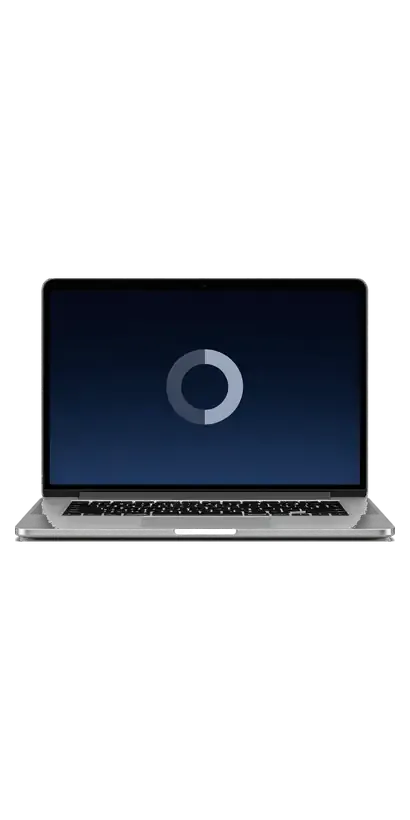
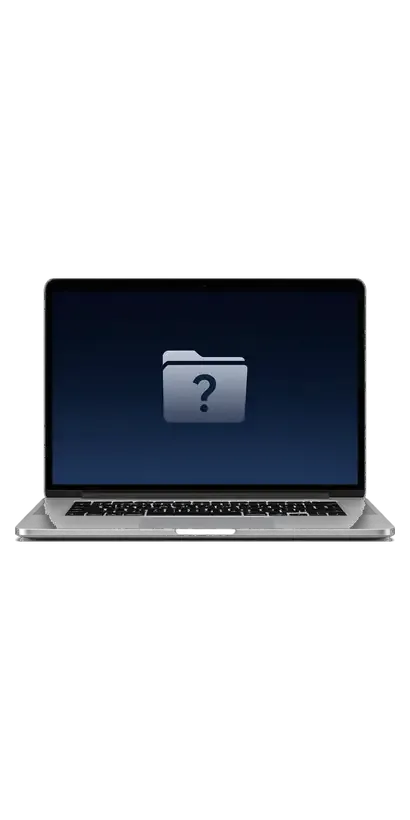

When a Mac will not start, crawls along or arrives second-hand, reinstalling the system is often the most sensible way forward.
A spinner runs instead of the desktop, a folder with a question mark blinks, or the screen stays dark after the logo.
Years of updates, leftover apps and malware made macOS sluggish, and only a fresh install helps.
You need to wipe someone else's data and accounts and set up a clean system from the first screen, like a new one.
Apps stop updating, the browser complains about an old system, and the menu update refuses to start.
The price shown is for the technician's work, and the final amount depends on the model, system version and storage condition.
| Service | What's included | Price |
|---|---|---|
| macOS installation macOS | OS installation, no parts replaced | 10 900 ₸per job |
| iMac macOS installation | OS installation, no parts replaced | 13 900 ₸per job |
| Mac mini macOS installation | OS installation, no parts replaced | 10 900 ₸per job |
| Mac Studio macOS installation | OS installation, no parts replaced | 12 900 ₸per job |
| Mac Pro macOS installation | OS installation, no parts replaced | 12 900 ₸per job |
| MacBook SSD installation | storage installation | 19 900 ₸with parts |
| iMac SSD installation | storage installation | 43 900 ₸with parts |
| Mac mini SSD installation | storage installation | 10 900 ₸with parts |
| Mac Studio SSD installation | storage installation | 39 900 ₸with parts |
| Mac Pro SSD installation | storage installation | 39 900 ₸with parts |
| iMac RAM replacement | memory chip installation | 15 900 ₸with parts |
| Mac mini RAM replacement | memory chip installation | 23 900 ₸with parts |
| Mac Pro RAM replacement | memory chip installation | 16 900 ₸with parts |
We confirm the exact amount after diagnostics if extra work on the drive is required.
From identifying the model and checking the drive to handing your files back, this is the order of work during an installation.
We check the serial number and year, so we pick a macOS version this particular Mac can run without trouble.
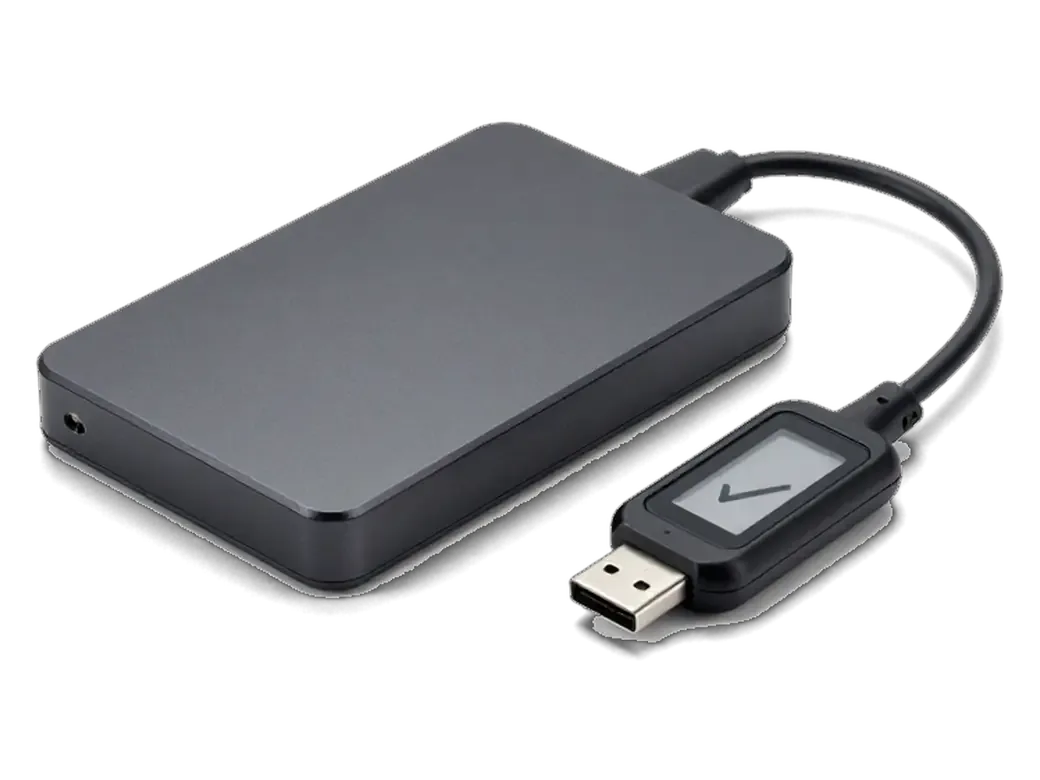
We run SSD diagnostics and look at partitions and spare capacity so the process does not break off halfway.
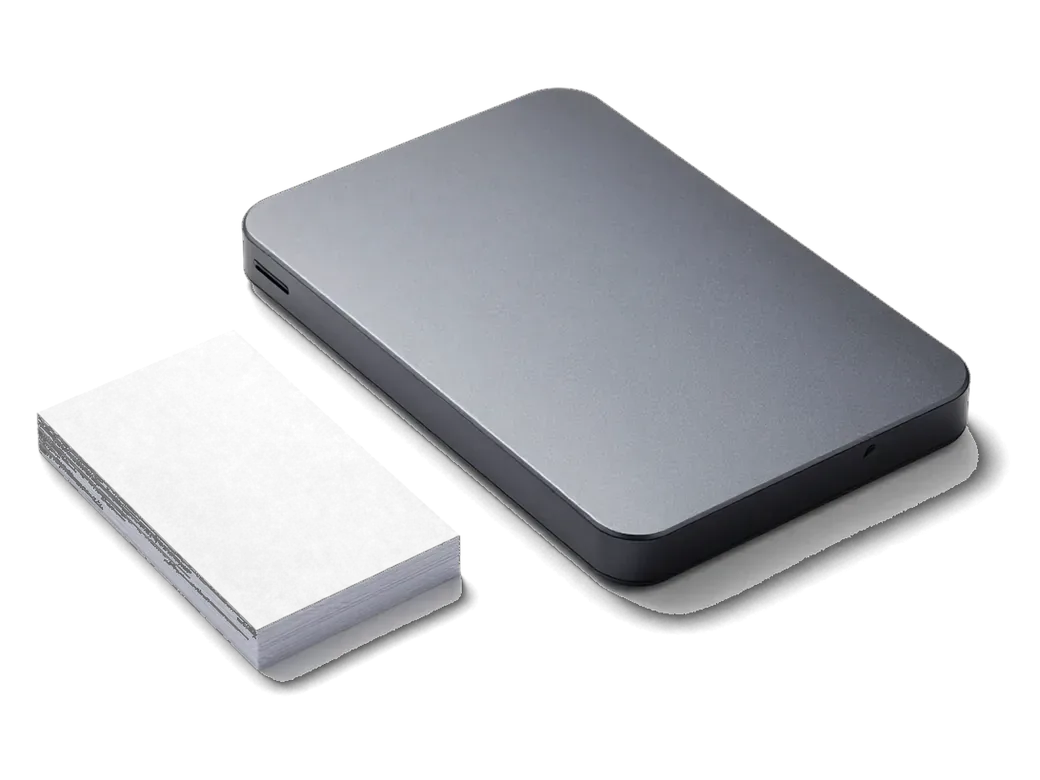
If files must be kept, we copy them with Time Machine or an external disk before the system is erased.
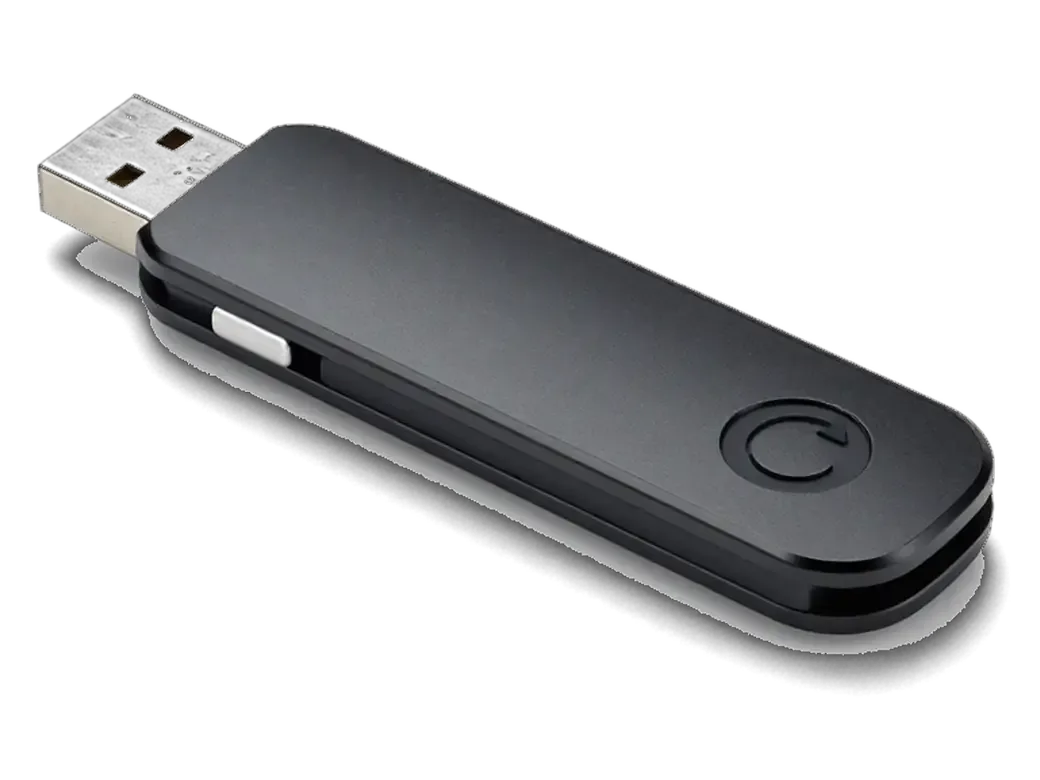
We format the disk to the needed file system and put macOS on from recovery mode or from a bootable USB stick.
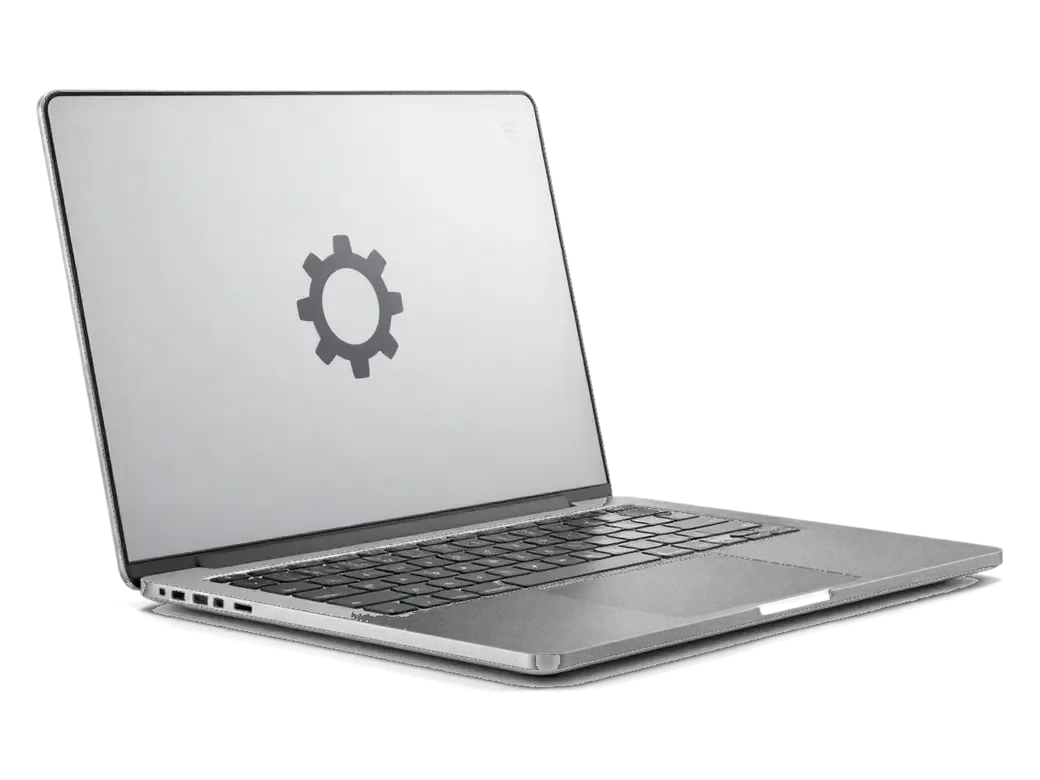
We set language, region, account and Apple ID, then turn on Wi-Fi, device search and disk encryption.
We move files back from the copy and check that documents, photos and mail open without errors.
The work follows a clear plan, and the technician warns you about every step.
Price for my modelThe system can go on top of the old one keeping your data, or from scratch, and each route has its own strengths.
A system is best installed where Apple hardware is well understood, so diagnostics come first and your files are kept safe.
Eleven years of repairing and configuring Macs shows us which macOS versions fit older and newer models.
Our work carries a warranty up to 1 year, and the technician states the terms before beginning.
The system is put on by experienced technicians, so the disk, boot loader and firmware do not suffer from careless mistakes.
If the problem is the drive or the board and not the system, we say so instead of reinstalling for nothing.
We explain in advance what can be saved and warn you which data is lost when the disk is erased.
We work on weekdays from 10:00 to 19:00 and on weekends from 11:00 to 18:00, so you can come on any day.
Usually the whole journey — from message to pickup — takes less than an hour; complex repairs follow the timeline in the receipt.
Book a repairYou send a photo of the damage on WhatsApp — we quote the price and available time. Or you call a courier.
An engineer checks the device in front of you and shows what is broken. 0 ₸, even if you decline the repair.
We fix the price, the part (original or analog), the timeline and the warranty. You sign — we start.
Before installation we show you the new part in its factory packaging. You wait in the waiting area with coffee and Wi‑Fi.
Startup and operation under load, ports, Wi‑Fi and Bluetooth, sound. You check together with the engineer.
Together with the receipt, warranty card and the old part. Payment — Kaspi, card or cash.
Technicians for iPhone, Mac, iPad, Apple Watch and AirPods repair.
Photo: Sybanbaev Birzhan Photo: Mukhpilov Nail
 Photo: Molchanov Rinat
 Photo: Shokan A
 Photo: Denis Gushchin
 Photo: Duisebaev Azhdar
We add the apps you need and configure them for you.
02If the drive is failing, we replace it first.
03We bring back normal laptop running time.
04We clean the cooling so the Mac does not overheat.
05We move files from the old Mac to a new one.
06We help with sign-in, iCloud and device search.

“If the repair didn’t suit you or you have a complaint, write to me personally.”
Send a photo of the screen and the MacBook model. An engineer will reply on WhatsApp, give the price and today's available time.
macOS Installation in Almaty with Data Kept and Every Function Checked
For macOS installation Almaty clients trust iServices: we install, reinstall and restore macOS on MacBook, iMac and Mac mini, keeping your files whenever the drive allows it. Free diagnostics in front of you take 15 minutes, Mac work runs from 1 hour to 1 day, and every job carries a warranty up to 1 year.
The computer signals trouble with a question mark folder, a logo that never loads, a failed update, or slow performance after an upgrade. Reinstalling fixes not all.
A folder with a question mark means the computer cannot find a bootable volume, while a frozen startup logo usually points to a corrupted startup disk or failing storage. The first symptom often follows an interrupted update or an erased startup volume, so the firmware has nothing to hand over to. The second loads the early boot stages but stalls short of the desktop, which is why the progress bar freezes at the same spot every time. Both messages describe the boot chain, not the hardware itself. The same symptom can come from a loose SSD cable or worn NAND, so a technician should read storage health before erasing anything.
We see a clean reinstall solve slow boots, failed updates and corrupted files, but it will not help a computer whose SSD is worn out or whose logic board has a fault. A disk that reports reallocated blocks or a SMART warning keeps failing after the cleanest reinstall, and a board-level short can mimic a software crash for weeks. The dividing line is the SMART report and a visual inspection of the mainboard, not the age of the unit. A free 15-minute diagnostic in front of the customer shows which of the two cases you are in ahead of any work being quoted.
Three routes exist: an upgrade, a clean install, and recovery via internet or USB. The choice depends on how badly the software is damaged and whether files still matter.
Upgrade over the existing setup or wipe the drive clean. In Almaty we upgrade over the current setup when files must stay, and wipe the drive only when the software is beyond repair or the computer is being sold. An over-install replaces the operating files and leaves documents, photos and mail in place, so a computer that boots but misbehaves often recovers without a file moved. A clean setup erases everything first and writes a fresh copy, clearing corrupted preferences, broken login items and leftover kernel extensions. Before either route we take a full backup. The state of the storage and the value of your files decide the route. If you are looking for macos installation in Almaty, the engineer will first check the drive and your files, then suggest the route that keeps your data safe.
| Method | When we use it | What happens to files | Typical time |
|---|---|---|---|
| Upgrade over existing setup | Files must stay, Mac boots | Kept in place | 1–3 hours |
| Clean install | Software corrupted or unit sold | Erased after backup | 1–3 hours |
| Internet recovery | No USB, network stable | Depends on choice | 2–5 hours |
| Bootable USB | Slow or blocked network | Depends on choice | 1–3 hours |
A macOS release depends on your computer and its build year: too new won't install on older devices, while too old stops receiving security updates.
We check the model identifier on the bottom cover and match it to the list of supported releases before downloading anything. The identifier looks like MacBookPro16,1 or iMac20,2, and the vendor's compatibility list maps each one to a ceiling version it will run. An early MacBook Pro tops out well below the current build, while an M-series machine takes the newest one without hesitation. Storage matters too: a full setup needs roughly 25–40 GB free, and a disk below that threshold will stall halfway through. A device one step behind the newest often runs faster on the previous release, so the latest build is not always right.
A rollback is possible only while the earlier version is still signed by the vendor, and it always means erasing the storage and restoring from a backup. Once the signing window closes, the installer refuses to verify and the downgrade path is gone for good. The practical route is a bootable USB made from the older installer, a full erase of the startup disk, then a Time Machine restore that brings files and preferences back. Skipping the backup turns a routine job into data recovery, which takes far longer and does not always succeed. Keeping a Time Machine copy from the previous build makes a risky rollback a routine one-hour job.
Recovery entry and tools depend on the generation of the machine: M-series chips use a held power button, Intel a key combination, and T2 machines sometimes a firmware restore.
| Hardware generation | How recovery opens | Extra step |
|---|---|---|
| Intel without T2 | Command and R at startup | None |
| Intel with T2 | Command and R at startup | Secure Boot check |
| Apple Silicon | Hold power button | Startup Options screen |
A firmware restore is needed when the machine will not reach recovery at all, and it requires a second computer with Apple Configurator and a specific cable. The affected device is put into DFU mode, connected to the donor machine, and the firmware is rewritten over the bridge; on Apple Silicon the power button must be held until the startup options appear, while on T2 models the same combination only opens recovery after the Secure Boot setting allows it. A failed firmware restore can leave the computer unbootable, so we run this step in the workshop on a bench with a stable connection.
Before erasing, the machine must be untied from Find My and files saved safely. Without the owner's Apple ID, the job cannot be finished.
We make a Time Machine backup or copy the user folders to an external disk before any erase, then bring everything back with Migration Assistant. The backup runs first, while the old setup still boots, because a computer that already fails to start often gives no second chance to pull documents off storage. Migration Assistant then rebuilds the user profile, the desktop, the photo library and the mail boxes on the fresh setup, and the external disk stays as a rollback copy for the first week. A backup made on the old setup also restores saved passwords and mail accounts, which saves hours of setup after the install. Label the disk with the date and keep it unplugged until the new setup has been checked.
The job starts with a WhatsApp photo, continues with a free check in front of you, and ends with a function test and a warranty receipt.
An engineer replies on WhatsApp within 5 minutes, quotes a price from the photo, and the whole job usually takes less than an hour from first contact to pickup. Free diagnostics take 15 minutes in front of the customer, even when the repair is declined; the price, part and turnaround are written on the receipt in about 2 minutes. MacBook work runs from 1 hour to 1 day, so same-day pickup is realistic when the message goes out in the morning. A courier can be called across the city, usually within 90 minutes, free with a repair. We have handled 46,000+ repairs over 11 years, and our technicians are experienced.
A short recap of what decides whether a reinstall saves the computer or costs the files, and which points are worth checking before any storage is touched.
Did not find an answer? Message us on WhatsApp: an engineer replies, not a bot.
Ask a questionWith an upgrade over the old system, files usually stay. A clean install erases the disk, so a backup is needed first. The technician tells you in advance which option suits you.
Click the Apple icon and choose About This Mac: the model and year are shown there. They determine the highest supported version. The technician confirms this at intake.
From recovery mode the installer is usually downloaded from the network, so a connection is needed. A bootable USB stick lets you set up the system offline, but it must be prepared beforehand.
It means the computer cannot find the system disk. The cause is a damaged system or a failing drive. Diagnostics come first, then a reinstall or a drive replacement.
The time depends on internet speed, the model and the disk condition. It is best to set aside a good part of the day. The technician names the exact time after checking the Mac.
An upgrade needs room on the disk for the installer and temporary files, often far more than the download size. Delete large files or move them to an external drive, then try again. If the disk is nearly full and old, a clean install with a backup is often the better route.
A common cause is a wrong date and time in Recovery, which makes the installer's certificate look invalid. A shaky Wi-Fi connection or a disk error can give the same message. The technician checks these in order and finishes the installation on a working disk.
На iMac 21,5″ Retina 4K (2019) система иногда зависала на старте. По результатам диагностики проверили загрузку и программную часть; Денис подсказал что действительно надо проверять.
С iMac 21,5″ (2015) вышла неприятность: система иногда зависала на старте. После обращения проверили загрузку и программную часть; Аждар не отмахнулся от моих вопросов.
MacBook Pro 16″ (M5 Pro, 2026) подвёл: машина сильно тормозила на обычных задачах. В итоге нашли причину замедления и стабилизировали работу.
MacBook Pro 14″ (M4 Max, 2024) подвёл: машина сильно тормозила на обычных задачах. Ребята нашли причину замедления и стабилизировали работу.
Проблема была такая: машина сильно тормозила на обычных задачах — и непонятно что делать. После обращения нашли причину замедления и стабилизировали работу.
MacBook Pro 13″ (2016, 2 порта) подвёл: машина сильно тормозила на обычных задачах. Ребята нашли причину замедления и стабилизировали работу.
У моего MacBook Pro 16″ (M3 Max, 2023) машина сильно тормозила на обычных задачах. В севрисе нашли причину замедления и стабилизировали работу.
На MacBook Pro 14″ (M3, 2023) машина сильно тормозила на обычных задачах. В итоге нашли причину замедления и стабилизировали работу.
У моего iMac 21,5″ Retina 4K (2017) система иногда зависала на старте. В сервисе проверили загрузку и программную часть.
iMac 24″ (M4 2024) подвёл: система иногда зависала на старте. После обращения проверили загрузку и программную часть.

Most slow iMacs are held back by a worn drive or too little memory. A short check shows which part is the real bottleneck.

Why your MacBook runs hot and loud, and whether cleaning solves it or the board needs repair.

Back up your data, turn off Find My, and bring proof of purchase — then the repair starts faster.
 iPad
 iMac
 Mac mini and Studio
 Apple Watch
 AirPods
 Apple Pencil
 Apple TV
 HomePod
