iPhone X shows battery wear through behaviour and through the Battery Health menu. We explain which numbers and symptoms actually justify a replacement.
What Battery Health numbers mean on iPhone X
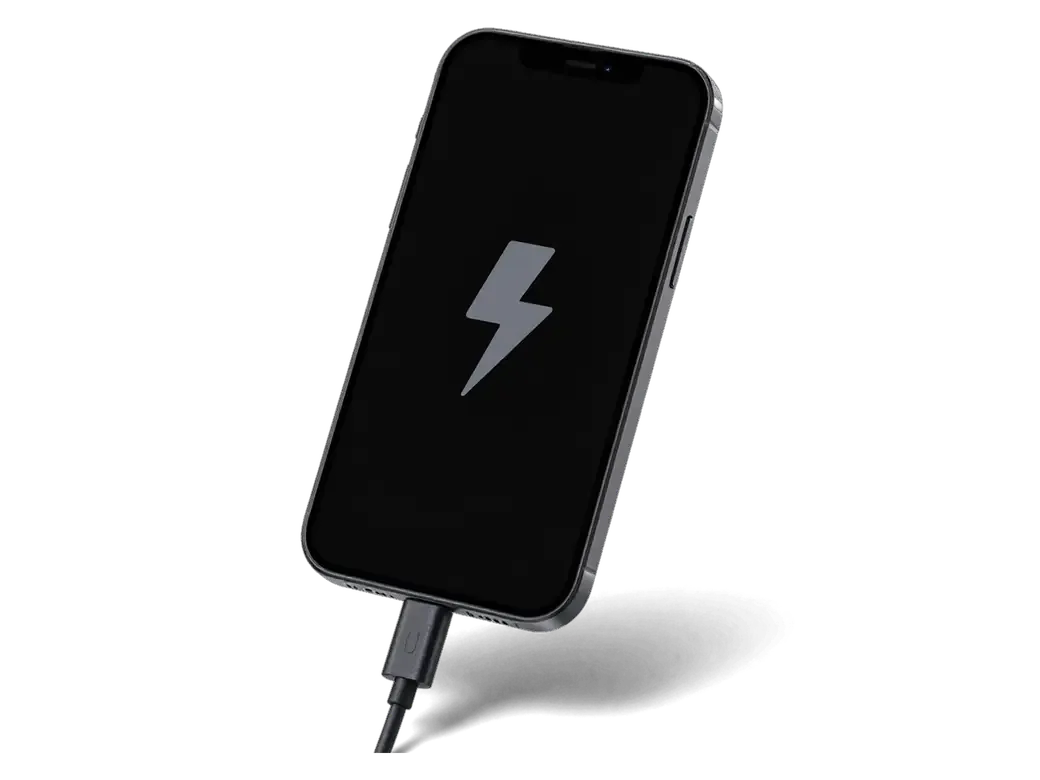
Maximum Capacity in Settings compares the power pack's remaining charge against a new one, and a reading in the low 80s with daily charging is the usual point where replacement starts to make sense. The same menu lists Peak Performance Capability, and the message "Service Recommended" appears once the component can no longer deliver the current the processor asks for. Cycle count sits there too: Apple rates this power source for 500 full cycles before its stored energy falls to roughly 80%. A single low percentage is not the whole story, because a unit that still reads 85% but shuts the phone down under load or in cold weather is already failing in practice.
Symptoms that point to the battery rather than the charger
- Shutdowns with charge left: the phone cuts out at 20–30% on the meter and restarts only after a top-up.
- Heat while charging: the lower half of the case warms up more than it used to during a routine top-up.
- Sudden drops and reboots: the percentage falls several points in minutes, or the device restarts when a camera loads.
- Slower peak performance: apps launch with a delay and scrolling stutters, because the system throttles the chip to avoid a shutdown.
- Fast drain in standby: an overnight drop of 20% or more with the display off, before any app is opened.
Original or aftermarket battery for iPhone X
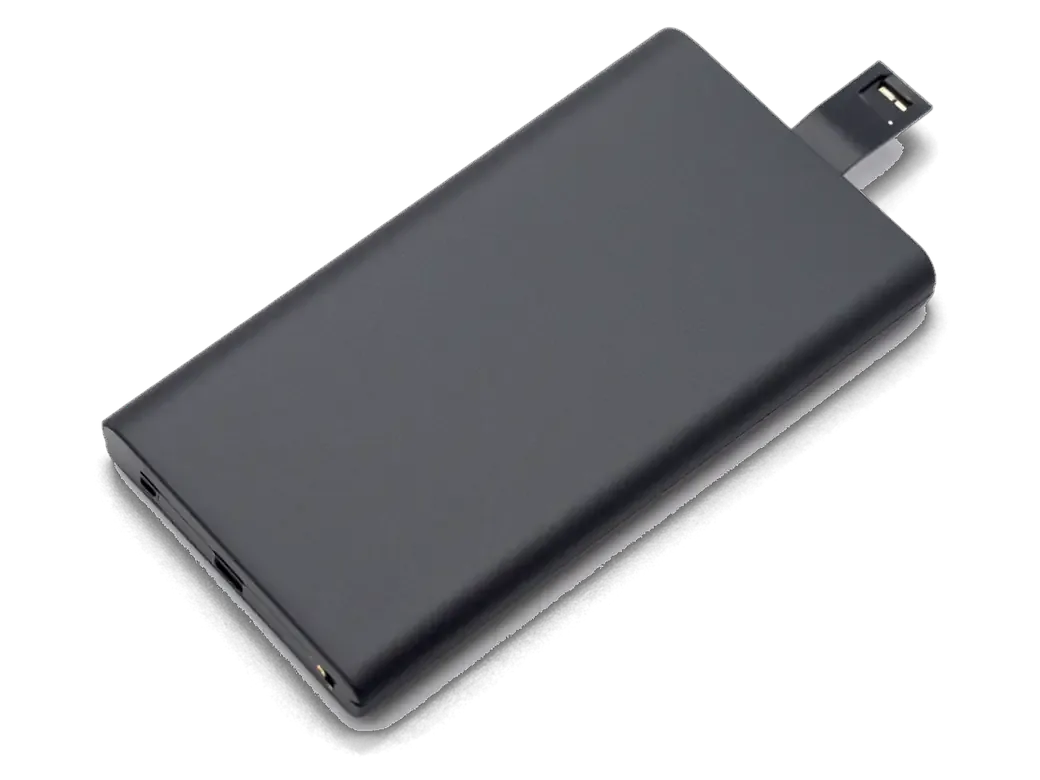
Two options exist for the iPhone X and they differ in how the phone reports battery data afterwards. Here is what each one gives you before you commit to either.
How the two part options compare
two cell choices side by side| Part option | Battery data shown | Extra messages | Best for |
|---|
| Original | Capacity and cycles reported | None | Daily use, resale later |
|---|
| Aftermarket | Capacity may not display | Possible part notice | Spare or backup phone |
|---|
| Original (chosen by 64% of customers) | Capacity and cycles reported | None | Long-term daily use |
|---|
Why the phone may warn about an unknown part
On this model the battery controller is paired with the logic board, so a cell without the matching data can trigger an unknown-part notice and hide the capacity figure. The controller stores serial data that the phone reads at every boot; when the numbers do not match what the board expects, the system flags the cell and stops showing a health percentage. Newer models like the iPhone XR, XS and 11 show a similar notice after a non-paired swap. Charging speed, runtime and peak performance are unaffected either way. What changes is the information on screen. The notice does not affect charging or performance, but it stays on the screen for the life of the component, which is why the choice of cell matters more than the fitting itself.
How iPhone x battery replacement works at iServices
The whole visit is built around one idea, that you see the part, the terms and the result yourself, and here is how that runs from the first message to pickup.
From a WhatsApp photo to a fixed receipt
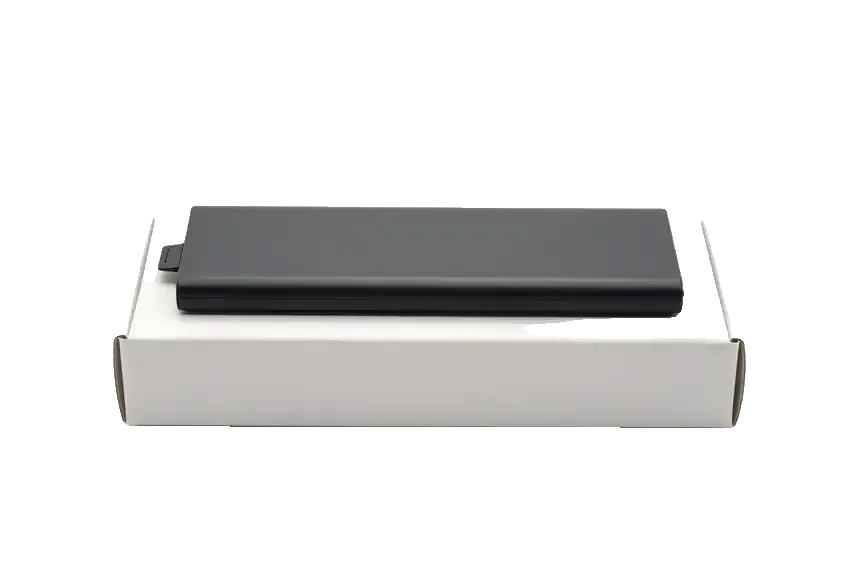
An engineer replies on WhatsApp within 5 minutes and quotes a price from a photo, then the price, component, turnaround and warranty are fixed on the receipt in about 2 minutes before any work starts. We work as a direct contractor with our own technicians and workshop, so the person who answers your message is the same team that opens the phone. The new cell is shown to you in factory packaging before installation, and if you want the swap handled without leaving home, a courier can be called across the city and arrives in about 90 minutes. Getting the terms on paper first is what protects you if the diagnosis turns up a second fault, since nothing is added without your agreement. For iPhone X battery replacement in Almaty, customers get the same fixed terms from the first message, whether they come to the workshop or call a courier.
The 25-minute swap and the 32-function check
The battery swap itself takes about 25 minutes and 72% of our repairs finish while the customer waits in the lounge with coffee and Wi-Fi. Most jobs run 20–40 minutes in total, so for battery replacement in Almaty owners usually block out under an hour from the first message to pickup. After the swap we run 32 functions in roughly 10 minutes — Face ID, True Tone, cameras, microphones, speakers, charging and network — and you check them together with the engineer. The device leaves with the receipt, warranty card and the old part, and the warranty runs up to 1 year. The check afterwards is the step worth watching, because those tests are what confirm the phone came back whole.
What is different about the iPhone X battery
The iPhone X is not a straight swap like older models, and the two-piece cell plus the front opening change how the job is done.
A two-cell battery behind a front-opening screen
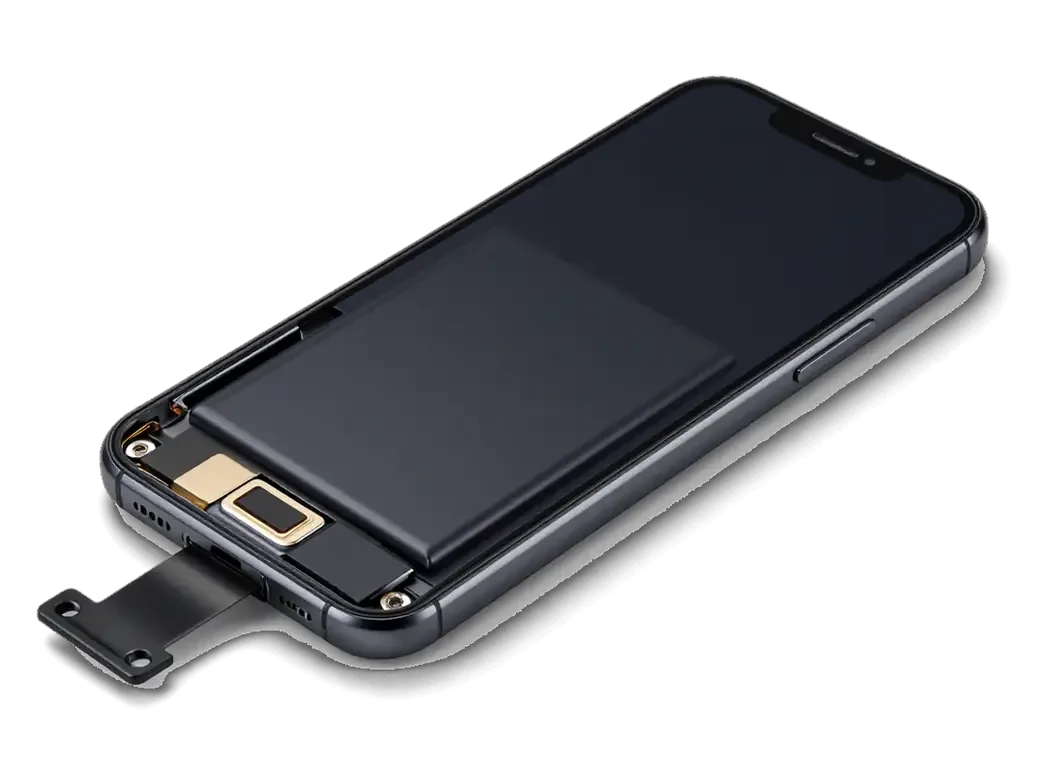
This model uses a two-section L-shaped cell that sits under the logic board, and the phone opens from the front, so the display module comes off before the battery is reachable. Two adhesive strips run beneath the cell, one per section, and both must be drawn out at a shallow angle before the connector and flex cable can be freed. The display module is held by its own adhesive gasket, so the opening step adds a separate reseal on top of the battery work. Because the cell is split into two sections, the strips have to be pulled evenly on both sides, and a rushed pull is the usual reason a battery bends during removal.
Face ID, True Tone and the seal after reassembly
We check Face ID and True Tone after every battery job on this model, because both depend on the display module that has to come off to reach the cell. The True Tone sensor sits in the display assembly and is sensitive to how the module is seated, while Face ID relies on the dot projector and camera aligned at the top of the same module. Our engineers run the 32-function check with you at the counter, and wireless charging is tested alongside the rest. The frame is resealed with fresh adhesive on reassembly, and while that restores splash resistance it does not make a used phone waterproof again, so keep it away from water regardless.
Data, safety and aftercare around the replacement
Three questions come up after every iPhone X battery job, about the data on the handset, about a swollen battery and about keeping the new power source healthy.
Your data stays and a swollen cell needs care
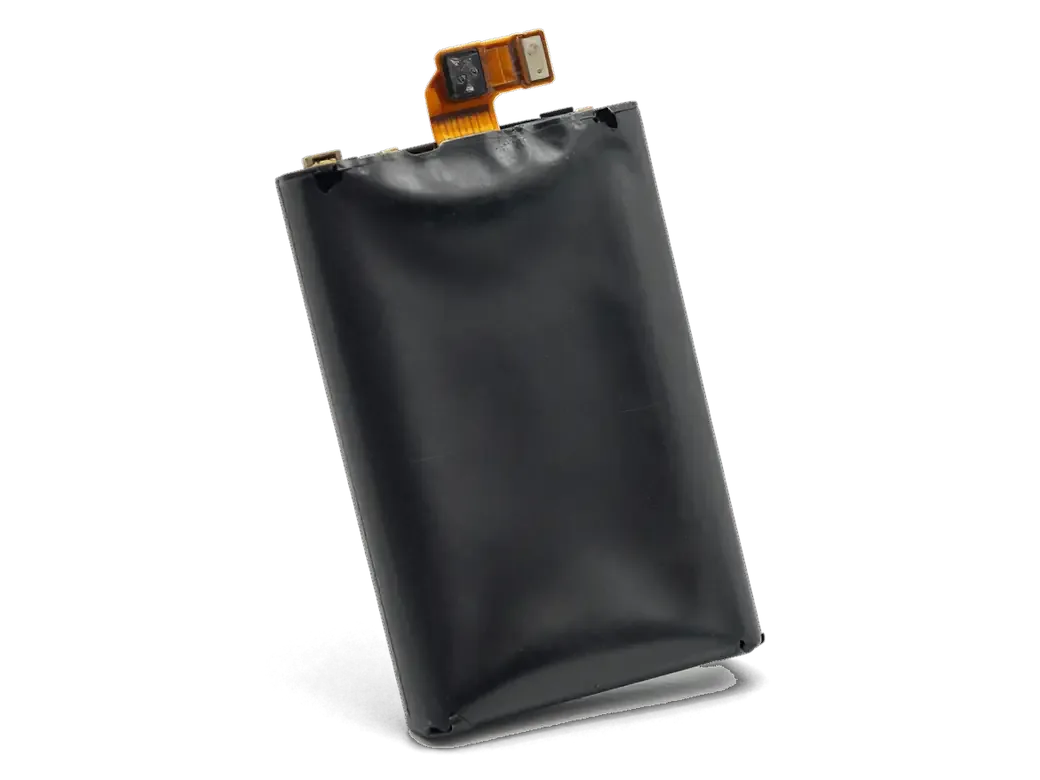
Replacing the battery does not touch the storage, so photos, messages and apps stay exactly as they were, and no backup is required for the swap itself. The power source sits in its own compartment behind the display, separate from the memory chip on the logic board, so nothing on the drive is read or rewritten during the work. A swollen battery is a different matter, because it pushes the screen from inside, and topping up the charge or pressing on the display before the visit can turn a simple swap into a damaged panel. Keep the handset switched off, skip overnight top-ups and bring it in as it is; the engineer opens the device and lifts the display without levering against the bulge.
Keeping the new battery healthy and the warranty behind it
- Optimised charging: leave the setting on so the device holds at 80 % overnight and finishes before you wake, which slows chemical ageing.
- Heat: keep the handset off dashboards and out of direct sun while topping up, since high temperature wears a power source faster than a fast charger does.
- Cold: an inner pocket beats an outer one in winter, because a handset that dies outdoors is reacting to temperature, not to a failed unit.
- Warranty card: keep the receipt and the card together, as both are needed if the power source ever has to be checked within the covered period.
Summary: iPhone X Battery Replacement
A worn iPhone X battery reveals itself through shutdowns and a Battery Health figure in the low 80s, and the swap itself is a quick, well-understood job. The points below summarise what matters before you book.
- When to replace: Battery Health in the low 80s plus shutdowns under load is the practical signal that the pack is finished.
- Battery choice: An original unit keeps capacity and cycle data visible, while an aftermarket one may trigger a notice about an unknown component.
- Opening order: The iPhone X opens from the front and carries a two-section pack, so the display comes off first.
- Your data: Photos and messages survive a battery swap, but a swollen unit should never be charged or pressed ahead of repair.
- Daily habits: Cold weather and cheap chargers shorten service life more than ordinary daily use does.












 iPad
 MacBook
 iMac
 Mac mini and Studio
 Apple Watch
 AirPods
 Apple Pencil
 Apple TV
 HomePod




