MN Photo: Mukhpilov Nail
Mukhpilov Nail
smartphone repair technician
10years of experience
4.83rating, 83 reviews

We laser-engrave Cyrillic or Kazakh letters on your MacBook keys, fix the price in the receipt, and leave your data untouched.
Engraving makes sense when your keys carry only Latin letters, lack Kazakh ones or have lost their legends.
You bought the laptop abroad, and typing in another language without letters on the keys is slow.
The Russian layout is printed, but the nine extra Kazakh characters have to be hunted down by memory.
Frequently used keys turned shiny and blank, and the backlight now shows as a plain glowing patch.
After a keyboard swap the letters sit in places that no longer match what your fingers expect.
The cost of adding letters to a keyboard is confirmed after a free diagnostic or by photo in WhatsApp; ask the technician if you need an unusual character set.
| Service | Original | Aftermarket |
|---|---|---|
| MacBook keyboard replacement | 38 900 ₸ | 21 900 ₸ |
| MacBook backlight repair | 364 900 ₸ | 225 900 ₸ |
| MacBook Pro Retina A1534 keyboard replacement | 38 900 ₸ | 21 900 ₸ |
| MacBook Pro Retina A1502 keyboard replacement | 74 900 ₸ | 41 900 ₸ |
| MacBook Pro Retina A1398 keyboard replacement | 69 900 ₸ | 38 900 ₸ |
| MacBook Pro A2289 keyboard replacement | 49 900 ₸ | 27 900 ₸ |
| MacBook Pro A2251 keyboard replacement | 94 900 ₸ | 52 900 ₸ |
| MacBook Pro A2159 keyboard replacement | 49 900 ₸ | 27 900 ₸ |
| MacBook Pro A1990 keyboard replacement | 49 900 ₸ | 27 900 ₸ |
| MacBook Pro A1989 keyboard replacement | 49 900 ₸ | 27 900 ₸ |
| MacBook Pro A1708 keyboard replacement | 49 900 ₸ | 27 900 ₸ |
| MacBook Pro A1707 keyboard replacement | 58 900 ₸ | 32 900 ₸ |
| MacBook Pro A1706 keyboard replacement | 49 900 ₸ | 27 900 ₸ |
| MacBook Pro A1297 keyboard replacement | 65 900 ₸ | 36 900 ₸ |
| MacBook Pro A1286 keyboard replacement | 56 900 ₸ | 31 900 ₸ |
| MacBook Pro A1278 keyboard replacement | 62 900 ₸ | 34 900 ₸ |
| MacBook Air A2941 keyboard replacement | 141 900 ₸ | 78 900 ₸ |
| MacBook Air A2681 keyboard replacement | 100 900 ₸ | 55 900 ₸ |
| MacBook Air A2179 keyboard replacement | 202 900 ₸ | 112 900 ₸ |
| MacBook Air A1932 keyboard replacement | 305 900 ₸ | 169 900 ₸ |
| MacBook Air A1466 keyboard replacement | 53 900 ₸ | 29 900 ₸ |
| MacBook Air A1465 keyboard replacement | 44 900 ₸ | 24 900 ₸ |
| MacBook Pro 16" M4 keyboard replacement | 69 900 ₸ | 38 900 ₸ |
| MacBook Pro 14" M4 keyboard replacement | 130 900 ₸ | 72 900 ₸ |
| MacBook Air 15" M4 keyboard replacement | 125 900 ₸ | 69 900 ₸ |
| Other repairs | Price | |
| MacBook dust cleaningdisassembly and dust cleaning | 10 900 ₸per job | |
The final amount depends on the laptop model and the character set, and the technician confirms it before work begins.
From inspecting the keyboard and choosing characters to marking letters and checking the backlight, it all happens in one visit.
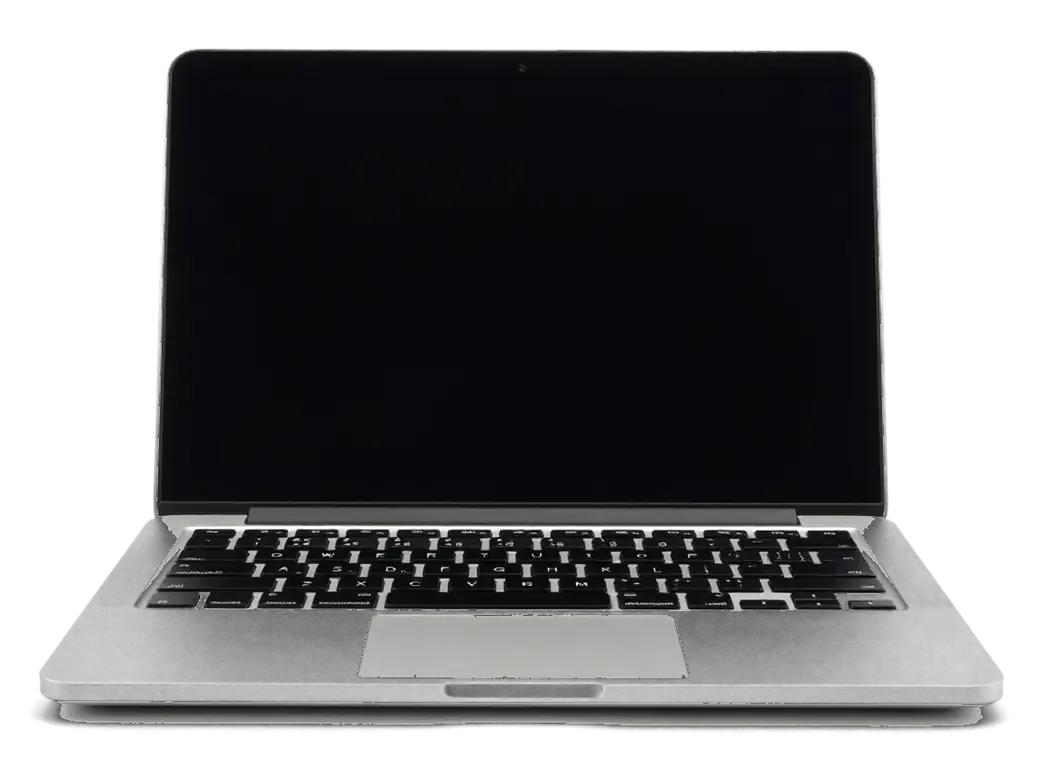
The technician identifies your layout and checks that every key is intact and presses evenly.
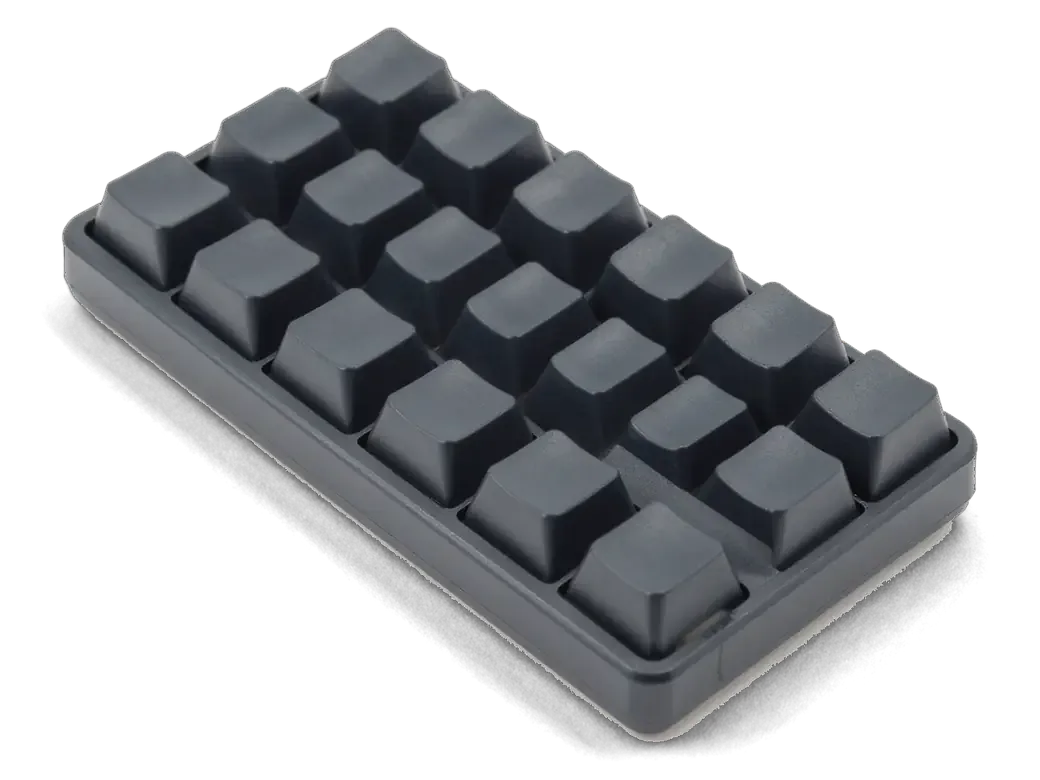
Together you decide whether Russian is enough or Kazakh letters are needed too, and where they go.
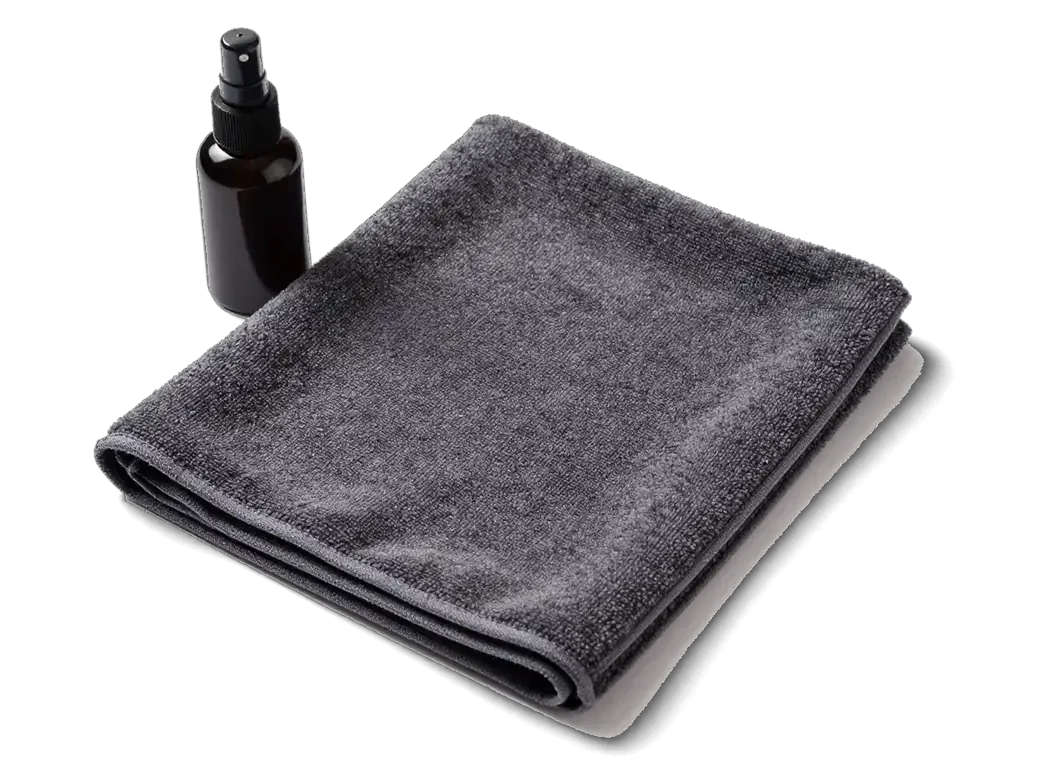
Skin oil and dust are cleaned off so the marking lands crisply and leaves no halo around the letters.
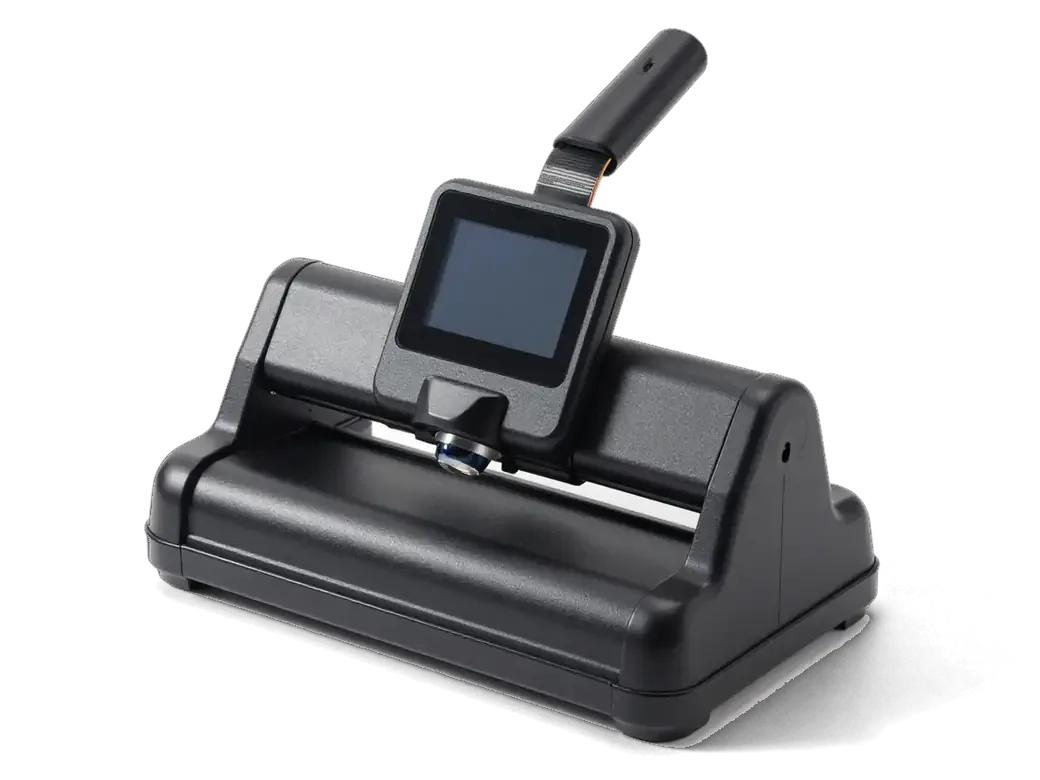
Characters are laser-marked on each chosen key so the backlight keeps shining through them.
Once finished, the keyboard brightness is raised and lowered to catch dim, crooked or uneven symbols.
If needed, we add the matching languages in system settings so the letters on the keys match what appears.
You end up with keys whose labels match what you actually type.
Price for my modelYou can either mark letters on the keyboard you have or fit a keyboard that already comes with the layout you need.
Two alphabets share each keycap, and the backlight is kept even across the keyboard.
Eleven years of work with Apple laptops teaches you to notice layout details that newcomers tend to overlook.
The finished job carries a warranty up to 1 year, and the technician explains its terms before work starts.
Experienced technicians handle the keyboard and understand how the backlighting is built into each key.
Russian and Kazakh letters can share a key, so switching languages doesn't throw off your typing.
Symbols are marked so the keys glow evenly and the letters stay readable in the dark without glare.
Mon–Fri 10:00–19:00, weekends and holidays 11:00–18:00, so you can drop by after the working day.
The whole process — from a message to a finished phone. We give you the old screen.
Book a replacementSend a photo on WhatsApp and we'll tell you the price and time. Or just come in without an appointment.
We check Face ID and the logic board: sometimes after a drop it's not the screen but the flex cable that's at fault.
We write down the model, screen type (original or aftermarket), price and warranty.
We open the factory packaging in front of you and check the number against the receipt.
We remove the old screen, install the new one with water-resistant adhesive and transfer True Tone with a programmer.
Touch, brightness, Face ID, True Tone. You take the phone, the receipt and the old screen.
Technicians for iPhone, Mac, iPad, Apple Watch and AirPods repair.
Photo: Mukhpilov Nail Photo: Molchanov Rinat
 Photo: Shokan A
 Photo: Sybanbaev Birzhan
 Photo: Denis Gushchin
 Photo: Duisebaev Azhdar
We clear dust and crumbs from under keys that stick or feel mushy.
02A new keyboard goes in when keys are broken, worn out or soaked.
03We bring back normal battery life when the charge drains too quickly.
04Memory, drive and cooling are checked while you wait for the engraving.
05Fans and heat sinks are cleaned so the laptop runs quieter and cooler.
06Boards are cleaned after a spill before corrosion spreads further.
MacBook Keyboard Engraving in Almaty with Cyrillic and Kazakh Letters
MacBook keyboard engraving in Almaty is a laser service that adds Cyrillic or Kazakh letters to existing keycaps without replacing the keyboard. Only the thin paint layer is removed, so new letters glow through the backlight exactly like the factory Latin ones. The keyboard keeps its shape, and the work is covered by a warranty up to 1 year.
Engraving is not a keyboard swap and not a sticker job: it is point removal of paint from the keycap itself. Here is what the beam actually touches before we move on to layouts.
We engrave by removing a thin layer of paint from the keycap surface, so the letter appears as a clear window down to the translucent layer underneath. The beam follows a vector path taken from the layout file, and its power is tuned to cut the coating only — a fraction of a millimetre deep. Each cap is aligned under the lens individually, which matters on laptop keyboards where the keys sit at a slight sculpted angle. Because the laser only touches the top paint and never cuts into the plastic body, the keycap keeps its original thickness and click feel, which is why the result reads as factory-made rather than applied. Our technicians check depth on the first two keys before continuing. The same approach covers macbook keyboard engraving in Almaty, where laptop caps are handled with the same per-key alignment.
Yes, engraved characters light up with the keyboard backlight, because the laser exposes the same translucent layer that makes the factory Latin glyphs glow. The backlight sits beneath the keycap, and light escapes only where the opaque paint has been cleared — so a Cyrillic or Kazakh glyph behaves exactly like the printed Latin one beside it. Brightness of a new letter depends on how clean the paint removal is, so a keycap with worn or scratched coating is a poor candidate and is better replaced before engraving. Caps with deep shine on the home row are the ones to flag first: the coating there is already thin, and the beam can reach the plastic before the glyph is fully formed.
The main worry is that new characters will look foreign against the originals. This part covers the font, the size and how long the result holds up on a backlit keyboard.
We match the engraved Cyrillic and Kazakh characters to the size and stroke weight of the factory Latin markings already on your keycaps. The engineer measures a reference symbol under a magnifier, then sets the same cap height and line thickness in the laser software, so the new glyph sits at the same optical density as its neighbour. On a backlit board the stroke weight decides how much light passes through: a slightly thicker line glows brighter, a thin one fades next to the Latin row. We keep the character spacing identical too, because a symbol pushed toward the key edge reads as off-centre once the backlight comes on. A close match matters more on backlit keys than on plain ones, because an oversized glyph spreads the glow wider and looks brighter than its neighbours even when the shape is correct.
Laser engraving does not fade the way printed symbols or stickers do, because the marking is a physical opening in the paint rather than ink sitting on top of it. The beam removes a thin layer of the coating down to the translucent cap, and that opening stays open for the life of the keycap — there is no pigment to wear away. Stickers behave differently: their adhesive edge lifts within months of daily typing, dust collects under the film, and the sticker blocks part of the backlight instead of letting it through. The most common wear on an engraved keyboard is the surrounding paint rubbing off first along the space bar and the most-used keys, so the symbol often outlasts the finish around it. Wipe the caps with a soft damp cloth rather than an alcohol wipe, which dulls the matte coating faster than typing does.
The layout is the one part of the job you choose deliberately, so this section covers the letter sets we work with and why the physical shape of the keys stays untouched either way.
We engrave Russian, Kazakh or a combined Russian-Kazakh layout, and the Kazakh letters ә, ғ, қ, ң, ө, ұ, ү, һ, і go onto the number row and neighbouring keys as the macOS Kazakh layout places them. Russian characters sit in their familiar positions on the same keycaps, so a combined set puts a Cyrillic symbol and a Kazakh symbol on one cap without crowding the backlit glyph. Experienced technicians set the font size per key, and a typical layout job leaves the waiting area in under an hour. On my own bench, the combined set is the most requested option because one laptop then serves both a Russian-speaking and a Kazakh-speaking household. The layout you engrave should match the input source you actually enable in macOS, otherwise the printed letter and the typed character drift apart on the same key.
| Physical layout | Enter key | Left Shift | What engraving changes |
|---|---|---|---|
| ANSI (US) | Narrow, single-row | Long | Letters only, shape stays |
| ISO (EU) | L-shaped, two-row | Short, extra key beside it | Letters only, shape stays |
| Both standards | Shape untouched | Shape untouched | Only the paint layer is opened |
A MacBook brought from the US or Europe usually leaves its owner three routes: stickers, replacement keycaps or engraving. We compare them by backlight, durability and how much of the original keyboard you keep.
| Option | Backlight after | Durability | Keycaps kept |
|---|---|---|---|
| Stickers | Blocked | Peel and wear | Yes, but covered |
| Replacement keycaps | Kept | Good | No, swapped |
| Laser engraving | Kept | Long-lasting | Yes, original |
| New keyboard | Kept | Good | No, whole board swapped |
A full keyboard or top case replacement is the better route when keys are badly worn, flooded or physically broken, because engraving cannot restore damaged coating. Worn keys lose their surface layer first, and a laser has nothing stable to mark at that point. Flooded keys often fail at the membrane underneath, so new letters on top would sit over a keyboard that already misses presses. Physically broken stems or cracked caps need a new top case, not marking. Engraving works on keycaps that are intact and simply lack the right characters. On a keyboard that is already failing, spending on engraving first means paying twice, so the condition of the keys should decide the order of work.
Two concerns remain once the layout is settled: whether the laser can damage the laptop, and what happens after the glyphs are cut. Both have concrete answers, and the visit itself is shorter than most owners expect.
We engrave without disassembling the device, masking the surrounding body so the laser only reaches the keycap surface. The beam is focused on the top layer of each cap, and the chassis, screen, trackpad and hinge stay covered through the whole pass. Keeping the machine assembled also means the keyboard is tested in the same state you will use it, so any issue with backlight or key travel shows up immediately rather than after reassembly. We work as a direct contractor with our own technicians and workshop, not as an aggregator passing the device to a third party. A masked, assembled approach removes the two main risks — stray marks on the palm rest and a keyboard that behaves differently once it is put back together.
You send a photo of your keyboard on WhatsApp, an engineer replies within 5 minutes with a price, and you can wait in our waiting area with coffee and Wi-Fi while the work is done. The price, part, turnaround and warranty are fixed on the receipt before work starts. A courier can be called across the city if you would rather not travel, and most jobs are finished while the customer waits in the waiting area. Because the terms are on paper before the first letter is cut, there is no room for a surprise charge once the keycaps are already engraved.
A short recap of what changes on a MacBook keyboard after engraving and what stays exactly the same once the work is finished.
Did not find an answer? Message us on WhatsApp: an engineer replies, not a bot.
Ask a questionYes, one key can carry both a Russian and a Kazakh character. The technician shows the planned arrangement in advance so the letters do not crowd each other and the backlight stays even.
Yes. Symbols are marked so that light passes through them. The keys stay backlit and the letters remain as readable in the dark as in daylight.
The mark stays on the keycap itself, so it does not peel and does not change how the key moves. Stickers wear off over time and block part of the backlight.
It suits most models, but the technician decides after looking at your keyboard. If the keys are worn or damaged, he or she may suggest replacing the keyboard instead.
Engraved symbols last about as long as the factory ones, because both are made through the top coating of the keycap. Years of heavy typing can wear the keycap surface itself. Stickers fade much sooner.
Yes, you can choose any set of keys, for example only the Kazakh letters. The technician agrees the list and placement with you first. That way the rest of the keyboard stays untouched.
Look at the Enter key: on ANSI it is wide and horizontal, on ISO it is tall and vertical. ISO also has an extra key next to the left Shift.
Клавиатура на ноутбуке начала сильно залипать, некоторые кнопки вообще перестали реагировать на нажатия. Отдал в сервис на замену клавиатурного модуля. Сделали аккуратно, кнопки нажимаются мягко, никаких следов вскрытия корпуса нет.

The difference is not always visible, but it can be checked. An original panel is the one the manufacturer installs; an aftermarket copy costs about 35% less.

What “maximum capacity” means, why the phone shuts down in the cold, and how long a new battery lasts.

Power it off, skip the rice, and get the board checked before corrosion starts. Here is the short version of the first 30 minutes.

Most charging faults come from the cable, the port or the battery. Here is how to find the cause and get a free check in Almaty.
 iPad
 iMac
 Mac mini and Studio
 Apple Watch
 AirPods
 Apple Pencil
 Apple TV
 HomePod
