Eng

iPhone 7 Plus Modem Repair in Astana

No network or mobile internet on iPhone 7 Plus? We repair the modem in 1–3 days and quote the price upfront.

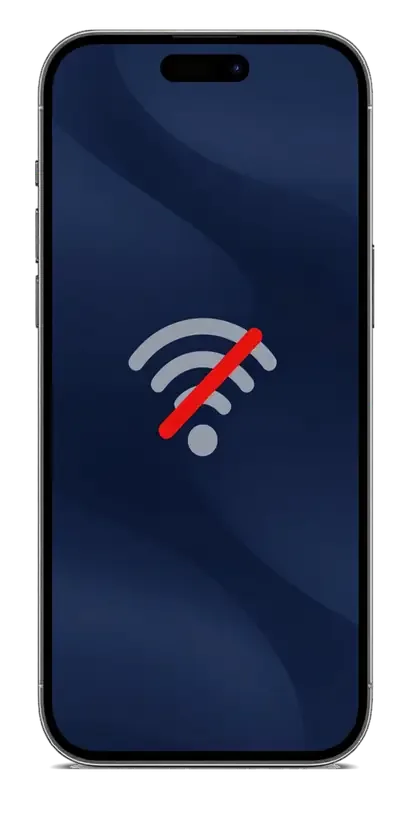
iPhone with a dark blue wallpaper and a large grey crossed-out network icon in the centeriPhone with a dark blue wallpaper and a large grey mobile internet icon crossed by a red lineiPhone with a dark blue wallpaper and a large grey document icon with a question mark in the center
iPhone with the screen on and a dark blue abstract wallpaper with soft waves
BeforeAfter
Constant “Searching”
Price incl. labor
from 19 900 ₸
Warranty
up to 1 year
  • SIM and settings check
  • IMEI and firmware check
  • Opening and reaching the board

How a faulty modem shows itself on an iPhone 7 Plus

The modem is failing when the phone keeps searching for a network, mobile data drops and settings show no modem details.

Stuck on Searching

Instead of signal bars the status bar shows Searching or No Service, although the SIM card is working.

Mobile data drops out

Calls connect, but 4G vanishes and returns, and pages load in jerks or do not open at all.

No modem details

In the About page the modem firmware and IMEI lines are empty, though they used to be filled in.

Signal gone after a shake

The network disappears after a knock or heating and returns only for a while after a restart.

How much an iPhone 7 Plus modem repair costs

The final cost is named after a free diagnostic — the technician checks the board and tells you the sum before any work starts.

ServiceOriginalAftermarket
Display replacement38 900 ₸32 900 ₸
Battery replacement27 900 ₸15 900 ₸
Housing replacement58 900 ₸32 900 ₸
Camera glass replacement19 900 ₸10 900 ₸
Main camera replacement58 900 ₸32 900 ₸
Front camera replacement28 900 ₸15 900 ₸
Home button replacement32 900 ₸19 900 ₸
Charging port replacement22 900 ₸13 900 ₸
Earpiece speaker replacement26 900 ₸15 900 ₸
Speaker replacement26 900 ₸15 900 ₸
Microphone replacement26 900 ₸15 900 ₸
Button replacement26 900 ₸15 900 ₸
Vibration motor replacement26 900 ₸15 900 ₸
Proximity sensor replacement26 900 ₸15 900 ₸
Display glass replacement40 900 ₸22 900 ₸
Other repairsPrice
Wi-Fi module repairwireless module · board-level repair21 900 ₸with parts
Logic board repairmicrosoldering · 1–3 days61 900 ₸per job
Water damage cleaningcorrosion cleaning · diagnostics up to 2 days17 900 ₸per job
Power controller replacementboard-level chip · microsoldering23 900 ₸with parts
Audio codec replacementboard-level chip · microsoldering27 900 ₸with parts
Storage replacement and upgradememory chip installation30 900 ₸with parts
Firmware flashingsoftware restore, no parts replaced10 900 ₸per job
Modem repairboard-level chip · microsoldering19 900 ₸with parts
Touch ID repairpaired to the board — no aftermarket27 900 ₸per job

If the cause proves to be the SIM tray, an antenna or another part, the technician tells you before repairing anything.

What an iPhone 7 Plus modem repair covers

SIM, settings, IMEI and firmware are checked, then the phone is opened, the board is worked on and network reception is tested.

  1. 01
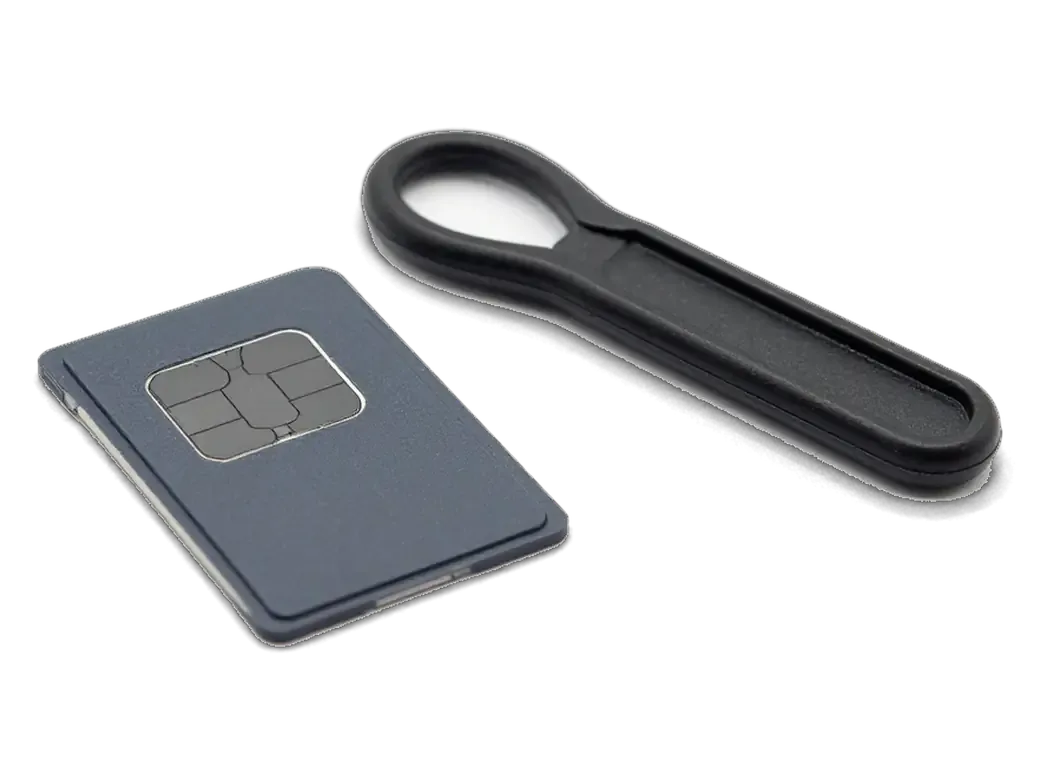
    SIM card tray with card and a plastic paddle for iPhone
    SIM and settings check

    First we rule out the simple causes: a faulty card, a network reset and the carrier mode.

  2. 02
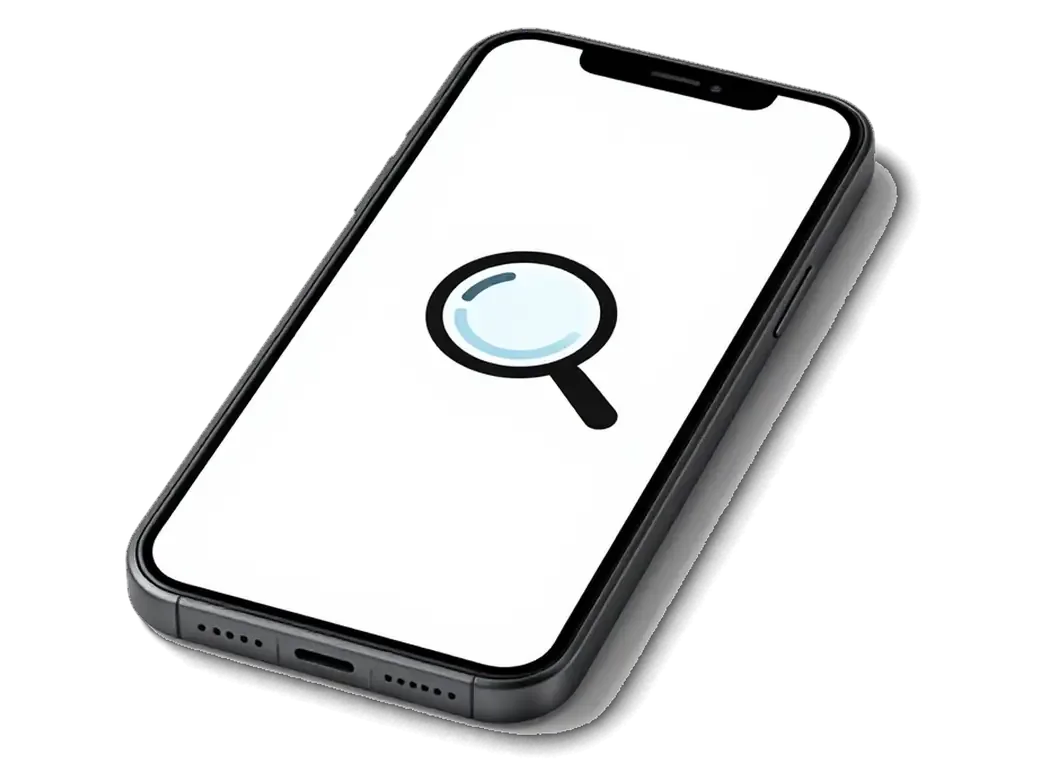
    iPhone with a magnifier icon over a chip on screen checking IMEI
    IMEI and firmware check

    We see whether the phone detects the modem and shows its data in the device details.

  3. 03
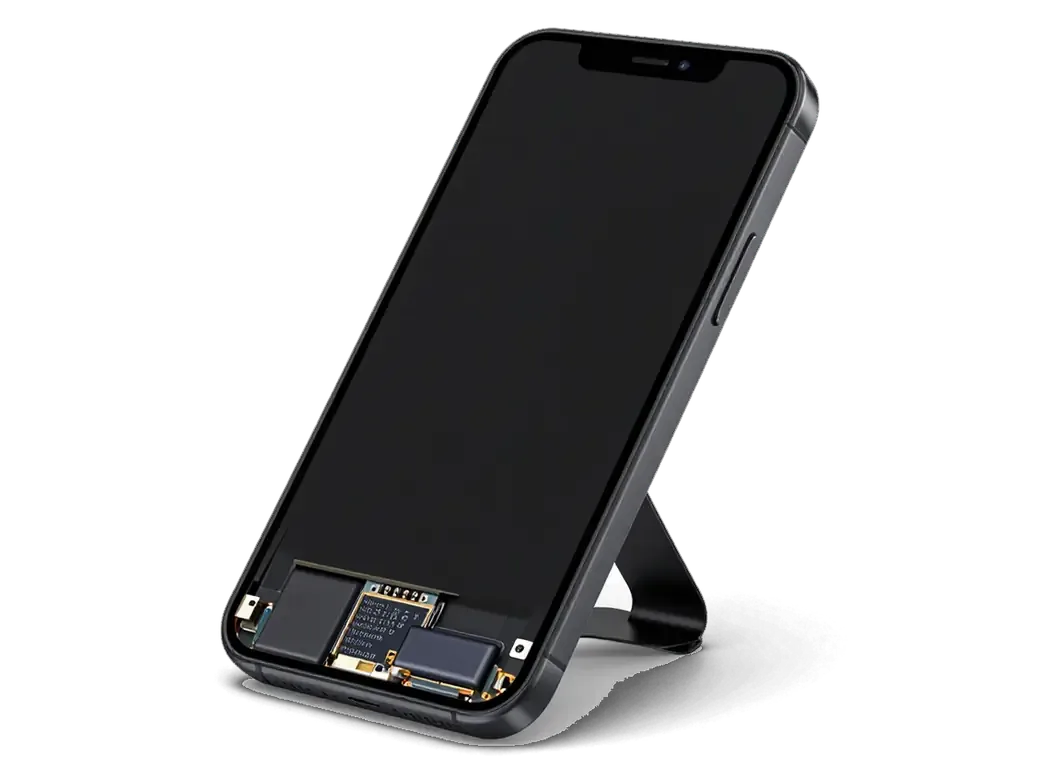
    Opened iPhone with screen flipped on a flex cable giving access to the board
    Opening and reaching the board

    The case is opened carefully, the battery is disconnected and the screen module is lifted off.

  4. 04
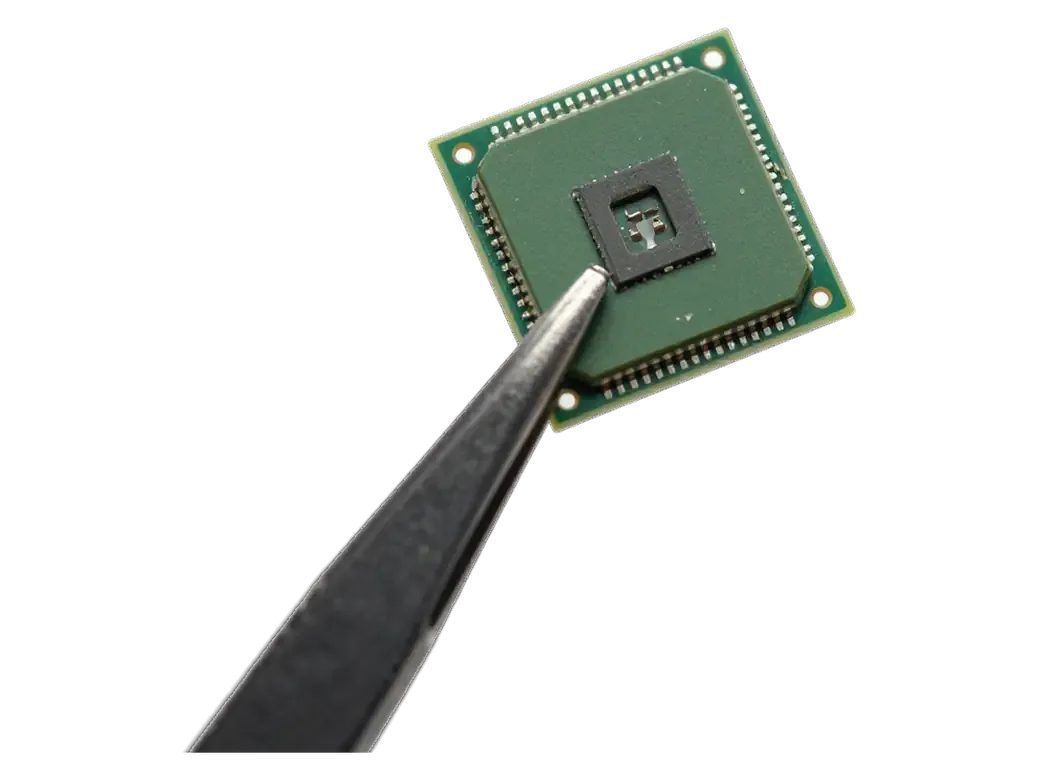
    Modem microchip held in tweezers under a microscope for iPhone
    Chip-level work

    Under a microscope the technician heats and replaces the modem chip or restores its soldering.

  5. 05
    iPhone with a checkmark and antenna icon on screen checking network reception
    Network reception test

    We insert a SIM, catch the network and test calls, SMS and mobile data.

  6. 06
    Warranty card with a shield and a pen for iPhone
    Assembly and warranty

    The phone is put together, and the completed work is covered by a warranty up to 1 year.

  7. iPhone 7 Plus modem repair
    from19 900 ₸

    The phone sees the carrier again, makes calls and reaches the internet without Searching.

    Price for my model

Which parts go into an iPhone 7 Plus modem repair

The part you choose affects how stable reception is, so compare the options across four points.

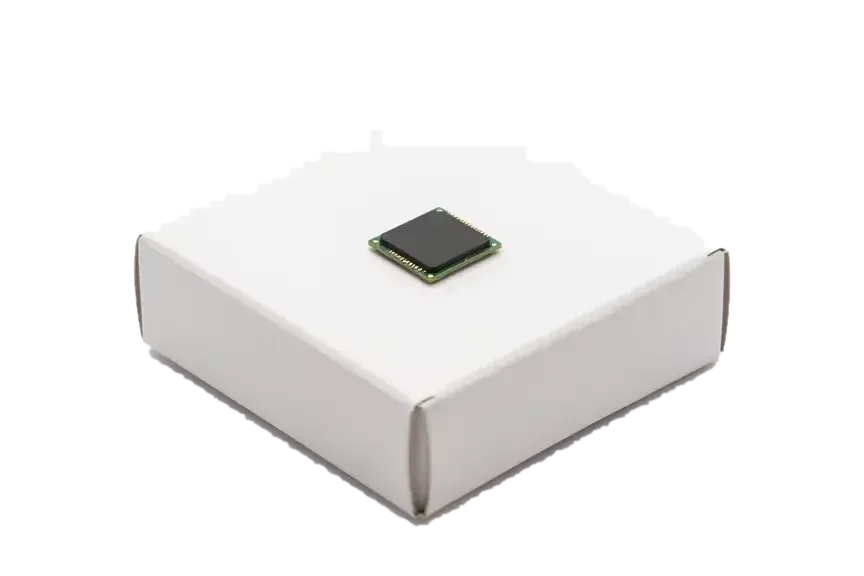
Original Applewarranty up to 1 year
iPhone 7 Plus38 900 ₸
Original iPhone modem chip placed on a white box
Fit
Chip of the same type that was fitted
Reception
Steady, as before the fault
Cost
Higher than aftermarket
Best for
A main phone for calls
Chosen by 64% of clients
Book with an original part
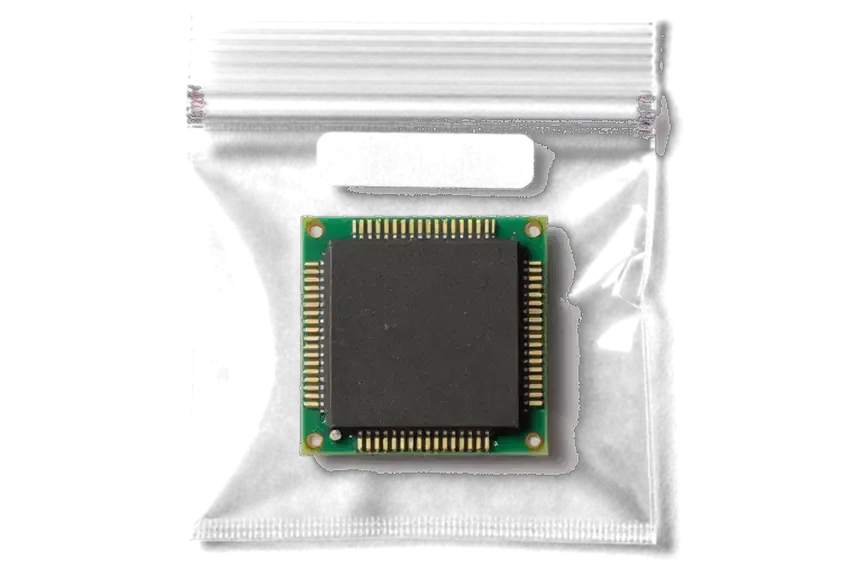
Aftermarketwarranty 6 months
iPhone 7 Plus32 900 ₸−15%
Analog iPhone modem chip inside an antistatic bag
Fit
Pin-compatible, needs testing
Reception
Depends on batch and carrier
Cost
Lower, fits a tight budget
Best for
A spare phone
Chosen by 36% of clients
Book with an aftermarket part

Why signal is restored to an iPhone 7 Plus at iServices

We bring signal back after a diagnosis, explaining how a software fault differs from a hardware one.

11years

Eleven years of repairs

Our technicians have worked on Apple boards for eleven years and can tell a modem fault from a SIM, antenna or power problem.

1year

Warranty up to 1 year

The chip and the soldering carry a warranty up to 1 year, so another loss of signal will not be your problem.

6technicians

Experienced technicians

Boards are soldered by experienced specialists: modem work needs a microscope, hot air and accuracy to fractions of a millimetre.

0₸

Diagnosis first

We first check the SIM, antennas and power, so you do not pay for soldering when the cause is a simple one.

2cities

Workshops in two cities

The service operates in Almaty and Astana, and a warranty question can be settled wherever suits you.

7days a week

Reception on a schedule

We wait for you on weekdays 10:00–19:00 and on weekends and holidays 11:00–18:00, so you can drop in after work.

iPhone 7 Plus before and after repair

1 / 1
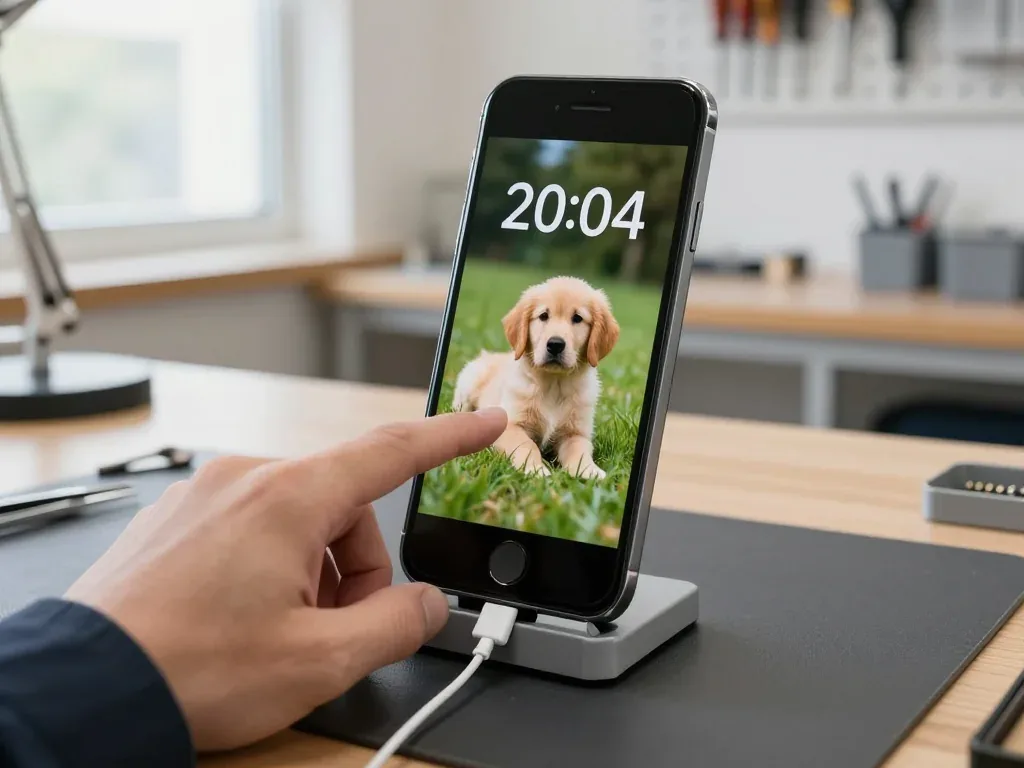
Technician touching the screen of an iPhone 7 Plus in a stand with a cable, retriever puppy wallpaper on the display

iPhone 7 Plus: lost signal and Wi-Fi

The customer brought the phone in after a trip out of town: the signal kept dropping, and Wi-Fi wouldn't turn on at all. We restored the modem and the Wi-Fi module on the board, checked the connection — the phone picks up the network and connects to Wi-Fi again.

from 19 900 ₸repair cost
I want the same

How iPhone 7 Plus modem replacement is done in Astana

The whole journey — from a message to a finished phone. The repair takes 1–3 days — we provide a loaner phone for that time.

Book a repair
  1. Step 1

    Message or come in

    5 min

    You message us on WhatsApp with the model and what happened — we give you the price and time. Or you come in without an appointment.

  2. Step 2

    Diagnostics in front of you

    10 min

    We check the network, SIM card, and antennas: sometimes the antenna is at fault, not the modem.

  3. Step 3

    Price in the receipt

    2 min

    We note the model, the part (original or aftermarket), the price, the timeframe, and the warranty.

  4. Step 4

    We show you the part

    1 min

    We open the factory packaging in front of you and check the number against the receipt.

  5. Step 5

    Repairing the modem

    1–3 days

    We work on the modem on the board under a microscope. We will provide a replacement phone for the duration of the repair.

  6. Step 6

    You check together with the engineer

    warranty up to 1 year

    Network, calls, mobile data, SIM card. You get the phone and the receipt.

Meet the iServices team

Technicians for iPhone, Mac, iPad, Apple Watch and AirPods repair.

1 / 5
BSBakmukhammed S. — on-site iPhone technician, iServices service center in AstanaPhoto: Bakmukhammed S.

Bakmukhammed S.

on-site iPhone technician
13years of experience
4.93rating, 107 reviews
GSGalymzhan S. — iPhone repair technician, iServices service center in AstanaPhoto: Galymzhan S.

Galymzhan S.

iPhone repair technician
8years of experience
4.79rating, 90 reviews
ZSZhandos Sh. — iPhone screen replacement technician, iServices service center in AstanaPhoto: Zhandos Sh.

Zhandos Sh.

iPhone screen replacement technician
6years of experience
4.65rating, 112 reviews
DTDarkhan T. — iPhone firmware technician, iServices service center in AstanaPhoto: Darkhan T.

Darkhan T.

iPhone firmware technician
8years of experience
4.44rating, 19 reviews
KSKudiret S. — iCloud unlock specialist, iServices service center in AstanaPhoto: Kudiret S.

Kudiret S.

iCloud unlock specialist
10years of experience
4.37rating, 100 reviews
Bakmukhammed S., on-site iPhone technician
“If the repair didn’t suit you or you have a complaint, write to me personally.”
Bakmukhammed S.on-site iPhone technician · +7 701 333-47-01

We'll quote iPhone 7 Plus modem repair in Astana from a photo in 5 minutes

Send a photo of the screen and the iPhone model. An engineer will reply on WhatsApp, give the price and today's available time.

  1. 5 minAn engineer replies and names the price
  2. 0 ₸Diagnostics in front of you in 15 minutes
  3. 30 minMost repairs — while you wait

iPhone 7 Plus Modem Repair in Astana with a Network Test After

In short

For iPhone 7 Plus modem repair Astana, iServices fixes the modem on the board under a microscope, with a network test before you leave. Free 15-minute diagnostics in front of you shows whether the fault is the modem, SIM reader or antenna. Board work usually takes 1–3 days, with warranty up to 1 year.

iServices Editorial TeamWe reply on WhatsApp within 10 minutes
Ask

Why iPhone 7 Plus Modem Repair Fixes Lost Network

A persistent No Service or a spinner stuck on Searching is the most common complaint on the 7 Plus, and both usually point at the modem rather than the carrier. Here is how to read the signs before booking anything.

What No Service and Endless Searching Actually Mean

A persistent No Service message or a spinner stuck on Searching means the phone cannot register on any network, and on the 7 Plus this most often traces to the modem chip or its solder joints on the mainboard. The handset scans for a carrier, finds nothing it can authenticate against, and repeats the cycle — which is why the indicator never settles on a name. A weak antenna would still show a bar or two near a window; a dead modem shows nothing at all. Pull the SIM and try it in a second handset. If the card registers there and the 7 Plus keeps searching, the operator is ruled out and the fault sits inside the device.

Reading IMEI and Modem Firmware in Settings

Open Settings, General, About and check two lines — a blank IMEI or an empty Modem Firmware field is a strong sign the baseband is not communicating with the rest of the logic board. A dash instead of a 15-digit number means the modem never reported to the system, so no SIM will ever register. The same screen shows the Carrier and Network rows; if both are empty while Wi-Fi works fine, the fault is local to the cellular section. Note the A-number printed on the back of the case before you call anyone: it separates a Qualcomm unit from an Intel one, and that decides which component and stencil a technician prepares.

Why Drops Worsen With Heat, Drops and Water

A fall, a splash or a hot charging session can crack the solder under the modem, so the network holds while the phone is cool and vanishes once it warms up. The silicon sits close to the power amplifier, and the metal shield around it traps heat during gaming or navigation — a hairline fracture opens as the mainboard expands. Liquid does the same through corrosion rather than impact, eating the joint over weeks before the signal dies. An iOS update rarely breaks the modem itself; it exposes a joint that was already marginal, which is why a rollback or a restore almost never brings the signal back.

Is It the Modem or Something Else

A missing network is not automatically a dead modem. A card, a carrier profile or a loose antenna can imitate the same symptom. Below is how to tell a real logic-board fault from a two-minute fix.

Three Checks You Can Do Before Booking

  • Second SIM: try a card you know works in another phone; if the signal returns, the modem is not the fault.
  • Network reset: Settings, General, Reset, Reset Network Settings clears a corrupted carrier profile.
  • Airplane mode: toggle it on for ten seconds and off to force a fresh search.
  • Carrier update: check Settings, General, About for a pending carrier settings prompt.
  • Visual check: look into the tray for bent pins or a swollen card that no longer seats.

SIM Reader, Antenna or Modem

поведение телефона по источнику сбоя
SymptomLikely causeWhat we check
No SIM detected at allReader or trayTray pins, reader contacts
Signal only in strong coverageAntenna or its flexAntenna connectors, flex
Blank IMEI and firmwareModem chip or solderMainboard under microscope
Wi-Fi works, cellular deadModem side onlyBaseband and power lines

How We Diagnose a Modem Fault

Our diagnostics are free and happen in front of you: the engineer shows exactly which line has failed and names the turnaround before any work begins.

Free Diagnostics in Front of You

Our engineer runs free diagnostics in front of you for about 15 minutes, even if you decide not to repair, and shows on screen which line has failed. The check reads the IMEI and modem firmware live, then confirms the SIM reader and antenna path, so a dead modem is separated from a bent tray or a worn contact. Logic-board faults we examine under a microscope before touching anything, and the engineer explains each reading as it appears. This is the same 15-minute slot whether you go ahead or walk away with the phone as it came in. Bring the handset charged and, if you have it, the SIM you normally use — the live read needs a powered board, and a flat battery hides the very lines we need to see.

Sending a Photo on WhatsApp First

Send a photo of the damage on WhatsApp and an engineer replies within 5 minutes with a price and a free time slot, so you know the ballpark before you travel. The fastest photo is the About screen with the IMEI and firmware lines visible — it tells us at a glance whether the modem is talking to the mainboard or the fault sits deeper. From that image we book a window, confirm the part and the warranty, and hold the slot; a courier can be called if the phone cannot make the trip across the city. Payment is by Kaspi, card or cash once the work is done. A clear shot of Settings beats a long description — it answers half our questions before you arrive.

Reballing or Replacing the Modem Chip

Board-level modem work happens under a microscope, and the route we take depends on the condition of the solder joints and the modem version fitted to your phone.

What Happens on the Board Under the Microscope

We remove the compound, lift the modem chip, clean the pads and either reball the original chip or fit a donor one, then restore iOS and test the network. The compound holding the chip has to be softened and cut away without pulling a pad off the mainboard — that is where amateur attempts fail. Reballing rebuilds the solder balls on your existing chip and seats it back on cleaned pads; a donor is used only when the modem inside is dead. After seating we restore iOS and run a live network test. The modem is paired to the mainboard, so a replacement has to be matched to the logic board — that is why the A-number and the original part matter before any iPhone 7 Plus modem repair Astana booking starts.

Reballing Versus a New Chip

repair routes compared by fault type and board work involved
RouteWhen it fitsWhat it involves
ReballingCracked joints, modem aliveClean pads, reball original chip
ReplacementModem deadFit matched donor chip
Joint reflow onlyEarly intermittent dropsReflow under microscope, retest
Antenna or reader fixSignal or SIM issueReplace flex, no mainboard work

Timelines, Receipt and Warranty

We fix the turnaround, the part and the coverage on paper before work starts. After the repair you test the connection with our engineer at the counter.

How Long Board Work Takes

Board-level modem work usually takes 1–3 days, longer than a screen or battery, because the chip has to be lifted, reballed or swapped and then retested at load. A screen is done in about 40 minutes and a battery in 25, yet the modem sits beneath shielding on the mainboard, so the technician repairs it with a microscope and reflows the contacts at controlled temperature. Most jobs finish while you wait — 72% of our repairs do — but chip-level service is the exception, and we say so in the first WhatsApp reply. Plan around the wait rather than the clock: a modem repair is the one case where leaving the phone overnight is normal.

The 32-Point Check and Your Warranty

  • Calls and SMS: place a test call and send a message to confirm the handset registers on the cellular grid.
  • Mobile data: load a page over cellular with Wi-Fi switched off, then toggle airplane mode twice.
  • IMEI and firmware: confirm both lines are populated in Settings, General, About, so the modem reports to the system.
  • Signal stability: watch the indicator for a few minutes to catch intermittent drops before you leave.
  • Coverage up to 1 year: the card and receipt go home with you, along with the old part.

Summary: iPhone 7 Plus Modem Repair

A modem fault on this model is diagnosable, repairable and verifiable — the rest is choosing the right steps in the right order.

  • Symptoms: No Service, endless Searching and a blank IMEI together point at the modem rather than the carrier.
  • Self-check: a second SIM and a network reset rule out the operator before any mainboard work begins.
  • Diagnosis: a 15-minute check in front of you shows which line has failed, even if you decline the repair.
  • Repair: reballing keeps the original chip; a swap needs a matched donor and a longer turnaround.
  • Aftercare: calls, SMS, data and IMEI are tested before pickup, with warranty up to 1 year.

Answers to common questions on iPhone 7 Plus modem repair

Did not find an answer? Message us on WhatsApp: an engineer replies, not a bot.

Ask a question
Why does my iPhone 7 Plus show No Service with a working SIM card?

If the SIM works in another phone, the fault is likely the cellular part of the board. On the iPhone 7 Plus this is often the modem chip or its solder joints. The engineer tests the SIM, antennas and modem in turn to find the cause.

Why is the IMEI blank in Settings on my iPhone 7 Plus?

A missing IMEI or modem firmware line means the phone cannot talk to its modem at all. This is a clear sign of a hardware fault, not a SIM or carrier issue. Such cases need board-level repair.

Will my iPhone 7 Plus keep the same IMEI after a modem repair?

The aim of the repair is to restore the original cellular circuit, so the number should stay the same. The engineer checks Settings, General, About together with you after the work. Any risk to the IMEI is discussed before soldering starts.

Can resetting network settings fix No Service on an iPhone 7 Plus?

Sometimes, if the cause is software. Try reinserting the SIM, turning airplane mode on and off and resetting network settings. If the signal does not return, the problem is in the hardware.

Why does my iPhone 7 Plus lose signal only when it gets warm?

Heat expands the board, and a cracked solder joint under the modem chip loses contact. When it cools down, the network returns. This pattern is typical for joints, and reballing the chip usually fixes it.

Does a modem fault on the iPhone 7 Plus also affect Wi-Fi?

Not usually, since Wi-Fi and Bluetooth use a separate module. If Wi-Fi also stops working, another part of the board is involved. The engineer checks both circuits during diagnostics.

Customer reviews of iPhone 7 Plus repair

1 / 2
4.9

iServices network rating on Google Maps, wikicity and our website · 2 028 reviews
Google Maps4.438 reviews ›wikicity5.015 reviews ›Reviews on the iServices website4.91 975 reviews ›
АЛ
Анель Л.Order No. IS‑•••57 · 6 December 2017
iPhone 7 Plus · connectivity

Позвонил по объявлению, приехал на следующий день. Проблема — нет сети. Дома включил, всё на месте.

iServices customer review, in Russian
ТК
Таңшолпан К.Order No. ЗК‑IS‑•••32 · 31 December 2023
iPhone 7 Plus · sound

Problema — ne rabotaet zvuk. Galymzhan S. — master ot boga, esli mozhno tak skazat. Sdelali tak, chto i ne pridereshsia.

iServices customer review, in Russian transliteration
Showing 2 of 2See all reviews

Where to get iPhone 7 Plus Modem repair in Astana

Address
Astana, Kabanbay Batyr Ave., 7/2
Opening hours
Mon–Fri 10:00–19:00Sat–Sun 11:00–18:00
Phone and messengers
+7 727 339-99-12WhatsApp: +7 701 333-47-01
Directions map: iServices Astana© OpenStreetMapFind us on the maps: Google Maps · 2GIS