On the iPhone 7 Plus the Lightning port is the single route for both power and data, so wear shows up through several symptoms at once. Reading them correctly saves you from replacing the wrong part.
Signs the Lightning Connector Itself Is Worn
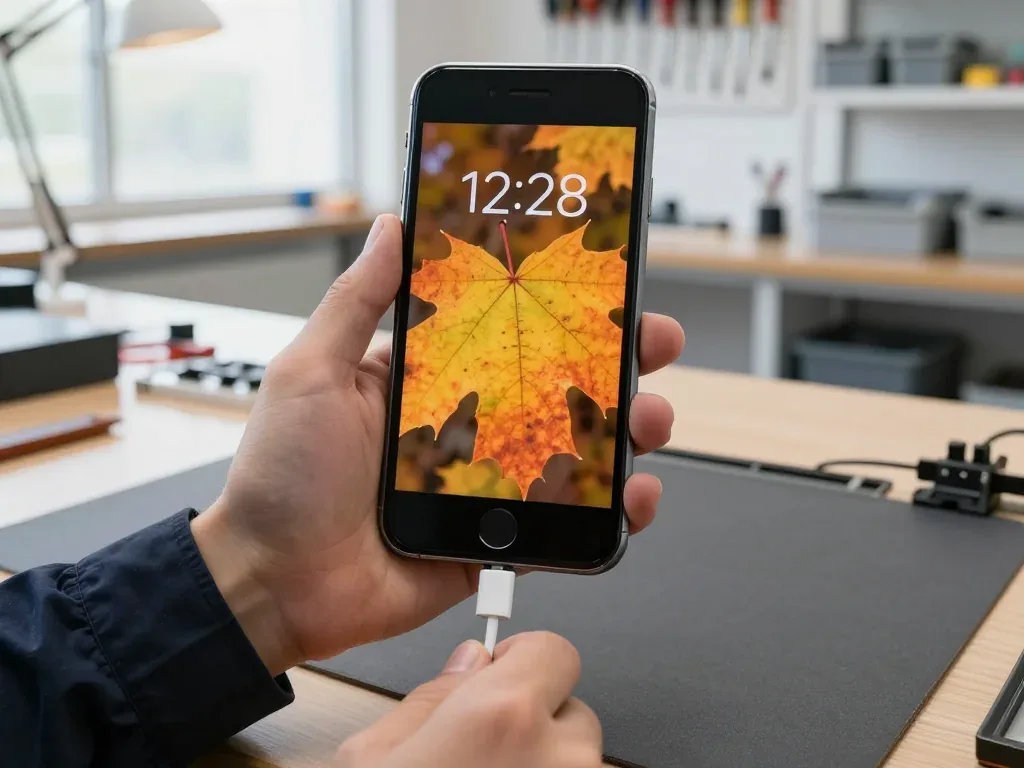
A cable that only charges at an angle, wobbles in the socket, or triggers the "accessory not supported" message points to worn or dirty Lightning pins rather than a dead battery. The connector on this model carries eight pins in a tight housing, and the two outer power pins take the most friction across thousands of insertions. Dust, pocket lint and a slightly bent plug compress the spring contacts until the phone needs to be tilted to make a connection. Data often survives longer than charging, because the sync pins sit deeper and see less mechanical stress. A replacement made with the charging port in mind starts with an honest look at the socket, not at the battery. If you are weighing an iPhone 7 Plus charging port replacement in Astana, the socket is the first thing worth checking.
When the Problem Is the Cable or the Battery
Before blaming the port, swap the cable and the power block, then watch whether the phone holds a charge once it is on — a battery that dies fast is a different repair. Plug in a known-good Lightning lead, try a second adapter, and check the same pair on another device. If the accessory fails everywhere, the cable is the fault; if it fails only on your handset, the socket is the suspect. A worn battery behaves differently: the phone charges to 100% and then drops sharply, or shuts down under load while still showing 30%. Charging behaviour under a real load, not the percentage on screen, separates the two. A Lightning cable that works on another handset but not on yours is the cheapest test you can run at home, and it rules out half of the guesses.
Cleaning the Port or iPhone 7 Plus Charging Port Replacement Flex
Not every dead socket needs a new part. We look inside the connector first, see what is actually blocking or corroding the contacts, and only then discuss whether the lower assembly has to be swapped.
What a Clean Actually Fixes
We start every iPhone 7 Plus charging port replacement request with a look inside the socket, because compacted lint stops the plug from seating and mimics a broken connector. Pocket dust, tissue fibres and fabric fluff collect in the cavity over months and get pressed into a dense layer each time a Lightning cable goes in. Under a loupe the mass looks like a solid wall rather than loose debris, which is why owners read it as a dead port. A wooden toothpick or a plastic probe lifts the layer out in one piece; a metal pin pushes it deeper and can bridge the contacts. We clean the cavity, blow it out and test insertion depth with a known-good cable before quoting any part. Ask for the socket to be inspected under magnification first — that step separates a five-minute clean from a genuine hardware fault.
When Cleaning Is Not Enough
If the contacts are dark, pitted or loose after cleaning, the flex has to go — we show you the corrosion under magnification before you decide. Green or black residue means moisture sat in the port long enough to eat through the plating, and a clean only buys a few weeks before charging drops out again. Bent or flattened contacts are a separate case: the plug no longer grips, so the cable falls out and charging cuts in and out at the slightest movement. Both scenarios end at the same place — a new lower assembly. The engineer shows you the contacts during free diagnostics, so the decision rests on what they look like, not on a guess. Corrosion calls for replacement rather than another clean, since plating does not grow back.
Telling the iPhone 7 Plus Charging Port Replacement Apart from Cable Battery and Board
Three different faults produce the same complaint of "it won't charge," and what separates them is a current measurement rather than guesswork. Here is how we narrow the cause down before touching a single screw.
How a USB Power Tester Separates the Causes
Which draw pattern points to which failed component| Reading on the tester | Likely cause | What we do next |
|---|
| Draw rises normally | Cable or block | Swap accessories, retest |
|---|
| Low steady draw, no climb | Worn battery | Battery test and quote |
|---|
| Zero draw, lead confirmed | Port or logic board | Inspect flex, then board |
|---|
| Reading jumps and drops | Loose pins in port | Clean, then replace flex |
|---|
When the Fault Sits on the Board
If a fresh flex still gives no charging, the next suspect is the power controller on the board, and that is board-level work under a microscope rather than a part swap. We plug a USB power tester inline and watch the draw: a healthy port passes energy on, a tired cell accepts only a trickle, and a dead controller never asks for a charge at all. This pattern can follow a cheap non-original lead shorted mid-charge and took the controller with it. The symptom is a handset with no charge icon that warms slightly near the top of the logic board. Our engineers trace the charging line under magnification and check the controller before quoting, because a second flex on a dead board is money spent twice.
What Sits on the iPhone 7 Plus Lower Flex
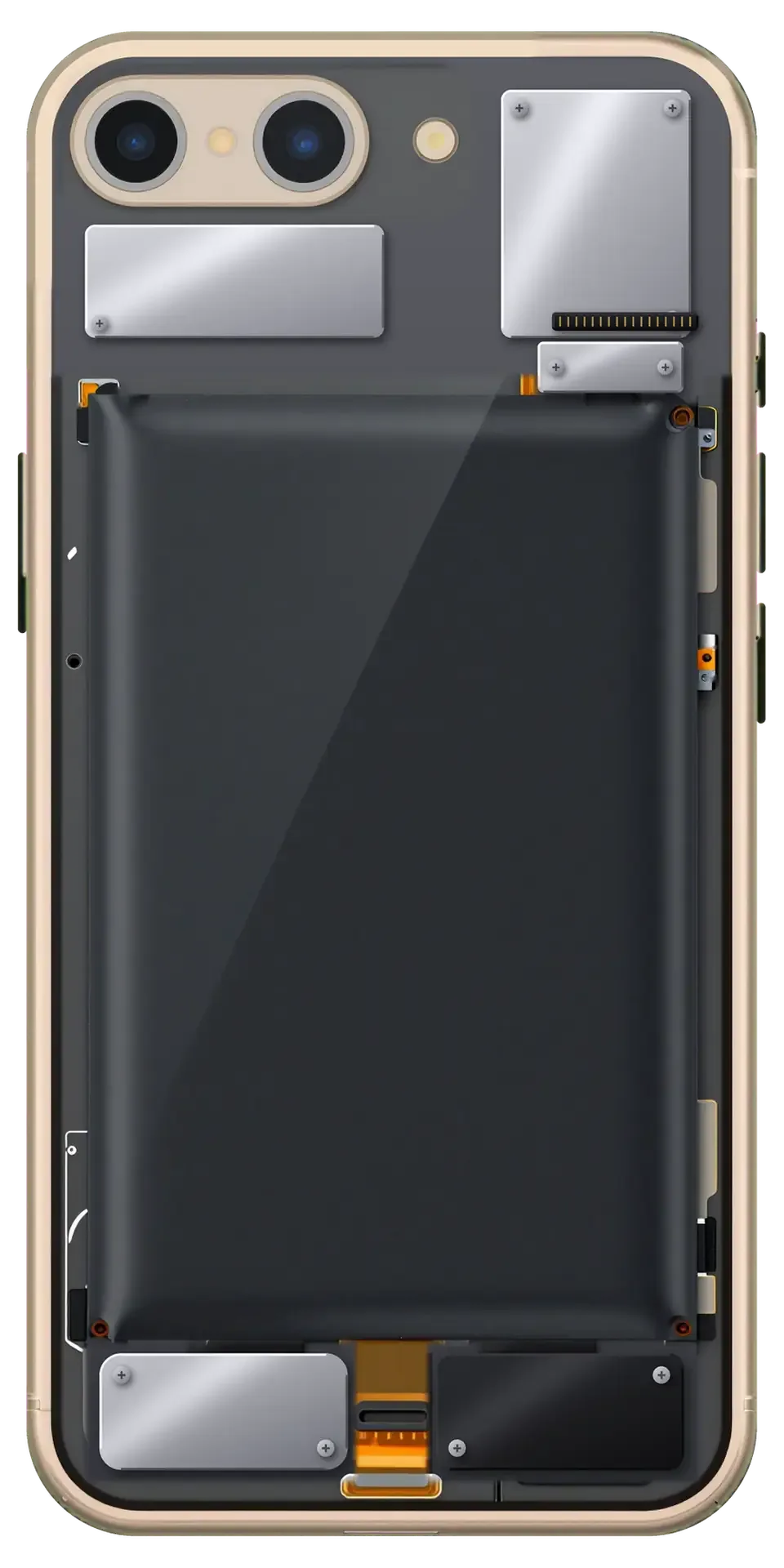
On the iPhone 7 Plus the lower assembly carries more than the Lightning socket, which is why the whole unit gets replaced instead of a single pin.
Microphone, Antenna and No Headphone Jack
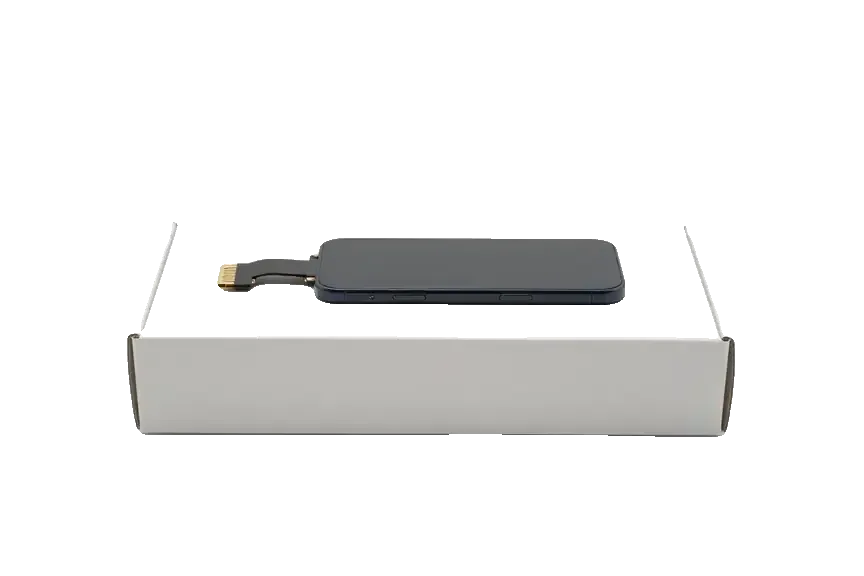
On the iPhone 7 Plus the lower assembly carries the Lightning socket and the main microphone, and unlike the iPhone 6 or SE it has no headphone jack on that strip. The same part also routes an antenna contact and the microphones, so one worn or corroded strip can take down several functions at once. The iPhone 6 and SE also carried a headphone jack on that same lower strip; on the 7 Plus the jack is gone but everything still travels as a single unit. Because the mic shares that strip, a caller who suddenly cannot hear you is a port symptom too — replacing only the connector would leave that fault in place.
Original Flex or Aftermarket
Comparing lower flex replacement options| Option | What you get | Best for |
|---|
| Original part | Factory plating, matched mic | Daily heavy use, long ownership |
|---|
| Aftermarket part | Lower entry, working charge and mic | Light use, older spare phone |
|---|
| Clean only | No part, connector cleared | Lint or light dust, pins intact |
|---|
How the Replacement Runs and What We Check After
The swap happens in front of you and ends with a test, not with a device handed back on trust. Here is the sequence from first message to final check.
From WhatsApp Photo to Signed Receipt
- Photo first: send a picture of the damage on WhatsApp and an engineer replies within 5 minutes with a price and a free slot.
- Receipt before work: price, part, turnaround and warranty are fixed on paper in about 2 minutes.
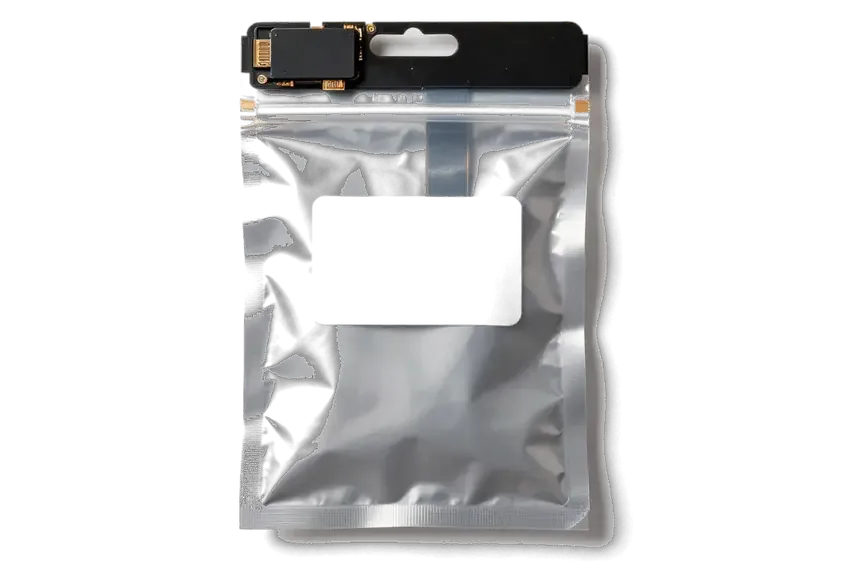
- Part in packaging: we show the new lower assembly in factory packaging before installation, so you see what goes in.
- While you wait: most charging port replacements on the 7 Plus finish in 20–40 minutes, and you can sit in the waiting area with coffee and Wi-Fi.
- Handover kit: the device returns with the receipt, the warranty card and the old part.
The 32-Point Check and Splash Sealing
After the swap we run a 32-function check of about 10 minutes, covering charging, both microphones, speakers, network and sync, and you test them with the engineer. The Lightning port shares the lower assembly with the microphone and antenna, so a poor fit shows up as a muffled call or a dropped signal rather than a charging fault — which is why the test goes past the connector itself. We also confirm the unit charges from a wall adapter and from a computer, and that data transfer works. On the sealing side, this model depends on a fresh adhesive gasket once the screen comes off, and reusing the old one is what lets moisture reach the new port. Ask for a new gasket every time, especially in a city with sharp winter-to-summer swings.
Summary: iPhone 7 Plus Charging Port Replacement
A charging fault on this phone rarely needs a whole device swap or a long stay in the workshop — most cases come down to a handful of parts and a clear diagnostic path.
- Charging only at an angle: a wobbling plug or a cable that works in one position points to worn or dirty Lightning pins, not a dead handset.
- Cleaning comes first: a corroded or loose socket means the lower assembly is swapped as a single unit, pins and all.
- Microphone on the same assembly: a caller who sounds muffled may be reporting a port symptom, so mention it before the part is chosen.
- Current test before parts: a USB power tester separates port, battery and board faults, so no money goes on a component that was never the cause.
- Fresh adhesive gasket: resealing the screen after the repair keeps splash resistance from quietly disappearing with the old tape.







 iPad
 MacBook
 iMac
 Mac mini and Studio
 Apple Watch
 AirPods
 Apple Pencil
 Apple TV
 HomePod




