On the iPhone 7 Plus the button has no travel — the tap you feel comes from the Taptic Engine, not a moving part. So "it does not press" and "it does not read my finger" are two different faults.
Why the Button Feels Dead but the Phone Still Works
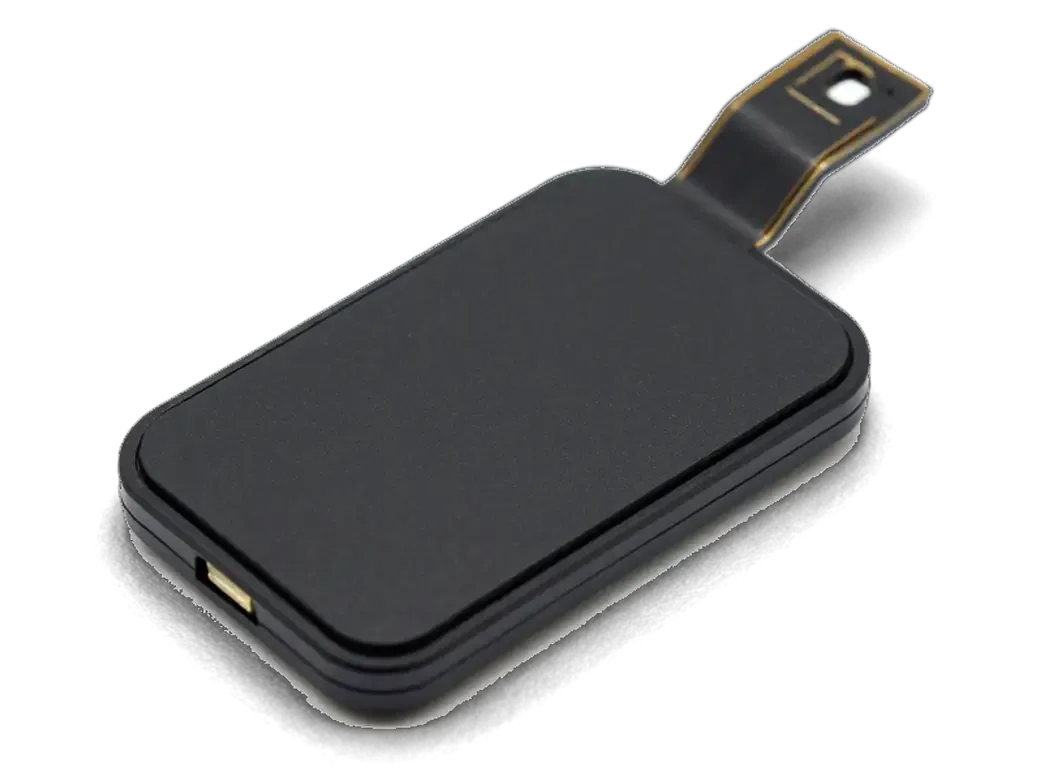
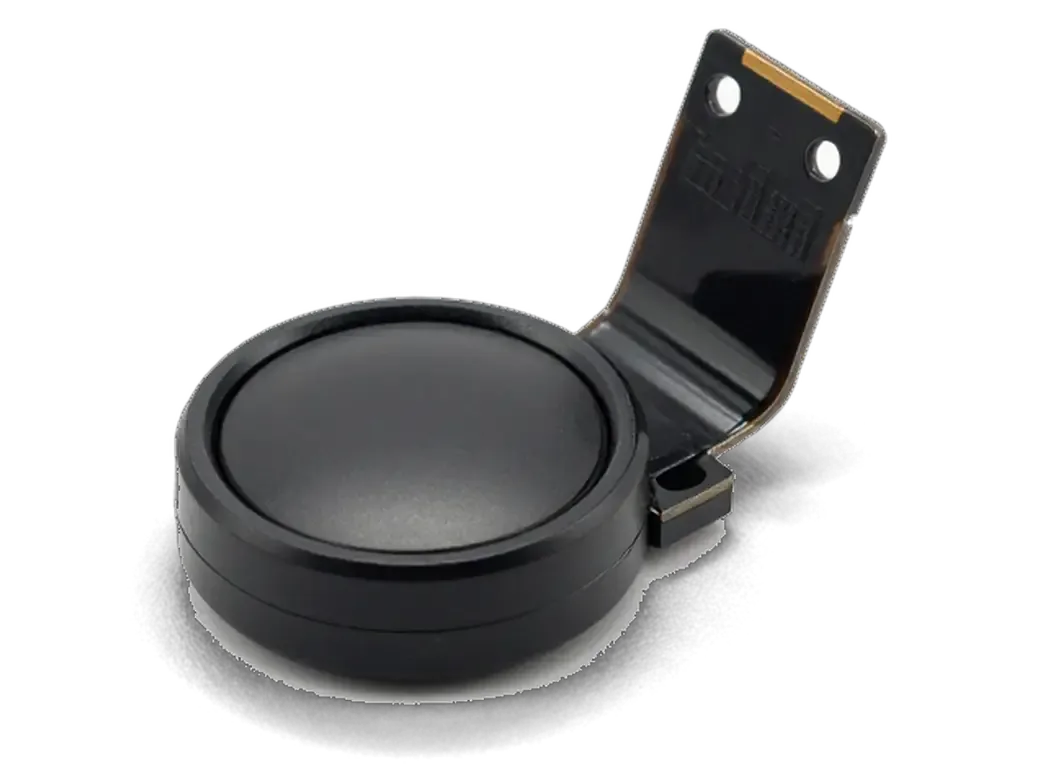
On this model the button has no mechanical travel, so a dead press almost always means the Taptic Engine feedback or the button flex is at fault, not the pad itself. The solid-state pad sits under sapphire glass with a metal detector ring around it, and the fingerprint data it reads goes straight to the Secure Enclave. When the cable under the display module loses contact, the pad stops registering presses and the engine gets no signal to fire, so the whole area feels lifeless — yet the phone boots and runs normally. A hard press that occasionally works is the classic sign of a partly torn cable, not a burnt-out pad. If the fingerprint still unlocks the phone, the sapphire surface and its ring are intact — swapping the whole button in that case throws away a working Touch ID module that cannot be re-paired afterwards.
Three Symptoms and What Each One Points To
Symptoms mapped to the failed part behind them| Symptom | Likely layer | What it means |
|---|
| No click, no vibration | Taptic Engine or flex | Button may still read a finger |
|---|
| Click works, no fingerprint | Touch ID sensor or ring | Pairing is the issue |
|---|
| Works only on hard press | Cracked cable | Original button often reusable |
|---|
Will Touch ID Survive a Home Button Replacement
The fingerprint sensor is tied to the motherboard of one particular handset, and that single fact settles everything: the module that came with the phone keeps Touch ID, while any other button does not.
Why a New Button Cannot Bring the Fingerprint Back
We say this before any work starts — the biometric reader is paired to the Secure Enclave on your own logic board, so a fresh module restores the Home function but never the biometric unlock. That pairing is burned into the chip during manufacturing and cannot be recreated, cloned or moved by software. A technician who promises to re-pair a replacement component is describing something the hardware does not allow. The module that shipped with the handset carries its own matching sensor, which is why it keeps unlocking the device after a careful transplant. If you are looking into iPhone 7 Plus home button replacement in Astana, raise this point before the housing comes apart. Settle the genuine-versus-aftermarket question before the housing comes apart — once the original is off and swapped, the pairing cannot be rebuilt by any workshop.
What Still Works Without the Fingerprint
- Home function: a single click returns to the home screen as before, exactly like the factory module did.
- App switching: a double click still opens the app switcher, so multitasking stays untouched.
- Siri: press-and-hold still activates the assistant without any extra setup.
- Taptic click: the vibration feedback stays if the Taptic Engine under the button is healthy.
- Biometric features: unlock, Apple Pay and App Store purchases stop working once a non-genuine module is fitted. Set up your passcode and banking-app passwords in advance, so a lost fingerprint does not lock you out after pickup.
Repair Options and What Each One Restores
Three routes exist for a failing Home button, and they differ in one respect that matters most to owners: whether the fingerprint sensor keeps working afterwards.
Repairing the Original Button Versus Fitting a New One
how each route affects click and fingerprint| Option | Home function | Touch ID |
|---|
| Repair original flex | Restored | Kept |
|---|
| Transfer original to new screen | Restored | Kept |
|---|
| Fit a new button | Restored | Lost |
|---|
When the Screen Comes Off the Button Comes With It
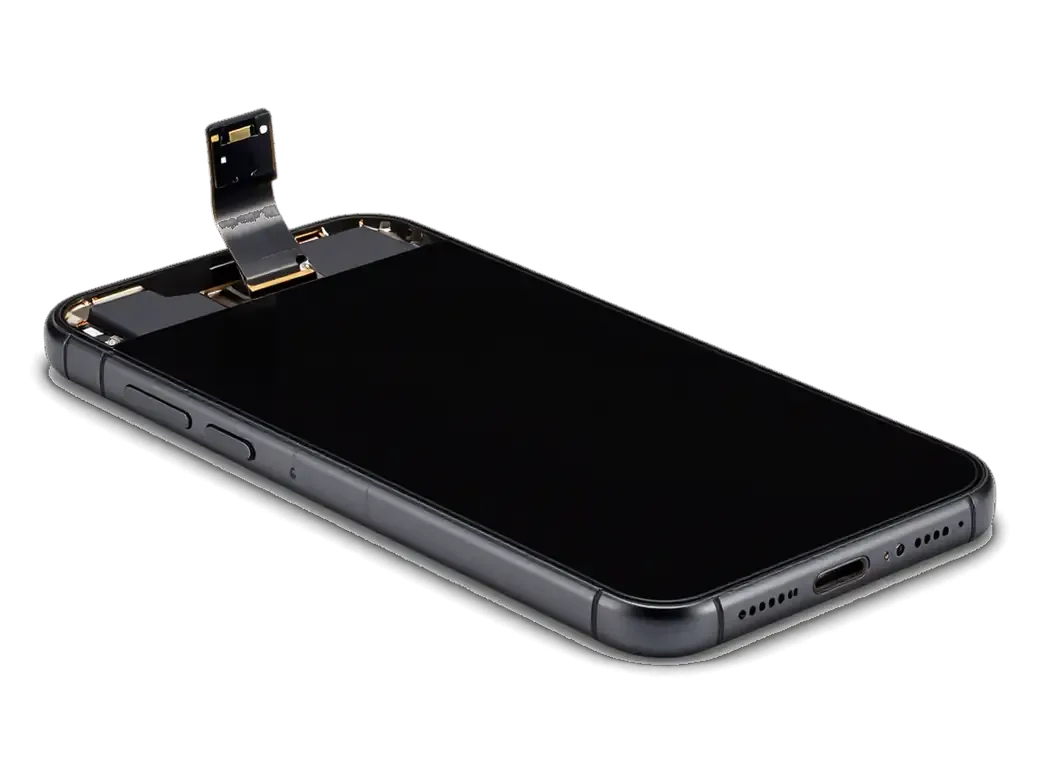
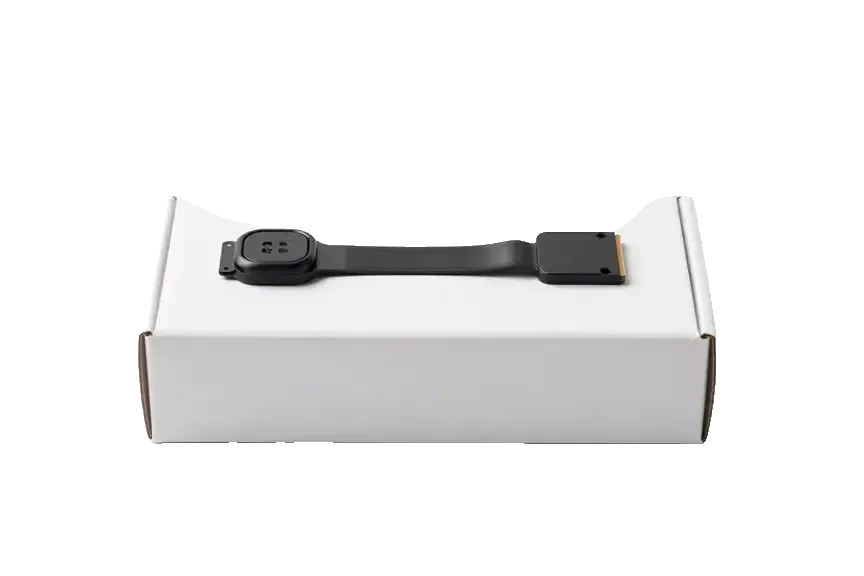
On the iPhone 7 Plus the Home button sits in the display module, so any screen replacement means the original button has to be transferred carefully to keep Touch ID alive. The reader is paired to the logic board at the factory, and the pairing lives inside the button itself, not in the display. A technician who swaps the whole screen assembly and leaves the old button behind hands back a device that clicks but no longer reads a finger. We move the factory module across, seat the flex flat, and test the click and the fingerprint before closing the frame. The flex is thin and easy to crease during transfer, so a screen job done without care is one of the most common reasons a working biometric unlock suddenly disappears. Ask any workshop whether they reuse your button before you agree to a screen swap.
How the Replacement Runs and How Long It Takes
From the first message to pickup, the visit takes under an hour, and most of that time goes into checks rather than the swap itself.
From a Photo on WhatsApp to a Fixed Receipt
We quote from a photo within 5 minutes on WhatsApp, run a free 15-minute diagnostic in front of you, and fix the price, part, turnaround and warranty on the receipt in about 2 minutes ahead of any work. The engineer shows the new button in factory packaging, and you choose between an original and an aftermarket version before the phone is opened. Payment goes through Kaspi, a card or cash once the job is done. Getting the part choice and warranty written down ahead of opening the phone is what protects you if the flex turns out worse than the picture suggested.
How Long the Job Itself Takes
- First contact: a picture on WhatsApp gets a quote and a free slot within 5 minutes.
- Diagnostic: 15 minutes, free, done in front of you at the counter.
- The swap itself: usually 20–40 minutes while you wait in the seating area with coffee and Wi-Fi.
- Quality check: about 10 minutes across 32 functions, run together with the engineer.
- Total visit: from the initial message to pickup, under an hour, and 72% of repairs finish while the customer waits.
What We Check Before You Take the Phone Home
Handing the phone back is not a quick "here you go" — it is a joint check of the button, its response and the biometric reader if the original part stayed in place.
The Handover Check We Run Together
After the repair you check the Home press, the double press, the Taptic feedback and, if the original button stayed, the biometric unlock together with our engineer. The press should feel crisp at every corner of the pad, not mushy in one spot, and a double tap must open the app switcher on the first attempt. We test the stored print, confirm the sensor reads it without a second try, and hand over the receipt, the warranty card and the old part in a small bag. Our engineer runs the scan twice — cold, then after a minute of use — because a sensor that passes on the first tap can stutter once the pad warms up. Test it with a finger you actually use daily, not a dry spare one — a sensor that reads cleanly in the shop can still fail on a slightly damp finger at home.
When the Button Is Fine but the Case Is the Problem
A button that feels stiff or unresponsive is sometimes caused by a thick case, a misaligned screen protector or dirt around the ring rather than a failed part. Grit packed into the narrow gap between the pad and the metal ring stops the button from travelling its full distance, so the touch registers late or not at all. A case with a rigid lip can press on the edge and hold it half-down, while a protector cut slightly short leaves a sticky residue that creeps into the opening. Moisture is the slower version of the same story — it oxidises the metal dome and the button flex, and the click degrades over weeks instead of failing at once. Before booking a repair, take the case off and clean around the button — if the click and the biometric unlock come back, you have saved yourself a needless visit.
Summary: iPhone 7 Plus Home Button Replacement
The button on this model fails in two independent ways, and the fix depends on which one you are facing. Here is the short version worth keeping.
- Two failures, not one: a dead click and a dead sensor are separate problems, and each has its own fix.
- Solid-state button: the iPhone 7 Plus simulates the click, so feedback faults are common and often repairable.
- Pairing decides everything: a new button restores the Home function but never the Touch ID link, since that pairing is set at the factory.
- Screen jobs carry risk: the original button travels with the display, and a careless transfer breaks biometrics for good.
- Check before you leave: press, double press, feedback and recognition are worth testing on the spot, with the engineer beside you.







 iPad
 MacBook
 iMac
 Mac mini and Studio
 Apple Watch
 AirPods
 Apple Pencil
 Apple TV
 HomePod




