The audio codec is a chip on the logic board that carries every sound signal in the phone. When it loses contact with the circuitry, audio drops out in some scenarios while the microphones and speakers themselves stay healthy.
What the Audio Codec Does and Why Sound Disappears
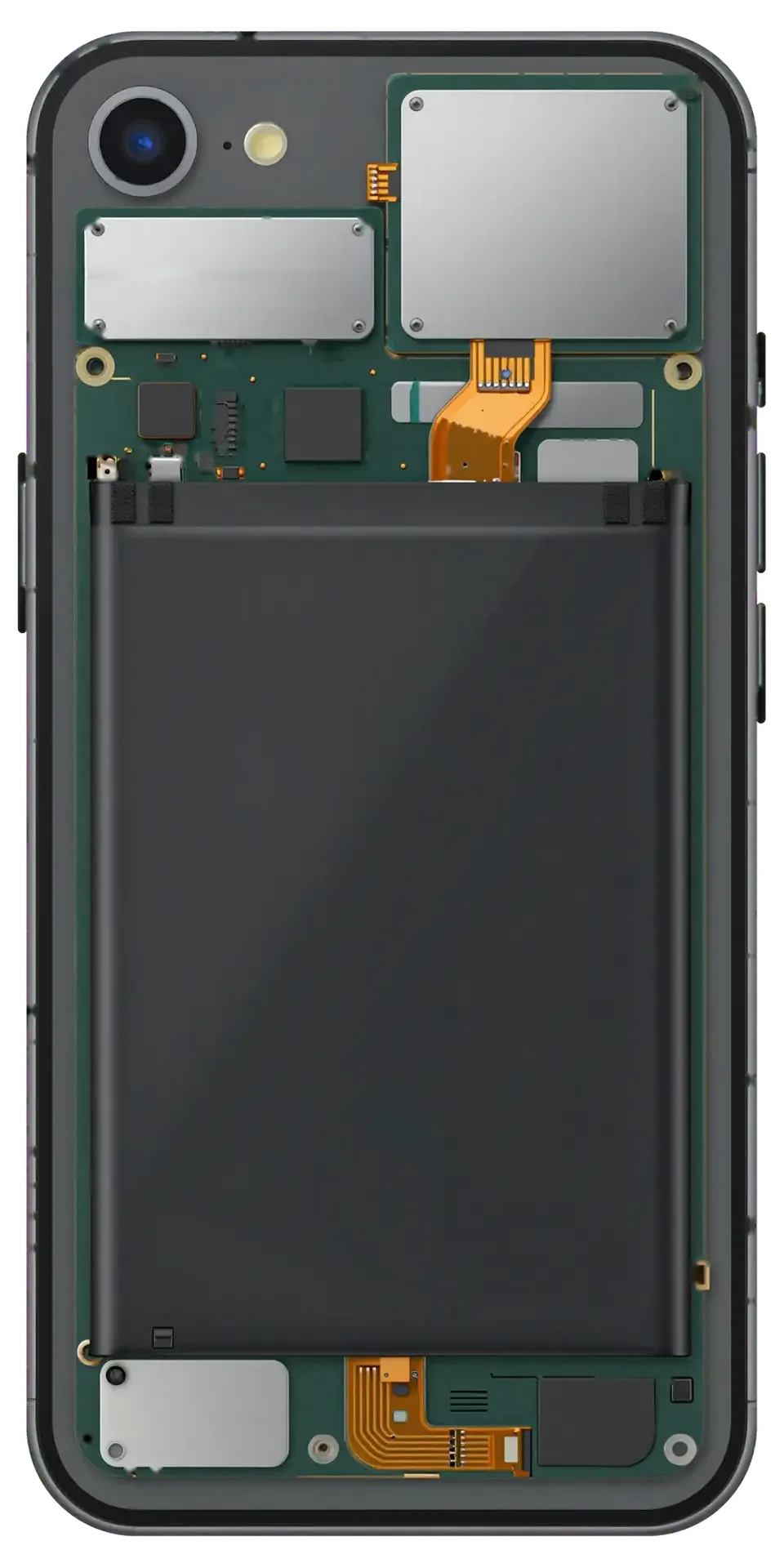
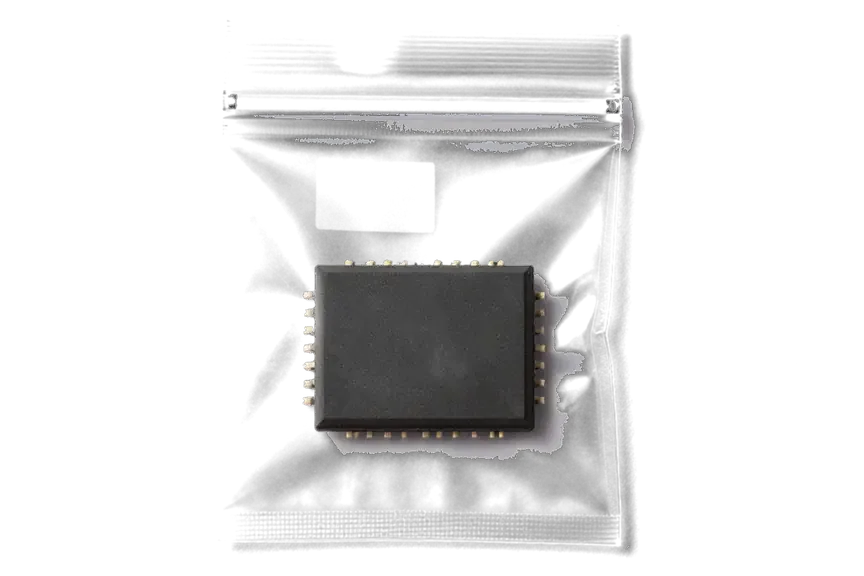
The audio codec is the component on the iPhone 7 motherboard that routes every microphone and speaker signal, so when it loses contact with the circuitry, everything goes quiet even though the parts themselves are fine. It converts analogue input from the microphones into digital data and drives the loudspeakers on playback, which means one component serves calls, Voice Memos, Siri and video at once. It sits in a dense cluster of solder pads and tiny traces, and a single cracked joint on any of them cuts the whole audio path. Because this element sits under mechanical stress near the frame, a bend or drop can break the solder joints beneath it long before any microphone wears out — which is why swapping speakers rarely restores playback.
Symptoms That Point to the Codec on an iPhone 7
- Greyed-out Speaker button: during a call the speaker icon stays pale and cannot be tapped, so the earpiece is the only audio route.
- Dead Voice Memos: the recorder opens but captures silence, even though the microphone opening is clean.
- Siri hears nothing: the voice assistant fails to register speech while the phone otherwise responds normally.
- Silent video and FaceTime: playback and calls carry no audio in either direction.
- Slow boot loop: the phone hangs on the Apple logo for minutes before the home screen appears.
- Audio works then cuts out: it returns after a restart and disappears again within hours, which points to a failing joint rather than dead hardware.
iPhone 7 Audio Codec Replacement, Microphone or Speaker, Telling Them Apart Before You Pay
A fresh microphone or speaker rarely helps when the codec itself has failed. Below is how the phone's behaviour shows which node actually broke.
Matching Each Symptom to the Right Part
Symptom-to-part map for separating codec faults from part faults| Symptom | Likely part | Why |
|---|
| One microphone dead, others fine | Lower or upper microphone | Single part failure |
|---|
| No sound from one speaker only | Speaker or flex cable | Localized fault |
|---|
| Speaker button grey in every call | Audio codec | Board-level signal loss |
|---|
| Voice Memos and Siri both silent | Audio codec | Shared chip path |
|---|
| Slow boot plus no audio | Audio codec | Codec affects startup |
|---|
Why a New Microphone Did Not Fix the Sound
iPhone 7 units where a fresh microphone or speaker was fitted and the sound stayed dead often have a real fault in the codec's contact with the mainboard. A single dead microphone points to that microphone's flex; two or three audio functions failing together point to the chip that routes all of them. Swapping parts on a board-level fault leaves the symptom exactly where it was, and the customer pays twice for one problem. Before quoting a board repair we run free diagnostics in front of you and show which node is failing, so you are not paying twice for the same symptom.
How We Perform an iPhone 7 Audio Codec Replacement in Astana
A codec repair is board-level work rather than a swap of an external part. Here is what happens at each stage, what we look for on the board and how long the job takes.
Reballing or Replacing the Chip Under the Microscope
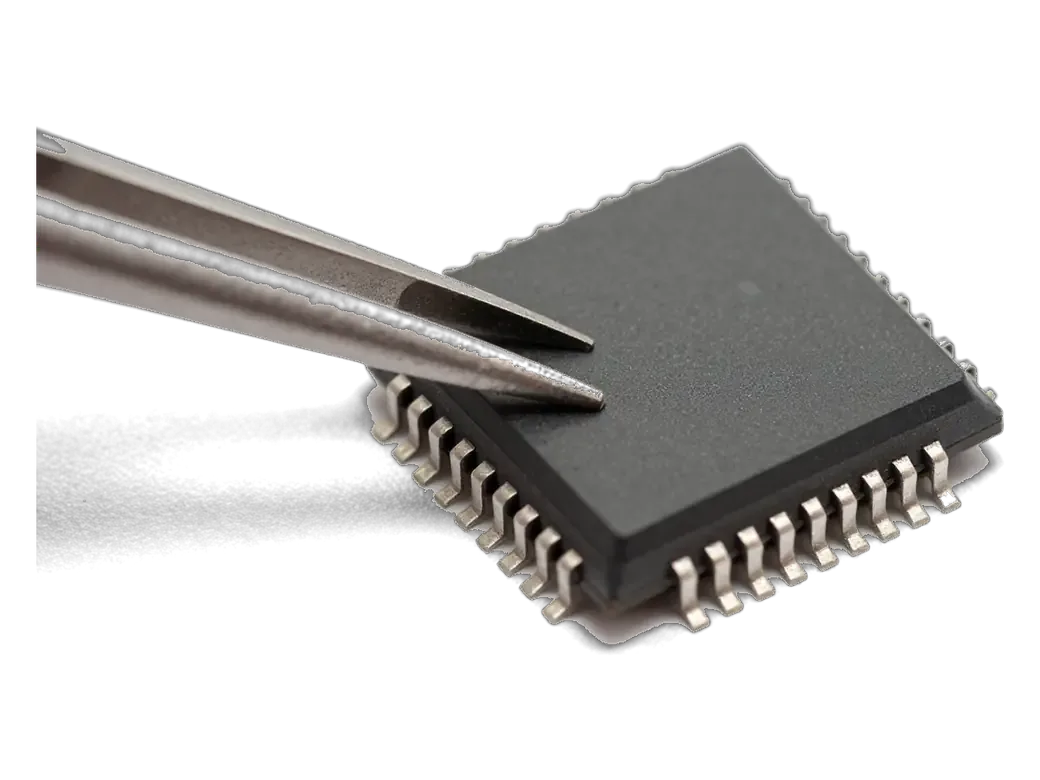
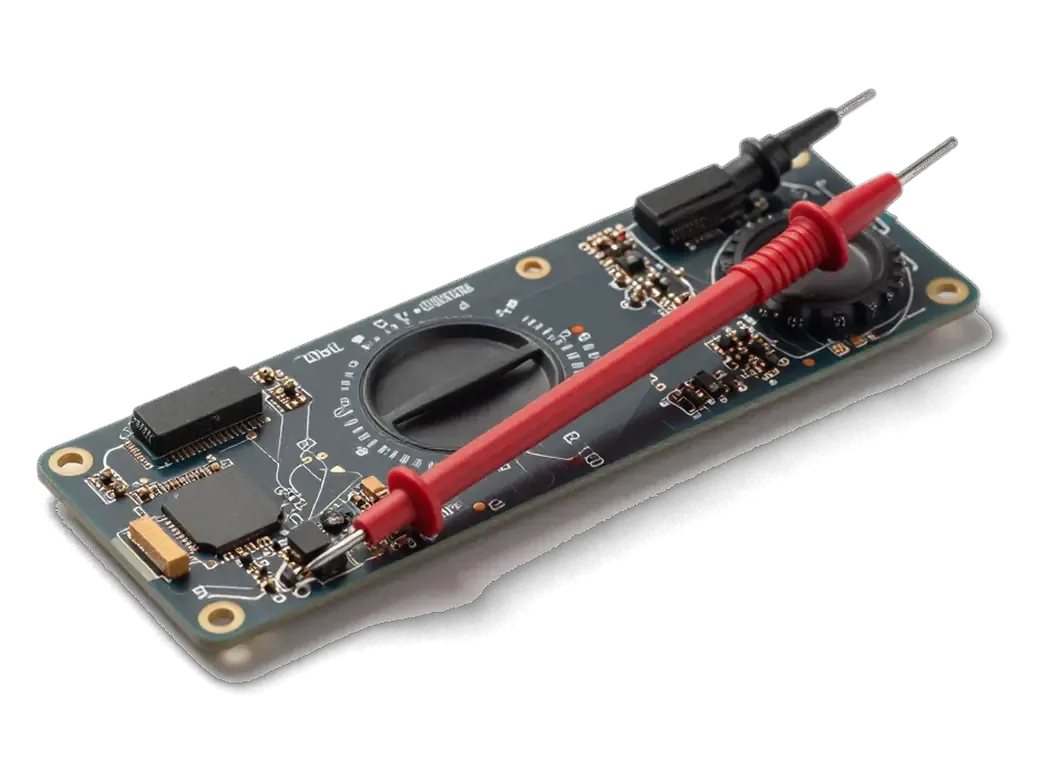
For an audio codec replacement we work on the motherboard under a microscope, either reballing the existing component or fitting a new one and rebuilding any damaged pads and traces. Reballing keeps the original component and reflows fresh solder onto its contacts; a full swap is the call when the chip itself is dead or a pad has lifted from the mainboard. Both routes run under magnification, because the codec sits within a few millimetres of the baseband and power lines, and a slipped tip there costs far more than the repair. Rebuilding a torn pad takes longer than the swap itself, so a unit that has been pried at before can add time — tell us if the phone was opened elsewhere. This is how an iPhone 7 audio codec replacement in Astana is carried out at the board level.
What Causes the Codec to Fail and How Long the Work Takes
stages and timings of a codec job| Stage | What happens | Time |
|---|
| Free diagnostics | Engineer checks the board in front of you | 15 minutes |
|---|
| Cause check | Bend, drop or water assessed | part of diagnostics |
|---|
| Board repair | Reball or chip replacement under microscope | 1–3 days |
|---|
| Water cases | Extra corrosion diagnostics | up to 2 days |
|---|
| Function check | 32 functions tested with you | about 10 minutes |
|---|
Your Data, the Visit and What You Get Back
Board-level work leaves your storage untouched, yet a current backup of your files and a little preparation make the visit smoother. Here is what to prepare, how the booking runs and what we check together with you at handover.
Backing Up and Preparing the Phone Before the Visit
A chip-level repair does not touch your storage, but a fresh backup of your files and your Apple ID password make the visit smooth and protect you if anything unexpected happens. Save an iCloud or Finder backup while the device still boots, and write down the Apple ID credentials — we may need them to run a full audio and network test after the chip is swapped. A failing audio codec can slow the boot cycle and drop Wi-Fi mid-sync, so the transfer may stall halfway once the component is fully dead. Bring the handset unlocked if you can, and switch off any screen-time passcode that blocks settings. Make that archive before you arrive, since a device stuck on the Apple logo may not finish an iCloud sync once the chip has failed completely.
From WhatsApp Photo to Handover With Receipt and Old Part
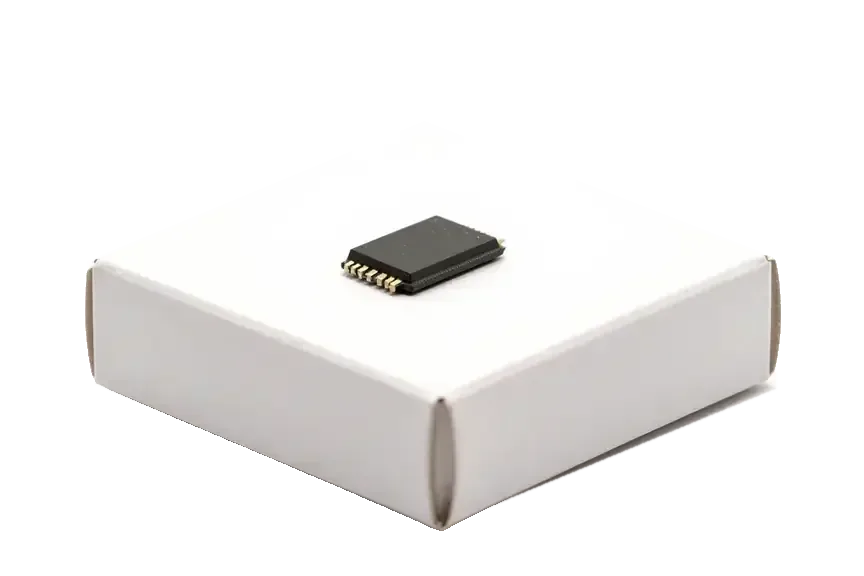
You send a photo on WhatsApp, an engineer replies within 5 minutes with a price from the image, and the price, part, turnaround and warranty are fixed on the receipt before work starts. We show the new component in factory packaging before installation, and most chip-level jobs take 1–3 days while simpler ones finish in 20–40 minutes. You can wait in our area with coffee and Wi-Fi, or call a courier when the phone is ready. At handover we test call audio, speakerphone, Voice Memos, video, Siri and boot time together with you, and you leave with the receipt, warranty card and the old part. Ask the engineer to log the test results on that slip — the record settles any warranty question months later without re-diagnosing the mainboard from scratch.
Warranty, Repeat Failures and Whether Repair Beats Replacing
Warranty terms and the risk of a repeat breakdown are the two questions owners ask before agreeing to board-level work. Here is what affects how long a codec fix lasts, and when mending the handset still makes sense.
What Brings the Fault Back and How to Prevent It
The codec fault returns mainly when the handset is bent again, dropped, or exposed to water, so protecting the frame matters as much as the fix itself. A back-pocket sit or a tight jeans pocket flexes the logic board and stresses the solder under the chip — the same load that cracked the joints the first time. Water is the second trigger: even a short splash reaches the circuitry through the speaker grille and corrodes the pads around the codec. A rigid case with raised edges absorbs most of the impact from a fall, and a tempered screen protector takes the direct hit instead of the frame. Keeping the device out of a back pocket removes the daily flex that quietly undoes a good reball.
Warranty, Direct Repair and the Repair-or-Replace Call
We are a direct repairer with our own technicians and workshop, not an aggregator, and every chip-level job carries a guarantee up to 1 year with payment by Kaspi, card or cash. That matters on a codec job, because a reballed chip only holds if the soldering underneath it is done properly, and the guarantee is what backs that claim. On an iPhone 7 or 7 Plus, a codec fix usually keeps a working device going: the handset still runs current apps, and the work restores sound without touching the rest of the hardware. On an iPhone 6 or 6s with a bent frame, weigh the cost against the device's remaining life — the same flex that killed the codec tends to stress other joints on an older plate.
Summary: iPhone 7 audio codec replacement
The points below sum up what decides the outcome of codec work on this model, from the symptoms that identify the fault to the handling habits that keep it from coming back.
- Three symptoms, one cause: a greyed-out Speaker button, silent Voice Memos and missing audio in video together point to the codec rather than a single failed part.
- Part swaps do not help: a fresh microphone or speaker restores nothing when the defect sits on the logic board itself.
- Chip-level work: reballing or swapping the audio chip happens under a microscope, and damaged pads are rebuilt at the same time.
- Time and preparation: such service runs 1–3 days and longer after water contact, so back up the phone before handing it in.
- Handling: a rigid case and careful use lower the chance that the same malfunction returns.








 iPad
 MacBook
 iMac
 Mac mini and Studio
 Apple Watch
 AirPods
 Apple Pencil
 Apple TV
 HomePod




