U2 is a small component on the iPhone 6 logic that recognises the cable and manages power flow; when it fails, the phone behaves as if the cable or the port were broken.
What U2 (Tristar) Is Responsible For
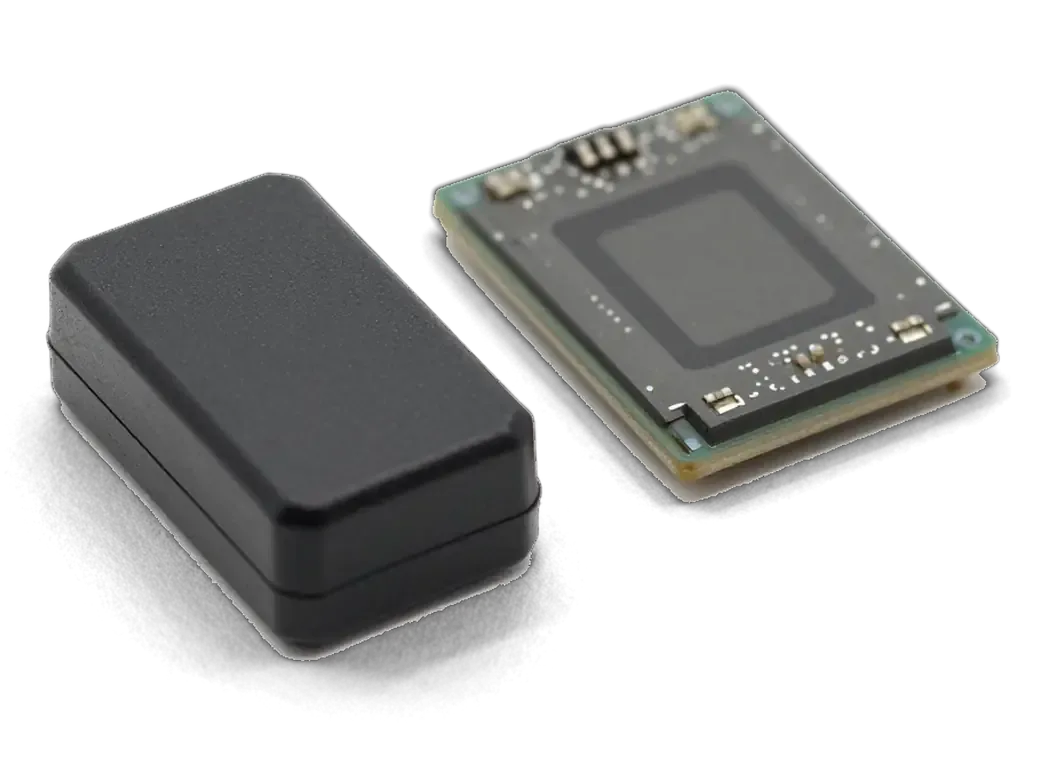
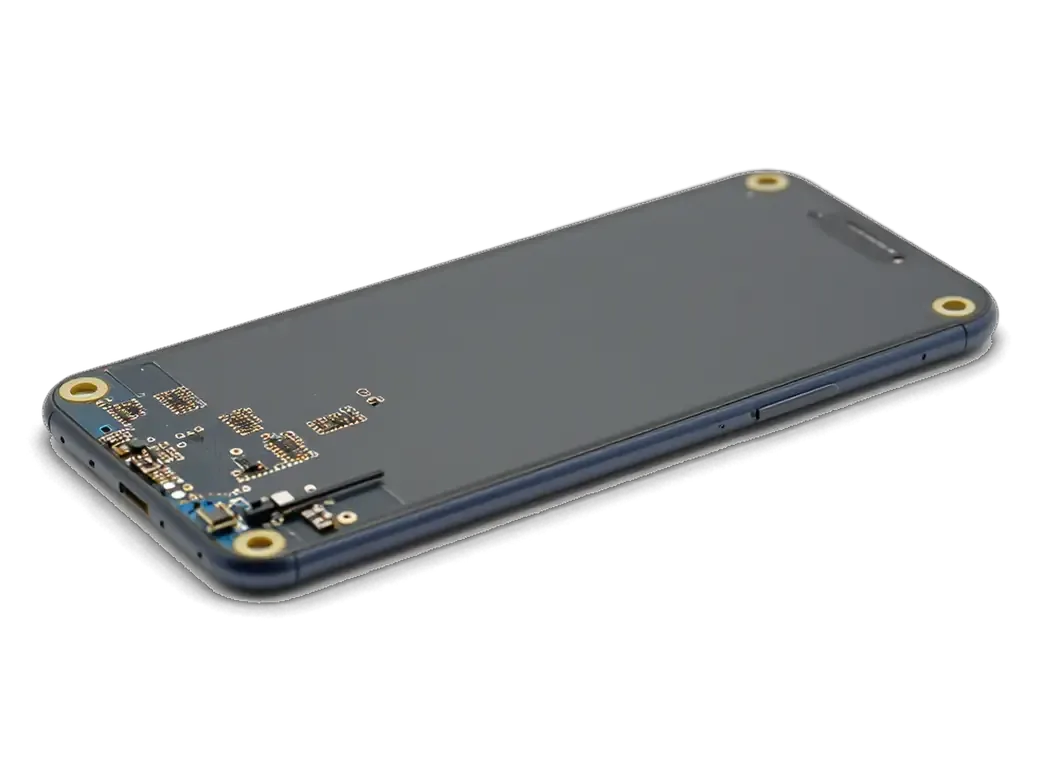
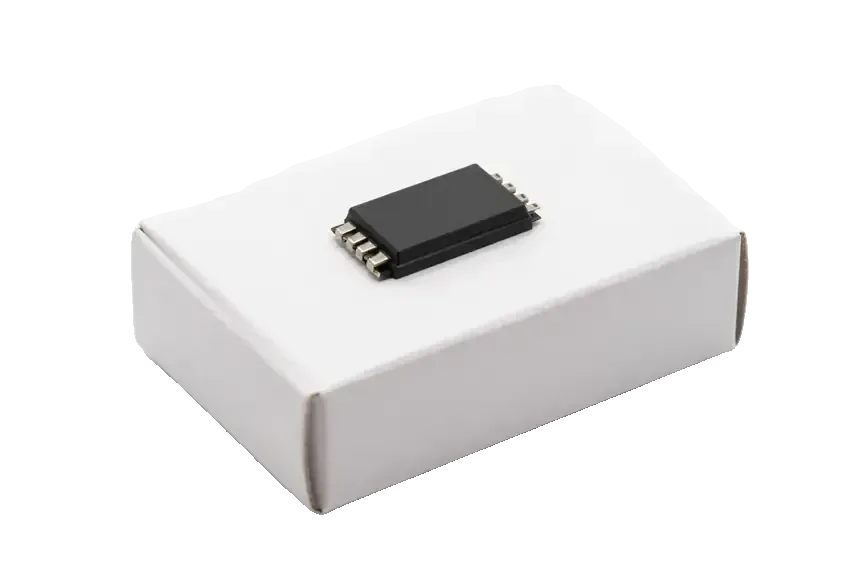
U2 (Tristar) is the charging controller on the iPhone 6 mainboard that recognises the connected cable and controls how much current reaches the battery. It sits close to the Lightning connector, talks to the power source over the data line, and confirms to the system that a compatible adapter is attached. The same component carries the handshake that tells the handset which accessory is plugged in, so a failed U2 can block power intake even when the port and battery are healthy. When it dies, the device may still boot from a charged battery, so owners often blame the cable or the connector and swap them first — while the real fault sits on the mainboard. A PCB-level check under a microscope separates a dead controller from a dirty socket in minutes.
Signs That Point to the Charging Chip
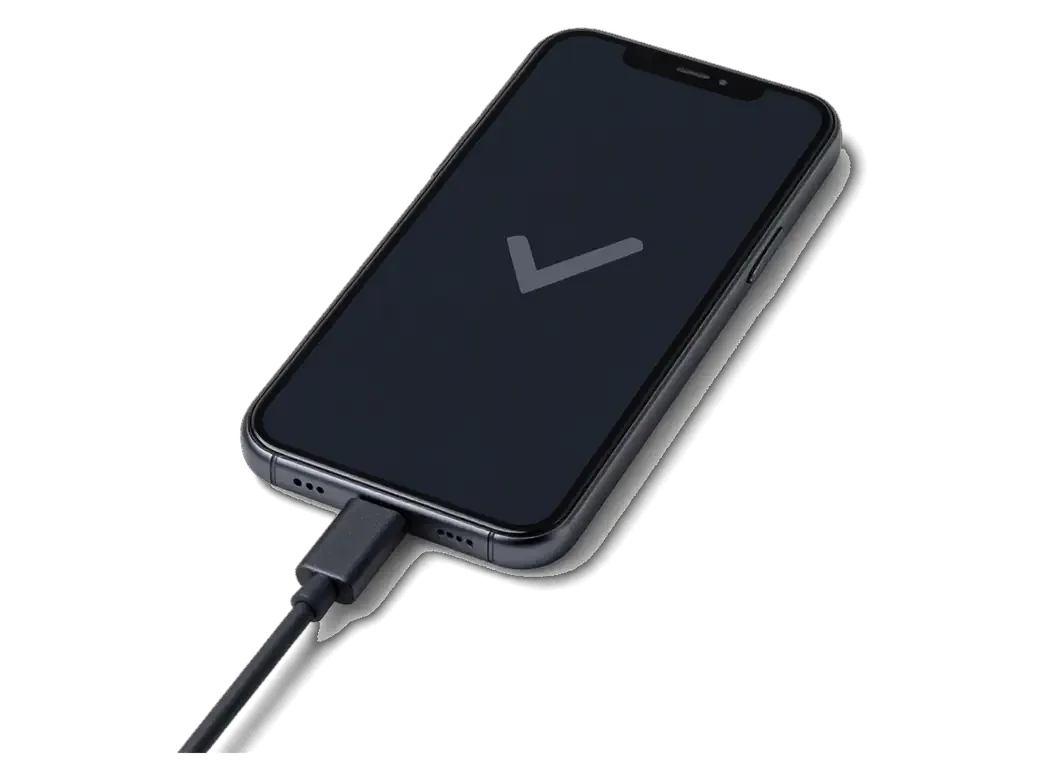
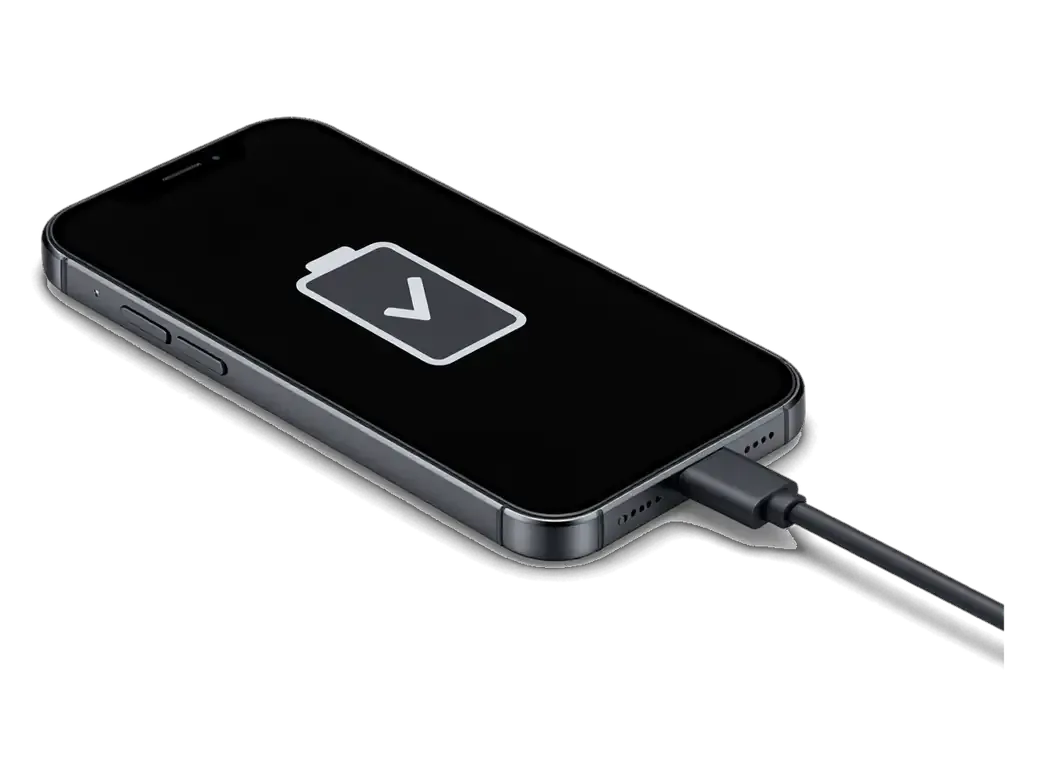
- Icon without gain: the phone shows the bolt but the level stays flat for hours on a known-good cable.
- Frozen percentage: the reading sticks at one number and never climbs, even overnight on the adapter.
- Accessory not supported: the warning appears on cables that power other handsets without issue.
- Drain while off: a healthy unit loses almost nothing overnight, while a leaking U2 can flatten the battery by morning.
- Heat near the bottom: the lower board warms up shortly after the cable goes in, with no progress.
- Parts already swapped: new cable, cleaned socket, same result — the fault has moved to the PCB.
Port battery or board how iphone 6 power controller replacement finds the real cause
Before touching the board we rule out everything simpler — the connector, the Lightning flex and the cell — because a power fault looks identical from the outside whatever causes it.
The Order We Check Things In
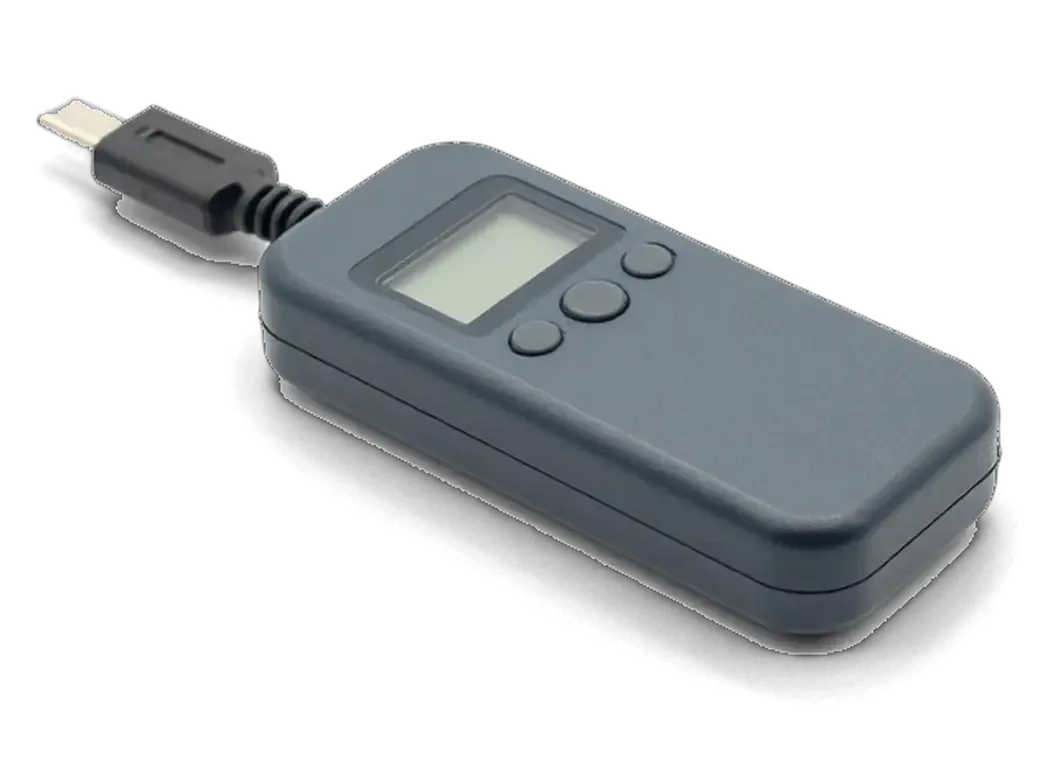
We test the lead, clean and inspect the Lightning socket, check the cell, then measure current draw with a USB tester — and only if the PCB still misbehaves do we move to the U2 controller. A dirty socket with bent pins and a worn lower flex produce the same dead-charging symptom as a failed controller, so the engineer at iServices swaps in a known-good lead and flex first, then reads battery health and cycle behaviour on a lab power supply. The tester shows the exact current the handset pulls: a healthy iPhone 6 draws a steady figure, while a faulty U2 gives an erratic or near-zero reading even with good wiring and a clean socket. That single reading saves you from paying for a connector and a cell you never needed — ask to see the tester screen before any PCB work is approved.
U2 or a Different Chip
U2 handles power intake and cable recognition, the main power controller (PMIC) manages power across the whole handset, and the audio component on the iPhone 7 and 7 Plus is a separate part with different symptoms. On the iPhone 6 the audio part is not the usual suspect, so a greyed-out speaker or missing call audio points elsewhere. A PMIC fault usually kills the phone on all power paths, not just the intake, while a dead U2 leaves the device booting fine on a charged cell. Mixing these up leads to replacing the wrong component and a repeat visit — the symptom pattern, not the part name, tells the engineer which one to desolder first.
What Wears the U2 Chip Out and How to Avoid a Repeat
The controller rarely fails on its own — most cases trace back to how the device was charged, and the same habits can damage a freshly replaced part.
Common Causes of Charging Chip Failure
Non-original chargers, power banks and car adapters that send unstable current are the most common cause, and water or corrosion around the component is the second. A cheap block rarely holds its voltage steady, so the U2 part absorbs spikes the battery and the Lightning port were never meant to pass on. Portable batteries and 12 V sockets add their own swings, especially when a handset is plugged in at low level and the current jumps. Liquid reaches the board through the port opening and the speaker grille, and corrosion builds up quietly under the part until power stops flowing. After a spill the damage can keep spreading under the part, so a wet handset may need up to two days of diagnostics before replacement.
Charging Habits That Protect the New Chip
- Stable wall adapter: charge from a proper outlet block rather than a portable battery or car socket when one is within reach.
- Cable in good condition: check the Lightning connector for fraying, bent pins and a loose fit before each top-up.
- No overnight trickle on cheap blocks: a low-cost unit left plugged in for hours keeps the component under constant load.
- Dry port after spills: if the handset got wet, stop topping up and let the connector dry before plugging anything in.
- Early replacement: we advise swapping a worn cord at the first sign of damage, since that costs far less than a second PCB repair.
How the iPhone 6 Power Controller Replacement Works at iServices
The work is a PCB-level repair — the old component is removed and a replacement soldered in under a microscope — and we fix the terms on paper before we start.
Step by Step Through the Repair Process
We ask for a photo of the fault on WhatsApp, quote within 5 minutes, run a free 15-minute diagnostic in front of you, then desolder the faulty component and fit a replacement under a microscope — PCB repairs take 1–3 days. The microscope is not decoration: the U2 pads sit a fraction of a millimetre apart, so the engineer works with a soldering station, bottom preheater, flux and a stencil for reballing. Your data stays on the phone throughout, because the repair touches only the power circuit and never the storage — so there is nothing to back up before handing it in. Ask the engineer to show you the removed component before the replacement goes on. If you are looking for an iPhone 6 power controller replacement in Astana, the whole visit is planned around this sequence.
What You Get Back and How We Check the Result
post-repair checks and what comes back with the phone| What we check | Why it matters | How long |
|---|
| Power intake and cable recognition | Confirms the fix works | Part of 10 min |
|---|
| Standby drain | Catches a leaking circuit | Part of 10 min |
|---|
| Sync with a computer | Tests the data line | Part of 10 min |
|---|
| Documents on pickup | Receipt, warranty card, old component | 2 min |
|---|
Board Differences Across iPhone 6, 6s, 7, 7 Plus and X
The same chip sits on very different boards depending on the model, and that changes how much work the replacement takes.
Single-Layer Boards on iPhone 6 to 7 Plus
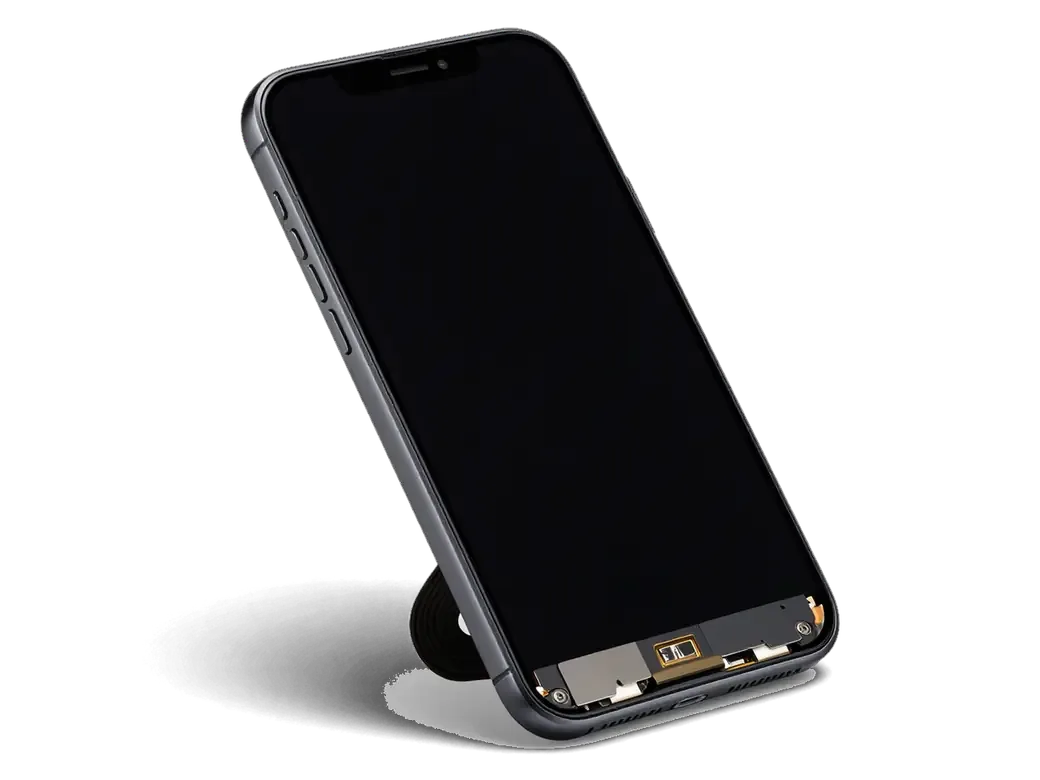
On the iPhone 6, 6s, 7 and 7 Plus the U2 controller sits on a single-layer PCB, so access is direct and the replacement is the more straightforward version of the job. In our workshop the technician lifts the metal shield, reaches the controller with hot air under the microscope and lifts it without touching the neighbouring components. The 6s and 7 add one wrinkle: their displays carry a pressure layer for 3D Touch, and the panel has to come off to reach the PCB. On the 6s and 7 we also re-check 3D Touch after reassembly, since the display has to come off to reach the PCB and its pressure layer is easy to disturb.
The Two-Layer Board on iPhone X
The iPhone X uses a two-layer PCB, so the layers have to be separated to reach the component and then joined again, which makes the job longer and more delicate than on the iPhone 6. The two halves are held by a dense field of fine solder joints, and each one has to be cleaned and reflowed at a controlled temperature before the halves go back together. Because the front sensors sit close to that PCB, we always test the front camera and the display after reassembly — a step that matters more on the X than on any earlier model.
Summary: iPhone 6 Power Controller Replacement
Power faults on the iPhone 6 rarely start at the connector. Here is the short version of what points to the power controller and what the repair involves.
- U2 (Tristar) role: this component recognises the cable and controls current, so its failure mimics a dead connector or a worn battery.
- Diagnosis order: rule out the lead, the socket and the cell first, then measure current — only after that does the logic PCB become the suspect.
- Typical causes: unstable chargers, power banks and car adapters wear the chip out, and liquid contact stretches diagnosis to two days.
- Repair scope: a power controller swap takes 1–3 days, keeps your data intact, and is re-checked for cable recognition and standby loss.
- Layout matters: a single-layer PCB is the simpler job, unlike the two-layer iPhone X where the board sits under a stacked design and the repair is done under a microscope.







 iPad
 MacBook
 iMac
 Mac mini and Studio
 Apple Watch
 AirPods
 Apple Pencil
 Apple TV
 HomePod




