KS Photo: Kudiret S.
Kudiret S.
iCloud unlock specialist
10years of experience
4.37rating, 100 reviews

A2179 MacBook Air won’t charge over Thunderbolt or got tea spilled on it — we’ll find the fault free while you wait and give a warranty up to 1 year.
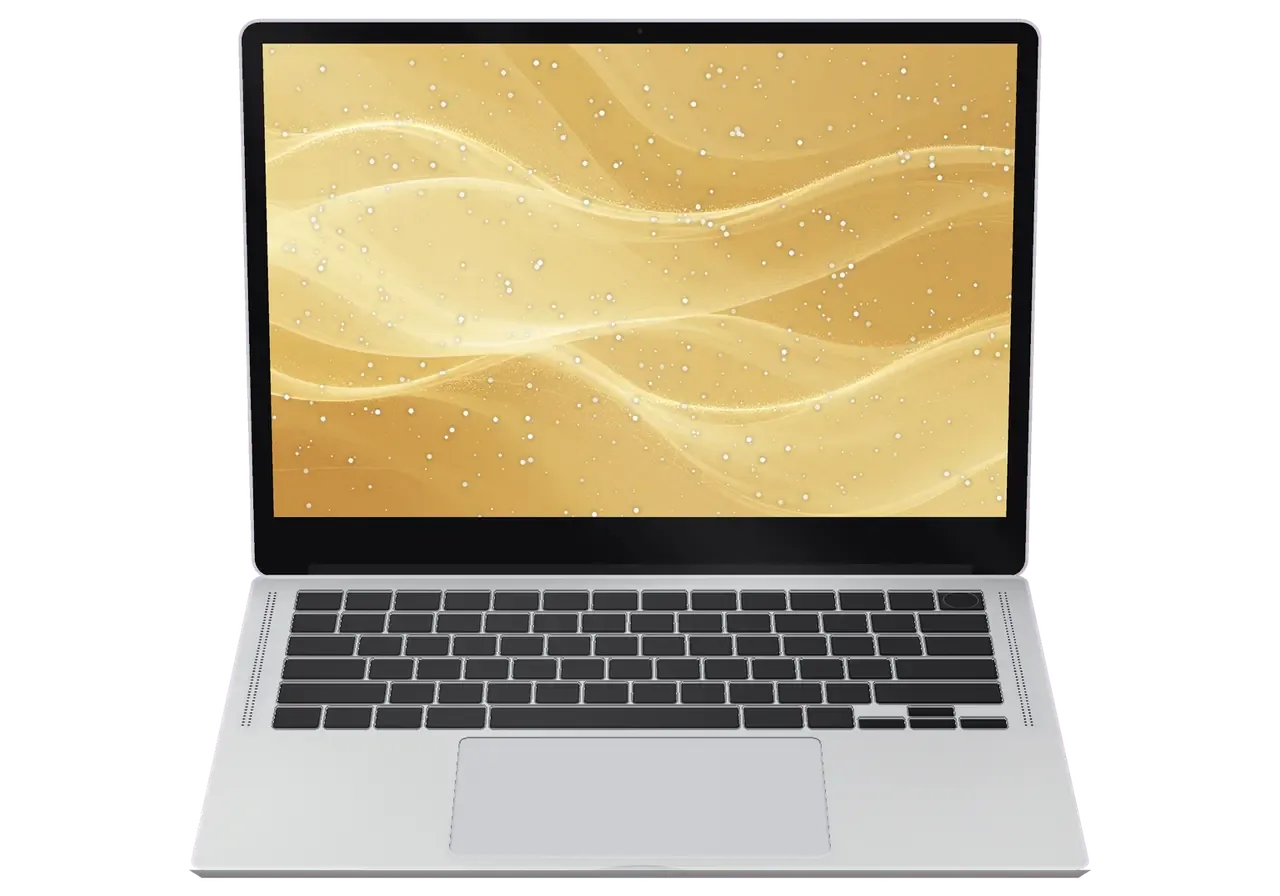
In Astana a laptop faces frost, backpacks and office life, so display, keyboard and power faults are common.
A tablet and a bottle squeezed the lid, and dark blotches crept across the display.
The Air dies at a bus stop while still showing a charge that looked healthy indoors.
Audio rattles at higher volume or one side goes quiet during lectures and calls.
Video calls show a black frame, or the microphone is not picked up by apps.
A dry bearing rattles the whole palm rest and the airflow weakens.
A heavily used key sticks or misses taps while its neighbors work fine.
The USB-C plug does not click firmly any more and wobbles at the slightest touch.
A fizzy drink slipped under the keys and the laptop stopped answering the power button.
Audio rattles at volume, and the highs drop out in one channel.
The FaceTime camera shows a black screen or is not found during a call.
The laptop stops at the Apple logo or asks to choose a startup disk.
The screen will not hold its angle and flops back on its own when moved.
The table lists starting prices for the main A2179 jobs, and the technician names the final amount after looking at the device.
| Service | Original | Aftermarket |
|---|---|---|
| Display replacement | 251 900 ₸ | 155 900 ₸ |
| Display flex cable replacement | 37 900 ₸ | 27 900 ₸ |
| Battery replacement | 96 900 ₸ | 55 900 ₸ |
| Keyboard replacement | 202 900 ₸ | 112 900 ₸ |
| Trackpad replacement | 49 900 ₸ | 27 900 ₸ |
| Charging port replacement | 66 900 ₸ | 21 900 ₸ |
| Speaker replacement | 49 900 ₸ | 27 900 ₸ |
| Fan replacement | 22 900 ₸ | 12 900 ₸ |
| Backlight repair | 364 900 ₸ | 225 900 ₸ |
| Other repairs | Price | |
| Logic board repairmicrosoldering · 1–3 days | 44 900 ₸per job | |
| Dust cleaningdisassembly and dust cleaning | 10 900 ₸per job | |
| Cleaning after liquidcorrosion cleaning · diagnostics up to 2 days | 27 900 ₸per job | |
| Wi-Fi module repairwireless module · board-level repair | 55 900 ₸with parts | |
| MacOS installationOS installation, no parts replaced | 10 900 ₸per job | |
The final price depends on board condition and the part chosen, so we confirm it only after checking the laptop.
Four quick points show how the two part types compare, so you can match the choice to your budget and daily hours at the laptop.


It suits an Astana customer to bring the laptop to a local workshop and see the estimate up front, with no surprises.
We have fixed Apple devices for eleven years, so the usual Air faults are second nature and we skip needless experiments.
Work is covered by a warranty up to 1 year, and the technician details what it includes before the job starts.
Boards with the T2 chip and thin ribbon cables are repaired by experienced technicians used to exact soldering.
Diagnostics and a talk about options come first, then the price, so you pay only for jobs you truly need.
We receive devices in Astana itself, so you do not have to ship a laptop to another city and wait.
Weekdays 10:00–19:00 and 11:00–18:00 at weekends and on public holidays, which suits students and office staff.
Usually the whole journey — from message to pickup — takes less than an hour; complex repairs follow the timeline in the receipt.
Book a repairYou send a photo of the damage on WhatsApp — we quote the price and available time. Or you call a courier.
An engineer checks the device in front of you and shows what is broken. 0 ₸, even if you decline the repair.
We fix the price, the part (original or analog), the timeline and the warranty. You sign — we start.
Before installation we show you the new part in its factory packaging. You wait in the waiting area with coffee and Wi‑Fi.
Screen, keyboard and trackpad, camera, microphones, speakers, charging, Wi‑Fi. You check together with the engineer.
Together with the receipt, warranty card and the old part. Payment — Kaspi, card or cash.
Technicians for iPhone, Mac, iPad, Apple Watch and AirPods repair.
Photo: Kudiret S. Photo: Kamran A.

“If the repair didn’t suit you or you have a complaint, write to me personally.”
Send a photo of the fault — an engineer will reply on WhatsApp, give the price and a time you can come in.
MacBook Air A2179 Repair in Astana at iServices Service Center
In Astana, iServices handles screen, battery, keyboard, charging and liquid damage for MacBook Air A2179 repair in Astana, and diagnostics take a free 15 minutes right in front of you. We complete repairs on most devices within one hour up to a full day; you may pick a factory-original component or an aftermarket alternative, and coverage lasts 1 year.
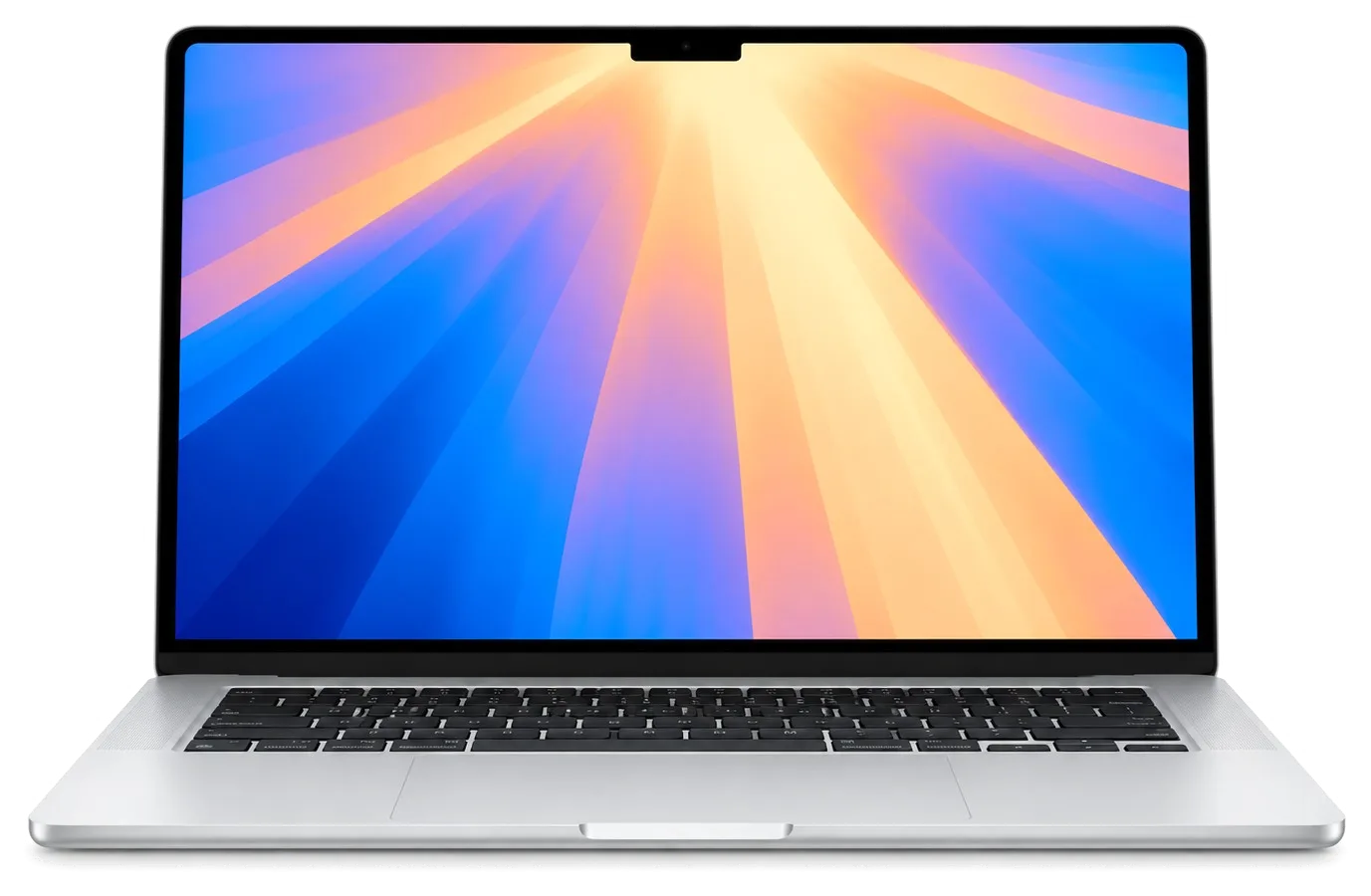
The A2179 is a 13-inch Air on Intel silicon with a scissor keyboard and two USB-C ports. The A-number on the bottom cover decides which screen, battery and keyboard fit your unit, so identification comes first.
The model number A2179 is printed in small text on the bottom cover of the Air, next to the regulatory markings, and it is the identifier that decides which screen, battery and keyboard fit your unit. On this generation the scissor keyboard, the Touch ID power button and the two USB-C ports carry charging and data at once, so the component list shifts the moment the A-number changes. Owners often quote the marketing name Air 13-inch instead, but that name covers several generations with different keyboards and connectors, so the A-number is the only reliable reference when ordering a component. If you are planning a MacBook Air A2179 repair in Astana, confirming the A-number first saves you from ordering the wrong component.
Inside this Air, both memory and SSD sit soldered onto the logic board, so swapping them for larger ones is impossible — unlike on older unibody Pros — yet the battery, screen, keyboard top case and charging port can still be serviced. The logic board itself carries the T2 chip, which handles the storage controller and the Touch ID pairing, so a board fault can look like a dead drive until we test it. With 46,000+ repairs behind us over 11 years, we have learned to name this limit ahead of any screwdriver work. Because storage cannot be upgraded later, a slow or full drive is a reason to check board health and macOS setup rather than plan a hardware upgrade, and we say so ahead of any work.
Most A2179 units arrive with one of a handful of symptoms; the table below maps each symptom to what we check and which repair route it usually leads to.
| Symptom | What we check | Typical work |
|---|---|---|
| Lines or dark patches on screen | Matrix, display cable, hinge angle | Screen module replacement |
| Battery drains fast or bulges | Cycle count, swelling, pad pressure | Battery replacement |
| Keys stick or type twice | Top case, liquid residue | Keyboard top case replacement |
| Will not charge on USB-C | Port, cable, charging controller | Port or board repair |
| Will not power on at all | Board, power rails, corrosion | Board repair under microscope |
| Noise and heat under load | Dust in cooling, thermal paste | Preventive cleaning |
A swollen battery on this Air pushes up through the Force Touch panel and bottom shell, and we replace it ahead of the pressure cracking the pad or distorting the chassis. The pack sits directly under that panel, so the first sign is often a click that feels uneven or a lid that will not sit flush. We read the cycle count, check for swelling across the cells and confirm whether the lower shell has started to bow. The swelling builds over weeks, not hours, which is why owners notice the click ahead of the bulge. Keep using a swollen pack and you risk losing the click plus a lid that stops closing flat, which is why swelling counts here as a stop-use signal, not something to keep an eye on.
This Air has an active cooling fan, so dust build-up and dried thermal paste are common causes of heat and noise, unlike the fanless Air M1. Dust packs against the fins of the heatsink and blocks the airflow the blades need, while old paste stops transferring heat from the chip to the copper pipe. We open the lower shell, clear the blades and heatsink, and renew the paste where it has hardened. Cleaning restores airflow but does not fix a board fault that keeps the blades at full speed, so we compare temperatures at the start and after to tell the two apart.
The visit follows a fixed sequence from a WhatsApp photo to a checked device handed back with paperwork, and each step is designed so you know the price, part and turnaround ahead of any work.
Snap the damaged area with your phone and message it over WhatsApp — an engineer gets back in five minutes or less, quoting from the picture. At the branch, diagnostics cost nothing, run for a quarter of an hour right in front of you, then roughly two minutes are needed to lock the price, part, timeline and guarantee onto the receipt. Rather than describing the fault in general terms, the engineer opens your MacBook Air A2179 on the bench and points to the failed module, so the quote reflects what is really inside your unit. The replacement arrives in factory packaging and is presented to you prior to installation. Locking those four points on paper at the start means a later surprise about the spare component or the deadline is a paperwork error, not a verbal misunderstanding.
Typical A2179 jobs are completed within sixty minutes to twenty-four hours, whereas board-level work spans one to three days; 72% of repairs wrap up while the client stays in the lounge with coffee and Wi-Fi, and a courier pickup is available for those unable to visit. Liquid damage is the exception: diagnostics after a spill sometimes stretch to two days, because corrosion under the shield needs to be traced ahead of any honest quote. Payment is by Kaspi, card or cash, whichever suits you at pickup. Because the exact turnaround for MacBook and iPad is confirmed after diagnostics and fixed on the receipt, booking a slot rather than walking in at closing time is what keeps the wait short.
For each component there is a choice between an original one and an aftermarket one, and the decision is recorded on the receipt so the fitted part matches what you agreed.
| Parameter | Original part | Aftermarket part |
|---|---|---|
| Colour and brightness match | Matches factory display | Close, may differ slightly |
| Battery behaviour | Full cycle and health reporting | Reporting may be limited |
| Fit and connectors | Exact fit | Usually fits, tolerance varies |
| Availability | Ordered to the model | Often in stock |
| Warranty coverage | Up to 1 year | 6 months |
An original component is the pick for 64% of our customers, usually for screens and batteries, where colour accuracy and battery reporting matter to them day to day. A display swap on an A2179 is judged by how the panel renders whites and greys beside the aluminium chassis, and an original panel keeps that match consistent across brightness levels. On the battery side, the original cell reports full cycle count and health data in the system, which owners who track wear over years rely on. An aftermarket option is a reasonable route when the laptop is a secondary machine or the budget is tight. Either way, before anything is installed we present the replacement in its factory box, letting you verify precisely which part goes into your Mac.
Before work starts, the receipt captures cost, whether the part is original or aftermarket, how long it will take and what the guarantee covers — so what gets fitted equals what was agreed. That written record removes the usual worry about a swapped or downgraded component: the document you hold states the exact specification, and the engineer confirms it in front of you. Coverage lasts up to 1 year and is tied to that same receipt, so any later claim references the component that was actually installed. We also hand back the old component with the warranty card, which lets you see the failed unit for yourself and keep it for reference. Keeping the old component and the warranty card together with the receipt gives you a complete record if the same unit ever needs attention again.
Liquid and power faults are the two cases where what you do in the first minutes matters, and where data handling has to be agreed before anything is opened up.
After a spill, switch the laptop off immediately and do not charge it, because corrosion develops while current is still being fed to the logic board. Liquid reaching that component attacks the power controller and the fine traces around it, and the damage keeps growing as long as electricity flows. Unplug the charger, hold the button until the machine shuts down, tilt the device so liquid drains from the vents and keyboard, and leave the lid open. Rice and hairdryers do not remove residue from under the chips, and waiting a few days prior to bringing it in lets corrosion spread, so the sooner the machine reaches a bench the better the odds.
On this Air, board-level work happens under a microscope and needs 1 to 3 days; after liquid contact, diagnostics may run up to two days before the full extent is known. At iServices the engineer lifts the logic board, inspects it under magnification and checks the power rails ahead of quoting, since corroded traces and shorted components rarely show on a visual look at the counter. A component that looks clean on top can hide corrosion underneath, so the microscope inspection is what decides whether a repair is possible rather than a quick glance with the lid off. The honest answer after a spill is sometimes that the logic board is beyond saving, and we say so ahead of agreeing any work.
A short summary of the repair logic for this 13-inch Air, so the decision is easier when something fails.
Did not find an answer? Message us on WhatsApp: an engineer replies, not a bot.
Ask a questionNo, Tahoe is not available for the Intel MacBook Air, so Sequoia is the last macOS for the A2179. The laptop still runs current apps and gets security updates for some time.
For a battery, keyboard or screen, usually yes, because the rest of the A2179 is still capable for office work and study. A serious board fault on an Intel Air is a closer call, and the technician compares the repair with a newer laptop honestly.
Only by getting the board running again, because the SSD of the A2179 is soldered and encrypted by the T2 chip. There is no removable drive to read on another computer, which is why backups matter on this model.
No, the A2179 was the Retina Air that switched to the scissor Magic Keyboard. Its keys have more travel and handle crumbs far better than the butterfly keyboard of the earlier A1932.
After a macOS update the laptop indexes files and optimises photos in the background, which loads the Intel processor. Check Activity Monitor: if nothing heavy is running and the fan still spins up, dust or the thermal paste is the likely cause.
Yes, if the power bank supports USB Power Delivery and gives enough output. A weak power bank only slows the drain or charges very slowly while the laptop is working.
Досым осы жерді ұсынды, сеніммен келдім. Телефонмен кеңестім, кейін апардым)
Друг посоветовал, у него после воды ноут подняли. Не думал, что придётся везти в сервис. Проблема — шумит кулер. Приняли, объяснили, что и почему. Экран яркий, батарея держит
Камран А. пообещал и сделал, без напоминаний. Приняли, объяснили, что и почему. Дома включил, всё на месте.
Камран А. объяснял без умных слов, за это спасибо. Приняли вечером, хотя до закрытия было минут десять. Сделали так, что и не придерёшься.
Проблема — шумит кулер. Камран А. показал старую деталь, всё прозрачно. В айсервис привёл знакомый, у него тут чинили iPhone. Полёт нормальный.
Знакомый мастер раньше работал с Apple, дал наводку. Обратилась по поводу MacBook Air A2179. Проблема — не включается. Камран А. показал старую деталь, всё прозрачно. Приняли, объяснили, что и почему. Вытащили и показали: плата. Вернули — проверила, всё ок.
Проблема — шумит кулер. Камран А. разрулил всё быстро. Вернули — проверил, всё ок.
Позвонила по объявлению, приехала на следующий день. Записалась на ремонт MacBook Air A2179. Проблема — треснул экран. Камран А. всё сделал при мне, за пятнадцать минут. Сказали, что перезвонят, и правда перезвонили. Обошлось заменой: клавиатура. Сделали так, что и не придерёшься!!
На MacBook Air 13″ Intel (2020) зарядка постоянно прерывалась. После обращения проверели кабель, порт и цепь питания.

Replace the battery when macOS reports Service Recommended and runtime no longer covers your workday. A free 15-minute check shows whether the cell is at fault.

Why your MacBook runs hot and loud, and whether cleaning solves it or the board needs repair.

Power it off, unplug the charger and bring the laptop in for a free 15-minute check before corrosion spreads.

Sticky or unresponsive keys usually mean debris, worn mechanisms or liquid damage. A technician can check the keyboard and advise on cleaning or replacement.

Back up your data, turn off Find My, and bring proof of purchase — then the repair starts faster.

 iPad
 iMac
 Mac mini and Studio
 Apple Watch
 AirPods
 Apple Pencil
 Apple TV
 HomePod
