KS Photo: Kudiret S.
Kudiret S.
iCloud unlock specialist
10years of experience
4.37rating, 100 reviews

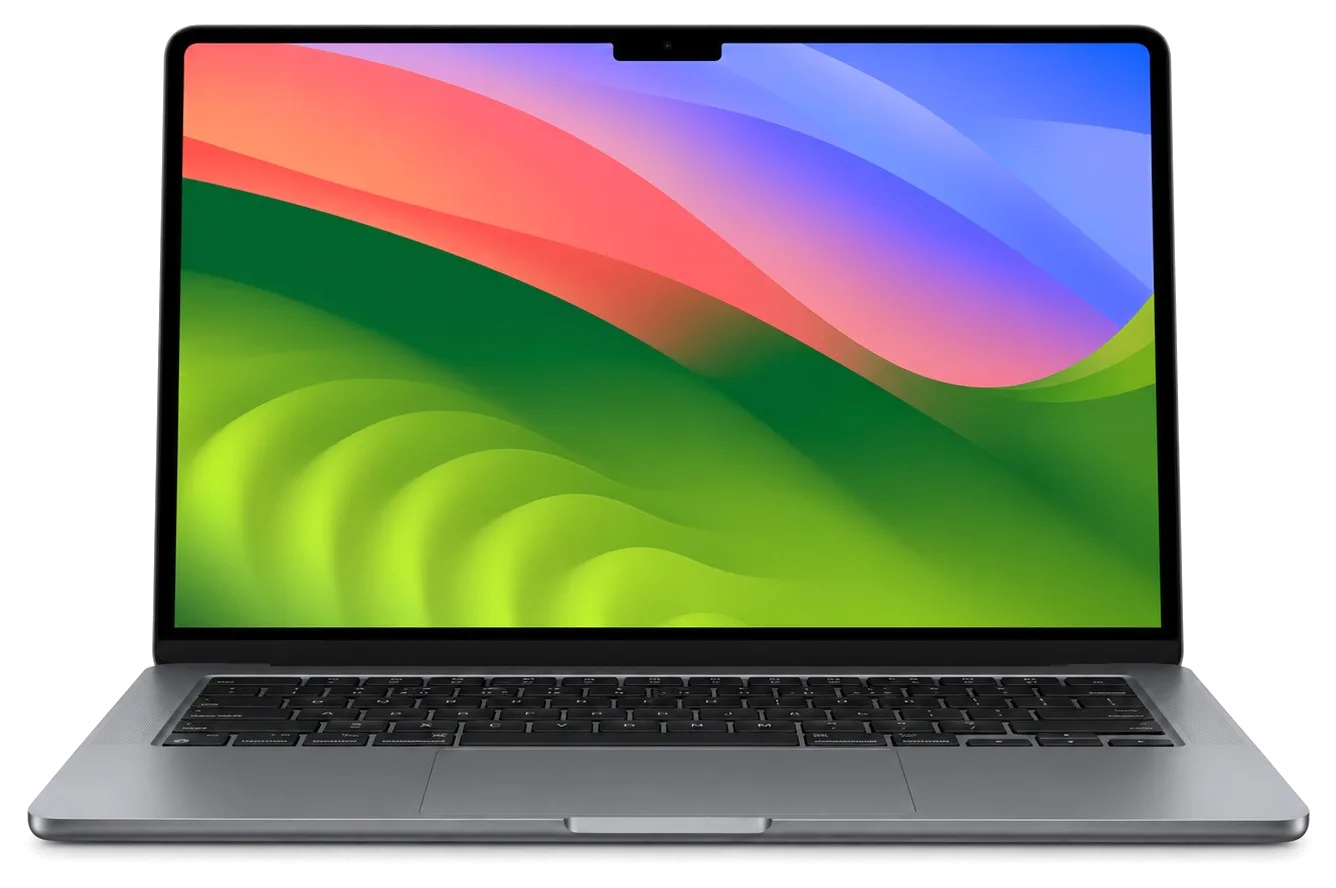
If your MacBook Air 15 has a swollen battery or refuses to charge, we can swap it in under an hour and tell you the cost before we begin.
A thin work laptop usually breaks down from a spilled drink on the keyboard, a worn battery or a fault on the logic board.
The laptop dies during a presentation although the gauge shows a comfortable reserve.
Connecting to a projector or a second screen makes the picture vanish for a few seconds.
With no fan, the thin body warms up and the system slows down under sustained load.
After a flight or a long ride you spot dark patches or thin lines across the display.
A few drops leave a sticky film and a row of keys begins to catch.
The cable charges, then does not: daily plugging and carrying take their toll.
The base lifts, the laptop sits unevenly and the trackpad needs extra pressure.
Call audio turns muffled and the volume starts to rattle at higher levels.
The sensor in the power button fails, so you can only sign in with a password.
The click is gone and the Force Touch feedback is no longer felt.
The plug sits weakly and an external drive disconnects at a light touch.
The laptop responds neither to the button nor to MagSafe — we check the board circuits.
The main A2941 jobs in Astana with indicative labor prices, excluding the parts of a special case.
| Service | Original | Aftermarket |
|---|---|---|
| Display panel replacement | 294 900 ₸ | 182 900 ₸ |
| Battery replacement | 140 900 ₸ | 80 900 ₸ |
| Keyboard replacement | 141 900 ₸ | 78 900 ₸ |
| Trackpad replacement | 49 900 ₸ | 27 900 ₸ |
| Charging port replacement | 74 900 ₸ | 41 900 ₸ |
| Speaker replacement | 33 900 ₸ | 18 900 ₸ |
| Other repairs | Price | |
| Logic board repairmicrosoldering · 1–3 days | 16 900 ₸per job | |
| Liquid damage cleaningcorrosion cleaning · diagnostics up to 2 days | 42 900 ₸per job | |
| Wi-Fi module repairwireless module · board-level repair | 41 900 ₸with parts | |
| MacOS installationOS installation, no parts replaced | 10 900 ₸per job | |
The technician states the exact total after inspection, because it depends on the board condition and the chosen part.
Battery and keyboard replacements are offered as two variants, and the difference is most noticeable with heavy everyday use.


Anyone who lives in their laptop wants it back with a repair that carries a warranty up to 1 year.
Every repair we finish is covered by a one year warranty, and before any work begins the technician explains what the terms mean for your specific part.
11 years of practice with Apple hardware helps find the cause quickly, whether the laptop stays at a desk or travels.
Experienced technicians open the thin large-screen body and know where flex cables run and where the adhesive strips sit.
You get diagnostics and a plain conclusion on what failed first, and only then a talk about cost and parts.
We describe how an original battery or keyboard differs from an aftermarket one, and the decision stays yours.
Both Astana and Almaty accept devices: on working days 10:00–19:00, and from 11:00 until 18:00 at weekends or on public holidays.
Usually the whole journey — from message to pickup — takes less than an hour; complex repairs follow the timeline in the receipt.
Book a repairYou send a photo of the damage on WhatsApp — we quote the price and available time. Or you call a courier.
An engineer checks the device in front of you and shows what is broken. 0 ₸, even if you decline the repair.
We fix the price, the part (original or analog), the timeline and the warranty. You sign — we start.
Before installation we show you the new part in its factory packaging. You wait in the waiting area with coffee and Wi‑Fi.
Screen, keyboard and trackpad, camera, microphones, speakers, charging, Wi‑Fi. You check together with the engineer.
Together with the receipt, warranty card and the old part. Payment — Kaspi, card or cash.
Technicians for iPhone, Mac, iPad, Apple Watch and AirPods repair.
Photo: Kudiret S. Photo: Kamran A.

“If the repair didn’t suit you or you have a complaint, write to me personally.”
Send a photo of the fault — an engineer will reply on WhatsApp, give the price and a time you can come in.
Free On-Site Diagnostics Included With MacBook Air A2941 Repair in Astana
MacBook Air A2941 repairs in Astana begin with a free 15-minute check carried out while you watch, and the majority of devices are ready within an hour, at most a single day. You pick an original or aftermarket part, and the warranty lasts up to 1 year.
The 15-inch Air arrives with cracked glass, a swollen battery, sticky keys or a machine that will not power on. Below is how we tell these cases apart before the lid comes off.
| Symptom | What we check | What it usually leads to |
|---|---|---|
| Cracked lid glass | Panel, backlight, True Tone | Glass or full display assembly |
| Bulging bottom case | Battery cells, trackpad travel | Battery replacement |
| No light on MagSafe 3 | Port pins, charging controller | Port clean or board-level fix |
| Liquid spill | Corrosion under the shield | Cleaning, sometimes board repair |
| Keys not registering | Key mechanism, top case | Single key or top case swap |
| Random shutdowns | Board, thermal sensors | Board diagnostics under microscope |
The 15-inch Air carries a larger battery and a bigger display panel than the 13-inch, so swelling and display damage show up more often and cover more surface to protect. A bigger cell means more pressure on the trackpad and bottom case when it starts to expand, and the panel spans a wider lid that flexes further under the same knock. Both the Air M2 and the larger Pro 16 charge through MagSafe 3, so a dead port reads the same on either machine until we test the controller. A hard shell case pays for itself on the 15-inch — a hit that would only scuff a 13-inch lid can crack the wider glass here, and the replacement covers a much larger area.
The generation decides what can be replaced at all and what cannot. On this Air the RAM and SSD sit on the mainboard, charging runs through MagSafe 3, and the keyboard uses the scissor mechanism.
Here the RAM and storage drive are fixed permanently to the mainboard, so swapping them out as on older unibody Pros is not an option. Apple Silicon ties the unified memory directly to the M-series chip, and the storage chips are fixed to the same surface, which is why no slot exists for either. What that means in practice is that a slow or full drive is not solved by dropping in a larger stick. If capacity is the real complaint, an external Thunderbolt drive is the practical answer, and it is worth deciding that before paying for a board-level repair you may not need.
Power for this Air comes via MagSafe 3; if the indicator stays dark, our sequence is cable, then connector, then charging controller — and only after that the mainboard. The magnetic plug carries power on its own pins, separate from the USB-C/Thunderbolt ports on the opposite side, so the two paths fail independently. A unit that powers on from USB-C but not from the magnetic plug usually has a connector or controller fault rather than a dead battery, which changes both the work and the turnaround. The split test takes minutes and saves the owner from paying for a battery the laptop never needed.
| Part | Replaceable as a unit | Board-level work |
|---|---|---|
| Display assembly | Swappable | Not needed |
| Battery | Swappable | Not needed |
| Top case and keyboard | Swappable | Not needed |
| Trackpad | Swappable | Not needed |
| MagSafe 3 connector | Swappable | Not needed |
| Memory and SSD | Fixed | Required |
Usually the process, starting with a photo sent via WhatsApp and ending with the return of your old part, takes between 1 hour and 1 day. Below is each step and what you walk out with.
Send a photo of the damage on WhatsApp and an engineer replies within 5 minutes with a price and a free time slot, before you leave home. The picture shows us the model code on the bottom case, and that code decides which display, battery and keyboard assembly fit this chassis. Because the components are pinned to the model, the estimate rarely moves once the machine is on our bench. Should you prefer not to cross the city on your own, arranging a courier is an option. The quoted figure and the final figure match in almost every case, simply because nothing gets ordered until the code is confirmed. That is the starting point for MacBook Air A2941 repair in Astana — well before the laptop lands on the bench.
Diagnostics last fifteen minutes and are carried out before your eyes; no charge applies even when you decline the repair. The engineer opens the lid, checks the ports, runs the keyboard and trackpad through a tester, reads battery cycle count and health, and inspects the logic board for corrosion or a swollen cell. You watch the whole sequence rather than receiving a verdict by message. Watching the check is the point — you see which port, key or cable fails, so a second opinion elsewhere starts from the same facts instead of a guess. Most owners tell us this is the first time they have actually seen inside their own laptop.
Ahead of any work, roughly 2 minutes go into writing down the agreed cost, which part goes in, how long it takes and the warranty terms on your receipt; the fresh component is also shown to you sealed in factory packaging prior to fitting. Warranty coverage lasts up to 1 year, and the document stays with the device. While the repair is under way you can wait in the waiting area with coffee and Wi-Fi — 72% of jobs finish while the customer waits. The final check covers 32 functions in roughly 10 minutes, and you run through charging, the display, the keyboard, the trackpad, the camera, the speakers and Wi-Fi together with the engineer rather than taking our word for it. Off you go carrying a bag with the removed part, plus your warranty card and receipt.
Choosing a spare is really choosing how the screen, battery or keys will behave months after the repair. We do not decide for you, but we put your decision on paper before work starts.
An original part matches the factory behaviour of the display, battery or keys, while an aftermarket one costs less and can differ in brightness, charge cycles or key feel. On this 15-inch Air the gap shows up in small ways: a third-party panel may lose a step of brightness and full True Tone range, a replacement cell may report fewer cycles before it settles, and a non-original keyboard can feel slightly firmer under the fingers. The new spare is presented in sealed packaging before installation, so the exact part going in is visible to you. 64% of customers pick the factory option, and the split is not about budget alone — people who type all day tend to notice a cheaper keyboard within a week.
Written on the receipt are the cost, if the spare is original or aftermarket, how long the job takes and warranty coverage up to 1 year — signed off before a single screw is touched. That single sheet removes the usual dispute later: nobody can claim the hardware was different or the deadline moved, because both were written down while the laptop was still closed. We also note the exact model number, since the A2941 accepts a specific display, cell and keyboard, and a mismatched item is the most common reason a repair fails early. Keep that document with the old component we hand back — together they are what a claim rests on if the same fault returns later.
A spilled drink and a laptop that suddenly goes dead look like the same emergency but call for different first steps. Read on for pre-visit steps and for how the logic board and your files are handled.
When liquid gets inside, the diagnostic stage may stretch to two days: corrosion sits beneath chips, and it becomes visible only after the surface is cleaned and examined with a microscope. We strip the logic board, remove the shields and look for darkened traces, eaten pads and residue around the battery connector and the charging circuit. Some damage is visible in an hour, some appears only after the assembly has been cleaned and powered in stages. At iServices the work happens under the microscope, and the free 15-minute check in front of you shows whether the spill reached the board at all. A surface that looks fine can still fail days later, so we would rather spend the extra day finding the damaged trace than hand back a laptop that dies again.
A repair decision on the 15-inch Air comes down to a few facts you can verify before anything is opened, and those facts are what keep the outcome predictable.
Did not find an answer? Message us on WhatsApp: an engineer replies, not a bot.
Ask a questionYes, the laptop takes only as much power as it needs, so a stronger USB-C adapter does no harm. It simply allows faster charging when the battery is low.
Moisture on the trackpad or a damp palm is the most common reason. If the cursor still jumps with clean dry hands, a swollen battery pressing on the trackpad or a damaged cable is checked.
After a restart and after a long time without unlocking, macOS asks for the password by design. If Touch ID never works at all, clean the sensor and add the fingerprint again before suspecting a fault.
A stuck pixel of one colour sometimes recovers by itself, while a black dead pixel stays. A few dots at the edge are easy to live with, but a growing group means the panel should be replaced.
macOS turns the backlight off after a period of inactivity and in bright light, so check Keyboard settings first. If it does not light up even in the dark, the backlight layer or its cable is at fault.
No, the hinge of the A2941 cannot be adjusted, as it is part of the display assembly. If the lid falls on its own, the assembly is replaced.
Просто выключился, и теперь — вздулась батарея. Не пришлось стоять в очереди. Вскрытие показало: матрица. Дома включил, всё на месте!!
Живу в Есиле, искал поближе к дому. После переезда — не работает клавиатура. Приняли, объяснили, что и почему. Вытащили и показали: матрица. За такую работу 46 500 — адекватно. Вернусь при необходимости. Всё чётко, без сюрпризов.
После переезда — вздулась батарея. Всё чётко, без сюрпризов. Дома включил, всё на месте)
Проблема — не работает клавиатура. Камран А. всё сделал при мне, за пятнадцать минут. Ни разу не пожалела.
Записался на ремонт MacBook Air A2941. Проблема — вздулась батарея. Полёт нормальный
Күтуге уақытым аз еді, сол күні бітірді. Жұмысты сол күні аяқтады. Қайта жүгінуден тартынбаймын.
До этого обращалась в сервис у дома, там только развели руками. Обидно, техника не из дешёвых. Проблема — залили водой. Назвали срок — два дня, уложились. Вытащили и показали: клавиатура. Очередь была, минут пятнадцать посидела. Сейчас работает без нареканий!!
С MacBook Air 15″ (M2 2023) вышла неприятность: после попадания жидкости устройство вело себя непредсказуемо. После обращения осмотрели плату и устранили обнаруженную неисправность в iservice.
У моего MacBook Air 15″ (M2, 2023) после сна появлялся чёрный экран. После обращения разобрались с запуском и изображением.
У моего MacBook Air 15″ (M2 2023) машина сильно тормозила на обычных задачах. В итоге нашли причину замедления и стабилизировали работу.

Replace the battery when macOS reports Service Recommended and runtime no longer covers your workday. A free 15-minute check shows whether the cell is at fault.

Why your MacBook runs hot and loud, and whether cleaning solves it or the board needs repair.

Power it off, unplug the charger and bring the laptop in for a free 15-minute check before corrosion spreads.

Sticky or unresponsive keys usually mean debris, worn mechanisms or liquid damage. A technician can check the keyboard and advise on cleaning or replacement.

Back up your data, turn off Find My, and bring proof of purchase — then the repair starts faster.


 iPad
 iMac
 Mac mini and Studio
 Apple Watch
 AirPods
 Apple Pencil
 Apple TV
 HomePod
