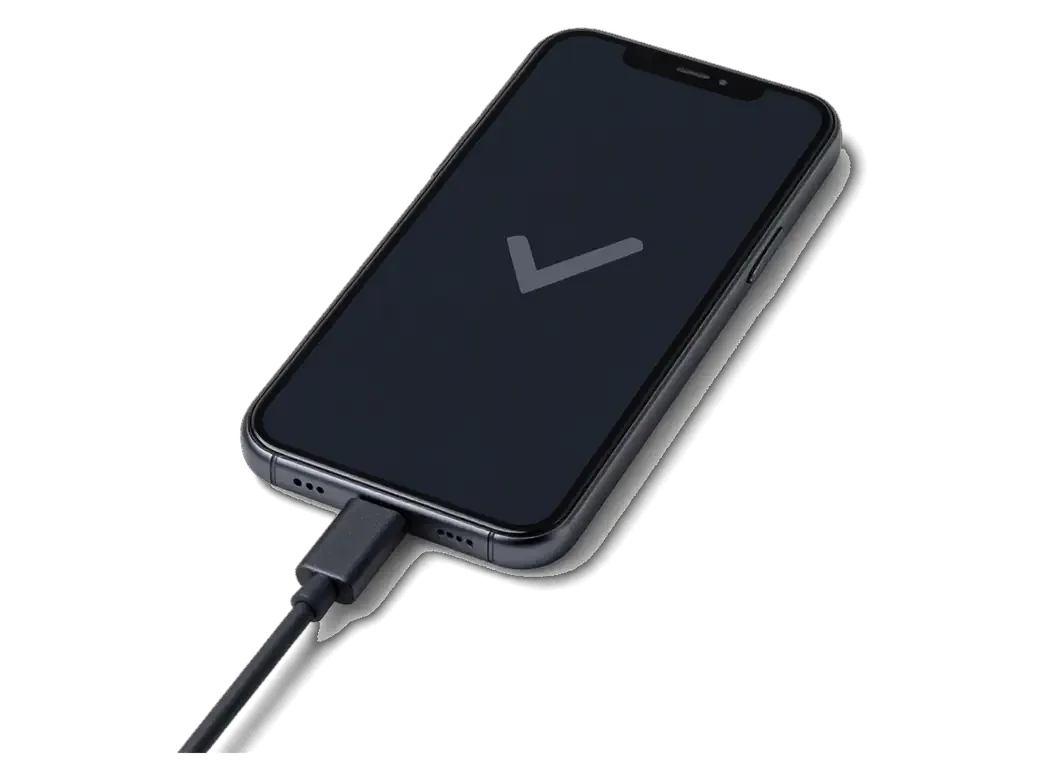
A failing U2 rarely announces itself as "the component". It shows up as power behaviour that no longer makes sense — the phone reacts to the connector, then refuses to take power.
What owners actually notice first
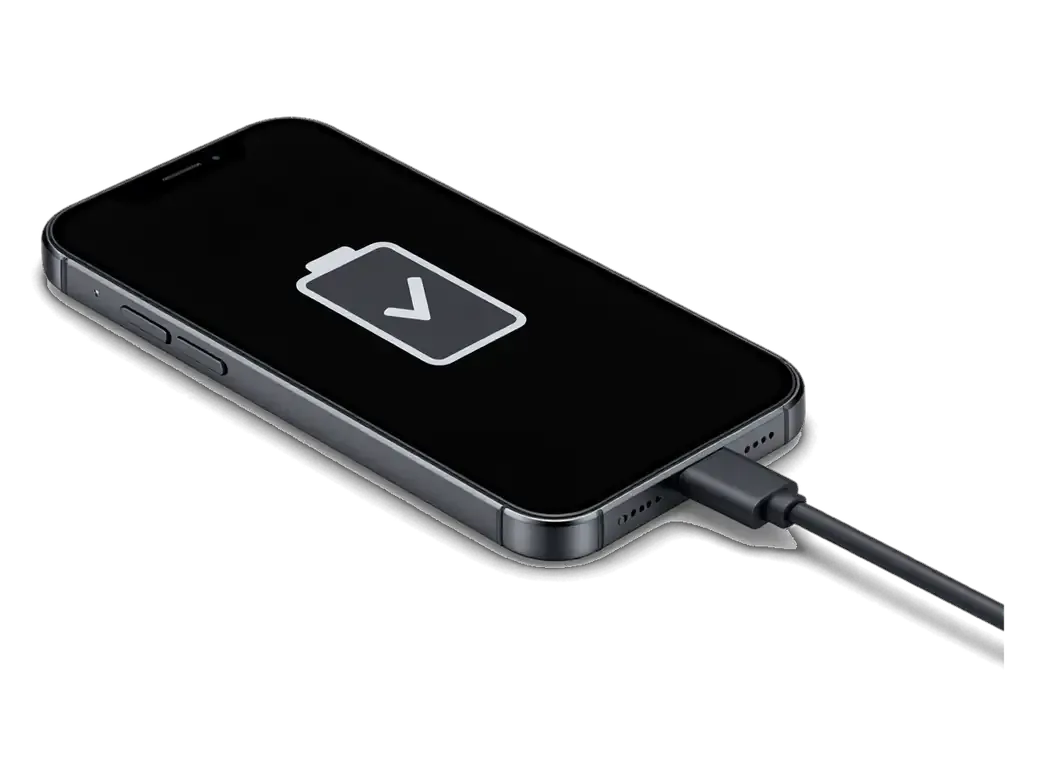
- Bolt without progress: the battery icon shows the power symbol, yet the percentage stays frozen for twenty minutes or more.
- Connector at an angle: the Lightning plug must be wiggled into one exact position before the handset registers it.
- Accessory warning: a genuine cable triggers the "accessory not supported" message on a device that accepted it the day before.
- Power only when off: current flows with the screen dark and stops the moment the phone boots to the home screen.
- Works on another handset: the same cable and adapter charge a different device normally, which rules out the accessories.
The quiet symptoms nobody connects to power
A phone that drains overnight on the nightstand and warms up near the bottom edge is often leaking current through a damaged charging component, even if it still charges during the day. Owners describe a drop of 30–40% by morning with the screen off, and a patch of warmth below the home button that lingers after unplugging. Loss of computer sync belongs to the same group: the Lightning port carries data through the path U2 governs, so a device that powers up but never appears in Finder or iTunes is sending a signal. Heat at the bottom of the board plus fast idle drain is a stronger clue than "it charges slowly", because slow replenishment alone is usually the cable or the port.
When the phone charges and cuts off on its own
A handset that starts charging, drops the connection after a few seconds and repeats the cycle is showing a component that cannot hold a stable current path, not a dead battery. The U2, known as Tristar, negotiates power delivery between the Lightning connector, the battery and the logic board; when its control logic degrades, the handshake collapses mid-charge and the icon flickers between plugged and unplugged. Watch whether the cut-off happens at the same percentage every time — a fixed point points to the control logic of U2, while a random one usually means a loose port or worn cable.
U2 or the main power IC in iPhone 7 power controller replacement fault
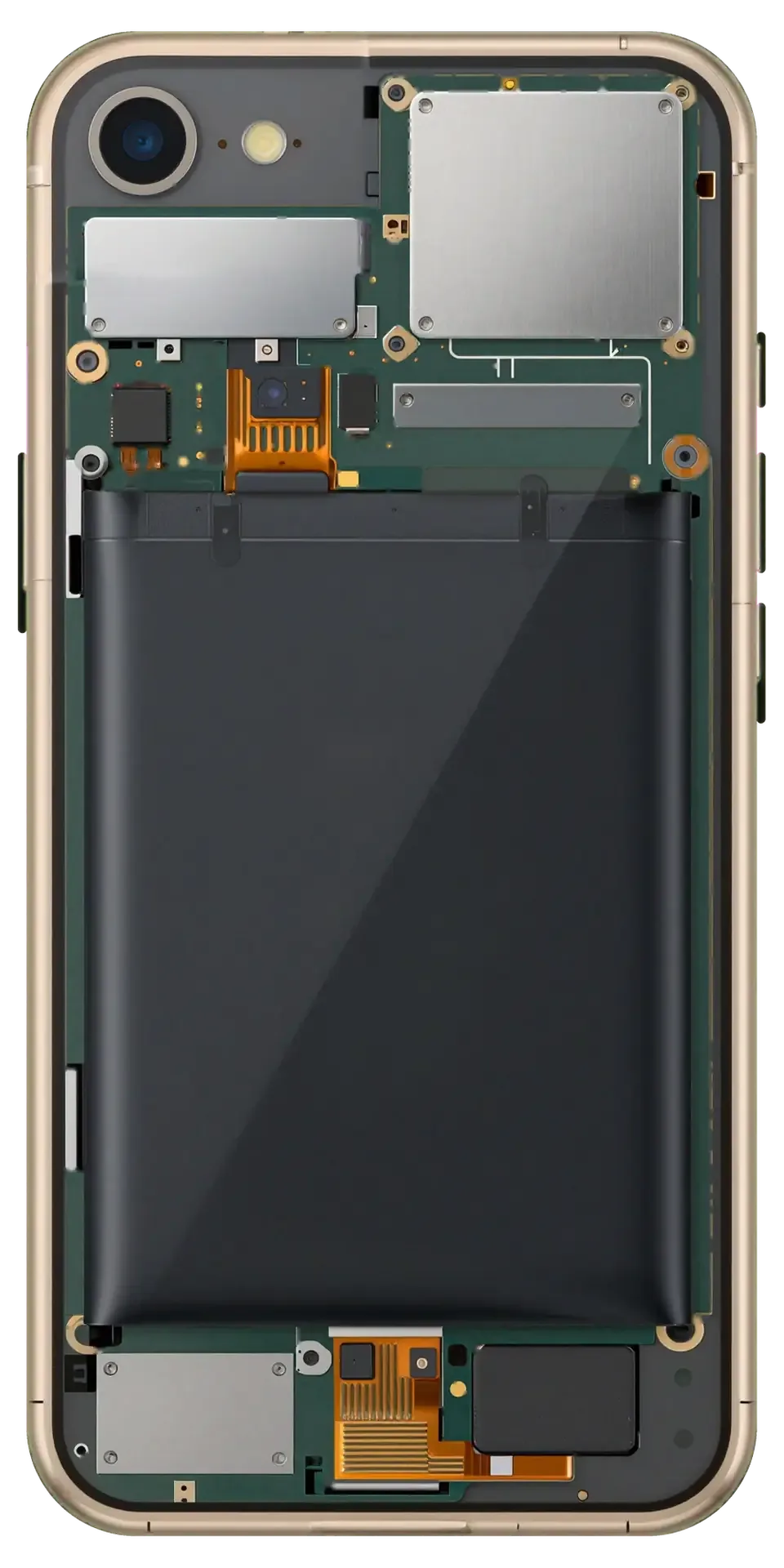
Two different components on the iPhone 7 board get called "the power controller". Only one of them is the part we replace for a charging fault, and mixing them up sends people to the wrong repair.
What the U2 (Tristar) chip does
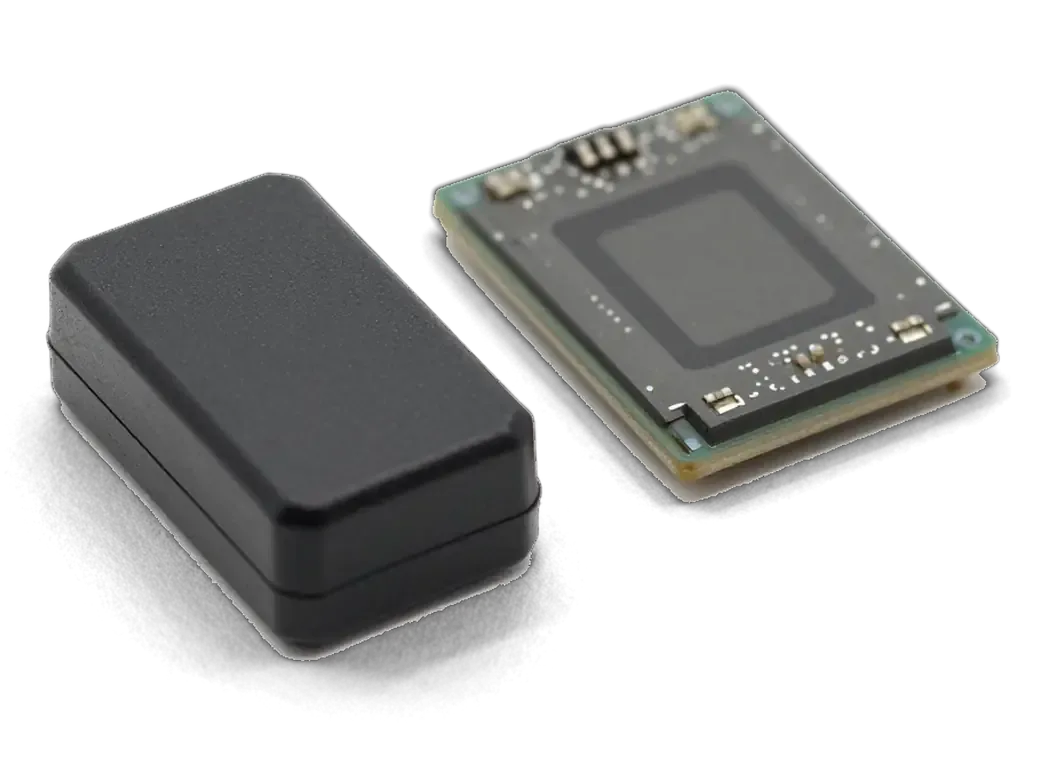
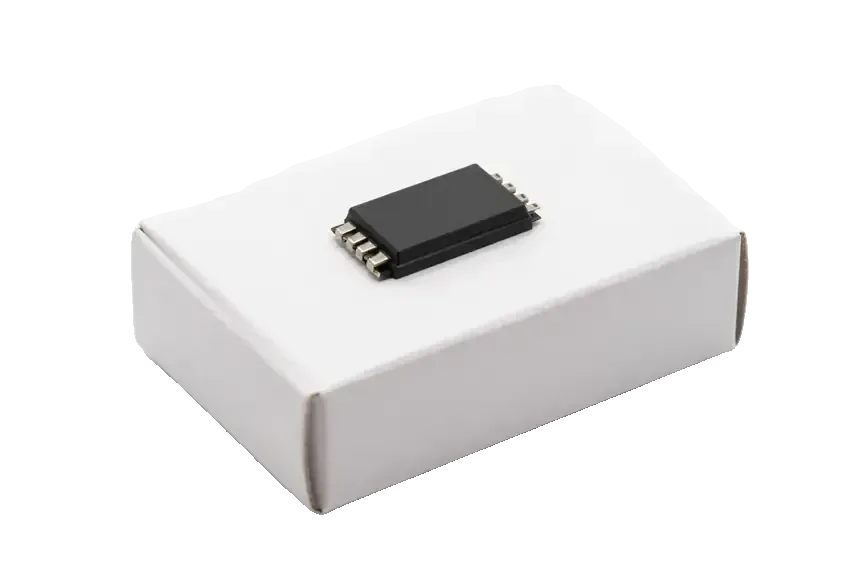
U2, also called Tristar, is the small part that recognises the Lightning cable and controls how much current the phone accepts. It sits between the port and the rest of the circuitry, reading the accessory's identity before letting power through, so the handset knows whether it is plugged into a charger, a computer or a car adapter. The same part negotiates the data handshake, which is why Tristar faults show up as "accessory not supported" warnings or a device that charges with one specific lead. On the 7 and 7 Plus this part sits on a single-layer section of the PCB, so technicians reach it without splitting the whole assembly apart. Because U2 sits on the data line as well as the power line, a failing unit can break file transfer to a computer before it ever affects replenishment speed.
How it differs from the main power IC and the audio section
Three chips and a connector, compared by symptom| Chip | What a fault looks like |
|---|
| U2 (Tristar) | No charge, cable warnings, dead data sync |
|---|
| Main power IC (PMIC) | Phone will not boot at all |
|---|
| Audio chip | Call earpiece silent, speaker fine |
|---|
| Battery connector | Charges only at an angle |
|---|
Ruling out the cable, port and battery before any soldering
Soldering a new component onto a board is the last step, not the first. Before we touch the board we prove the fault is actually there, because a replaced connector that "didn't help" is a very common story.
The free 15-minute check in front of you
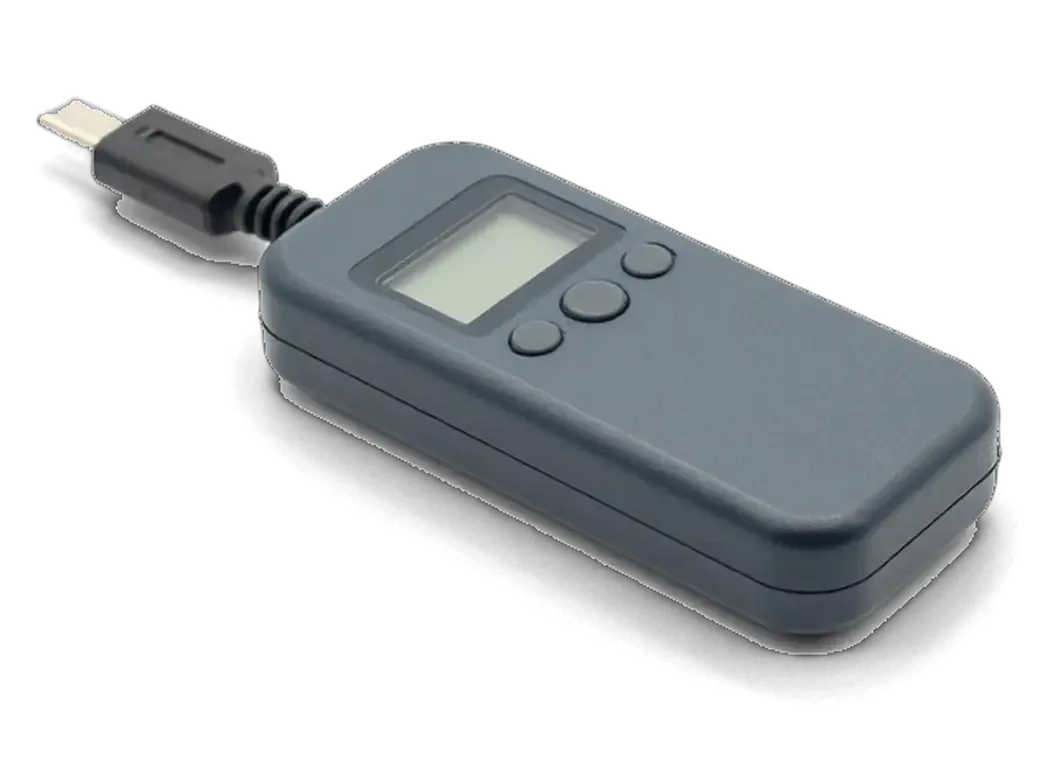
We run a free 15-minute diagnostic in front of you, testing the cable, the Lightning connector and the battery current draw with a USB power meter before we blame U2. The engineer plugs in a known-good cable, watches the meter and wiggles the lower flex to separate a worn tail from a dead U2; a tired cell shows as a current spike that collapses under load. You see the reading on the screen, not a verdict from the back room. A current draw that jumps or stays near zero with a known-good cable tells us more in ten seconds than an hour of guessing, and you keep that answer even if you decline the repair. If the meter points to U2, we explain how iPhone 7 power controller replacement in Astana works and what the next step involves.
Why a replaced port often doesn't fix it
- The meter still reads zero: a fresh Lightning flex with no current draw points straight to the Tristar part, not the connector.
- The connector was never at fault: a dirty or worn tail usually charges intermittently, while a dead U2 gives nothing at all.
- The cell was a guess: swapping a healthy battery for another healthy one costs time and leaves the real fault untouched.
- The main board needs microscope work: U2 sits on it and only soldering under magnification fixes it properly.
Why the chip burns out and how to protect the new one
A fresh U2 behaves exactly like the dead one until the same habit kills it again. Knowing what damaged the original component is part of the repair, not an afterthought.
Habits that damage U2
- Non-original wall adapters: units without stable voltage regulation push uneven current into the line, and U2 absorbs the spikes first.
- Power banks and car sockets: a cheap converter under load can overshoot far above what U2 was built for.
- Liquid and oxidation: sweat, rain or a spilled drink reaching the port area leaves residue that slowly shorts the pins.
- Heavy gaming while plugged in: a device already running hot has less headroom to dissipate current.
Safe power habits after the repair
After we fit the new component we tell you which adapters to keep and which to retire, because the same unit that killed the old U2 will kill the replacement just as fast. The part is soldered under a microscope with controlled bottom heat, then tested against the power line before the phone leaves the bench. 64% of customers choose an original component, and we note the type on the receipt so you know exactly what sits on the board. Topping up overnight from a laptop USB port or a known-good wall unit is gentler on U2 than short bursts from a car socket. Leave the suspect adapter out of your bag — a spare that spikes once is enough to bring the device back to us.
How the board work is done and what we check afterwards
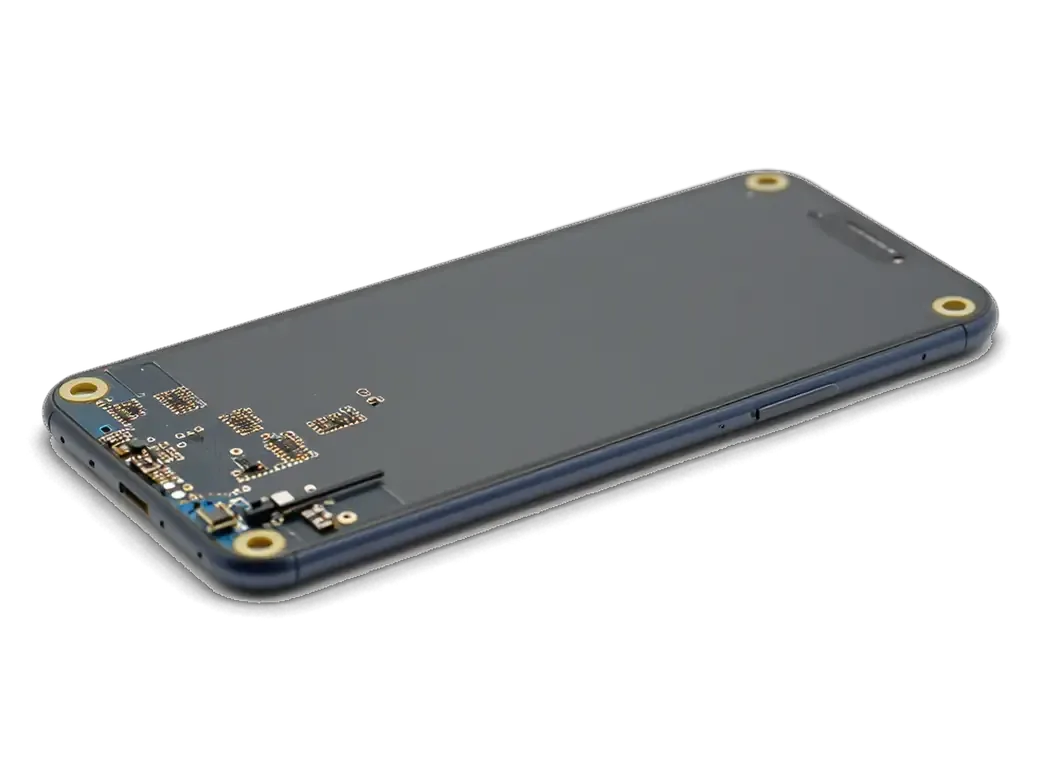
The iPhone 7 board is single-layer, which makes the component reachable, but the work is still microscope soldering with controlled heat. Here is what happens between drop-off and pickup.
Microscope soldering on a single-layer board
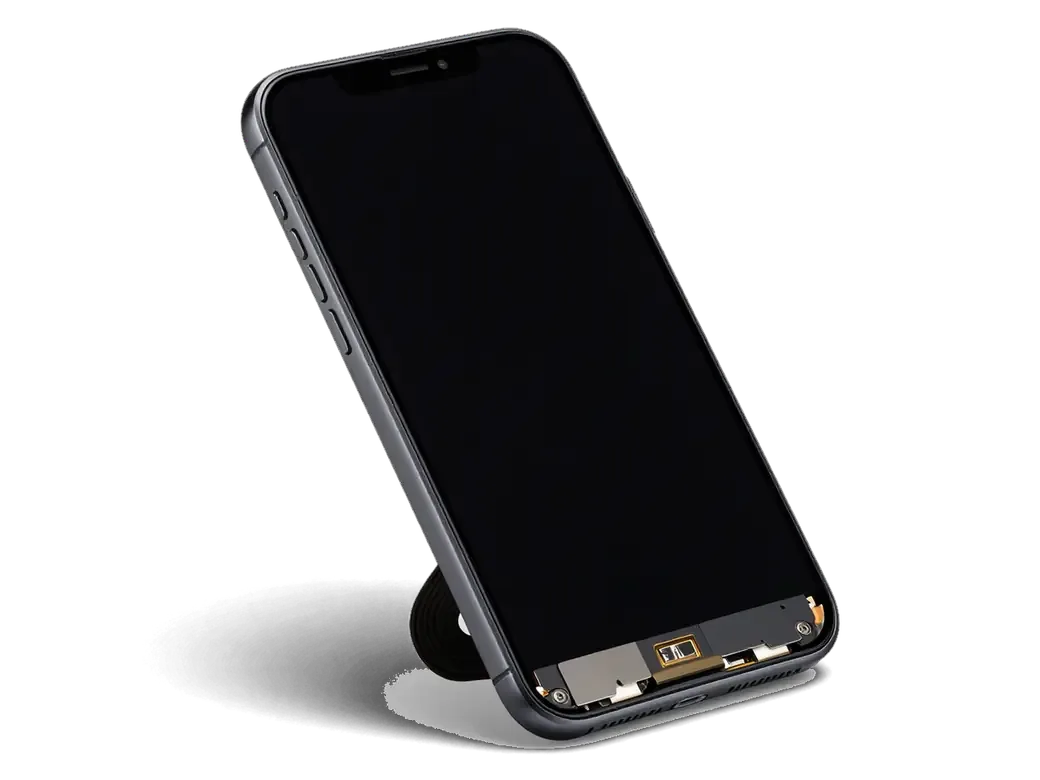
We remove the dead U2 under a microscope with a hot-air station and bottom preheat, clean the pads, then solder the replacement part and wash off the flux. On this model the part sits on a single-layer section, so there is no buried copper to chase and the pads stay intact after removal. We apply flux, align the new unit on the stencil, reball it if it arrives without balls, and seat it with a controlled temperature profile. The whole job takes one to three days, longer than a screen or battery swap, because the component has to settle and cool in stages. Bottom preheat matters here because heating only from above warps the surface around the part and creates faults that appear weeks later.
The 32-function check and warranty terms
each post-repair test and its stage| Check | What it proves | When |
|---|
| Cable recognition | U2 reads the Lightning cable | Right after soldering |
|---|
| Idle current draw | No hidden drain overnight | Before pickup |
|---|
| Charging and network | Power path and antenna intact | With the engineer |
|---|
| Speakers and microphones | No heat damage nearby | Final pass |
|---|
What the repair means for data and documents
- Your files stay put: storage is never touched, so photos, messages and accounts remain on the phone untouched.
- Paperwork at pickup: you leave with the receipt, the warranty card covering the work up to 1 year, and the old part.
- Courier option: if you cannot come in, a courier can be called to collect and return the device.
- Payment: settle by Kaspi, card or cash once you have tested the phone yourself.
Summary: iPhone 7 U2 Power Controller Replacement
A power controller failure rarely appears alone, and the right decision depends on what the checks actually show. Here is what to carry away from the whole process.
- Diagnosis before soldering: a charging fault on the iPhone 7 is a process of elimination, and the component is only the answer once the cable, port and battery are cleared.
- Two suspects, one symptom: U2 negotiates with the charger while the main power IC distributes voltage, so the microscope decides which one burned.
- The board is delicate: single-layer soldering under magnification takes 1–3 days, against 20–40 minutes for a screen or battery.
- Verify before you leave: check power intake, network, cameras and speakers with the engineer, since a supply issue can touch several rails at once.
- The fix holds only if the habit that caused it changes too, so treat the new component as a second chance rather than a permanent cure.







 iPad
 MacBook
 iMac
 Mac mini and Studio
 Apple Watch
 AirPods
 Apple Pencil
 Apple TV
 HomePod




