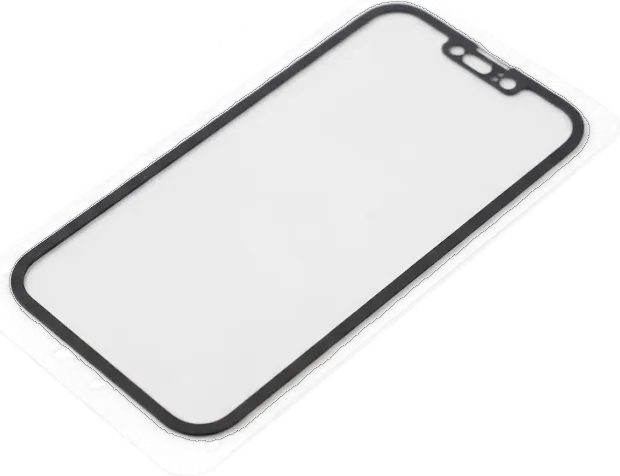
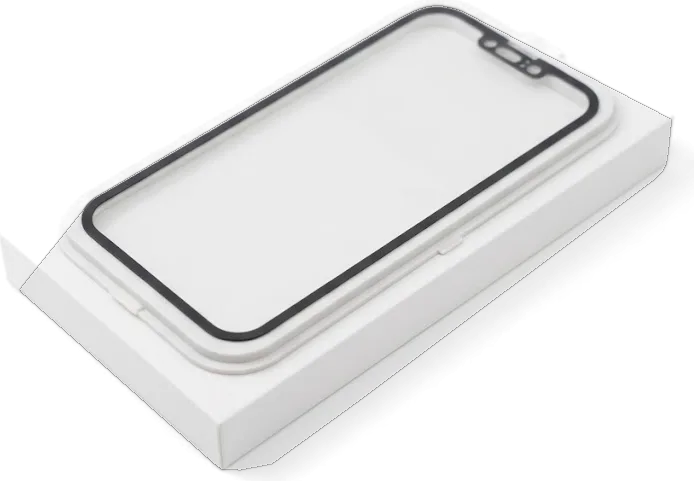
On the 11 Pro Max the glass, touch layer and OLED panel are laminated into one module, so a glass-only swap almost never works. Here is how to tell that the module itself is damaged.
Cracked glass with a working picture
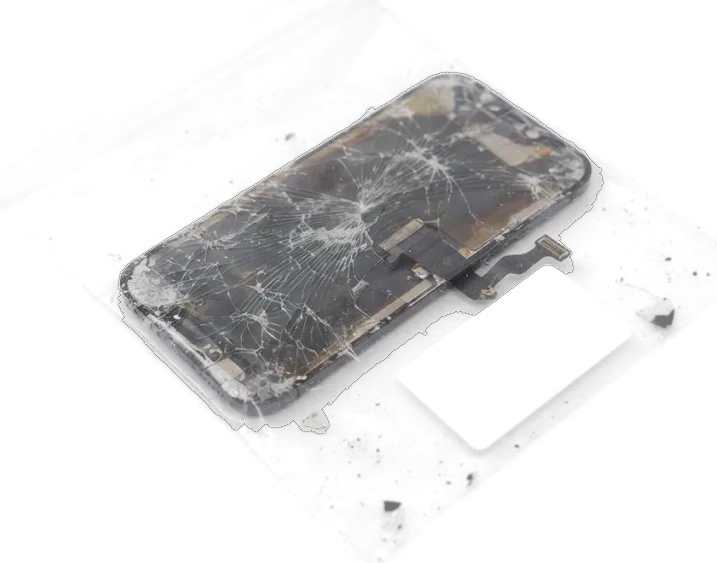
If the image and touch still work but the glass is cracked, the module is still replaced as a whole, because on the 11 Pro Max the glass, touch layer and OLED panel are laminated together. A crack in the protective glass of the module rarely stays cosmetic — the OLED matrix underneath keeps working, yet the touch layer slowly degrades at the fracture line. 72% of screen jobs are finished while the customer waits in the waiting area, so a cracked-but-readable module is not a reason to plan a long absence. Shards and micro-cracks let moisture and dust reach the matrix, and sharp edges gradually cut the touch layer — waiting more than a couple of weeks with the repair is risky.
Lines, spots and a black screen without a crack
Green lines, dark spots or a black screen on an intact 11 Pro Max usually point to the OLED panel or its flex cable, and only diagnostics can tell which. Lines after a drop and spots after water are different scenarios — in the first the display flex cable is more often the culprit, in the second liquid reaches the board, so the check starts at the flex connector rather than with ordering a part. Flicker at low brightness and a purple tint in the corners are early signs of matrix wear, while a fully black panel with a live touch response suggests the display flex has separated. Free diagnostics in front of the customer take 15 minutes, even if you decide not to repair — and that is the point where the glass-versus-module question gets a definite answer.
Original part or aftermarket for the iPhone 11 Pro Max display replacement
The 11 Pro Max runs on an OLED matrix, and that one detail shapes every difference between the screens on offer. Here is how a factory unit and a substitute behave in daily use, without prices.
How original and aftermarket modules differ
Factory versus substitute screen behaviour| Parameter | Factory OLED unit | Substitute |
|---|
| Panel type | OLED, as from the plant | Often LCD-type |
|---|
| Black level | True deep black | Greyish in dark mode |
|---|
| Thickness | Matches the frame | Slightly thicker |
|---|
| Brightness and colour | Calibrated at the plant | Needs manual adjustment |
|---|
What carries over to the new module
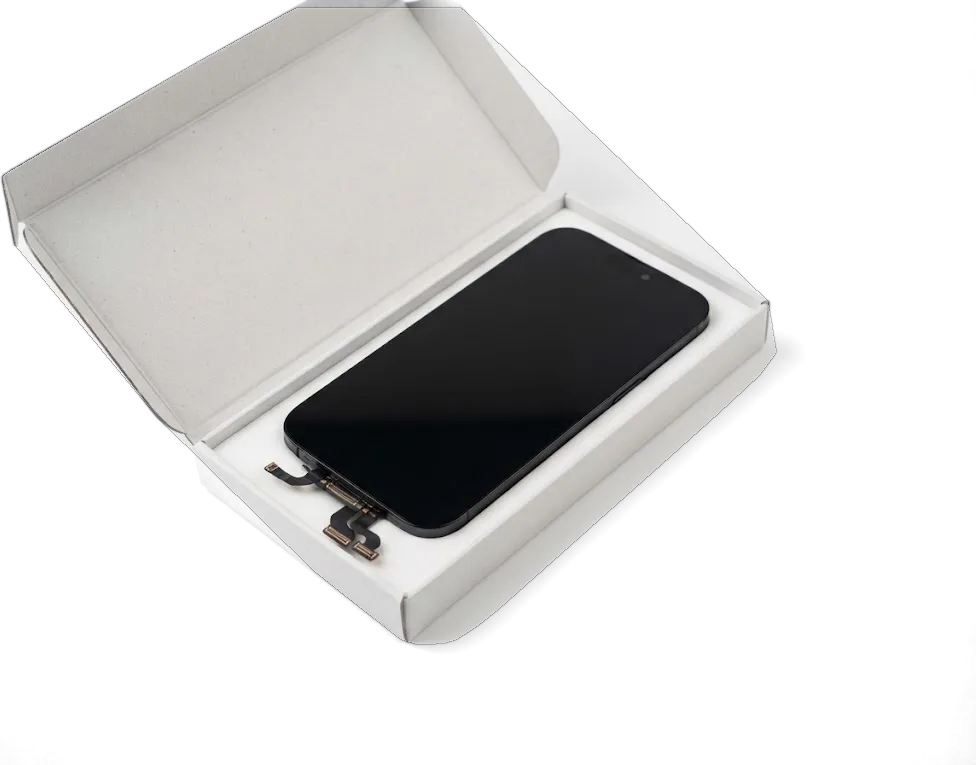
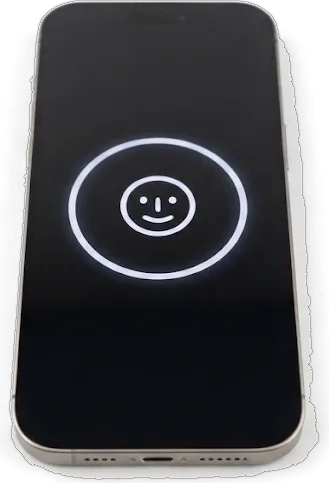
On the 11 Pro Max we move the top flex with the speaker and proximity sensor plus the front camera onto the new screen, and True Tone only works if the original display data is transferred too. The proximity sensor on this generation feeds into Face ID behaviour, so it is handled carefully and the dimming near the ear is checked before the device goes back to the owner. We offer two options for the iPhone 11 Pro Max display replacement in Astana, an original OLED unit and a quality aftermarket one, and 64% of our customers pick the original. Ask which panel you are getting before work starts — an LCD-type substitute changes the feel of the whole device.
When the iPhone 11 Pro Max display replacement screen is intact but the phone misbehaves
Not every black screen or dead touch layer means the OLED module needs replacing. Sometimes a flex cable, connector or board fault is to blame, and a new display would not fix it.
Touch not responding or phantom taps
We start with free diagnostics in front of the customer, and the engineer checks the display flex and its socket before recommending a new part, so you do not pay for hardware the phone does not need. The check takes about 15 minutes even if you decide not to go ahead, and a courier can be called if travelling across the city is inconvenient. Phantom taps along the edges usually come from a loose flex connection rather than the matrix itself, and reseating the cable sometimes brings the sensor back with no replacement at all. If the touch layer stays dead after reseating, the panel is the culprit. Ask the engineer to show you how the socket looks on the spot — that single look separates a cable fix from a full display replacement in Astana.
After water or a heavy drop
After liquid contact, spots and flicker can come from corrosion on the board rather than the OLED panel, so diagnostics may take up to two days before anyone orders a new screen. Moisture between the layers of the assembly keeps eating at the contacts, so the visible symptom is often a patchy image or a display that flickers at low brightness. Drying the phone on a radiator does nothing useful here; switching the power off early and getting the device to a technician matters far more. A heavy drop behaves differently — the glass survives, yet the picture shows lines or a dark band where the panel was stressed. Board-level corrosion is checked under a microscope, which is why water cases rarely get a same-day verdict.
How we replace the module and how long you wait
The replacement on an 11 Pro Max runs in front of you and fits into a single visit. Below is what happens step by step and how much time each stage takes.
Step by step at the workbench
- Heat and open: the frame is warmed evenly so the adhesive releases without stress on the glass.
- Battery off: power is disconnected first to protect the board during the swap.
- Move the parts: top flex, proximity sensor and the selfie lens go onto the new panel.
- Fit and seal: the assembly is seated, tested briefly, then the chassis is re-glued.
- Old part back: the removed display is handed to you together with the paperwork.
Forty minutes and a waiting area
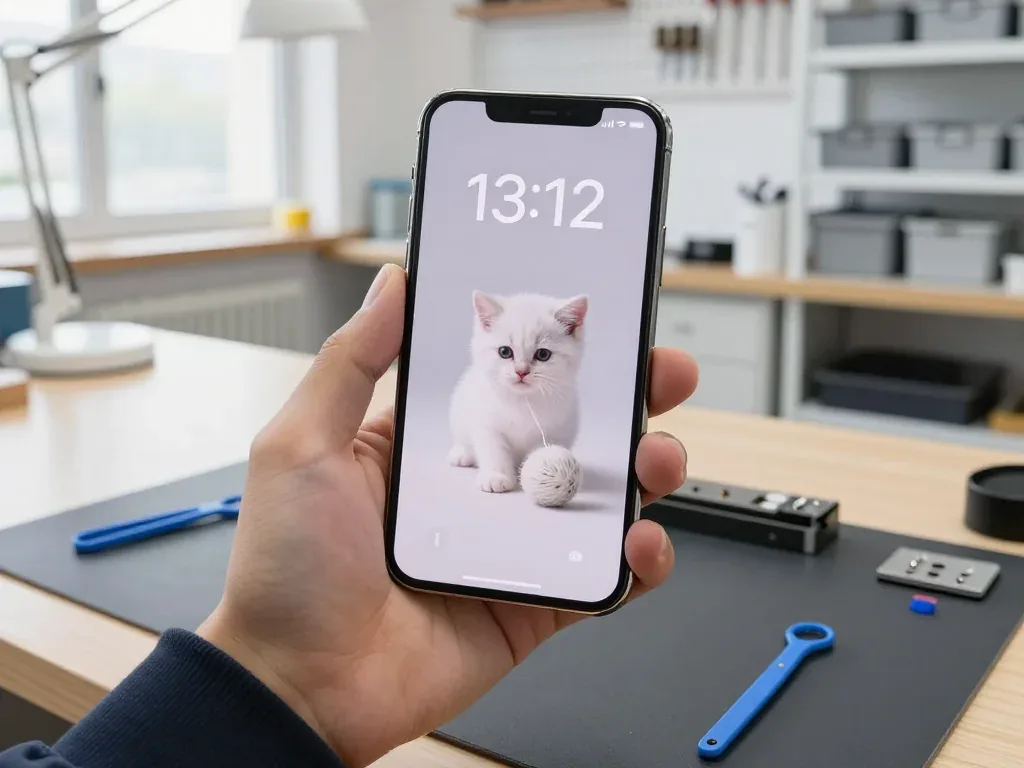
A screen for this model takes about 40 minutes while you wait, and 72% of our repairs are finished while the customer stays in the waiting area with coffee and Wi-Fi. We show the new part in factory packaging before it goes in, and the engineer replies on WhatsApp within 5 minutes with a quote from a photo of the damage. Our doors are open Mon–Fri 10:00–19:00 and Sat–Sun plus holidays 11:00–18:00, so a morning drop-off leaves the rest of the day free. If you bring the handset near opening time, the whole path from first contact to pickup usually fits under an hour — handy when the phone is needed the same day. The lounge is not a formality — it is where most of our work is actually finished, in front of the owner.
What you check after the repair and what the warranty covers
Fitting the new panel is only half of the job. The device is then tested together with you, and the terms of the work stay in writing rather than in memory.
The 32-point check together with the engineer
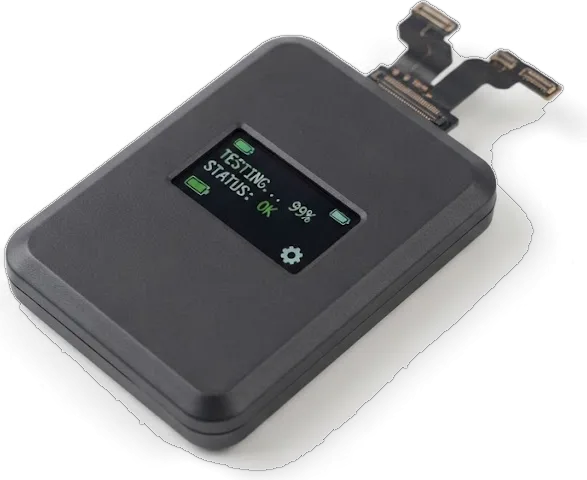
After the repair we run 32 functions in about 10 minutes together with you, covering Face ID, True Tone, cameras, microphones, speakers, charging and network. The engineer hands the handset over and walks through each item while you watch the screen respond and the lenses focus. True Tone is the one most often missed at home, because it only shows itself on a white background, so we open a blank note and toggle it in front of you. Face ID gets a fresh scan, the network test confirms cellular bands and Wi-Fi, and charging is checked with a cable in the port. On our own bench, this pass catches a seating issue before the device ever leaves the building, and it costs nothing extra.
Receipt, warranty card and the old module
Before work starts we fix the price, the part type, the turnaround and the coverage on the receipt, and at pickup you get the receipt, a warranty card and the old panel. Coverage runs up to 1 year, and the paperwork names the exact display fitted, whether original or aftermarket, so a later claim is matched against a record rather than a conversation. Handing back the damaged part lets you see the failed unit yourself and keep it if you want the evidence. We sign the terms in about two minutes, before any screw is turned, so no figure changes once the device is open. Our advice is to keep the receipt in the box with the old component, because that pair is what a claim is checked against, and it settles any question about which display was installed far faster than a phone call.
Summary: iPhone 11 Pro Max Display Replacement
What you end up with depends less on repair speed and more on which assembly goes in and how carefully the display data is transferred. A few points worth holding onto.
- Full assembly swap — a cracked 11 Pro Max screen almost always means replacing the entire unit, because the front glass, digitizer and OLED panel are fused as one.
- Original versus aftermarket — the gap shows up mainly in black level and thickness, and the cheaper variant is frequently LCD-type instead of OLED.
- Features tied to the transfer — Face ID and True Tone keep working only if the original display data and paired components are moved across correctly.
- Test first, order later — lines or a black picture behind intact glass may come from a flex cable or the board, so diagnosis must precede any part order.
- Written receipt — a document stating part type, turnaround and warranty backs you up if a claim ever arises.









 iPad
 MacBook
 iMac
 Mac mini and Studio
 Apple Watch
 AirPods
 Apple Pencil
 Apple TV
 HomePod




