On the 11 Pro Max, wear shows up in two places: the figure in Settings and the way the device behaves under load, in frost and at low charge.
What the Battery Health Menu Shows
Maximum Capacity and cycle count in Settings → Battery → Battery Health are the first place to look, and a value near 77 % with the "Service Recommended" message is the usual signal that the pack is worn. A fresh unit starts at 100 %, and that figure falls as cycles accumulate — a daily-charged phone passes hundreds of cycles over its service life. The message appears once the system detects that peak power delivery no longer matches demand. On this model the menu is honest but blunt: it reports one number, not how the pack behaves on a freezing morning or during a long camera session. If an iPhone 11 Pro Max battery replacement in Astana is on the table, this reading is the starting point for the conversation. A high percentage does not cancel out shutdowns at full draw, so treat behaviour as equal evidence to the gauge.
Symptoms You Feel Before the Number Drops
- Shutdowns at 20–30 %: the phone dies with charge still on the gauge, then restarts once it warms up.
- Sudden drops in frost: the value collapses outdoors in winter and recovers indoors, pointing to high internal resistance.
- Slowdowns under heavy load: games, maps and video dim the screen or stutter as the system limits current.
- Fast drain and warmth: the back heats up while charging and the level falls within an hour of light use.
- Random reboots: restarts without a crash log usually trace back to voltage sag, not to software.
Original or Aftermarket iPhone 11 Pro Max Battery Replacement
Two part options give different results in the battery menu and a different service life, so the choice belongs before the work starts rather than after.
How the Two Options Differ in Practice
Side-by-side view of original versus aftermarket cells| Option | What the menu shows | Typical lifespan | Best for |
|---|
| Original battery | Full Maximum Capacity reading | Longest service life | Keeping the phone as a daily driver |
|---|
| Aftermarket battery | May show an unknown part notice | Shorter, varies by brand | A spare or secondary device |
|---|
| Cell pulled from another phone | Unknown part notice, capacity hidden | Depends on the donor cell | Not recommended as a swap source |
|---|
Why the 11 Pro Max Shows a Battery Message
On the 11 Pro Max the battery controller is paired to the phone, so an aftermarket cell can trigger an unknown part notice and hide the capacity figure. On this generation the battery management chip is tied to the logic board rather than treated as a plain consumable. A cell transferred from another handset triggers the same warning, so even a real part fails the check unless it is paired to this board. The notice does not stop the phone from working, but it removes the health reading you would use to judge the new cell later. In practice that means you lose the one number that would tell you, months down the line, whether the replacement is holding up as it should.
How the iPhone 11 Pro Max Battery Replacement Runs at iServices
The order of work is the same for every model, and on the 11 Pro Max it fits into a single visit — from a photo message to a device back in your hand.
From a WhatsApp Photo to a Fixed Receipt
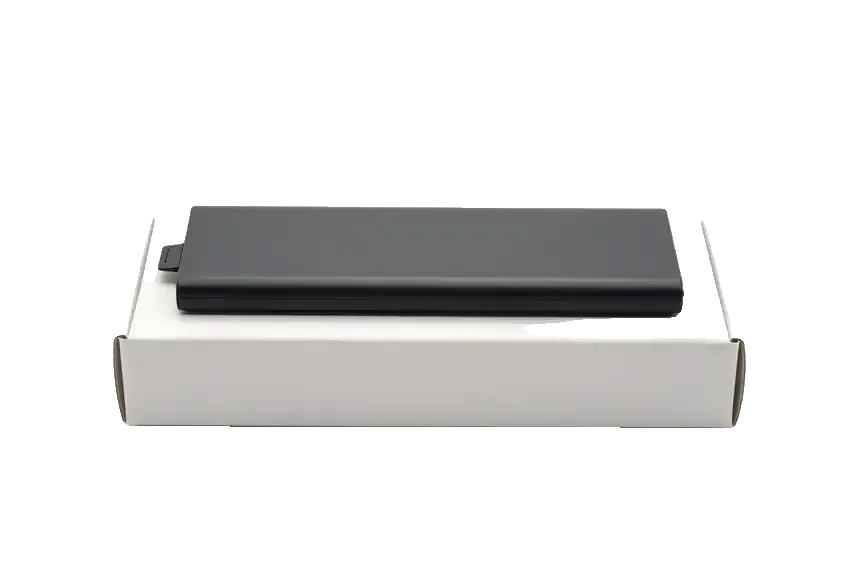
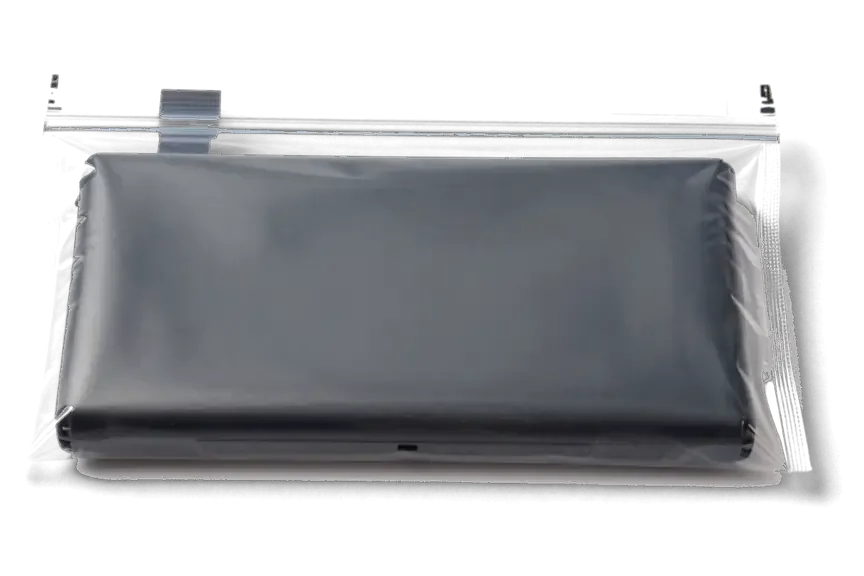
An engineer replies on WhatsApp within 5 minutes and quotes a price from a photo, then the price, component, turnaround and warranty are fixed on the receipt in about 2 minutes before work starts. We take a picture of the damage over WhatsApp, name the figure and a free slot, and the receipt records whether the part is an original battery or an aftermarket one, how long the job runs and how long the guarantee lasts. The new component is shown in factory packaging prior to installation, and the warranty card travels home with the device. Fixing the component and coverage on paper ahead of the job is what lets you compare the final result against what was promised.
Waiting Through the 25 Minute Swap
A battery swap on the 11 Pro Max runs about 25 minutes, and 72% of our repairs are finished while the customer waits in the waiting area with coffee and Wi-Fi. The technician opens the display module, lifts out the old battery, clears the adhesive strips and seats the new one, then reassembles the frame. Customers can sit through the whole process, step out for a while, or hand the device to a courier if they cannot come themselves. From the first message to pickup, the visit usually lasts under an hour, so the wait is short enough to plan your day around.
What We Check After the Battery Is In
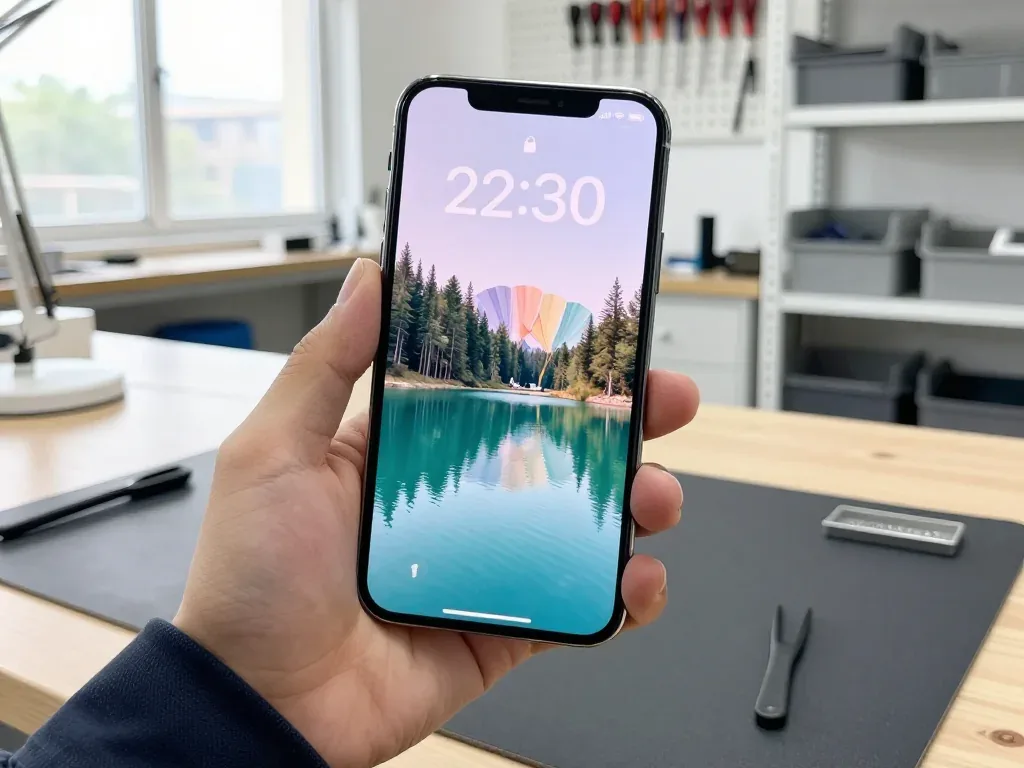
Once the fresh battery is seated and the case is closed, the handset goes through a function check and leaves with its documents and the removed component.
The 32 Point Check and Its Coverage
- Face ID: we unlock the handset several times in a row to confirm the sensor still recognises the owner.
- True Tone: the display is compared against a reference to make sure colour temperature still shifts with ambient light.
- Cameras: front and rear modules are tested on photo and video, including the ultra-wide and telephoto lenses.
- Microphones and speakers: all three mics are recorded and played back, and both stereo speakers run at full volume.
- Charging: wired charging and the Qi pad are both confirmed, with the percentage climbing on screen.
- Network: cellular signal, Wi-Fi and Bluetooth are checked together with the engineer, so nothing is left to discover at home.
Your Data, the Seal and the Old Part
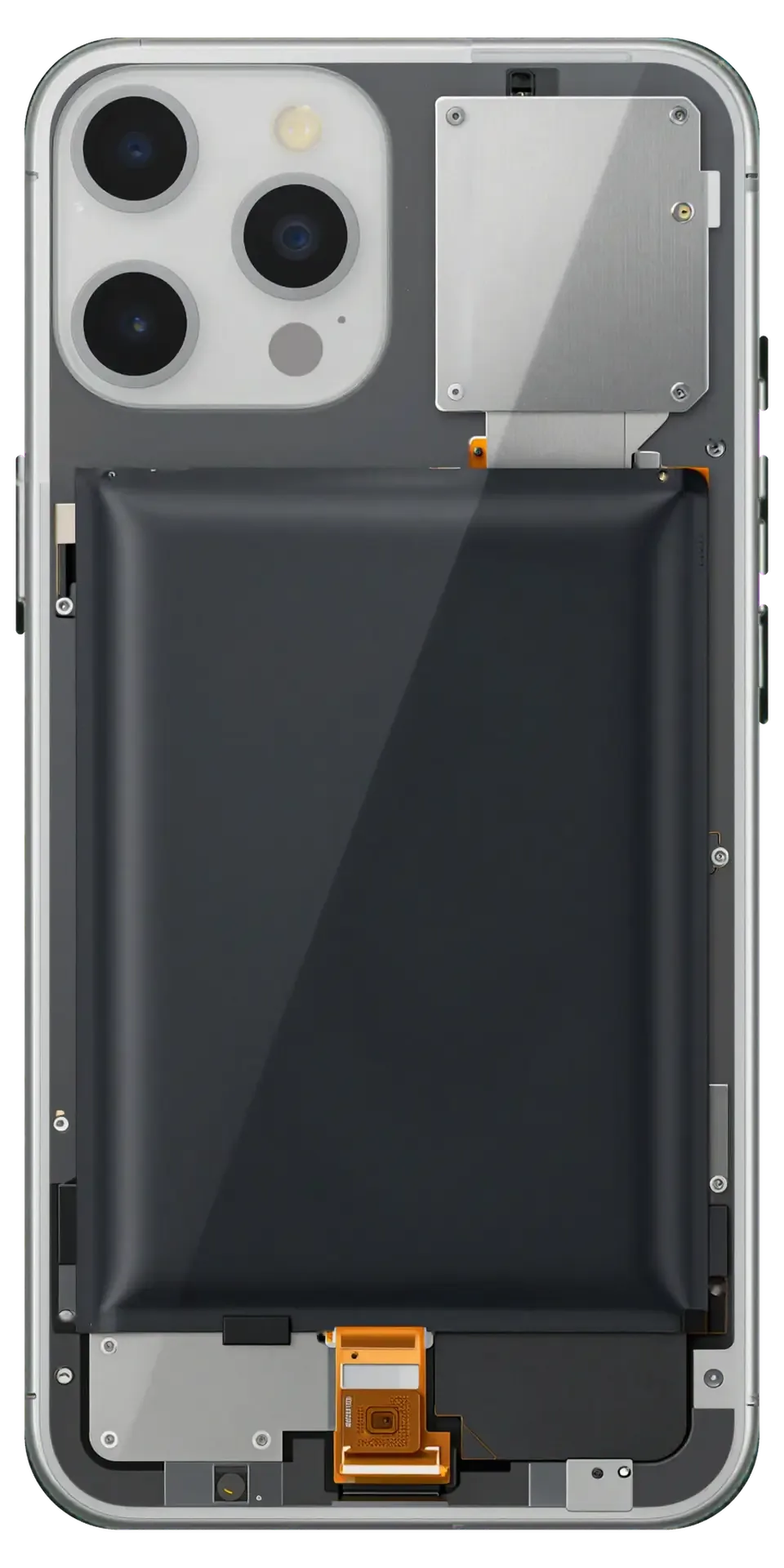
A battery swap does not touch the memory, so your data stays in place, and the device is returned with the receipt, warranty card and the removed component. Photos, messages and accounts remain because the storage chip sits on the board, not in the battery we replace. The adhesive gasket around the frame is renewed during reassembly — that seal is what keeps splash protection intact on the 11 Pro Max after the screen has been lifted. Before the customer leaves, the engineer shows the spent battery next to the new one — that comparison is the simplest proof the work was actually done.
Battery, Charging Port or Board
Not every charging problem is solved by a new battery, so diagnosis moves from the simple to the complex: cable, connector, current draw, and only then the power source itself.
Telling a Worn Cell From a Port or Board Fault
Free diagnostics take 15 minutes in front of the customer, and the engineer checks the connector, cable and current draw before blaming the battery. We plug the iPhone 11 Pro Max into a USB current tester and watch the draw: a healthy battery holds a steady reading, while a tired one sags under load or spikes and drops. Then the charging socket gets a look under magnification for bent pins, pocket lint packed into the opening, or corrosion from moisture, and the power controller on the board is checked for a fault that mimics a dead battery. Only after those three checks do we name the component. A handset that charges only at an angle usually points to the socket, not the power source, so a swap alone would not fix it.
What to Do First With a Swollen Battery
A swollen battery pushes the display from inside, and it should not be charged or pressed on before a technician sees it. The first sign is usually a gap along the frame or a screen that sits proud of the chassis, sometimes with a bulge that can be felt through the glass and warmth during charging. Do not squeeze the display back down and do not keep topping the device up overnight — pressure and heat are exactly what a swelling battery does not need. Power it off, keep it away from bedding and direct sun, and bring it in as soon as you can. Swelling is a safety issue rather than a performance one, so the handset is best brought in as soon as the screen starts to lift.
Summary: iPhone 11 Pro Max Battery Replacement
Battery wear on the iPhone 11 Pro Max rarely shows one clean signal. Here is what to weigh before booking a swap.
- Read the health menu, then watch behaviour: check Maximum Capacity and cycle count first, but treat shutdowns under load and in the cold as equal evidence of wear.
- Expect the notice with aftermarket cells: the battery controller is paired to the phone, so a non-original cell can hide the capacity reading behind a warning.
- Match the option to the job: an original part keeps the health menu accurate, while an aftermarket one suits a spare device.
- Data and sealing are safe: a battery swap does not erase data, and the case is resealed after opening to keep splash protection.
- Rule out the port or board: if the handset charges only at an angle or not at all, the socket or the board may be the cause, not the battery.







 iPad
 MacBook
 iMac
 Mac mini and Studio
 Apple Watch
 AirPods
 Apple Pencil
 Apple TV
 HomePod




