Eng

iPad 4 Housing Replacement in Astana

Your iPad 4 frame is bent or the back is dented — we rebuild the tablet in a new body, with price and warranty on the receipt before work starts.

iPad 4 tablet body and first screen
Price incl. labor
from 32 900 ₸
Warranty
6 months
  • Inspection and verdict
  • Taking the tablet apart
  • Moving the parts

How to tell an iPad 4 body needs replacing

How to see that a fourth-generation iPad body needs replacing: a visible bend, a screen standing proud, buttons rubbing the frame, an edge dent.

A visible bend

Lay a ruler on the back and a gap shows; press a corner and the whole tablet rocks.

The screen stands proud

The glass has lifted above the frame or creaks when pressed, because a bowed frame is pushing against it.

Buttons rub the body

Volume, side switch and power keys will not press or spring back, jammed in deformed cut-outs.

A dent on the edge

A deep dent on a side face or near the Lightning port blocks the cable and presses on the board.

What iPad 4 housing replacement costs

The total depends on the condition of the parts moved into the new body.

ServiceOriginalAftermarket
Button replacement69 900 ₸38 900 ₸
Display replacement44 900 ₸27 900 ₸
Display glass replacement26 900 ₸14 900 ₸
Battery replacement28 900 ₸16 900 ₸
Charging port replacement24 900 ₸13 900 ₸
Main camera replacement24 900 ₸13 900 ₸
Front camera replacement60 900 ₸33 900 ₸
Home button replacement24 900 ₸13 900 ₸
Speaker replacement24 900 ₸13 900 ₸
Microphone replacement24 900 ₸13 900 ₸
Flex cable replacement21 900 ₸15 900 ₸
Housing replacement58 900 ₸32 900 ₸
Other repairsPrice
Wi-Fi module repairwireless module · board-level repair21 900 ₸with parts
Water damage cleaningcorrosion cleaning · diagnostics up to 2 days13 900 ₸per job
Logic board repairmicrosoldering · 1–3 days76 900 ₸per job
Firmware flashingsoftware restore, no parts replaced10 900 ₸per job

The technician names the total after inspection, when it is clear what can be moved and what must be replaced.

What we do when changing the body

How a body swap goes: inspection and verdict, taking the tablet apart, moving the parts, evening out the fit and returning the screen.

  1. 01
    iPad tablet with a magnifier icon on the screen during deformation assessment
    Inspection and verdict

    We decide whether the frame can still be levelled or the deformation has gone so far that a new body is unavoidable.

  2. 02
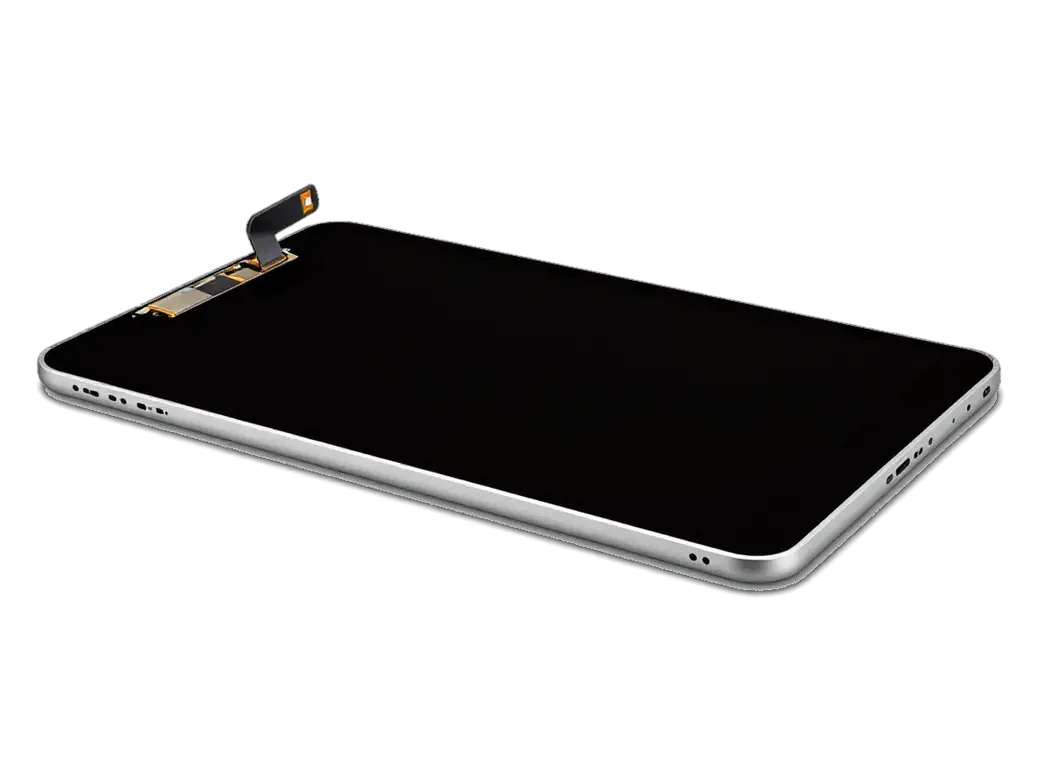
    Opened iPad with the screen tilted on its flex cable and internals visible
    Taking the tablet apart

    The glass with its LCD is lifted off, cables are disconnected and the internal parts are removed one by one.

  3. 03
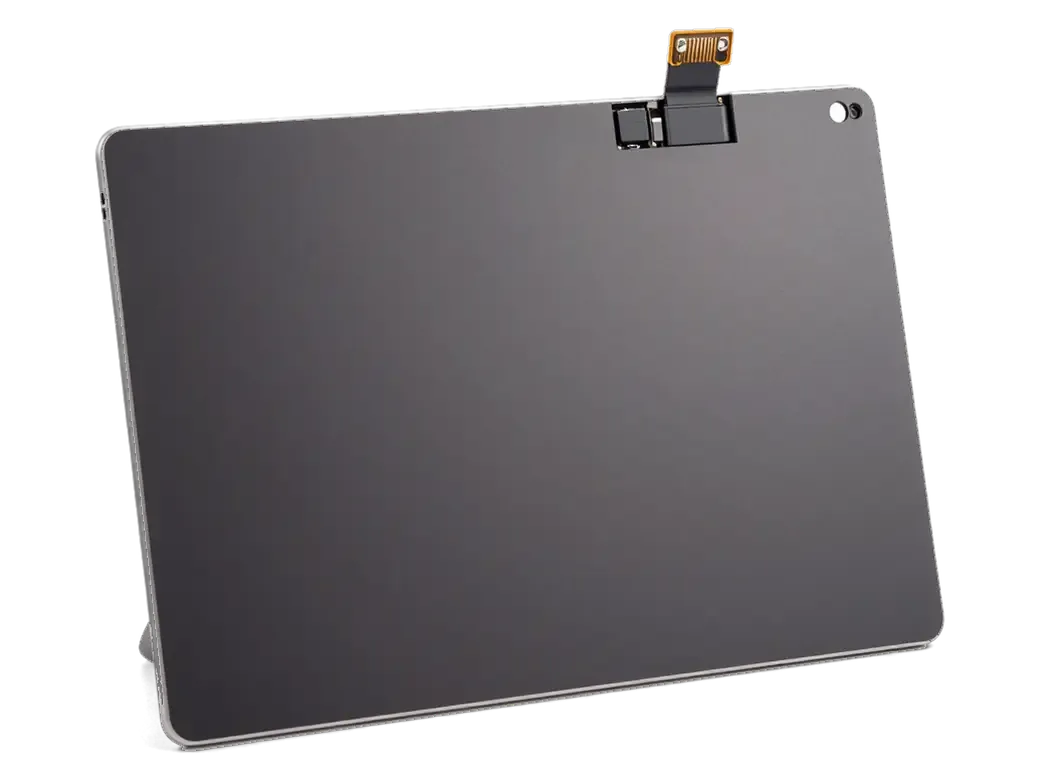
    iPad board and battery next to an empty body while transferring the internals
    Moving the parts

    Board, battery, cameras, speakers and buttons go into the new body, with each screw and cable watched.

  4. 04
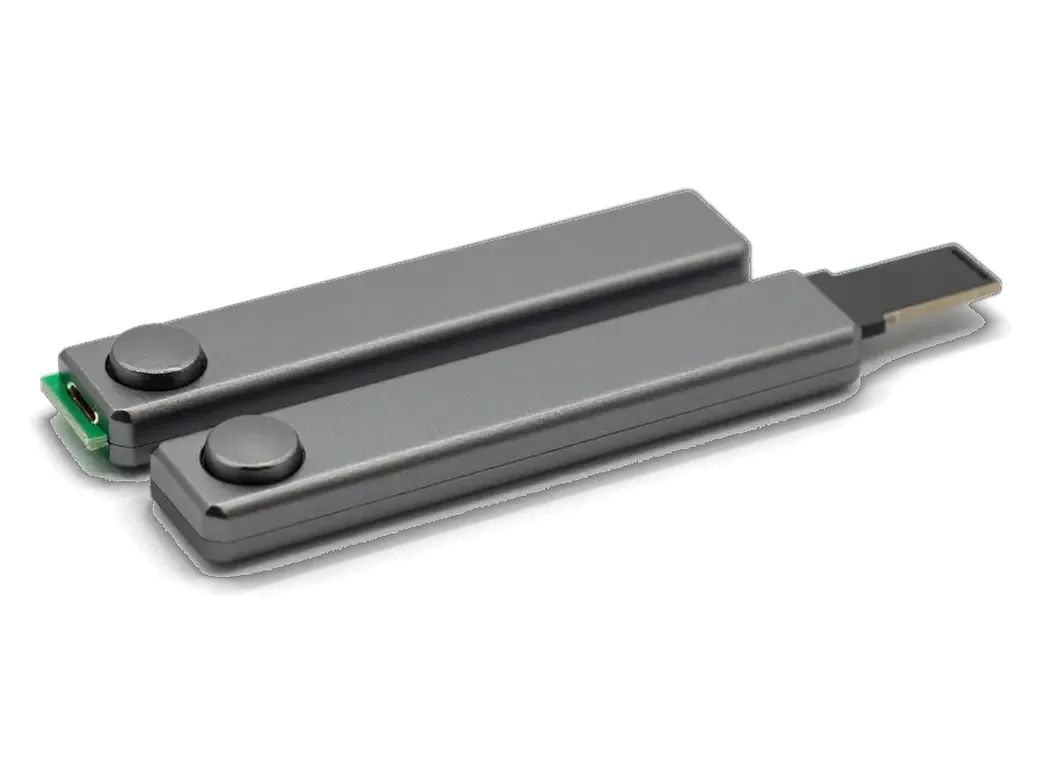
    iPad buttons and connector board for transfer to a new case
    Evening out the fit

    We check that keys travel freely, the Lightning port lines up with its opening and the frame lies flat.

  5. 05
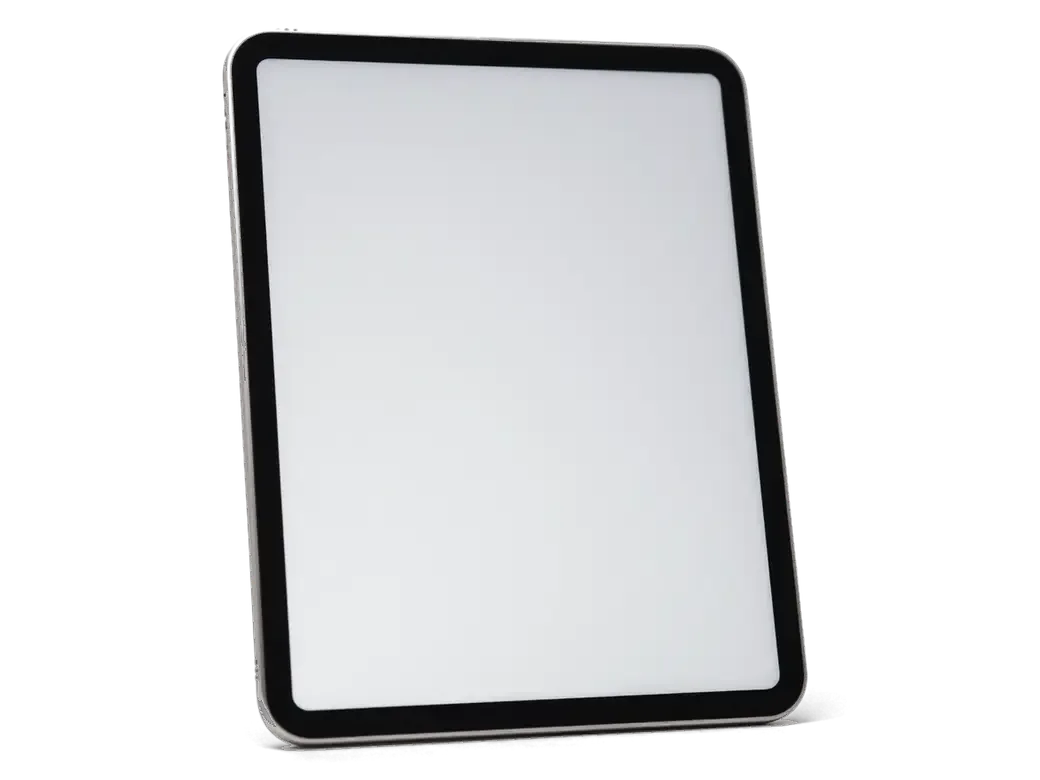
    Assembled iPad with the screen seated in the body and adhesive strips
    Returning the screen

    The glass and LCD are bonded around the edge so no gaps remain and nothing sits crooked.

  6. 06
    iPad with a checkmark on the screen after the final test
    Testing the result

    We switch on, test touch, sound, cameras, charging and Wi‑Fi, and only then hand the tablet over.

  7. iPad 4 housing replacement
    from32 900 ₸

    You get a tablet in a straight body where everything works as it did before.

    Price for my model

Which body to choose for iPad 4 housing replacement

The choice affects how precise the openings are, the colour of the aluminium and how evenly the screen sits.

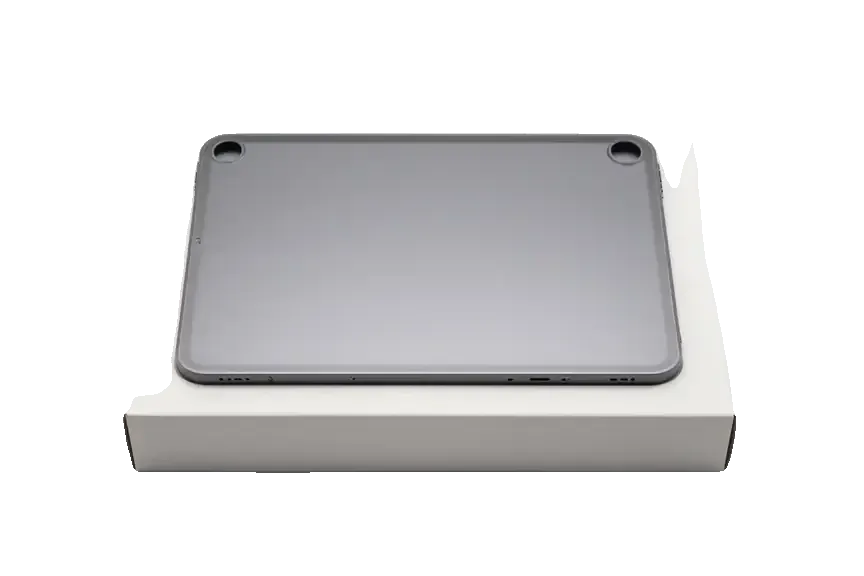
Original Applewarranty up to 1 year
iPad 444 900 ₸
Original: iPad body on a white box
Openings
Keys and port match exactly
Colour
The native silver tone
Best for
Those who want an as-new look
Availability
Ask the technician before visiting
Chosen by 64% of clients
Book with an original part
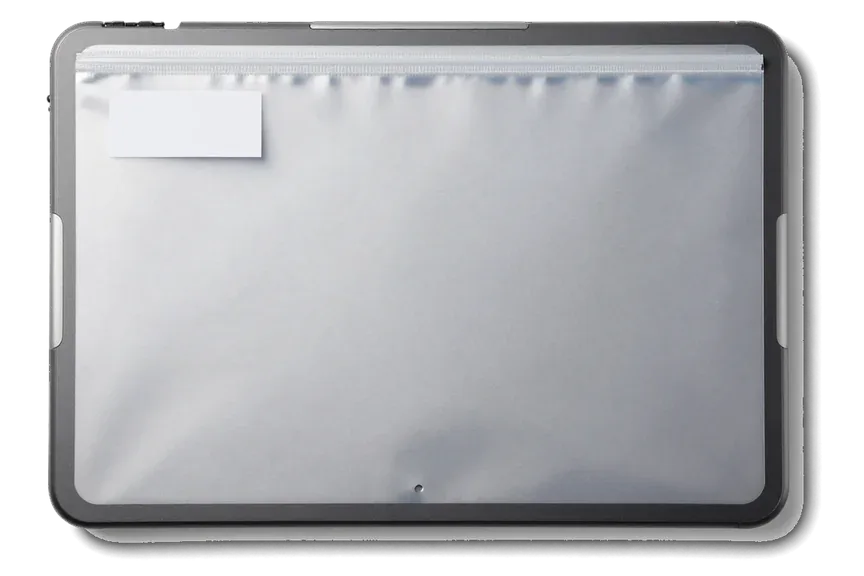
Aftermarketwarranty 6 months
iPad 427 900 ₸−38%
Analog: iPad body in an antistatic bag
Openings
A little fitting may be needed
Colour
The tone may differ slightly
Best for
Those who value function over looks
Budget
Cheaper than the original body
Chosen by 36% of clients
Book with an aftermarket part

How we help when an iPad 4 gets bent

How we help when a tablet gets bent: we say honestly whether straightening is enough, move parts with care and leave the choice to you.

11years

Eleven years of experience

We have taken Apple equipment apart and put it back together for eleven years, and a fourth-generation tablet is an ordinary, familiar job for us.

1year

Warranty up to 1 year

The completed work is covered by a warranty up to 1 year: if the frame shifts again or a creak appears, we will look into it.

32checks

Straighten or replace

We first check whether the frame can be levelled. If it can, we say so and do not propose a new body just to raise the sum.

0opening marks

Careful transfer

Our experienced technicians move the board and battery slowly so thin cables are not torn and connectors are not harmed.

2options

The choice is yours

We show an original and an aftermarket body, explain the differences and work out together what suits you.

7days a week

We work in Astana

We receive visitors in Astana Mon–Fri 10:00–19:00, and on weekends and public holidays 11:00–18:00.

iPad 4 before and after repair

1 / 1
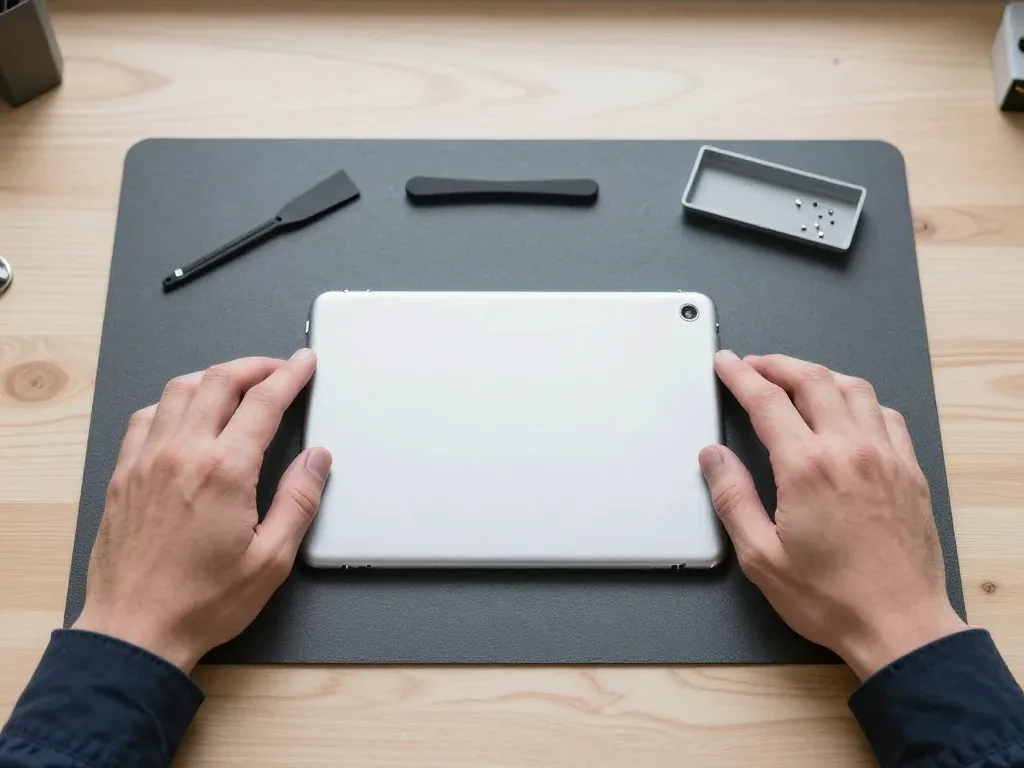
Silver back of an iPad 4 with the camera in the corner, held by two hands at the sides

iPad 4: bent in a backpack

The tablet rode in a backpack next to textbooks and the body warped badly — the back cover no longer sat flush. We moved the internals into a new housing and checked the buttons and screen, and it all works properly.

from 32 900 ₸repair cost
I want the same

How iPad 4 housing replacement is done in Astana

Usually the whole journey — from message to pickup — takes less than an hour; complex repairs follow the timeline in the receipt.

Book a repair
  1. Step 1

    Message or call

    5 min

    You send a photo of the damage on WhatsApp — we quote the price and available time. Or you call a courier.

  2. Step 2

    Free diagnostics

    15 min

    An engineer checks the device in front of you and shows what is broken. 0 ₸, even if you decline the repair.

  3. Step 3

    Price in the receipt

    2 min

    We fix the price, the part (original or analog), the timeline and the warranty. You sign — we start.

  4. Step 4

    Repair while you wait

    20–40 min

    Before installation we show you the new part in its factory packaging. You wait in the waiting area with coffee and Wi‑Fi.

  5. Step 5

    Post-repair check

    10 min

    Screen and touch, Face ID or Touch ID, cameras, microphones, speakers, charging, Wi‑Fi. You check together with the engineer.

  6. Step 6

    Pick up your device

    warranty up to 1 year

    Together with the receipt, warranty card and the old part. Payment — Kaspi, card or cash.

Meet the iServices team

Technicians for iPhone, Mac, iPad, Apple Watch and AirPods repair.

1 / 5
BSBakmukhammed S. — on-site iPhone technician, iServices service center in AstanaPhoto: Bakmukhammed S.

Bakmukhammed S.

on-site iPhone technician
13years of experience
4.93rating, 107 reviews
GSGalymzhan S. — iPhone repair technician, iServices service center in AstanaPhoto: Galymzhan S.

Galymzhan S.

iPhone repair technician
8years of experience
4.79rating, 90 reviews
ZSZhandos Sh. — iPhone screen replacement technician, iServices service center in AstanaPhoto: Zhandos Sh.

Zhandos Sh.

iPhone screen replacement technician
6years of experience
4.65rating, 112 reviews
DTDarkhan T. — iPhone firmware technician, iServices service center in AstanaPhoto: Darkhan T.

Darkhan T.

iPhone firmware technician
8years of experience
4.44rating, 19 reviews
KSKudiret S. — iCloud unlock specialist, iServices service center in AstanaPhoto: Kudiret S.

Kudiret S.

iCloud unlock specialist
10years of experience
4.37rating, 100 reviews
Bakmukhammed S., on-site iPhone technician
“If the repair didn’t suit you or you have a complaint, write to me personally.”
Bakmukhammed S.on-site iPhone technician · +7 701 333-47-01

We'll quote iPad 4 housing replacement in Astana from a photo in 5 minutes

Send a photo of the screen and the iPad model. An engineer will reply on WhatsApp, give the price and today's available time.

  1. 5 minAn engineer replies and names the price
  2. 0 ₸Diagnostics in front of you in 15 minutes
  3. 30 minMost repairs — while you wait

iPad 4 Housing Replacement in Astana with Full Part Transfer

In short

For iPad 4 housing replacement Astana, iServices moves every internal part across — board, battery, Lightning port and cameras. The new housing is shown in factory packaging before installation, the old one goes back to you, and warranty lasts up to 1 year.

iServices Editorial TeamWe reply on WhatsApp within 10 minutes
Ask

What Moves Into the New iPad 4 Housing Replacement

A housing swap is a full rebuild, not a new lid screwed onto the old tablet. Below we list what travels across from the damaged shell and what stays untouched.

Parts That Travel From the Old Housing to the New One

We move the logic board, battery, speakers, volume and power buttons, the mute switch, the Lightning port with its flex, both cameras, antennas, LCD and glass into the new housing. Each assembly is disconnected in a set order, labelled, and laid out on a magnetic mat so nothing rolls off the bench. The battery is glued to the rear panel on this generation, so we heat it and lift it with a plastic card instead of pulling — prying cold cracks the cells. Button flexes are the parts most often torn by an inexperienced hand, because the adhesive behind the volume ribbon releases only at a steady 60–70 °C, and a heat gun waved too close melts the membrane in seconds. On an iPad 4 housing replacement in Astana, this transfer takes most of the bench time, not the shell itself.

What Stays and What Is Replaced

Which parts carry over and which are new
ComponentFateChecked before work
Aluminium housingReplacedDamage assessed
Logic boardCarried overBoot and charging
BatteryCarried overHealth and swelling
Buttons and switchCarried overPress response
Lightning portCarried overCable fit
GlassReused or renewedCracks and seal

Fitting the Right iPad 4 Housing Replacement for Your Device

An iPad 4 housing looks almost identical to an iPad 3 shell from outside, yet the two are not interchangeable, and the Wi-Fi and Cellular versions differ too. Check these points before the part goes on.

Why an iPad 3 Housing Will Not Fit

The iPad 4 takes a Lightning connector while the iPad 3 uses a 30-pin plug, so the cutout in the lower edge does not line up and the cable cannot seat. Both tablets share the same outline, screen size and button placement, which is exactly why a wrong-generation shell gets offered by mistake in used-part listings. The aluminium frame is dimensionally close, so the tablet may even close up, but the charging opening stays misaligned. On the upper edge the camera opening sits in the same spot on both generations, so a visual check there tells you nothing. Verify the cutout for the Lightning plug first on any housing you are offered, and compare its shape against the cable rather than trusting the model name on the packaging.

Wi-Fi and Cellular Housings Side by Side

How the two connectivity versions of the shell differ
FeatureWi-Fi housingCellular housing
Top edgeSolid aluminiumPlastic antenna window
Internal antennasWi-Fi onlyWi-Fi and cellular
Fits which tabletWi-Fi modelCellular model
Common mix-upOrdered for CellularOrdered for Wi-Fi
Antenna receptionUnaffectedDrops without the window

Original Housing or Aftermarket iPad 4 Housing Replacement

A replacement body arrives through one of two streams: a genuine part taken from a donor unit or a third-party copy. The gap between them shows up in fit, weight and how the buttons and glass seat.

How the Two Options Differ in Practice

A genuine body matches the factory fit, weight and antenna window exactly, while a third-party copy can differ by fractions of a millimetre around the buttons and port. On the genuine part the metal frame carries the same anodised finish, and the cutouts for the dock connector and headphone jack line up without force. Copies vary by batch: one run sits flush, the next leaves a hairline gap at the volume rocker. We lay both shells side by side and let you feel the difference in the hand before anything is decided. On this model the glass is glued to the body, so a copy with a slightly uneven lip shows as a raised edge under the glass that you can feel with a fingernail.

Choosing Between Them Before the Work Starts

  • Genuine part: factory fit, exact antenna window, closest match to the weight you are used to holding.
  • Third-party copy: lower entry point, tolerances vary by batch, so inspect the button cutouts first.
  • What we show: the sealed component in factory packaging before installation, whichever option you pick.
  • What is recorded: part type, turnaround and warranty on the receipt before work begins.
  • What you keep: the old housing goes back to you together with the tablet.

How We Check the Tablet After Reassembly

Once the new housing is on, the tablet is tested together with you at the counter. Below is what the engineer inspects, and why the glass is a separate story in every housing job.

The Checks We Run Together With You

After reassembly we run 32 checks over about 10 minutes, covering True Tone, cameras, microphones, speakers, charging and network, with you at the counter. Before that, the engineer runs free diagnostics in front of you for 15 minutes — even if you decide not to go ahead — and shows exactly what is broken. You then sign off each function with the engineer rather than taking our word for it. A housing swap disturbs the antennas and the button flexes, so network strength and button response are the two checks most likely to catch a reassembly fault early. If either looks weak, the engineer reopens the device on the spot instead of sending you home to discover it later.

Why the Glass Often Goes With the Housing

The glass is glued to the shell and comes off first during disassembly, so a bent housing usually means a cracked or resealed glass as well. A deformed shell presses on the glass from underneath, which is why a crack after a corner impact almost always starts at that same corner rather than in the middle. Even a hairline crack that looks harmless will spread once the frame flexes again, and a fresh housing fitted under old glass rarely sits flush. That is why the two parts are inspected as a pair before the work is quoted, and why a reseal is part of the conversation whenever the frame shows any bend.

Turnaround and What You Get Back

Timing, the wait at the counter and what travels home with you — from the signed paperwork to the shell that came off your tablet.

How Long the Work Takes

An iPad 4 housing replacement at iServices takes from 1 hour to 1 day, because every internal component is moved across and then checked. The estimate is set at the free 15-minute diagnostics, where the engineer opens the tablet in front of you and shows what is broken. A full shell swap is slower than a screen or battery: the board, cameras, buttons and antenna all have to be lifted, seated in the new frame and reconnected. We quote the timeline from a photo on WhatsApp — an engineer replies within 5 minutes — and book a free slot, so the clock starts from a known point. On arrival, price, component type, duration and coverage are fixed on the receipt in about 2 minutes, before any screw comes out.

What You Leave With

  • The tablet: reassembled, checked across 32 functions and handed over at the counter.
  • The signed slip: component type, duration and coverage recorded before work started.
  • The coverage card: protection up to 1 year on the fitted shell and the labour.
  • The old shell: returned to you, so you can see exactly what was replaced.
  • Payment: by Kaspi, card or cash, whichever suits you at pickup.

Summary: iPad 4 Housing Replacement

A housing replacement is a decision about the outer frame, not the tablet inside it. The points below sum up what determines the choice and the outcome.

  • Dents versus bends: a small dent in the aluminium can be straightened, while a bend, a split corner or torn mounts call for a new housing.
  • What moves across: the frame is only the outer layer; the board, battery, buttons, port, cameras and screen all travel into the new part.
  • Fit by generation: an iPad 3 housing will not fit an iPad 4 because of the Lightning cutout, and Cellular versions carry an antenna window the Wi-Fi model lacks.
  • Glass and body together: the front glass is glued to the chassis and usually comes off with it, so a corner crack and a bent shell tend to appear as one problem.
  • Time to plan for: expect the work to take from 1 hour to 1 day, with the part, turnaround and warranty written down before it starts.


Questions owners ask about iPad 4 housing replacement

Did not find an answer? Message us on WhatsApp: an engineer replies, not a bot.

Ask a question
Which parts are moved from the old iPad 4 body into the new one?

Practically everything: the board, battery, Lightning cable, speakers, cameras, buttons and antennas. The new iPad 4 housing arrives bare, so each part is transferred and checked before the screen is closed.

Does the cellular iPad 4 need a housing with an antenna window?

Yes, the cellular iPad 4 has a black plastic strip at the top of the back that lets the mobile signal through. A Wi-Fi housing without that window would weaken reception, so the body is chosen for your exact version.

Will an iPad 3 housing fit the iPad 4?

No, although they look alike, the iPad 3 body has an opening for the wide dock connector and the iPad 4 has a small one for Lightning. The housing must be made for the iPad 4, otherwise the port will not line up.

Can my iPad 4 get a back in a different colour?

No, the back of the iPad 4 is plain silver aluminium in every version. Whether your tablet looks black or white depends on the front glass, which is a separate part.

Why did my iPad 4 speaker get quieter after the fall that bent the body?

A bent edge can press on the speaker or block its openings, so the sound comes out muffled. When the body is replaced, the speaker is moved across and checked, and it is replaced if the fall damaged it.

Should I mention a swollen battery before the iPad 4 body is replaced?

Yes, because a swelling cell can be the reason the body looks bent in the first place. In that case the battery is replaced at the same time, otherwise it would deform the new iPad 4 housing as well.

iPad 4 housing replacement in Astana reviews

4.9

iServices network rating on Google Maps, wikicity and our website · 2 028 reviews
Google Maps4.438 reviews ›wikicity5.015 reviews ›Reviews on the iServices website4.91 975 reviews ›

Where to get iPad 4 Housing replacement in Astana

Address
Astana, Kabanbay Batyr Ave., 7/2
Opening hours
Mon–Fri 10:00–19:00Sat–Sun 11:00–18:00
Phone and messengers
+7 727 339-99-12WhatsApp: +7 701 333-47-01
Directions map: iServices Astana© OpenStreetMapFind us on the maps: Google Maps · 2GIS