Eng

iPhone 8 Plus Microphone Replacement in Astana

Callers can't hear you on iPhone 8 Plus? We replace the microphone in 20–40 minutes, warranty up to 1 year.

Gold iPhone 8 Plus with the back cover removed showing the charging port and microphone flex cable
Price incl. labor
from 15 900 ₸
Warranty
6 months
  • Microphone testing
  • Port and mesh inspection
  • Opening the phone

How a failing microphone shows itself

People keep asking you to repeat, video voices come out faint and Siri stays silent: this is how a failing microphone shows itself.

Callers keep asking you to repeat

You hear them fine, yet they catch only hiss or say your voice keeps cutting out.

Video sounds muffled

Clips come out dull or silent even though the speaker plays everything perfectly.

Siri ignores you

The assistant stays quiet in a still room and dictation types the wrong words.

Crackle in recordings

Voice memos pick up crackling, hiss or echo, most of all through the bottom microphone.

How much does iPhone 8 Plus microphone replacement cost

The price depends on which microphone has failed and on the part you choose; the technician confirms the sum after testing.

ServiceOriginalAftermarket
Microphone replacementconfirmed after inspection26 900 ₸15 900 ₸
Speaker replacement26 900 ₸15 900 ₸
Earpiece speaker replacement26 900 ₸15 900 ₸
Charging port replacement22 900 ₸13 900 ₸
Display replacement37 900 ₸32 900 ₸
Display glass replacement38 900 ₸21 900 ₸
Battery replacement27 900 ₸15 900 ₸
Back glass replacement43 900 ₸27 900 ₸
Housing replacement65 900 ₸36 900 ₸
Camera glass replacement19 900 ₸10 900 ₸
Main camera replacement60 900 ₸33 900 ₸
Front camera replacement31 900 ₸17 900 ₸
Home button replacement42 900 ₸25 900 ₸
Button replacement29 900 ₸17 900 ₸
Vibration motor replacement24 900 ₸14 900 ₸
Proximity sensor replacement29 900 ₸17 900 ₸
Other repairsPrice
Touch ID repairpaired to the board — no aftermarket23 900 ₸per job
Water damage cleaningcorrosion cleaning · diagnostics up to 2 days17 900 ₸per job
Power controller replacementboard-level chip · microsoldering23 900 ₸with parts
Wi-Fi module repairwireless module · board-level repair28 900 ₸with parts
Logic board repairmicrosoldering · 1–3 days69 900 ₸per job
Storage replacement and upgradememory chip installation48 900 ₸with parts
Firmware flashingsoftware restore, no parts replaced10 900 ₸per job

The technician names the final cost once the microphones have been tested and a part is chosen.

What iPhone 8 Plus microphone replacement covers

Replacing the microphone starts with a test and an inspection of the mesh and ends with a sound check, here is the sequence.

  1. 01
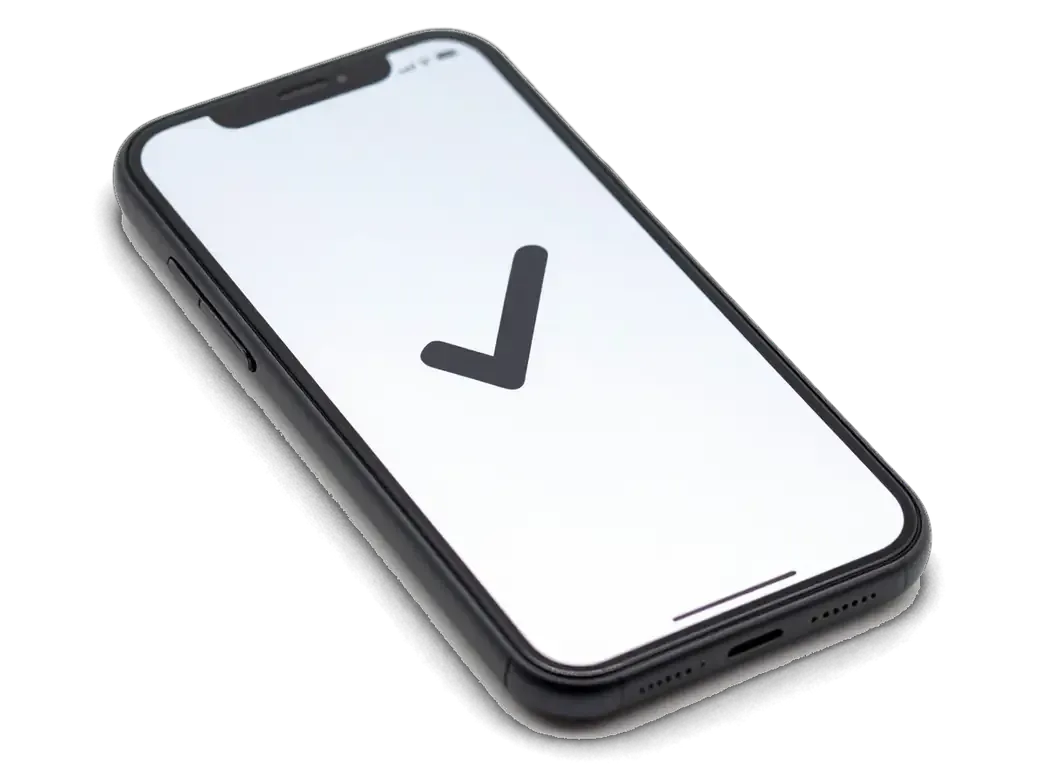
    iPhone with a checkmark on screen showing microphone testing
    Microphone testing

    The bottom, top and front microphones are checked one by one with a call, a video and a voice memo.

  2. 02
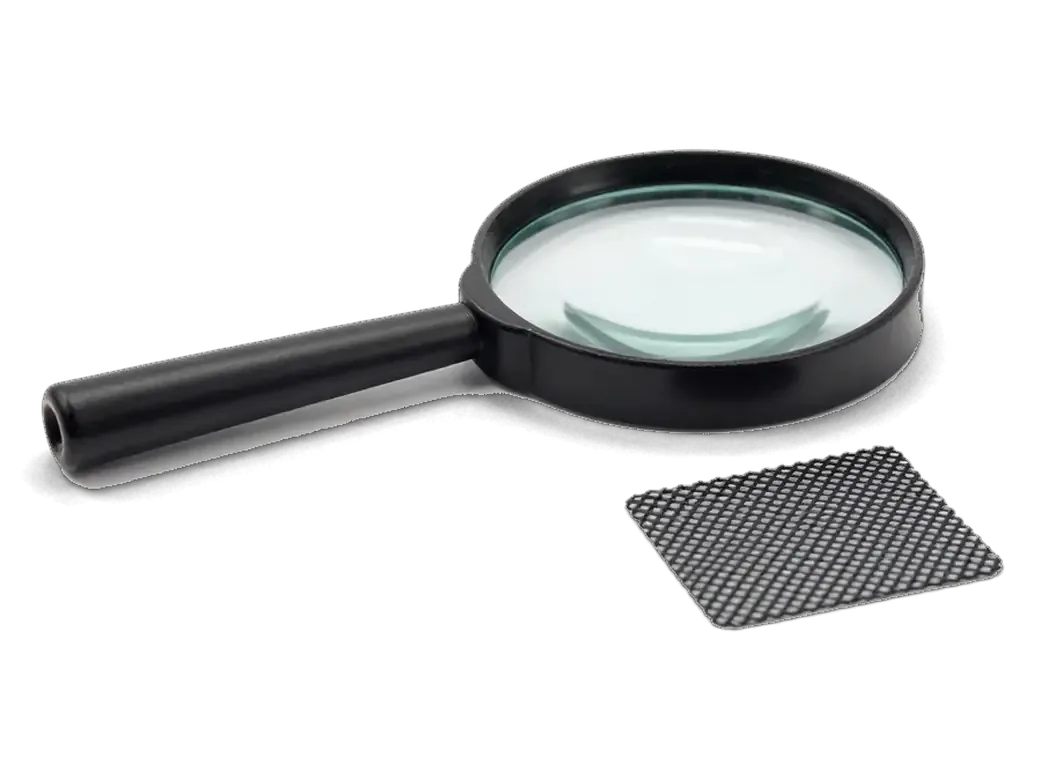
    Magnifying glass and microphone mesh showing inspection of the openings
    Port and mesh inspection

    Openings are examined for packed dust, ruling out dirt as the cause of muffled sound.

  3. 03
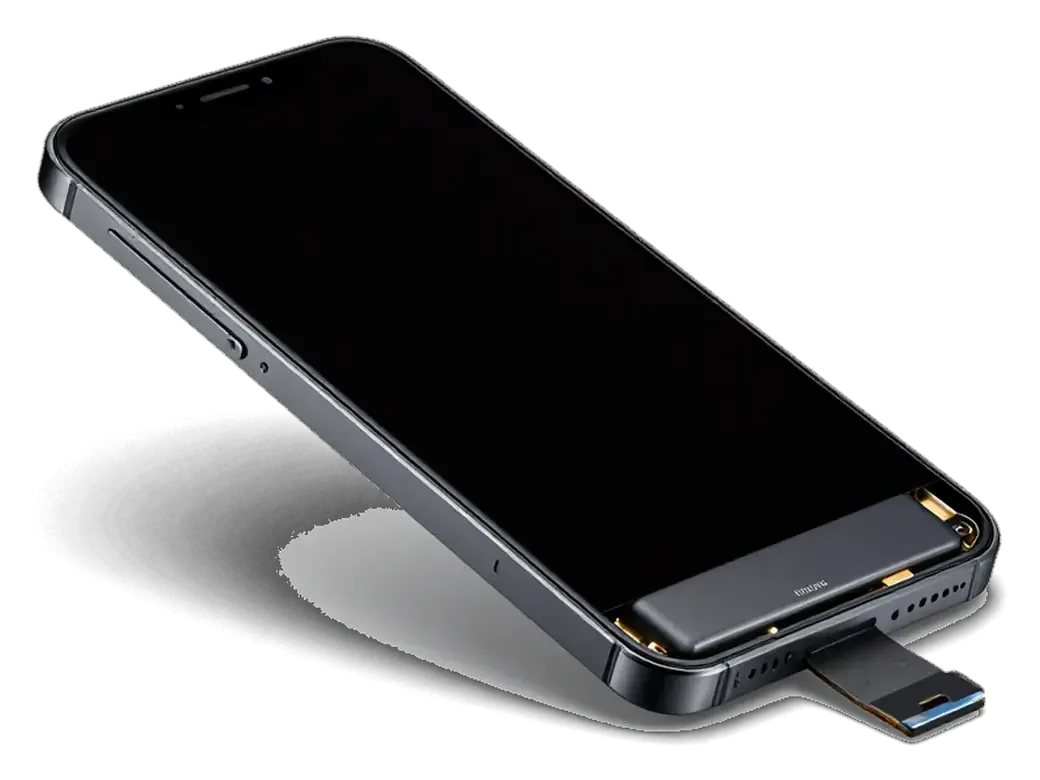
    iPhone with the display tilted open on its flex cable showing case opening
    Opening the phone

    The battery is disconnected and the display lifted to reach the board and the lower cable.

  4. 04
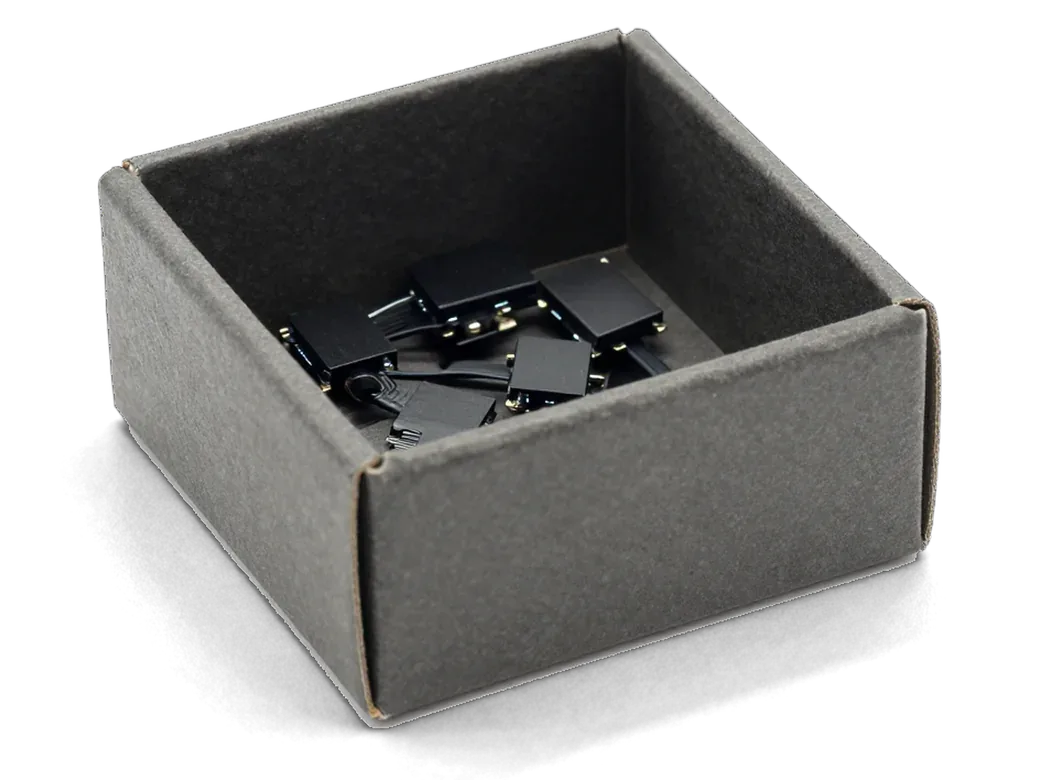
    Box with microphone modules for iPhone showing part selection
    Swapping the module

    The microphone, or the flex cable that carries it, is replaced and plugged into the board.

  5. 05
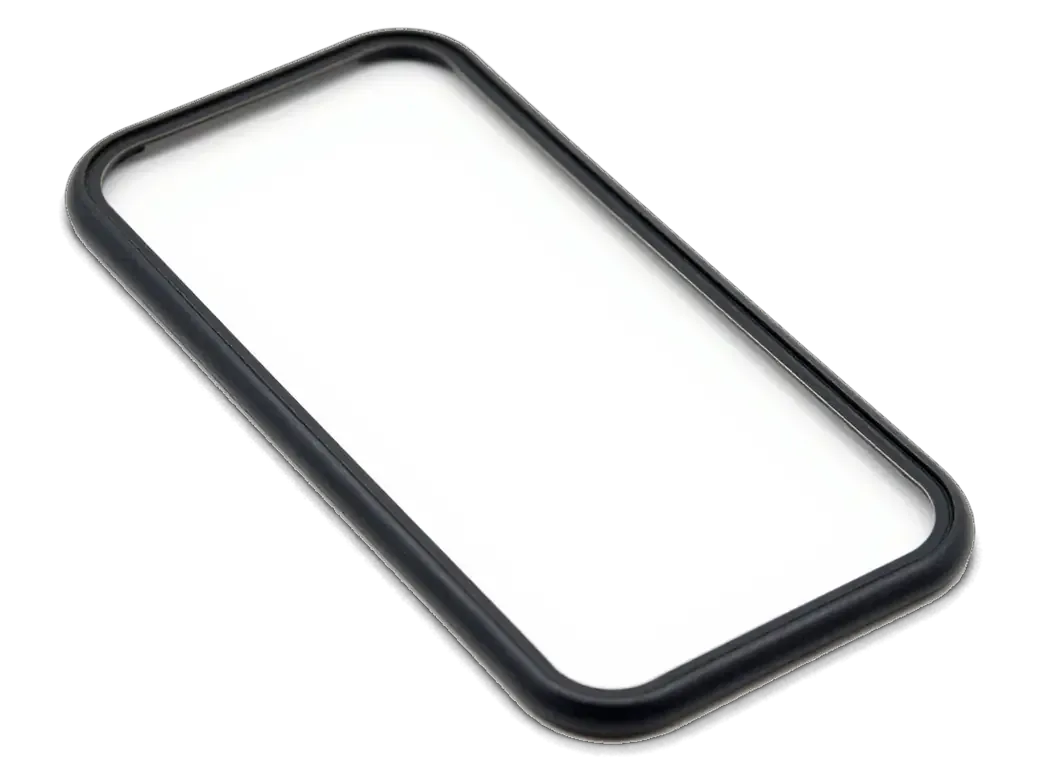
    Adhesive gasket for iPhone case showing assembly and sealing
    Resealing the channel

    Gaskets and meshes go back in place so sound travels down its channel without leaking.

  6. 06
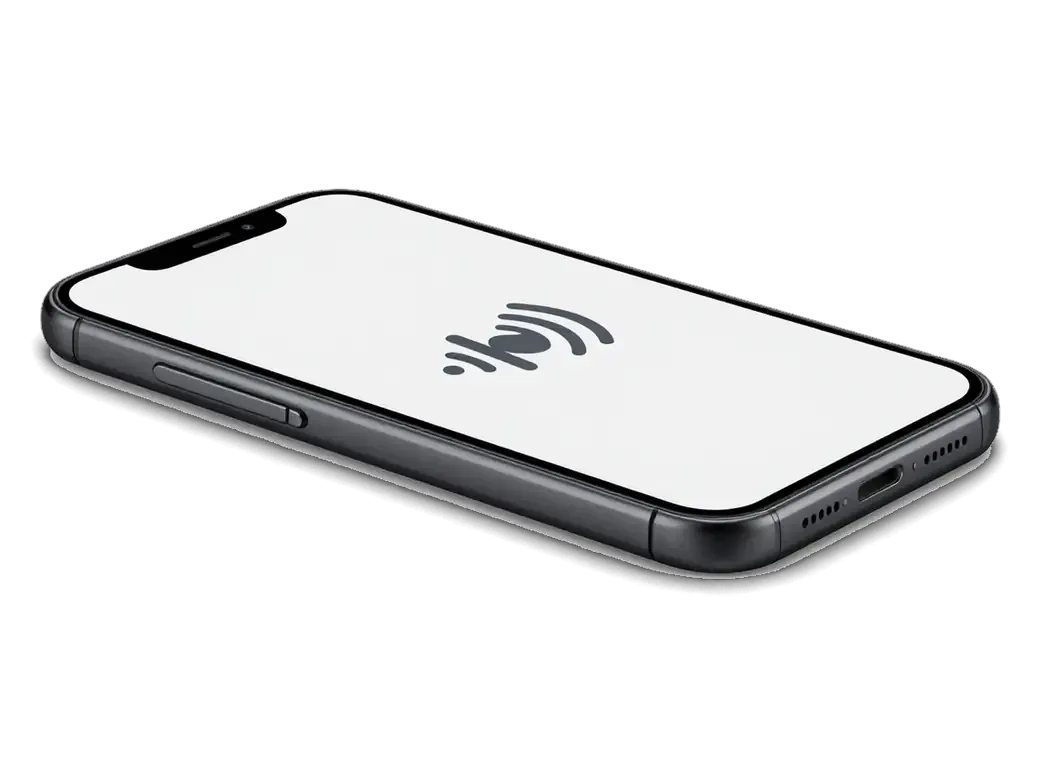
    iPhone with a sound wave icon on screen showing audio testing
    Sound check

    A voice recording, a call, speakerphone and noise cancellation are tried to confirm the fix.

  7. iPhone 8 Plus microphone replacement
    from15 900 ₸

    The exact scope depends on which microphone turns out to be faulty.

    Price for my model

Should you fit an original or an aftermarket microphone

For a microphone and its cable, the choice affects how clean the audio is and how firmly the connector holds.

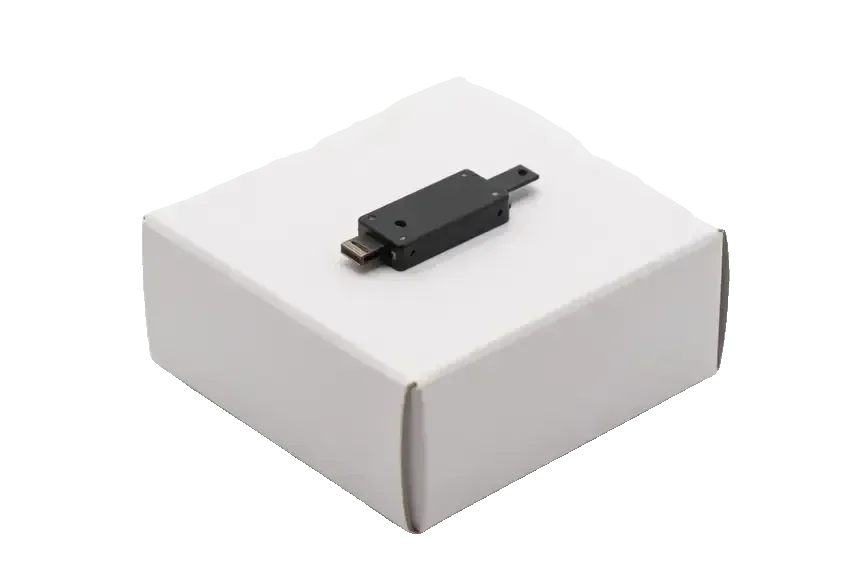
Original Applewarranty up to 1 year
iPhone 8 Plus37 900 ₸
Original microphone for iPhone on a white box
Audio
Clean capture with no hiss
Connector
Contacts line up exactly with the socket
Noise control
Works as it does on a stock phone
Price
Higher than the aftermarket part
Chosen by 64% of clients
Book with an original part
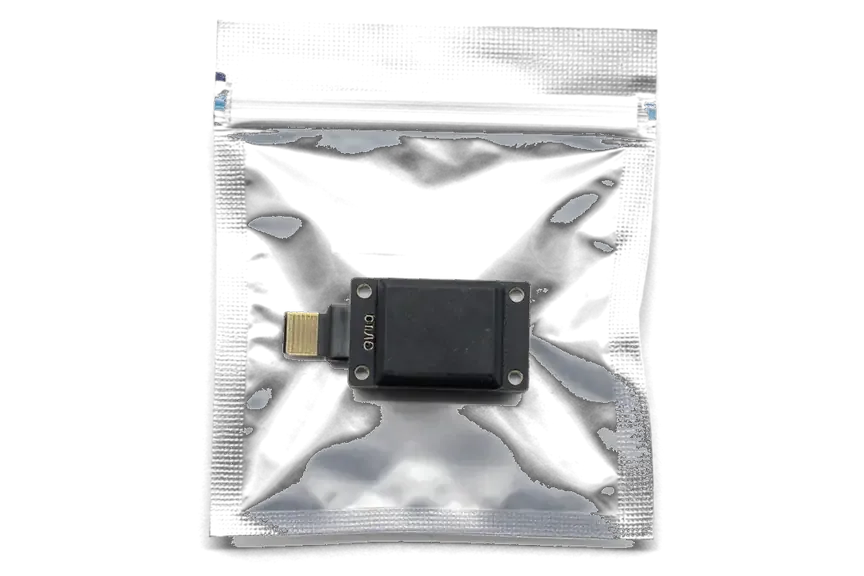
Aftermarketwarranty 6 months
iPhone 8 Plus32 900 ₸−13%
Analog microphone for iPhone in an antistatic bag
Budget
Cheaper than the original part
Audio
Sensitivity may be slightly lower
Contacts
Sometimes needs careful fitting
Best for
Getting calls back at a low cost
Chosen by 36% of clients
Book with an aftermarket part

Why people leave their phones with us

You need a phone for calls every day, so here is a short account of how repairs work for us across two cities.

1year

Warranty on the swap

If the fault returns after the repair, come back under the warranty, which runs up to 1 year.

11years

Experience in repair

Eleven years on the bench make it quicker to tell a microphone fault from a board or software problem.

6technicians

Experienced technicians

Lower cables and microphones are replaced by experienced technicians used to tiny board connectors.

0₸

Cause first

The technician identifies the cause first and suggests a replacement only when nothing else will do.

2cities

Almaty and Astana

Visiting Astana from Almaty? The repair can be done in either of our two cities.

7days a week

Opening hours

Mon–Fri 10:00–19:00, weekends and holidays 11:00–18:00, so you can drop in on a convenient day.

iPhone 8 Plus before and after repair

1 / 1
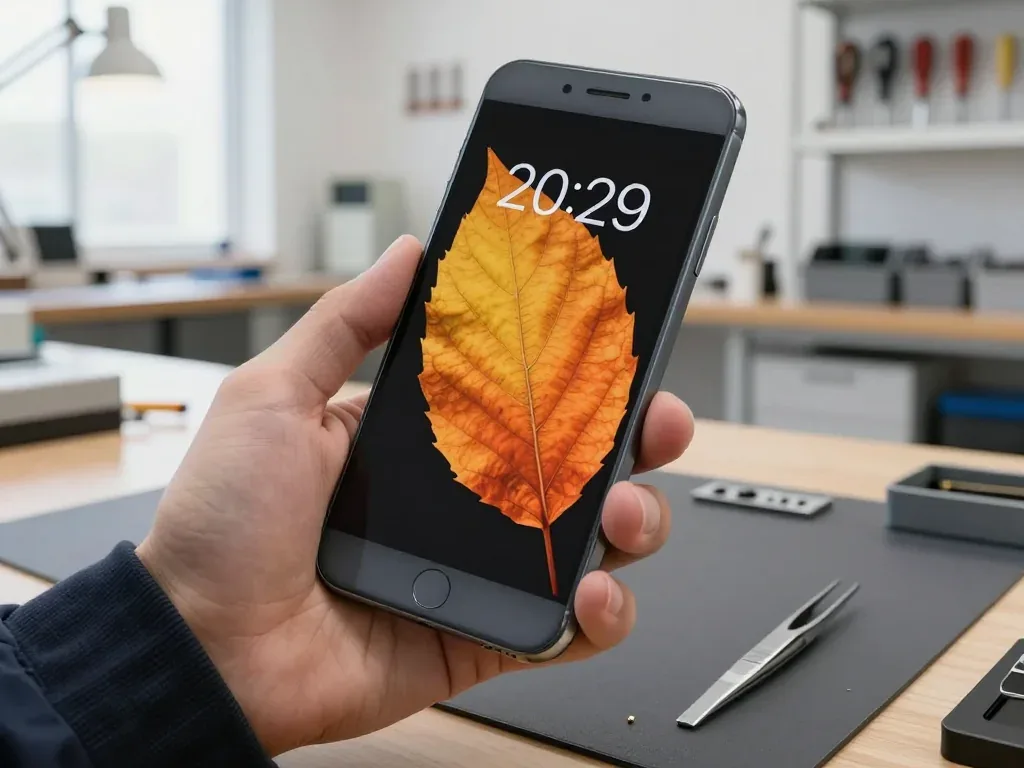
A technician holds an iPhone 8 Plus with the screen on showing an autumn leaf wallpaper

iPhone 8 Plus: caller can't hear

The client complained that during calls he was barely audible, especially in the car. We replaced the microphone on the lower flex cable and tested calls and recording — the connection is clear.

from 15 900 ₸repair cost
I want the same

How iPhone 8 Plus microphone replacement is done in Astana

The whole journey — from message to finished phone. We give you the old part.

Book a replacement
  1. Step 1

    Message or come in

    5 min

    You message us on WhatsApp with the model and what happened — we give you the price and time. Or you come in without an appointment.

  2. Step 2

    Diagnostics in front of you

    10 min

    We check voice recording in calls and Voice Memos: sometimes the mesh or the board is at fault, not the microphone.

  3. Step 3

    Price in the receipt

    2 min

    We note the model, the part (original or aftermarket), the price, the timeframe, and the warranty.

  4. Step 4

    We show the new microphone

    1 min

    We open the factory packaging in front of you and check the number against the receipt.

  5. Step 5

    We replace the microphone

    time on the receipt

    We install a new microphone or the flex with it and seal the case with water-resistant adhesive.

  6. Step 6

    You check together with the engineer

    warranty up to 1 year

    Calls, Voice Memos, video with sound, Siri. You get the phone, the receipt and the old part.

Meet the iServices team

Technicians for iPhone, Mac, iPad, Apple Watch and AirPods repair.

1 / 5
BSBakmukhammed S. — on-site iPhone technician, iServices service center in AstanaPhoto: Bakmukhammed S.

Bakmukhammed S.

on-site iPhone technician
13years of experience
4.93rating, 107 reviews
GSGalymzhan S. — iPhone repair technician, iServices service center in AstanaPhoto: Galymzhan S.

Galymzhan S.

iPhone repair technician
8years of experience
4.79rating, 90 reviews
ZSZhandos Sh. — iPhone screen replacement technician, iServices service center in AstanaPhoto: Zhandos Sh.

Zhandos Sh.

iPhone screen replacement technician
6years of experience
4.65rating, 112 reviews
DTDarkhan T. — iPhone firmware technician, iServices service center in AstanaPhoto: Darkhan T.

Darkhan T.

iPhone firmware technician
8years of experience
4.44rating, 19 reviews
KSKudiret S. — iCloud unlock specialist, iServices service center in AstanaPhoto: Kudiret S.

Kudiret S.

iCloud unlock specialist
10years of experience
4.37rating, 100 reviews
Bakmukhammed S., on-site iPhone technician
“If the repair didn’t suit you or you have a complaint, write to me personally.”
Bakmukhammed S.on-site iPhone technician · +7 701 333-47-01

We'll quote iPhone 8 Plus microphone replacement in Astana from a photo in 5 minutes

Send a photo of the screen and the iPhone model. An engineer will reply on WhatsApp, give the price and today's available time.

  1. 5 minAn engineer replies and names the price
  2. 0 ₸Diagnostics in front of you in 15 minutes
  3. 30 minMost repairs — while you wait

iPhone 8 Plus Microphone Replacement in Astana Done While You Wait

In short

For iPhone 8 Plus microphone replacement in Astana, iServices swaps the lower charging-flex microphone, the upper or rear one, or the whole flex in 20–40 minutes while you wait. Free 15-minute diagnostics are done in front of you, and the work is backed by a warranty up to 1 year.

iServices Editorial TeamWe reply on WhatsApp within 10 minutes
Ask

Which iPhone 8 Plus Microphone Replacement Part Is Actually Silent

The iPhone 8 Plus carries three microphones, and which one has gone quiet decides how much work the phone needs. Here is how to name the culprit in a minute, before you book anything.

Three Microphones and What Each One Does

Which microphone sits where and what it covers
MicrophoneWhere it sitsWhat it handlesQuick check
LowerLightning port flexNormal callsVoice Memos recording
UpperEarpiece flexSpeakerphone, noise cancellingLoudspeaker call
RearMain camera flexVideo soundRecord video on rear camera

A One-Minute Self-Test Before You Book

  • Voice Memos: record ten seconds and play it back — silence means the bottom unit is out.
  • Rear video: shoot a short clip and listen back — no sound points to the rear unit.
  • Front video: check the same way — this path uses the upper one.
  • Speakerphone call: if the other side hears you only here, the bottom unit is the suspect.
  • Siri and voice messages: a microphone that fails these but passes calls is often a software setting.
  • Write it down: note which of the four checks failed so the engineer starts from the right part.

What the 8 Plus Shares With Earlier Models

The iPhone 8 Plus keeps the same lower-flex layout as the iPhone 7, but unlike the 6, 6s and 6s Plus it has no 3.5 mm jack and carries IP67 water resistance. The glass back adds wireless charging, and the Lightning port strip now carries the lower microphone together with the charging contacts and the speaker grille. In the 6 and 6s family the headphone socket sat on its own separate assembly, so a failed unit there rarely touched charging. On the 8 Plus, one damaged lower assembly can silence calls and interrupt charging at once. If you are weighing an iPhone 8 Plus microphone replacement in Astana, knowing which flex has failed tells you which part the job needs.

Matching the Symptom to Your iPhone 8 Plus Microphone Replacement Fault

The same complaint can come from three different parts. Below is how we translate what you hear into the specific component that needs work.

From Symptom to the Part We Replace

Complaint, probable component and the action we take
SymptomLikely causeWhat we do
Callers can't hear you, speakerphone worksLower microphone or ribbonClean mesh, then replace lower ribbon
Muffled or hollow voiceBlocked mesh or dirtClean port and mesh, retest
No sound on videoRear microphone flexReplace rear flex
Voice drops mid-callRibbon contact or boardDiagnose ribbon, then board
Buzzing after waterOxidation on ribbonDry, diagnose, replace if needed

Cleaning, Dirt and Water Before Any Replacement

Dirt, a case covering the port or a splash of water can mimic a dead microphone, so we clean and dry first and only replace when the part still fails. A thick protective film or a snug case often sits right over the lower mesh, and lint packed into that opening muffles the voice without anything being broken inside. The iPhone 7, 8 and 8 Plus carry an IP67 rating, which resists a quick splash but does not stop moisture from reaching the ribbon over time. After water contact, diagnostics can take up to two days, because oxidation on the strip may only show once the board is dry and retested.

When a Clean Is Not Enough

If the voice is still muffled after the mesh is cleaned and the port is dried, the microphone element itself has failed and the ribbon has to be swapped. We put the cleaned port under the microscope and show you the result before quoting a part, so the difference between surface dirt and a corroded contact is visible rather than assumed. A membrane that looks intact can still have oxidation on the pads beneath it, and that is where a muffled call turns into a replacement job. Ask to see the port through the eyepiece — it takes a minute and settles whether cleaning was ever going to be enough.

Why a Microphone Job Often Means a Charging Flex

Owners often arrive expecting a small microphone fix and leave with a ribbon replacement instead. The two are the same component on this model, and understanding why saves confusion and a second visit.

One Flex, Several Functions

On the iPhone 8 Plus the lower microphone is soldered to the charging assembly, so a failed unit is replaced together with the Lightning port and its strip. The assembly runs along the frame edge and carries the mic, the connector itself and the contact pads that link the board to the port. Because the microphone sits on that strip rather than on a separate lead, a dead unit and a worn socket are handled in one operation. The upper microphone near the earpiece is a separate part, which is why top and bottom faults behave differently. That is why such a repair can also restore power intake or fix a loose connector — the same strip carries all three, and one replacement covers them.

What Else the Lower Flex Carries

  • Power intake: plug in a cord and confirm the battery icon responds.
  • Data transfer: connect to a computer and check the device is recognised.
  • Antenna contact: confirm signal bars return after reassembly.
  • Microphone: record a voice memo and play it back on the spot.
  • Packaging: we show the new part in its factory bag before fitting.

When the Problem Is the Board and Not the Microphone

Sometimes the microphone is intact and the sound still disappears. Here is how to tell a hardware fault and a software glitch apart from a genuinely dead part.

Software Settings That Mimic a Dead Microphone

  • Bluetooth: disconnect headsets and speakers, then retest a call — a paired device can quietly capture your voice instead of the built-in mic.
  • Permissions: open Settings and confirm each calling and recording app still has microphone access after the latest update.
  • Noise cancelling: toggle the setting off and on to reset it, since a stuck profile can mute the input.
  • Restart: a full reboot clears frozen processes, and it costs nothing before you book anything.

Board-Level Faults and the Grey Speaker Button

A greyed-out speaker button, a dead Voice Memos app and slow booting together point to the codec chip on the logic board, not to the microphone. When that component fails, the phone loses input and output at once: the speaker icon stays grey during calls, recordings come back silent, and the device takes noticeably longer to reach the home screen after a restart. The same circuit sits inside the iPhone 7, so the symptom reads identically across both generations. We confirm the fault during free diagnostics, then repair the board under a microscope — that job runs one to three days, unlike a 20–40 minute strip swap. Confirming the codec first is worth it before you agree to a bottom ribbon replacement that cannot help, and our engineers show you the test result on the spot so the decision rests on evidence rather than guesswork.

How the Replacement Runs and What You Get Back

From the first photo to the moment you walk out with the phone in your pocket, the job follows a fixed sequence — and each step leaves you with something in hand, not just a promise.

From WhatsApp Photo to Pickup

  • Photo on WhatsApp: an engineer replies within five minutes and quotes a price from the picture.
  • Free diagnostics: 15 minutes in front of you, and it stays free even if you decline the repair.
  • Receipt: price, part, turnaround and warranty are fixed on paper before work starts.
  • Waiting area: coffee and Wi-Fi while the lower ribbon is swapped out.
  • Courier: a courier can be called if you cannot come in yourself.

The Check Before You Leave

Before you leave we run 32 functions in about ten minutes, microphones included, and hand back the receipt, the warranty card and the old part. The replacement itself arrives in factory packaging and is shown to you before installation, so you see the component that goes into the phone rather than a loose part on a tray. Coverage runs up to 1 year, and the removed ribbon goes home with you as proof the swap actually happened. We suggest hearing the voice memo and the video playback together with the engineer — a microphone that passes a call can still fail in video, and catching it on the spot saves a second trip across the city.

Summary: iPhone 8 Plus Microphone Replacement

A short recap of what decides a microphone job on this model, so you can book with the right expectations.

  • Three microphones: the iPhone 8 Plus carries separate units for calls, video and speakerphone, and a one-minute voice-memo test shows which one stays silent.
  • Lower microphone and strip: the bottom mic sits on the charging strip, so a failed unit is usually replaced together with the whole ribbon and its other functions.
  • Board symptoms: a grey speaker button and slow booting point to logic-board damage, where a straight microphone swap will not restore sound.
  • Cleaning first: dust, a tight case or water residue can mimic a dead microphone, so the port is cleaned and checked before any part is ordered.
  • Handover check: a proper return includes a voice-memo and video test, a warranty card and the old part, so the result is verified on the spot.

Questions we hear about iPhone 8 Plus microphone replacement

Did not find an answer? Message us on WhatsApp: an engineer replies, not a bot.

Ask a question
Why can people not hear me on my iPhone 8 Plus while I hear them fine?

The main microphone at the bottom is the usual suspect, especially if it is clogged with dust or damaged by moisture. Speakerphone and video calls may still work through other microphones. The engineer tests each one to find the faulty part.

Is the iPhone 8 Plus bottom microphone part of the charging port?

Yes, on the iPhone 8 Plus the bottom microphone sits on the same flex cable as the Lightning port. So a faulty microphone is often fixed by replacing that cable. The engineer explains this before starting.

Why do my iPhone 8 Plus videos have no sound from the rear camera?

Rear-camera videos use the microphone near the camera. If those recordings are silent while calls work, that microphone or its cable is faulty. It is replaced separately from the bottom one.

Can an iPhone 8 Plus microphone be cleaned instead of replaced in Astana?

Sometimes, if the opening is blocked by dust or dried dirt. Careful cleaning restores the sound. If the microphone is corroded or broken, it has to be replaced.

Why does my iPhone 8 Plus sound muffled in WhatsApp voice notes?

Muffled voice notes come from a dirty mesh, a case blocking the opening or a worn microphone. Remove the case and record again. If the sound is still muffled, bring the phone for testing.

Does noise cancellation stop working when an iPhone 8 Plus microphone fails?

Yes, noise reduction during calls relies on several microphones working together. When one fails, callers hear more background noise or echo. A replacement restores clear calls.

Reviews of iPhone 8 Plus microphone replacement in Astana

1 / 10
4.9

iServices network rating on Google Maps, wikicity and our website · 2 028 reviews
Google Maps4.438 reviews ›wikicity5.015 reviews ›Reviews on the iServices website4.91 975 reviews ›
КД
Куралай Д.Order No. •••66 · 2 November 2026
iPhone 16 Pro Max · screen

У нас в офисе три таких ноутбука, один сломался. Неделю лежал без дела, теперь хрипит динамик. Бақмухаммед С. отсоветовал дорогой ремонт, предложил простой. Выдали номер заказа и сказали, как отслеживать. Нужна была новая деталь: дисплей. 10 500, и горонтия в комплекте. Пришлось самому напомнить о себе. Скажу знакомым. Функционирует, тьфу-тьфу.

iServices customer review, in Russian
НН
Нурия Н.Order No. ISV‑•••06 · 16 October 2026
iPhone 17 · sound

Искала сервис, где дадут гарантию и чек. Записалась на ремонт iPhone 17. Проблема — хрипит динамик. Диагностику сделали при мне. Сделали так, что и не придерёшься!!

iServices customer review, in Russian
АЖ
Амалия Ж.Order No. ISV‑•••04 · 10 October 2026
iPhone 13 Pro Max · sound

Позвонила насчёт iPhone 13 Pro Max. Проблема — хрипит динамик. После ремонта — как новое.

iServices customer review, in Russian
АЦ
Айзада Ц.Order No. IS‑•••28 · 16 September 2026
iPhone 17 Pro · sound

Проблема — хрипит динамик. Бақмухаммед С. не пропал после ремонта, помог с настройкой. Все функции проверила — работают.

iServices customer review, in Russian
ГЭ
Гульмира Э.Order No. ISV‑•••34 · 5 September 2026
iPhone 15 · battery

Разозлилась на себя больше, чем на технику. Проблема — хрипит динамик. Бақмухаммед С. сам позванил и сказал, что готово. Привезла на такси, приняли без вопросов. Вытащили и показали: аккумулятор. Скажу знакомым. Внешне не видно, что разбирали

iServices customer review, in Russian
СУ
Сауле У.Order No. IS•••79 · 15 August 2026
iPhone 16 Plus · sound

Работаю рядом, заехала в обед. Проблема — хрипит динамик. Про i service узнала от коллеги из офиса. Работает, даже лучше прежнего.

iServices customer review, in Russian
ИШ
Индира Ш.Order No. •••20 · 8 August 2026
iPhone 17 Pro Max · sound

Искала, где есть оригинальные запчасти, а не «как оригинал». Проблема — хрипит динамик. Вернули — проверила, всё ок.

iServices customer review, in Russian
СЖ
Салима Ж.Order No. •••64 · 22 July 2026
iPhone 16 Pro Max · screen

Проблема — хрипит динамик. Вернули — проверила, всё ок. Экран яркий, батарея держит

iServices customer review, in Russian
ДН
Дамир Н.Order No. IS•••67 · 27 June 2026
iPhone 15 Pro Max · sound

У нас в офисе три таких ноутбука, один сломался. В командировке достал, а у него хрипит динамик. Сейчас роботает без нареканий

iServices customer review, in Russian
ЭК
Эмма К.Order No. IS‑•••10 · 19 May 2026
iPhone 17 Pro Max · sound

Сдала iPhone 17 Pro Max мастеру. Проблема — хрипит динамик. Ғалымжан С. отсоветовал дорогой ремонт, предложил простой. Привезла на такси, приняли без вопросов. Нужна была новая деталь: плата. Заплатила 36 500 тенге, и всё. Достойно сделали. Внешне не видно, что разбирали.

iServices customer review, in Russian
Showing 10 of 100

Where to get iPhone 8 Plus Microphone replacement in Astana

Address
Astana, Kabanbay Batyr Ave., 7/2
Opening hours
Mon–Fri 10:00–19:00Sat–Sun 11:00–18:00
Phone and messengers
+7 727 339-99-12WhatsApp: +7 701 333-47-01
Directions map: iServices Astana© OpenStreetMapFind us on the maps: Google Maps · 2GIS