Eng

iPhone 6s microphone replacement in Astana

Callers say they can't hear you on iPhone 6s? We'll replace the microphone in 20–40 minutes and lock the price and selected part in your receipt.

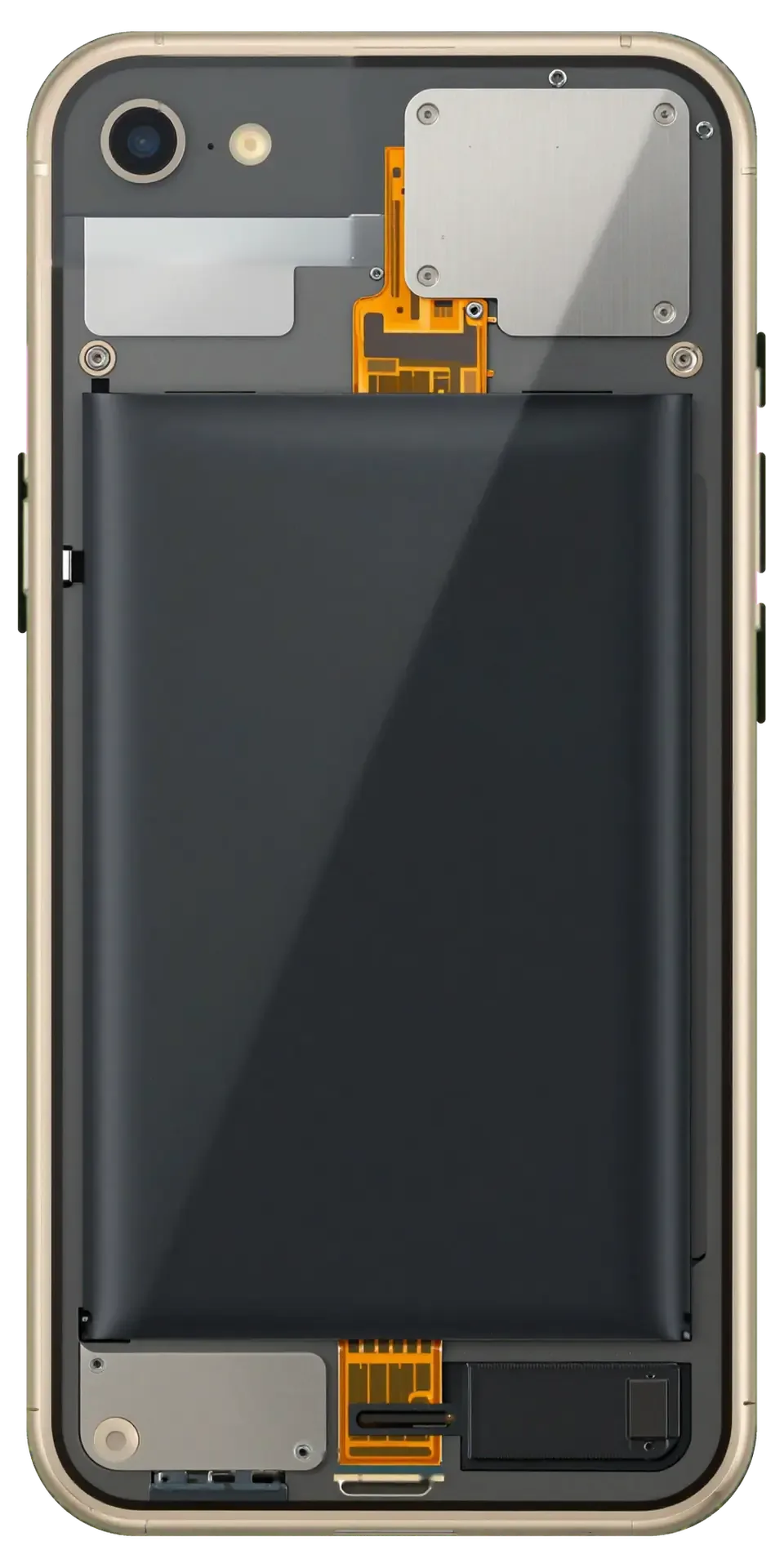
Gold iPhone 6s with the back cover removed showing the charging port and microphone flex cable
Price incl. labor
from 11 900 ₸
Warranty
6 months
  • Testing every microphone
  • Opening the case
  • Cleaning the seat

Signs your microphone is failing

A failing microphone is easy to blame on the network, as callers keep asking you to repeat, videos record silently and Siri goes unanswered.

People cannot hear you

During a normal call your voice sounds muffled or cuts out, while you hear the other person just fine.

Silent videos

Clips record the picture but the voice is very quiet or missing, even though the camera itself works well.

Siri does not respond

Voice activation stays quiet and dictation in Messages misses most of the words you speak.

Hiss and echo

Speakerphone calls and voice memos come out noisy, with crackling that gets louder when you talk.

How much does iPhone 6s microphone replacement cost in Astana?

We name the final cost after a free diagnostic — call us or send a message on WhatsApp.

ServiceOriginalAftermarket
Microphone replacement19 900 ₸11 900 ₸
Speaker replacement19 900 ₸11 900 ₸
Earpiece speaker replacement22 900 ₸13 900 ₸
Charging port replacement14 900 ₸8 900 ₸
Display replacement28 900 ₸27 900 ₸
Display glass replacement28 900 ₸15 900 ₸
Battery replacement23 900 ₸13 900 ₸
Housing replacement58 900 ₸32 900 ₸
Camera glass replacement17 900 ₸9 900 ₸
Main camera replacement33 900 ₸18 900 ₸
Front camera replacement24 900 ₸13 900 ₸
Home button replacement26 900 ₸15 900 ₸
Button replacement22 900 ₸13 900 ₸
Vibration motor replacement19 900 ₸11 900 ₸
Proximity sensor replacement29 900 ₸17 900 ₸
Other repairsPrice
Water damage cleaningcorrosion cleaning · diagnostics up to 2 days8 900 ₸per job
Power controller replacementboard-level chip · microsoldering24 900 ₸with parts
Wi-Fi module repairwireless module · board-level repair10 900 ₸with parts
Logic board repairmicrosoldering · 1–3 days135 900 ₸per job
Storage replacement and upgradememory chip installation30 900 ₸with parts
Firmware flashingsoftware restore, no parts replaced6 990 ₸per job
Modem repairboard-level chip · microsoldering19 900 ₸with parts

The final amount depends on which microphone has failed and on the type of part you choose.

What iPhone 6s microphone replacement includes

Every microphone is tested, the case is opened, the seat cleaned, the new part fitted, the phone reassembled and a final test call made.

  1. 01
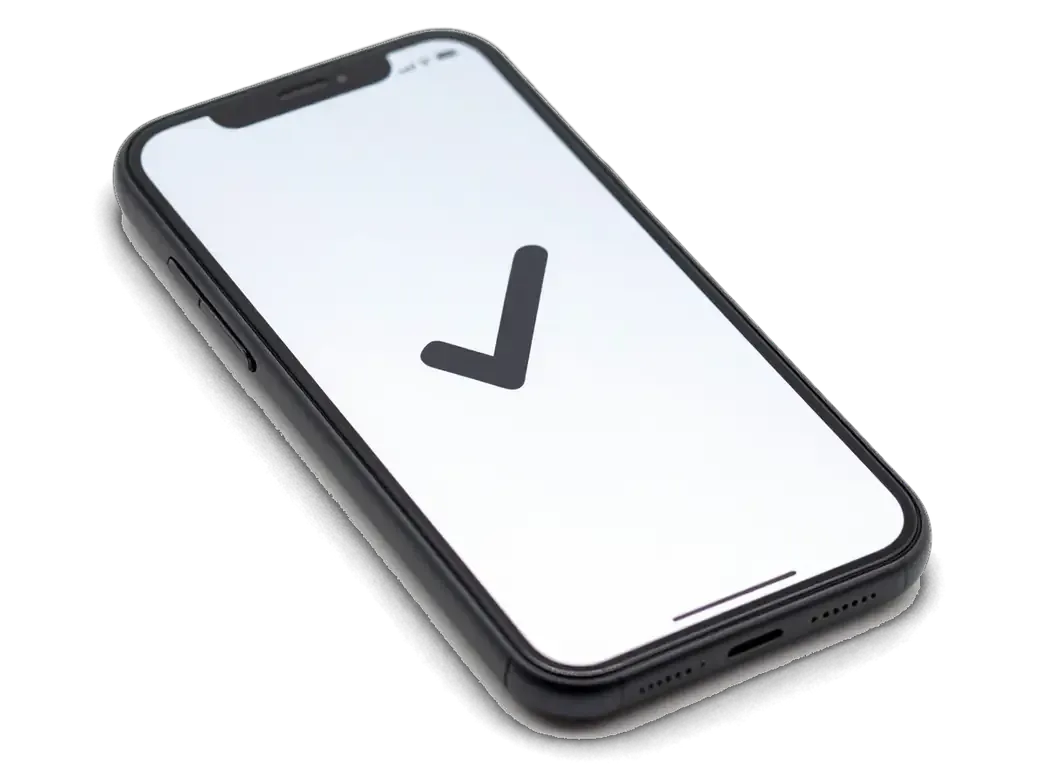
    iPhone with a checkmark on screen showing microphone testing
    Testing every microphone

    We compare the bottom, top and rear microphones in a call, a video and Voice Memos to pin down the fault.

  2. 02
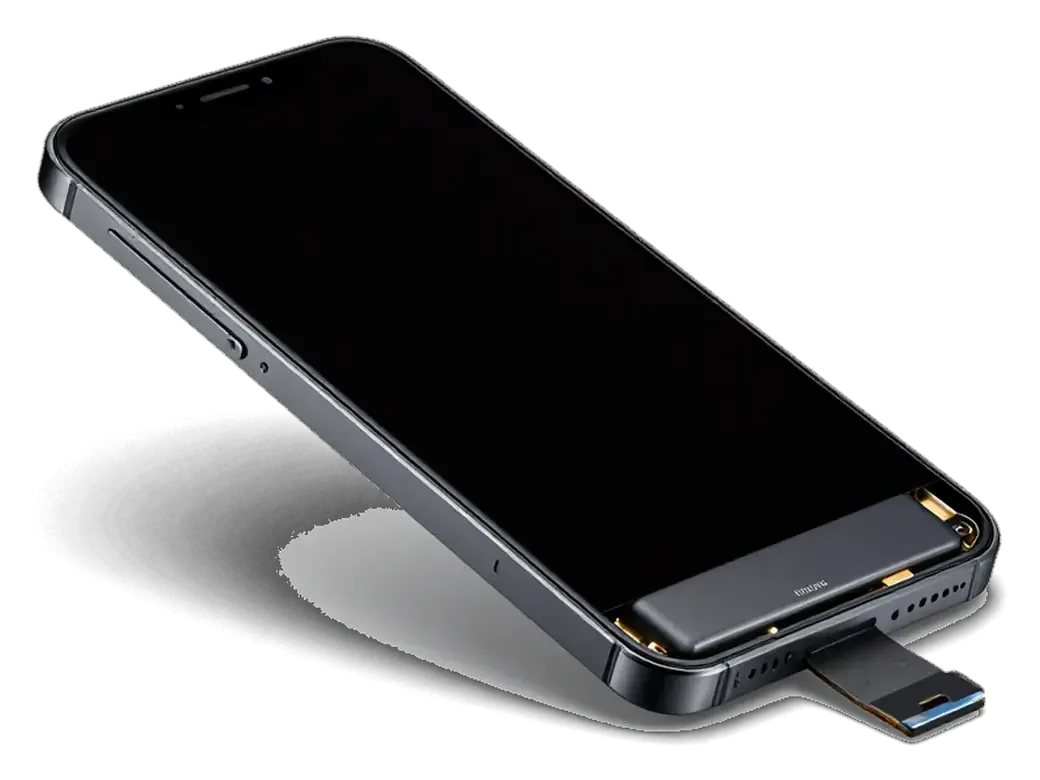
    iPhone with the display tilted open on its flex cable showing case opening
    Opening the case

    The display module is lifted with care and the battery is disconnected, so no flex cable gets damaged.

  3. 03
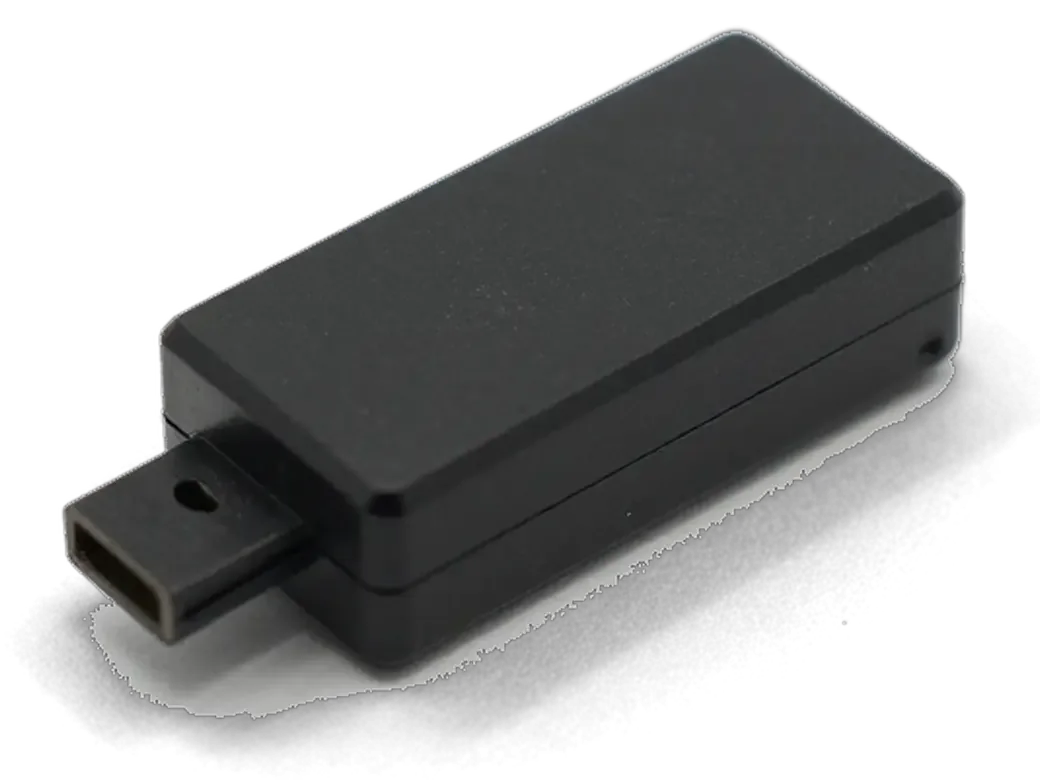
    Microphone module with flex cable for iPhone showing cleaning or replacement
    Cleaning the seat

    Dust and corrosion marks around the microphone and connector are removed so contact stays reliable.

  4. 04
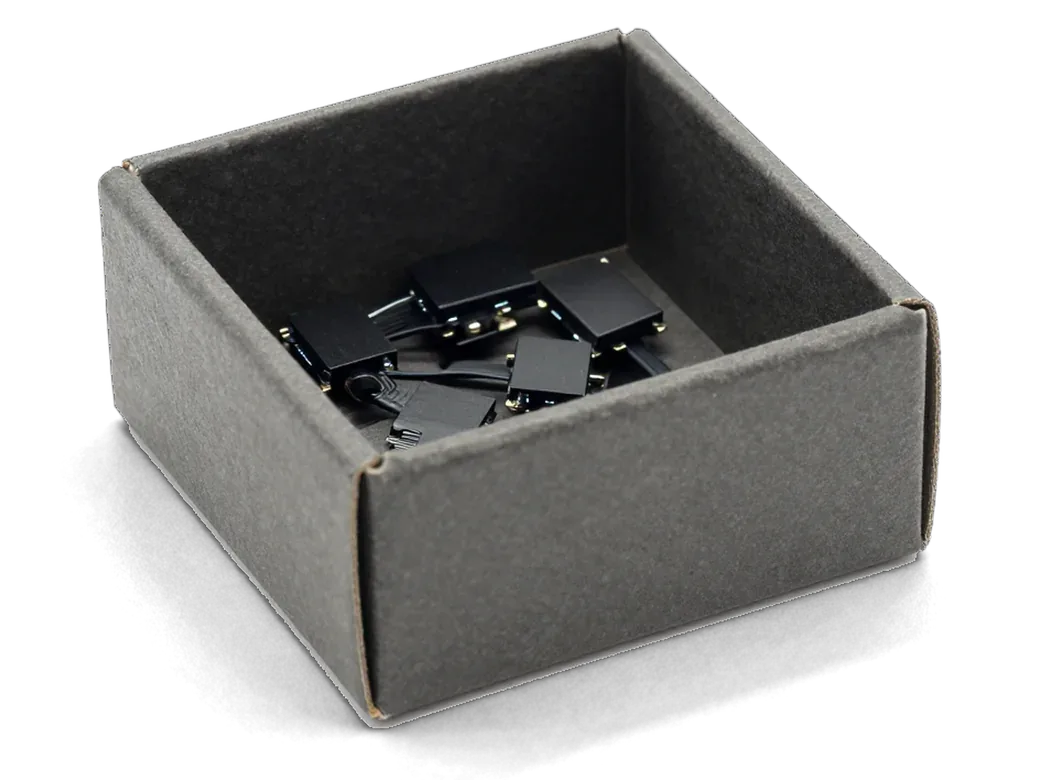
    Box with microphone modules for iPhone showing part selection
    Fitting the new part

    The chosen microphone or its flex cable goes in, and we check that the connector is seated firmly.

  5. 05
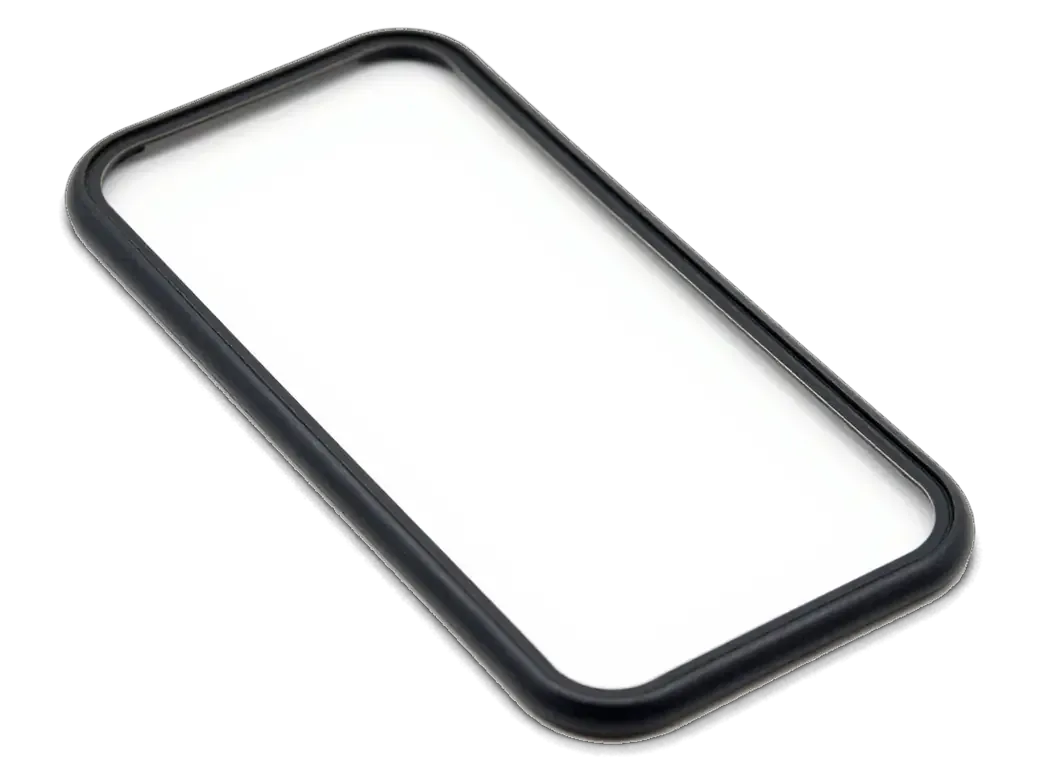
    Adhesive gasket for iPhone case showing assembly and sealing
    Reassembly

    The display returns to place, the seal is refitted and every screw goes back to its original hole.

  6. 06
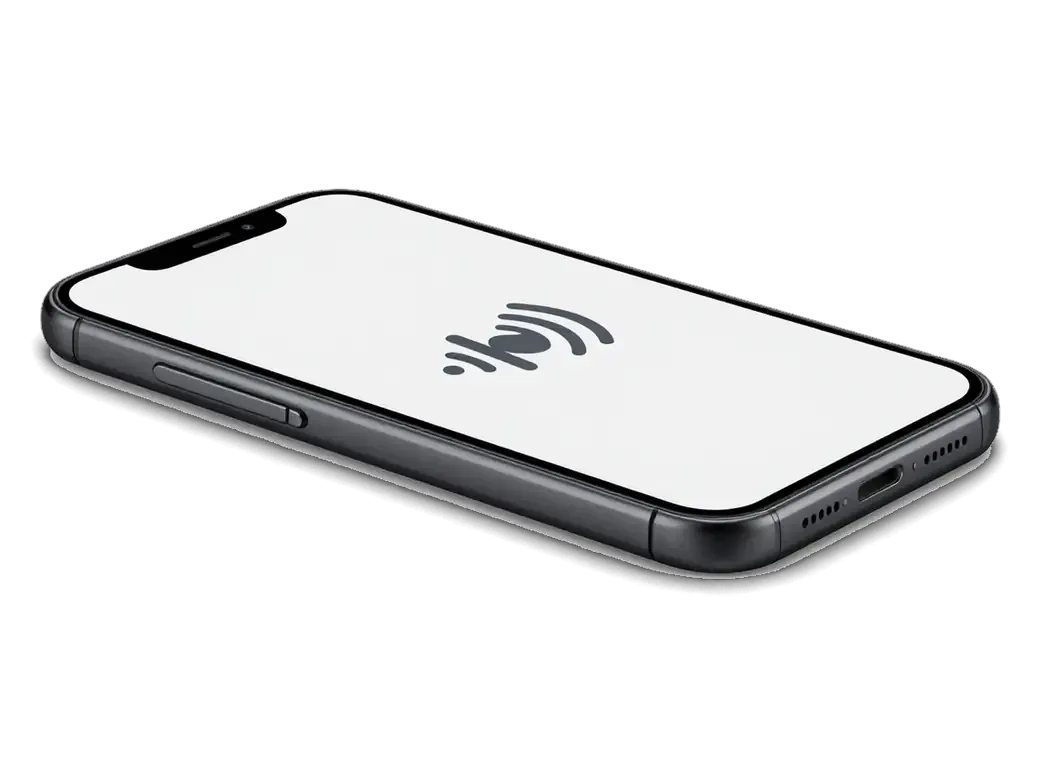
    iPhone with a sound wave icon on screen showing audio testing
    Final test call

    Your voice is checked in a regular call, on speakerphone and in a recorded video before pickup.

  7. iPhone 6s microphone replacement
    from11 900 ₸

    You get clear sound on calls and recordings, backed by our warranty.

    Price for my model

Which microphone part to choose

Original and aftermarket parts differ in sound quality and lifespan, and the choice stays with you.

Original Applewarranty up to 1 year
iPhone 6s28 900 ₸
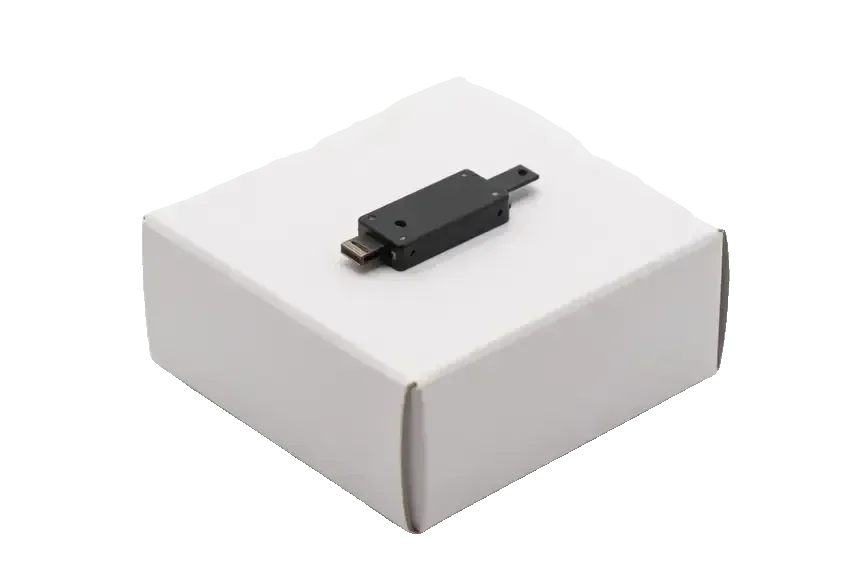
Original microphone for iPhone on a white box
Sound
Familiar tone and good noise reduction
Fit
Matches size and connector exactly
Lifespan
Built to last for years with less hiss
Best when
this is your daily phone for calls
Chosen by 64% of clients
Book with an original part
Aftermarketwarranty 6 months
iPhone 6s27 900 ₸−3%
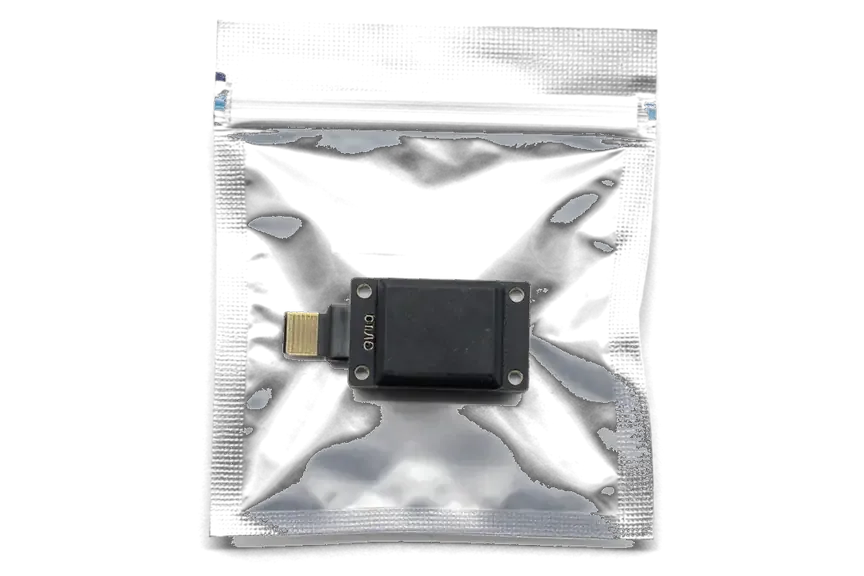
Analog microphone for iPhone in an antistatic bag
Sound
Voice is clear, sensitivity is often lower
Fit
Mounts correctly, wider tolerances
Lifespan
Depends on the batch, may be shorter
Best when
you need a budget-friendly spare phone
Chosen by 36% of clients
Book with an aftermarket part

Why Astana clients trust us with the 6s microphone

We look for the cause before replacing anything, and the part itself is your choice, whether you come on a weekday or at the weekend.

1year

Warranty up to 1 year

Our work comes with a warranty up to 1 year, so if the same fault returns on our side, we look at it again.

11years

11 years of repairs

The service has worked for 11 years and knows the usual faults of older iPhones inside and out.

6technicians

Experienced technicians

The microphone on a sixth-generation phone is swapped by experienced technicians, not by a random soldering amateur.

2options

You pick the part

We explain the original versus aftermarket difference in plain words before work starts and never push.

0₸

Cause first, part second

If the fault sits on the board rather than in the microphone, we say so up front and you avoid needless costs.

7days a week

Weekday and weekend visits

We take phones on weekdays and at weekends too; exact opening hours are listed on the contacts page.

iPhone 6s before and after repair

1 / 1
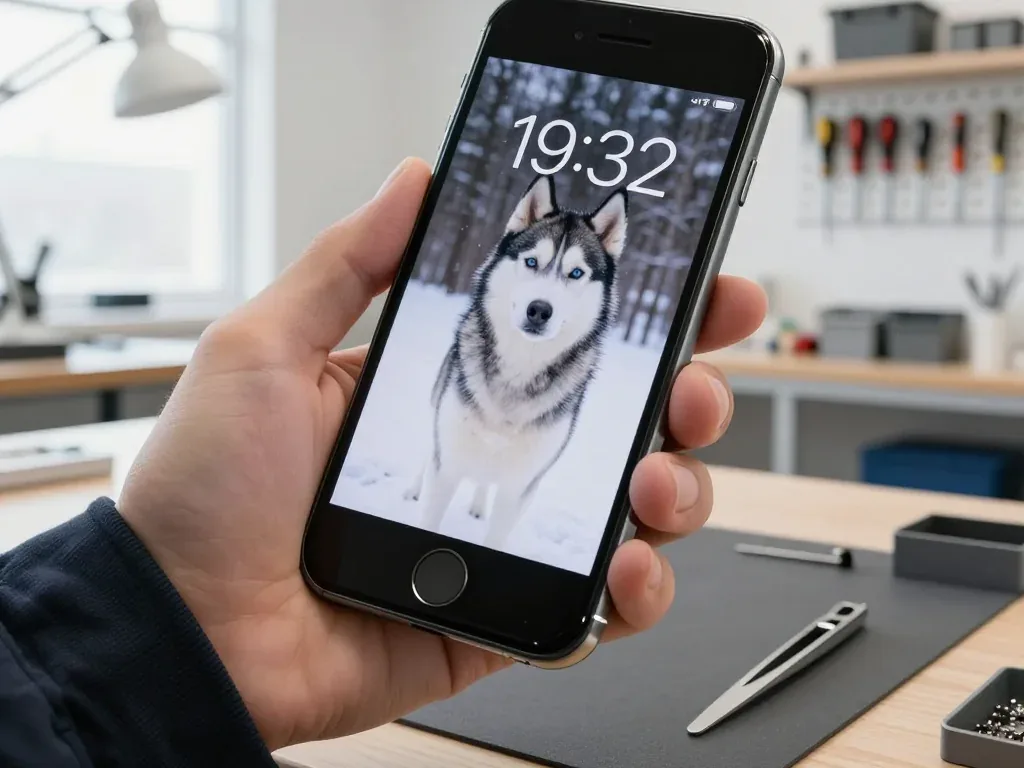
A technician holds a space gray iPhone 6s with the screen on, showing a husky wallpaper in a winter forest

iPhone 6s: caller can't hear

The client complained that during calls he was barely audible, especially in the car. We replaced the microphone on the lower flex cable and checked calls and recording — the connection is clear.

from 11 900 ₸repair cost
I want the same

How iPhone 6s microphone replacement is done in Astana

The whole journey — from message to finished phone. We give you the old part.

Book a replacement
  1. Step 1

    Message or come in

    5 min

    You message us on WhatsApp with the model and what happened — we give you the price and time. Or you come in without an appointment.

  2. Step 2

    Diagnostics in front of you

    10 min

    We check voice recording in calls and Voice Memos: sometimes the mesh or the board is at fault, not the microphone.

  3. Step 3

    Price in the receipt

    2 min

    We note the model, the part (original or aftermarket), the price, the timeframe, and the warranty.

  4. Step 4

    We show the new microphone

    1 min

    We open the factory packaging in front of you and check the number against the receipt.

  5. Step 5

    We replace the microphone

    time on the receipt

    We install a new microphone or the flex with it and seal the case with water-resistant adhesive.

  6. Step 6

    You check together with the engineer

    warranty up to 1 year

    Calls, Voice Memos, video with sound, Siri. You get the phone, the receipt and the old part.

Meet the iServices team

Technicians for iPhone, Mac, iPad, Apple Watch and AirPods repair.

1 / 5
BSBakmukhammed S. — on-site iPhone technician, iServices service center in AstanaPhoto: Bakmukhammed S.

Bakmukhammed S.

on-site iPhone technician
13years of experience
4.93rating, 107 reviews
GSGalymzhan S. — iPhone repair technician, iServices service center in AstanaPhoto: Galymzhan S.

Galymzhan S.

iPhone repair technician
8years of experience
4.79rating, 90 reviews
ZSZhandos Sh. — iPhone screen replacement technician, iServices service center in AstanaPhoto: Zhandos Sh.

Zhandos Sh.

iPhone screen replacement technician
6years of experience
4.65rating, 112 reviews
DTDarkhan T. — iPhone firmware technician, iServices service center in AstanaPhoto: Darkhan T.

Darkhan T.

iPhone firmware technician
8years of experience
4.44rating, 19 reviews
KSKudiret S. — iCloud unlock specialist, iServices service center in AstanaPhoto: Kudiret S.

Kudiret S.

iCloud unlock specialist
10years of experience
4.37rating, 100 reviews
Bakmukhammed S., on-site iPhone technician
“If the repair didn’t suit you or you have a complaint, write to me personally.”
Bakmukhammed S.on-site iPhone technician · +7 701 333-47-01

We'll quote iPhone 6s microphone replacement in Astana from a photo in 5 minutes

Send a photo of the screen and the iPhone model. An engineer will reply on WhatsApp, give the price and today's available time.

  1. 5 minAn engineer replies and names the price
  2. 0 ₸Diagnostics in front of you in 15 minutes
  3. 30 minMost repairs — while you wait

iPhone 6s Microphone Replacement in Astana with a Free Check

In short

For iPhone 6s microphone replacement in Astana, iServices starts with a free 15-minute check in front of you, so the engineer confirms which microphone failed before work begins. We replace the lower charging-flex assembly or upper microphone flex, show the new part in factory packaging, and back the job with a warranty up to 1 year.

iServices Editorial TeamWe reply on WhatsApp within 10 minutes
Ask

Which iPhone 6s Microphone Replacement Has Failed and How to Test It Yourself

An iPhone 6s carries three separate microphones, and the symptom you notice points straight at the one that has failed. A quick self-test narrows the search to a single assembly ahead of any parts order.

Three Microphones in an iPhone 6s and What Each One Does

Microphone positions and the function each one covers
MicrophoneWhere it sitsWhat it handlesQuick test
LowerCharging-flex assembly by the Lightning portNormal calls, audio notesRecord in Voice Memos
UpperFlex near the earpieceSpeakerphone, noise cancellingSwitch to speaker on a call
RearFlex beside the main cameraVideo soundFilm a clip on the rear camera

A Quick Self-Test Before You Book a Repair

  • Voice Memos: record ten seconds and play it back, which tests the bottom microphone on its own.
  • Speakerphone call: ring a friend and switch to speaker to check whether the upper microphone picks up your speech.
  • Rear-camera video: film a short clip and listen to the playback for the rear microphone.
  • Front-camera video: record a selfie clip, since the front lens records through the upper microphone as well.
  • Siri and audio messages: ask Siri a question and send an audio note in a messenger to confirm the input path.

What the Results Tell You

A clear recording in Voice Memos while callers still cannot hear you points to the charging-flex path rather than the capsule itself, so the diagnosis changes what gets swapped. A dead recording in every app, with video clips also silent, usually means the bottom assembly is gone. When only speakerphone and selfie clips fail, the upper unit near the earpiece is the suspect, and the rear unit shows up in video sound alone. Running all four steps in a single sitting takes about a minute and removes guesswork ahead of any parts order. Bring the phone in and we will repeat the same check in front of you, free of charge, and show you which component is at fault.

Why an iPhone 6s Microphone Replacement Job Often Means a New Charging Flex

On the iPhone 6s the lower microphone is soldered to the charging-flex assembly, so an iphone 6s microphone replacement in Astana usually means renewing the whole lower unit rather than a single capsule.

A Single Assembly, Several Parts That Fail Together

On the iPhone 6s the lower microphone is soldered to the charging-flex assembly, so we replace that whole unit rather than a single capsule. The same ribbon carries the Lightning port, the 3.5 mm headphone jack and the connector that links it to the board, and they all share a single strip of copper traces. When that strip cracks from cable stress or a drop, the microphone is often the first thing to go silent, yet the port is usually already on its way out. A worn ribbon shows up first as an intermittent charge or a cable that only works at an angle, so treat those early signs as a warning ahead of the capsule dropping out entirely. We swap the whole piece because re-soldering a lone capsule onto fatigued traces rarely holds.

What Else the Lower Flex Carries and How We Check It After

Which lower-assembly parts we test after fitting
Part on the assemblyWhat it doesHow we check it
Lower microphoneVoice on normal callsVoice Memo playback
Lightning portCharging and dataPlug in a cable
3.5 mm jackWired headphone audioPlay through headphones
Ribbon connectorLinks the assembly to the boardFull call check

iPhone 6s Microphone Replacement or Audio Codec, Telling the Two Apart

Sometimes sound disappears not because of a microphone but because of the audio codec on the logic board. The difference shows in the accompanying symptoms, before anyone opens the phone.

Signs That Point to the Board Rather Than the Microphone

  • Several audio paths fail together: calls, voice memos and video recording all lose sound at once instead of one function.
  • Speaker button stays greyed out: the call screen will not switch sound to the earpiece or the loudspeaker.
  • Slow boot or a hang on the logo: the phone takes unusually long to reach the home screen.
  • Voice Memos will not record: the app shows no input at all rather than a faint or noisy signal.
  • No change after a part swap: a fresh microphone behaves exactly like the old one did.
  • A cluster of these at once: several of the above appearing together points to the codec rather than a single part.

How We Separate the Two on the Bench

We run the free 15-minute check in front of you, testing each microphone path separately ahead of deciding whether the assembly or the logic board is at fault. The engineer switches between the bottom, front and rear microphones during a call, a voice memo and a video recording, then compares the readings against the speaker and earpiece output. If every path is dead at once, the audio codec on the board goes under the microscope — we handle board work in-house rather than passing it on. If the chip is involved, the job moves under the microscope and takes longer, so knowing this early stops you from paying for a flex that was never the problem.

Cleaning, Water Damage or a Full Replacement

Not every quiet microphone needs a new part. Dust, a case, a settings slip or a splash of liquid can all produce the same muffled symptoms, yet each cause calls for a different response.

Software and Simple Fixes Worth Trying First

  • Disconnect Bluetooth: a paired headset can take over the microphone without any warning, so switch wireless off and test the audio note again.
  • Check app permissions: confirm the microphone is allowed in Settings for the specific app that sounds muffled.
  • Remove the case: a cover or film sitting over the lower opening muffles sound even when the component is perfectly healthy.
  • Clean the mesh gently: a soft dry brush lifts dust from the opening without pushing it deeper toward the membrane.
  • Restart the phone: a fresh boot clears temporary audio glitches before you book a visit.

What Changes When Water Is Involved

After liquid contact we treat the case as urgent, because corrosion spreads and a microphone that still works today can fail within days. The iPhone 6s has no factory water protection, unlike the iPhone 7, 8 and 8 Plus, which carry an IP67 rating, so moisture reaches the bottom assembly quickly through the very opening that carries the microphone. That is why a diagnostic after a spill sometimes takes up to two days to show the full picture — corrosion under the shield can stay hidden at first and only surface once the board dries. We open the device, clean the contacts and inspect the ribbon under the microscope ahead of deciding whether a replacement is even needed. Do not charge a wet phone; bring it in, and the engineer inspects it in front of you at no charge.

How the Visit Works and What You Get Back

The visit starts with a photo on WhatsApp and ends with the two of us listening to the phone together. Most microphone work is done while you sit in the waiting area.

From a WhatsApp Photo to a Finished Repair

The five stages of a microphone visit from message to pickup
StageWhat happensTime
First contactSend a photo on WhatsApp, get a quoteWithin 5 minutes
DiagnosticsEngineer checks the device in front of you15 minutes
PaperworkPrice, part, turnaround and warranty on the receipt2 minutes
RepairNew component shown in factory packaging, then fitted20–40 minutes
HandoverSound checked together, old part returnedAbout 10 minutes

The Check We Do Together Before You Leave

Ahead of handover we run a 32-function inspection of about 10 minutes, and microphones are part of it alongside calls, speakerphone and video. The engineer works through the list with you at the counter: you speak into the phone, switch to speaker, record an audio note, then test the front camera and the touchscreen. You walk out with the warranty card covering a full year, the old component in a bag and the receipt that matches what you signed. Checking the device in your own hand, with your own SIM and apps, catches anything a bench check misses and settles the question on the spot.

Summary: iPhone 6s microphone replacement

A quick recap of what decides the outcome: which microphone failed, what the lower assembly carries, and how the result is confirmed before the phone leaves the bench.

  • Identify the microphone first: an audio note, a speakerphone call and a rear-camera clip show which of the three has failed.
  • Expect an assembly, not a capsule: on the iPhone 6s the lower microphone sits inside the charging connector part, so the whole unit is swapped.
  • Rule out the board: several audio faults appearing at once point to the codec rather than to a microphone.
  • Try the simple fixes: Bluetooth routing, permissions, a blocked case opening and dust produce symptoms that mimic a dead microphone.
  • Confirm the result in your hand: test calls, speakerphone, audio notes and video ahead of leaving the workshop.

Common questions about iPhone 6s microphone replacement

Did not find an answer? Message us on WhatsApp: an engineer replies, not a bot.

Ask a question
Which microphone records sound in iPhone 6s rear-camera videos?

The small hole next to the rear camera houses the microphone used when filming with the main camera. Calls rely mostly on the bottom microphone instead. So silent videos with normal calls point to the rear microphone.

Can the bottom microphone of the iPhone 6s be replaced without the charging port?

Usually not, because on the iPhone 6s the bottom microphone sits on the same cable as the Lightning port and the headphone jack. The assembly is replaced as one part, so you get a fresh charging connector at the same time.

Can a case block the iPhone 6s microphone?

Yes, a poorly fitting case can cover the bottom holes or the opening near the camera. Take the case off and record a voice memo to compare. If the sound becomes clear, the phone is fine and only the case needs changing.

Why does «Hey Siri» stop responding on my iPhone 6s while calls work?

First check that the feature is on in Settings and retrain your voice there. If Siri still does not react and dictation records poorly, one of the microphones may be clogged or failing. The engineer tests each one separately.

Can melted snow make the iPhone 6s microphone crackle?

Yes, water droplets in the mesh distort the sound until they dry. Wipe the phone and leave it in a warm, dry place without blowing hot air into the holes. If crackling stays, the contacts may have started to corrode.

How do I check the iPhone 6s microphones at pickup in Astana?

Record a voice memo, film a short clip with each camera and call someone on the earpiece and on speakerphone. Ask the person if your voice sounds clear. You go through these tests together with the engineer.

Reviews of iPhone 6s microphone replacement in Astana

1 / 10
4.9

iServices network rating on Google Maps, wikicity and our website · 2 028 reviews
Google Maps4.438 reviews ›wikicity5.015 reviews ›Reviews on the iServices website4.91 975 reviews ›
КД
Куралай Д.Order No. •••66 · 2 November 2026
iPhone 16 Pro Max · screen

У нас в офисе три таких ноутбука, один сломался. Неделю лежал без дела, теперь хрипит динамик. Бақмухаммед С. отсоветовал дорогой ремонт, предложил простой. Выдали номер заказа и сказали, как отслеживать. Нужна была новая деталь: дисплей. 10 500, и горонтия в комплекте. Пришлось самому напомнить о себе. Скажу знакомым. Функционирует, тьфу-тьфу.

iServices customer review, in Russian
НН
Нурия Н.Order No. ISV‑•••06 · 16 October 2026
iPhone 17 · sound

Искала сервис, где дадут гарантию и чек. Записалась на ремонт iPhone 17. Проблема — хрипит динамик. Диагностику сделали при мне. Сделали так, что и не придерёшься!!

iServices customer review, in Russian
АЖ
Амалия Ж.Order No. ISV‑•••04 · 10 October 2026
iPhone 13 Pro Max · sound

Позвонила насчёт iPhone 13 Pro Max. Проблема — хрипит динамик. После ремонта — как новое.

iServices customer review, in Russian
АЦ
Айзада Ц.Order No. IS‑•••28 · 16 September 2026
iPhone 17 Pro · sound

Проблема — хрипит динамик. Бақмухаммед С. не пропал после ремонта, помог с настройкой. Все функции проверила — работают.

iServices customer review, in Russian
ГЭ
Гульмира Э.Order No. ISV‑•••34 · 5 September 2026
iPhone 15 · battery

Разозлилась на себя больше, чем на технику. Проблема — хрипит динамик. Бақмухаммед С. сам позванил и сказал, что готово. Привезла на такси, приняли без вопросов. Вытащили и показали: аккумулятор. Скажу знакомым. Внешне не видно, что разбирали

iServices customer review, in Russian
СУ
Сауле У.Order No. IS•••79 · 15 August 2026
iPhone 16 Plus · sound

Работаю рядом, заехала в обед. Проблема — хрипит динамик. Про i service узнала от коллеги из офиса. Работает, даже лучше прежнего.

iServices customer review, in Russian
ИШ
Индира Ш.Order No. •••20 · 8 August 2026
iPhone 17 Pro Max · sound

Искала, где есть оригинальные запчасти, а не «как оригинал». Проблема — хрипит динамик. Вернули — проверила, всё ок.

iServices customer review, in Russian
СЖ
Салима Ж.Order No. •••64 · 22 July 2026
iPhone 16 Pro Max · screen

Проблема — хрипит динамик. Вернули — проверила, всё ок. Экран яркий, батарея держит

iServices customer review, in Russian
ДН
Дамир Н.Order No. IS•••67 · 27 June 2026
iPhone 15 Pro Max · sound

У нас в офисе три таких ноутбука, один сломался. В командировке достал, а у него хрипит динамик. Сейчас роботает без нареканий

iServices customer review, in Russian
ЭК
Эмма К.Order No. IS‑•••10 · 19 May 2026
iPhone 17 Pro Max · sound

Сдала iPhone 17 Pro Max мастеру. Проблема — хрипит динамик. Ғалымжан С. отсоветовал дорогой ремонт, предложил простой. Привезла на такси, приняли без вопросов. Нужна была новая деталь: плата. Заплатила 36 500 тенге, и всё. Достойно сделали. Внешне не видно, что разбирали.

iServices customer review, in Russian
Showing 10 of 100

Where to get iPhone 6s microphone replacement in Astana

Address
Astana, Kabanbay Batyr Ave., 7/2
Opening hours
Mon–Fri 10:00–19:00Sat–Sun 11:00–18:00
Phone and messengers
+7 727 339-99-12WhatsApp: +7 701 333-47-01
Directions map: iServices Astana© OpenStreetMapFind us on the maps: Google Maps · 2GIS