BS Photo: Bakmukhammed S.
Bakmukhammed S.
on-site iPhone technician
13years of experience
4.93rating, 107 reviews

The Home button on iPhone 6s needs a second press — we'll replace it, check the response with you, and give you the old part.
A Home button ages gradually: you press harder, the click turns mushy or gritty and Touch ID stops recognising your finger.
The button reacts only to a firm push or on the third try, while a light touch used to be enough.
Pressing feels soft, a crackle is audible under your finger, or the button sinks too deep inside.
The phone no longer jumps back to the Home screen, and you rely only on an on-screen button.
Your fingerprint is rejected even with clean, dry fingers, and the sensor ignores repeated tries.
Below is the technician's price for this model; the exact total is confirmed after the phone has been inspected.
| Service | Original | Aftermarket |
|---|---|---|
| Home button replacement | 26 900 ₸ | 15 900 ₸ |
| Button replacement | 22 900 ₸ | 13 900 ₸ |
| Display replacement | 28 900 ₸ | 27 900 ₸ |
| Display glass replacement | 28 900 ₸ | 15 900 ₸ |
| Battery replacement | 23 900 ₸ | 13 900 ₸ |
| Housing replacement | 58 900 ₸ | 32 900 ₸ |
| Camera glass replacement | 17 900 ₸ | 9 900 ₸ |
| Main camera replacement | 33 900 ₸ | 18 900 ₸ |
| Front camera replacement | 24 900 ₸ | 13 900 ₸ |
| Charging port replacement | 14 900 ₸ | 8 900 ₸ |
| Earpiece speaker replacement | 22 900 ₸ | 13 900 ₸ |
| Speaker replacement | 19 900 ₸ | 11 900 ₸ |
| Microphone replacement | 19 900 ₸ | 11 900 ₸ |
| Vibration motor replacement | 19 900 ₸ | 11 900 ₸ |
| Proximity sensor replacement | 29 900 ₸ | 17 900 ₸ |
| Other repairs | Price | |
| Water damage cleaningcorrosion cleaning · diagnostics up to 2 days | 8 900 ₸per job | |
| Power controller replacementboard-level chip · microsoldering | 24 900 ₸with parts | |
| Wi-Fi module repairwireless module · board-level repair | 10 900 ₸with parts | |
| Logic board repairmicrosoldering · 1–3 days | 135 900 ₸per job | |
| Storage replacement and upgradememory chip installation | 30 900 ₸with parts | |
| Firmware flashingsoftware restore, no parts replaced | 6 990 ₸per job | |
| Modem repairboard-level chip · microsoldering | 19 900 ₸with parts | |
The total depends on the condition of the button's flex cable and bracket, and on whether the display module is intact.
The technician tests the press, detaches the display, removes the bracket, fits the new button and seals the case.
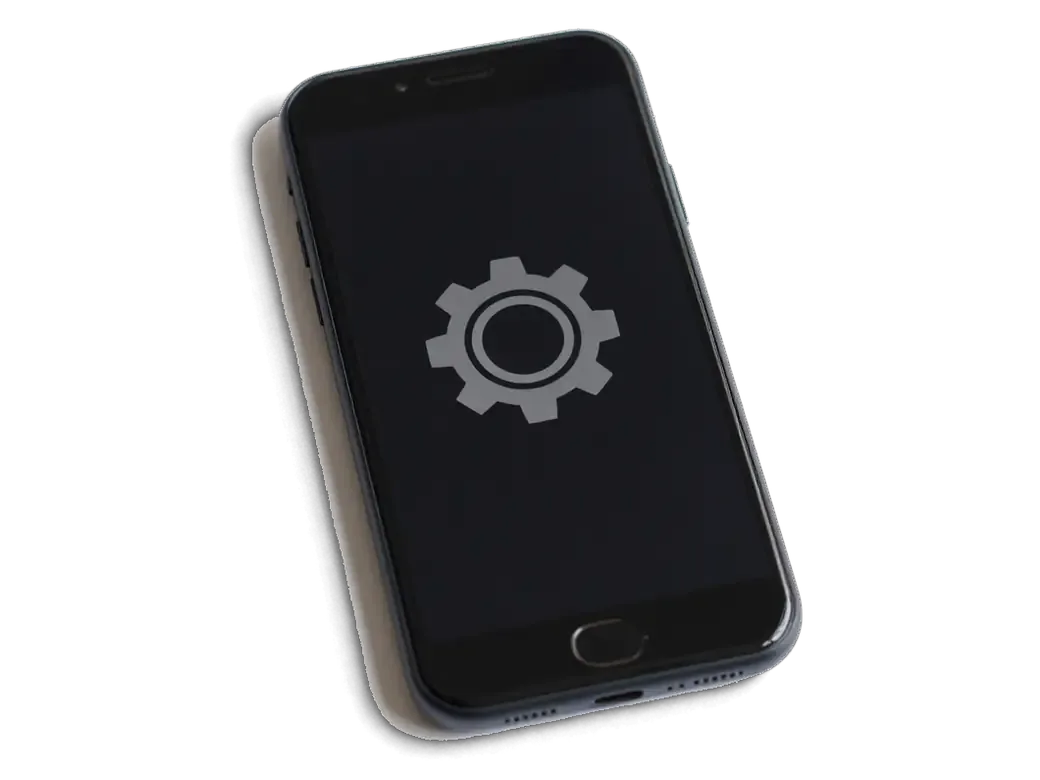
The technician checks that a screen protector is not interfering and finds out what has really failed.
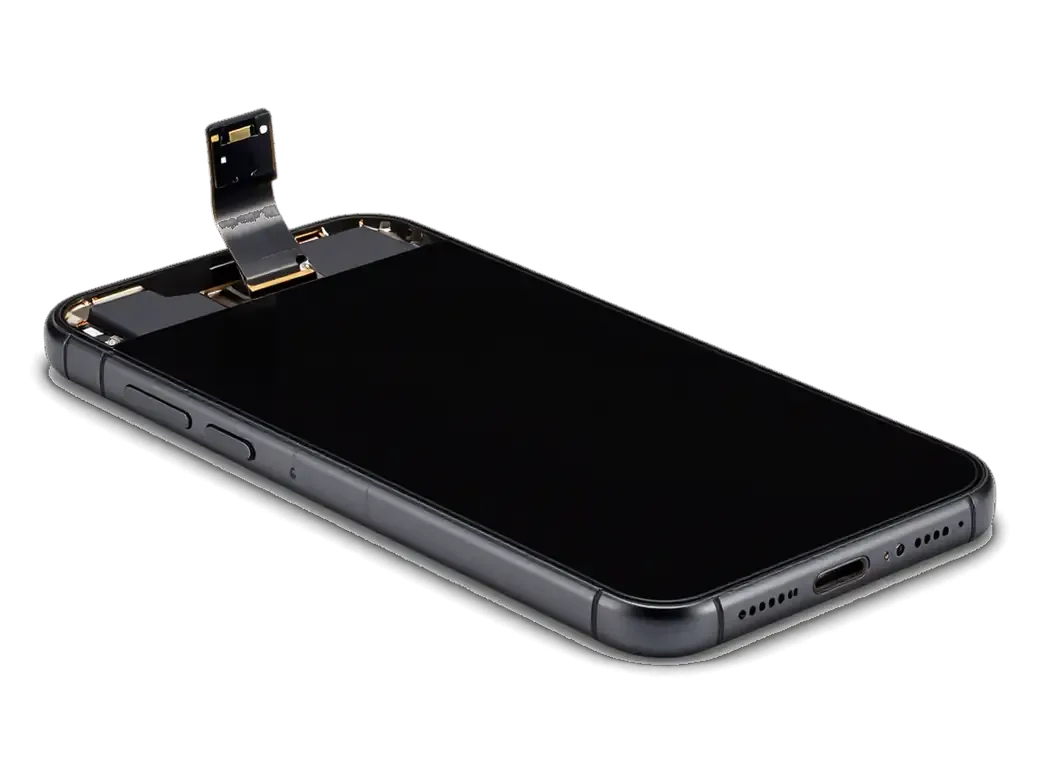
Once the screws are out the screen is lifted and the button cable is disconnected without any tugging.
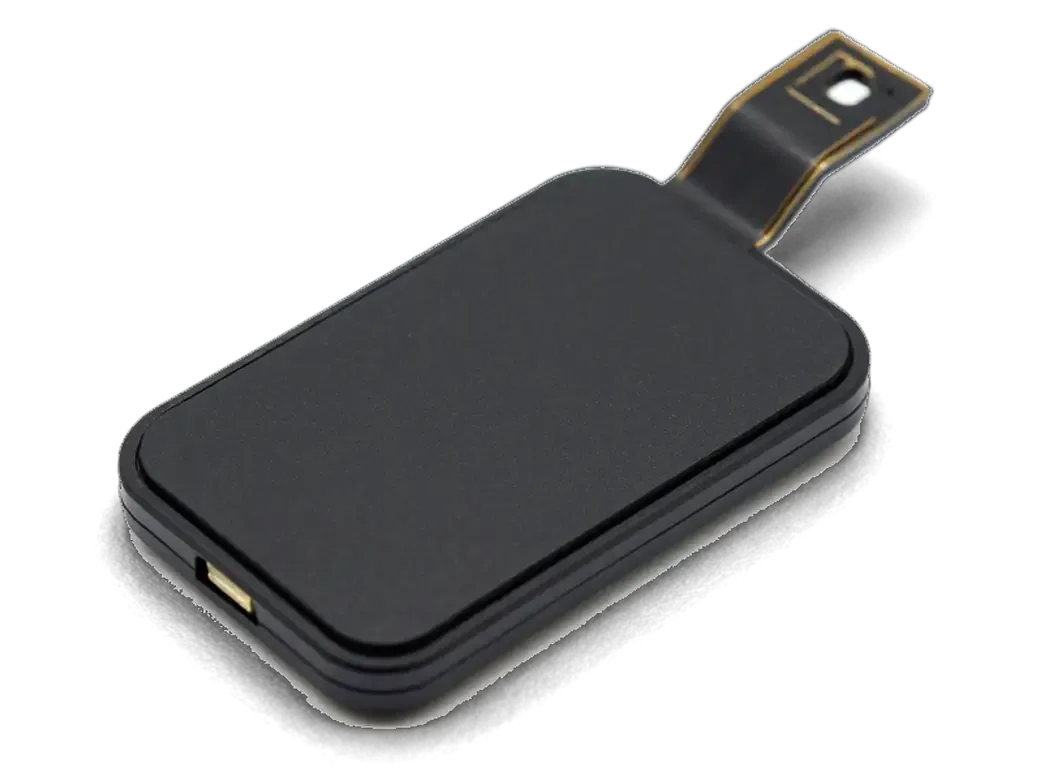
The protective plate is unscrewed and the button with its sensor is lifted out without tearing the cable.
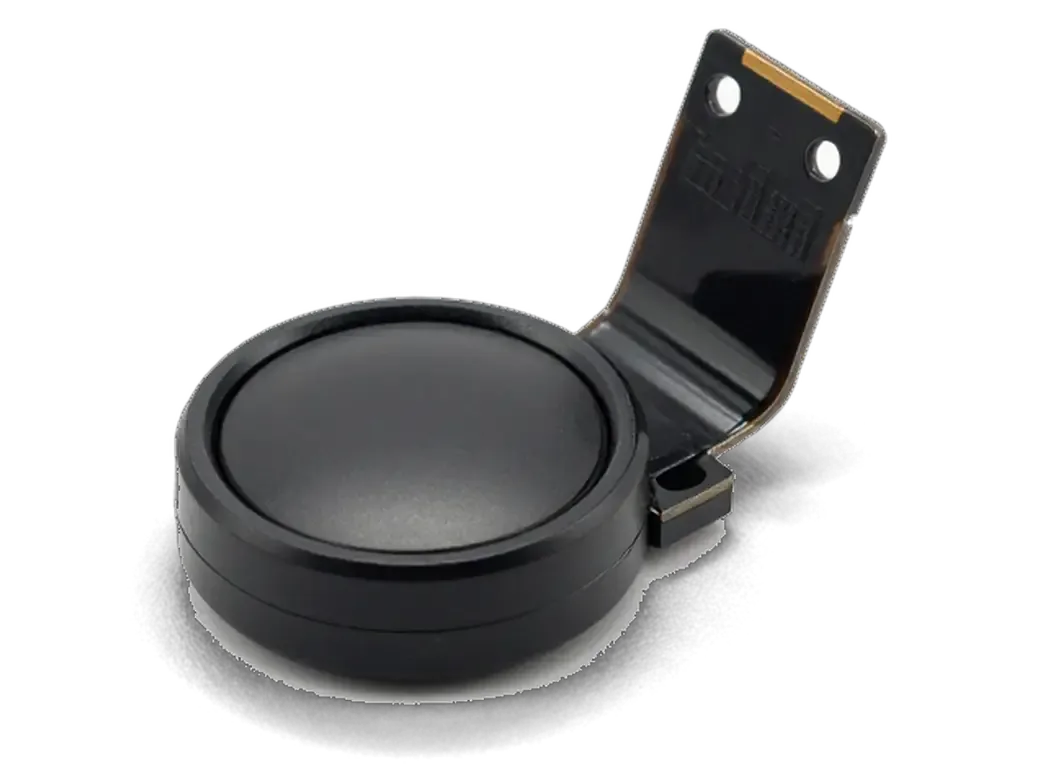
The new unit sits in its seat, the cable is reconnected and the plate returns to its place.
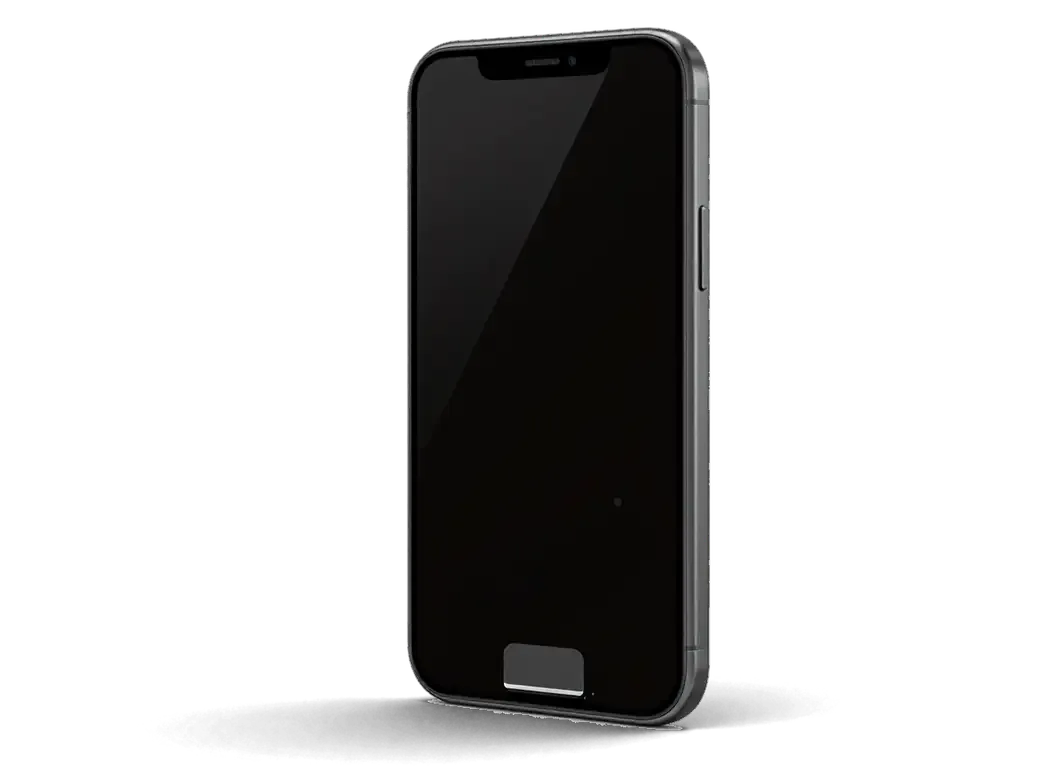
The display is closed, screws go in the right order and the gasket is laid flat.
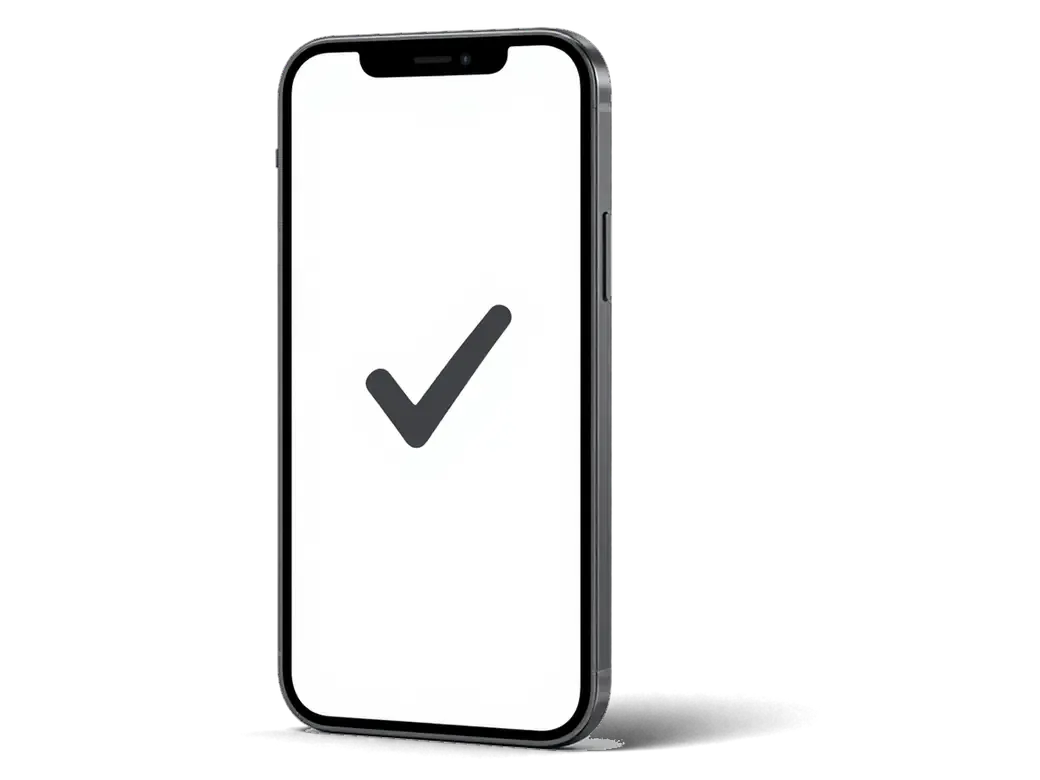
We press the button several times and watch how the phone responds when returning to the Home screen.
A technician carries out every stage, and the work is covered by warranty.
Price for my modelThe choice decides whether the fingerprint scanner works afterwards, and the technician explains the consequences first.
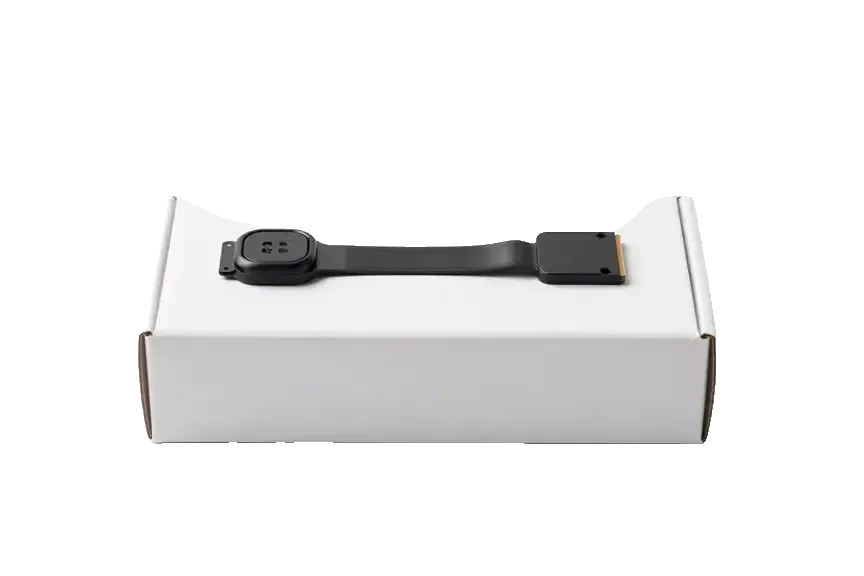
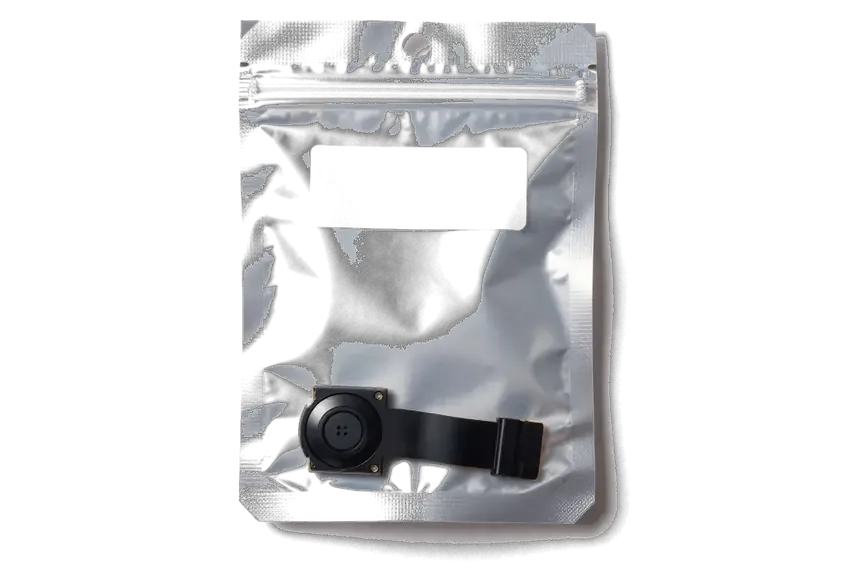
We warn you about Touch ID up front, and the phone is opened without needless parts and on a clear schedule.
We give a warranty up to 1 year on completed work, so you can test the click without any worry.
We have worked on Apple devices for eleven years and know well how the buttons of the iPhone 6s line are built.
Button cables are fragile, so experienced technicians with a steady hand are the ones who work on them.
Before starting we explain how the repair will affect your fingerprint, so there are no surprises later.
We replace only what has really failed, and a healthy display stays exactly where it is.
We are open on weekdays from 10:00 to 19:00, and on weekends and public holidays from 11:00 to 18:00.
The whole journey — from message to finished phone. We give you the old part.
Book a replacementYou message us on WhatsApp with the model and what happened — we give you the price and time. Or you come in without an appointment.
We check the button and the flex cable: sometimes it's not the mechanism itself but the flex cable or the logic board that's at fault.
We note the model, the part (original or aftermarket), the price, the timeframe, and the warranty.
We open the factory packaging in front of you and check the number against the receipt.
We install the new button or flex cable and close the housing with water-resistant adhesive.
Button press and response, screen. You get the phone, the receipt and the old part.
Technicians for iPhone, Mac, iPad, Apple Watch and AirPods repair.
Photo: Bakmukhammed S. Photo: Galymzhan S.
 Photo: Zhandos Sh.
 Photo: Darkhan T.
 Photo: Kudiret S.
We choose a battery if the phone loses charge quickly.
02A new module replaces a broken or dim screen.
03We renew cracked glass and keep a working screen.
04We restore clear sound in calls and for ringtones.
05We swap the port if the cable sits loosely.
06We find the cause when the fault is unclear.
“If the repair didn’t suit you or you have a complaint, write to me personally.”
Send a photo of the screen and the iPhone model. An engineer will reply on WhatsApp, give the price and today's available time.
iPhone 6s Home Button Replacement in Astana with Touch ID Kept in Mind
At iServices in Astana we replace the Home button on iPhone 6s and explain up front what happens to Touch ID. The sensor is paired with your own logic board, so a new button restores the press and Siri but not the fingerprint. We show the part in factory packaging and give a warranty up to 1 year.
The Home button on the 6s does two separate jobs, a mechanical click and a fingerprint read, and they fail independently. Before talking about replacement, it helps to know exactly which of the two stopped working.
The Home button on the 6s carries two separate jobs, a mechanical click and the biometric sensor, and they fail independently, so the symptom tells you which part is involved. A dead click with a working sensor points to the contact dome and the small bracket that sits under the button, while a live click with no biometric read points to the Touch ID ribbon cable that runs from the button to the board. Push the button slowly and listen for the click, then try to unlock the phone with a registered finger. If the sensor still unlocks the phone but the click is dead, the reader and its flex are usually fine and the fault sits in the metal dome or the bracket under the button, which is a cheaper repair than a full button swap.
| Symptom | Likely cause | What we do |
|---|---|---|
| Click dead, fingerprint works | Worn dome or bracket | Replace dome or bracket |
| Fingerprint gone, click fine | Damaged Touch ID flex | Assess the flex, discuss options |
| Button works every other press | Dirty contact or loose flex | Clean and reseat the flex |
| Nothing works after water | Corrosion on dome and flex | Diagnose, then decide on repair |
The first question before any button work is whether the biometric unlock will survive, and the answer depends less on the part you buy than on how the reader is bound to the board underneath.
The Touch ID reader on the 6s is matched to the logic board of that exact handset, so a button taken from another device will not bring the biometric unlock back. During factory assembly the reader's unique key is written into the Secure Enclave on the board, and from then on the two only recognise each other. No software tool, no service cable and no flashing routine can write a new pairing, which is why a donor button from a working unit still reads as foreign hardware. Even a part pulled from an identical model in the same colour fails the handshake. That is why we always ask whether the factory button still exists, even a broken one, because repairing its flex keeps the pairing intact while a replacement cannot recreate it.
A new Home button on the 6s restores the press, the double press for the app switcher and the Siri hold, but the biometric layer stays inactive. The click feels normal because the 6s uses a real mechanical dome rather than the solid-state pad of later models, so the tactile side of the repair is complete. What you lose is the scanning function: unlocking by finger, Apple Pay at the terminal and confirmation for App Store purchases all fall back to the passcode. For daily use the gap is smaller than it sounds, because the passcode plus AssistiveTouch cover unlocking and navigation, though Apple Pay and app purchases by finger stop working until the factory unit is back. The pairing question is the main reason to choose a genuine part.
The 6s belongs to the generation of phones with a physically moving Home button, and that shapes both the repair itself and how the device behaves afterwards. The contrast with neighbouring models is worth seeing clearly.
| Model | Button type | What drives the press |
|---|---|---|
| iPhone 6s and 6s Plus | Mechanical, moves | Metal dome under the button |
| iPhone 7 and 7 Plus | Sensor, no travel | Taptic Engine vibration |
| iPhone 8 | Sensor, no travel | Taptic Engine vibration |
The Home button on the 6s sits in the display assembly, so any screen replacement means the factory button and its ribbon cable are moved across to the new module. That cable on these handsets is thin and easy to crease, so we lift the display slowly and keep the button attached to its connector for as long as possible. A torn strip turns a routine glass job into a Touch ID problem, and the part is matched to one logic board only. Because the 6s press is mechanical, a worn metal dome can be felt and heard before the button stops working entirely, which gives an early warning that a sensor-based button never shows. On the 6s Plus the same layout applies, with the second-generation Touch ID reader tied to that board alone.
There are only a few routes for a failing button, yet each returns a different result for the fingerprint. The right choice becomes clear during diagnostics, once the flex and the dome are visible.
We offer three routes for the 6s — repairing the original button, transferring it to a new screen, or fitting a new button — and only the first two keep Touch ID alive. Repair means rebuilding the flex and the contact dome on your existing part, so the sensor that shipped with this logic board stays matched to it. Transfer applies when the screen is being replaced and the factory button is still healthy: we move it across and the biometric unlock keeps working. A new button restores the click and the press, but the sensor inside it is not paired to your board, so Touch ID stays off. When the factory flex is torn beyond repair, a new button is the honest answer, and we say so before the work starts rather than after, so nobody expects a biometric unlock that cannot come back.
We fit either a genuine part or an aftermarket one, and the new button is shown to you in its factory packaging before anything is installed. A genuine assembly matches the factory dome tension and the flex length, while an aftermarket unit varies between batches — some are stiffer, some softer under the thumb. Across our counter, 64% of customers choose a genuine part, and for a button you press dozens of times a day that preference is easy to understand. The old part goes back to you with the receipt and the warranty card, so you can see exactly what came out of the phone. The choice matters less for the press itself than for long-term wear, so it is worth asking how the dome feels on each option and choosing the one that matches how hard you press, rather than defaulting to the cheapest.
The button swap itself takes little time on a 6s, but the parts around it matter more: the photo you send, the paperwork you sign and the checks you run before leaving with the phone.
Send a photo of the fault on WhatsApp, and an engineer replies within 5 minutes with a price for the iPhone 6s home button replacement in Astana. Most visits finish in under an hour from first message to pickup, and 72% of jobs are done while the customer sits in the waiting area with coffee and Wi-Fi. If coming in is awkward, a courier can collect the phone instead. Before any screwdriver touches the device, the receipt is written in about 2 minutes and fixes the price, the part, the turnaround and the warranty, so nothing about the button or the Touch ID outcome rests on a verbal promise.
Before handover we test the press, the double press, the Siri hold and, where the factory sensor is in place, the biometric unlock, together with you at the counter. The full pass covers 32 functions and takes roughly 10 minutes, including charging, speakers, microphones and network. You leave with the receipt, the warranty card valid up to 1 year and the old part in a bag, so you can see exactly what came out of the phone. If the biometric unlock is not coming back, we set up AssistiveTouch on the spot so the device stays usable from the first minute, rather than leaving you to hunt for the setting later. Ask for the old button to be labelled — it is the one item that proves which sensor went back into the housing.
Five facts decide how the job ends: which part failed, whether the sensor stays with its own logic board, and which button type the phone carries.
Did not find an answer? Message us on WhatsApp: an engineer replies, not a bot.
Ask a questionThe iPhone 6s has a mechanical Home button, so dust under the ring, a worn contact dome or an unglued bracket can make it crunch or wobble. Sometimes the button still works but feels mushy. An inspection shows which of these it is.
No, the power button on the right edge has its own cable inside the housing, while the Home button sits in the display assembly. Each needs a different disassembly, so describe exactly which button misbehaves.
Usually not, and that is good: your original button with its fingerprint sensor is moved to the new screen. Its thin cable is fragile, so careful transfer is what keeps Touch ID working after a screen repair.
In many cases yes, when the fault is in the mechanical part under the button rather than in the sensor. Keeping the original button preserves fingerprint unlocking. The engineer tells you after the check whether this route is possible.
Dry the phone, switch it off and do not press the button again and again. Melted snow can leave moisture near the contacts and corrode them. Bring it to the Astana branch so the engineer can open and clean it before the damage spreads.
Press it across the whole surface, double-click to open the app switcher and double-tap for Reachability. If the original sensor was kept, enrol a fingerprint as well. You do these checks together with the engineer before signing the receipt.

The difference is not always visible, but it can be checked. An original panel is the one the manufacturer installs; an aftermarket copy costs about 35% less.

What “maximum capacity” means, why the phone shuts down in the cold, and how long a new battery lasts.

Power it off, skip the rice, and get the board checked before corrosion starts. Here is the short version of the first 30 minutes.

Most charging faults come from the cable, the port or the battery. Here is how to find the cause and get a free check.

 iPad
 MacBook
 iMac
 Mac mini and Studio
 Apple Watch
 AirPods
 Apple Pencil
 Apple TV
 HomePod
