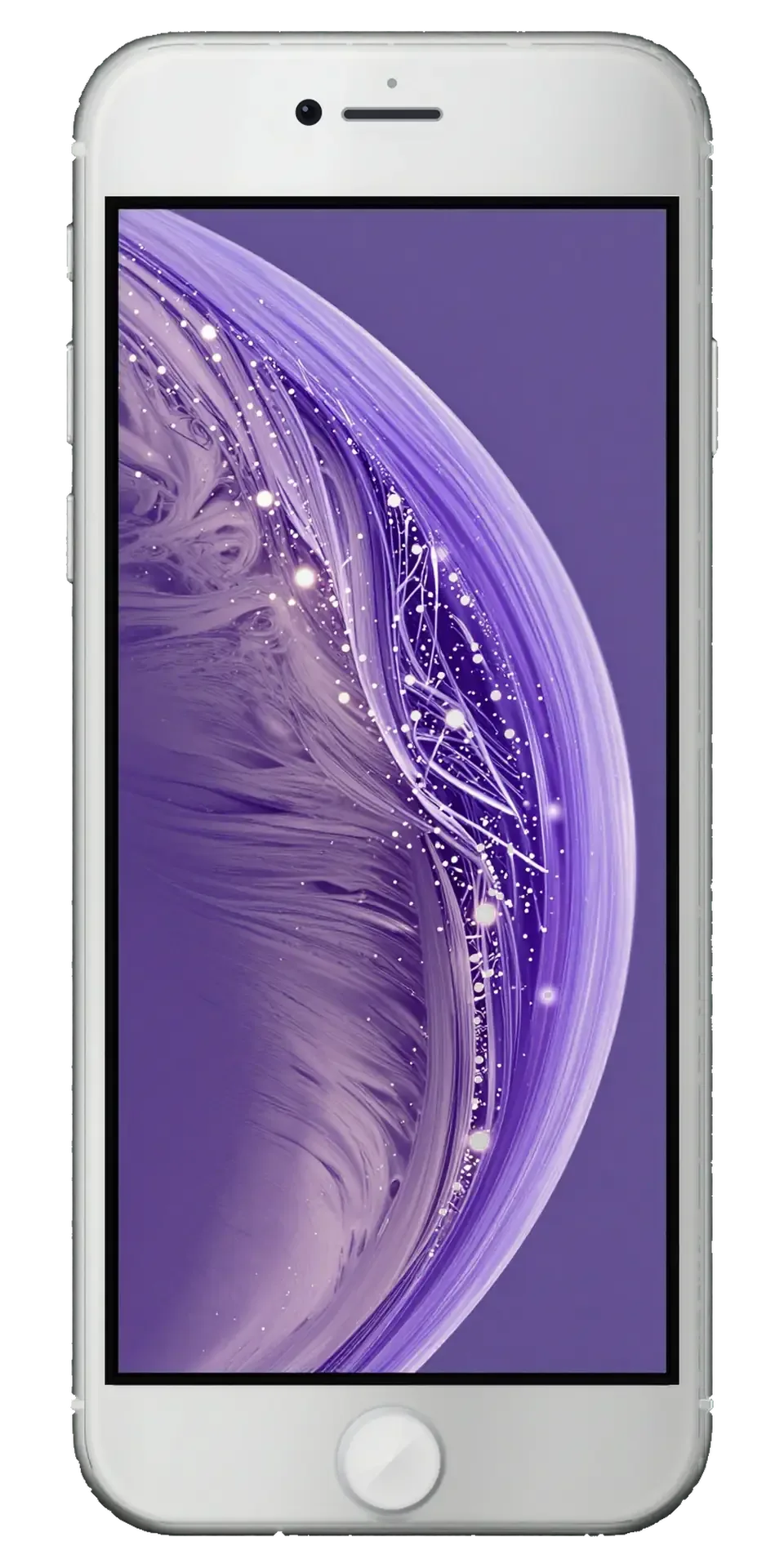
On the iPhone 6s the outer glass, digitizer and LCD are bonded into a single module, so the outside rarely shows which layer failed. Read the symptoms.
Glass is cracked but the picture still works
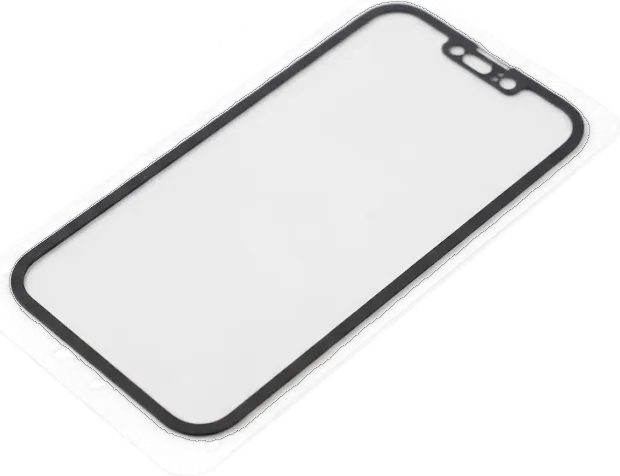
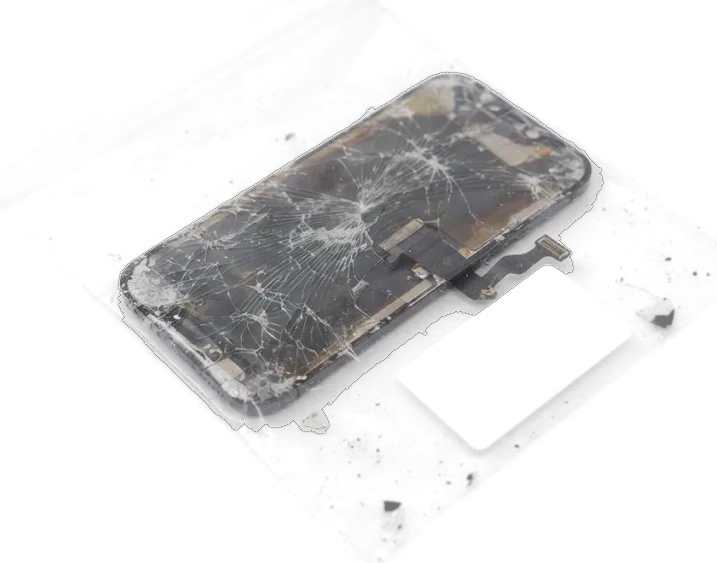
On this model the front glass, digitizer and LCD are bonded into one assembly, so a cracked surface is replaced as a whole assembly, not as bare glass. The assembly stacks three layers: the protective pane on top, the sensor film that reads your finger, and the LCD matrix that draws the picture. A crack that leaves the image clean and finger response intact has damaged only the outer pane, yet the part still arrives as one piece because the layers are glued, not clipped. A hairline crack with a clean picture is the best moment to book: pressure and dust creep under the surface and can take the sensor film with them.
Lines, dark patches or no touch response
- Vertical lines: striped image on an intact display usually means the display flex or connector, not the cover.
- Dark patches and flicker: spreading blotches often follow liquid contact and need a moisture check before ordering parts.
- No touch response: a lit panel ignoring fingers points to the digitizer or a loose connector.
- Ghost touches: the phone reacts on its own when the digitizer fails, and the unit is replaced whole.
- Black screen with sound: if calls and alarms work, the display or backlight failed, not the logic board.
Original panel or aftermarket part for your iPhone 6s
The iPhone 6s uses an LCD screen, and both factory-spec and quality third-party assemblies exist. The comparison below shows what actually differs between them in daily use.
How the two panel options compare
Two panel types compared by look and response| Option | Panel type | Brightness and colour | Best for |
|---|
| Factory-spec assembly | LCD, original spec | Matches stock tone and auto-brightness | Keeping the phone close to stock |
|---|
| Aftermarket unit | LCD, third-party | Cooler white, dimmer at low brightness | A working display on a tight budget |
|---|
| Both options | LCD | Full multi-touch on either unit | A working display at any budget |
|---|
Why the part is shown before installation
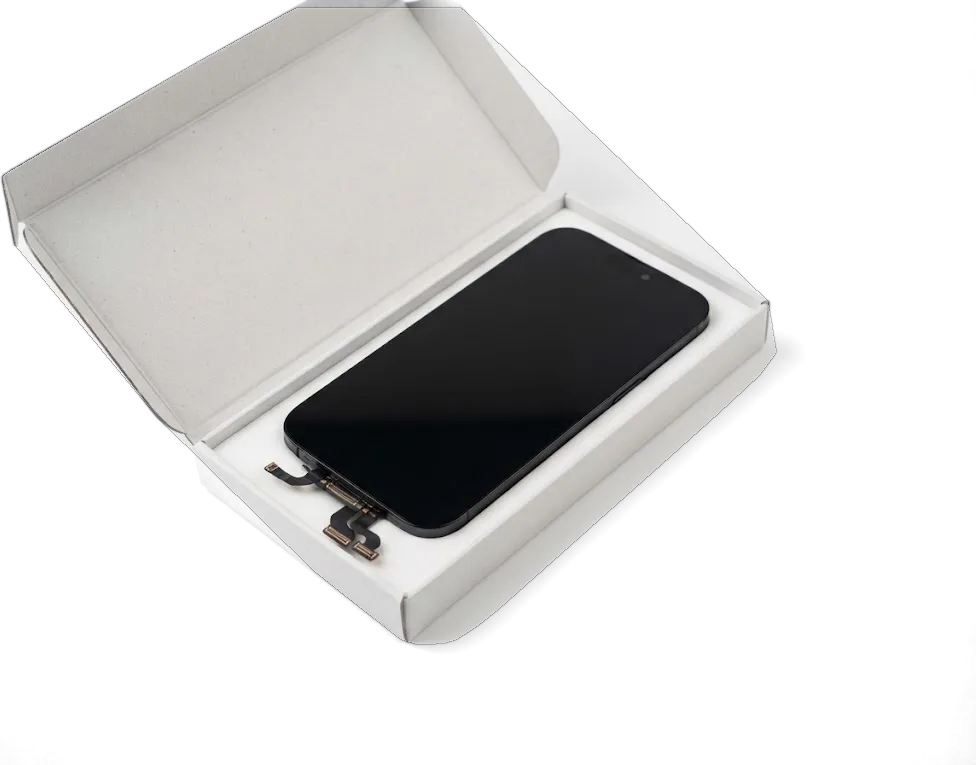
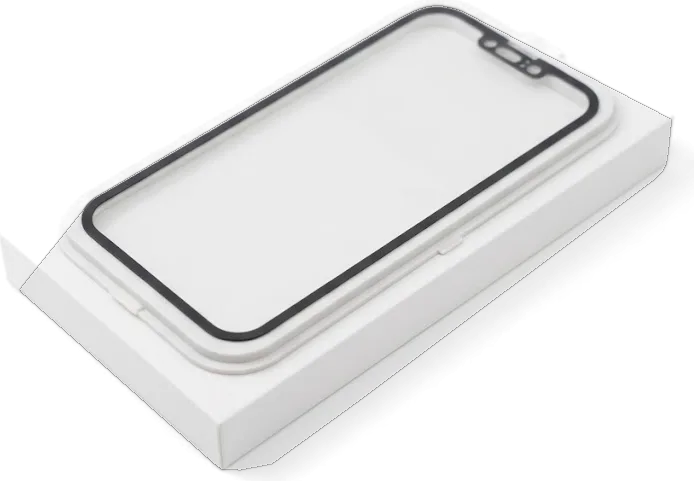
We hand you the new assembly in its factory packaging before it goes near your phone, so you see exactly which component you are paying for. The engineer opens the bag in front of you, lays the new module beside the old one, and only then starts the swap. Checking the packaging yourself is the simplest way to tell a genuine assembly from a copy, since the connector shape and shielding differ once the part is out of the bag. The price, part type, turnaround and warranty are written on the receipt before any screw comes out. Ask the technician to power the new module on before sealing the phone — a two-minute check that saves a second visit.
Will Touch ID and 3D Touch survive the swap
The iPhone 6s keeps its fingerprint reader in the Home button and a pressure layer inside the panel, so asking what survives the swap is fair.
Your original Home button keeps Touch ID working
We move your original Home button onto the new module, because the fingerprint scanner is paired to the logic board and a replacement part would stop unlock from working. The component travels with its own flex cable, and our engineer seats it into the opening of the fresh assembly before the bracket and screws go back. We have handled this across 46,000+ repairs, and the procedure is identical whether the part is original or aftermarket. The pairing lives on the board, not on the glass, so the reader never needs reprogramming. A cheap job that fits a fresh button leaves you unlocking by passcode only, so confirm yours is reused before work starts.
3D Touch and the display after the repair
- Pressure layer: the sensor sits inside the module, so correct assembly restores firm and light presses.
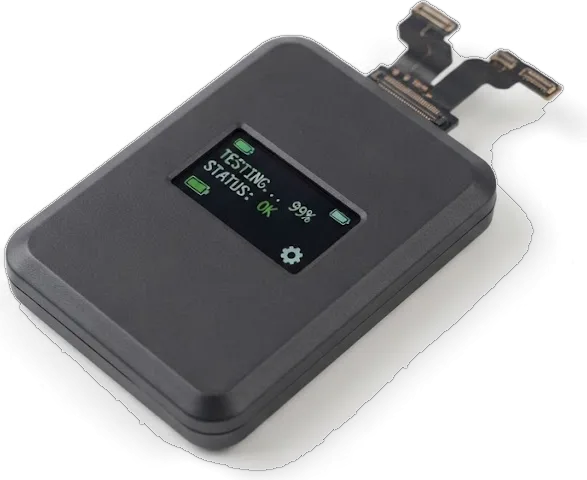
- Display data: the screen is checked after installation, together with the rest of the device.
- Auto-brightness: the ambient reader on the top flex must be seated, or the display stays dim in daylight.
- System notice: this generation does not flag a replaced screen, so a clean install shows no warning.
- On-the-spot check: open Settings and test the display beside the engineer, not days later.
When the screen looks fine but the phone misbehaves
Not every iPhone 6s display fault lives in the glass. A clean surface with odd behaviour can point to a damaged flex, failing board or water inside, changing the plan.
Loose flex, board fault or water damage
Our engineer runs a free 15-minute diagnostic in front of you and shows what is actually broken, so a reseated connector is not billed as a full display replacement. A flex that has worked free after a drop usually shows up as flickering bands, a strip of dead pixels along one edge or a touch layer that answers only near the top. If the module is intact but the phone misbehaves after liquid contact, we dry and inspect the circuitry before touching the part — water damage often imitates a dead panel. Micro-soldering is done under a microscope, so a handset that only flickers is worth diagnosing before you agree to a new module.
Why waiting with a broken screen costs more
- Loose shards: splinters along the edge cut fingers and work deeper with every pocket trip.
- Digitizer drift: a cracked sensor film registers ghost taps, making typing and calls unreliable.
- Moisture path: the same crack lets humidity reach the matrix, and spotting starts within weeks.
- Frame stress: a bent corner keeps pressure on the new module, so the frame is checked too.
- Resale value: a handset with a working display holds value better than one with a spreading crack.
How long the iPhone 6s display replacement takes in Astana
Most people want to know whether they lose the phone for a day. For the iPhone 6s the answer is usually no, and the timing below is what we work to.
About 40 minutes while you wait
An iPhone 6s screen swap takes roughly 40 minutes, and 72% of our repairs are finished while the customer waits in the seating area with coffee and Wi-Fi. The iPhone 6s display replacement in Astana is one of those jobs we complete while you wait. We open Monday to Friday 10:00–19:00 and on Saturday, Sunday and holidays 11:00–18:00, so a screen job fits into a lunch break or an evening errand. A technician runs the 32-function check with you before you leave, adding some 10 minutes. The full visit from first contact to pickup usually lands under an hour, so booking a slot through WhatsApp first keeps the wait short on a busy Saturday.
Getting a quote and paying
- Photo first: send a clear shot of the front and both edges so the frame is judged too.
- Five-minute reply: an engineer answers on WhatsApp within 5 minutes and quotes from your picture.
- Fixed on paper: price, part, turnaround and warranty go on the receipt in about 2 minutes.
- Payment: settle by Kaspi, card or cash once you have tested the phone.
- Courier option: a courier can be called if you would rather not travel to us.
What you check and take home after the repair
The repair is not finished when the display lights up. Here is what we verify together with you and what leaves the workshop in your hands.
The 32-point check we run with you
After the swap we run a 32-function check that takes about 10 minutes, and you confirm the Home button reading your fingerprint, pressure sensitivity, cameras, microphones, speakers, charging and network alongside the engineer. The list covers each of these functions in turn, so nothing is assumed to work just because the picture looks right. We hand you the device and watch the same readings you do — the button answering a registered print, the display dimming and brightening on its own, each lens capturing a sharp frame, both mics recording clean audio. If the proximity element sits slightly off its seat, the call screen darkens during a live call and we reseat it on the spot, while the handset is still open.
Receipt, warranty card and your old module
- Receipt: the paper that fixed the price, part, turnaround and warranty before work began.
- Warranty card: covers the job up to 1 year, so keep it with the device.
- Old module: your removed part goes home with you as your property.
- Confirmed functions: the fingerprint reader, pressure layer, cameras, speakers and charging, verified at the bench.
- Contact line: the workshop remains reachable on WhatsApp if anything feels off later.
Summary: iPhone 6s Display Replacement
A working iPhone 6s display comes down to the right part, a reused fingerprint sensor and a check you watch happen. Here is what matters most before you book the job.
- Full module swap: A cracked screen is replaced as a complete assembly, since glass, digitizer and LCD are bonded into one unit.
- Fingerprint sensor stays: The original component must be carried over, or Touch ID unlock stops working after repair.
- On-the-spot testing: Pressure-sensitive input and the rest of the display are verified in front of you, so defects show before you leave.
- Diagnostics first: Lines or dark patches without a crack need a check-up, as a loose flex or logic board fault may be the cause.
- Timing and paperwork: A screen swap takes about 40 minutes, and your old module, receipt and warranty card go home with you.









 iPad
 MacBook
 iMac
 Mac mini and Studio
 Apple Watch
 AirPods
 Apple Pencil
 Apple TV
 HomePod




