Eng

iPad 2 Housing Replacement in Astana

Your iPad 2 housing is bent after a fall — we move the internals into a new one, show it in its factory packaging and ask no extra payment.

iPad with a raised screen indicator iconiPad with a dent on the case corner indicator iconiPad with a bent case indicator icon
iPad with a straight body and the screen on showing a dark blue wallpaper
BeforeAfter
Screen lifted
Price incl. labor
from 22 900 ₸
Warranty
6 months
  • Judging the bend
  • Removing screen and parts
  • Transferring the internals

When an iPad 2 body is beyond straightening

When a tablet is skewed and gaps or dents interfere with the buttons, straightening no longer helps and a new body is needed.

The tablet rocks on a desk

It wobbles when laid flat and the screen lifts above the rim: the aluminium was bent by a drop or by pressure in a bag.

A deep corner dent

A deep dent shifts the frame, pushes on the board, and can make even a brand-new glass crack again soon after fitting.

Buttons miss their cut-outs

Volume keys, the side switch or the charging port rattle or do not line up with their openings: the geometry has gone.

A gap around the glass

You can see a seam between glass and frame, it creaks under pressure, and dust or moisture finds its way in.

iPad 2 housing replacement price guide

The final cost of iPad 2 housing replacement depends on the condition of the parts being moved across.

ServiceOriginalAftermarket
Button replacement24 900 ₸13 900 ₸
Display replacement44 900 ₸27 900 ₸
Display glass replacement24 900 ₸13 900 ₸
Battery replacement30 900 ₸17 900 ₸
Charging port replacement24 900 ₸13 900 ₸
Main camera replacement24 900 ₸13 900 ₸
Front camera replacement31 900 ₸17 900 ₸
Home button replacement24 900 ₸13 900 ₸
Speaker replacement29 900 ₸16 900 ₸
Microphone replacement24 900 ₸13 900 ₸
Flex cable replacement21 900 ₸15 900 ₸
Housing replacement40 900 ₸22 900 ₸
Other repairsPrice
Wi-Fi module repairwireless module · board-level repair16 900 ₸with parts
Water damage cleaningcorrosion cleaning · diagnostics up to 2 days10 900 ₸per job
Logic board repairmicrosoldering · 1–3 days33 900 ₸per job
Firmware flashingsoftware restore, no parts replaced8 900 ₸per job

The technician confirms the total after inspection, once it is clear which parts can be reused. For a quick estimate, send photos via WhatsApp.

What the body swap involves

The technician judges the deformation, moves the internals into a new body, seats buttons and ports and tests the tablet.

  1. 01
    iPad tablet with a magnifier icon on the screen during deformation assessment
    Judging the bend

    We check whether the frame can still be straightened or the geometry is lost and a new body is truly needed.

  2. 02
    Opened iPad with the screen tilted on its flex cable and internals visible
    Removing screen and parts

    The glass is lifted, cables unplugged, and the battery, board, cameras and speakers taken out in turn.

  3. 03
    iPad board and battery next to an empty body while transferring the internals
    Transferring the internals

    Each part goes into the new housing in its own place, with ribbon cables routed without sharp folds.

  4. 04
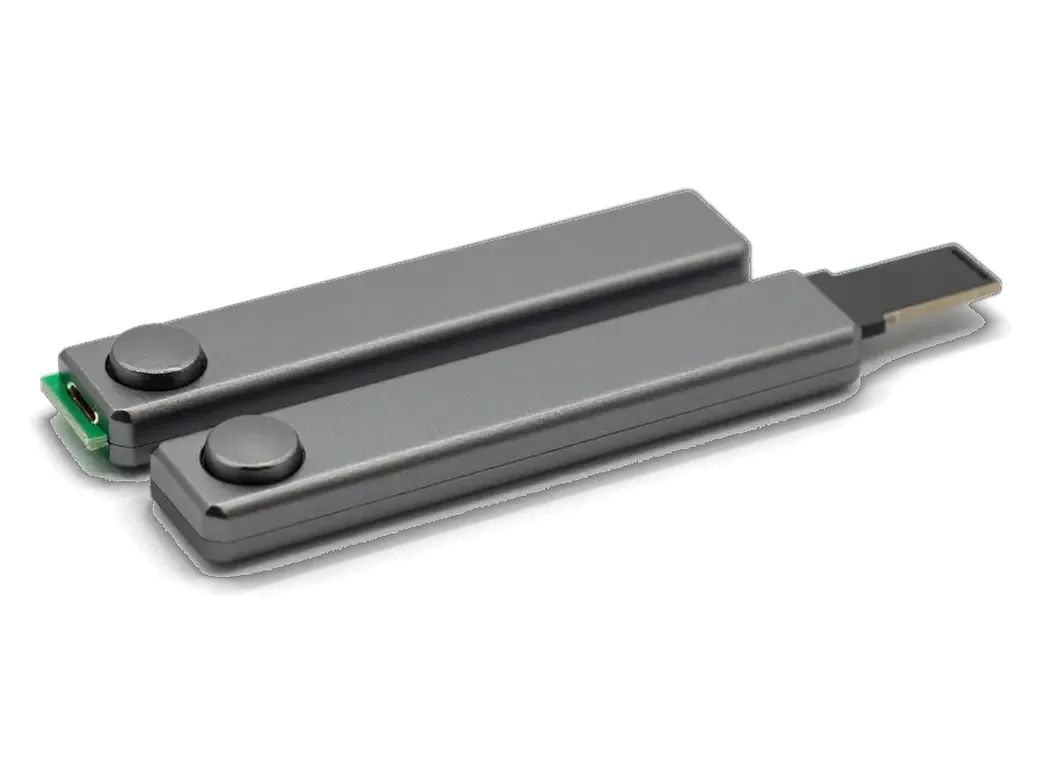
    iPad buttons and connector board for transfer to a new case
    Buttons and ports

    We confirm the volume keys, the side switch and the charging port move freely through their openings.

  5. 05
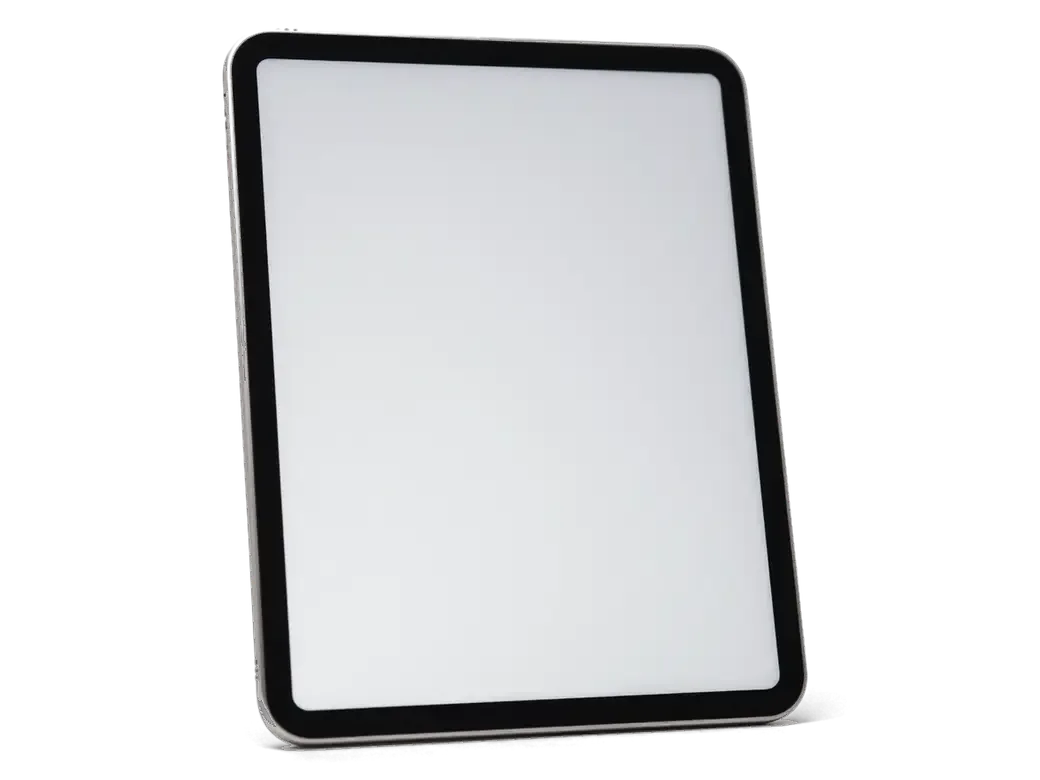
    Assembled iPad with the screen seated in the body and adhesive strips
    Reassembly and bonding

    The screen goes back and is bonded around the rim, so no gap or creak is left behind.

  6. 06
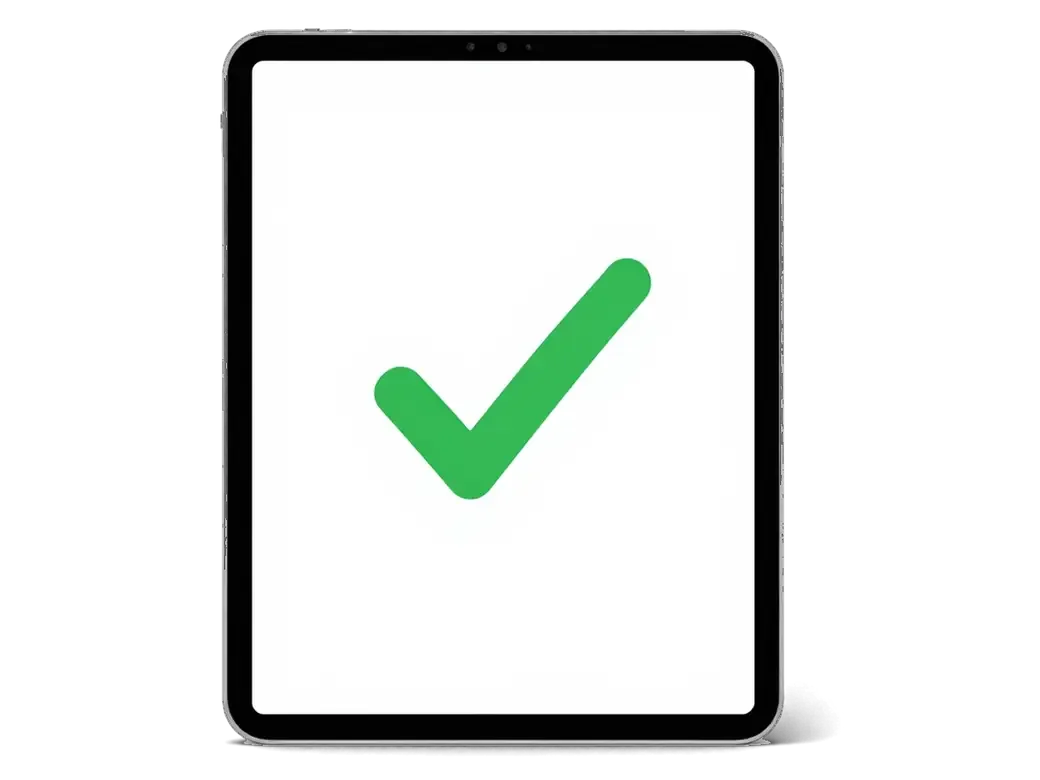
    iPad with a checkmark on the screen after the final test
    Final testing

    We power up, test touch, sound, cameras, charging and Wi‑Fi, and only then hand the tablet over.

  7. iPad 2 housing replacement
    from22 900 ₸

    The tablet comes back in a straight body where every key and port works as before.

    Price for my model

Original or aftermarket parts for iPad 2 housing replacement

The body decides how the screen sits and how the tablet feels in the hand, so choose by how you plan to use it.

Original Applewarranty up to 1 year
iPad 244 900 ₸
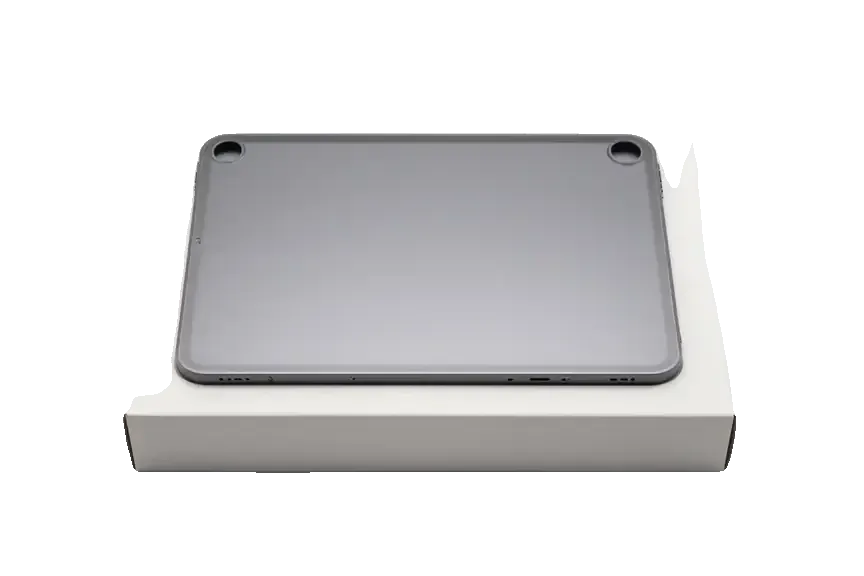
Original: iPad body on a white box
Fit
Openings and rim exactly match the model
Colour and finish
Same as the factory body
Best for
Anyone wanting an as-new look
Availability
Ask the technician before visiting
Chosen by 64% of clients
Book with an original part
Aftermarketwarranty 6 months
iPad 227 900 ₸−38%
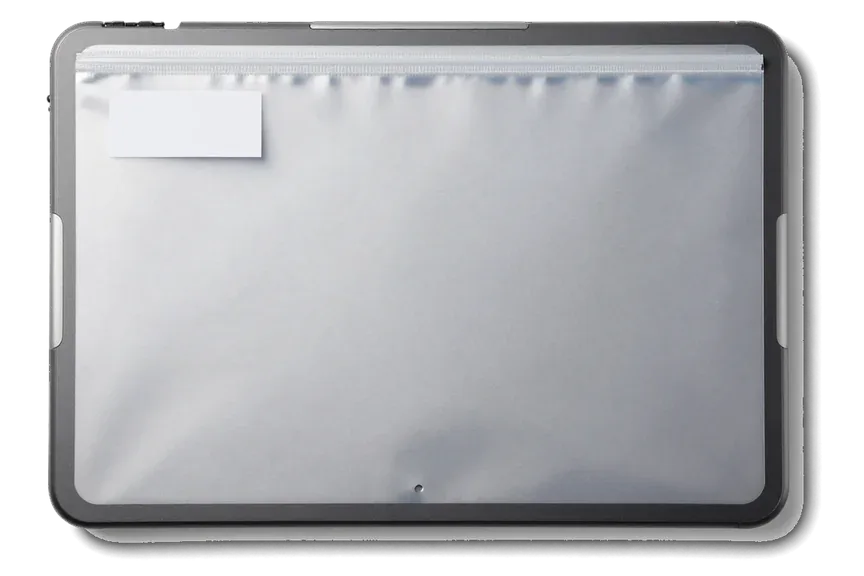
Analog: iPad body in an antistatic bag
Fit
Buttons and rim may need adjusting
Colour and finish
The shade can differ a little
Best for
A working tablet is the only goal
Budget
Costs less than an original body
Chosen by 36% of clients
Book with an aftermarket part

What you get when the body job is ours

Before swapping the body we honestly try to straighten the old one, and the replacement part is yours to choose.

11years

Eleven years at the bench

We have taken Apple devices apart for eleven years and know how to move the delicate cables of an old tablet without tearing them.

1year

Warranty up to 1 year

The completed repair carries a warranty up to 1 year: if the assembly loosens or something creaks, come back and we will deal with it.

6technicians

Experienced technicians

Moving a battery and a board takes skill and patience, and it is done by trained specialists rather than by just anyone.

We try straightening first

If the rim is only slightly bent we say so plainly and will not suggest a new body without a reason.

2options

You choose the part

We show an original and an aftermarket body, explain differences in fit and colour, and leave the decision to you.

7days a week

Convenient hours in Astana

We receive visitors Mon–Fri 10:00–19:00, and on weekends and public holidays 11:00–18:00.

iPad 2 before and after repair

1 / 1
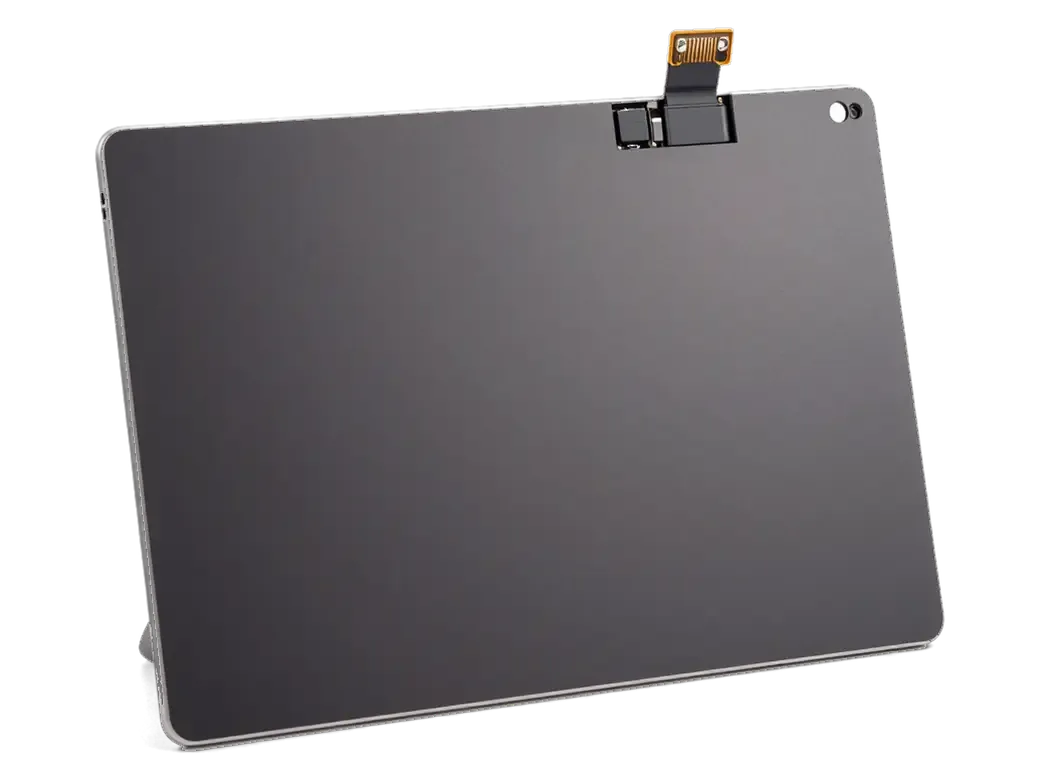
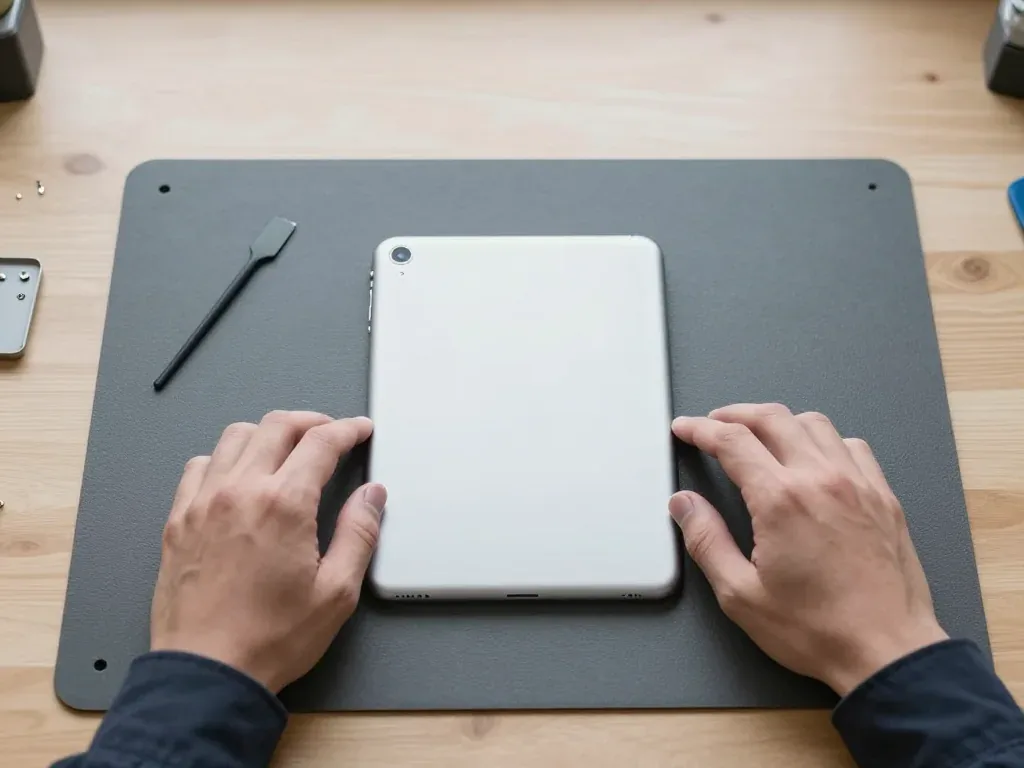
Silver back of an iPad 2 with the camera in the corner, held by two hands after a housing swap

iPad 2: dented corner from a backpack

The tablet was carried in a backpack without a case and the corner got dented, bending the back cover. We moved the internals into a new housing and checked the buttons and screen — everything works as before.

from 22 900 ₸repair cost
I want the same

How iPad 2 housing replacement is done in Astana

Usually the whole journey — from message to pickup — takes less than an hour; complex repairs follow the timeline in the receipt.

Book a repair
  1. Step 1

    Message or call

    5 min

    You send a photo of the damage on WhatsApp — we quote the price and available time. Or you call a courier.

  2. Step 2

    Free diagnostics

    15 min

    An engineer checks the device in front of you and shows what is broken. 0 ₸, even if you decline the repair.

  3. Step 3

    Price in the receipt

    2 min

    We fix the price, the part (original or analog), the timeline and the warranty. You sign — we start.

  4. Step 4

    Repair while you wait

    20–40 min

    Before installation we show you the new part in its factory packaging. You wait in the waiting area with coffee and Wi‑Fi.

  5. Step 5

    Post-repair check

    10 min

    Screen and touch, Face ID or Touch ID, cameras, microphones, speakers, charging, Wi‑Fi. You check together with the engineer.

  6. Step 6

    Pick up your device

    warranty up to 1 year

    Together with the receipt, warranty card and the old part. Payment — Kaspi, card or cash.

Meet the iServices team

Technicians for iPhone, Mac, iPad, Apple Watch and AirPods repair.

1 / 5
BSBakmukhammed S. — on-site iPhone technician, iServices service center in AstanaPhoto: Bakmukhammed S.

Bakmukhammed S.

on-site iPhone technician
13years of experience
4.93rating, 107 reviews
GSGalymzhan S. — iPhone repair technician, iServices service center in AstanaPhoto: Galymzhan S.

Galymzhan S.

iPhone repair technician
8years of experience
4.79rating, 90 reviews
ZSZhandos Sh. — iPhone screen replacement technician, iServices service center in AstanaPhoto: Zhandos Sh.

Zhandos Sh.

iPhone screen replacement technician
6years of experience
4.65rating, 112 reviews
DTDarkhan T. — iPhone firmware technician, iServices service center in AstanaPhoto: Darkhan T.

Darkhan T.

iPhone firmware technician
8years of experience
4.44rating, 19 reviews
KSKudiret S. — iCloud unlock specialist, iServices service center in AstanaPhoto: Kudiret S.

Kudiret S.

iCloud unlock specialist
10years of experience
4.37rating, 100 reviews
Bakmukhammed S., on-site iPhone technician
“If the repair didn’t suit you or you have a complaint, write to me personally.”
Bakmukhammed S.on-site iPhone technician · +7 701 333-47-01

We'll quote iPad 2 housing replacement in Astana from a photo in 5 minutes

Send a photo of the screen and the iPad model. An engineer will reply on WhatsApp, give the price and today's available time.

  1. 5 minAn engineer replies and names the price
  2. 0 ₸Diagnostics in front of you in 15 minutes
  3. 30 minMost repairs — while you wait

iPad 2 Housing Replacement in Astana with a One Year Warranty

In short

For iPad 2 housing replacement in Astana, iServices moves all internal parts into a new shell, usually within one hour to one day. Choose an original or aftermarket housing; we show the part in factory packaging, and the warranty runs for one year.

iServices Editorial TeamWe reply on WhatsApp within 10 minutes
Ask

When iPad 2 housing replacement straightening works and when the housing has to be replaced

An impact on the aluminium body leaves either a dent or a bend, and the type of damage decides everything: a shallow dent can sometimes be straightened, while a twisted frame or a broken corner needs a new housing.

Small Dents Can Be Straightened, Bends and Corner Breaks Cannot

A shallow dent on the aluminium back cover can be straightened, while a bend across the body or a break at the corner means the housing has to be replaced. Straightening is a metal job, not a cosmetic one: the technician works the cover back toward its original profile and checks the result against a flat surface. A bend behaves differently, because the frame loses its geometry along the whole length and the glass opening stops being a rectangle. Corner damage is the worst case, since the impact point takes the screw mounts with it. Straightening only makes sense while the metal still holds its shape around the glass opening; once the frame is twisted, the new glass will not sit flush. If you are weighing up iPad 2 housing replacement in Astana, the frame around the glass opening decides between straightening and a new housing.

Matching the Damage to the Right Repair

Four damage types and the usual repair for each
DamageWhat we usually doWhat to watch for
Shallow dent on the backStraighteningPaint cracks around the dent
Bend across the bodyHousing replacementGlass no longer sits flush
Crack at a cornerHousing replacementLoose or sticking buttons
Torn screw mountsHousing replacementBoard and battery pressure

What moves into the new iPad 2 housing replacement and what stays behind

A new housing arrives completely empty, so every working component of the tablet has to move across into it by hand, one piece at a time. What stays behind is the old casing itself and parts that cannot survive removal.

Every Internal Part Is Transferred, Nothing Is Thrown Away

We move the board, the battery, both speakers, the volume and power buttons, the mute switch, the 30-pin connector, the cameras, the antennas and the LCD into the new shell. Each piece is released in a set order so that no flex cable is pulled while another component still holds it down. The battery is glued to the midframe, so it is lifted with heat rather than pried, and the button flex cables are what a rushed swap damages most often. Our technicians repeat the same sequence on every device, which is why 72% of jobs finish while the customer waits in the seating area. If you are weighing up a housing swap in Astana, ask what happens to the small parts before you agree — a part that arrives with fresh button flex already fitted saves the delicate step entirely.

Which Parts Travel With the Housing and Which Are Renewed

What carries over and what gets replaced in a shell swap
PartTransferred or renewedChecked after the work
Logic boardTransferredCharging and network
BatteryTransferredCharge level and heat
Speakers and microphonesTransferredSound on both channels
Buttons and mute switchTransferredFirm click, no sticking
30-pin connectorTransferredCable lock and data
Glass and adhesiveRenewedTrue Tone and fit

Why the iPad 2 housing replacement of this model differs from its neighbours

Housings of neighbouring models look alike on the outside but differ in thickness, connector and antenna window, so a part from another model will not fit.

A Thinner Body and a 30-pin Cutout Define This Model

The iPad 2 body is thinner and lighter than the iPad 3 and 4 versions, and its lower edge is cut for a 30-pin connector rather than Lightning. Apple kept the same 9.7-inch footprint across all three generations, yet the later boards sit deeper and the rear camera opening moved, so the screw posts and the cutout no longer line up. The 30-pin slot on the second-generation device is wider and shallower than the Lightning port on the third and fourth, and the speaker grille is drilled in a different pattern. Because the aluminium is slimmer, a housing taken from a later model will not close over the original board without stressing the battery connector. On the bench, we always match the part to the exact generation before touching the internals — a quick check on the port shape saves a stripped screw thread later.

Cellular and Wi-Fi Housings Are Not Interchangeable

A Wi-Fi + Cellular housing carries a plastic antenna window at the top, and a Wi-Fi-only unit has solid aluminium there, so the two cannot be swapped. That window is not cosmetic: the radio aerial sits directly beneath it, and the metal body would block the signal entirely. The SIM tray opening on the Cellular version is another difference, cut through the side frame where the Wi-Fi variant has plain metal. If a Cellular board is fitted into a Wi-Fi body, the mobile signal drops to almost nothing indoors, and customers usually notice it only after they leave the workshop. Our engineers confirm the version from the tray slot and the antenna strip before ordering, and the receipt names the exact type so there is no mix-up at pickup.

Why the Glass and the Housing Are Often Replaced Together

The front panel is bonded into the housing, so any deformation of the shell almost always reaches it, and a lifted cover cannot go back on. The two parts fail as one unit.

A Bent Body Pushes the Glass Until It Cracks From the Corner

A bent housing leaves a gap under the front panel and presses on it from below, so a crack usually starts at the corner that took the hit. The body of this tablet is thin, and a drop onto a corner bends the aluminium before the surface gives way. The cover then sits on a high point instead of a flat bed, and every press on the display works that point deeper. Hairline fractures spread along the edge within weeks, and dust enters through them. The same pressure reaches the battery, and a cell that has been squeezed for months swells faster than one that has simply aged. On a device this old, a swollen cell lifts the covering from underneath as well, so a corner break and a bulge often appear together.

The Glass Comes Off First and Goes Back on New Adhesive

We remove the front panel before the housing comes apart, and it is bonded to the new shell with fresh adhesive rather than reused. This layer is heated along the perimeter, lifted with a suction tool and set aside while the internals move across. A covering that has already been lifted once loses its original seal, so reusing it is the fastest route to dust under the screen within a couple of months. Fresh glue is applied in a continuous bead, the part is seated under even pressure and left to cure until the device is closed. At iServices the engineer shows the new part in its packaging ahead of fitting it, and the old covering goes back to the owner with the receipt. Ask for the adhesive to be pressed, not spot-glued.

How the Work Runs at Our Workshop and How Long It Takes

The job opens with a photo of the damage and closes with the owner testing the tablet next to the engineer, while every term is agreed upfront.

From a WhatsApp Photo to a Fixed Receipt

An engineer replies on WhatsApp within five minutes and quotes from a photo, then the price, the part, the turnaround and the warranty go onto the receipt ahead of any disassembly. Free diagnostics take 15 minutes and run in front of you: the technician opens the device, points at the bent frame or the cracked corner and explains what a new housing will and will not fix. You watch the replacement housing come out of its factory packaging prior to installation, and the paperwork takes about two minutes. The whole process, from the first message to pickup, usually fits inside an hour. Send the photo early — the answer and a free slot come back faster than a drive across the city.

Original or Aftermarket Housing and What We Check Afterwards

  • Original housing: factory part that keeps the original fit and finish, chosen by 64% of our customers.
  • Aftermarket housing: cheaper alternative whose colour and texture may differ slightly from the factory part.
  • Turnaround: tablet work takes from one hour to one day, and 72% of repairs finish while the customer waits.
  • Waiting area: coffee and Wi-Fi while the transfer is under way.
  • Final check: True Tone, cameras, microphones, speakers, charging and network, roughly 10 minutes.
  • Paperwork: receipt, warranty card up to 1 year and the old part handed back to you.

Summary: iPad 2 Housing Replacement

The points below summarise what the damage type, the internal transfer and the model-specific design mean for anyone deciding on a housing replacement.

  • Dent or bend: a shallow dent can be straightened, but a bend or a corner break calls for a new housing.
  • Internal parts: every internal part moves across to the new housing, while the glass and the adhesive are renewed.
  • Thin shell: the body of this model is thinner than its neighbours and cut for a 30-pin connector.
  • Cellular versus Wi-Fi: a Cellular housing has an antenna window and will not swap with a Wi-Fi body.
  • Pressure damage: a bent body presses on the glass and the battery, so both are worth checking early.

What people ask about iPad 2 housing replacement

Did not find an answer? Message us on WhatsApp: an engineer replies, not a bot.

Ask a question
Are the buttons and side switch transferred to the new iPad 2 body?

Yes, the volume buttons, side switch and their flex cable are moved from the old iPad 2 housing or replaced if worn. At pickup, press every button and flip the switch to check the clicks.

Does the cellular iPad 2 need a special housing?

Yes, the cellular version of the iPad 2 has a black plastic window at the top for the antenna, while the Wi-Fi body is all aluminium. The new housing must match your version, or the mobile signal will suffer.

Can a bent iPad 2 body crack the screen later?

Yes, a twisted frame puts constant pressure on the glass, and it may crack from a light knock or even on its own. That is one of the main reasons to replace the iPad 2 housing rather than leave the bend.

Can I change the colour of my iPad 2 with a new housing?

The back of the iPad 2 is plain aluminium in every version, so a new housing will look the same. The white or black colour you see belongs to the front glass, and changing it means replacing the glass.

Will a housing swap fix a wobbly dock connector on the iPad 2?

No, the dock connector is a separate part with its own cable. If charging is unreliable, ask for it to be checked and, if needed, replaced while the iPad 2 is already open.

Why does the Smart Cover no longer hold on my dented iPad 2?

The cover is held by magnets along the edge of the iPad 2, and a dent can push the edge out of shape so the cover no longer lines up. A new body restores the straight edge, and the cover is tested at pickup.

Reviews of iPad 2 housing replacement in Astana

4.9

iServices network rating on Google Maps, wikicity and our website · 2 028 reviews
Google Maps4.438 reviews ›wikicity5.015 reviews ›Reviews on the iServices website4.91 975 reviews ›

Where to get iPad 2 Housing replacement in Astana

Address
Astana, Kabanbay Batyr Ave., 7/2
Opening hours
Mon–Fri 10:00–19:00Sat–Sun 11:00–18:00
Phone and messengers
+7 727 339-99-12WhatsApp: +7 701 333-47-01
Directions map: iServices Astana© OpenStreetMapFind us on the maps: Google Maps · 2GIS