The iPhone XS Max battery is a two-cell lithium-ion pack run by a controller, and its usable charge falls with every cycle. Owners spot the first signs in how the handset behaves, not in the figure on screen.
Reading the Battery Health Menu
On the XS Max the Battery Health screen shows maximum capacity and cycle count, and a reading in the high 70s with shutdowns under load is the usual point where owners start looking for a replacement. Open Settings, then Battery, then Battery Health to see two figures: the percentage left against the original design, and the cycle count that tracks full discharge-and-recharge pairs. The same screen reports peak performance capability — if that line says the pack cannot deliver peak power, the controller is already throttling the chip to prevent a sudden cut-off. When the reading stops matching real-world runtime, an iPhone XS Max battery replacement in Astana is the practical next step. The number alone is a rough gauge: a unit that still reports 85 % but drops from 30 % to zero in the cold is already failing, so judge by behaviour under load.
Symptoms Owners Notice Before the Number Drops
- Fast drain: the handset loses a third of its charge during a morning of messaging and browsing that it used to last until evening.
- Shutdowns under load: the device dies at 20–30 % while the camera or a game is running, then restarts with a different percentage.
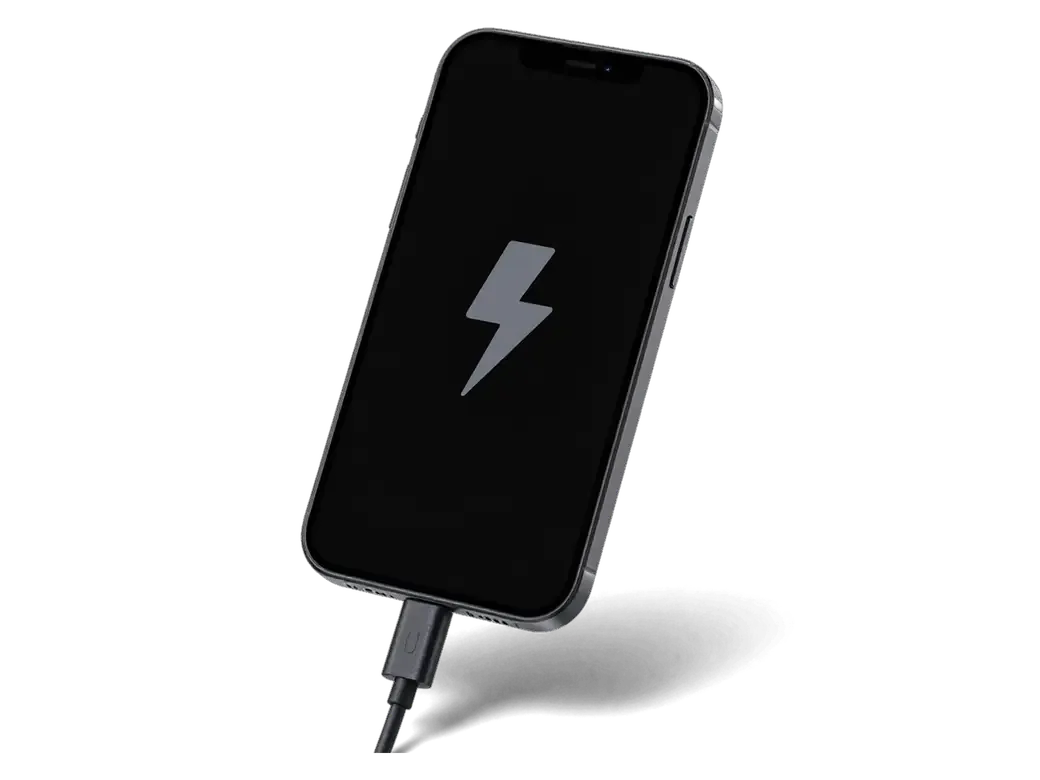
- Heat while charging: the lower half of the chassis warms noticeably during a wired charge, a sign the internal resistance has climbed.
- Random reboots: the unit restarts on its own when the chip draws a short burst of power the aged pack cannot supply.
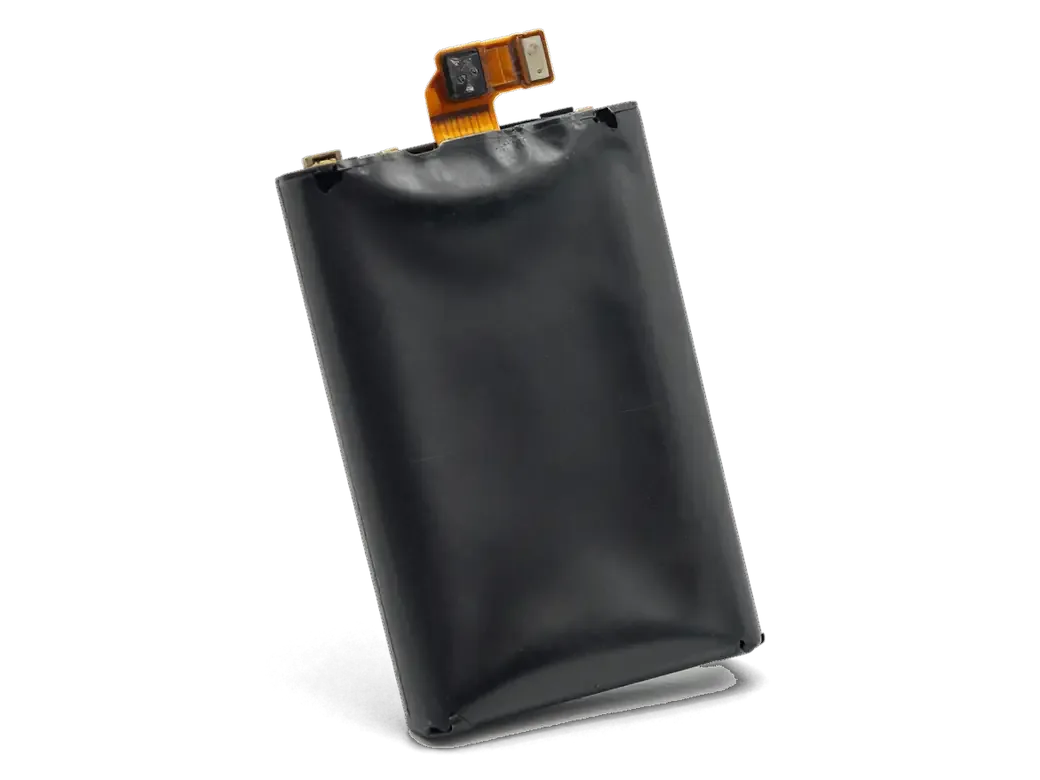
- Swelling: the display lifts at one edge or the frame rocks on a flat table, which points to the pack expanding inside — stop charging it until a technician looks at it.
How to Tell the Battery Is the Real Problem
Not every XS Max that runs flat needs a new battery. Sometimes the charging port, the cable or a power circuit on the board is at fault, and a battery swap will not fix any of it.
Battery, Charging Port or Board
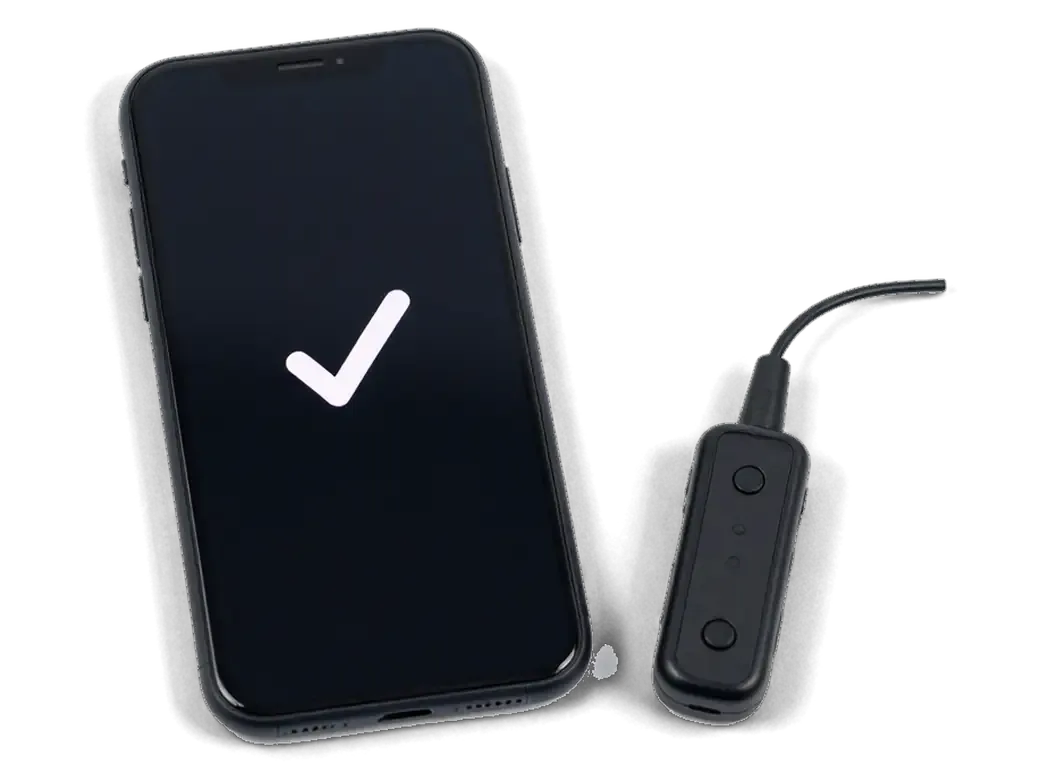
We start with free diagnostics in front of you — 15 minutes with a USB current tester — because a device that will not charge at all is more often a connector or cable issue than a dead battery. A cord that only works when held at an angle points to a worn Lightning socket, while a slow charge that heats up tells a different story. The tester shows the current the board draws in real time, so the engineer separates a tired battery from a failing port or a shorted power line. If a fresh one still drains or the handset cuts out under load, the fault sits on the power controller of the board, and we tell you that before any part is ordered rather than after. Some charging complaints end with a connector clean or a cord swap, not a new battery.
What to Do With a Swollen Battery Before the Visit
- Stop charging: a swollen battery under charge builds pressure and can lift the display module further, so unplug the device and switch it off.
- Do not press the screen down: pushing the lifted panel back forces the pack against the frame and can crack the glass or damage the adhesive seal.
- Keep it flat and cool: leave the handset on a hard surface away from radiators, direct sun and warm car interiors until the visit.
- Mention the swelling when you message us: the engineer then books the slot with the right tools ready and inspects the display and frame the same day.
Original or Aftermarket Battery for the XS Max
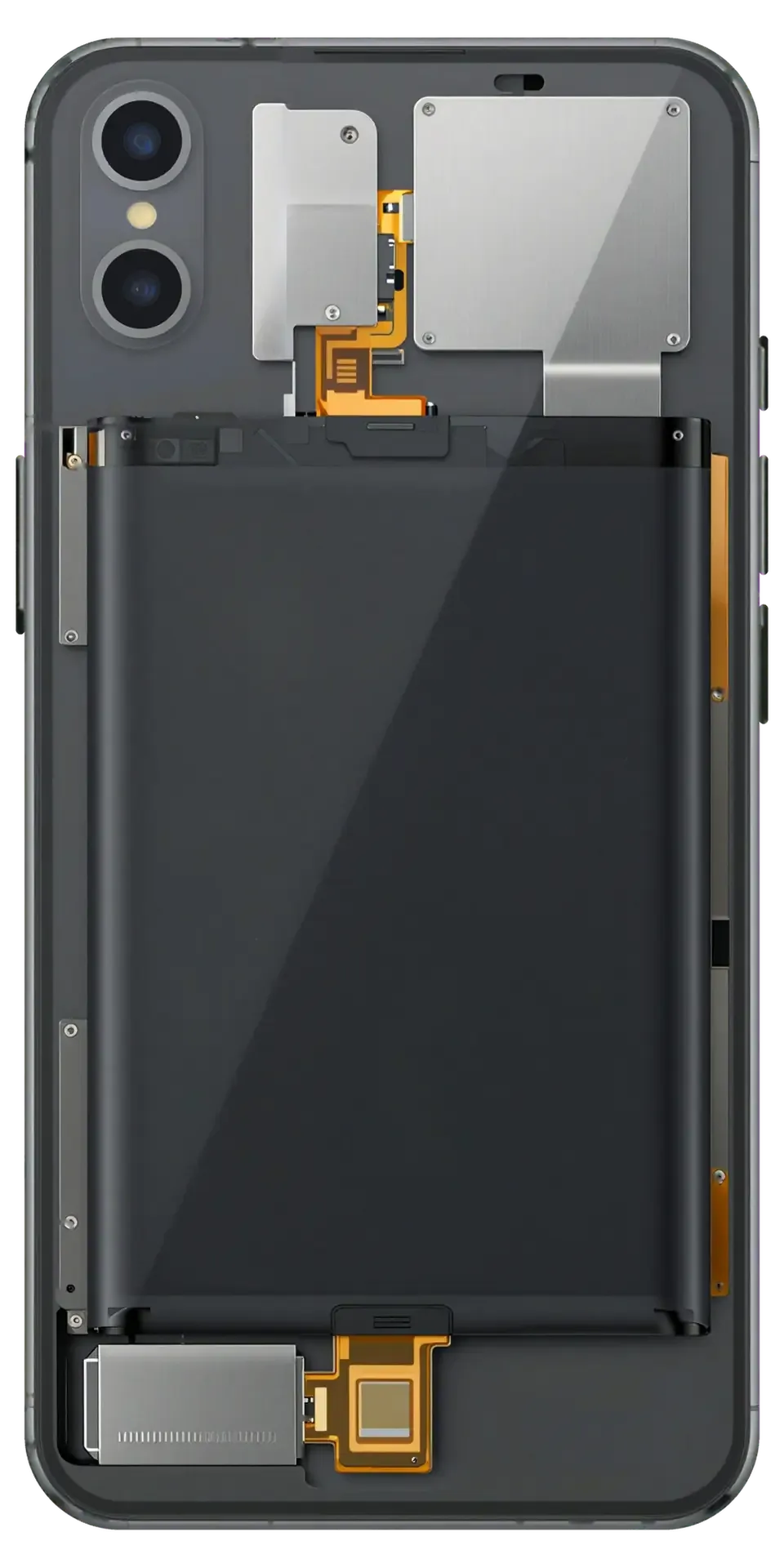
On the XS Max the battery controller is paired to the phone, so the option you choose affects more than the price — it decides what the menu shows after installation.
Comparing the Two Battery Options
Two cell types side by side, by display and alert| Option | Battery Health screen | System alert on XS Max | Best for |
|---|
| Original battery | Full capacity and cycle data | None | Owners who want clean readings |
|---|
| Aftermarket battery | Capacity may not display | Unknown Part warning possible | Budget-conscious replacements |
|---|
| Both, fitted by us | Explained on the receipt | Disclosed upfront | Deciding with full information |
|---|
The Unknown Part Message
On the XS Max a non-original battery can trigger the Unknown Part message in Settings and hide the maximum capacity figure, because the battery controller is paired to the logic board. That pairing links the battery's serial data to the mainboard, so a fresh aftermarket pack has no matching record and the system flags it instead of reporting a percentage. Owners of the XR, XS and 11 see the same behaviour after a third-party swap. The warning sits in the battery section only and does not lock charging, Face ID or performance. Both options are shown on the receipt ahead of the work, so the choice is made with the readings in view rather than after the fact. It is a reporting quirk, not a fault — decide on the option by warranty and longevity rather than by the alert alone.
How the Replacement Visit Runs at iServices
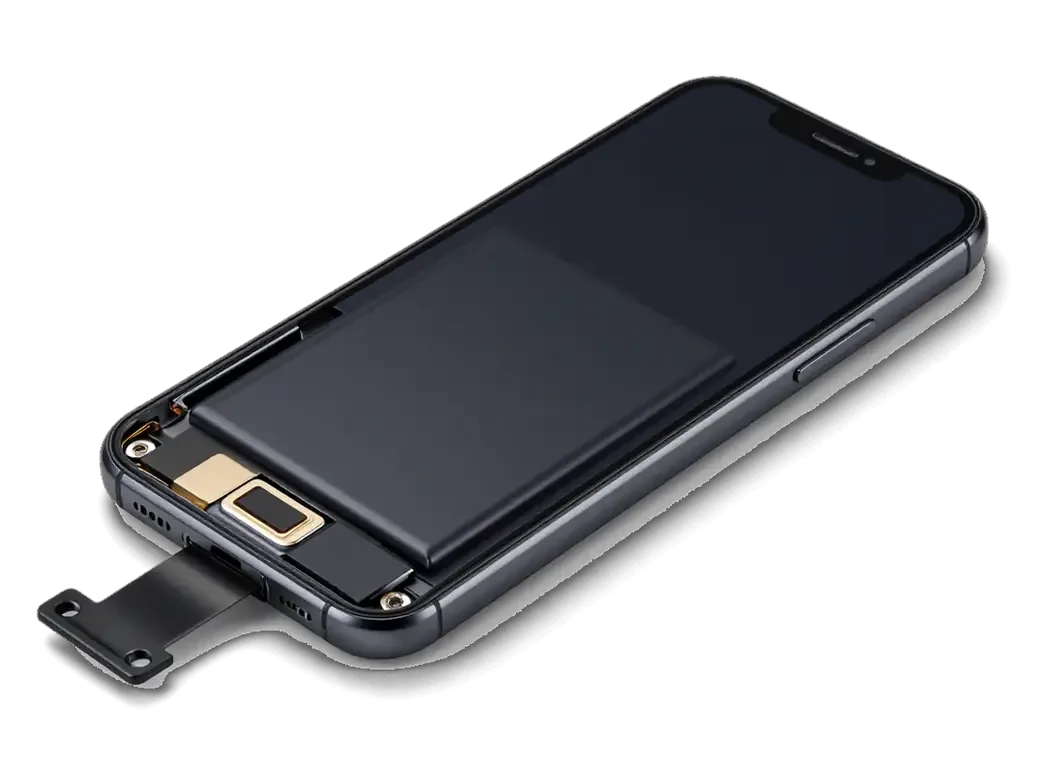
An iPhone XS Max battery replacement with us fits into a single visit, and every step — from the first WhatsApp photo to the old part in your hand — is fixed ahead of any work.
From a WhatsApp Photo to the Receipt
- First reply: an engineer answers on WhatsApp within 5 minutes and quotes a price from your photo of the device.
- Fixed terms: price, part, turnaround and warranty go onto the receipt in about 2 minutes, ahead of the work.
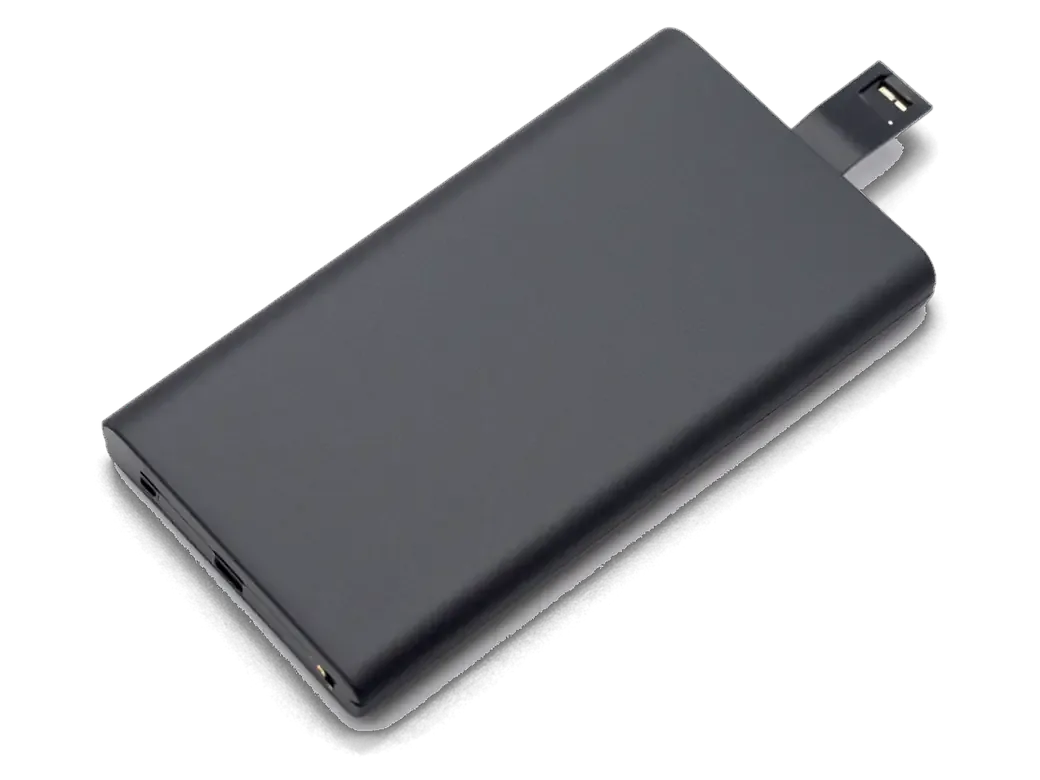
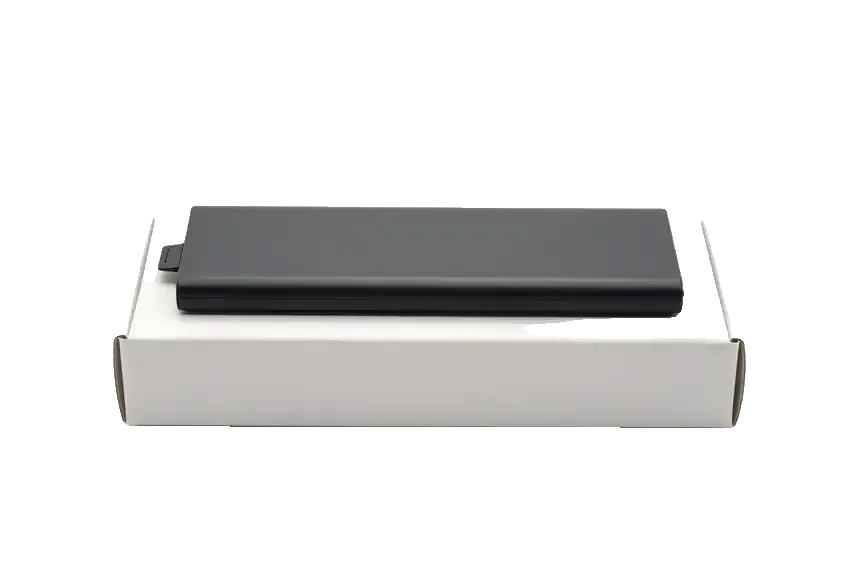
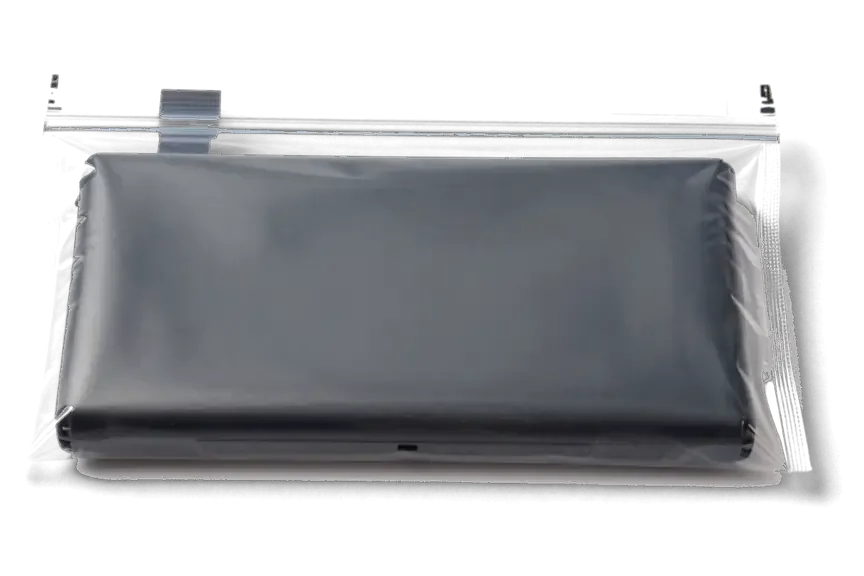
- Part in packaging: the new battery is shown in its factory packaging ahead of installation, so you see the part that goes in.
- Free check first: diagnostics take 15 minutes in front of you, and you pay nothing even if you decide against the repair.
- Handover set: you leave with the receipt, the warranty card and the old part, a physical record of what was swapped.
Waiting in the Lounge and Paying
A battery swap on the XS Max takes about 25 minutes, and 72% of our repairs finish while the customer waits in the lounge with coffee and Wi-Fi. Our warranty runs up to 1 year, and the terms sit on the receipt rather than in a verbal promise. Payment is by Kaspi, card or cash, and the branch opens Mon–Fri 10:00–19:00 and 11:00–18:00 at weekends and holidays, so a lunch-break visit fits comfortably. If coming in is awkward, a courier can be called to collect and return the device. Over a decade and 46,000+ repairs, the pattern we see is simple: owners who book a free slot in the morning usually walk out with a working phone before their break ends.
What Changes on the XS Max After a New Battery
Once a fresh battery is in, the question shifts from symptoms to consequences: what the disassembly touched, whether your files survived and how the new power source should be treated from the first cycle onward.
The 32-Function Check Before Handover
After the swap we check 32 functions in about 10 minutes, together with you, ahead of the phone leaving the bench. The list covers Face ID, True Tone, cameras, microphones, speakers, the port and network, and we run it on every device the workshop releases. Face ID and True Tone are the two readings that matter most on this model, because a careless disassembly tends to disturb the dot projector and the display calibration first. Wireless power transfer and the percentage readout are confirmed on the spot as well. Seeing those checks pass in front of you is the clearest proof the job was done cleanly, so watch the screen over the engineer's shoulder rather than taking a verbal all-clear.
Data, Sealing and Caring for the New Cell
- Your files stay put: swapping the battery does not erase photos, messages or apps, because the storage chip sits on the board and the work never touches it.
- Frame re-sealing: the adhesive gasket along the screen edge is renewed after the device is opened, keeping everyday splash resistance at the level the body was built for.
- Optimized Battery Charging: leave the setting on — it slows the last stretch of each top-up and eases wear on the fresh pack.
- Heat and frost: avoid topping up in direct sun, and expect the phone to shut down in deep frost regardless of battery age.
Summary: iPhone XS Max Battery Replacement
A short recap of what decides the outcome of a battery swap, from the first symptom to the check after handover.
- Judge by behaviour, not the number: an XS Max that dies under load or shuts down early is failing even when the health menu still shows a workable figure.
- Diagnose before ordering: a phone that will not charge at all is often a port or cable fault, so the fault is confirmed first.
- Weigh both battery options: an original unit keeps health readings clean, while an aftermarket one may trigger the Unknown Part message.
- Fix the terms on paper: a swap is a short in-person job, and the receipt should list the component, turnaround and warranty ahead of the work.
- Check the functions after the swap: confirm Face ID, True Tone and charging at handover, then keep Optimized Battery Charging on for the new power unit.







 iPad
 MacBook
 iMac
 Mac mini and Studio
 Apple Watch
 AirPods
 Apple Pencil
 Apple TV
 HomePod




