Face ID on the XR rarely fails on its own. There is almost always a physical cause behind it, and the three scenarios below cover most of what we see at the workbench.
How Drops, Water and Previous Repairs Break Face ID
Most XR Face ID failures we see come from a drop that shifts the dot projector, water that oxidizes the TrueDepth ribbon, or a previous screen job that damaged the top strip. A hard fall knocks the projector out of alignment inside its housing, so the phone still reads a face but cannot match the map it builds. Liquid reaches the TrueDepth connector through the earpiece slot and eats the contacts within hours, leaving a module that powers on but throws an error. A third path is a screen replacement done elsewhere, where the top flex was torn or left unseated during reassembly. Water cases are the slowest to read: after contact, diagnostics can take up to two days because corrosion under the shield keeps spreading. If you need iPhone XR Face ID repair in Astana, the first step is to identify which of these causes is behind the failure.
Which Part Failed and How Symptoms Map to Causes
matching each symptom to the TrueDepth component behind it| Symptom | Likely part | What we do |
|---|
| "Face ID is not available" | Dot projector | Repair or restore the projector |
|---|
| Face ID sets up, then fails to unlock | IR camera | Check and restore the IR camera |
|---|
| Screen stays on at your ear | Proximity sensor | Repair the top flex |
|---|
| Front camera works, Face ID dead | Flood illuminator | Diagnose the IR side |
|---|
| Face ID gone after a screen swap | Top flex | Restore the damaged flex |
|---|
What the Warning Messages Actually Tell You
iOS names the problem in its own words, and each message carries a different diagnosis. Reading them correctly saves you a wasted trip or, the other way, a delayed repair.
Reading the Two Face ID Warning Messages
"A problem was detected with Face ID" points to a failed TrueDepth module, while "Face ID is not available" usually means the system cannot reach that module at all. The first string appears when the dot projector, infrared camera or flood illuminator stops responding and the Secure Enclave logs a fault during face matching. The second shows up when no signal reaches the board — a disconnected top strip, a torn cable or a sensor that never initialises after a drop. Both sit under Settings, Face ID & Passcode, and both block unlocking, Apple Pay confirmation, app authorisation and password autofill. One points to a dead component, the other to a broken link between component and logic board. Neither concerns how you enrolled your face — re-scanning it will not clear them, so read both as a hardware signal, not a software glitch.
Telling a Setting Apart from a Hardware Fault
Before you come in, we suggest a two-minute check that separates a setup glitch from a real hardware fault. Open Face ID & Passcode, enter your passcode, tap Reset Face ID, then enroll an alternate appearance; if the scan fails at the first step or the camera preview stays black, the TrueDepth assembly is not reporting to the system. Next, clean the sensor cluster at the top of the screen and test with the case off, since a thick protector over the dot projector scatters the infrared pattern. Our engineer runs the same sequence during free diagnostics, in front of you, and shows which element is silent. If the sensor fails only in bright sunlight or only with glasses, the hardware is degrading rather than dead — catching it early usually means a shorter repair.
Why We Repair Your Own Module Instead of Replacing It
A common assumption is that a broken Face ID means a new assembly. On the XR that is not how it works, and understanding why changes what you should expect from any repair.
Why the Module Is Paired to Your Board
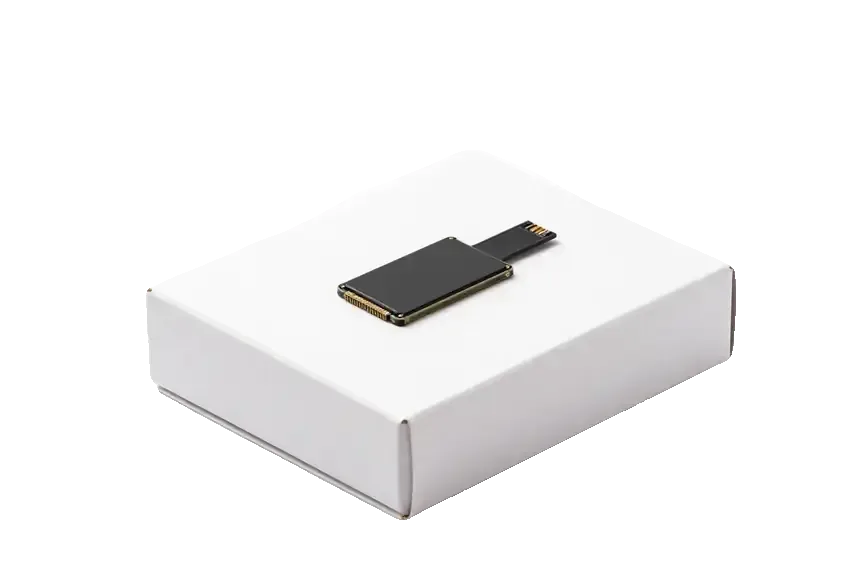
The Face ID unit is paired to the logic board of your specific device, so a part taken from another XR will not bring Face ID back. That pairing lives in the Secure Enclave, the dedicated security chip that stores the biometric keys for your phone. The TrueDepth assembly and the mainboard exchange a cryptographic handshake at every unlock, and the keys are generated once and never leave that chip. A donor component carries different keys, so the handset reads it as foreign hardware and simply refuses to enable the feature. Physically, the connector may seat perfectly; logically, the handshake never completes. We see this regularly when a customer arrives after a swap attempt elsewhere. This is also why a cheap replacement offer is a warning sign — the part may fit physically and still leave Face ID disabled, with no way to pair it afterward.
What We Actually Restore
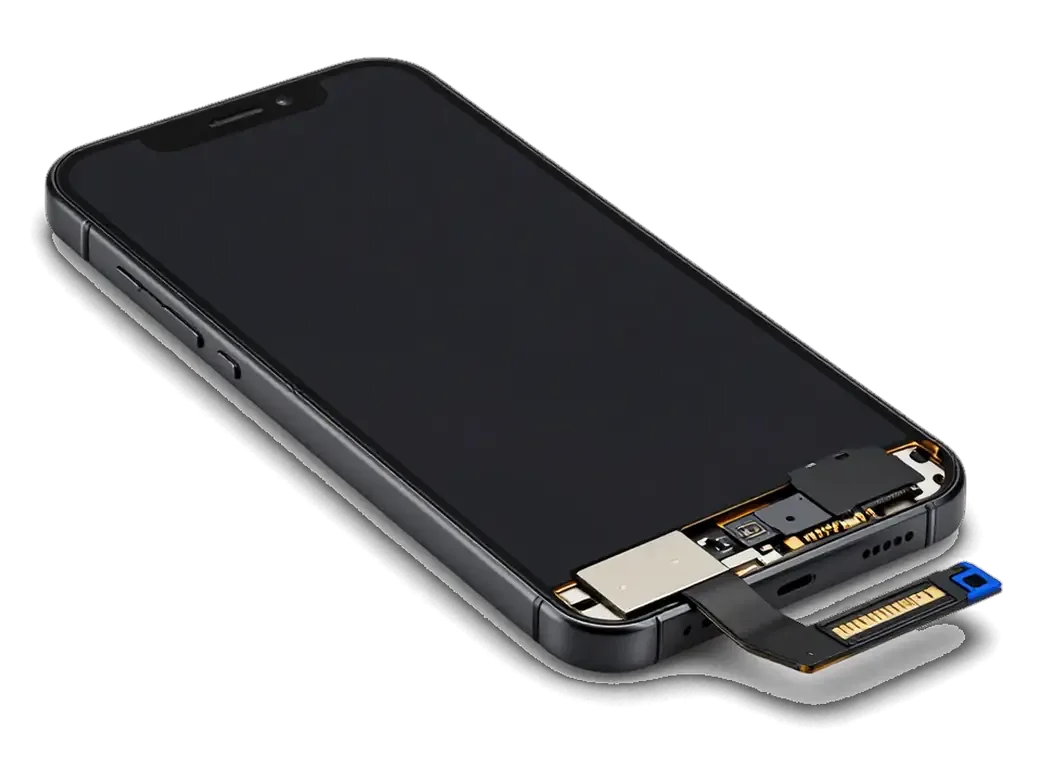
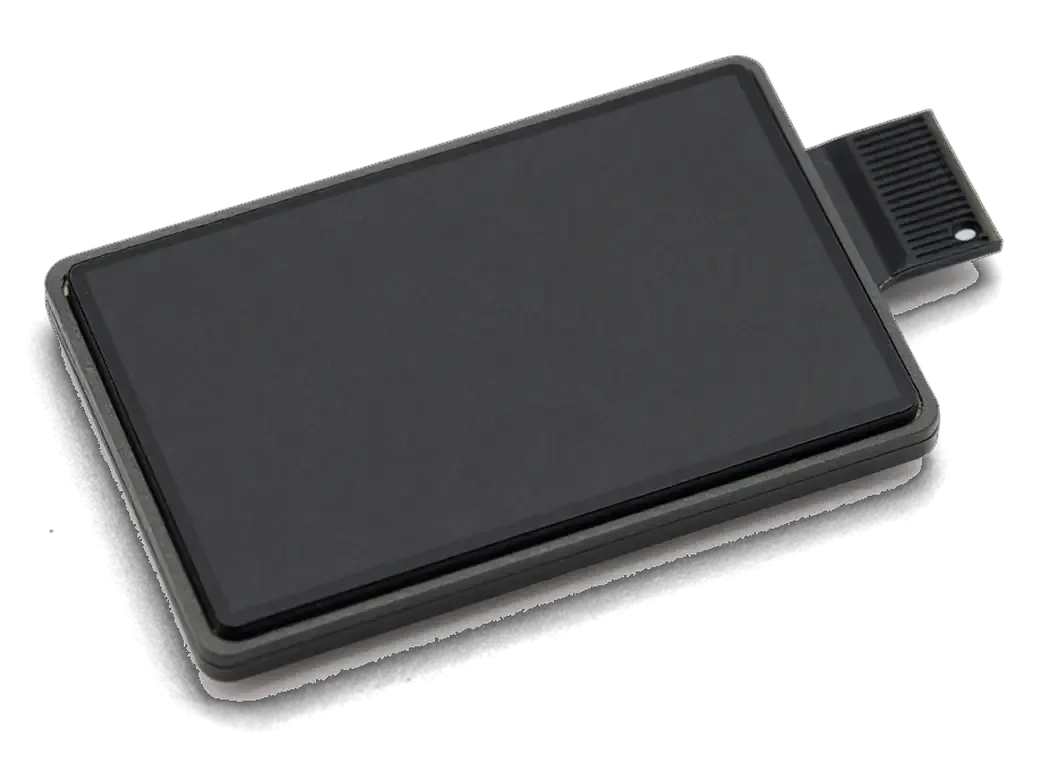
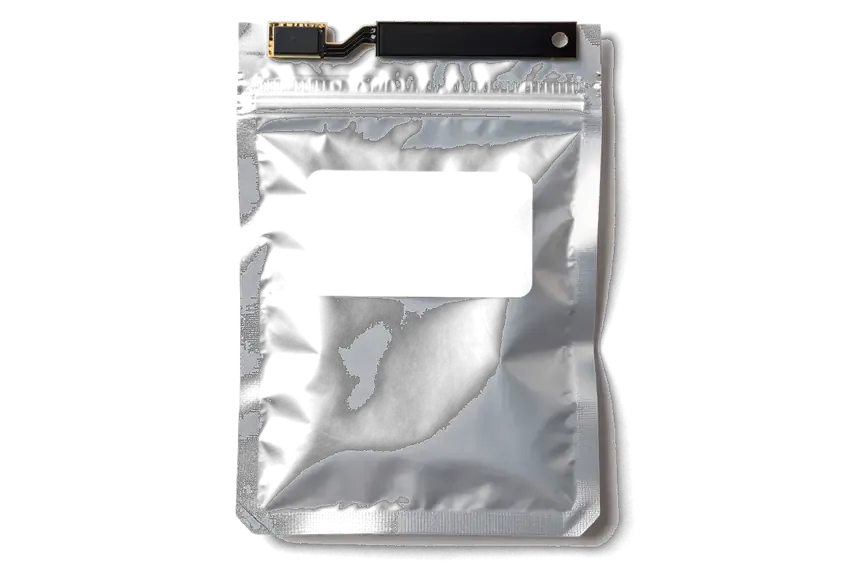
In practice we restore your own components — the TrueDepth ribbon, the dot projector and the board connections — rather than swapping the whole assembly. The flex carries power and data between the camera stack and the mainboard, and a crease or a torn trace there is a common result of a drop or a previous screen job. The dot projector, which paints the infrared grid on your face, can lose alignment or collect debris behind its lens. Our technicians trace the fault to the exact component, then reflow or replace that element while the original hardware stays with your device and its pairing stays intact. Board-level work on the TrueDepth circuit is done under a microscope, because the traces near the connector are too small to judge by eye.
How a New Screen Affects Face ID on the XR
The XR carries an LCD display, and its glass gets replaced more often than on the OLED models. That makes the link between display work and Face ID the single most practical thing to understand on this phone.
Why the Top Flex Has to Move to the New Panel
When the display comes off, the sensors on the top strip come with it, so we transfer your original ribbon to the new part to keep Face ID working. That strip carries the flood illuminator, the proximity sensor and the earpiece assembly, and all three sit on the back of the panel rather than on the board. We lift it intact, seat it on the replacement, and test the proximity sensor before the assembly is clipped down. A technician who unplugs the top strip carelessly can tear the proximity trace — the front will look perfect and Face ID will be gone, which is why this step is where most "it worked before the swap" cases begin. Ask any workshop to show you the old part with your strip still attached.
Comparing Original and Aftermarket Screens
Panel choices and sensor behaviour after a swap| Screen option | Face ID after repair | True Tone and auto-brightness | Notes |
|---|
| Original panel | Works, sensors transferred | Fully supported | 64% of our customers pick this |
|---|
| Aftermarket panel | Works if the ribbon is transferred | May be limited | Depends on the flex quality |
|---|
| Aftermarket, budget grade | Risky, thin ribbon traces | Often lost | We advise against it |
|---|
How the Visit Works and What You Get Back
The repair itself is only part of the visit. What matters just as much is what is agreed before work starts and what you walk out with.
From a WhatsApp Photo to a Signed Receipt
You can send a photo of the damage on WhatsApp, and an engineer replies within 5 minutes with a price and a free time slot. At the workshop the engineer runs free diagnostics in front of you for about 15 minutes and shows what is broken, even if you decide not to go ahead. Before installation we show you the new part in its factory packaging, original or aftermarket, so you know exactly what goes into the phone. Fixing the price, the part, the turnaround and the warranty on the receipt takes about 2 minutes, and the document is signed before any work begins. That signature is what keeps the job from changing halfway through — ask for the part grade to be written down, not just agreed out loud.
The Final Check and the Warranty You Get
After the repair you check Face ID, True Tone, the cameras, microphones, speakers, charging and network together with the engineer. The full check covers 32 functions and takes about 10 minutes, and it happens with you standing at the counter rather than behind a closed door. Most jobs — a screen, a battery, camera glass — finish in 20 to 40 minutes, and 72% of repairs are completed while the customer waits in the waiting area with coffee and Wi-Fi. The device comes back with the receipt, a warranty card covering up to 1 year, and the old part, so you can see exactly what was replaced. Keep that old module — if Face ID ever misbehaves again, it shows the engineer what was already changed.
Summary: iPhone XR Face ID Repair
Face ID repair on the iPhone XR comes down to a handful of facts worth keeping straight before and after the visit.
- Face ID is paired to the board: a module from another device will not restore it, so the repair targets your own components.
- Symptoms point to parts: the exact iOS message and the behaviour of the front camera narrow down which TrueDepth part failed.
- Screen work is the risk point: the top strip with its sensors must be transferred carefully during any screen replacement.
- The XR is not special in its Face ID: it uses the same TrueDepth system as the XS, despite the LCD panel.
- Documents matter: a signed receipt, a warranty card and the old part are what make a repair verifiable afterward.







 iPad
 MacBook
 iMac
 Mac mini and Studio
 Apple Watch
 AirPods
 Apple Pencil
 Apple TV
 HomePod




