Charging on the iPhone 6s runs through a tiny component soldered to the board, and that component is what gets replaced in this service. Here is what it does and how it differs from the main power controller.
What U2 (Tristar) Actually Does on the Board
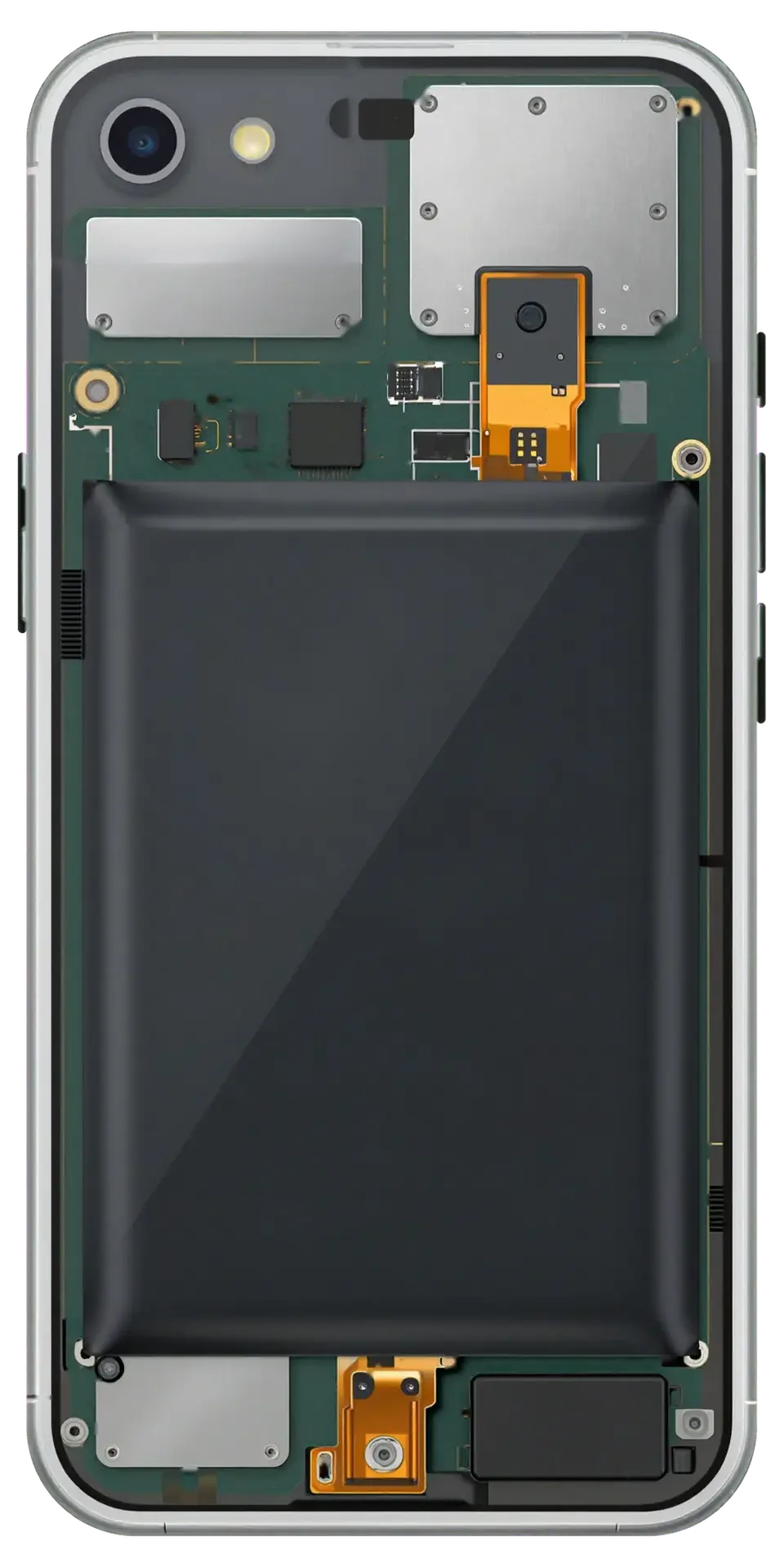
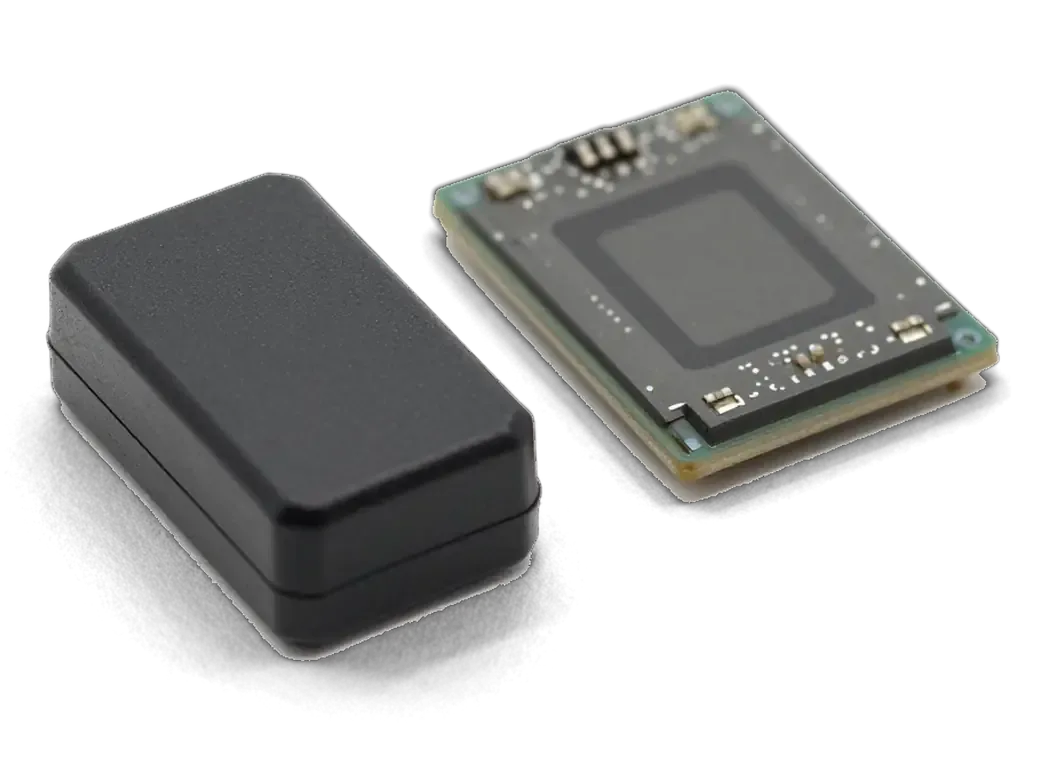
U2, also called Tristar, is the small component on the 6s mainboard that recognises the Lightning cable and controls how much current reaches the battery. It sits close to the port and talks to the accessory the moment you plug in: it reads the connector, confirms the handshake and then opens the path for current to flow toward the cell. A healthy U2 negotiates the right voltage for the pack and stops the flow once it is full, which is why a stable percentage on screen depends on this one part as much as on the battery itself. Because the same silicon handles the data line, a failing U2 can break syncing with a computer before topping up stops completely, so a lead that works for power is not proof the part is healthy.
U2 and the Main Power Controller Are Not the Same Part
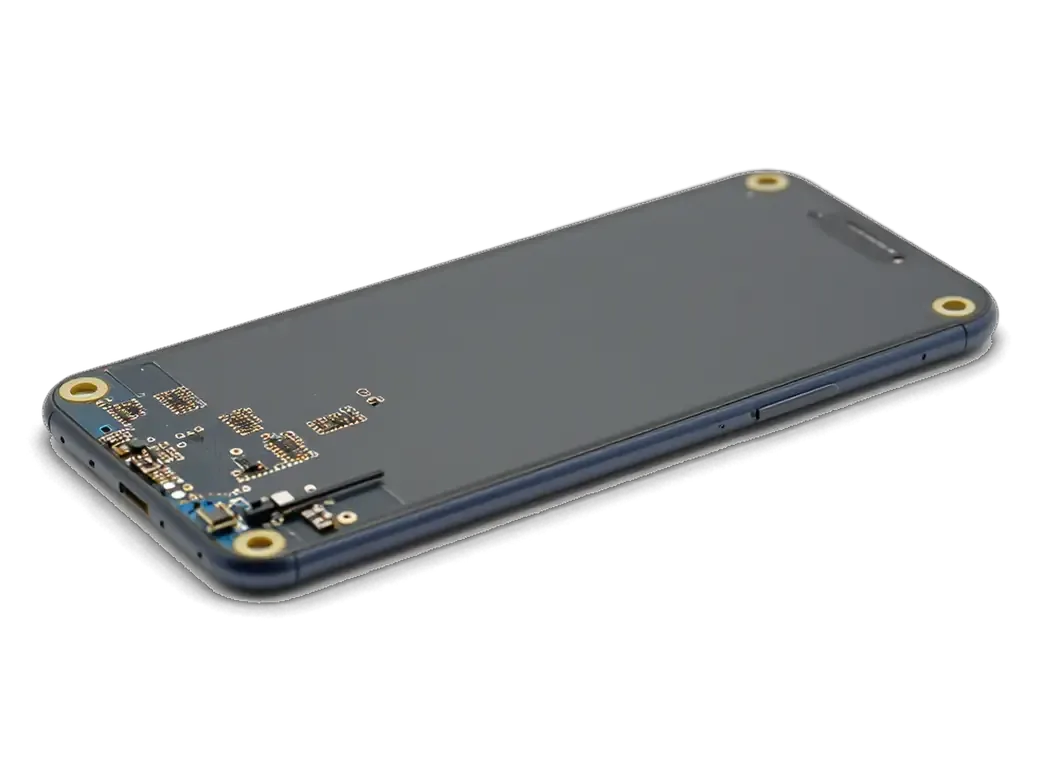
The main power controller, or PMIC, distributes power across the whole handset, while U2 only manages the charging and USB side, so the two fail with different symptoms. The PMIC feeds the processor, the display, the radios and the memory rails; when it degrades, the device may shut down under load, restart in a loop or refuse to boot at all. U2 works on a narrower stretch of the circuitry: the Lightning port, the cable handshake and the incoming current, nothing more. A faulty U2 can drain the battery at rest even with nothing plugged in, because it keeps polling the port and never settles into standby. A PMIC fault usually shows up as the handset dying under load or not booting at all, whereas a U2 fault keeps it alive but leaves it unable to take a charge.
Signs Pointing to iPhone 6s Power Controller Replacement Not the Cable
Owners of a 6s usually arrive with a mix of complaints: no charge, a frozen percentage, warmth near the socket. Read together, these signs narrow the fault to the board faster than any single symptom alone.
When the Phone Shows the Cable but the Percentage Stays Put
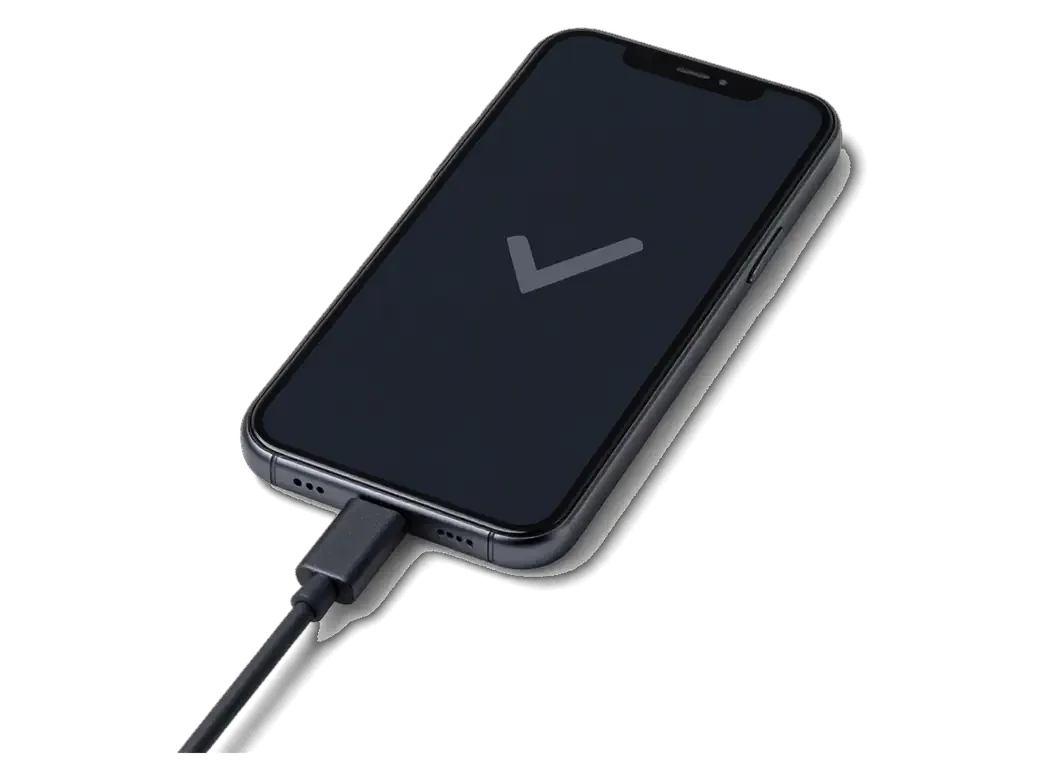
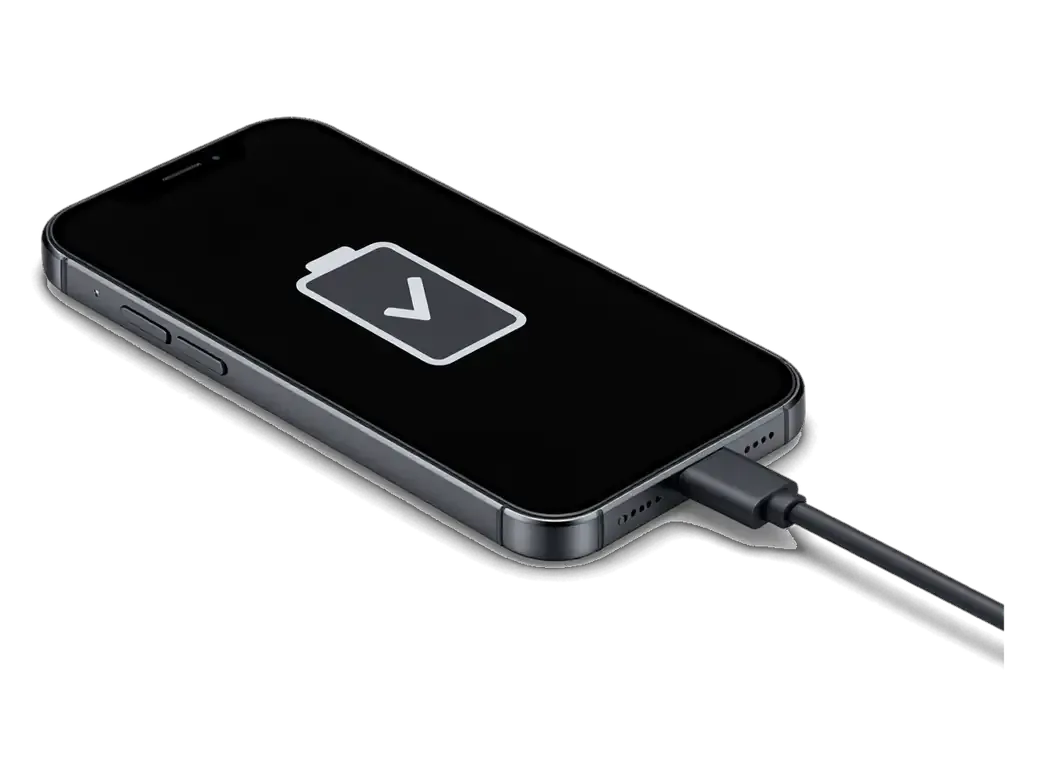
A battery icon that appears the moment you plug in, while the percentage never climbs, is one of the clearest signs that U2 is not passing current to the cell. The socket is recognised, the screen reacts, and the reading sits at the same figure for hours. U2 sits on the charging line between the port and the pack and governs how much current actually flows through. When the chip fails, the phone still sees a cable but receives almost nothing, so the figure freezes instead of dropping or rising. A tired pack behaves differently: it accepts charge slowly and loses it quickly, while a dead chip blocks the flow outright. This pattern is easy to misread as a worn battery, but a healthy unit paired with a failed U2 shows the same frozen number. Swapping the power source first wastes a part and leaves the real fault untouched.
Fast Drain and Warmth Around the Bottom of the Phone
A handset that loses charge overnight with the screen off and feels warm near the charging port is often leaking current through a damaged U2. The drain is steady rather than app-driven, and the standby figure falls by a wide margin even when nothing runs in the background. The warmth sits low on the chassis, close to the socket and the mainboard, not around the camera or the top edge. A shorted or partially failed chip keeps drawing power from the pack after the cable is removed, so it empties in standby and the circuitry heats up in the same spot. That warmth is the useful clue, because a healthy iPhone 6s stays cool in standby, so heat without any app running points at the circuitry rather than the software. Hold the device for a minute after unplugging: a warm patch near the port is worth showing an engineer.
How iPhone 6s Power Controller Replacement Separates Port or Battery From Board Fault
Before any soldering, we have to prove the fault sits on the mainboard. Otherwise a new U2 chip changes nothing and you pay for work that never addressed the cause.
The Free 15-Minute Check in Front of You
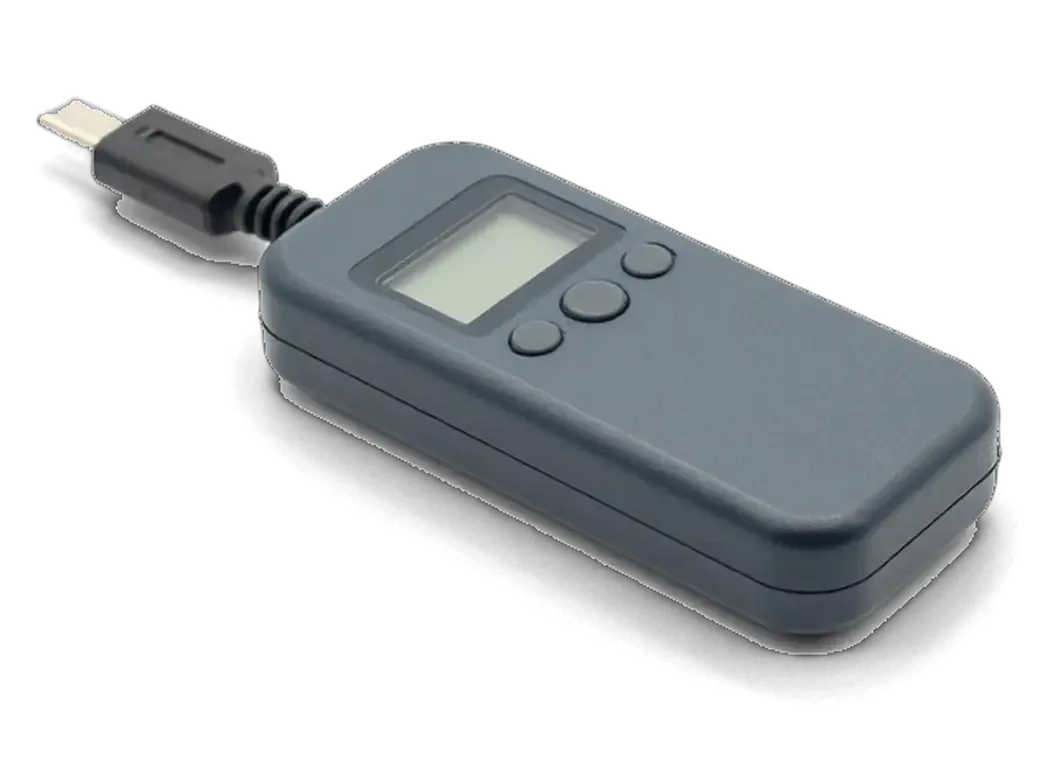
We run a free 15-minute check in front of you, and the engineer shows what is actually broken, even if you decide not to repair the phone. This is also where an iPhone 6s power controller replacement in Astana starts, so the diagnosis comes before any work. The engineer plugs a USB current tester between the lead and the Lightning connector, loads the circuitry with a known-good battery and watches the draw as the lead is flexed. A loose connector reads as a jumpy number; a dead U2 chip pulls a flat, low figure no matter how the lead sits. The same session covers corrosion around the socket and any swelling on the battery, and the engineer narrates each step on the bench rather than behind a closed door.
What the Tester Shows Before and After the Swap
Stages of an iPhone 6s power controller replacement| Stage | What we look at | What a healthy result shows |
|---|
| Lead and socket check | Draw with a known-good lead | Stable figure, no drop when moved |
|---|
| Battery check | Charge behaviour on a test cell | Percentage climbs steadily |
|---|
| Microscope check | Corrosion or burn marks around U2 | Clean pads, neighbours intact |
|---|
| After the swap | Draw and lead recognition | Normal charge and sync restored |
|---|
What Causes U2 Failure and How to Avoid a Repeat
A dead chip is almost always the result of a current spike rather than normal wear, so the useful question is where that surge came from and what to change in daily habits.
Power Banks, Car Adapters and Cheap Cables
Unstable voltage from power banks, car adapters and non-original chargers is the most common reason U2 fails on an iPhone 6s. These accessories rarely hold a clean output: a cheap boost circuit inside a power bank can push a short surge when the phone negotiates a link, and an adapter fed by the alternator carries ripple the microchip was never designed for. A frayed Lightning cable adds its own problem, because every loose contact means a fresh reconnect and another jolt into the same component. The damage is cumulative rather than instant, so the chip keeps degrading with each session until charging or data transfer stops working. Practical advice is to use original or experienced power supplies and replace worn cables early, since a stable output protects the U2 microchip far better than any repair after failure.
Habits That Keep the New Chip Alive
- Use a stable adapter: a wall unit that stays cool under load is safer than a fast power bank.
- Plug in before starting the engine: a live socket sends a surge straight to the component.
- Check the cord: a loose or frayed Lightning cable causes repeated reconnects that stress U2.
- Keep water away: even a damp pocket can start corrosion around the circuit and short the contacts.
- Stop at the first warning: the accessory not supported alert means unplug, not retry.
The Soldering Work, the Board Check and the Warranty
This section covers what happens to the board on the workbench and what you take home afterwards: the soldering itself, the check that follows, and the papers that back the work.
Desoldering and Fitting the Chip Under the Microscope
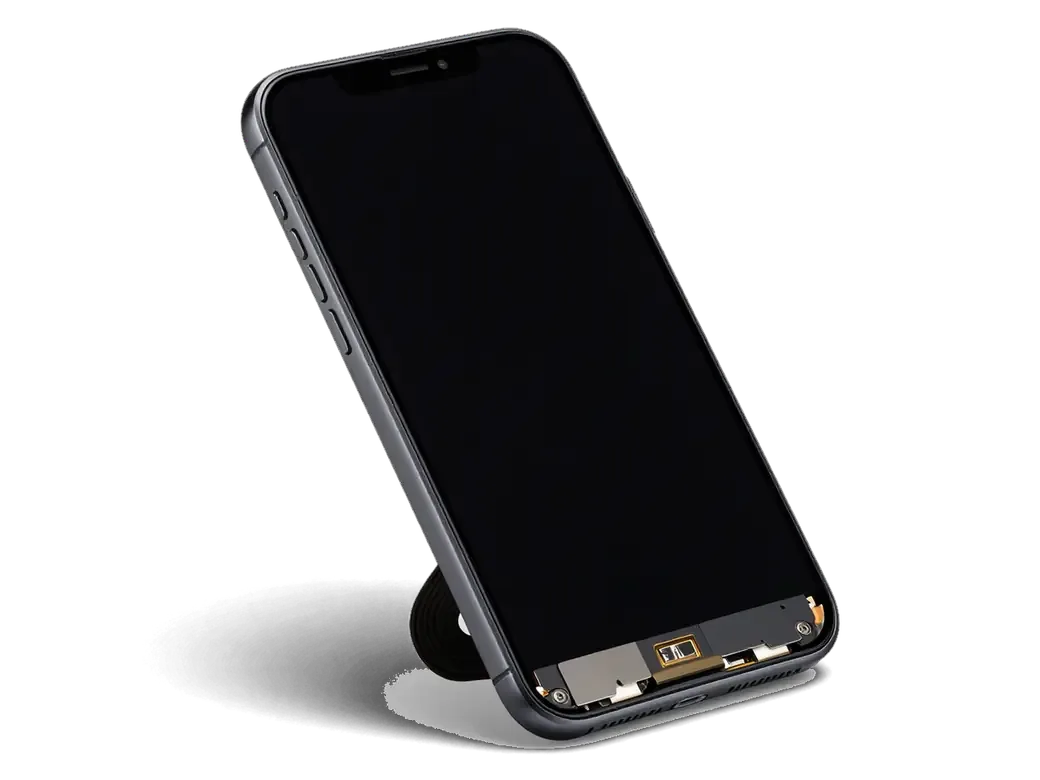
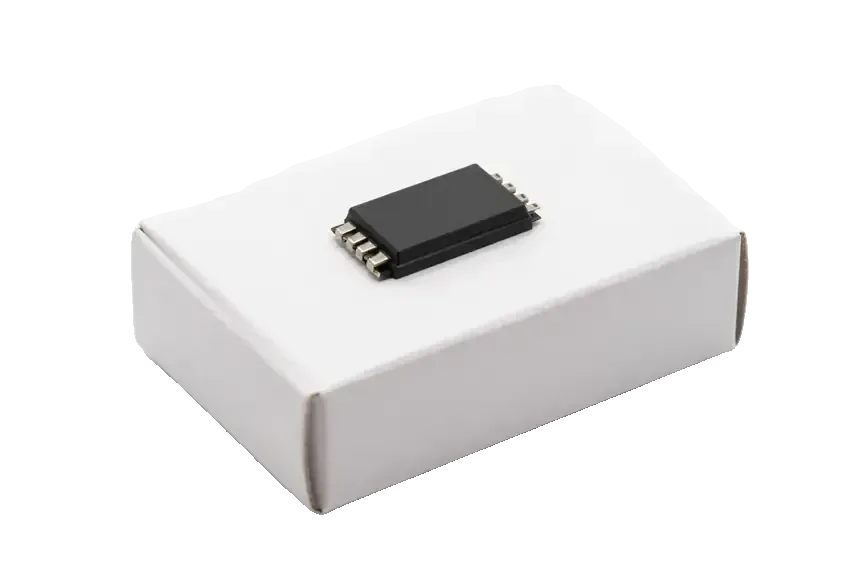
We remove the old chip with a hot-air station and lower preheat, fit the replacement under a microscope, clean the flux and test the circuitry before assembly; board work takes 1 to 3 days. Every board joint is inspected under magnification before the shield goes back on. The lower preheat matters on a 6s mainboard because it spreads heat evenly, so the small parts next to the power controller are not lifted along with the chip. Ask for the microscope photos of the joint before assembly if you want to see the work yourself — we keep them for every board repair, and the same bench handles logic board jobs across the city.
The 32-Function Check and the Paperwork You Leave With
After the repair we check 32 functions in about 10 minutes, including charging, cable recognition, network and the rest, and you leave with the receipt, the warranty card and the old part. The engineer runs the check with you at the counter, so you see the charging percentage climb and the cable register on screen rather than taking our word for it. Your photos, contacts and accounts stay untouched — no reset is needed for this repair, and we test the device with your own SIM. The old chip is handed back so you can see what was removed, and the warranty up to 1 year is written on the card rather than promised verbally. If a courier brings the phone in, the same card travels back with it.
Summary: iPhone 6s U2 Power Controller Replacement
The repair closes the loop, but the way you charge the phone afterwards decides how long the new component lasts. Five points worth keeping.
- U2 is the charging chip: it recognises the cable and controls current, and it is a separate part from the main power controller on the mainboard.
- Symptoms read together: a frozen percentage, warmth in standby and lost syncing point at the circuitry more than at the cable.
- Rule out the simple parts first: a clean port and a healthy battery have to be checked before any soldering starts — diagnostics are free and take 15 minutes in front of you.
- Charging habits matter: unstable adapters and power banks are the usual cause, and the same habits will wear out a fresh component.
- Mainboard work takes time: expect 1 to 3 days, and ask for the old part and the warranty card when you collect the phone.







 iPad
 MacBook
 iMac
 Mac mini and Studio
 Apple Watch
 AirPods
 Apple Pencil
 Apple TV
 HomePod




