The audio codec is a chip on the board that every audio signal passes through; when it loses contact, playback disappears even though the microphones and speakers are intact.
The Chip That Routes Every Audio Signal on the Mainboard
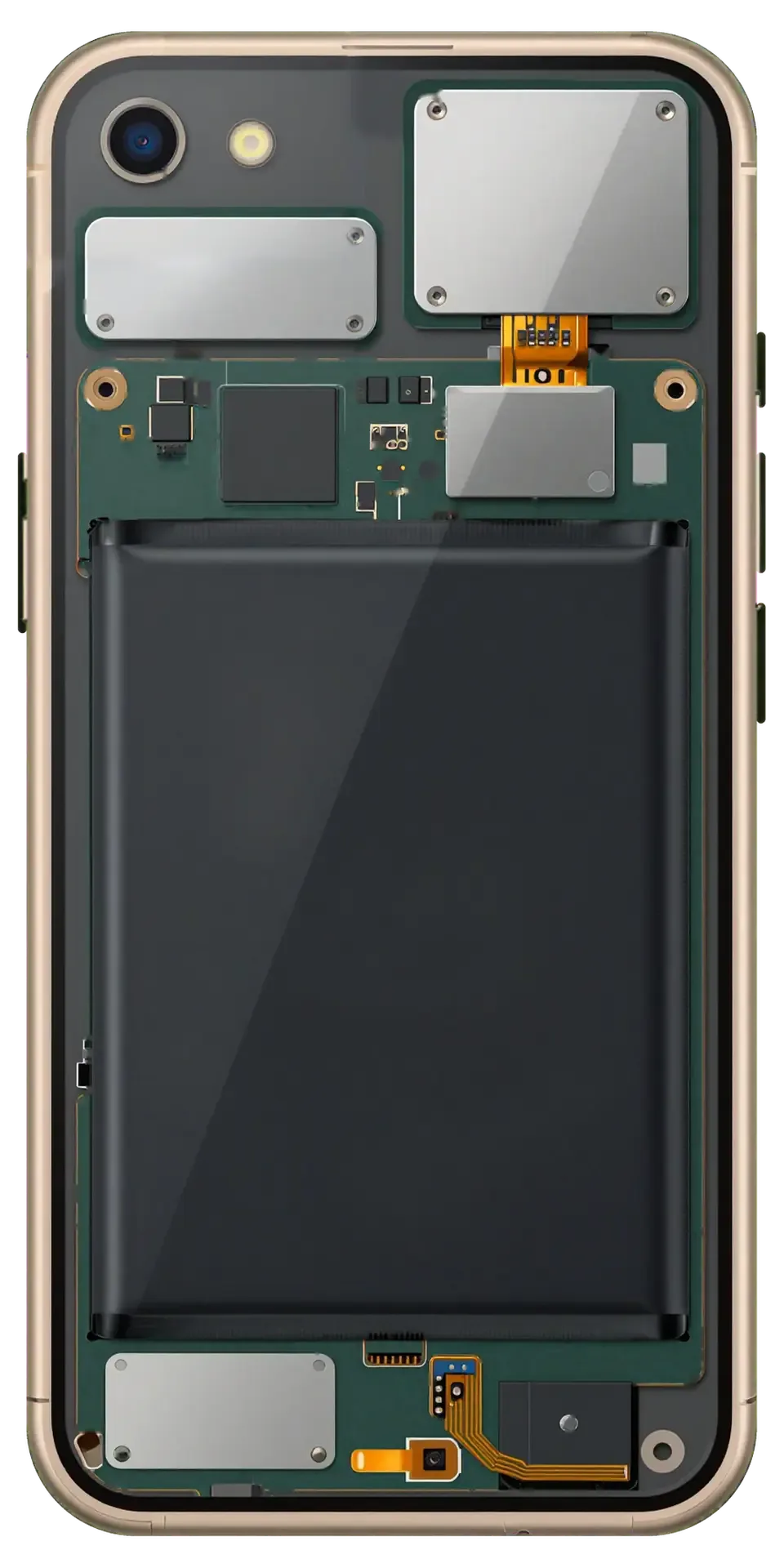
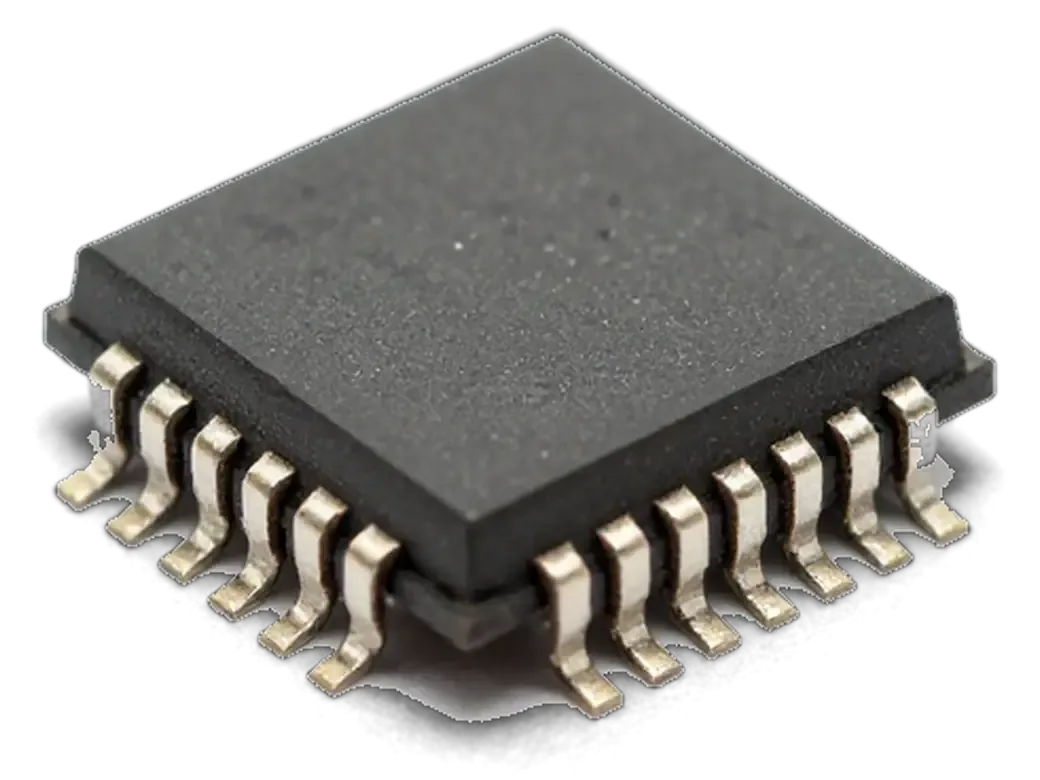
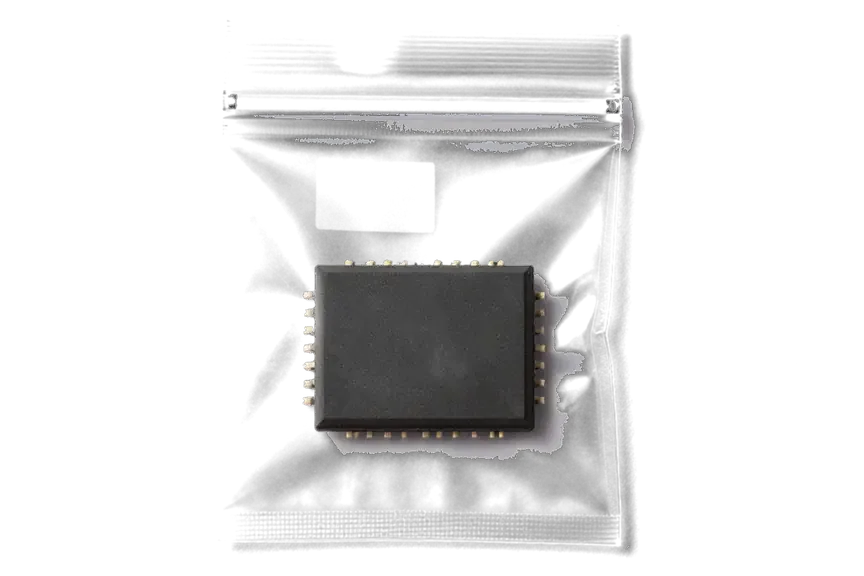
The audio codec is a small chip soldered to the iPhone 6s motherboard that converts and routes the signals from every microphone and to every speaker. It sits among the internal layers, close to the logic and power circuits, and carries the analog signals that the processor cannot handle directly. Two mics, the earpiece, the loud output and the voice recorder all depend on this one component. On the 6s it works alongside the audio amplifier and the connectors that link the mainboard to the lower flex cable. Because one component serves the earpiece, loudspeaker, microphones and recorder at once, a single fault there can silence several features while the parts themselves still test fine.
Why Playback Vanishes While the Parts Still Work
Playback disappears because the codec has lost contact with the mainboard or failed, so the signal never reaches the working microphone or speaker. The chip connects through tiny pads and traces under the shielding, and those joints crack after drops, bending or liquid exposure. A mic can test perfect on a meter and still stay silent, because the fault sits upstream of it in the circuitry. The same applies to the loud output: it receives nothing to play. This is why replacing a microphone or speaker on a codec fault changes nothing — the new part is fine, but the component that feeds it is not.
Signs That Point to iPhone 6s Audio Codec Replacement Needs
On an iPhone 6s the codec fault usually arrives after a drop, a bent frame or liquid rather than as a typical wear pattern. The clues it leaves behind, however, look much the same as on later models.
The Signs Owners Usually Notice First
- Speaker button greyed out: during calls the speaker icon stays inactive, so the earpiece and loudspeaker cannot be switched.
- Silent Voice Memos: the recorder runs but captures no audio, and playback of old files still works fine.
- Siri cannot hear you: the assistant opens but reports no input, even after you grant microphone access again.
- No sound in video: clips record without an audio track, and FaceTime calls connect while the other side hears nothing.
- Slow, stuck boot: the phone hangs on the logo for a long time or takes far longer to start, because this component also handles the startup audio handshake.
Why the 6s Fails Differently From the 7
We see the 6s codec fail most often following an impact, a bent frame or moisture, while the iPhone 7 is known for the fault appearing with normal use. The aluminium body here flexes under pressure, and that flexing pulls on the solder joints tying the audio component to the mainboard. Liquid reaches the area through the sim tray and the bottom speaker grille, leaving corrosion on the contact pads beneath the component. That is why the symptom can surface weeks later, not on the day of the incident. So on a 6s we always ask about impacts and liquid first — that history tells us whether to expect damaged pads under the chip, not just a loose joint, and it shapes how much board work the case will need.
Codec or Microphone and Speaker
Before swapping any part, it helps to know exactly where the sound is lost. The table below shows what each symptom actually points to on this model.
Matching the Complaint to the Faulty Part
Which symptoms point to the mainboard| Symptom | Likely codec | Likely microphone or speaker |
|---|
| Greyed-out Speaker button in calls | Yes | No |
|---|
| Recorder silent, Siri cannot hear | Yes | Sometimes |
|---|
| One microphone dead, others fine | No | Yes |
|---|
| No sound in video and FaceTime | Yes | No |
|---|
| Slow boot or hang on logo | Yes | No |
|---|
Why a New Mic Did Not Help
6s phones arrive after a mic or speaker was already replaced elsewhere with no change, because the real fault was the codec on the mainboard. A dead part and a dead codec produce nearly identical complaints, so the swap feels logical — and the sound stays gone. On this model the codec sits on the logic board and feeds several audio paths at once, which is why a single replaced component cannot restore them. Our free 15-minute check in front of you separates the two before any work: the engineer tests each mic and speaker path and shows you the result on the spot. That way you are not paying twice for the same symptom, and the receipt lists the actual part before we open anything.
How We Repair the Audio Codec on the Board
Codec repair is board-level service under a microscope: reballing the chip, replacing it, or rebuilding the pads and traces it sits on, then testing every audio function once the phone is ready for handover.
Reballing, Replacing or Rebuilding the Pads
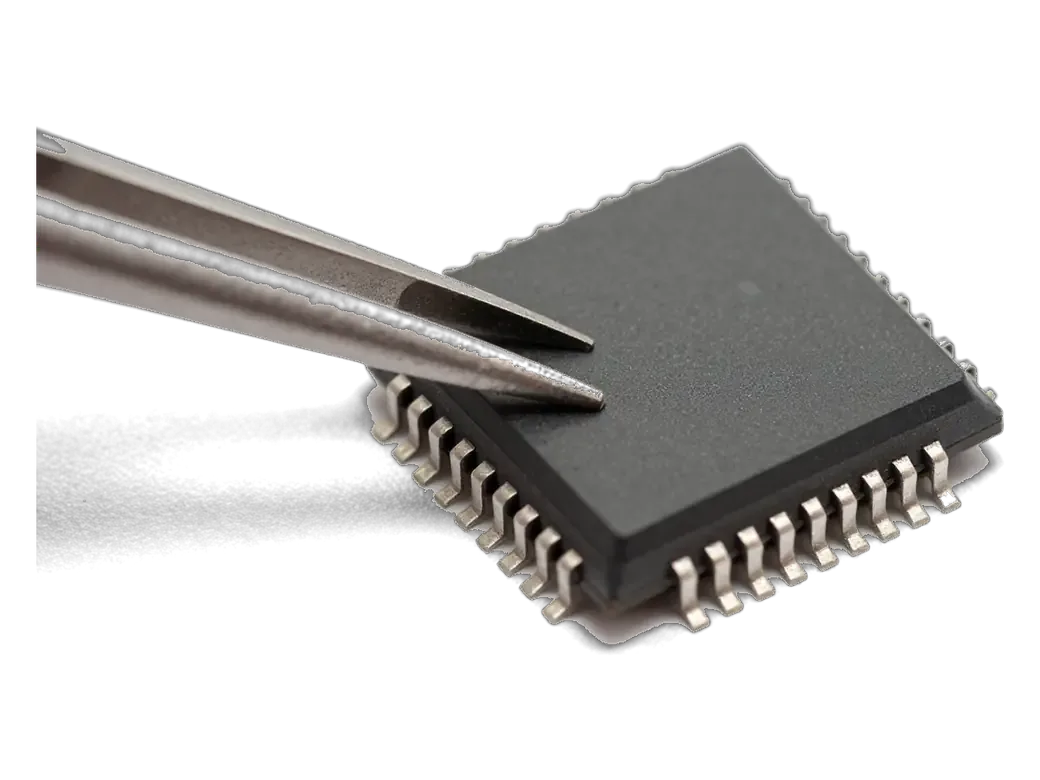
We repair the codec under a microscope, either reballing the existing chip, replacing it, or rebuilding damaged pads and traces, depending on what the inspection shows. Reballing means removing the component, cleaning the old solder from its contacts and laying a fresh ball grid so it seats evenly again. Replacement goes further: a new codec goes on only when the old one is dead inside, not just loose. Rebuilding is the fiddliest option — a lifted pad or a torn trace is bridged and reinforced with copper wire finer than a hair. The iPhone 6s audio codec replacement in Astana starts with this inspection, because the three routes differ in time and in what the mainboard can take. Rebuilding a torn pad is often what decides whether the unit is fixable at all — that is why we inspect the contacts when quoting, not after.
How Long the Mainboard Work Takes
Stages of codec work from diagnostics to handover| Stage | What happens | Time |
|---|
| Free diagnostics | Engineer checks the device in front of you | 15 minutes |
|---|
| Receipt | Price, part, turnaround, warranty fixed | 2 minutes |
|---|
| Board repair | Codec reballed, replaced or pads rebuilt under microscope | 1–3 days |
|---|
| Final check | 32 functions tested, sound included | about 10 minutes |
|---|
Getting Your iPhone 6s Ready and What Happens After
Before a board repair, it pays to make a backup and remember your Apple ID password; afterwards, test the sound with the engineer and learn how to protect the device.
Make a Backup First and Bring Your Apple ID
Before a board repair we ask you to make a backup and have your Apple ID password ready, so the phone can be tested fully after the work. The codec sits on the logic board, and any mainboard work means the device is opened and briefly powered down. A current backup to iCloud or a computer takes minutes and keeps photos, chats and contacts safe. Your Apple ID password matters because the engineer re-signs the phone into the account to run the full sound test. We are a direct repairer with our own technicians and workshop, not an aggregator or a middleman, so the same person handles your device from intake to handover. A current backup also protects you if the board turns out worse than the symptoms suggested — you keep your data even when the repair path changes.
Will the Fault Come Back and How We Back the Repair
A correctly repaired codec does not fail again on its own, but a fresh drop, a bent frame or water can repeat the damage, so we cover the work with a warranty up to 1 year. The chip is soldered to the mainboard, and its joints loosen when the aluminium body flexes, which is why a 6s that lives in a back pocket tends to develop the fault again. We hand the phone back with the receipt, warranty card and the old part, and the warranty terms are fixed on the receipt before work starts. A rigid case and keeping the phone out of a back pocket are the two habits that most reduce the bending that loosens the chip.
Summary: iPhone 6s Audio Codec Replacement
A few facts sum up what a codec fault means for an iPhone 6s and what the repair itself involves, from the symptoms that give it away to the time it takes.
- Codec role: this chip carries every microphone and speaker signal on the logic board, so one defect can silence several functions at once.
- Shared symptoms: a greyed-out Speaker button, a silent recorder and no sound in video together point to the codec rather than a single component.
- Part swaps: changing a microphone or loudspeaker on such a defect does not help, because the circuitry itself has to be repaired.
- Timeframe: board-level service runs longer than a screen or battery job, so plan for a few days without the handset.
- Preparation: a backup, a ready Apple ID password and a protective case make the repair and the months after it easier.







 iPad
 MacBook
 iMac
 Mac mini and Studio
 Apple Watch
 AirPods
 Apple Pencil
 Apple TV
 HomePod




