BS Photo: Bakmukhammed S.
Bakmukhammed S.
on-site iPhone technician
13years of experience
4.93rating, 107 reviews

On iPhone 6s Plus the Home button rattles or stops responding — we install a new one, check the cable and response, and quote the price upfront.
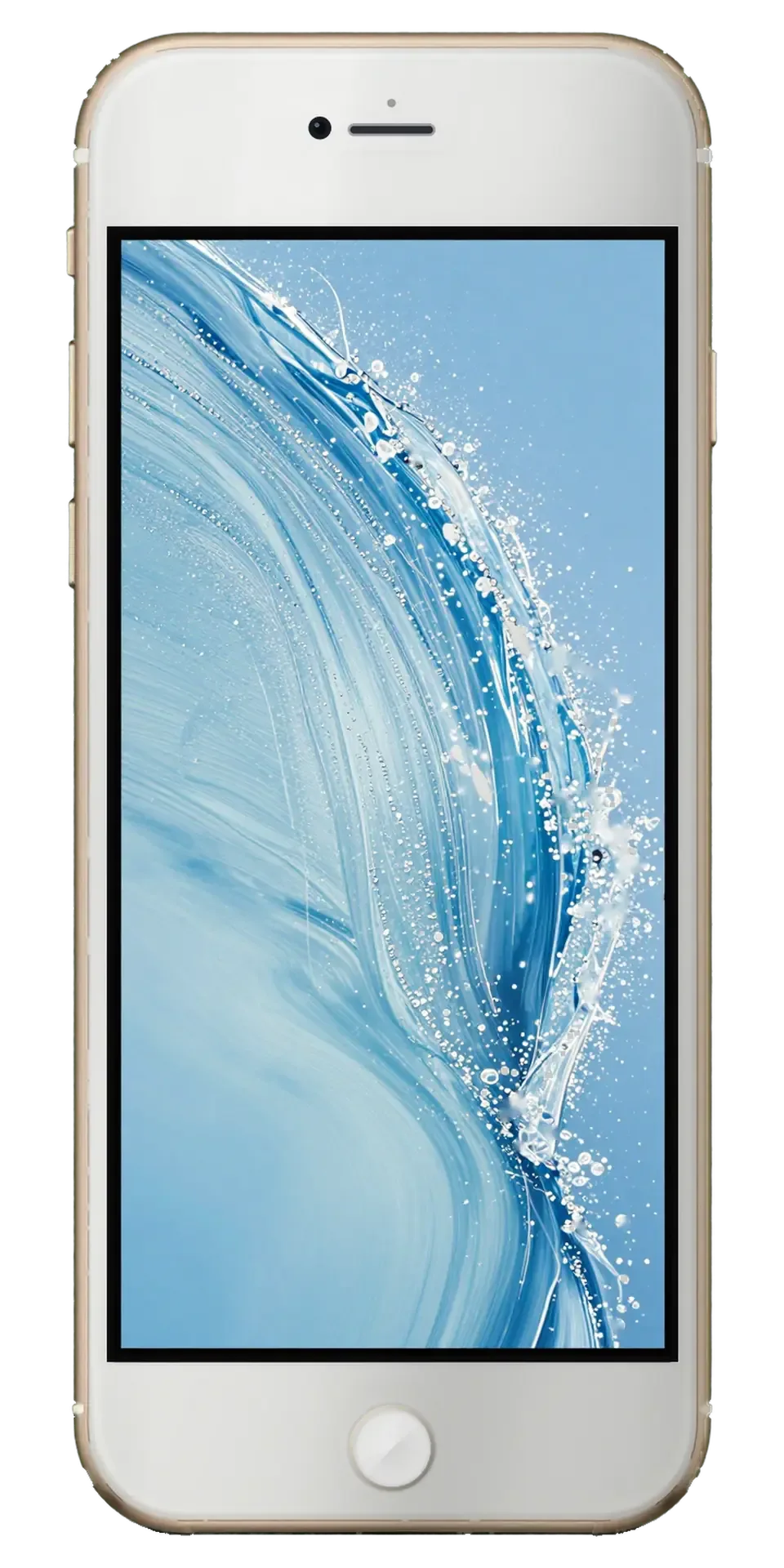
The Home button wears out gradually: it needs force, sticks, fails to read a fingerprint or wobbles.
The button jams, snaps back hard or gives no click at all, so you can only reach the home screen by gesture.
Presses register only now and then, so you have to push harder or tap several times in a row.
The sensor fails to recognize your finger, asks for the passcode or shows an error with clean, dry hands.
The button wobbles in its seat, creaks, or has cracked at the edge after a drop or long wear.
The final total depends on the cable's condition and on whether only the button is needed. We name the exact price after a free diagnostic.
| Service | Original | Aftermarket |
|---|---|---|
| Home button replacement | 19 900 ₸ | 11 900 ₸ |
| Button replacement | 26 900 ₸ | 15 900 ₸ |
| Display replacement | 37 900 ₸ | 31 900 ₸ |
| Display glass replacement | 38 900 ₸ | 21 900 ₸ |
| Battery replacement | 23 900 ₸ | 13 900 ₸ |
| Housing replacement | 69 900 ₸ | 38 900 ₸ |
| Camera glass replacement | 20 900 ₸ | 11 900 ₸ |
| Main camera replacement | 49 900 ₸ | 27 900 ₸ |
| Front camera replacement | 24 900 ₸ | 13 900 ₸ |
| Charging port replacement | 14 900 ₸ | 8 900 ₸ |
| Earpiece speaker replacement | 26 900 ₸ | 15 900 ₸ |
| Speaker replacement | 26 900 ₸ | 15 900 ₸ |
| Microphone replacement | 22 900 ₸ | 13 900 ₸ |
| Vibration motor replacement | 21 900 ₸ | 12 900 ₸ |
| Proximity sensor replacement | 29 900 ₸ | 17 900 ₸ |
| Other repairs | Price | |
| Water damage cleaningcorrosion cleaning · diagnostics up to 2 days | 8 900 ₸per job | |
| Power controller replacementboard-level chip · microsoldering | 24 900 ₸with parts | |
| Wi-Fi module repairwireless module · board-level repair | 27 900 ₸with parts | |
| Logic board repairmicrosoldering · 1–3 days | 135 900 ₸per job | |
| Storage replacement and upgradememory chip installation | 26 900 ₸with parts | |
| Firmware flashingsoftware restore, no parts replaced | 6 990 ₸per job | |
We name the exact total after inspection, once it is clear whether the button or the cable is at fault — by phone or WhatsApp.
We check the symptom, separate the display, inspect the cable and seat and replace or transfer the button if needed.
Before opening the phone, the technician reproduces the complaint and tests the press, return and fingerprint.
The module is lifted with a suction cup and its cables are unplugged without strain, since the button sits on it.
The technician looks for tears, corrosion and dirt in the seat and on the connector contacts.
The button is swapped for a working one, or the original unit is moved over if it is intact and functional.
Pressing, returning to the home screen, fingerprint reading and quick repeated taps are all tested.
The body is closed, the screen and sensors are tested once more, and the phone returns with a warranty up to 1 year.
The choice decides whether the fingerprint works and how the button behaves in the first months.
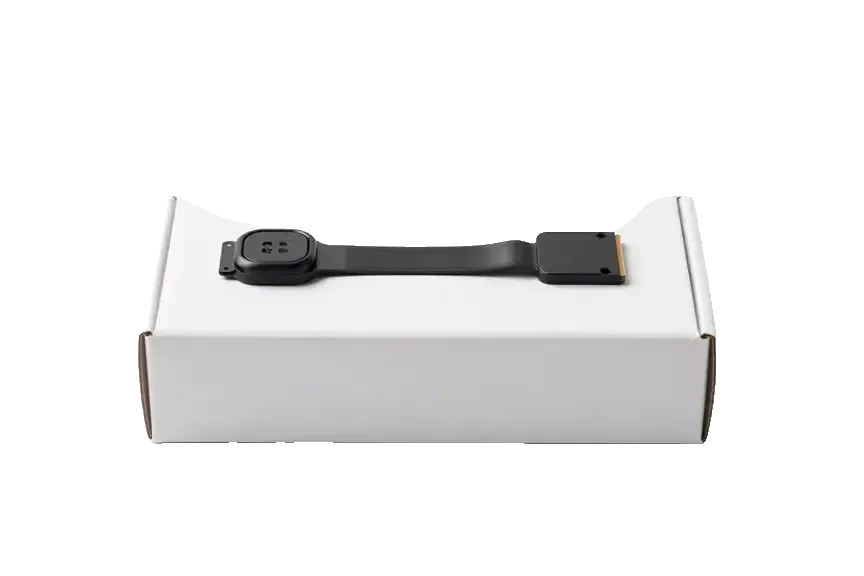
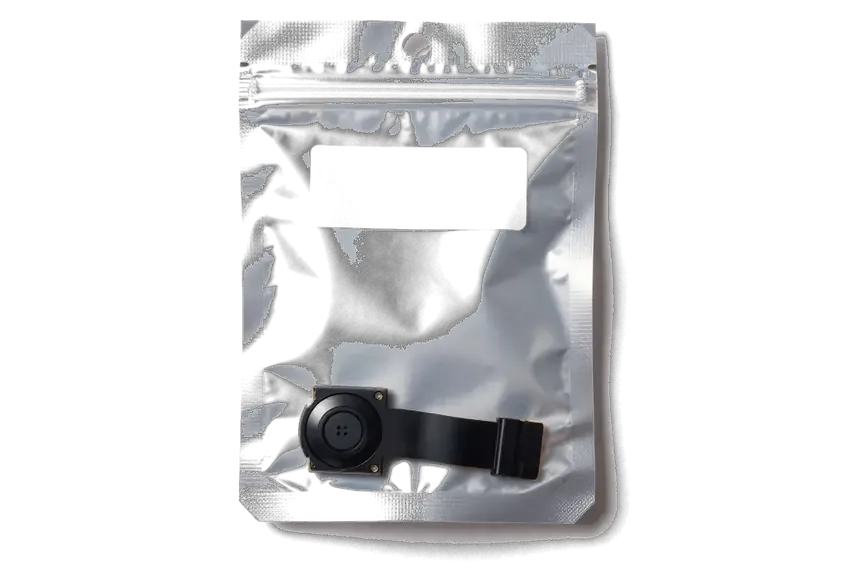
People bring buttons and cables to us because we are candid about the fingerprint sensor and test before handing the phone back.
The service has repaired devices for eleven years, so the delicate button cable of this model is handled with care.
The replacement carries a warranty up to 1 year: if a problem stems from the work, we resolve it.
The button is replaced by experienced specialists who know how to avoid harming the cable while lifting the display.
The technician tells you beforehand whether finger unlock will survive with the chosen option, without promising extras.
Before returning the phone, the technician goes through the click, the return and fingerprint reading with you.
We take phones on weekdays from 10:00 to 19:00, and on weekends and holidays from 11:00 to 18:00.
The whole journey — from message to finished phone. We give you the old part.
Book a replacementYou message us on WhatsApp with the model and what happened — we give you the price and time. Or you come in without an appointment.
We check the button and the flex cable: sometimes it's not the mechanism itself but the flex cable or the logic board that's at fault.
We note the model, the part (original or aftermarket), the price, the timeframe, and the warranty.
We open the factory packaging in front of you and check the number against the receipt.
We install the new button or flex cable and close the housing with water-resistant adhesive.
Button press and response, screen. You get the phone, the receipt and the old part.
Technicians for iPhone, Mac, iPad, Apple Watch and AirPods repair.
Photo: Bakmukhammed S. Photo: Galymzhan S.
 Photo: Zhandos Sh.
 Photo: Darkhan T.
 Photo: Kudiret S.
If the display is cracked, it can be replaced along with the button.
02With the body open, the battery's condition can be assessed.
03We check that the screen switches off properly during a call.
04A quiet earpiece is often cured by cleaning, and we look at it.
05The front and main cameras are examined in a single inspection.
06Unstable charging is resolved by cleaning or replacing the port.
“If the repair didn’t suit you or you have a complaint, write to me personally.”
Send a photo of the screen and the iPhone model. An engineer will reply on WhatsApp, give the price and today's available time.
iPhone 6s Plus Home Button Replacement in Astana with Touch ID Check
For iPhone 6s Plus home button replacement in Astana, iServices restores the Home function in 20–40 minutes. The 6s Plus has a mechanical Home button with second-generation Touch ID, so we first test the button, flex cable and fingerprint sensor. A new button restores Home but not Touch ID, which stays tied to your original sensor.
On the 6s Plus the click and the biometric unlock are two separate mechanisms, and the symptom points to which one failed. Before talking about replacement, we separate the two nodes.
When the click is gone but the fingerprint still unlocks the phone, the biometric reader is intact and the fault sits in the metal contact plate or the button flex, not in the reader itself. That plate is a thin steel bubble that collapses under your fingertip and closes the circuit; after thousands of presses it flattens or shifts off centre, so the travel disappears while the reader underneath keeps scanning ridges through the same glass. The ribbon tail is checked first, because a partially torn strip produces the same no-click symptom as a dead contact plate and costs far less to rule out. A worn plate often gives a soft, mushy press weeks before it dies completely, so a button that still works if you press harder is already on its way out and worth showing to an engineer early.
If the button presses normally but the fingerprint unlock no longer recognises a finger, the reader or its thin cable is usually damaged, and on the 6s Plus this most often happens during a screen replacement when the Home button is moved to a new display. That strip is fragile, held by a metal bracket and adhesive gasket; prying the old panel without warming the glue, or pulling the cable before the bracket is free, tears the traces that carry biometric data to the logic board. Water and drops cause the same break, but a screen job that came just before the failure is the pattern worth mentioning to whoever inspects the phone. The 6s Plus ribbon is glued under the display shield, so a panel swap done without heating and a proper pry tool is the single most common way a working reader is torn.
The main question every 6s Plus owner asks is whether the biometric reader still works afterwards. The answer depends on one thing — whether the original button survives the work — so settle it before the repair starts.
The biometric sensor in every iPhone 6s Plus is paired with the Secure Enclave on its own logic board at the factory, so a new button — even a genuine one pulled from another phone — restores the Home function but never the biometric unlock. The 6s Plus carries the second-generation sensor, and that pairing is written into the board itself, not into the button. Swap in a fresh sensor and the phone simply refuses to enrol a finger, no matter how many times you try. This pairing is a security feature, not a repair limitation, which is why no service can re-pair a fresh sensor and why we always explain the trade-off before touching the button. If you are looking for an iPhone 6s Plus home button replacement in Astana, the engineer will confirm upfront whether your original button can be kept.
| Option | Home function | Fingerprint |
|---|---|---|
| Repair original flex or dome | Works | Kept |
| Transfer original button to new display | Works | Kept |
| New original button from another phone | Works | Lost |
| New aftermarket button | Works | Lost |
The 6s Plus is the last of the "Plus" generations to keep a genuinely mechanical Home button. Understanding how it differs from the iPhone 7 and 8 explains why the work on this model looks the way it does.
The 6s Plus has a physical contact plate that clicks when pressed, while the iPhone 7 and 8 use a solid sensor with no moving part and fake the click through the Taptic Engine. On this model, a small metal plate under the button flexes and completes the circuit, and that same plate produces the tactile response your thumb feels. Second-generation Touch ID arrived with this body, reading prints faster than the first-generation sensor on the 5s and 6. The 7 replaced the dome with a rigid pad and a haptic motor that vibrates to imitate a press. That difference matters for repair because a mechanical plate can wear out and be replaced on its own, whereas a solid-state button has nothing to wear and fails for electrical reasons instead.
| Model | Button type | Repair note |
|---|---|---|
| iPhone 5s | Mechanical, first Touch ID | Very thin flex, easy to tear |
| iPhone 6 | Mechanical, first-gen Touch ID | Standard plate wear |
| iPhone 6s Plus | Mechanical, second-gen Touch ID | Longer flex, careful screen lift |
| iPhone 7 / 8 | Solid-state, Taptic click | No dome, electrical faults only |
A 6s Plus home button job takes under an hour from first message to pickup, and most of that hour goes on checks rather than turning screws. Here is the whole path, step by step.
You send a photo of the damage on WhatsApp, an engineer replies within 5 minutes with a price, and at the branch we run a free 15-minute diagnostic in front of you before anything is opened. If a slot is free, the repair itself lands in the 20–40 minute window most jobs fit; 72% of repairs finish while the customer waits in the waiting area, with coffee and Wi-Fi on hand. A courier can be called if you would rather not travel across the city. The receipt is written ahead of the work and locks the price, the part, the turnaround and the warranty, so nothing about the job can change once the phone is on the bench. Ask to see the new button in its factory packaging ahead of installation, and keep the old part we hand back with the warranty card.
Not every dead button needs a replacement. Below we break down what actually kills the Home button on a 6s Plus and how to keep using the phone until your visit.
The mechanical plate on the 6s Plus is rated for hundreds of thousands of taps, so most failures come from liquid reaching the contacts, a drop that shifts the bracket, or simple age rather than normal tapping. Liquid is the sneaky one — the button can feel fine for weeks after a spill while corrosion quietly eats the flex, then fail all at once with no warning. A hard fall bends the metal bracket that holds the plate, and the click turns mushy or dies overnight. Grit and pocket dust work into the gap around the cap and grind the contact surface down over months of use. If your phone took a splash or a drop months before the button quit, tell the engineer — that history points straight to the corroded flex and saves diagnostic time.
Repairing the button on this phone comes down to one distinction — whether the click, the fingerprint, or both have failed — and what each fix can and cannot restore.
Did not find an answer? Message us on WhatsApp: an engineer replies, not a bot.
Ask a questionYes, fingerprint sign-in survives only if the original Home button unit is kept and paired with the board. A different part generally will not read fingerprints. Confirm this with the technician before the work starts.
Yes, you can switch on the on-screen Home button in the Accessibility section. It is a temporary solution and does not replace the fingerprint sensor.
Most often the cable tore while the display was being separated, or the original unit was not put back. The technician checks the cable and seating and tells you what to fix.
Yes, on the 6s Plus the button physically moves and clicks, unlike later models with a pressure pad. Its mechanism wears with millions of presses, so a soft or stuck click is a typical age-related fault. The click is restored by replacing the worn part, while the sensor stays original.
Yes, if the original sensor is kept, it reads fingerprints at the same speed as before. If recognition feels slower afterwards, delete your fingerprints in Settings and add them again. Persistent misses mean the sensor cable needs another look.
Sometimes yes, if dirt or light corrosion is the obstacle. The technician examines the unit and says whether cleaning is enough or the part should be replaced.

The difference is not always visible, but it can be checked. An original panel is the one the manufacturer installs; an aftermarket copy costs about 35% less.

What “maximum capacity” means, why the phone shuts down in the cold, and how long a new battery lasts.

Power it off, skip the rice, and get the board checked before corrosion starts. Here is the short version of the first 30 minutes.

Most charging faults come from the cable, the port or the battery. Here is how to find the cause and get a free check.

 iPad
 MacBook
 iMac
 Mac mini and Studio
 Apple Watch
 AirPods
 Apple Pencil
 Apple TV
 HomePod
