An iPhone 5s that will not start is not automatically a board case. Some faults look identical to a logic board failure but come from the battery, the Lightning connector or the power button. Here is how the signs split.
Symptoms that point at the board
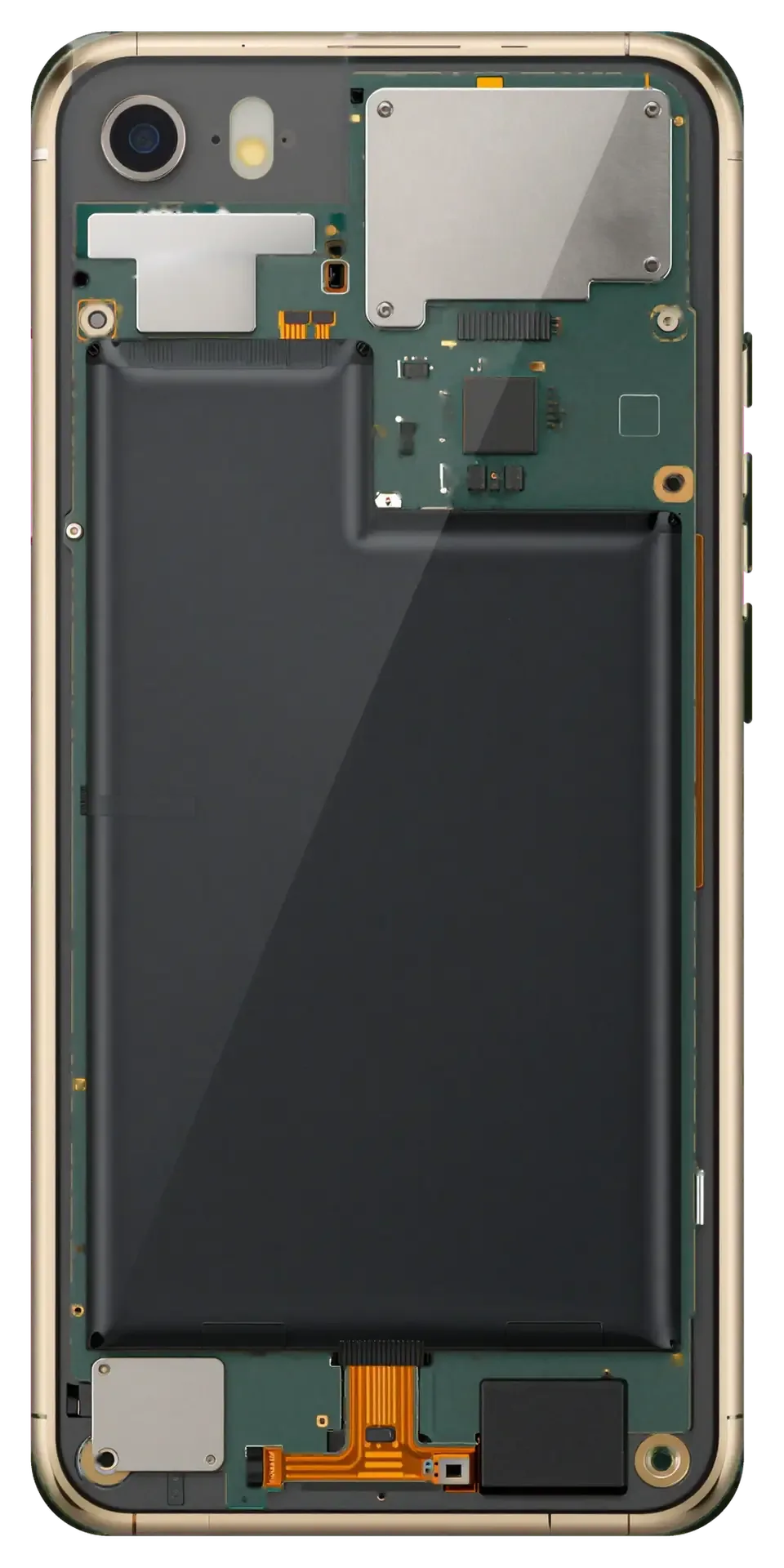
- No boot under load: the unit draws current on the bench supply yet never reaches the Apple logo, hinting at the SoC A7 or PMIC rail.
- Loop on the logo: the handset restarts every few seconds, a pattern that often traces to a failing NAND or a corrupted management line.
- Heat near the top edge: warmth around the camera area while charging suggests a short on the board, not a tired cell.
- Charging IC fault: the device sees the cable but refuses to accept charge, pointing at the controller rather than the socket.
- Sudden stop after a drop or liquid: total failure with no warning usually means a cracked joint or corrosion bridging traces.
- One sign rarely proves the board is at fault, so the same handset can show two of these symptoms and still turn out to have a worn cell.
When the fault sits outside the board
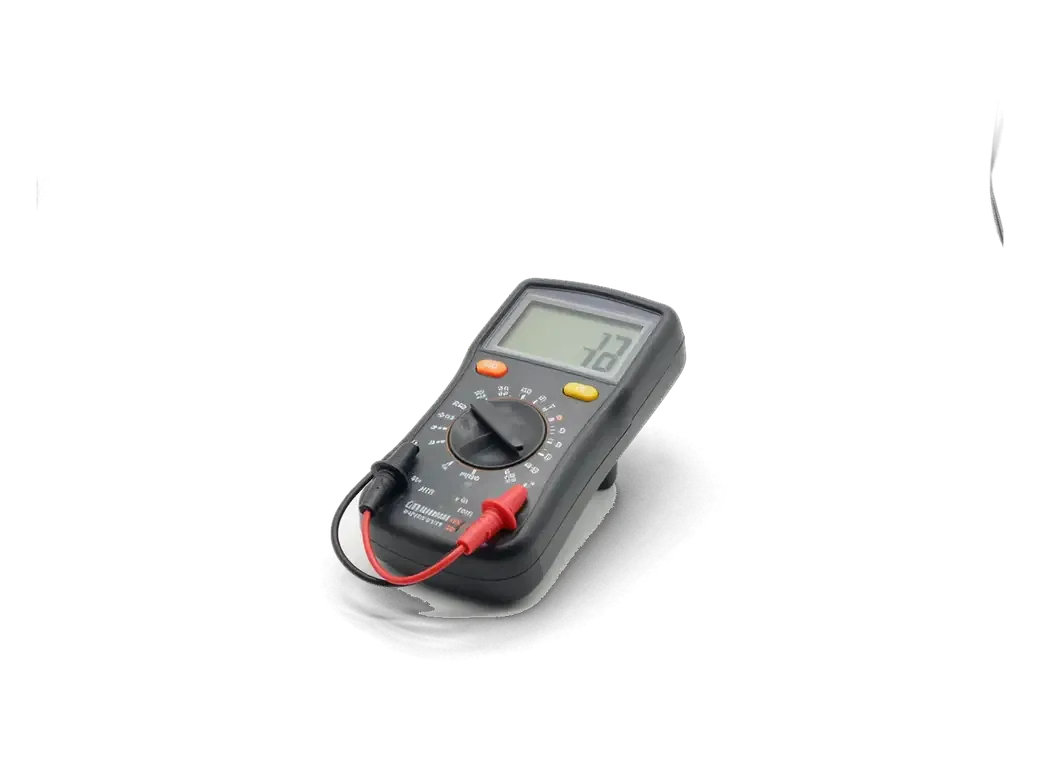
We rule out the battery, the Lightning connector and the power-button flex first, because on this model these three parts fail far more often than the board itself. Our engineer measures current draw in front of you during the free 15-minute diagnostics — a healthy unit wakes on the bench supply, while a shorted board jumps straight to a high reading. The cell test comes next: a deeply discharged or swollen pack mimics a dead board almost perfectly, and a quick swap settles it in minutes. The Lightning connector and the power flex are checked for continuity on the same visit. That swap test during diagnostics saves the customer a needless board job. If the fault does sit on the board, we carry out the iPhone 5s logic board repair in Astana under a microscope.
How we diagnose a faulty iPhone 5s logic board repair
Diagnostics is where the decision is made. On the iPhone 5s we measure how the board behaves under load, then look for the exact component that fails, before anyone quotes a repair.
Reading current draw and hunting a short
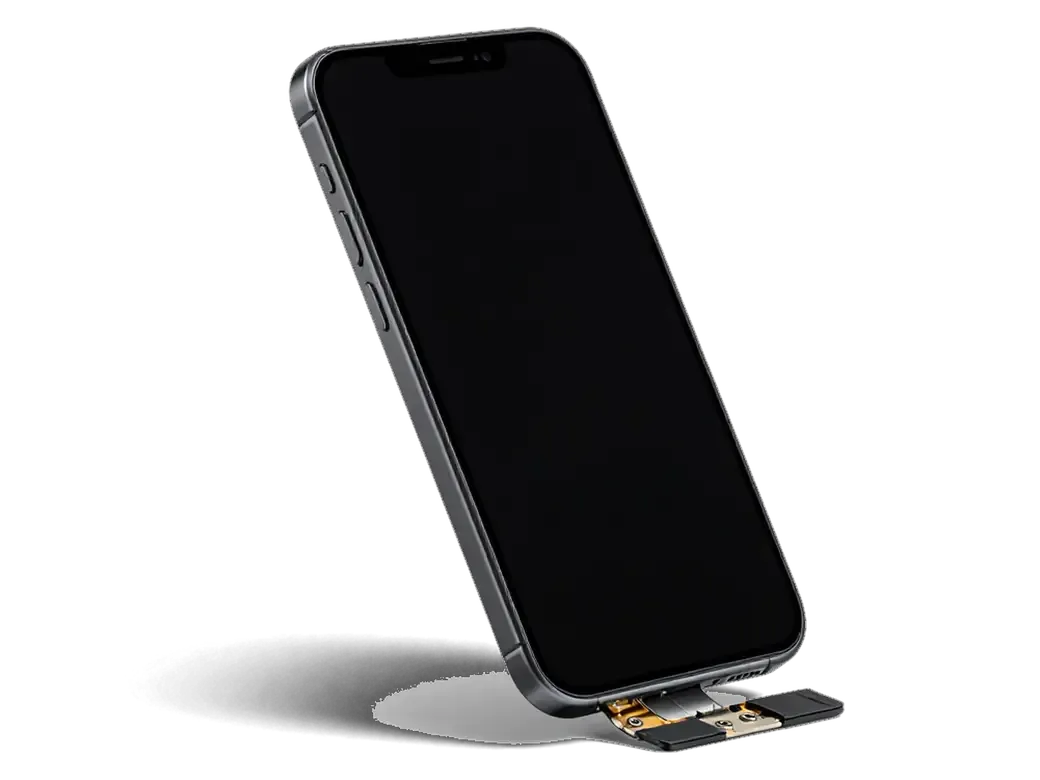
We connect the board to a lab power supply and read its current draw, which tells us within minutes whether the phone is shorted, stuck in a boot loop or simply not getting energy. A healthy board pulls a predictable figure at each boot stage, so a jump to full draw on the first rail points at a short rather than a dead chip. From there the warm spot points to the area and the microscope confirms the failed capacitor or filter. Most faults on this model trace back to a handful of rails around the charging circuit and the CPU. A shorted line often hides under a single capacitor, so tracing the heat and magnification narrow the search to one component instead of the whole board.
Free diagnostics in front of you
Diagnostics at iServices is free and takes about 15 minutes in front of you, even if you decide not to go ahead with the repair. The engineer opens the device at the bench, connects the board to the supply and shows you the reading, then points to the failed element on the screen. Nothing is quoted until the fault is visible, and the figure, the replacement unit, the turnaround and the warranty are fixed on the receipt before any work starts. Watching the engineer test the board live means you see the measurement and the broken element yourself, so the quote that follows is based on evidence rather than a guess.
Component repair or full iPhone 5s logic board repair replacement
Two routes lead to a working iPhone 5s. One keeps your original board and repairs the failed part; the other replaces the board entirely. The choice depends on what is damaged and what you need to keep.
Comparing the two routes
Three repair paths and what each one preserves| Route | What it fixes | Data and Touch ID | Typical time |
|---|
| Component repair | One failed chip or rail | Kept | 1–3 days |
|---|
| Full board replacement | Widespread damage | Not transferred | 1–3 days |
|---|
| Clean donor board | Dead board | Not transferred | 1–3 days |
|---|
Choosing a clean donor board
A donor board for the iPhone 5s must match the model exactly and be free of an iCloud activation lock, otherwise the phone will not activate after the swap. We check the board revision and the model code before anything is desoldered, because a part pulled from a different variant can power on and still refuse the camera or the network. The serial number and IMEI travel with the board, so a replacement changes both, and the old board is returned to you with the receipt. Ask for the donor's origin and confirm the activation status in front of you — a locked board turns a working phone into a paperweight, and we verify this before the swap rather than after.
What Survives the Repair and What Does Not
Before any board work we explain exactly what will still work afterwards. On the iPhone 5s the answer depends on whether your original board stays in the phone.
Your data lives on the board
Photos, messages and app data sit encrypted in the NAND flash soldered to the logic board, so a component-level repair leaves them exactly where they were. The chip does not migrate to a new board — it is tied to the one it was built into. When we replace a single failed component, the memory keeps its contents and the handset boots with your accounts, chats and camera roll intact. A full board swap is different: the fresh board carries a blank NAND, and the phone starts as a factory-fresh unit. If the original board is dead and the data matters, an iCloud backup taken earlier is the only reliable route back, because the encrypted chip cannot simply be read elsewhere. The customers who lose data are the ones who never switched on iCloud backup — ten seconds in Settings prevents that.
Touch ID and the Home button
On the iPhone 5s the Touch ID sensor is paired with the A7 processor on your original board, so a full board replacement leaves the Home button clicking normally while the fingerprint reader stops recognising anything. Apple ties the sensor to a unique key stored in the processor, and no re-pairing procedure exists for this model. We flag this ahead of the swap being agreed, because a handset that boots perfectly yet rejects every fingerprint is a common and avoidable disappointment. If your board is repairable at component level, the pairing survives untouched and Touch ID keeps unlocking the unit as it used to. Ask which route your phone needs ahead of approving anything — that single question decides whether your fingerprint still works afterwards.
A Water-Damaged iPhone 5s Board
Liquid is the hardest case for any logic board. Corrosion keeps eating the contacts after the phone looks dry, so speed and a proper clean decide whether the board can be saved.
Why corrosion continues after drying
Water leaves mineral deposits on the board that keep corroding traces and contacts long after the phone appears dry, so the device should be powered off and brought in immediately. The liquid itself evaporates within hours, but the salts and metals it carried stay on the surface and slowly bridge neighbouring pins, which is how a phone that worked yesterday dies overnight. Corrosion also creeps under the shields and into the connector cavities, where no cloth or rice can reach it. Charging a wet device is the single most damaging thing an owner can do, because current turns surface corrosion into burned traces within minutes.
Cleaning and the two-day wait
We clean a water-damaged board in an ultrasonic bath and remove the oxides, and after liquid damage diagnostics can take up to two days before we know whether the board is stable. The bath lifts deposits from under the chips, then an engineer inspects the traces and joints under a microscope and reflows anything that looks weak. Our workshop in Astana has run through this routine for 11 years, and we still treat every liquid case as unpredictable. A board that passes a quick test can still fail a day later as hidden corrosion surfaces, which is why we do not promise a water repair until the phone has run under load.
Summary: iPhone 5s logic board repair
A dead iPhone 5s rarely means the board itself is gone. The five points below summarise how the fault is found, what each repair route keeps, and when water changes the timeline.
- Start outside the board: a dead handset is more often a failed battery, connector or power button, so those are checked before anything is quoted.
- Diagnostics first: reading the board's current draw pinpoints the exact failed component, and no repair is priced until that step is done.
- Repair keeps more: component-level work preserves your data and Touch ID, while a full board swap loses both unless the donor is matched and clean.
- Water is a different case: power the phone off immediately, expect a proper ultrasonic clean, and allow up to two days for the verdict.
- Decide by damage, not age: the right route depends on what is broken and what you need to keep, not on how old the handset is.









 iPad
 MacBook
 iMac
 Mac mini and Studio
 Apple Watch
 AirPods
 Apple Pencil
 Apple TV
 HomePod




