The Home button on the iPhone 5s is two parts in one place — a mechanical dome and a separate Touch ID reader — so "it doesn't work" can mean several different faults. We start by pinning down which one failed.
The Click and the Fingerprint Are Two Different Failures
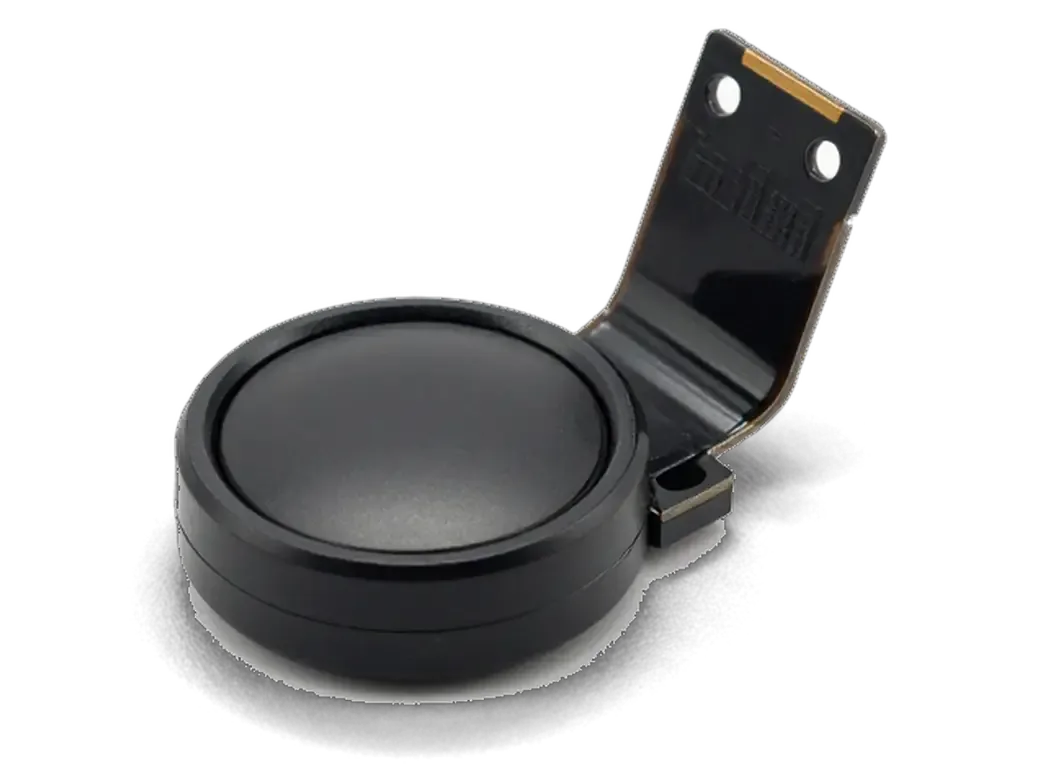
On this model the Home button combines a mechanical dome switch with a separate Touch ID module, so a dead click and a dead reader are unrelated faults with different fixes. The dome sits under the sapphire glass and travels through its own ribbon cable, while the reader scans your print through a sapphire cover bonded to the same button body. A press that feels mushy, sticks halfway or gives no tactile feedback points to the dome and its cable; an unlock that refuses to register while the press still responds cleanly points to the reader or its connector on the display assembly. If the scan still reads but the push does nothing, the switch underneath is usually the culprit and the reader itself is fine, which keeps the cheaper option on the table.
Symptoms, Causes and What We Do About Each
Symptom-to-cause map for a failing Home button| Symptom | Likely cause | What we do |
|---|
| Button does not click | Worn dome or torn ribbon | Replace switch or ribbon |
|---|
| Fingerprint fails, click fine | Sensor or flex damage | Assess sensor repair |
|---|
| Works every other press | Dirty or oxidized contact | Clean and test |
|---|
| Stuck after a drop | Bent bracket | Reseat or replace bracket |
|---|
| Stopped after liquid | Oxidation under the dome | Extended diagnostics first |
|---|
Will Touch ID Survive Your iPhone 5s Home Button Replacement
The biggest fear for a 5s owner is losing the scan after work on the button. The reader is tied to your own logic board, and the result depends entirely on which route the job takes.
Why a New Button Cannot Bring the Fingerprint Back
The Touch ID chip is paired to the Secure Enclave on your iPhone 5s logic board at the factory, so a button from another phone returns the Home function but never the scan. That pairing is cryptographic: the chip holds a key the board recognises, and no re-flash, no software update and no bench tool can write a new one into it. A donor button carries a key from a different board, so the chip refuses the match and the biometric menu stays greyed out. Only the part that shipped with your own device still answers to it. That is why we ask about your original button first, since keeping it is the only route to a working reader and it changes the whole plan. If you are weighing an iPhone 5s home button replacement in Astana, the answer depends on whether your own button can be saved.
Repair Options and What Each One Keeps Working
Four routes compared by click and fingerprint| Option | Home function | Touch ID |
|---|
| Repair the original ribbon or dome | Works | Kept |
|---|
| Move your own button to a new screen | Works | Kept |
|---|
| Fresh original button from another phone | Works | Lost |
|---|
| Aftermarket button | Works | Lost |
|---|
Mechanical Versus Sensor Home Across iPhone 5s Home Button Replacement
The 5s sits at the start of the line with a mechanical Home button, and understanding how that button is built explains both the repair itself and why neighbouring models follow a different logic.
How the 5s Button Sits Inside the Screen Assembly
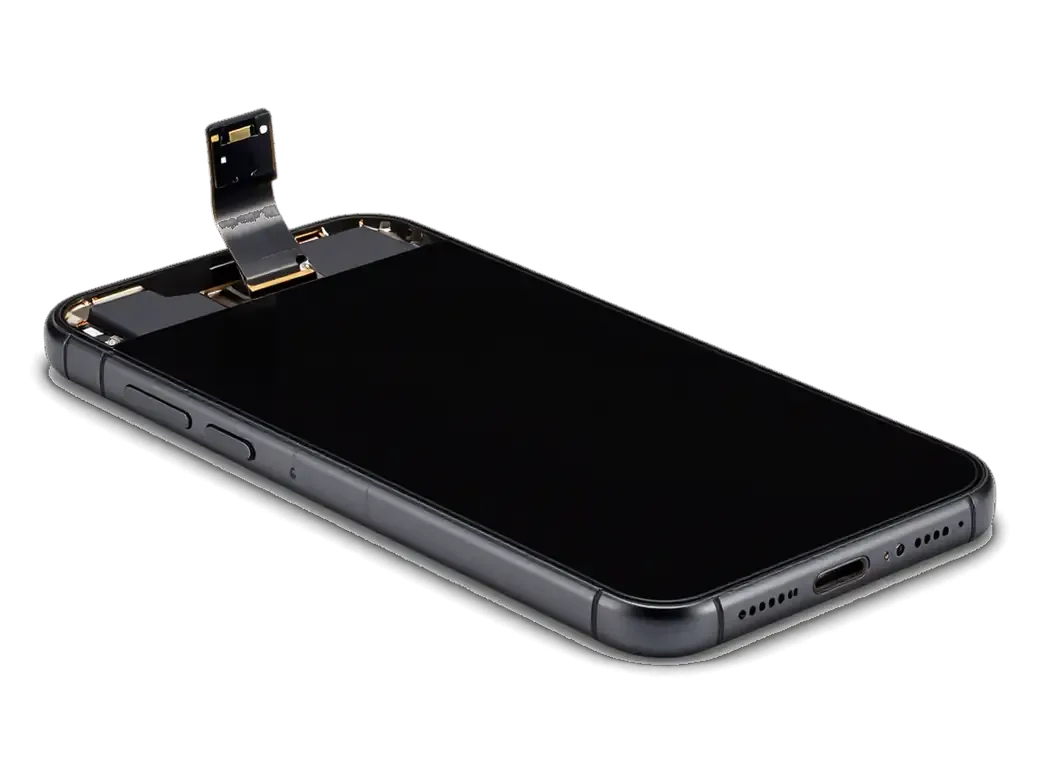
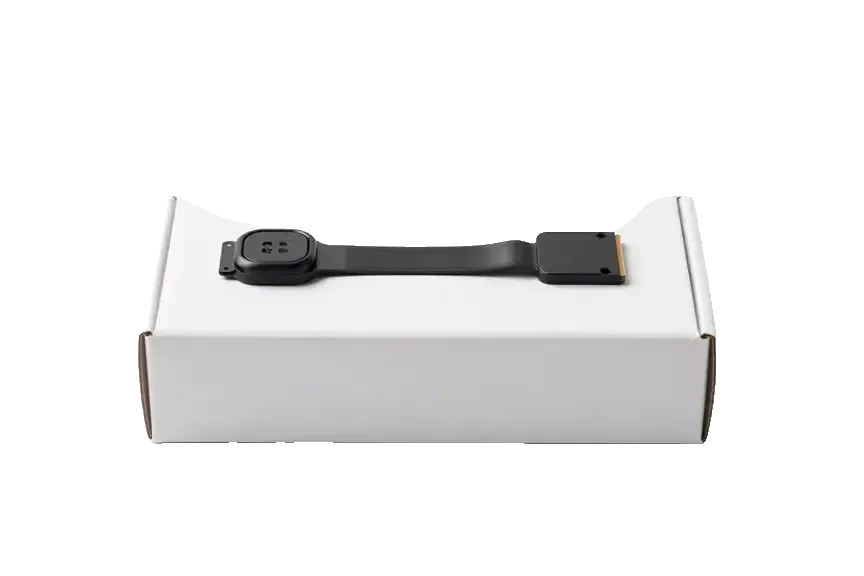
On the iPhone 5s the Home button is mounted in the display assembly, and its Touch ID ribbon is thin enough to tear during a careless screen removal. The bracket holds the button against the glass, while the ribbon runs from the reader down toward the board connector, bending sharply at the lower edge of the panel. That bend is the weak point: a pry tool inserted too deep lifts the cable before the technician feels any resistance. A torn ribbon kills the fingerprint function permanently, even if the click itself still works afterwards. That fragility is why a button that died right after a screen swap is a common story, and why we treat the ribbon as the first suspect in that case.
Why Neighbouring Models Behave Differently
The 5s, 6 and 6s use a mechanical button, while the 7, 7 Plus and 8 use a solid sensor button whose press is simulated by the Taptic Engine. On the 5s the metal dome presses a physical switch, so wear shows up as a mushy or unresponsive press. The 6s kept the same mechanical design but added a second-generation Touch ID module, which made the ribbon denser and slightly more forgiving during teardown. From the 7 onward there is no moving part at all — the Taptic Engine vibrates to fake the press, and the reader is paired to the board. On those later models an unpaired aftermarket button may not act as a button at all, so the 5s approach does not simply carry over.
The Screen Swap Trap and Your Original Button
Many phones arrive to us with a dead fingerprint reader after a screen replacement done elsewhere. Here is what happens to the button during that swap and how the fault is traced.
Why Touch ID Dies After a Screen Replacement
When a screen is replaced, the original Home button must be transferred to the new assembly, and a torn or misseated Touch ID ribbon during that step is the usual reason the scan stops. The button itself is a small steel disc with a sapphire cover, and its ribbon cable runs under the display, so anyone who lifts the screen without releasing that cable first pulls the reader off its seat. A hard pry along the bottom edge bends the connector pins, and a ribbon folded the wrong way cracks the copper traces inside. The press can survive such handling while the sensor does not, which is why owners report a button that still presses but no longer unlocks. A scan that worked before the swap and failed after it points at the transfer, not the module, so the fix is often a careful reseat rather than a new part.
How We Protect the Sensor During the Transfer
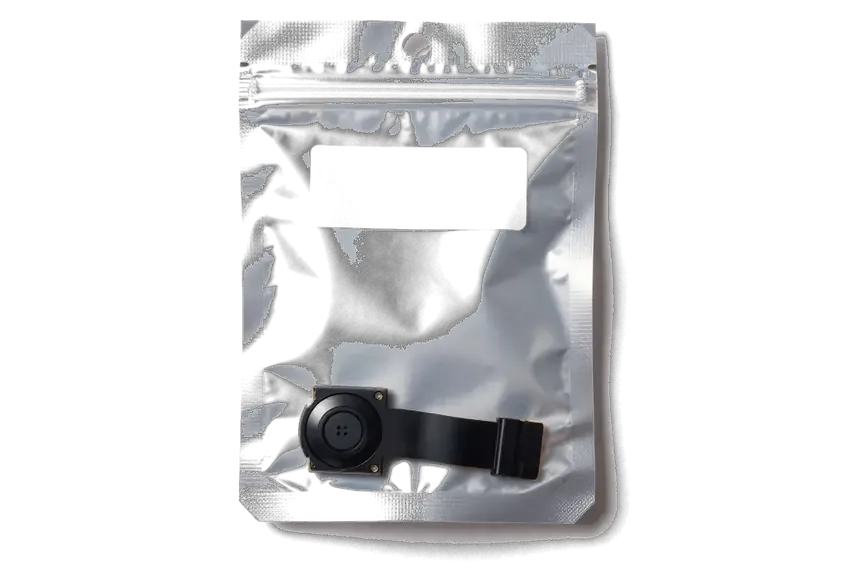
We lift the original button with its ribbon intact, move it to the new assembly, and test the scan before the phone leaves the bench. Our technician releases the ribbon from the board side first, keeps the disc on a soft tray, and aligns the connector by hand rather than with a pry tool. The new assembly arrives in factory packaging and is opened in front of you, so the part number matches what the receipt lists before anything is fitted. We enter the price, the part, the turnaround and the warranty on the receipt in about two minutes, then run the scan through several enrolled fingers and a wet-thumb attempt. Because the ribbon is the fragile part, we show you the old and new parts and let you confirm the scan works before you pay.
Booking, Timing and What You Take Home
How to book the work, how long you wait once you arrive, and what stays in your hands after a home button job on the 5s.
From WhatsApp Photo to Finished Repair
You send a photo of the damage on WhatsApp, an engineer replies within 5 minutes with a price and a free slot, and the whole visit usually takes under an hour. Free diagnostics come first: the engineer opens the phone in front of you, shows what is broken and spends about 15 minutes on it even if you decide not to go ahead. Most button jobs finish in 20–40 minutes while you wait in the waiting area with coffee and Wi-Fi — 72% of our repairs are completed on the spot. The price, part, turnaround and warranty are fixed on the receipt before work starts, so nothing about the button job changes once the phone is open. Our reception runs Mon–Fri 10:00–19:00 and 11:00–18:00 at weekends and on holidays, and a courier can be called if you cannot come yourself.
What to Check Before You Leave and How to Cope Until Then
Before you leave we test the press, the double-press and, if your original reader survived, the scan together with you, and you get the receipt, warranty card and old part. That handover sits inside a wider check of 32 functions that takes about 10 minutes, so speakers, microphones, charging and network are confirmed in the same pass. The warranty runs up to 1 year, and the old button goes home with you — useful if you later want the module examined separately. While you wait for the work, AssistiveTouch puts a Home button on screen, so the phone stays usable and a backup is worth making first. Switching AssistiveTouch on before visiting keeps access to your apps during the days between booking and the appointment.
Summary: iPhone 5s Home button replacement
The Home button on the 5s carries two separate jobs, and the fix you choose depends on which one failed. Here is what matters most before you decide.
- Two faults, not one: the 5s Home button is a mechanical dome plus a separate Touch ID module, so a dead click and a dead reader are different problems.
- Pairing blocks restore: the biometric check is bound to the phone's board, so a new button brings back the Home function but never the scan.
- Keep the original: preserving or repairing the factory button is the only route that keeps the reader alive.
- Fingerprint lost after a screen swap: failure right after a display change usually points at the button transfer, not at the module itself.
- Bridge until repair: AssistiveTouch keeps the phone usable while you arrange the work.







 iPad
 MacBook
 iMac
 Mac mini and Studio
 Apple Watch
 AirPods
 Apple Pencil
 Apple TV
 HomePod




