The 5c is an older compact iPhone with a single LCD module, so a damaged screen behaves differently from newer models. Here is what a crack, a stripe or a dead digitizer layer actually means for this device.
What a Crack, Stripe or Dead Touch Layer Tells You
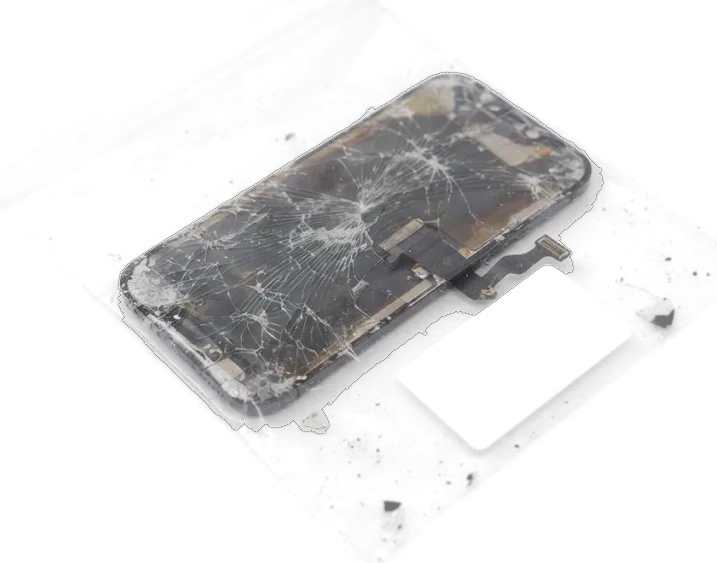
On the 5c the glass, the digitizer layer and the LCD matrix are glued into one module, so a crack usually means the whole display unit is replaced rather than just the glass. A single hairline over the front glass is the mildest case: the picture stays clean and taps register everywhere. A dark stripe, a blotch of discoloured pixels or a bright patch in one corner points to the LCD matrix itself, and those faults never fade on their own. A panel that still shows a clean picture but ignores taps at the edges is often a failing touch layer, not a cracked matrix, and that changes which component the engineer recommends after diagnostics.
Why Waiting With a Broken 5c Screen Costs More
A cracked 5c panel lets dust and moisture reach the LCD layer, and loose glass fragments can press on the digitizer sensor, so a small chip often grows into a full display failure. Grit trapped under the glass scratches the matrix a little more with every pocket ride. A splinter near the home button can jam the button travel and stop presses from registering. The display is the thinnest part of the phone, and once the outer glass is compromised the module takes the load of every drop. If the phone has already been near water, stop charging it and bring it in for diagnostics, because moisture under a broken display can quietly damage the board before the panel itself fails.
Original or Aftermarket Part for Your iPhone 5c
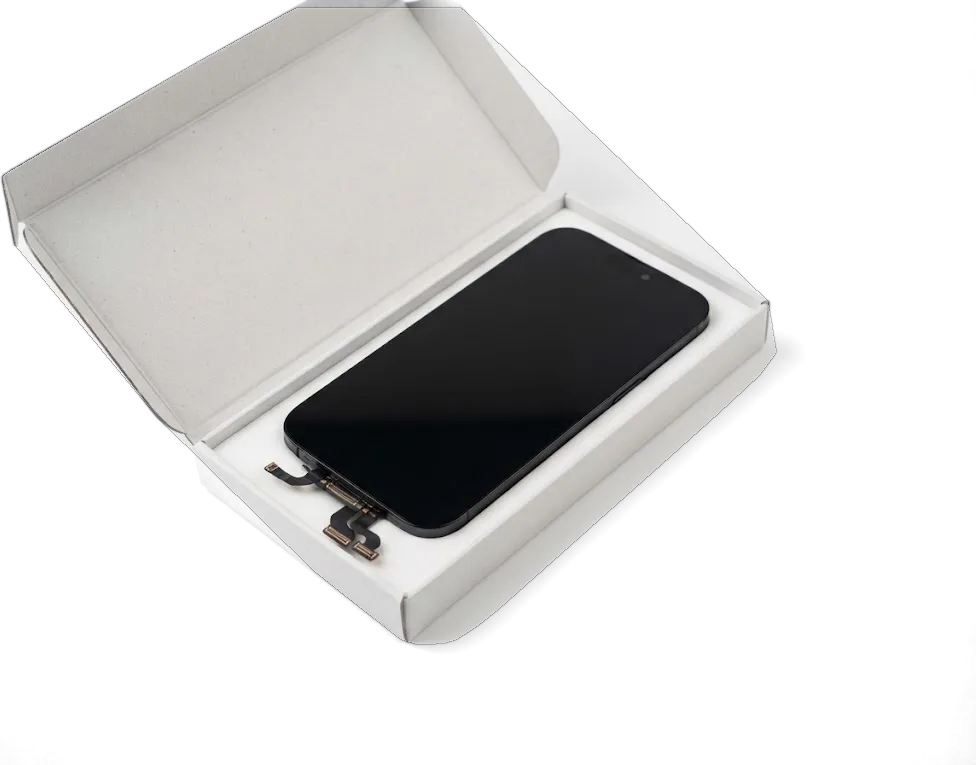
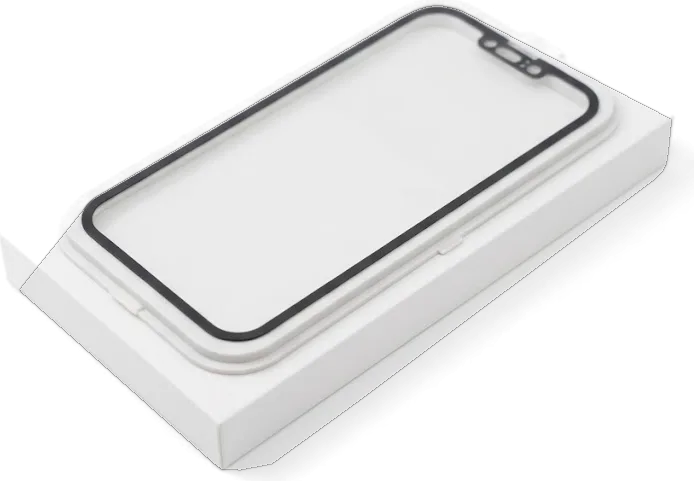
The 5c uses an LCD panel, so both options are LCD-based and the difference sits in brightness, colour and tap response. We show the new component in factory packaging before it goes in.
How the Two Part Options Differ
Two display modules and their touch layer compared| Part option | What you get | Best for |
|---|
| Original module | Factory LCD panel, matched brightness and colour | Daily use and long-term wear |
|---|
| Aftermarket module | Quality LCD copy, slightly dimmer | Budget-conscious repairs |
|---|
| Digitizer layer | Responsive sensor, checked at the edges | Taps that must register first time |
|---|
How We Help You Choose Without Pressure
We name the price from a photo on WhatsApp within 5 minutes, and the option you pick is written on the receipt ahead of any work. Our engineer replies from the workshop, quotes from the image and books a free slot, so you arrive knowing the part and the turnaround. Ahead of installation we open the module in front of you in its factory packaging — original or aftermarket, whichever you settled on. The receipt then records the option type, the warranty up to 1 year and the agreed time, and you keep the old display when the phone comes back. 64% of customers go for the original module, and the choice rarely changes after they see both panels lit side by side. Ask to compare both modules under the same light prior to deciding, because brightness differences are easiest to judge in person rather than from a description.
What Still Works After the Display Is Replaced
The 5c has a physical Home button with Touch ID, and that scanner is tied to the logic board. What carries over to the new module decides which functions keep working.
Keeping Your Home Button and Touch ID
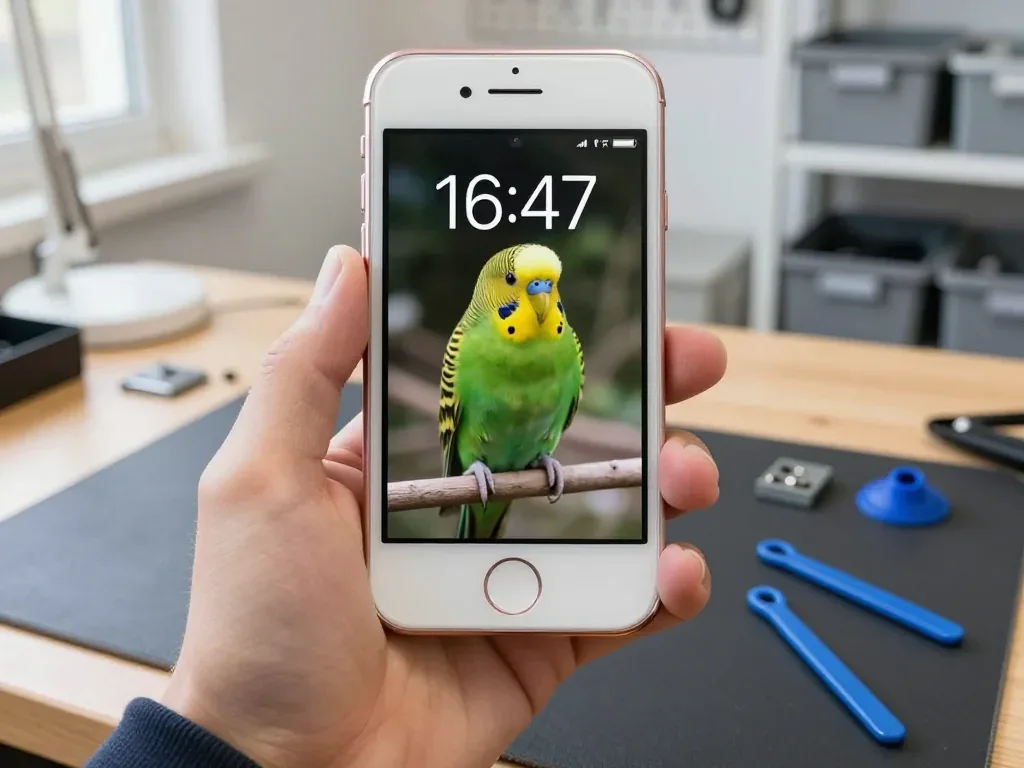
We move your original Home button with its Touch ID scanner onto the new module, because the scanner is paired with the logic board and a fresh one would not unlock the phone. The button sits on a short flex cable that we detach from the old screen and seat into the replacement ahead of the assembly going back into the chassis. That single step keeps fingerprint unlock, App Store confirmations and Apple Pay authorisations alive on a 5c after a screen swap. If a repair shop offers to fit the whole assembly with a different Home button, Touch ID will stop working, so always confirm the original is reused.
Auto-Brightness, Sensor and iOS Messages
We transfer the top flex with the earpiece and proximity sensor, so auto-brightness and the sensor that blanks the display during calls keep working after the swap. This flex carries the ambient light sensor, the front camera and the earpiece speaker, and it clips into the top edge of the new part rather than coming pre-fitted. A missing proximity sensor will make the screen stay lit against your ear during calls, and a loose connector shows up as a display that jumps between dim and bright. Ahead of the device leaving our bench, the engineer calls your number and watches the screen go dark as the phone reaches your ear.
How the iPhone 5c Display Replacement Astana Visit Runs
The visit is built around waiting on site, so most of the work happens while you sit in the waiting area. Here is the order of steps from the first message to pickup.
From WhatsApp Photo to Fixed Receipt
Send a photo of the damage on WhatsApp, an engineer replies within 5 minutes with a price and a free time slot, and the price, option, turnaround and warranty are fixed on the receipt in about 2 minutes ahead of work starting. The engineer opens the device in front of you, names the fault and shows the new panel in its factory packaging ahead of installation. Free diagnostics take 15 minutes in front of you even if you decide not to repair, so you leave knowing exactly what is broken rather than guessing. This is how the iPhone 5c display replacement Astana visit runs from the first message to the finished job. Ask for the receipt copy ahead of the technician picking up a screwdriver — it is the one document that settles any question about the option or the deadline later.
How Long the Swap Takes and What You Get Back
An iPhone 5c screen swap takes about 40 minutes while you wait, and 72% of our repairs finish while the customer sits in the waiting area with coffee and Wi-Fi. The whole process, from the first message to pickup, usually lands under an hour, and the display job is the longest single step in that window. You leave with the receipt, the warranty card and the old display, so you can compare the removed unit with the new one and keep proof of what was done. Keep the old panel at least until the first week of use passes — if taps or brightness misbehave, it is the fastest way to show which unit was fitted.
When the Glass Is Fine but the Screen Misbehaves
Not every fault means a broken display. Stripes, flicker or a blank panel on an intact 5c can point to a loose cable or a board issue, and diagnostics decide the path.
Stripes, Flicker and a Blank Panel
Stripes and flicker on an unbroken 5c panel often come from a loose or damaged display flex rather than the matrix itself, so the engineer checks the connector first, ahead of recommending a new module. Horizontal bands that fade in and out, a picture that goes black while the phone still vibrates, and colours that shift when you press the frame all point to the cable carrying signal from the LCD to the logic board. A cracked matrix usually shows a spiderweb or ink spots, while a failing connector keeps the glass flawless and the image unstable. A previous drop can lift the contact just enough to break the circuit. If reseating the flex restores the picture, you avoid paying for a module you do not need, which is why diagnostics come ahead of any order.
After Water and Board-Level Checks
After water contact, diagnostics can take up to two days, because moisture under the glass and on the mainboard needs to be traced ahead of knowing which component is at fault. Liquid leaves mineral residue that bridges contacts, so the image may flicker only when the device warms up, and drying it in rice hides the symptom without fixing the cause. Our engineers run board-level work under a microscope, following corrosion trails and checking the display driver circuit rather than swapping the module blindly. A panel that misbehaves only after a spill is a strong sign the fault sits deeper, not in the glass itself. We show you the corroded area ahead of quoting, and the option with its warranty is fixed on the receipt in advance.
Summary: iPhone 5c Display Replacement
Five points cover what matters before you commit to a repair, from this model's module design to the paperwork you leave with.
- One-piece module: on the iPhone 5c the glass, digitizer layer and LCD are bonded together, so a crack almost always means swapping the whole display unit.
- Option choice: a genuine panel and a quality aftermarket one differ mainly in brightness, colour accuracy and long-term wear, not in basic function.
- Touch ID: the original Home button must be reused, because the scanner is paired with the logic board and cannot move to a new button.
- Diagnostics first: a screen that stripes or flickers without a crack may have a flex or board fault, so testing comes ahead of anything being ordered.
- What you leave with: a typical swap runs about 40 minutes, and the receipt, warranty card and old unit travel home with the device.









 iPad
 MacBook
 iMac
 Mac mini and Studio
 Apple Watch
 AirPods
 Apple Pencil
 Apple TV
 HomePod




