The 5c has no Battery Health menu, so wear is read from behaviour rather than a percentage. Below is what to watch for and whether a fresh battery is still worth fitting.
Signs that the cell in a 5c is worn out
- Shutdowns at a partial charge: the handset dies at 20–30 % and revives once plugged in, which points to voltage sag under load.
- Fast drain: a lithium-ion pack that lost capacity needs topping up two or three times a day where it once lasted a full one.
- Warm back after charging: heat around the lower half during a top-up means the cell is working harder than it should.
- Random restarts: the device reboots when a game or camera opens, because peak current pulls voltage below the cut-off.
- Age in cycles: every cycle takes a little capacity with it, and a unit this old went through thousands.
Is it still worth replacing the battery in an old 5c
We see plenty of 5c owners keep the handset as a spare or a first device for a child, and a fresh battery is what makes that practical again — the rest of the hardware still works. Calls, messages, a camera and a couple of apps do not ask much of the chip, and the older iOS it runs is matched to that hardware. iServices fits an original pack or an aftermarket one, and you pick which before the work starts. For a spare that lives in a bag, an aftermarket part is a reasonable call; for a daily driver, the original holds its capacity longer. Judge it by what you use the device for, not by its age: if calls, messages and a couple of apps are enough, this is the only part that has genuinely worn out.
Original part or aftermarket for a plastic-shell 5c
The 5c has no battery pairing to the logic board, so both options work without warnings after fitting. What actually separates them is service life, how steady the charge reading stays, and what the component is built from.
How the two options differ in practice
Two battery types available for the 5c| Option | What you get | Charge reading | Best for |
|---|
| Original battery | Factory-spec capacity and controller | Steady, no warnings | Long-term daily use |
|---|
| Aftermarket unit | Lower cost, variable quality | Usually steady on 5c | A spare or backup phone |
|---|
| Reused pull-out | Unknown wear, no history | Unpredictable | Not recommended |
|---|
How we prove the part is new before fitting
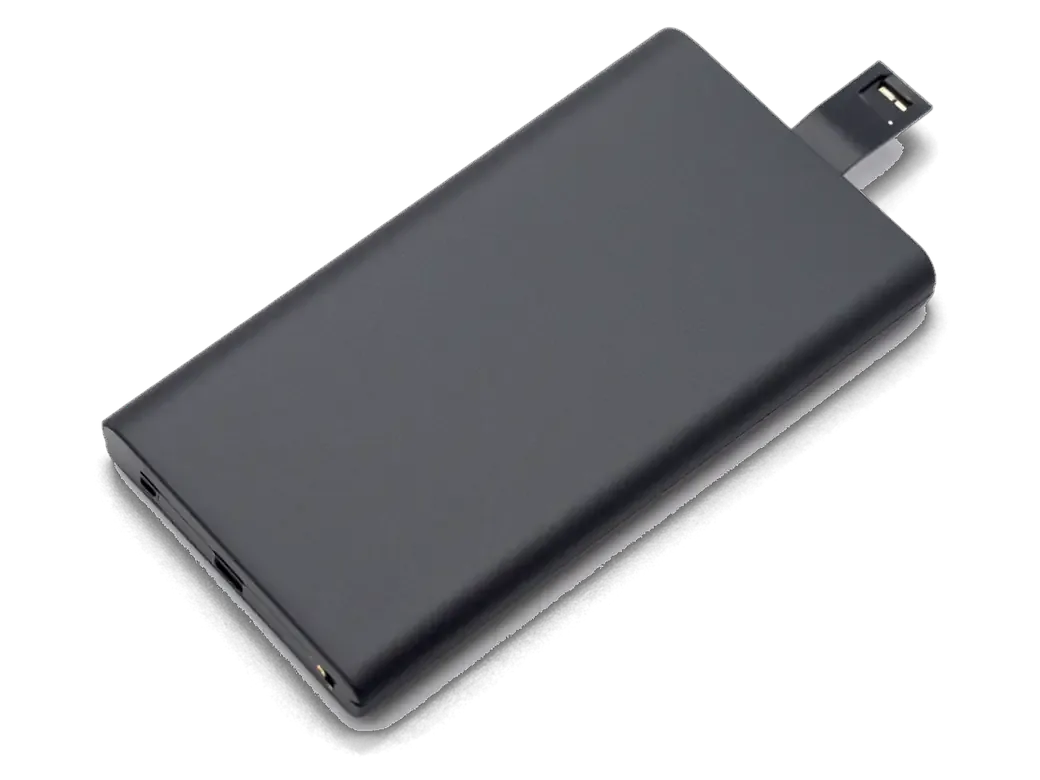
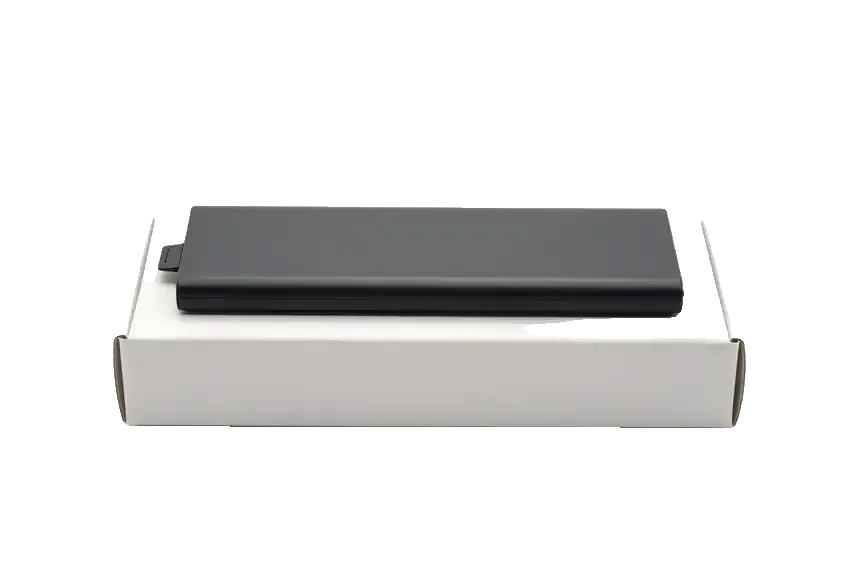
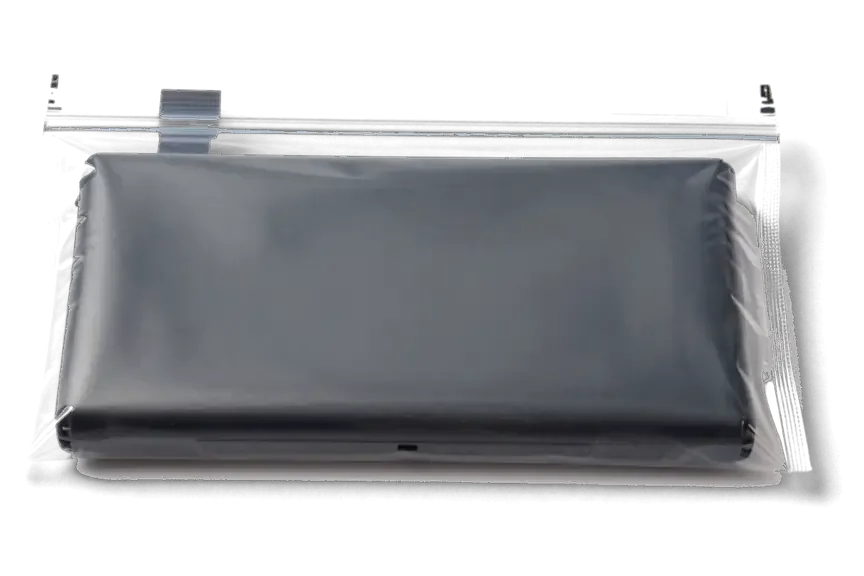
We show the new battery in its factory packaging prior to installation, and you get the old one back with the receipt and warranty card when you collect the phone. The receipt states which component went in, whether original or aftermarket, so nothing about the swap is left to memory. 64% of customers pick an original battery, and the rest choose aftermarket for cost reasons on older handsets. A fresh unit is sealed, carries a readable production mark and shows clean, unbent connector pins — a used one usually shows scuffed contacts and a swollen or softened body. Keep the removed part until you have used the phone for a few days: if the reading behaves oddly, it is the reference point for any warranty conversation.
How the iPhone 5c battery replacement in Astana runs from photo to pickup
The process is the same for every model and is built so that you know the terms before an engineer picks up a screwdriver. Here is what happens between your message and pickup.
From a WhatsApp photo to a fixed receipt
Send a picture of the phone on WhatsApp and an engineer replies within 5 minutes with a price and a free time slot; price, part, turnaround and warranty are then fixed on paper ahead of the work. That receipt step takes about 2 minutes and names the exact component — original or aftermarket — so nothing changes once the case is open. Our technicians handle that contact themselves rather than passing it to a call centre, which is why the estimate from a picture usually matches the figure confirmed at the counter. The new cell arrives in factory packaging and is shown to you prior to installation. This is how the iPhone 5c battery replacement in Astana starts — from a photo to a confirmed price.
Waiting in the branch while we work
A 5c battery takes about 25 minutes, and 72% of our repairs finish while the customer waits in the waiting area with coffee and Wi-Fi; you can pay by Kaspi, card or cash. The whole visit, from your message to pickup, usually lands under an hour. If you are on a tight schedule, book the slot rather than walking in — those 25 minutes are bench time, and a busy afternoon can add a short queue before the device goes on the bench. A courier can be called if you would rather not travel across the city at all, and the handset comes back with the receipt, the warranty card and the old cell.
What is different about opening a 5c compared with newer iPhones
The 5c opens from the front like the 5 and 5s, but it has neither the water resistance nor the parts pairing of later models — which simplifies the work and removes several worries for the owner.
Front opening, adhesive strips and no parts pairing
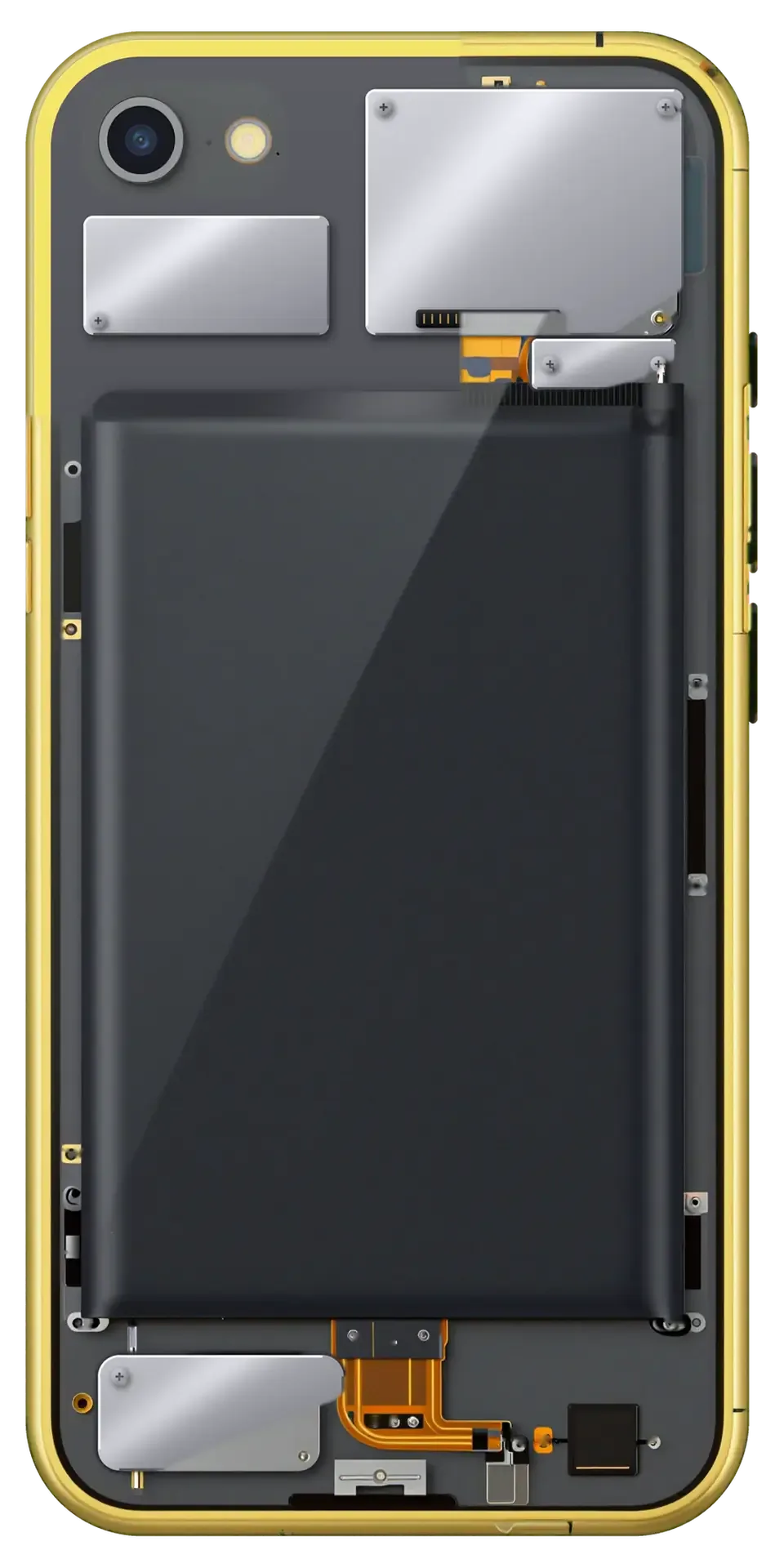
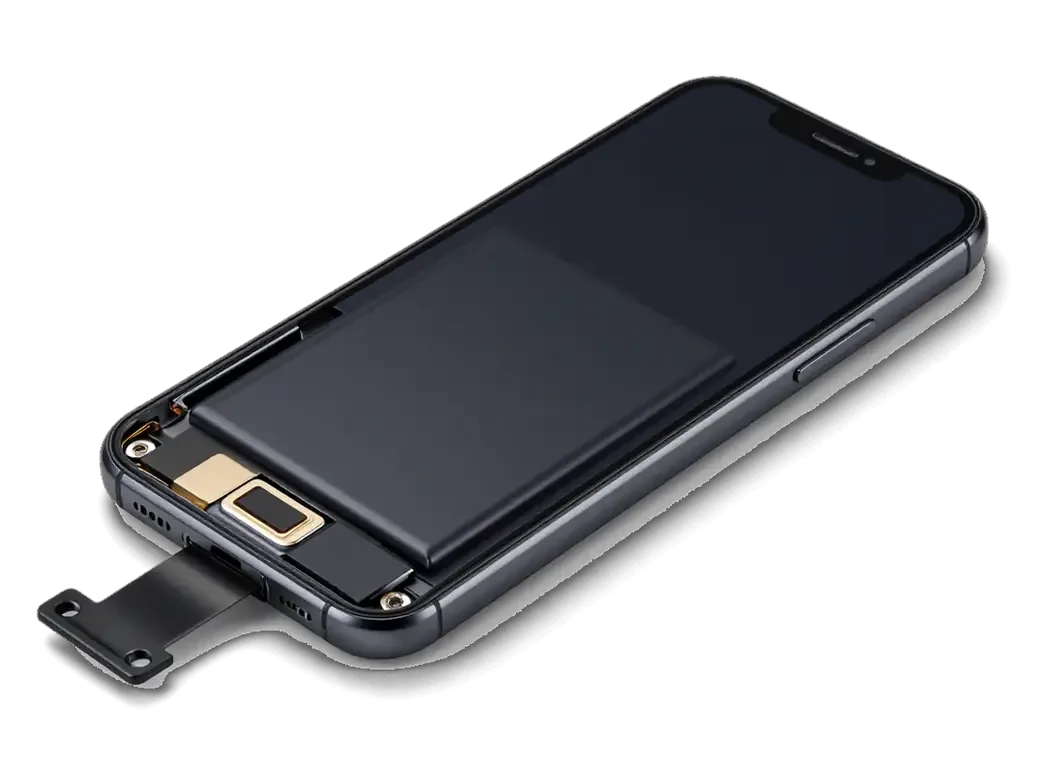
On the 5c the display comes off from the front, the battery sits on adhesive strips, and unlike the XR, XS and 11 there is no parts pairing, so a new cell needs no programming. The display module lifts on a suction cup with the home-button cable and the battery connector unclipped prior to any movement. Two pull-tabs hold the battery to the chassis; we peel them slowly and lift the pack by its edges, never by the flex. No controller is married to the board, so the phone accepts a fresh battery without a warning banner or a service message. The strips are the fragile step — if one snaps, the battery has to be eased out with care, which is why this job is quicker on a bench than at a kitchen table.
How the 5c compares with other generations
Opening route, battery fixing and warnings by generation| Generation | How it opens | Battery fixing | Parts warning |
|---|
| 4 / 4s | Rear panel | Screws and connector | No |
|---|
| 5 / 5c / 5s | Front display | Adhesive strips | No |
|---|
| 6 – 8 Plus | Front display | Adhesive strips | No |
|---|
| XR / XS / 11 | Front display | Strips, paired controller | Yes, on non-original |
|---|
What we check after the swap and what the warranty covers
Once the new battery is in, the device is tested together with you before you leave, and the terms come on paper. Below is what gets checked and what the coverage actually includes.
The 32-point check we run with you
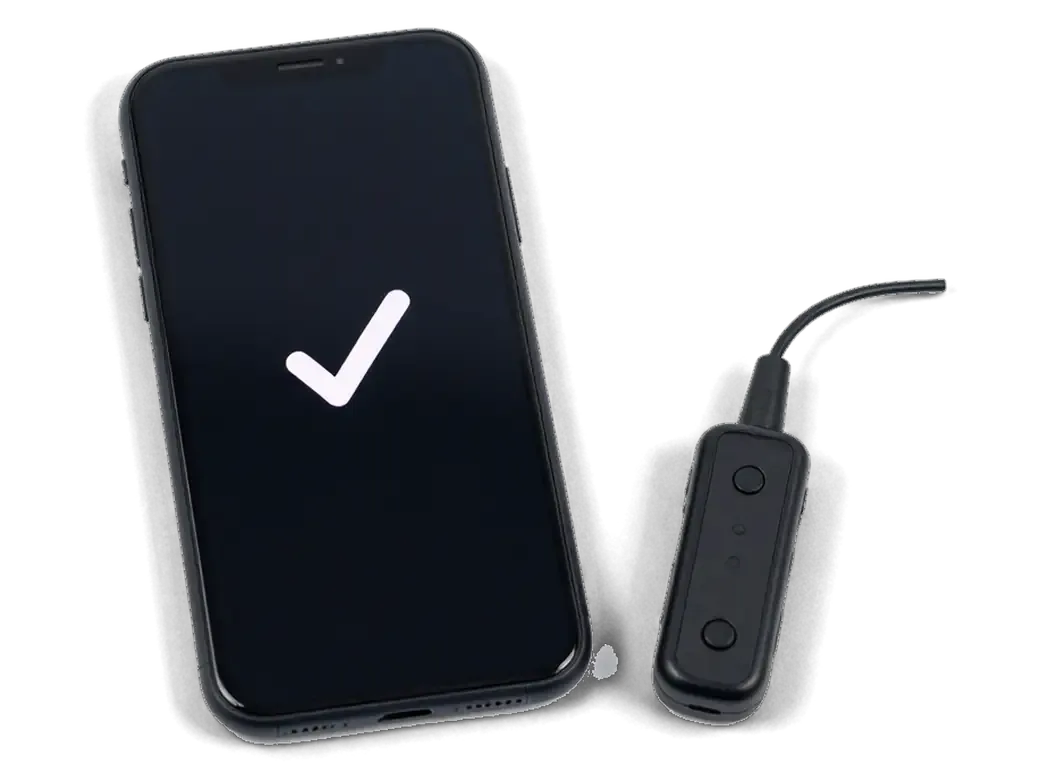
After the swap we run a 32-function check in about 10 minutes and go through it with you — on the 5c that means charging, speakers, microphones, cameras, network and the charge reading. Our engineer plugs the handset into a USB current tester, watches the draw settle and confirms the port still holds a steady connection with the fresh battery seated. The check covers the items a plastic-shell 5c actually has — there is no Face ID or wireless charging on this model, so nobody pretends to test them. You hold the device, play a track, record a voice note and make a call while the readings are still on screen. Watch the charge percentage move while it sits on the tester — a battery that is seated badly tends to show a flat or jumping reading in the first few minutes, before you leave the branch.
Your data, the receipt and a warranty up to 1 year
Replacing the battery does not touch the memory, so your data stays put, and every job comes with coverage up to 1 year plus the old part and a card confirming it. We hand back the handset with the receipt, the card and the removed cell in a bag, so you can see what came out of your device. The document already lists the part, the turnaround and the terms — they were fixed there before work started, not added afterwards. Payment runs by Kaspi, card or cash, whichever suits you at the counter. The coverage applies to the battery itself, not to the consequences of a drop or a soak — and keeping the receipt is what makes a claim a two-minute conversation instead of an argument.
Summary: iPhone 5c Battery Replacement
A few points decide whether the swap on a plastic-shell 5c holds up for years or needs revisiting within months, and none of them takes long to get right.
- Worth the repair: a 5c battery is worth replacing when the phone shuts down under load or drains fast, and the job is one of the simpler ones in the iPhone range.
- Part first: original cells suit daily use, aftermarket cells suit a spare phone, so settle the choice before you arrive and keep the removed battery.
- Time and checks: a battery swap takes 25 minutes, and the 32-point check afterwards confirms the charge reading and network are intact.
- The first days: watch the charge reading over the first week, since a healthy battery holds its percentage evenly under load.







 iPad
 MacBook
 iMac
 Mac mini and Studio
 Apple Watch
 AirPods
 Apple Pencil
 Apple TV
 HomePod




