On the iPhone 11 Pro, the glass, digitizer and OLED layer are laminated into one sealed unit, so swapping only the top sheet rarely holds up. First we work out what is actually damaged.
Cracked Glass, Lines or Dead Touch on the OLED Panel
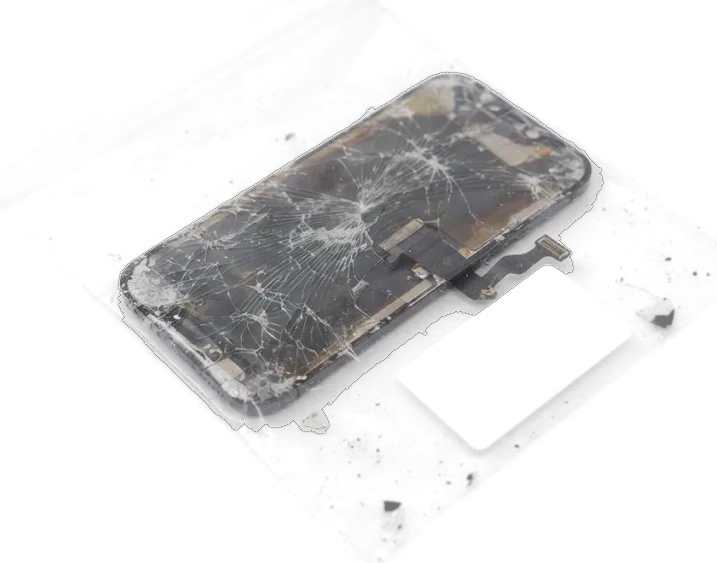
On the iPhone 11 Pro, the glass, digitizer and light-emitting layer are bonded into one sealed unit, so a cracked surface almost always means the entire display assembly is replaced, not just the top sheet. A spiderweb pattern spreading from a corner is surface damage alone, and the picture underneath usually stays clean until pressure reaches the matrix. Thin vertical or horizontal lines, green or pink tinting, dark blotches in a corner and patches that stop registering swipes point to the panel itself. An image that still looks perfect but ignores every gesture is a separate story, and the assembly is not always the culprit. A single hairline crack that leaves image and response intact can still let moisture and dust reach the display layer, so waiting tends to turn a cosmetic crack into a full panel failure.
When the Screen Looks Fine but Stops Responding
We start with free diagnostics in front of the customer, about 15 minutes, because a display that stays black or ignores gestures with no crack is often a loose display flex or a board fault rather than the assembly itself. Our engineer opens the device in front of you, reseats the display connector and checks the board under a microscope before anyone quotes a new module. Liquid contact is the tricky case: the picture can come back after drying and then fade over several days as residue keeps corroding the contacts. After water damage diagnostics sometimes take up to two days, so we would rather keep the phone that long than promise a same-hour fix. If the flex and board test clean, the panel is the problem and the whole unit gets replaced.
Original or Aftermarket iPhone 11 Pro Display Replacement Module
The 11 Pro is an OLED phone, and that shapes the whole part choice: aftermarket modules for it are often LCD-based and behave differently. We compare the options by how they work, not by price.
How Original and Aftermarket Modules Differ
Behaviour of the two part options| Property | Original part | Aftermarket part |
|---|
| Display tech | OLED, as from factory | Often LCD-based |
|---|
| Black level | True black | Greyish in dark scenes |
|---|
| Thickness | Factory fit | Slightly thicker |
|---|
| Brightness | Matches factory range | Lower peak brightness |
|---|
Why the 11 Pro Screen Is Different from LCD iPhones
The 11 Pro uses an OLED matrix, while the XR and the base 11 use LCD screens with a backlight, so the two families fail differently after a drop. The OLED line carries the Super Retina display, and the LCD models carry Liquid Retina with a separate backlight layer. On an LCD phone a hit usually shows as a bright patch or edge bleed. OLED pixels emit their own light, so a damaged 11 Pro screen often shows a single bright or green line rather than uniform backlight bleed. That line is the display itself, not the glass, so a cover-glass-only swap will not remove it. If you are looking for an iPhone 11 Pro display replacement in Astana, the choice between an original and an aftermarket module matters most on this OLED panel.
What Stays Working After the Swap
The 11 Pro has no Home button, so face unlock and True Tone carry the everyday experience, and both depend on parts moving carefully from your old module. Here is what survives the swap and what it hinges on.
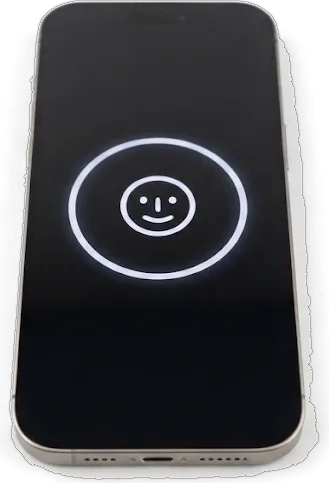
Face ID and True Tone After a New Module
We move the original top flex and the display data onto the new module, so face unlock and True Tone keep working, and we test both together with you before handover. The True Tone sensor sits in that top flex next to the earpiece and the proximity sensor, and the panel itself stores a calibration file the phone reads at every boot. Move the flex without the data, or fit a bare aftermarket panel, and the phone still unlocks by face but the screen stays locked to one colour temperature whatever the room lighting. Auto-brightness follows the same path: the ambient light sensor rides on the transferred flex, so a careless fit leaves brightness stuck. That stored calibration is why a module fitted without the original data looks correct yet never shifts tone.
What Moves from the Old Module to the New One
- Top flex: carries the earpiece speaker and the proximity sensor that blanks the screen during calls.
- Proximity sensor: feeds face unlock and auto-brightness, so it must sit exactly as from the factory.
- Front camera: stays with your phone and is reseated into the new module frame.
- Display flex: connects touch and image, checked for clean contact before the frame closes.
- Mounting frame: resealed so dust and moisture do not reach the fresh OLED layer.
How We Replace the Display on an iPhone 11 Pro
Every job follows one route: a photo of the damage, diagnostics, agreement on the part and turnaround, the swap, then a check. Each step is recorded before the engineer opens anything.
From a WhatsApp Photo to a Fixed Receipt
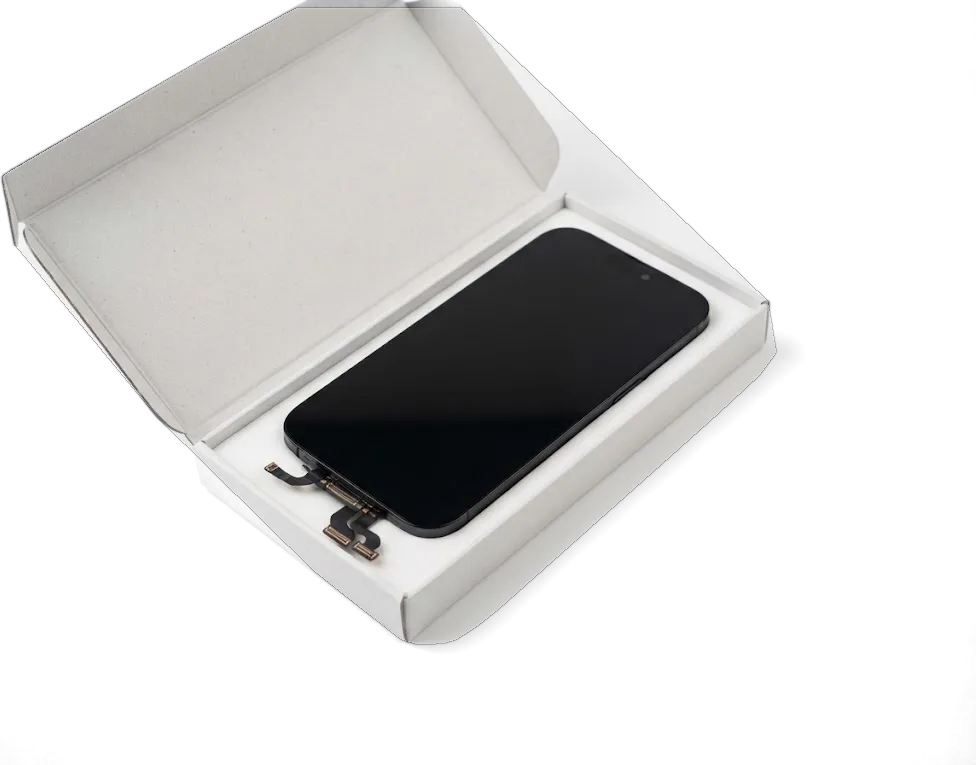
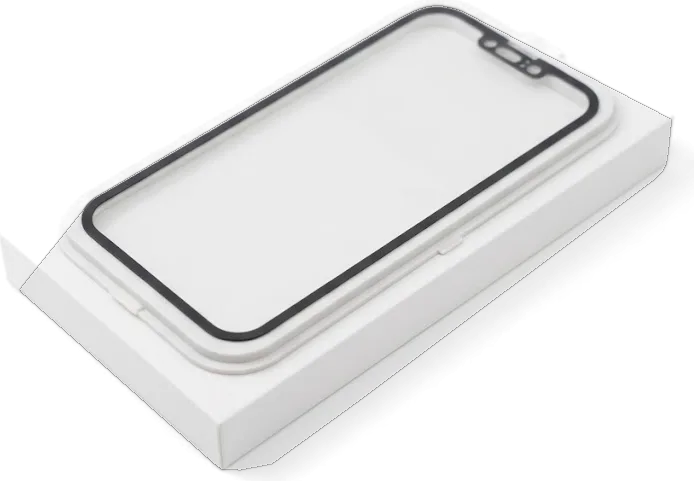
Send a photo of the damage on WhatsApp and an engineer replies within 5 minutes with a price; the price, part, turnaround and warranty are then fixed on the receipt in about 2 minutes before any work begins. Diagnostics take 15 minutes and are free in front of you, even if you walk away without a repair. The receipt names the exact unit — original or aftermarket — so the quote cannot drift once the phone is open. We open the new panel in its factory packaging in front of the customer before installation, so the component being paid for is visible rather than taken on trust. Ask for the warranty card to be filled in on the spot — a verbal promise is worth nothing once you leave the counter.
Disassembly, Transfer and Resealing the Frame
We power the phone down, disconnect the battery, heat and lift the old assembly, transfer the reusable parts and fit the new panel, then reseal the frame so the body stays tight. The display itself is a stack of cover glass, touch sensor and OLED matrix bonded together, which is why a hairline crack in the glass can kill touch across the whole panel. The bracket, front camera assembly and sensor flex move across from the old part to the new one. The adhesive gasket around the frame is replaced rather than reused, because a compressed seal no longer keeps dust out and the OLED layer is sensitive to grit. A resealed body also keeps the phone's resistance to splashes closer to how it left the factory, though no workshop can promise it fully.
Timing, Handover and Warranty
An iPhone 11 Pro screen is one of the quicker jobs we handle, and most customers choose to wait on site rather than leave the device. Below are the timings, the handover check and what stays with you afterwards.
About 40 Minutes and a Waiting Area
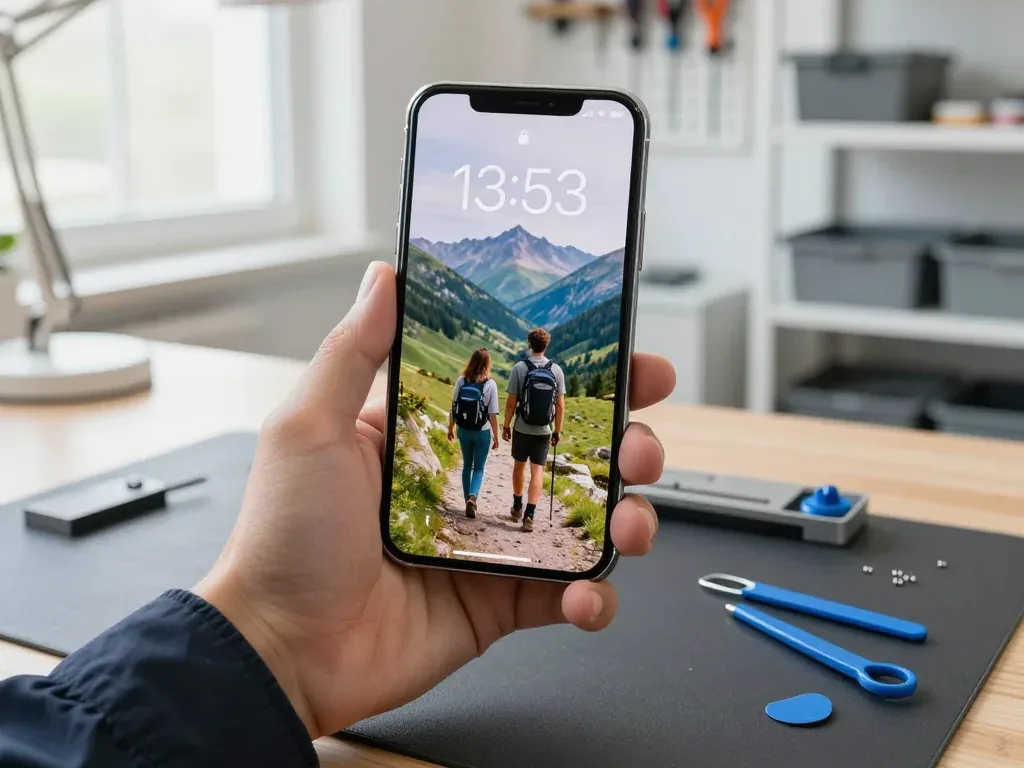
An iPhone 11 Pro screen takes about 40 minutes while you wait, and the whole path from first contact to pickup usually stays under an hour, with 72% of repairs finished while the customer waits. The waiting area has coffee and Wi-Fi, and the engineer replies on WhatsApp within 5 minutes with a price from your photo. Our doors are open Mon–Fri 10:00–19:00 and Sat–Sun and holidays 11:00–18:00, so a screen swap fits into a lunch break or a weekend morning. If you cannot come in, a courier can be called, and the engineer still walks you through the checks by message before the device goes back. Book the slot before 18:00 on a weekday if you want the work done the same evening.
The 32-Point Check and What You Take Home
After the swap we check 32 functions with you in about 10 minutes, covering Face ID, True Tone, cameras, microphones, speakers, charging and network, and you leave with the receipt, warranty card and your old part. The warranty runs up to 1 year, and the part, turnaround and coverage were already written on the receipt before work started. Experienced technicians run the test in front of you, so nothing is confirmed from behind a closed door. Keeping the old module is worth it, because it proves which part came off your phone and settles any warranty question without guesswork. Payment is by Kaspi, card or cash once you are satisfied with the result.
Summary: iPhone 11 Pro Display Replacement
A replacement on this model comes down to the component you pick and the transfer work behind it; the points below cover what decides the result.
- Module, not glass: on the iPhone 11 Pro the glass, touch layer and OLED matrix form one unit, so a cracked surface means a full swap.
- Original versus aftermarket: an original OLED holds true black and factory brightness, while a cheaper substitute is often LCD-based and thicker.
- Face ID and True Tone: both survive only when the top flex and display data are moved from the old panel to the new one.
- Black screen, no crack: a display that stays dark without damage points to a flex or board fault, which free diagnostics confirm before anything is ordered.
- Time and handover: budget roughly 40 minutes for the swap plus a short function check, with the old component and paperwork returned to you.









 iPad
 MacBook
 iMac
 Mac mini and Studio
 Apple Watch
 AirPods
 Apple Pencil
 Apple TV
 HomePod




